 Andrew Adams · Co-Founder & Operations at Wireflow ·
 Wan 2.5 API
The Wan 2.5 API on Wireflow is not a raw single-model endpoint.
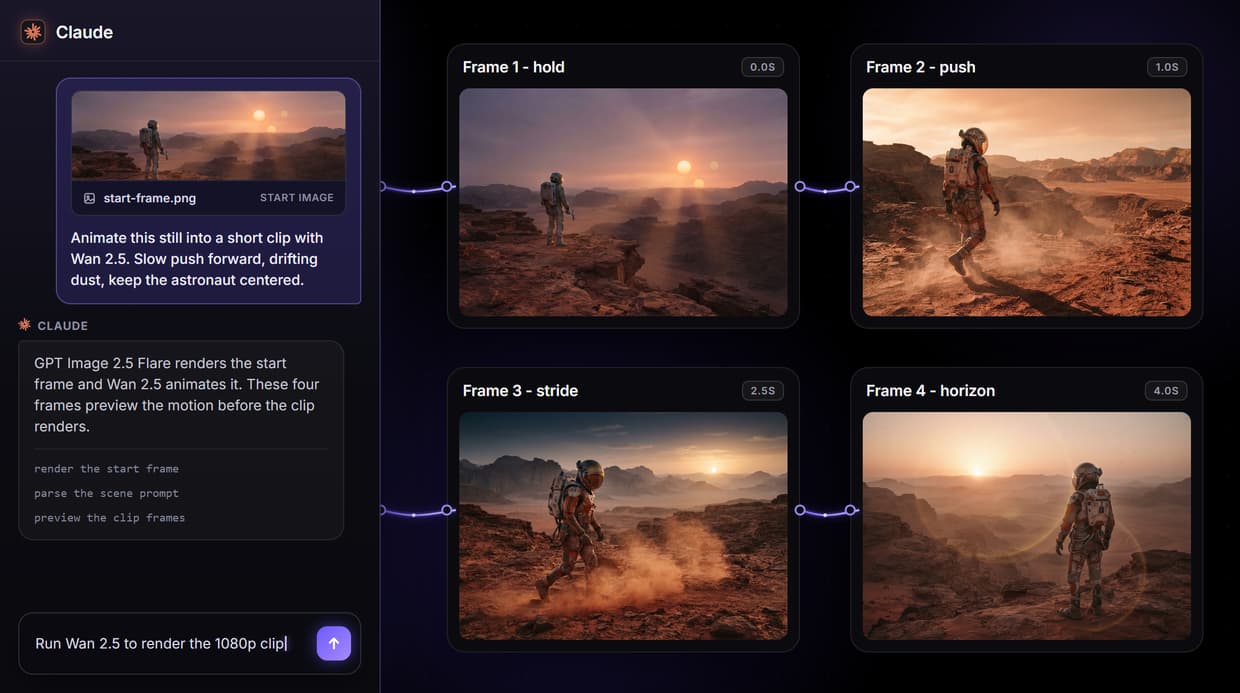
You wire Wan 2.5 into a node graph once, publish that graph, and call the whole thing as one REST endpoint, one MCP tool, or one webhook. This page runs a real published flow: a GPT Image 2.5 Flare start frame feeding a Wan 2.5 animate node.
Free to build · no credit card · See how it works ↓
How to Use Wan 2.5 API
Steps to get you started in Wireflow.
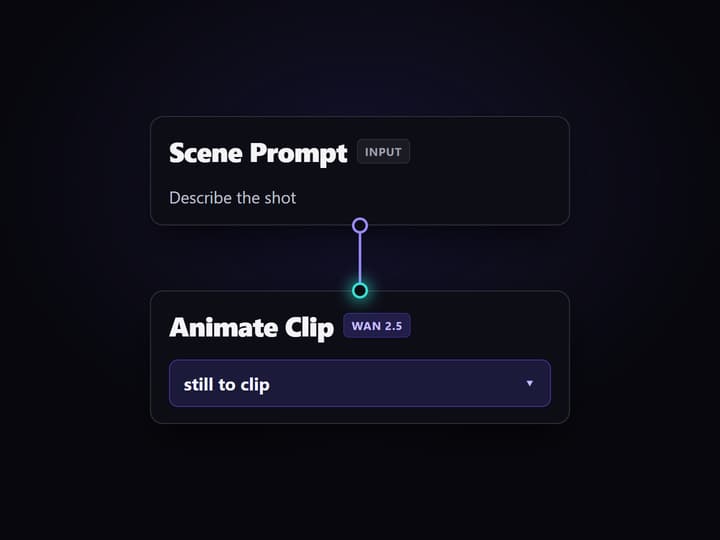
Wire Wan 2.5 into a graph
Drop a Scene Prompt input node, a GPT Image 2.5 Flare node for the start frame, and a Wan 2.5 node. Wire the prompt out to both, and the frame into the Wan 2.5 image input.
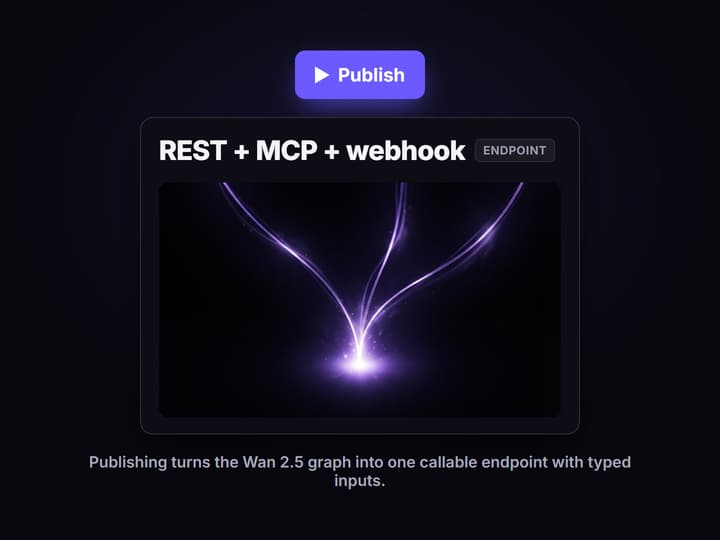
Publish the graph
Publish the flow. Wireflow turns it into a REST endpoint, a hosted MCP tool, and a webhook URL in one step, with typed inputs for the prompt, start image, and audio track.
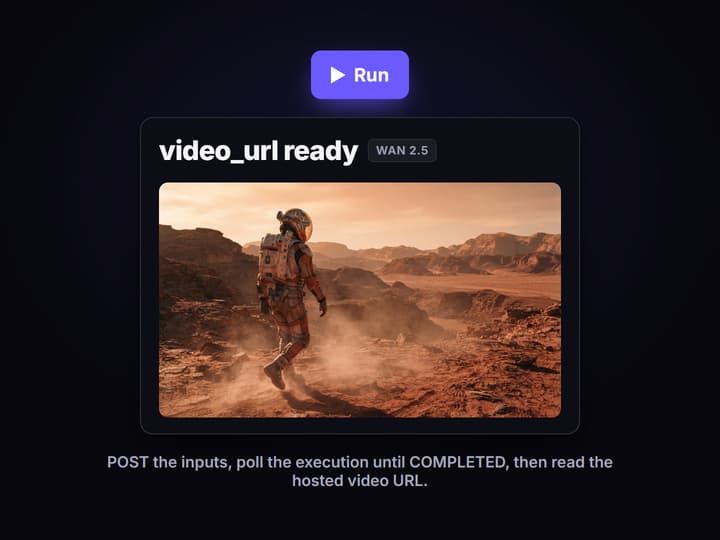
Call it from code or an agent
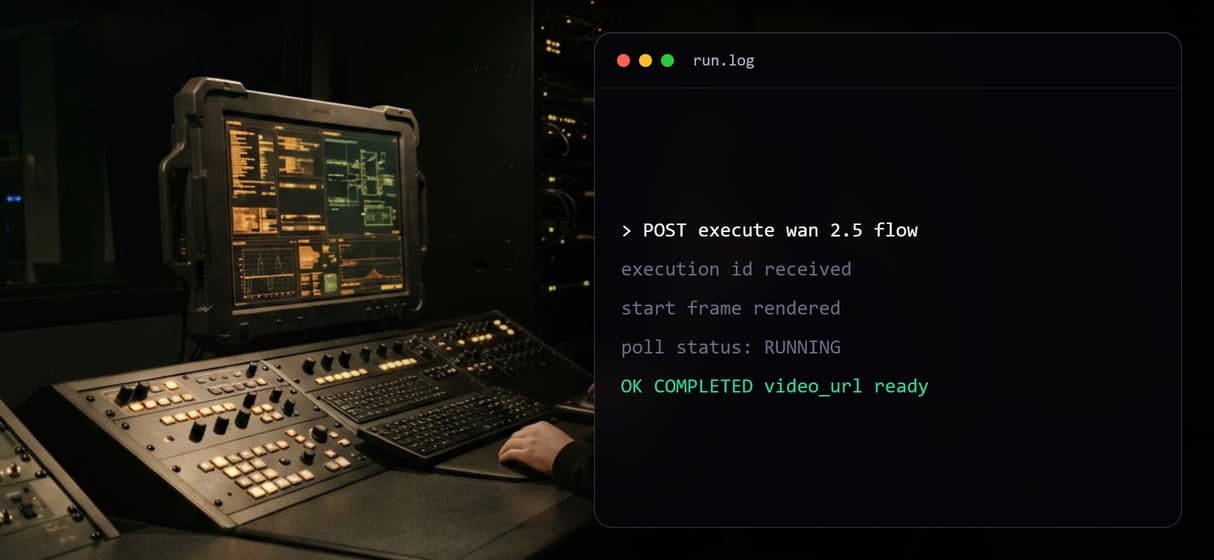
POST the inputs to the execute endpoint or webhook, poll the execution until COMPLETED, then read the hosted video URL. An agent can list and run the same tool over MCP.
The Wan 2.5 API is the graph, not one model URL
Most Wan 2.5 API providers give you one model behind one endpoint: you send a prompt, you get a clip. That works until you need a start frame, a second model, or an agent to drive it. On Wireflow the unit you publish is the whole graph. The confirmed flow on this page is a Scene Prompt input node feeding a GPT Image 2.5 Flare node that renders the opening still, which then feeds a Wan 2.5 node that animates it. One request runs both steps.
Because the graph is the endpoint, the Wan 2.5 API here is composable. You can add a negative prompt, wire an audio track into the Wan 2.5 node, or drop the start-frame step and go straight to text-to-video. The same published flow answers as a REST call, an AI video generation MCP tool, and an incoming webhook, so humans and agents call the identical pipeline.
What the Wan 2.5 flow gives you
Text or image to video
The Wan 2.5 node auto-switches: wire only a prompt for text-to-video, add an image for image-to-video.
Up to 1080p
Wan 2.5 renders 480p, 720p, or 1080p clips of 5 or 10 seconds in 16:9, 9:16, or 1:1.
Chain a start frame
GPT Image 2.5 Flare renders the opening still and feeds it straight into Wan 2.5 in the same run.
Swap the model
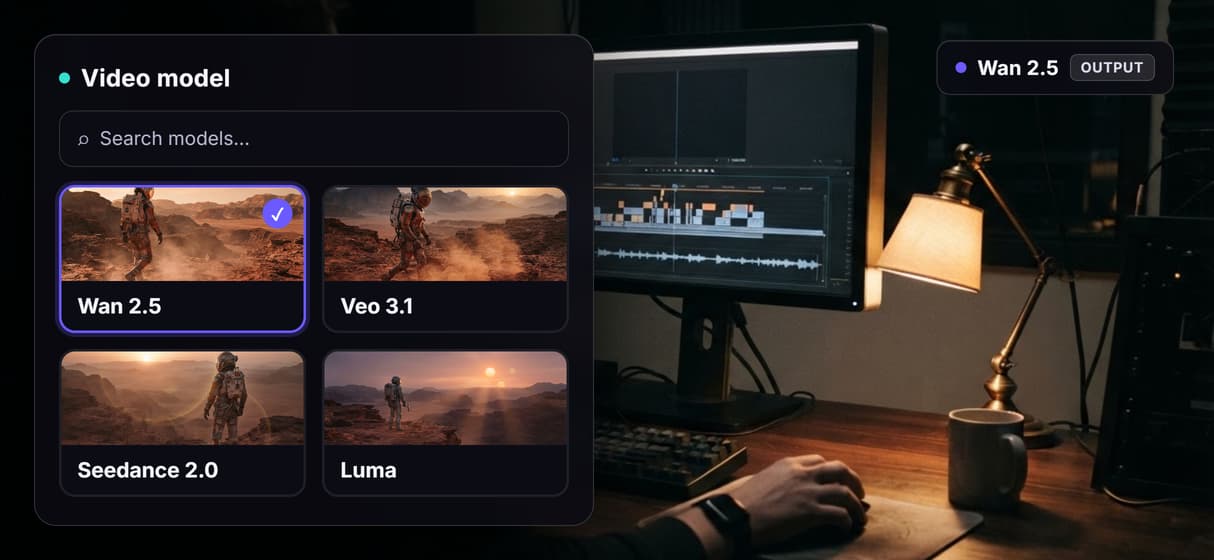
Point the same endpoint at Veo 3.1, Kling, Seedance, or Luma without touching your call.
REST, MCP, webhook
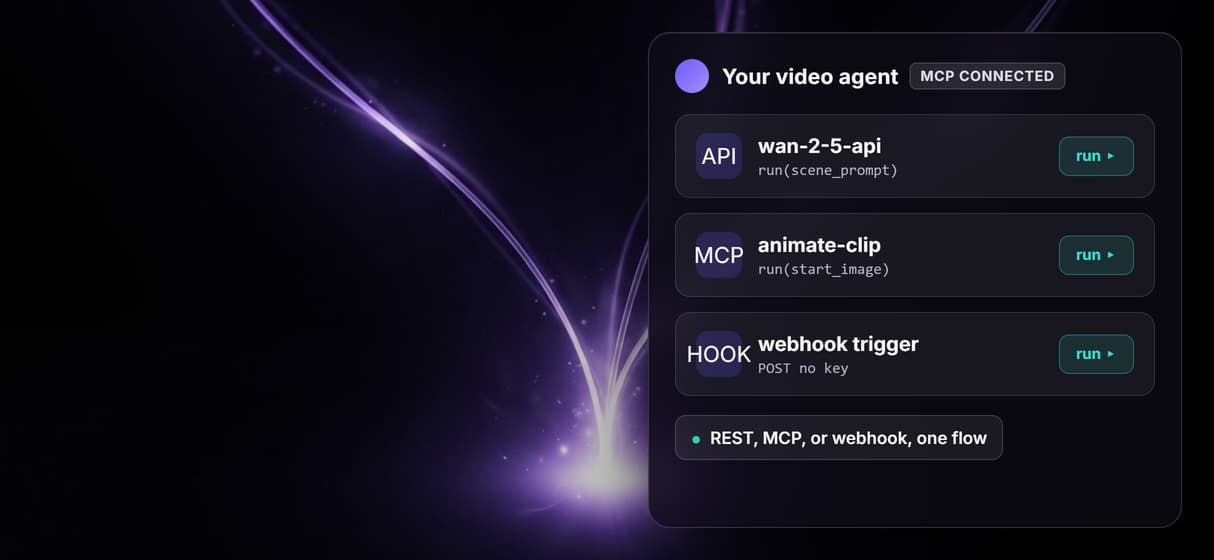
One published graph answers as a REST endpoint, a hosted MCP tool, and a no-key webhook.
Optional audio input
Wire an audio track and a negative prompt into the Wan 2.5 node to shape the generated clip.
How you actually call it
Execution is async and simple. You POST the typed inputs to the workflow execute endpoint or its webhook URL, and get back an execution id. You poll that execution until it reports COMPLETED, then read the output asset URLs: the GPT Image 2.5 Flare PNG and, once you run it, the Wan 2.5 MP4. Inputs are typed, so a scene prompt, an optional start image, and an optional audio track are the only fields your code needs to send.
That shape makes batching easy: loop one call over a CSV or a feed and animate many prompts through the same Wan 2.5 graph. It is the same pattern behind the image to video API and the Seedance API, and it plugs into a broader AI workflow API when Wan 2.5 is one step in a longer pipeline.
When a raw Wan 2.5 endpoint is the better choice
If you only ever need Wan 2.5, never chain another model, never swap the video model, and never expose the pipeline to an agent, a raw single-model endpoint is simpler and you should use one. Wireflow earns its place when the Wan 2.5 call is part of a graph: a start frame, a model swap, a webhook trigger, or an MCP tool an agent can list and run.
Two honest limits. Video nodes are expensive, so the Wan 2.5 node on this page ships unexecuted in the embedded preview: you see the real start frame, and you run Wan 2.5 yourself. And Wan 2.5 makes short clips of 5 or 10 seconds, not finished edits. Stitching several clips with captions or audio is a separate Compose Video step, and Wireflow is the generation layer, not the creative brain that writes your motion direction.
More Than Just Wan 2.5 API
The graph is the endpoint
Publish the whole Wan 2.5 graph as one call, then reuse it inside a larger AI workflow API when it is one step.
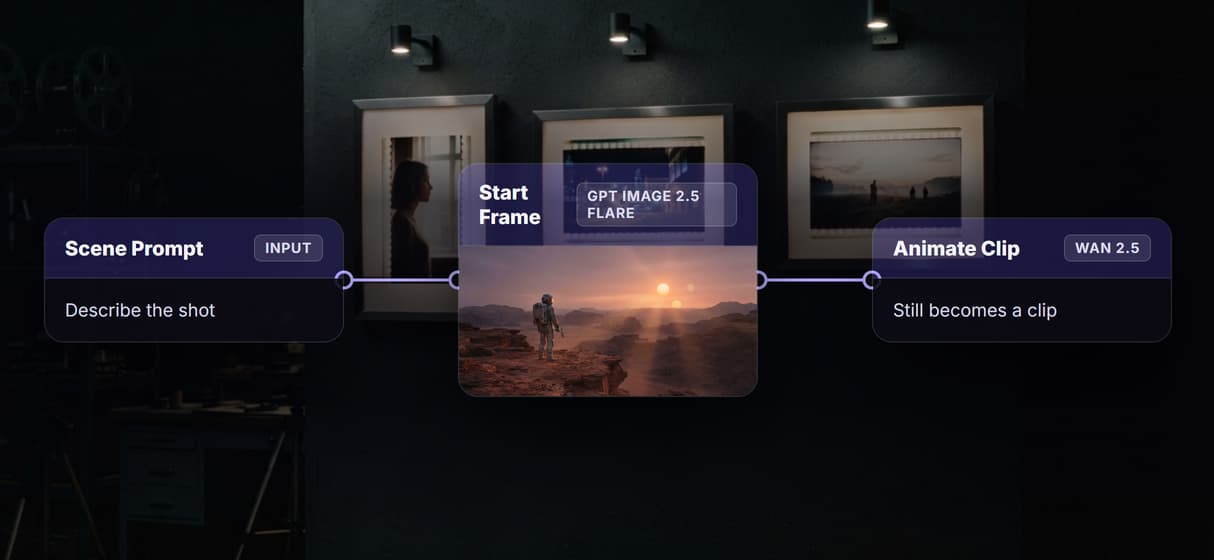
Text and image to video
Wire a prompt for text-to-video, or add a still for image to video.
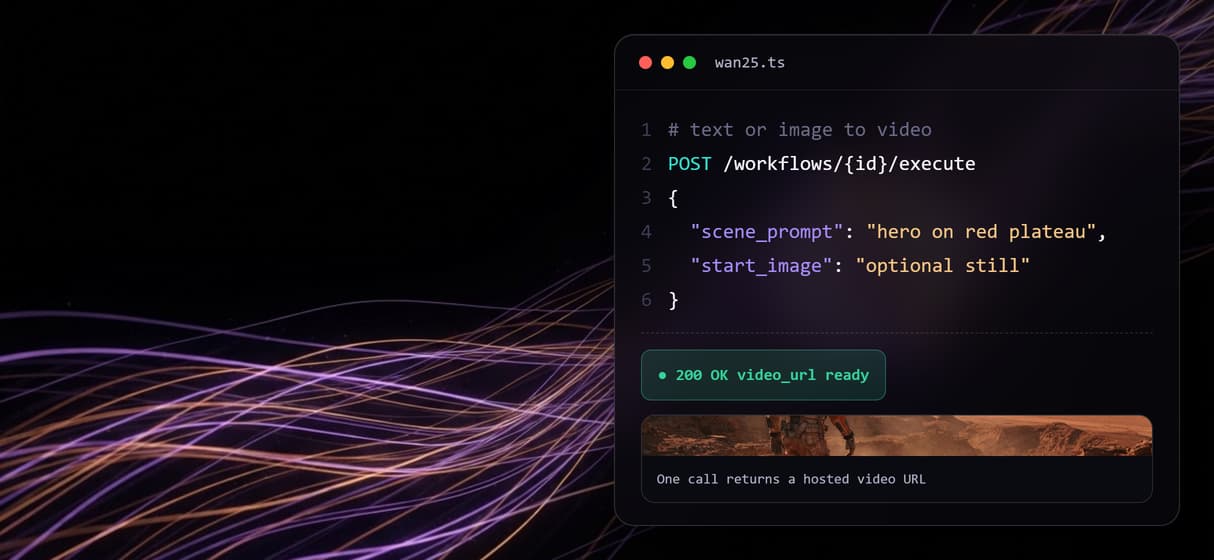
Swap the model, keep the call
Point the same endpoint at Veo 3.1, Kling, or the Seedance API without changing your call.
Agents call it over MCP
The published flow is a hosted MCP tool and webhook, the AI video generation MCP surface.
Chain a start frame first
GPT Image 2.5 Flare renders the still and feeds Wan 2.5 in one run, the chain any AI video generator needs.
Wan 2.5 api Workflows
No Code Required
API & Batch Processing
FAQs
On Wireflow it is the Wan 2.5 video model wired into a node graph that you publish and call as one endpoint. You send a scene prompt and optional start image, and the flow returns a hosted video URL. The graph is a REST endpoint, an MCP tool, and a webhook at once.
Discover related AI tools
More From Wireflow
Written by
Andrew Adams · Co-Founder & Operations at Wireflow
Runs client operations and content strategy at Wireflow. Works directly with creative teams and agencies to build production AI workflows.
Call Wan 2.5 as one endpoint
The Wan 2.5 flow is published and the start frame is already executed. Read how Wireflow workflows are called as REST endpoints and MCP tools, then open the flow to inspect the exact graph.