 Andrew Adams · Co-Founder & Operations at Wireflow ·
 Image to Video API
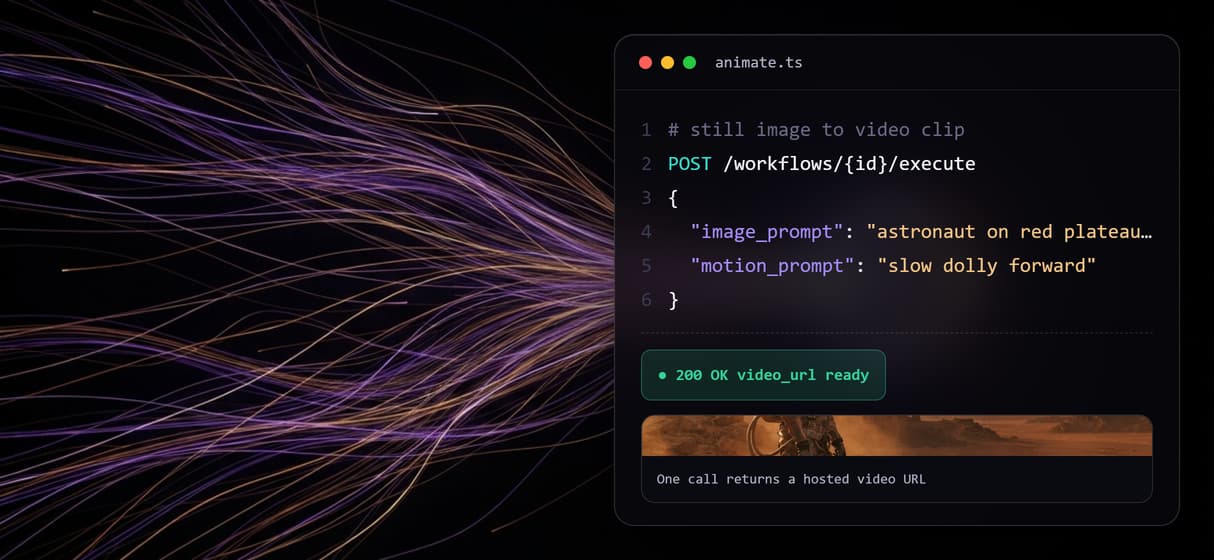
An image to video API is one HTTP call that turns a still frame into a short video clip.
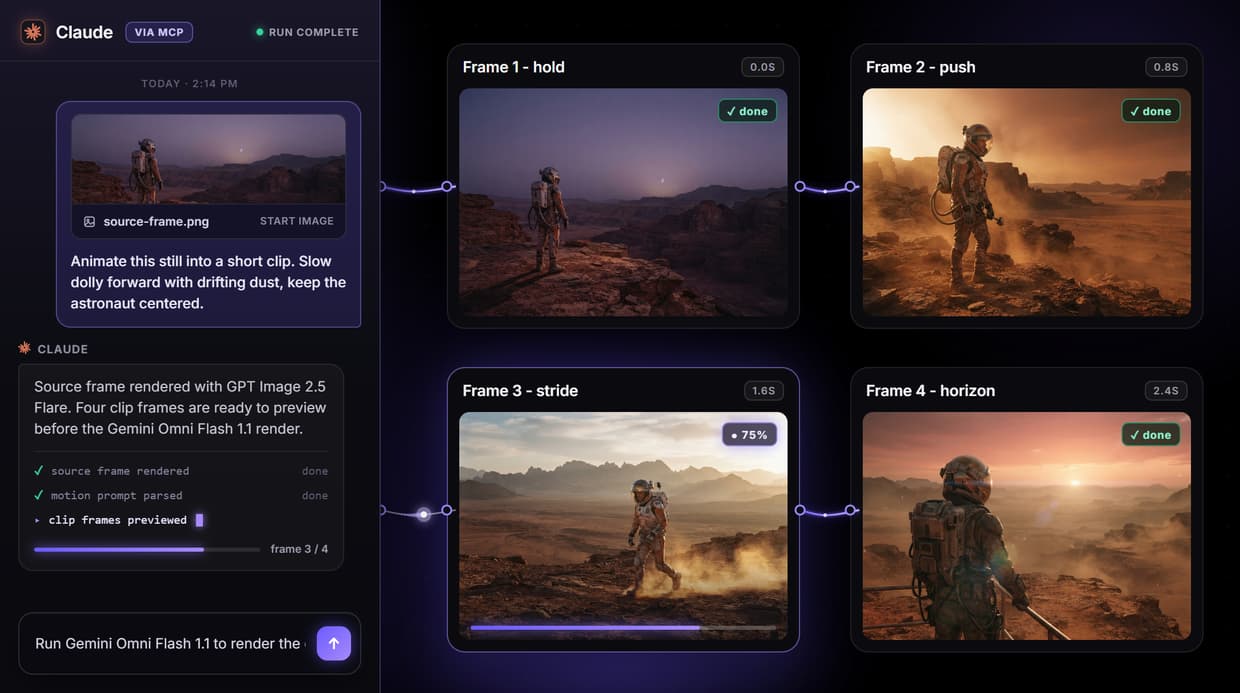
On Wireflow you build the pipeline once on a canvas, publish it, and then hit it as a REST endpoint, an MCP tool, or a webhook. The live flow on this page renders a source frame with GPT Image 2.5 Flare and hands it to a Gemini Omni Flash 1.1 node to animate.
Free to build · no credit card · See how it works ↓
How to Use Image to Video API
Steps to get you started in Wireflow.
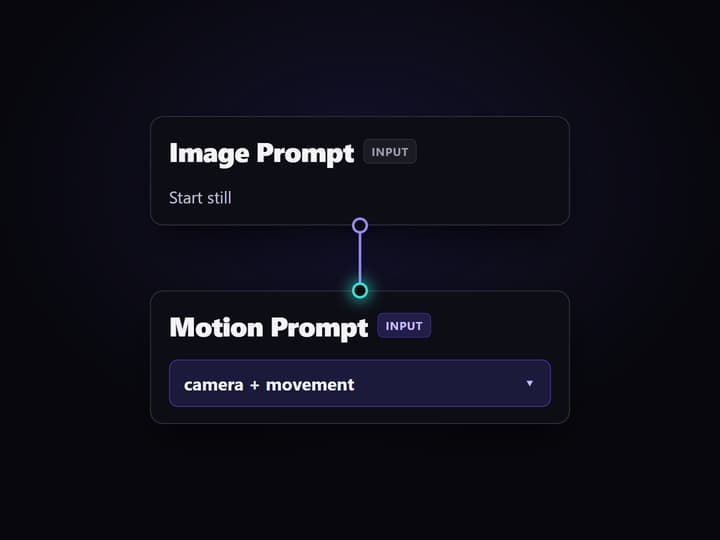
Send a start image and motion prompt
Post the Image Prompt and Motion Prompt to the published flow, or attach your own start frame directly. Typed inputs mean an agent can fill them programmatically.
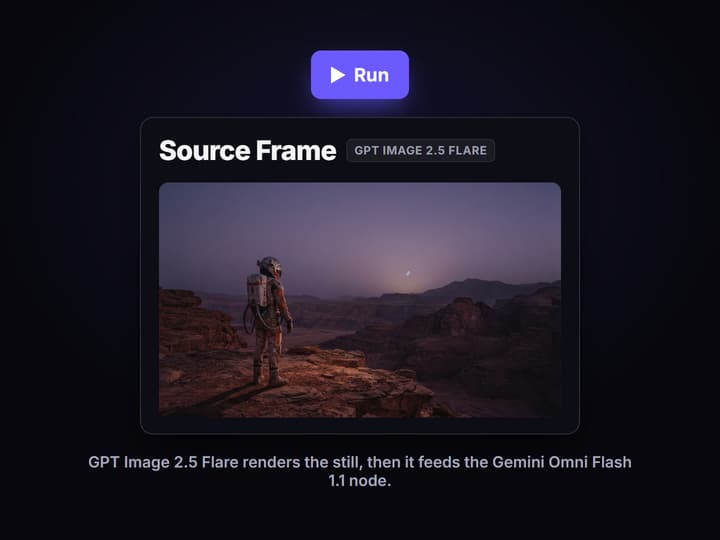
Run the source frame, then the clip
GPT Image 2.5 Flare renders the still first, and that output feeds the Gemini Omni Flash 1.1 node. Trigger the video step when you are ready to spend on the clip.
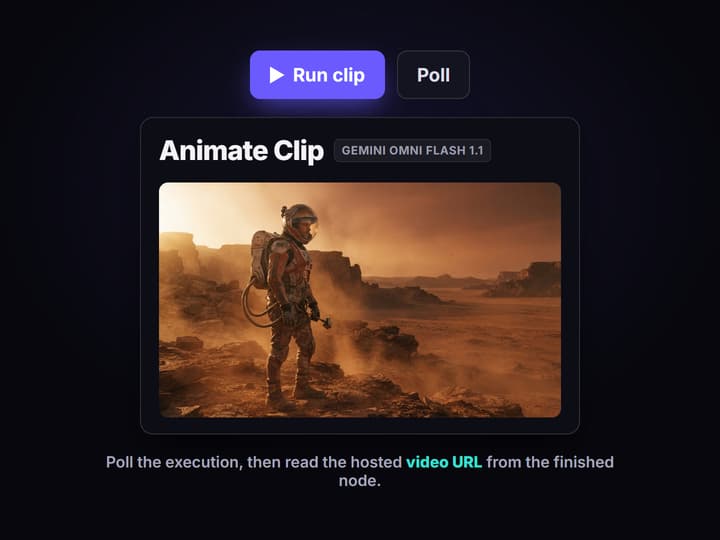
Poll the job and read the URL
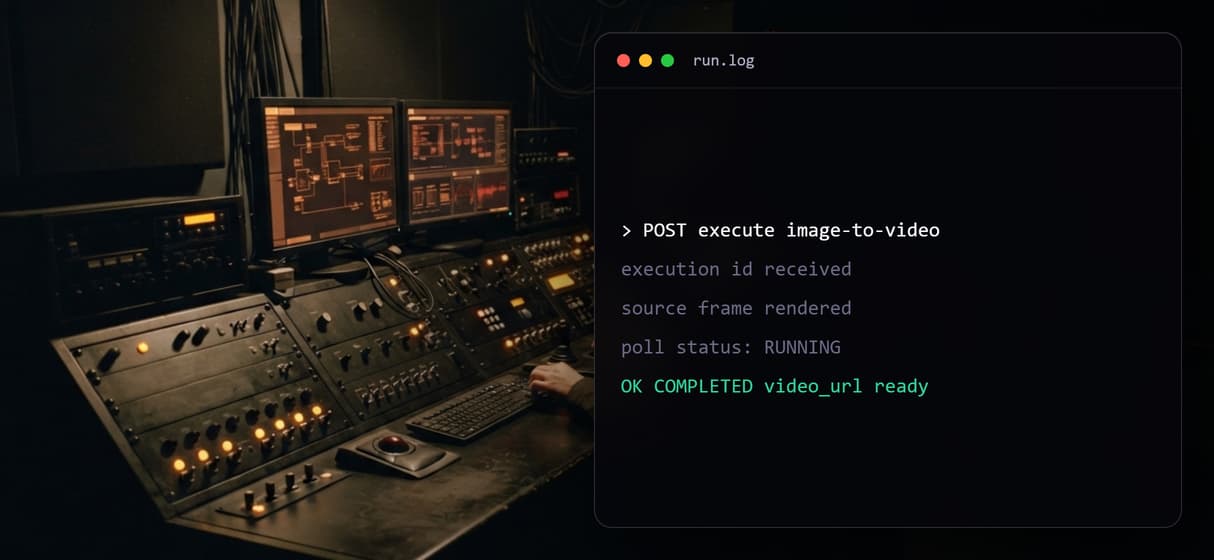
The call returns an execution id. Poll it until the run completes, then read the hosted video URL from the finished node and hand it downstream.
The real graph behind the image to video API
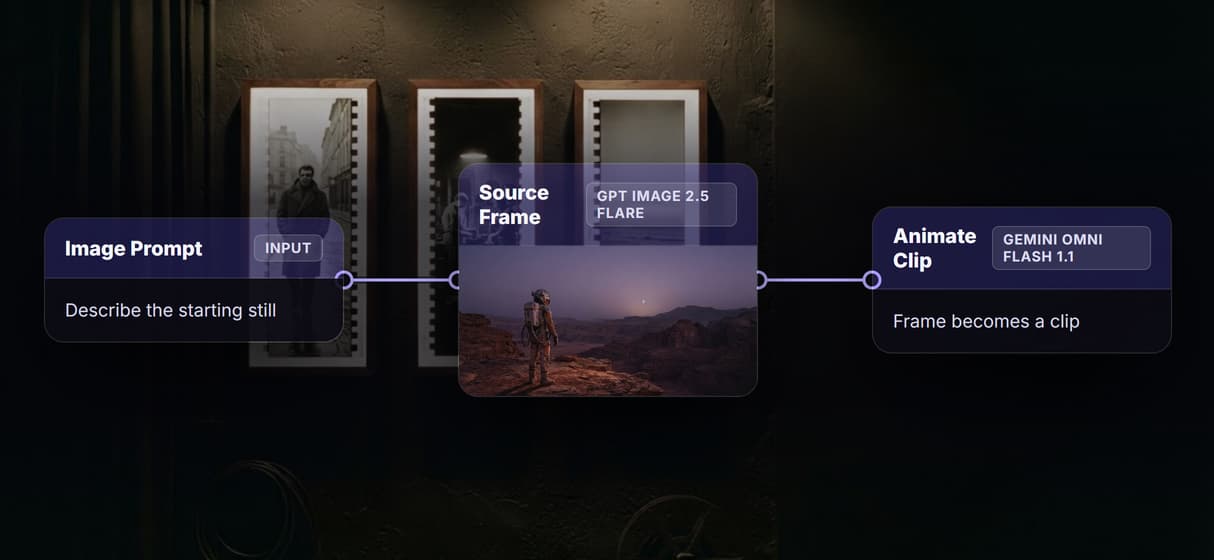
The flow embedded on this page is a working image-to-video pipeline, not a diagram. A sticky note explains the run. An Image Prompt input carries the description of the starting still, and a Motion Prompt input carries the camera and movement direction. The Source Frame node renders the still with GPT Image 2.5 Flare, and that image output is wired straight into the Animate Clip node.
Animate Clip is a Gemini Omni Flash 1.1 image-to-video node. It takes the rendered frame plus the motion prompt and produces the clip. In the preview it is left unexecuted on purpose, because video nodes are billed per run and are never auto-run in an embedded flow. Publish the graph and every node becomes callable as one hosted endpoint, the same shape as a Hailuo API call.
What the flow gives you
Typed inputs
The Image Prompt and Motion Prompt are separate text inputs, so an agent sends structured fields instead of one blob of text.
Source frame in graph
The Source Frame node renders the still with GPT Image 2.5 Flare, so one call can both create the image and animate it.
Gemini Omni Flash 1.1 animates it
The Animate Clip node feeds the frame and motion prompt into Gemini Omni Flash 1.1 to produce a short image-to-video clip.
Model is a swap
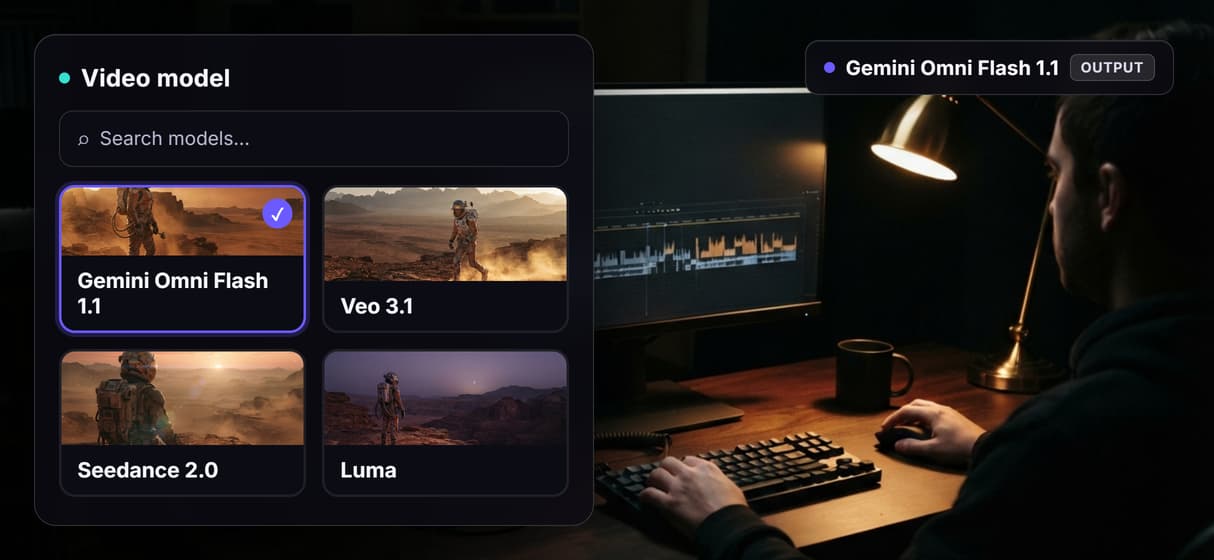
Point Animate Clip at Veo 3.1, Seedance 2.0, Luma, Pixverse, or Hailuo without changing the request you send.
Three ways to call
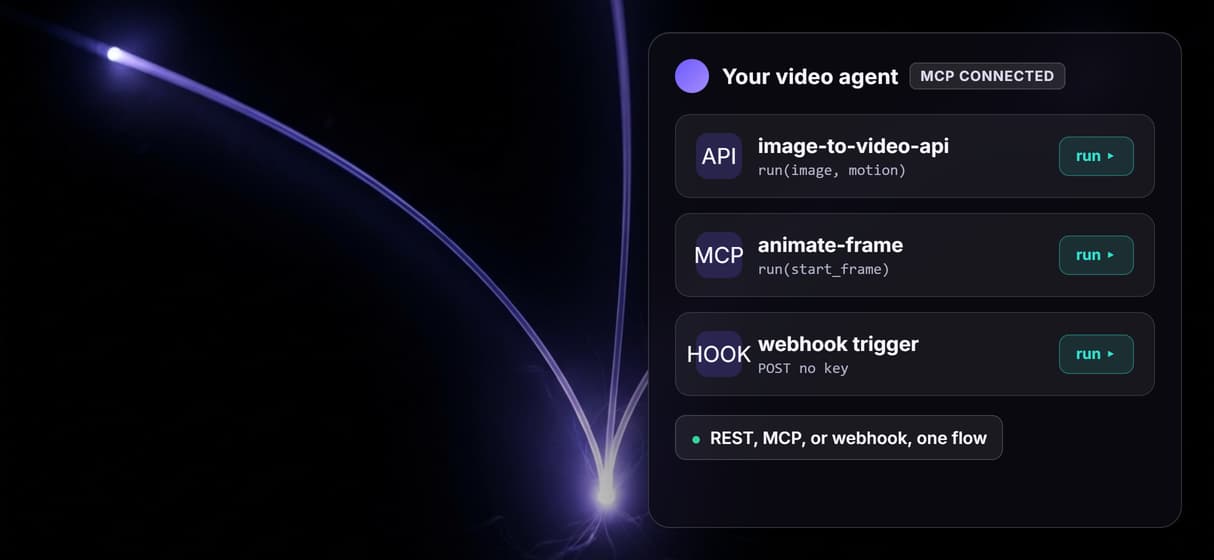
The published flow answers as a REST endpoint, an MCP tool, or an incoming webhook that needs no API key.
Async job model
Each call returns an execution id you poll until it completes, then read the output image and video asset URLs.
Why the source frame and the clip live in one graph
Most image-to-video APIs assume you already have the still. That means two systems: one to generate the image, one to animate it, plus the plumbing to move a file between them. Here the Source Frame render and the Animate Clip node sit on the same canvas, wired output to input, so a single published call creates the frame and hands it straight to the video model.
Because the model is just a node, you can point Animate Clip at any hosted image-to-video model and keep the request identical. That is the same reason teams reach for a chain models pattern or a batch bulk video ad API: loop one endpoint over a feed of frames instead of gluing SDKs together. It sits a step past a plain text to video call, because you control the exact starting image.
What the image to video API on Wireflow is not
Wireflow is the generation layer, not the creative brain. It animates the frame you describe, but it does not decide the motion direction or judge which shot is on brand. The clips are short, a few seconds per generation, not full edited sequences. Assembling several clips with captions or audio is a separate Compose Video step, not part of this single-clip flow.
It also does not host every model on the market, so the swap list is only the image-to-video models Wireflow actually runs, not whatever a competitor offers. There are no local or offline runs and no custom Python nodes. If you need one clip once, the canvas UI is faster than wiring an integration. The API pays off when the same image-to-video step runs again and again, the way a video API for coding agents is meant to.
More Than Just Image to Video API
One image in, one clip out
Send a start frame and a motion prompt to a single hosted endpoint and get a video URL back, the kind of hosted video API agents can call.
Swap the model, keep the call
Point the same request at Kling Video, Veo 3.1, Seedance, or Luma, then chain models without rewriting your integration.
Generate the source frame too
Render the starting still with GPT Image 2.5 Flare in the same graph, so one call creates the image and animates it, a step past a plain text to video call.
Trigger it three ways
Call the flow as a REST endpoint, an MCP tool, or an incoming webhook, the same surface behind our bulk video ad API for batch jobs.
Built for coding agents
Every input is typed and every run returns asset URLs, so a video API for coding agents can poll a job through to completion.
Build Any AI Workflow
AI Models Integrated
Full Commercial License
FAQs
It is an HTTP endpoint that turns a still image into a short video clip. You send a start image and a motion prompt, the model animates the frame, and the completed run returns a hosted video URL. On Wireflow the endpoint is a published node graph you can inspect.
Discover related AI tools
More From Wireflow
Written by
Andrew Adams · Co-Founder & Operations at Wireflow
Runs client operations and content strategy at Wireflow. Works directly with creative teams and agencies to build production AI workflows.
Call image to video from your stack
The public flow is already published and executed through the source-frame step. Read how to post typed inputs, poll the execution, and read back the video URL, then open the flow to inspect the exact graph.