Features
Hailuo API
Searching for the Hailuo API usually means you want short videos your code can order on demand.
Wireflow is not MiniMax's own API, but it hosts the same model MiniMax ships as Hailuo, Minimax Video 01, wired into a workflow you publish as one REST endpoint to call.
Free to build · no credit card · Read the agent docs · See how it works ↓
 Andrew Adams · Co-Founder & Operations at Wireflow ·
How to Use Hailuo API
Steps to get you started in Wireflow.
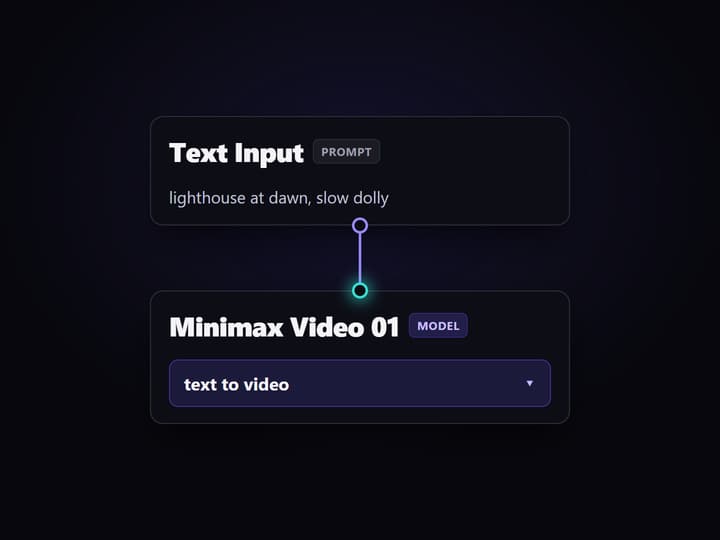
Wire the prompt into the model
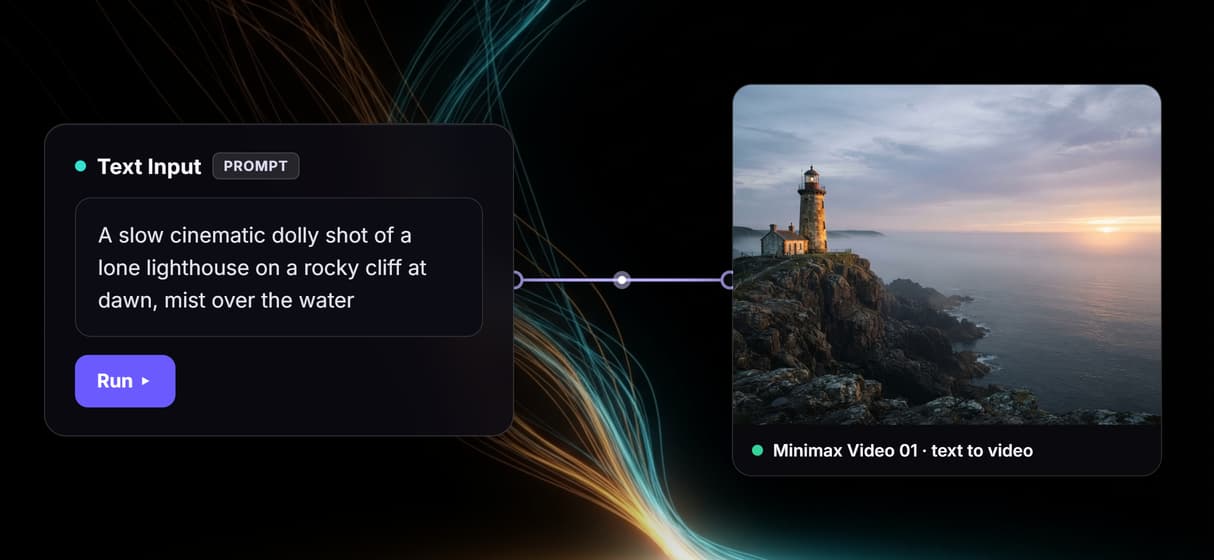
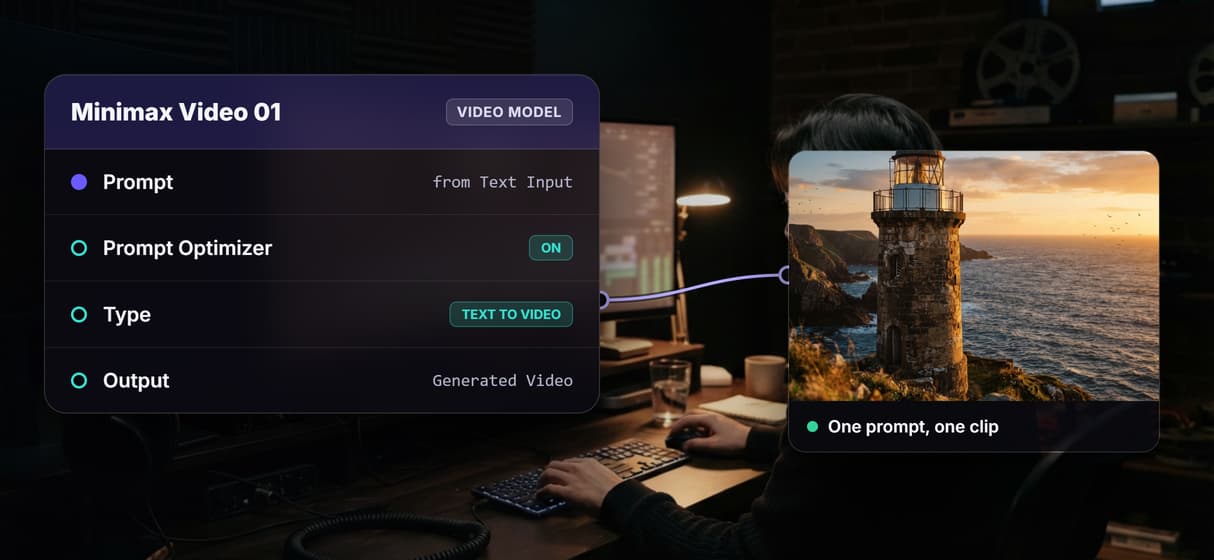
The core of the flow is two nodes. A Text Input holds the scene description, and its output wires into the prompt port of a Minimax Video 01 node with its prompt optimizer on.
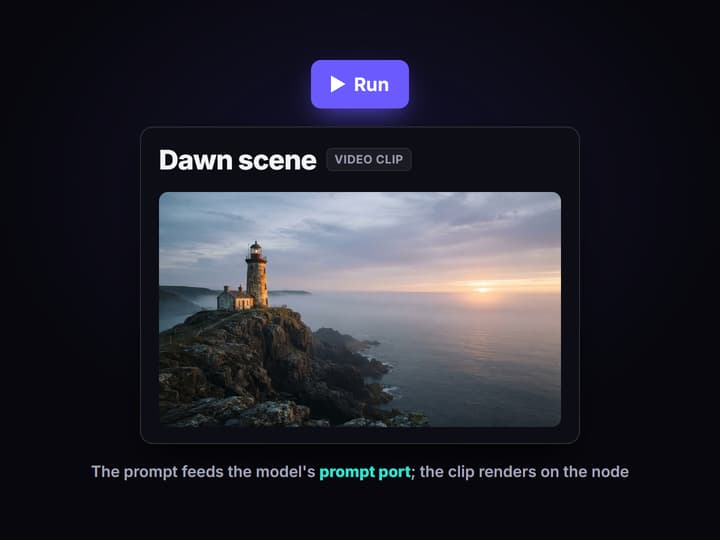
Run it on the canvas first
Type the scene you want and press Run; the finished clip lands on the model node. Iterate on wording here, where a weak prompt costs one run instead of a code deploy.
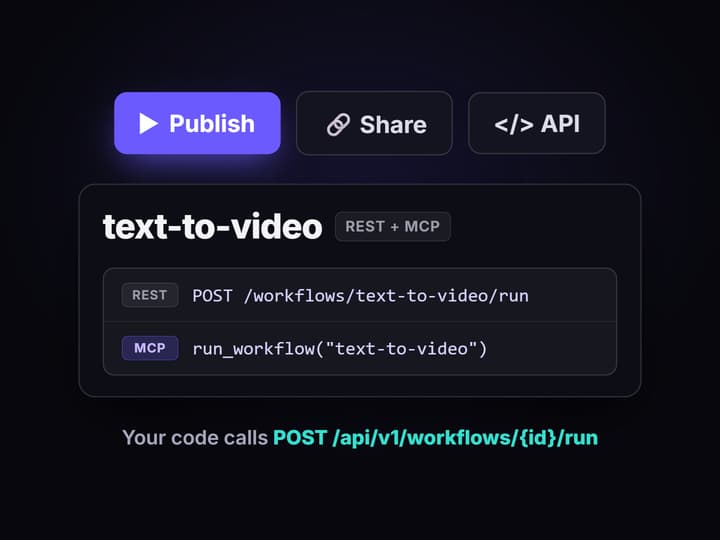
Publish it and call it from code
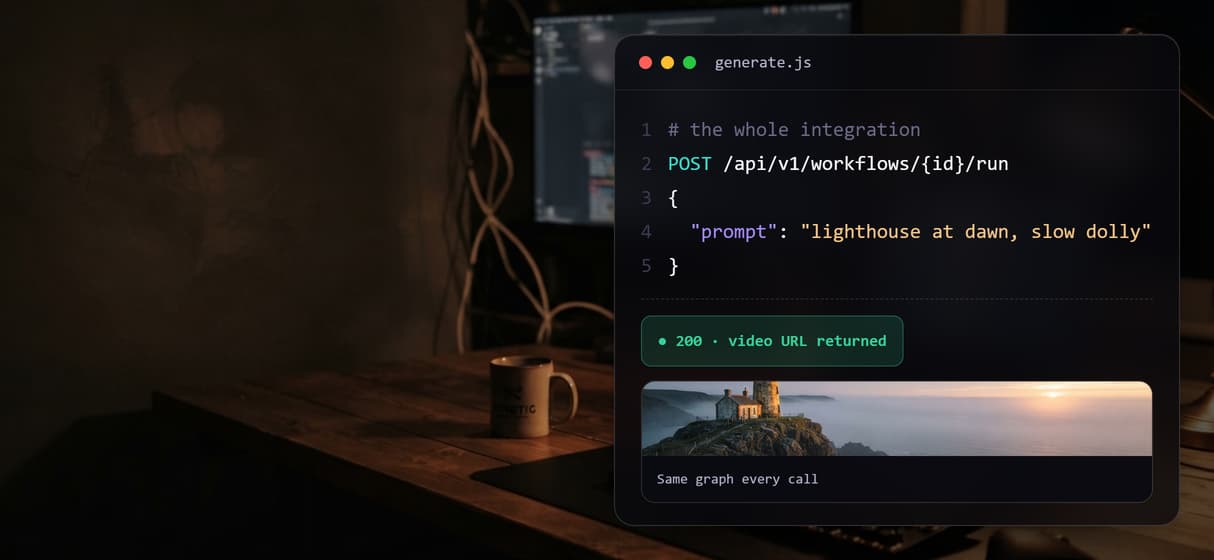
Publish the flow and it becomes a REST endpoint and an MCP tool with a typed prompt input. Your app posts the prompt and gets the video URL back, and the model can change without the call changing.
An honest answer to the Hailuo API search
MiniMax runs its own API for its own Hailuo models. If you specifically need MiniMax's endpoint, its exact parameters, or its service terms, that API is the right tool, and Wireflow will not pretend otherwise: it is not MiniMax's API and the two are not affiliated.
What most teams typing this search actually need is programmatic video generation they control: a strong model, callable from code, swappable when a better one ships. That is what the workflow above is. A Text Input wired into Minimax Video 01, the model branded Hailuo Video-01, makes a working AI video generator, and publishing it turns the graph into the API your product calls. You iterate on the canvas; your codebase keeps one URL.
What the video workflow API can do
100+ hosted models
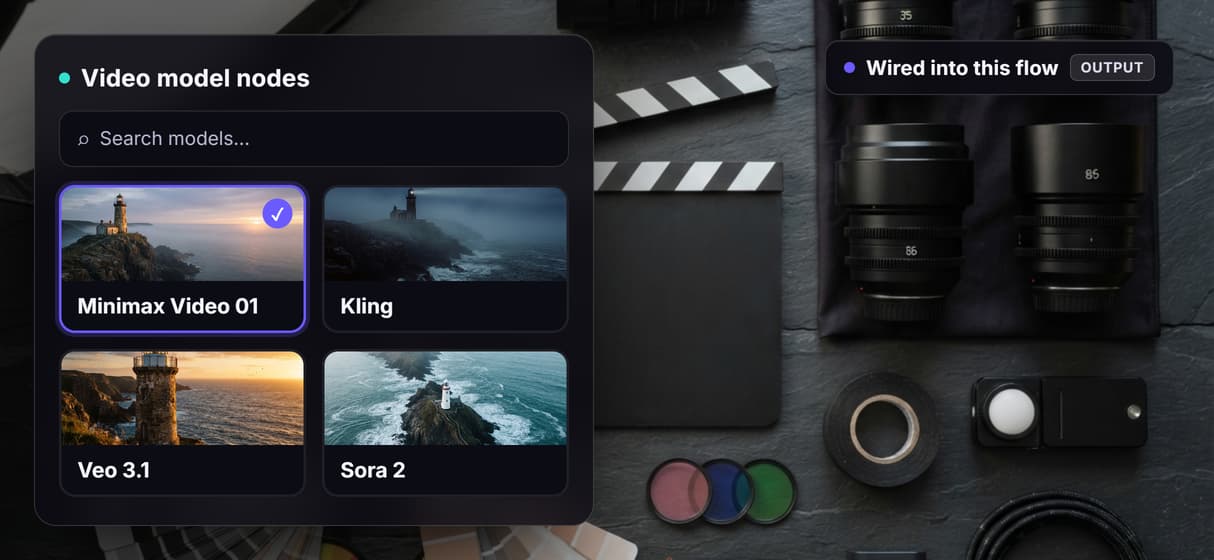
Minimax Video 01, Kling, Veo 3.1, Sora 2, Seedance 2.0, and Luma Dream Machine all run as canvas nodes.
Text to video node
Minimax Video 01 takes a prompt on a required port with an optional prompt optimizer, and returns a short clip.
Model swaps in one node
Replace the video node with Kling or Veo 3.1 and the endpoint your app calls stays the same.
Batch over a feed
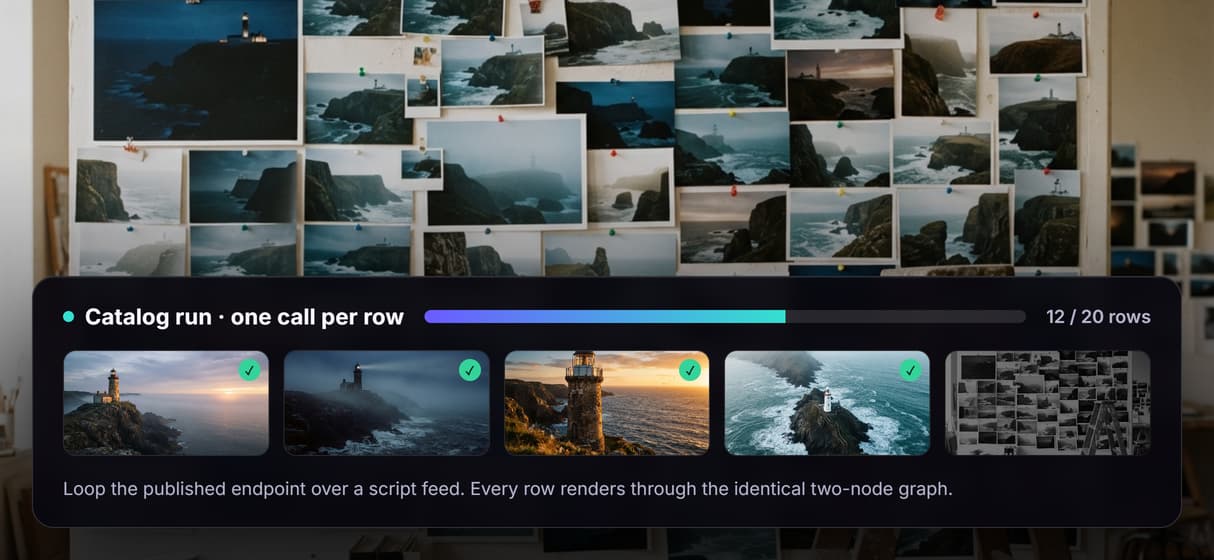
Loop one workflow across a CSV or script feed and render every row through the identical graph.
Canvas-first testing
Dial in the prompt visually, then publish; the endpoint serves exactly the graph you tested.
REST and MCP built in
Every published workflow is an endpoint and an MCP tool with typed inputs and asset URLs back.
Why the model node matters more than the model
Video models age in months. The model that wins on motion and prompt adherence today loses to a release that ships next quarter, and an integration welded to one vendor's API inherits that decay. On a canvas the model is one node in a graph: unplug Minimax Video 01, drop in Veo 3.1 or Kling, run the same prompt, and keep whichever wins.
Reproducibility is what makes the swap safe. Workflows are versioned server-side, so the hundredth render walks the same graph as the first, and a model change is a deliberate new version instead of silent drift. The honest tradeoff: every generation spends credits, and video is credit-heavy, so a batch over a large feed is a budgeting decision, while building the graph itself costs nothing.
When MiniMax's own Hailuo API is the better pick
If your product depends on MiniMax's exact endpoint, its specific parameters, or its service terms, use MiniMax's Hailuo API directly. A canvas layer on top does not change any of that. Wireflow is not a wrapper that proxies MiniMax's private API, and it does not run offline or support custom Python nodes.
Wireflow earns its place when the job is bigger than one fixed endpoint: testing prompts visually before they hit production, swapping the video model without touching your integration, chaining a clip into upscaling or a Compose Video step, batching one call over a feed, or handing the whole workflow to an agent as an MCP tool. If that is the shape of your problem, the text-to-video flow above is the smallest honest place to start.
More Than Just Hailuo API
A prompt in, a clip out
This page's flow is the smallest useful video API: one Text Input wired into the Minimax Video 01 node, no queue plumbing, one graph you can watch.
Swap the model, keep the endpoint
The model is a node, not a vendor lock. Swap Minimax Video 01 for Kling, Veo 3.1, or Sora 2 on the AI canvas with a REST API and your app's URL never changes.
Text to video, or bring a frame
Minimax Video 01 takes a prompt; need a starting frame? Swap in an image-to-video model like Kling on the same image to video canvas and keep one endpoint. Or swap in MiniMax H3, the Hailuo 03 model, which takes a prompt or a first frame. Prefer an agent tool over a raw endpoint? Call the same Hailuo workflow over MCP from Claude or Cursor.
One flow, a whole batch
Call the published endpoint once per script-feed row and every clip walks the same graph, the shape batch video generation takes when runs are reproducible.
Grow the graph, not your client code
Need more than a raw clip? Add a video upscaler or a Compose Video node after the model and republish. Your integration still makes one call.
Hailuo api Workflows
No Code Required
API & Batch Processing
FAQs
Generating video programmatically with MiniMax's Hailuo models: developers send a prompt (or an image) over HTTP and get a short clip back. If you need that exact endpoint, use MiniMax directly; Wireflow is a separate platform and is not MiniMax's API.
Discover related AI tools
More From Wireflow
Written by
Andrew Adams · Co-Founder & Operations at Wireflow
Runs client operations and content strategy at Wireflow. Works directly with creative teams and agencies to build production AI workflows.
Open the text-to-video flow behind this page
It is live on the canvas: a Text Input wired into Minimax Video 01, the model MiniMax ships under the Hailuo brand. Set your scene, run it, then publish your own copy as the endpoint your code calls. Building is free, generations are pay per run.