 Andrew Adams · Co-Founder & Operations at Wireflow ·
 Video Creation and Editing API
One REST call that both creates a video and edits it.
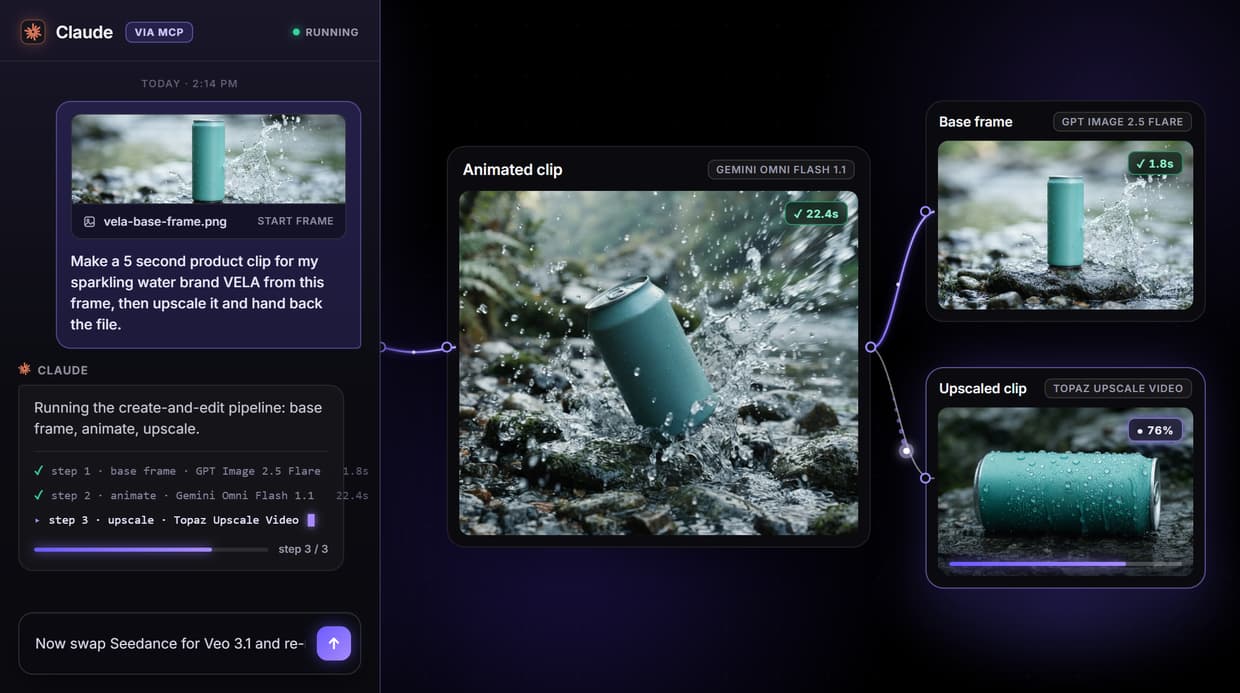
On Wireflow you wire a create-and-edit pipeline on a canvas, generate the frame, animate it, then upscale the clip, and every step runs from a single endpoint or MCP tool call instead of four stitched vendor APIs.
Free to build · no credit card · See how it works ↓
How to Use Video Creation and Editing API
Steps to get you started in Wireflow.
Describe the shot
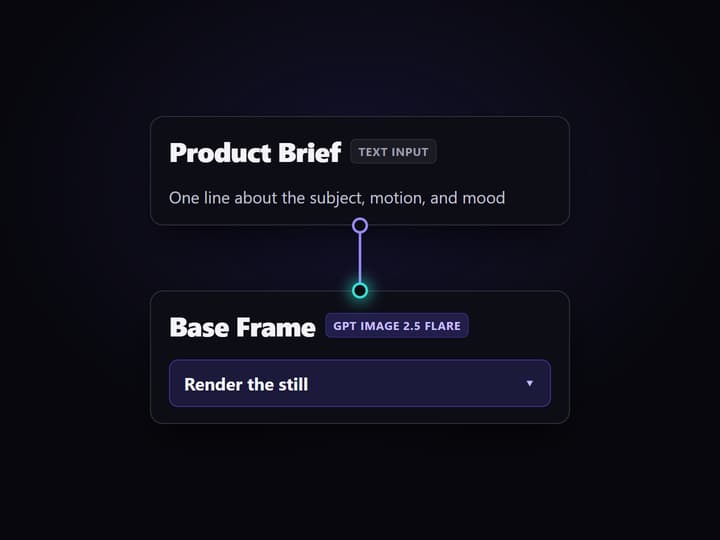
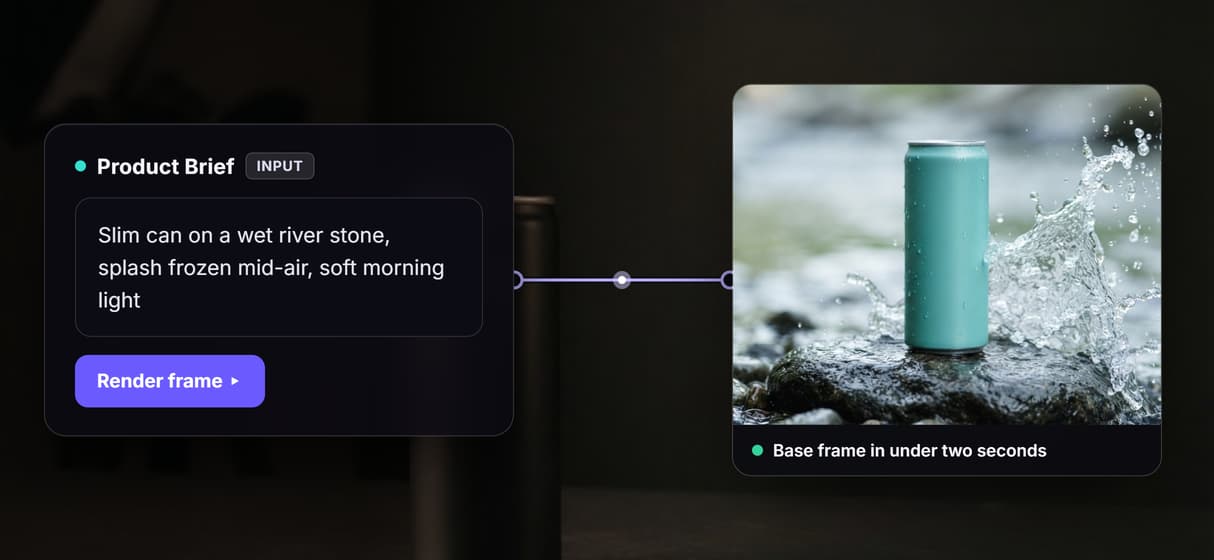
Open the flow and click the Product Brief node. One line about the subject, motion, and mood is enough; the default is a fictional canned sparkling water hero shot.
Run create then edit
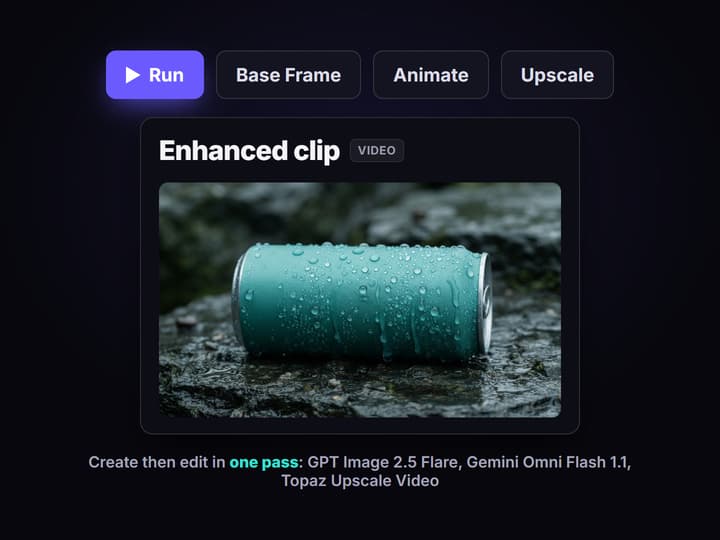
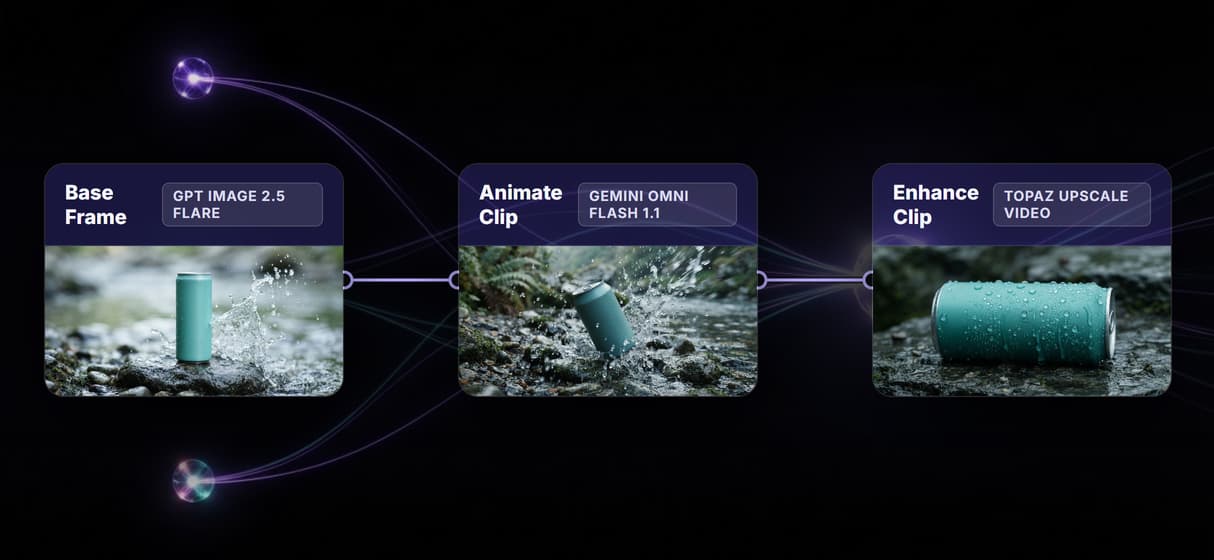
Press Run. GPT Image 2.5 Flare renders the base frame, Gemini Omni Flash 1.1 animates it into a clip, and Topaz Upscale Video enhances the output, all in one pass.
Call it as an endpoint
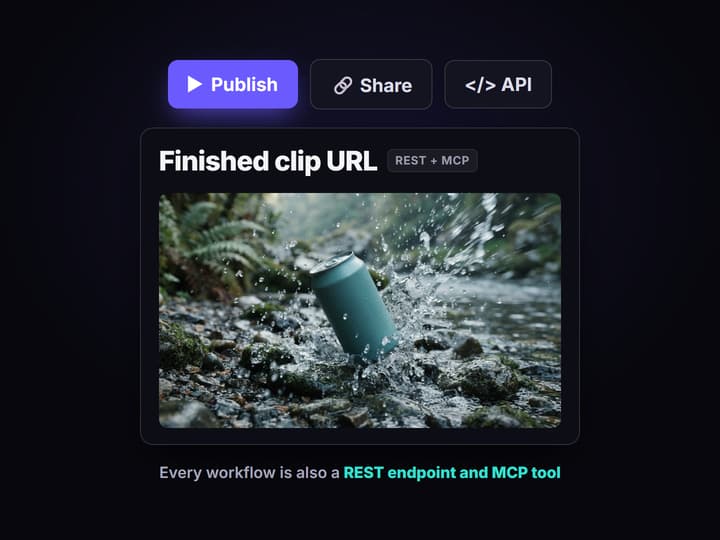
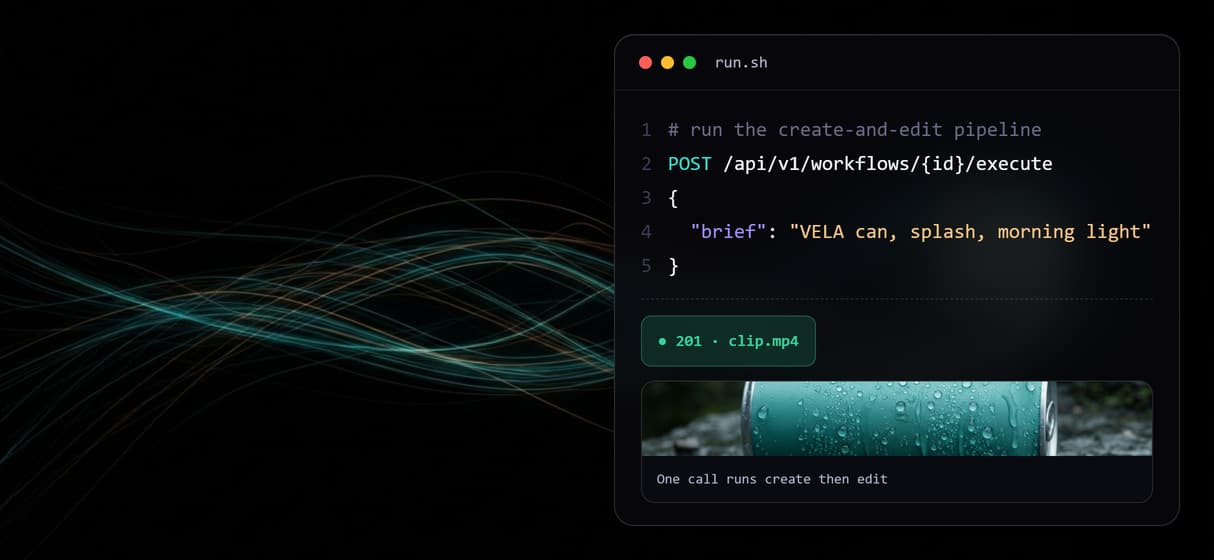
Publish the graph and it becomes a REST endpoint and an MCP tool. Send the brief, poll the run or catch the webhook, and get the finished clip URL back.
Why one API for both creation and editing
Most video APIs pick a side. Some only generate a clip from a prompt, and some only transform footage you already have, so a real pipeline means gluing several vendors together: one call to create, another to upscale, a third to swap a background, each with its own auth, error format, and bill. The seams are where projects break.
Wireflow closes the seam by putting creation and editing on the same canvas. This page is built around a live workflow that does exactly that: a Product Brief feeds a Base Frame node that renders a still, Gemini Omni Flash 1.1 animates that frame into a clip, and Topaz Upscale Video enhances it. Wiring those nodes together is the whole integration, and it runs as one call. It is the same pattern the AI video editing API uses for transform-only jobs, extended here to cover generation and editing in a single graph.
What the video creation and editing API can do
Brief in plain words
A Text Input node holds the prompt. One line describing the shot is enough to drive the whole pipeline.
Create the frame first
GPT Image 2.5 Flare renders a base image in under two seconds, giving the video model a controlled start frame.
Animate into a clip
Gemini Omni Flash 1.1 turns the frame and prompt into a short 720p clip with the motion described in the brief.
Edit and enhance the output
Topaz Upscale Video takes the clip and upscales it, so the create and edit steps share one graph.
Swap any model node
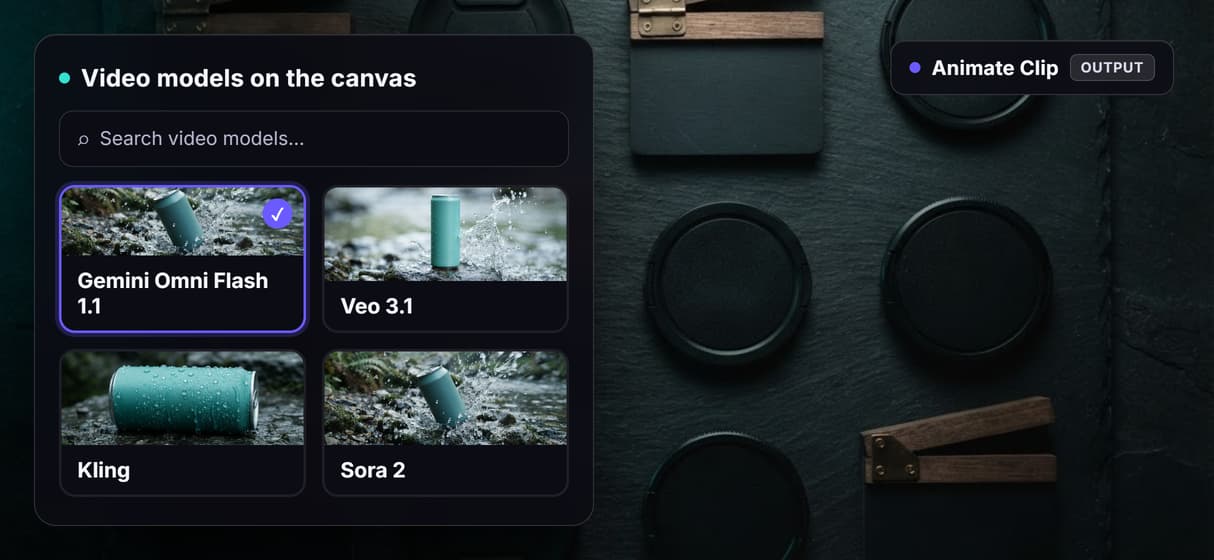
Replace Gemini Omni Flash 1.1 with Veo 3.1, Kling, Sora 2, or LTX Video 2.0 without changing your integration code.
Call it from REST or an agent
Publish the graph and it becomes a REST endpoint and an MCP tool with typed inputs, run by code or an agent.
The create-and-edit pipeline, node by node
Open the flow and the whole API is four nodes you can read at a glance.
- Product Brief holds the intent. A Text Input node with one line describing the shot. This is the only field a caller has to set.
- Base Frame creates the still. GPT Image 2.5 Flare renders a controlled start image from the brief in under two seconds, so the video model animates from a known frame instead of guessing.
- Animate Clip runs Gemini Omni Flash 1.1. The frame becomes its start frame and the brief its prompt, and it returns a short 720p clip.
- Enhance Clip runs Topaz Upscale Video. The generated clip is upscaled, the edit half of the pipeline, and the finished asset URL comes back.
Keeping create and edit in one graph is the point: there is one auth, one error surface, and one asset that flows node to node without a round trip to your server between steps. The same versioning that makes a headless AI workflow platform reproducible applies here, so a run today matches a run next month. The honest tradeoff: this is generation and enhancement, not a manual timeline, so when you only need to trim finished footage frame by frame, an editor is the right tool.
What this video API is not
Wireflow is the generation layer, not an editing suite. It creates and transforms clips through models, but it is not a frame-accurate timeline: there is no manual scrubbing, no hand-drawn compositing, and no caption burn-in. Clip lengths follow the model you pick, so this is a tool for short generated and enhanced clips, not for assembling a full edit. If your job is to trim and arrange footage you already shot, an NLE stays the better fit and this API feeds it source clips.
Runs are metered too: building on the canvas is free, but every generation costs credits, so an agent looping over a product feed is a spend decision to cap before you hand it off. Comparing the field first is fair: this guide to building AI workflows with an API shows where a wired create-and-edit graph wins and where a single-purpose endpoint is enough.
More Than Just Video Creation and Editing API
Create and edit in one call
Product Brief feeds a base frame, clip, and upscale on one canvas. One REST call runs creation and enhancement.
A controlled frame before the clip
GPT Image 2.5 Flare renders the frame; Gemini Omni Flash 1.1 animates the requested frame in a multi-model workflow.
Model-agnostic, code unchanged
Swap Gemini Omni Flash 1.1 for Veo 3.1, Kling, or Sora 2; swap Topaz for Crystal Video Upscaler.
One endpoint, one MCP tool
Publish typed inputs once; the AI workflow API takes the brief, runs the pipeline, and returns the asset URL.
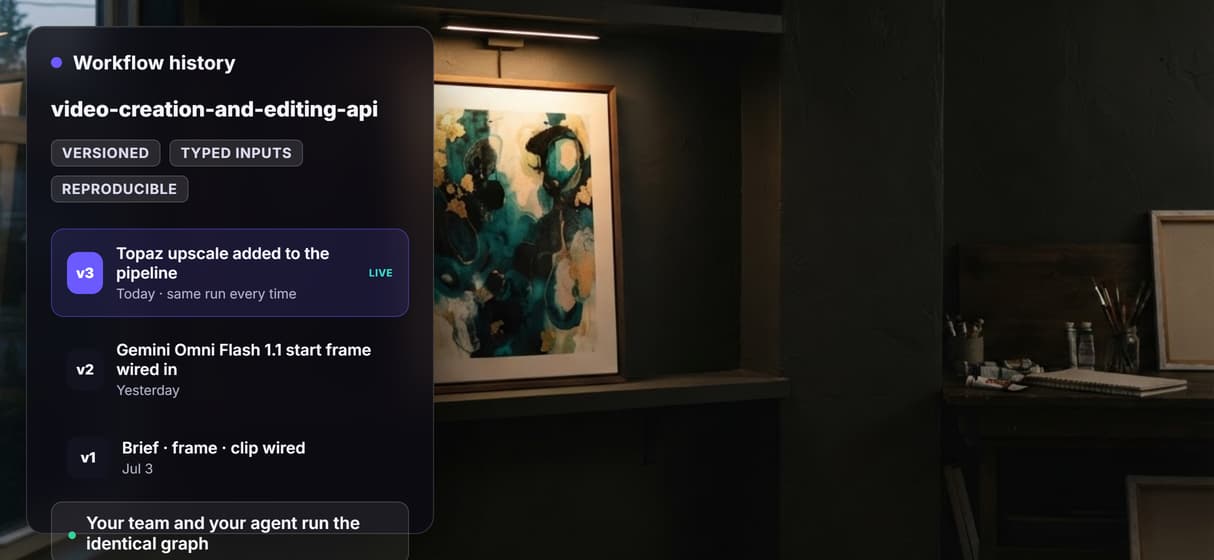
Reproducible and versioned
The pipeline is versioned server-side on the same AI workflow builder canvas your team edits, so a run today matches a run next month and every change is traceable.
Build Any AI Workflow
AI Models Integrated
Full Commercial License
FAQs
It is an API that both generates video and transforms it in one integration. On Wireflow a published node graph creates a clip from a prompt and edits it, for example upscaling it, in the same pipeline, so one REST call or MCP tool call runs the whole create-then-edit sequence.
Discover related AI tools
- AI Pipeline Automation
- AI Workflow Templates
- AI Video Pipeline: Build One on a Node Canvas
- Batch AI Generation: Many Assets, One Run
- AI Model Chaining
- AI Asset Pipeline
- AI Workflow Builder
- AI Content Generation API
- AI Workflow API
- AI Orchestration API
- Headless AI Workflow Platform
- Krea AI API Alternative: Image and Video From One REST Endpoint
More From Wireflow
Written by
Andrew Adams · Co-Founder & Operations at Wireflow
Runs client operations and content strategy at Wireflow. Works directly with creative teams and agencies to build production AI workflows.
Read the video API docs
The flow behind this page is public: a Product Brief, GPT Image 2.5 Flare, Gemini Omni Flash 1.1, and Topaz Upscale Video in one graph. See how to publish a create-and-edit pipeline and call it from REST or an MCP tool. The canvas is free to explore; generations are pay per run.