 Andrew Adams · Co-Founder & Operations at Wireflow ·
 AI Video Agent
Give your AI agent a real video pipeline: build the workflow once on a node canvas, publish it as an MCP tool and REST endpoint, and let your agent turn briefs into finished video, the same way every run.
Free to build · no credit card · See how it works ↓
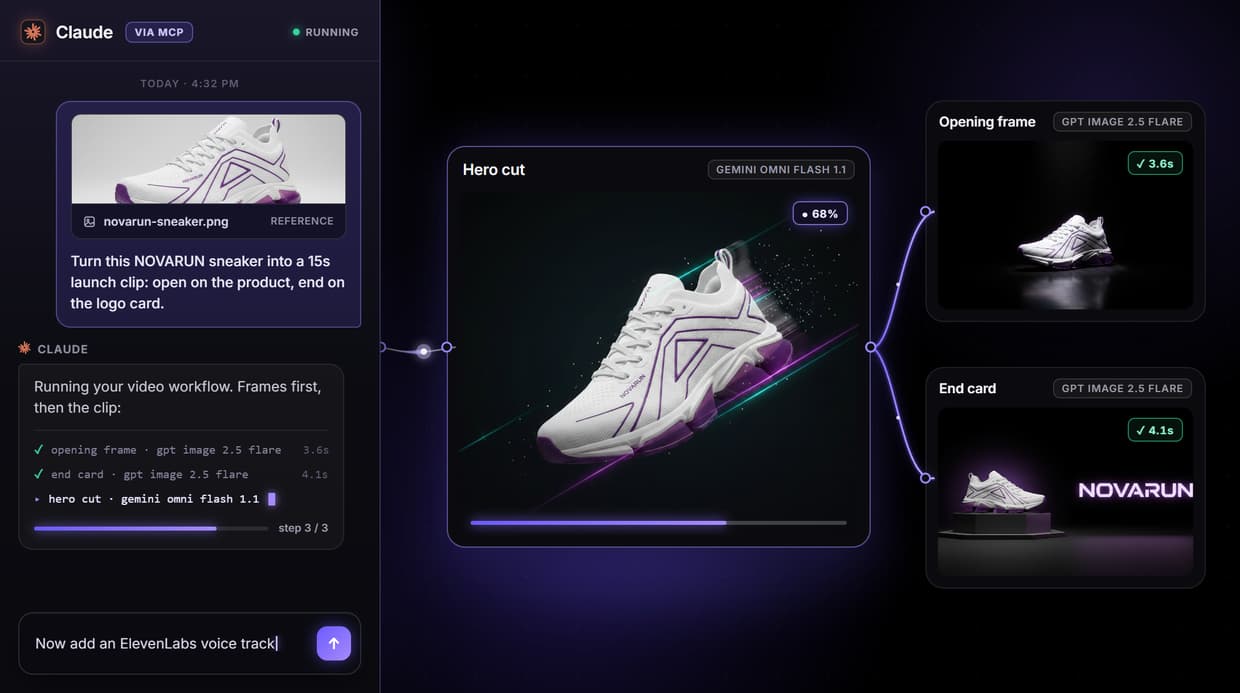
How to Use AI Video Agent
Steps to get you started in Wireflow.
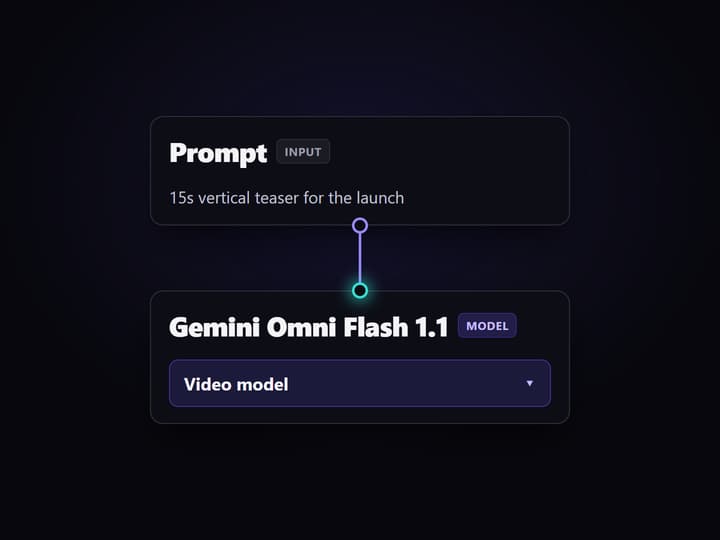
Wire the video workflow
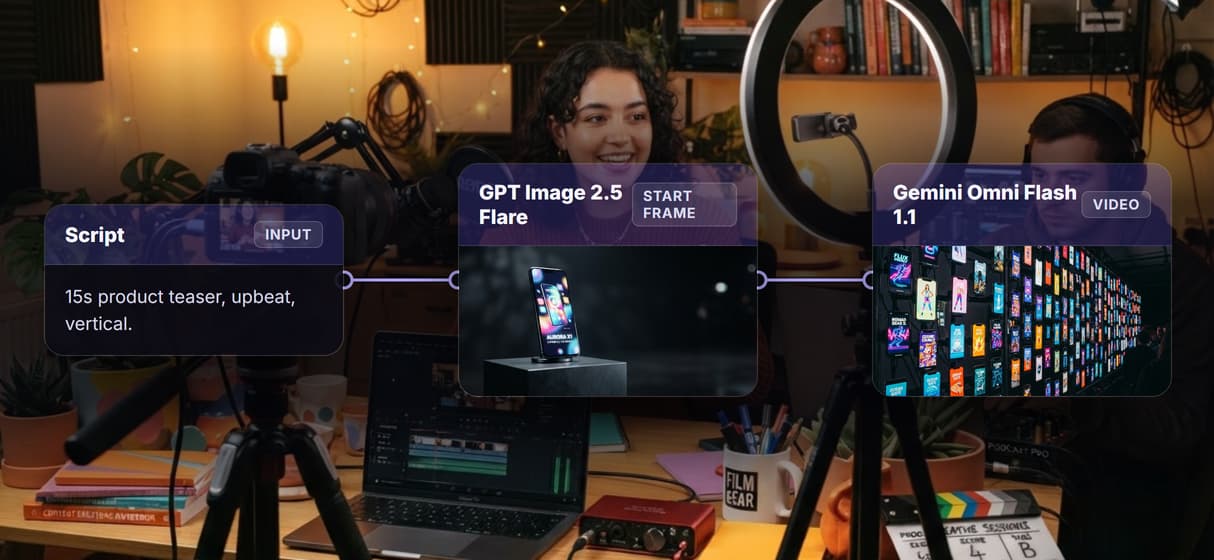
Drop nodes on the canvas: a prompt, an image model like Flux 2 for the start frame, then a video model like Kling 3 Pro or Veo 3.1. Add ElevenLabs voice and Sync Lipsync v3 if the clip talks. Building the graph is free.
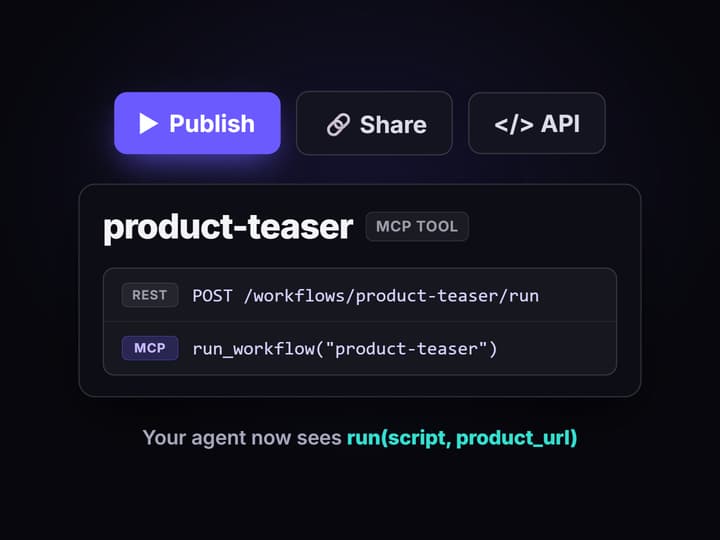
Publish it as an agent tool
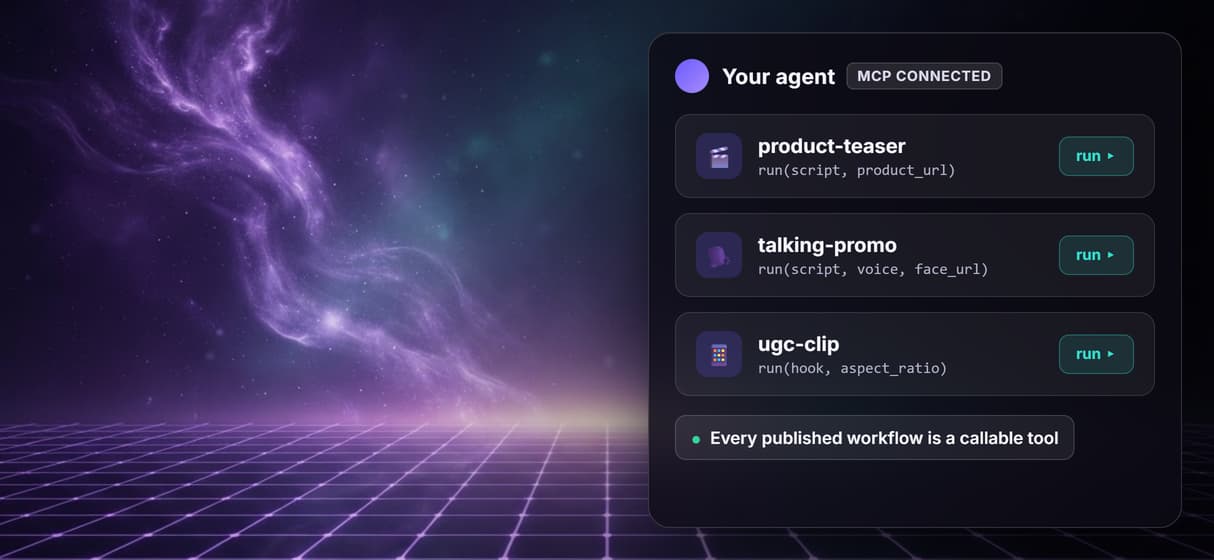
Publishing the graph gives you a REST endpoint and an MCP tool with typed inputs. Your agent connects to the hosted MCP server and sees the whole video pipeline as one callable action.
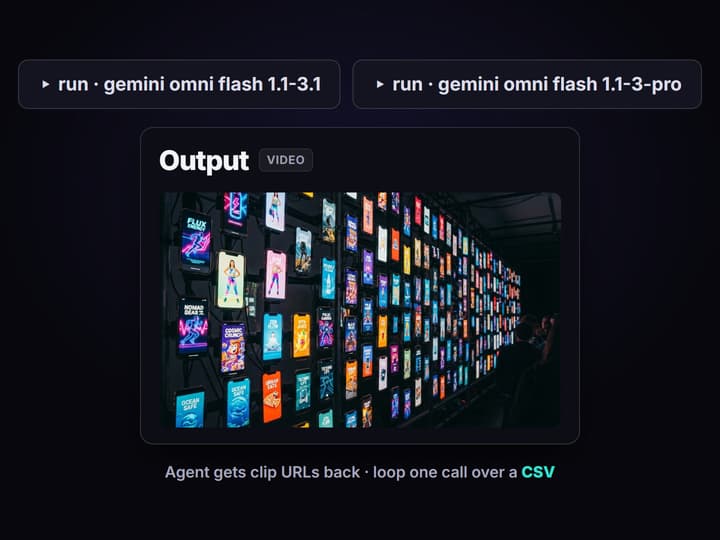
Let the agent ship clips
The agent calls the workflow with its own script and reference image, and gets back a clip URL. Loop the same call over a CSV of products or hooks to fill a whole content calendar.
An agent that ships video, not storyboards
Ask a text-only agent for a product video and you get a script and an apology. The reasoning is there; the hands are missing. An AI video agent closes that gap by giving the agent a hosted pipeline that turns a brief into a rendered clip it can hand back as a URL.
Wireflow is that pipeline. You wire the video workflow once on a node canvas: prompt shaping, a start-frame image model, the video model, then voice and lip sync if the clip talks. Publish it, and the agent calls the whole chain as one tool, on hosted compute, with no GPU to provision and no render box to babysit.
The honest split: Wireflow is the hands, not the brain. It will not write your script or pick the creative angle; your agent (Claude, GPT, or your own) does that, and every render spends per-clip credits, so an unbounded loop is a budget decision. What you get back is the missing half: an agent that returns a finished video, not a plan for one.
What the video pipeline can do
Text and image to video
Generate with Veo 3.1, Kling 3 Pro, Sora 2, or Seedance 2.0 from a prompt or a start frame.
Voice and lip sync
ElevenLabs voice-over and Sync Lipsync v3 run inside the same graph as the video model.
Start-frame control
Feed GPT Image 2.5 Flare or Nano Banana Pro output into the video node so every clip opens on brand.
Upscale before shipping
Chain a Topaz video upscale onto the output node so the agent returns delivery-ready files.
MCP and REST
Every published graph is both an MCP tool and a REST endpoint, no extra wiring.
Versioned runs
Server-side versions keep the agent's output stable while you iterate on the graph.
How an agent drives the pipeline
The agent never renders anything itself. It discovers and calls the workflow the way it calls any other tool.
- Discovery. Over the hosted MCP server the agent lists your published workflows and reads their typed inputs, so it knows this pipeline takes a script, a product image, and an aspect ratio.
- Invocation. The agent fills those inputs from its own reasoning, calls the tool, and Wireflow runs the graph on hosted compute and returns the clip URL.
- Iteration. The agent can call again with a new hook or a new product shot; the pipeline stays identical, so differences in output come from the inputs, not from drift.
The same pattern powers the broader AI content agent stack; the video agent is that idea pointed at the highest-effort asset a team ships.
If the finishing tool is still undecided, compare these Topaz Video AI alternatives.
What it is, and what it is not
Wireflow is the generation layer, not the brain. It renders the clips; you bring the agent that writes the script and decides what to make, whether that is Claude, GPT, or your own orchestration. Prompt-shaping nodes can tighten wording inside the graph, but strategy lives in your agent.
Two more honest limits. Clips render per generation and cost credits, so an agent looping over a thousand rows is a real spend decision, not a free lunch. And long-form video is assembled from clips, not generated in one shot. If you need a fully hands-off tool that ideates, scripts, and renders on its own, this is not that. If your agent already knows what to say and needs the video made the same way every time, this is exactly that.
More Than Just AI Video Agent
12 video models, one agent tool
One graph chains Veo 3.1, Kling 3 Pro, Sora 2, or Seedance 2.0, with an image model for the start frame.
Callable as an MCP tool
Publish the workflow and it appears on the hosted MCP server with typed inputs, so Claude or any MCP client runs it like a native tool. That is the whole idea of the agentic canvas.
Or a plain REST call
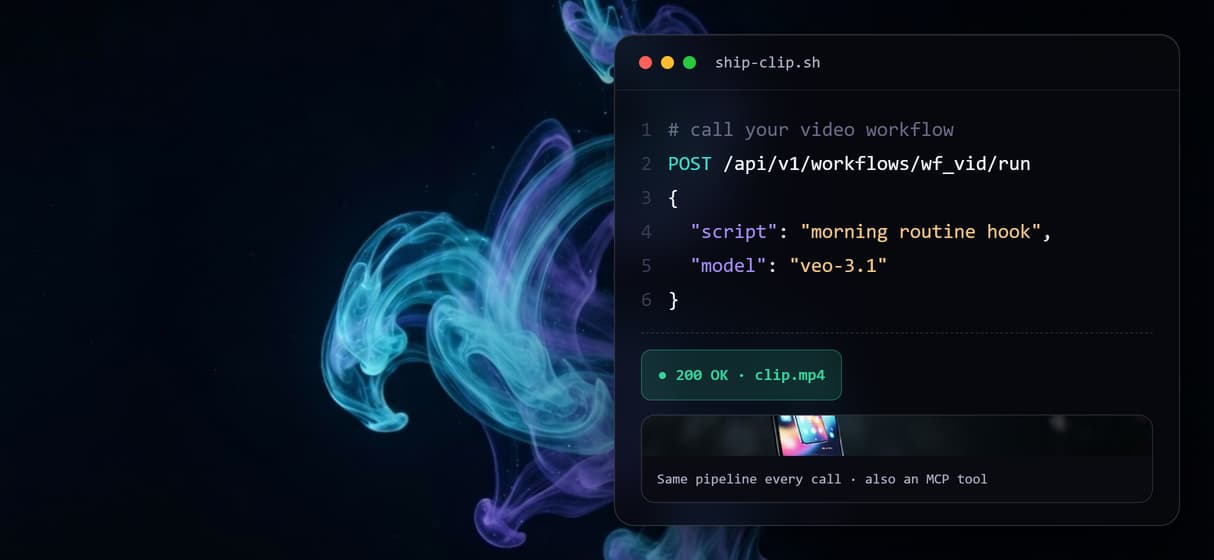
No agent framework required: the same workflow answers POST requests, so a backend or cron job ships clips too. See the video generation API for the endpoint pattern.
Reproducible, not a lucky take
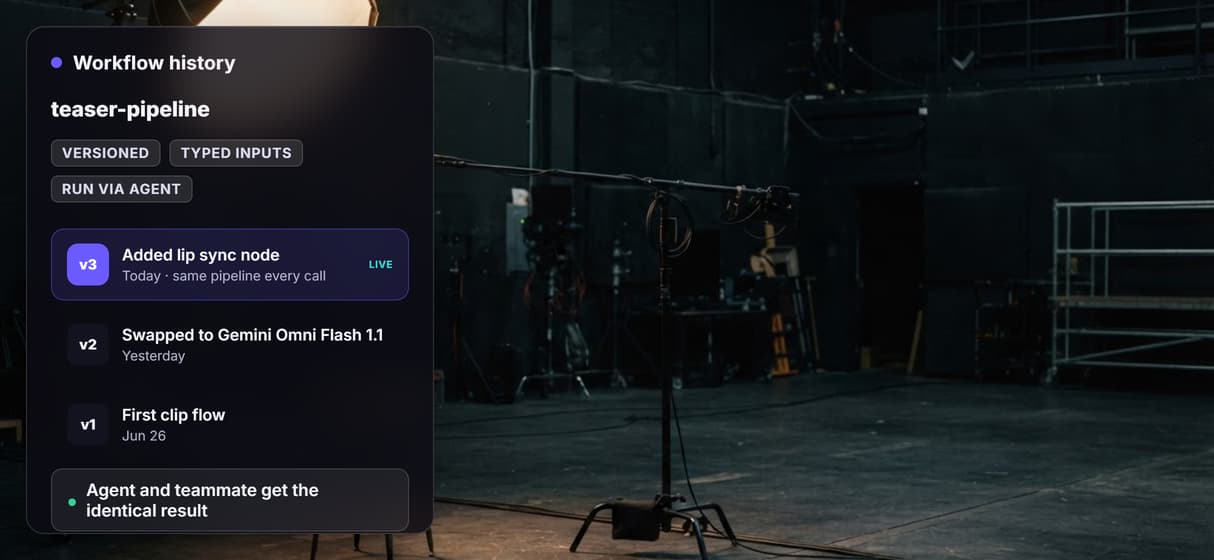
Server-side versions keep the agent's hundredth clip on the first clip's pipeline, making programmatic video dependable.
Batch a whole campaign
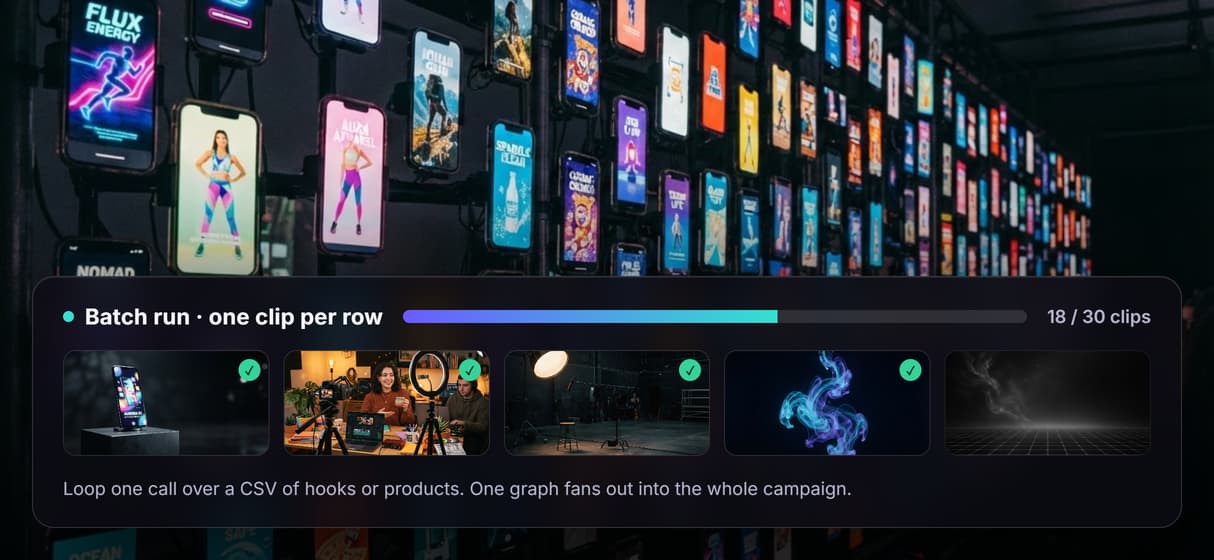
Loop one call over a CSV of hooks, products, or scripts and the graph fans out into a clip per row, each one an image to video run with its own inputs.
AI Models Available
Automate Any Workflow
Included in Every Plan
FAQs
It is an agent that produces finished video by calling a hosted video workflow as a tool. On Wireflow the workflow is a node graph, from prompt to a model like Veo 3.1 or Kling, that the agent runs with typed inputs and gets clip URLs back.
Discover related AI tools
- AI Pipeline Automation
- AI Workflow Templates
- AI Video Pipeline: Build One on a Node Canvas
- Batch AI Generation: Many Assets, One Run
- AI Model Chaining
- AI Asset Pipeline
- AI Workflow Builder
- AI Content Generation API
- AI Workflow API
- AI Orchestration API
- Headless AI Workflow Platform
- Krea AI API Alternative: Image and Video From One REST Endpoint
More From Wireflow
Written by
Andrew Adams · Co-Founder & Operations at Wireflow
Runs client operations and content strategy at Wireflow. Works directly with creative teams and agencies to build production AI workflows.
Give your agent a video pipeline
Wire the clip workflow once, publish it as an MCP tool and REST endpoint, and let your agent turn briefs into finished video. Building on the canvas is free. No GPU, no render box, the same pipeline every run.