 Andrew Adams · Co-Founder & Operations at Wireflow ·
 Kling Video 3
Generate cinematic AI video with Kling 3 Pro on a visual canvas, featuring native 4K Pro-mode output, multi-shot control, and native audio sync
Free to build · no credit card
Kling Video 3 on a Visual Node Canvas
Kling Video 3 by Kuaishou is a multimodal video generation model that produces clips of 3 to 15 seconds, at up to 1080p in standard mode or native 4K in Pro mode, with synchronized dialogue, sound effects, and music in five languages. The model uses Visual Chain-of-Thought reasoning and advanced physics simulation for realistic gravity, fabric movement, and water dynamics. Wireflow gives you direct access to Kling 3 Pro on a drag-and-drop canvas where you connect image inputs and motion prompts to a video generation node, then run it with one click.
Unlike standalone Kling apps that lock you into a single interface, Wireflow lets you chain Kling 3 Pro with image generators, upscalers, and background removers in the same workflow. Generate a product photo with Nano Banana 2, feed it into Kling 3 Pro for animation, and export the final video, all from one canvas without switching tools or downloading intermediate files.
What Kling Video 3 Delivers
Native 4K Video in Pro Mode
Generate clips of 3 to 15 seconds at up to 1080p in standard mode or native 4K at 60fps in Pro mode, covering social content and product demos.
Multi-Shot Camera Control
Direct up to 6 camera cuts in a single generation with automatic spatial continuity between shots using the AI Director system.
Native Audio Generation
Produce synchronized dialogue, ambient sounds, and music in English, Chinese, Japanese, Korean, and Spanish with accent control.
Advanced Physics Simulation
Realistic gravity, collision, fabric draping, and fluid dynamics powered by Kuaishou's physics engine for natural-looking motion.
Image-to-Video Pipeline
Upload a reference image or generate one on the canvas, then animate it with a text motion prompt for consistent character and scene control.
Chain With Other AI Models
Connect Kling 3 Pro to image generators, upscalers, or background removers on the same canvas for complete production workflows.
More Than Just Kling Video 3
Full Video Generation Canvas
Build multi-step video workflows visually by connecting image sources, prompts, and Kling 3 Pro on one canvas. See the full AI video generator feature for all supported video models.
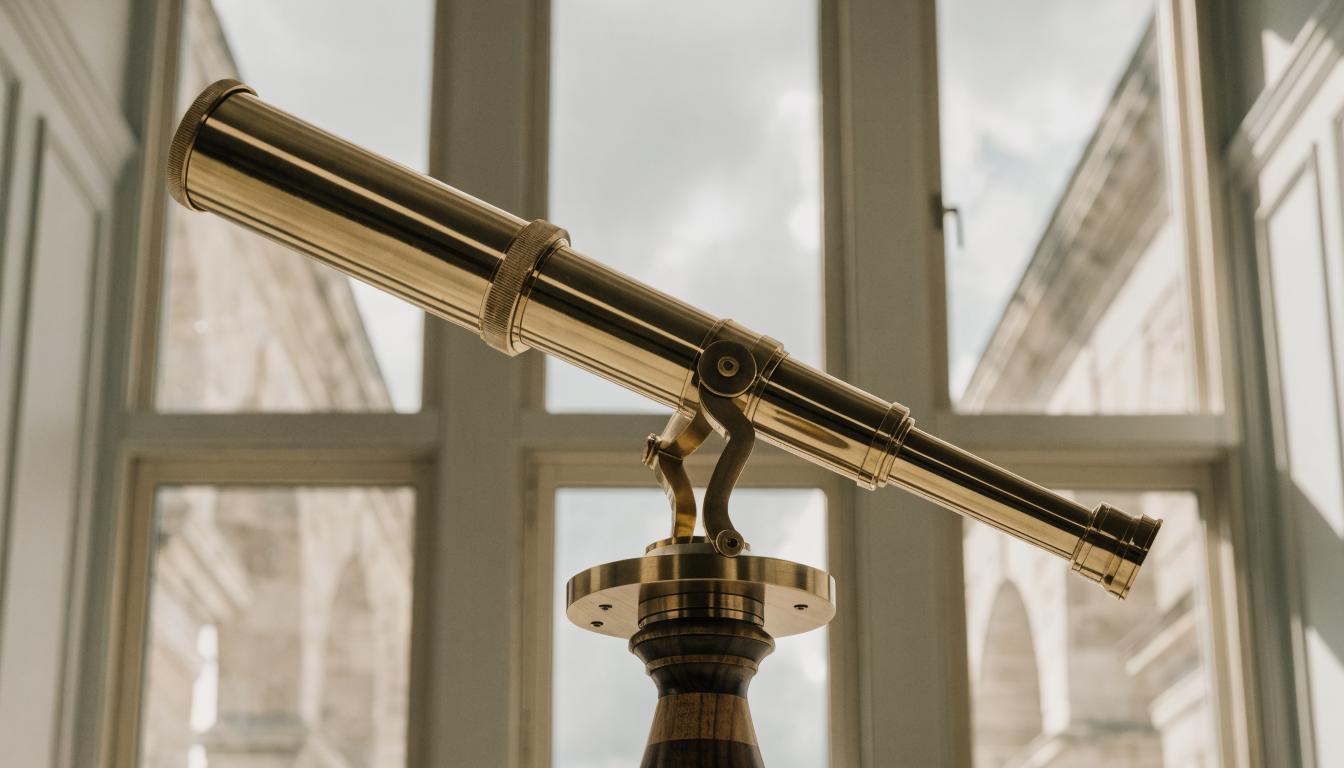
Animate Any Still Image
Turn product photos, illustrations, or AI-generated images into video with a single motion prompt. Learn techniques for image to video AI workflows on the platform.

Social Video at Scale
Generate TikTok, Reels, and Shorts content with Kling 3 Pro's multi-shot control and native audio. Explore dedicated AI TikTok video maker workflows for vertical content.
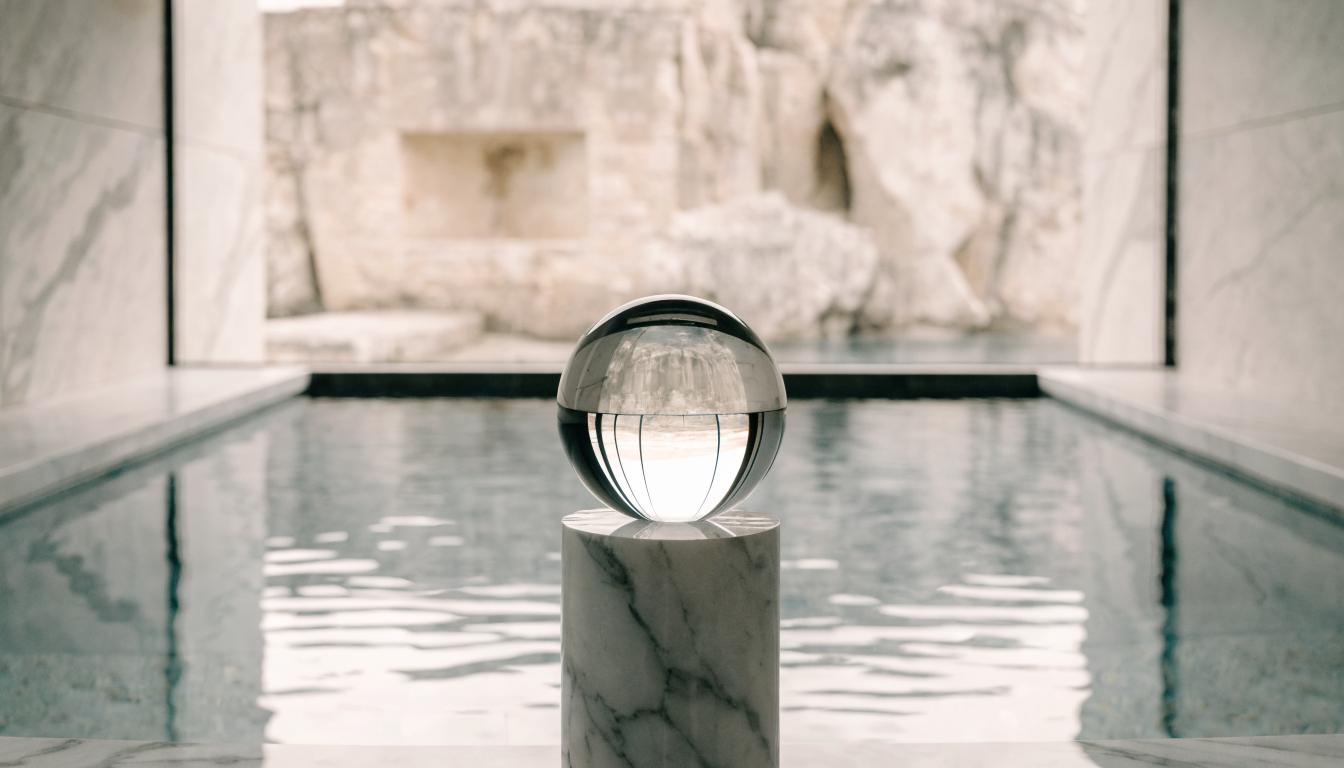
Realistic Motion Physics
Kling 3's physics engine handles fabric, water, and human anatomy movement that other models struggle with. See how creators animate still images with AI for practical examples.

Compare and Switch Models
Test Kling 3 Pro against Veo 3.1, Seedance, and other video models on the same canvas. Read the best Runway alternatives comparison to see how models stack up.

Build Any AI Workflow
AI Models Integrated
Full Commercial License
FAQs
Kling Video 3 is Kuaishou's latest AI video generation model. It produces clips of 3 to 15 seconds, at up to 1080p in standard mode or native 4K in Pro mode, with synchronized audio, multi-shot camera control, and advanced physics simulation.
More From Wireflow
Written by
Andrew Adams · Co-Founder & Operations at Wireflow
Runs client operations and content strategy at Wireflow. Works directly with creative teams and agencies to build production AI workflows.
Start Creating Videos With Kling 3 Pro
Open the visual canvas, connect your image and motion prompt to a Kling 3 Pro node, and generate cinematic AI video with native audio. No downloads or GPU setup required.