Kling 4 Nails the Lips. Fix the Audio With a Voice Swap

Michael Aubry
In this article▾
Kling 4 is the best talking-head model I've used. The lips land and the hands move like mine. Then you listen next to an ElevenLabs or HeyGen voice and it's a little muffled. Close to my voice, but not as crisp.
I make a reel a day with it, so I spent a day fixing that. The fix costs cents and takes one extra step.
Here's the same take twice. Turn the sound on.
Before: Kling 4's own voice.
After: the same video, voice swapped into my ElevenLabs clone.
It's the model, not the training
My first guess was that we trained the Kling voice badly. We didn't: it came from 27 seconds of my raw mic recording, inside Kling's 5 to 30 second spec.
So I measured the audio. My raw recording and the ElevenLabs output have almost the same amount of high-frequency detail (the crisp part of a voice). Kling's take has about 12 dB less above 12 kHz and about 20 dB less above 16 kHz. That's the muffled sound, and it's in what Kling generates, not in the voice sample. A better sample changes whose voice it sounds like, not how crisp the audio is.
Build this in Wireflow
Make the same kind of asset on a canvas you control, with a free account and no credit card.
The obvious fix doesn't work
My first instinct was to generate the line in ElevenLabs (the voice is great) and lay it over the Kling take.
The mouth breaks immediately. Kling timed every lip movement to its own audio. New audio has different pauses and different word lengths. Off by a tenth of a second and it reads as dubbed.
So then you reach for a lip sync model to re-animate the mouth to the new audio. We tested that head to head. It patches the mouth onto a face that was moving to a different rhythm, and it looks worse than the voice problem you started with.
The fix: keep the performance, swap the voice
Speech to speech. ElevenLabs calls it Voice Changer.
It listens to Kling's audio and says the exact same line again in your cloned voice. Same words and pauses, landing at the same moments. Only the voice changes.
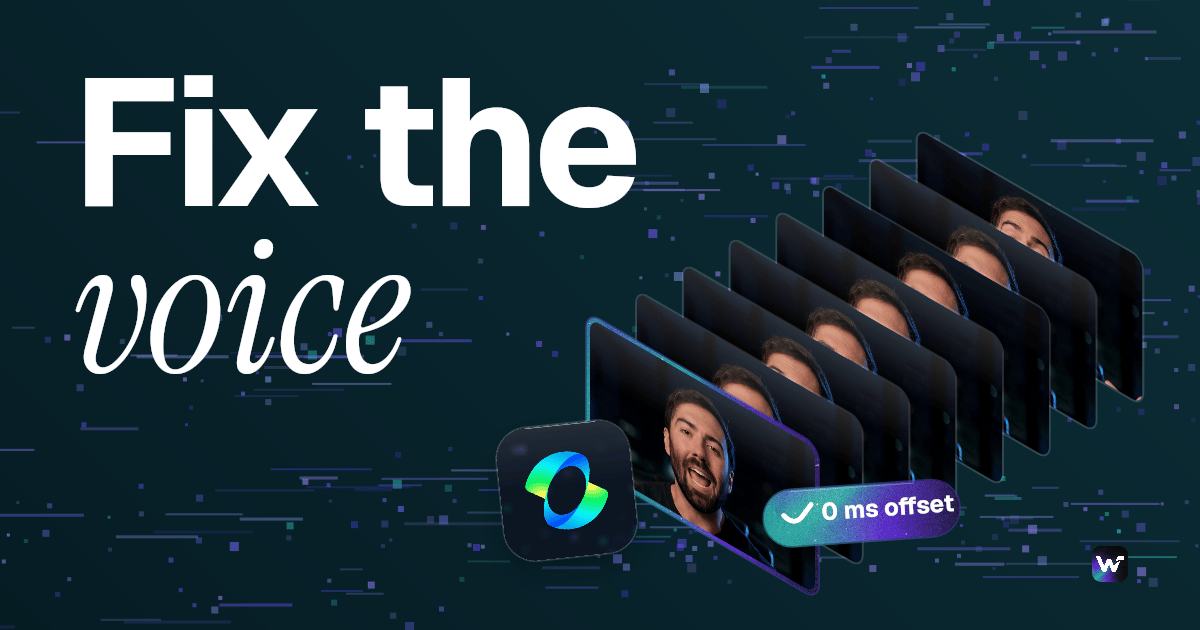
Because the timing doesn't move, the lips still match. We measured it on an 11 second take: 11.04 s in, 11.05 s out, and the words line up at the start, middle and end with 0 ms offset. It costs about $0.18 per minute of audio.
Think of Kling as a great actor recorded through a cheap mic, and ElevenLabs as an impressionist who learned your real voice. The impressionist listens to the actor and repeats every line, matching the actor's timing word for word. Same movie, better voice.
Two things that cost me a day
1. There is no "v4" voice swap. I wanted the newest ElevenLabs model. I checked their model list: v3 and v4 are text to speech only. Speech to speech only exists on their v2 speech-to-speech models. Don't wait for it, the v2 swap already sounds right if the clone is right.
2. The clone has to come from your real voice. My first swap didn't sound like me. The reason: that clone was trained on audio HeyGen had generated in my voice. A copy of a copy. The second try used a clone trained on 2 minutes of my raw mic recording, and that's the one that sounds like me.
The recipe
- Record about 2 minutes of yourself talking naturally into a decent mic. Just your voice, with no music or echo. Read an old script if you want.
- Make an ElevenLabs voice clone from that recording.
- Generate your Kling 4 take the way you already do (on a board, or straight from Claude).
- Run the take through Voice Changer into your clone.
- Replace the take's audio with the swapped audio in your editor. Check the lips at a few points.
That's it. Step 4 is the whole trick.
In Wireflow it's one wire
Kling 4.0 node, then the ElevenLabs Voice Swap node, then the Video Editor. The swap reads the video straight off the Kling node, so there's nothing to download or re-upload. It's now a fixed step in every reel I make.
To set it up, start from the Kling 4.0 model page and put the ElevenLabs Voice Swap node right after it.

Michael Aubry
Co-Founder & Lead Engineer at Wireflow
Builds the AI workflow engine behind Wireflow. Specializes in video and image generation pipelines, model integration, and rendering infrastructure.
- AI Workflow Architecture
- Full-Stack Engineering
Ask Claude for your next ad.
Connect once. Ask any time.
- No credit card
- You keep the rights to what you make
- Cancel anytime