AI Video Generators With No Watermark for Commercial Use (2026)

In this article▾
Ten AI video generators that export without a logo and allow commercial use. We checked each licence and free-tier export rule so you can ship client work safely.
Quick Summary
- Wireflow - Best overall for multi-model video workflows
- Kling AI - Best for long-form video (up to 3 minutes)
- Runway Gen-4 - Best professional editing suite
- Pika - Best for creative effects and social content
- Luma Dream Machine - Best for photorealistic motion
- Hailuo AI - Best for natural human motion
- Pixverse - Best for stylized and anime content
- Google Veo 3 - Best for audio-synced video
The 8 Best Watermark-Free AI Video Generators
1. Wireflow

Wireflow is not a single video model. It is a visual canvas where you connect multiple AI models into a step-by-step pipeline. You might feed a text prompt into Recraft V4 to generate a starting frame, then pass that image into Kling 2.0 for video generation, and finish with an upscaling node. For client-ready spots with no badge, use our watermark-free AI commercial generator. Every output is watermark-free regardless of your plan tier.
For a hands-on look at this in action, check out the best ai video generators without watermarks in 2026 feature page.
The visual node editor supports 20+ AI models including Kling, Veo 3, Seedance, and Flux. You can save workflows as reusable templates and run them repeatedly with different inputs, which is practical for teams producing content on a schedule. Pricing starts free with limited credits and scales based on compute. For a broader view of no-cost options, see our list of free online AI video generators.
Key features:
- Drag-and-drop model chaining across text, image, and video nodes
- Watermark-free output on all tiers including free
- Batch generation for producing multiple videos from one workflow
- Support for text-to-video, image-to-video, and video-to-video pipelines
2. Kling AI
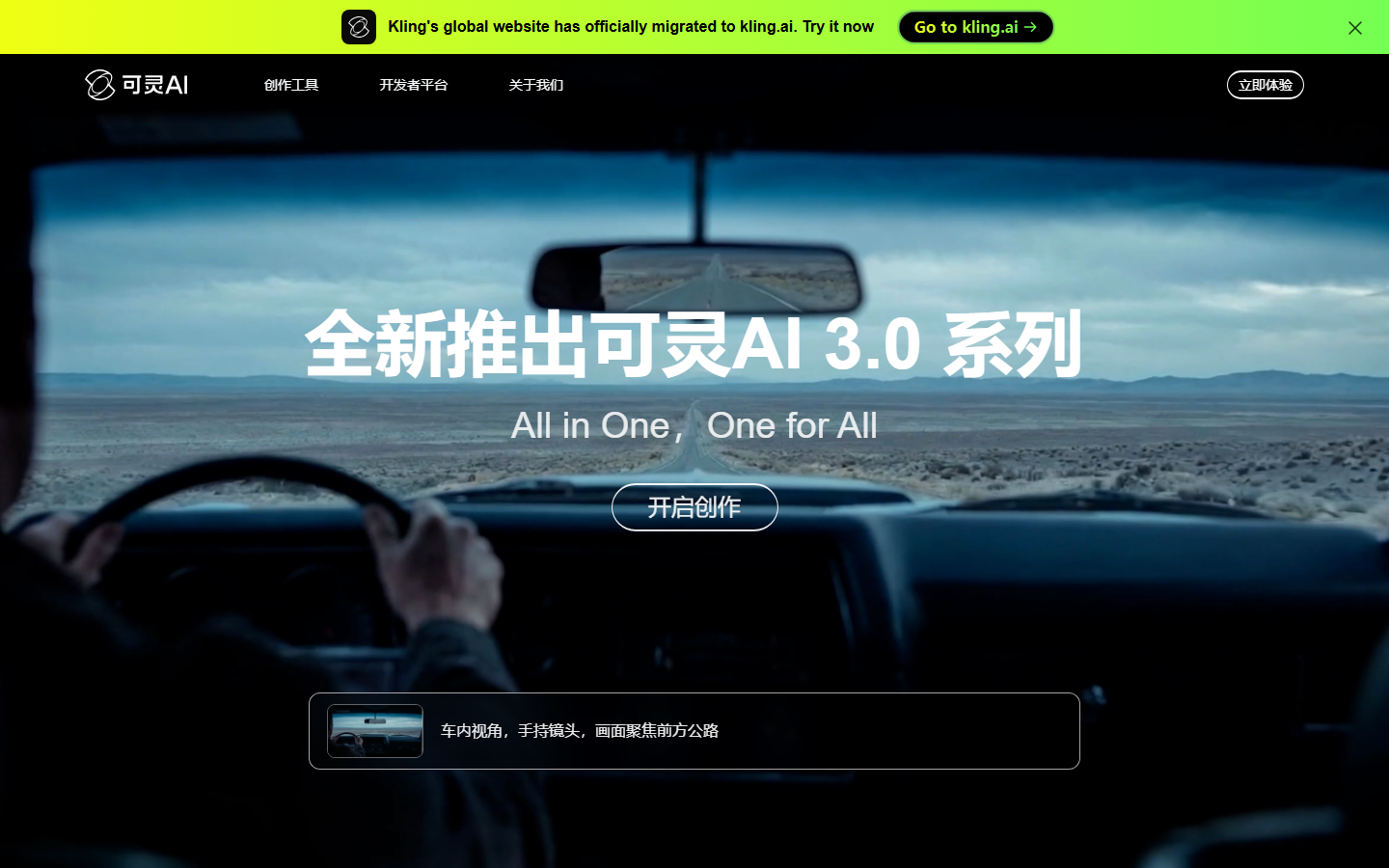
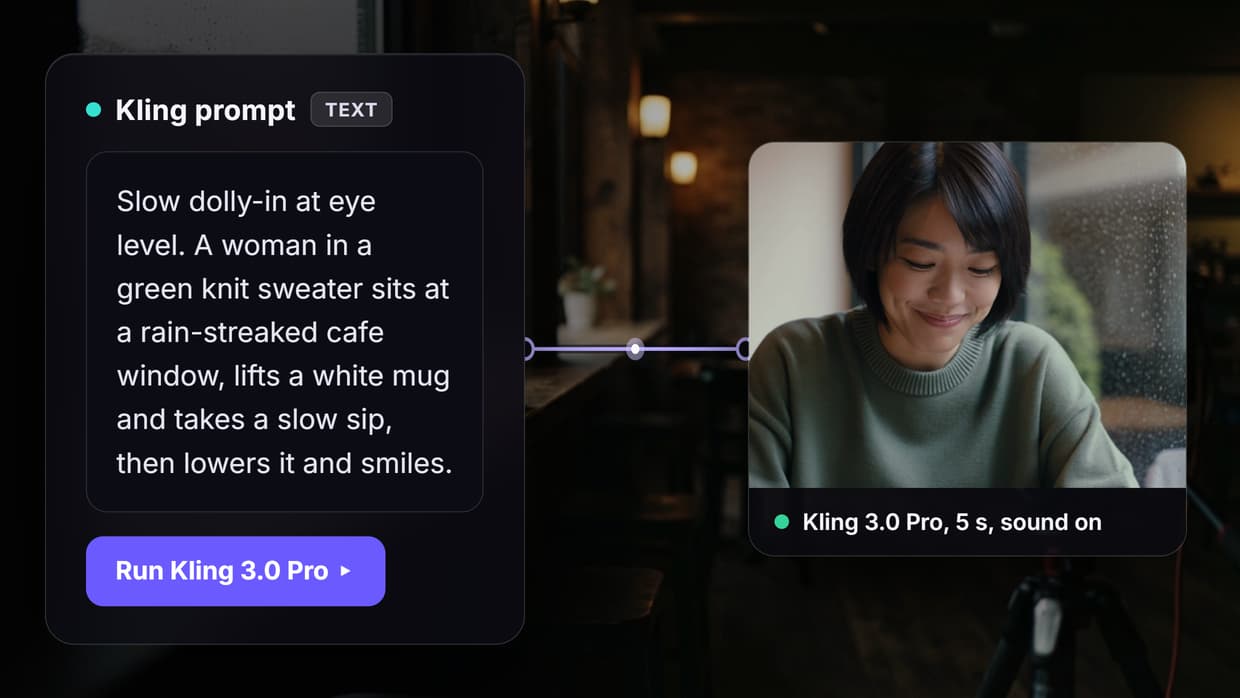
Kling AI stands out for video length. While most generators cap at 5-10 seconds, Kling produces clips up to 3 minutes on its professional plan. The free tier gives you 66 daily credits with watermark-free downloads at 720p. Paid plans unlock 1080p output and longer durations. Kling handles both text-to-video and image-to-video generation, and its motion consistency across longer clips is noticeably better than most competitors.
Pricing: Free tier available; Pro starts at $8/month
3. Runway Gen-4
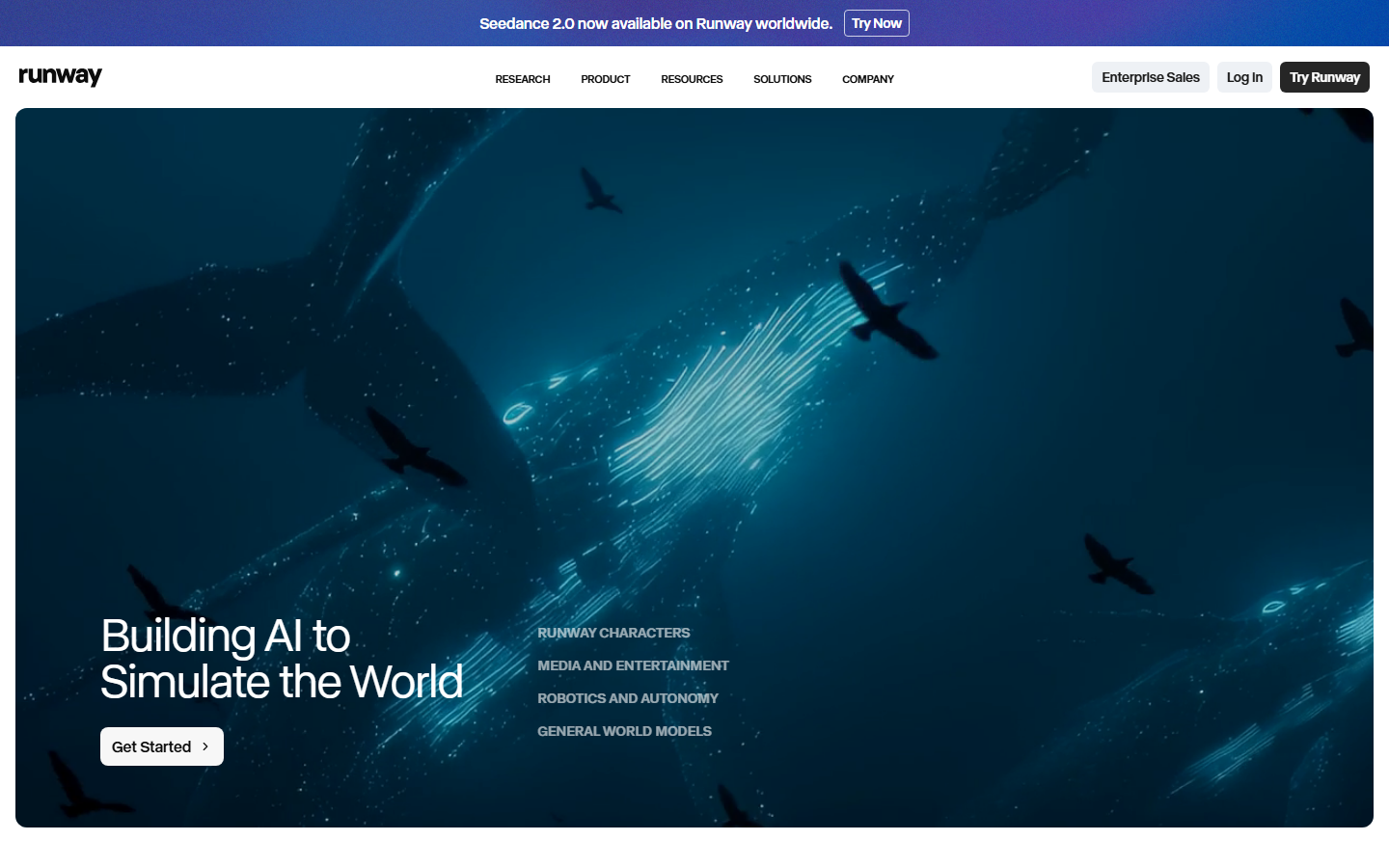
Runway has been in the AI video space longer than most and it shows in the editing tools surrounding the generator. Gen-4 produces 10-second clips with strong prompt adherence and smooth motion. The free plan includes 125 credits but adds a watermark; removing it requires the Standard plan at $12/month. Where Runway earns its spot is the post-generation toolkit, including inpainting, motion brush, and camera controls that let you refine output without re-generating from scratch. Gen-4 is also accessible via API for integration into larger video workflow pipelines.
Pricing: Free with watermark; Standard $12/month for watermark-free
4. Pika
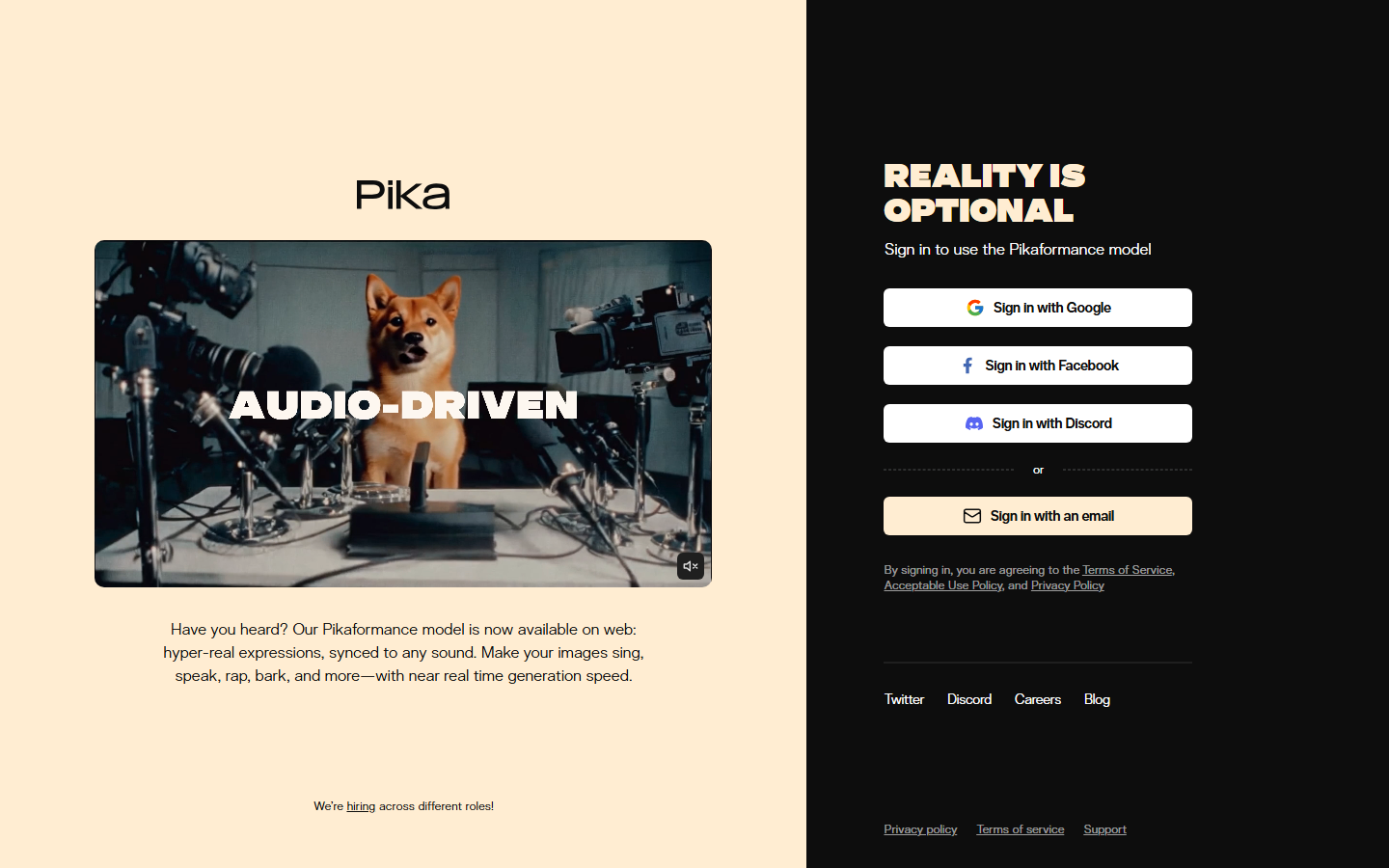
Pika focuses on creative effects that other generators skip. Its "Pikaffects" system lets you melt, crush, explode, or inflate objects in video, which makes it popular for social content and memes. The free plan gives 80 credits per month with watermark-free downloads. Video quality is strong for short clips (3-5 seconds), and the lip sync feature works well for talking-head content. If you need AI ad creative with attention-grabbing effects, Pika is worth testing.
Pricing: Free tier (80 credits/month); Pro $8/month
5. Luma Dream Machine
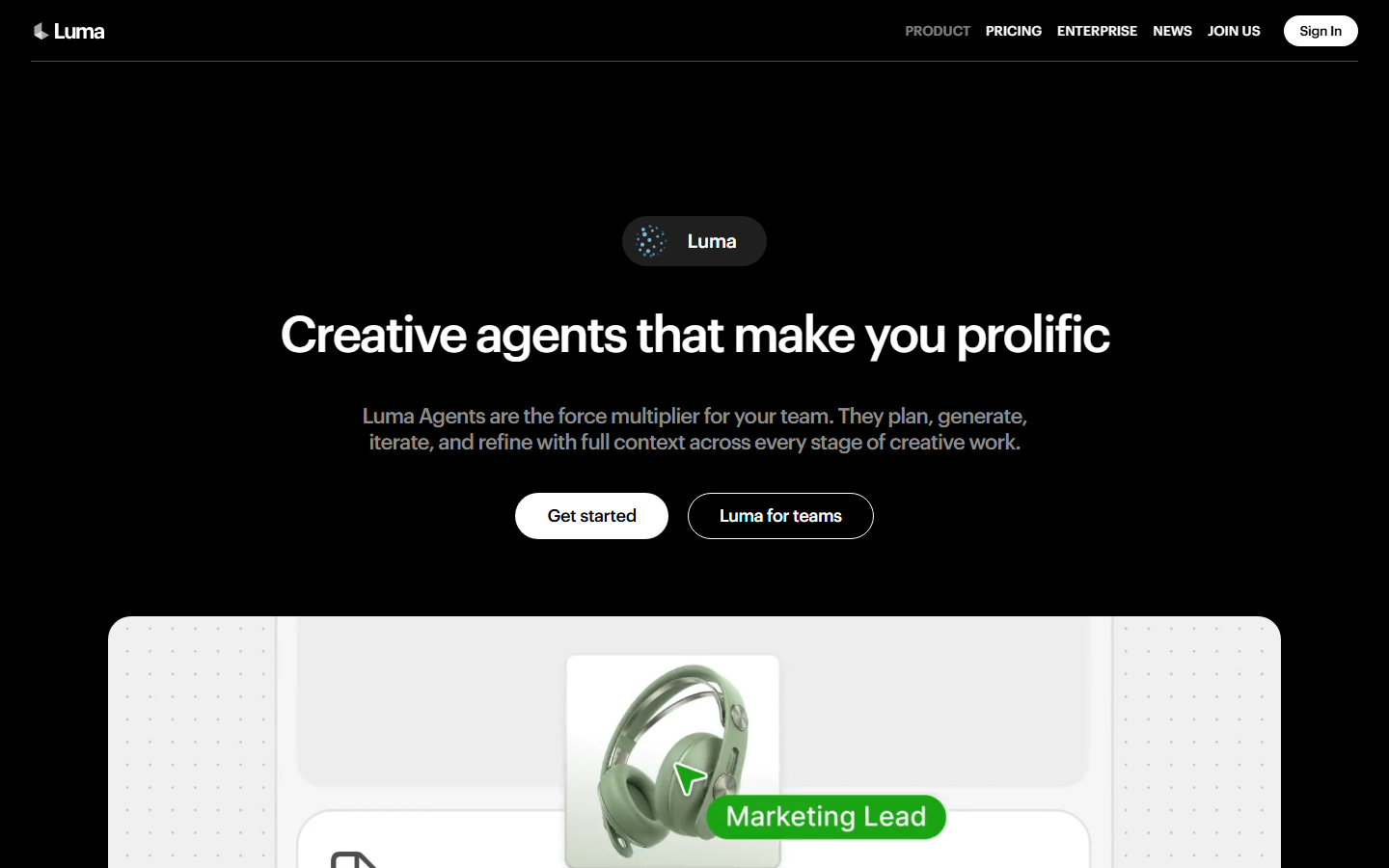
Luma's Dream Machine generates some of the most photorealistic motion in the current generation of AI video tools. Camera movements feel natural, lighting shifts are coherent, and object physics are surprisingly accurate. The free tier provides 30 generations per month without watermarks. Luma accepts both text prompts and reference images, and its keyframe system gives you control over start and end states. For text-to-video tasks where realism matters more than stylization, Luma is a top choice.
Pricing: Free (30 generations/month); Plus $24/month
6. Hailuo AI
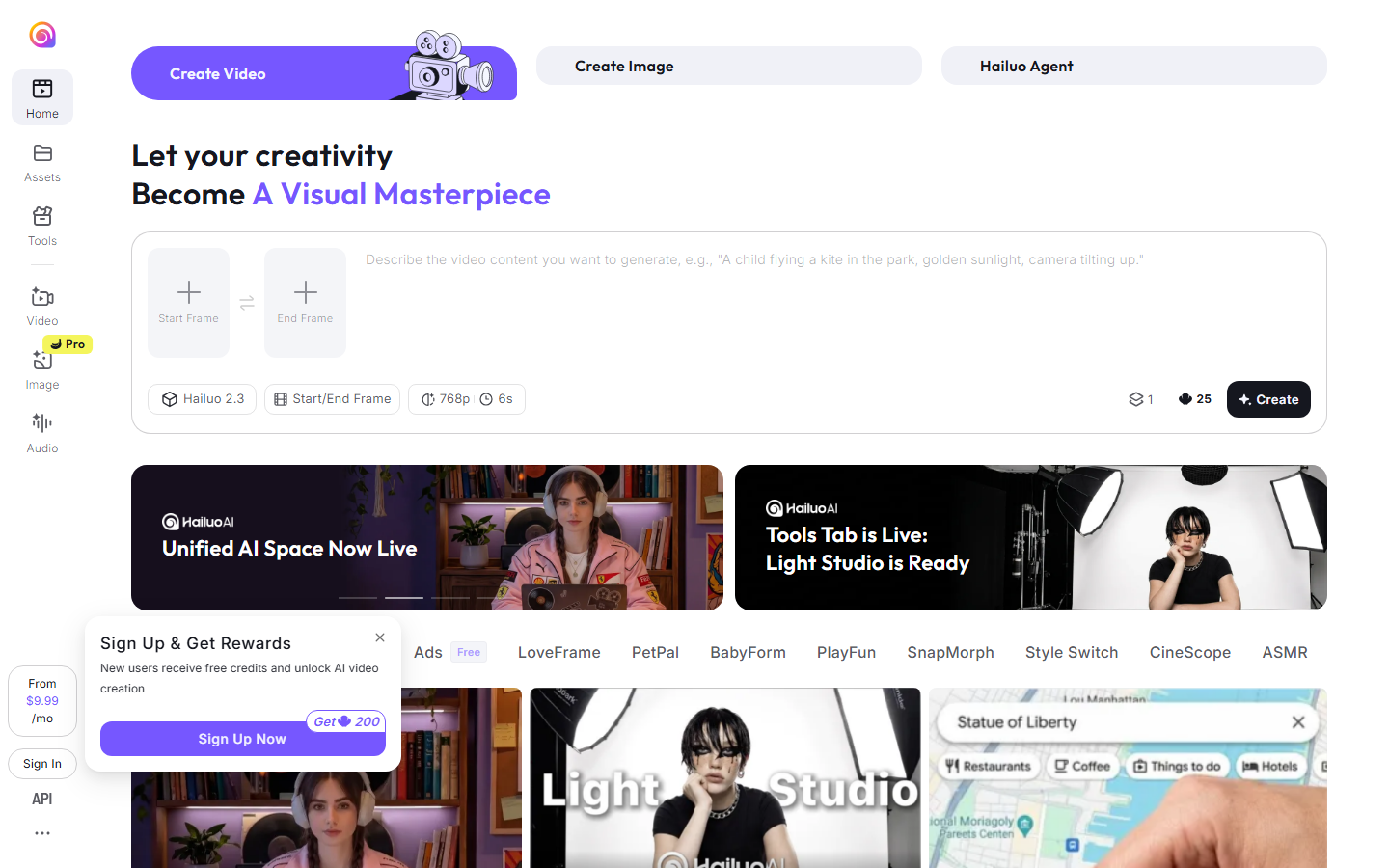
Hailuo (also known as MiniMax Video) excels at generating natural human motion. Walking, gesturing, and facial expressions look more fluid than what most competitors produce. The platform offers a generous free tier with watermark-free output at 720p. One feature that sets it apart is the "subject reference" system, where you upload a photo and Hailuo maintains that person's appearance throughout the generated video. If you are producing a series of videos for a content campaign, maintaining character consistency across clips is a significant time saver. Creators focused on growing organic reach may also want to explore strategies for earning quality backlinks to boost visibility for their video content.
Pricing: Free tier available; Pro $9.99/month
7. Pixverse
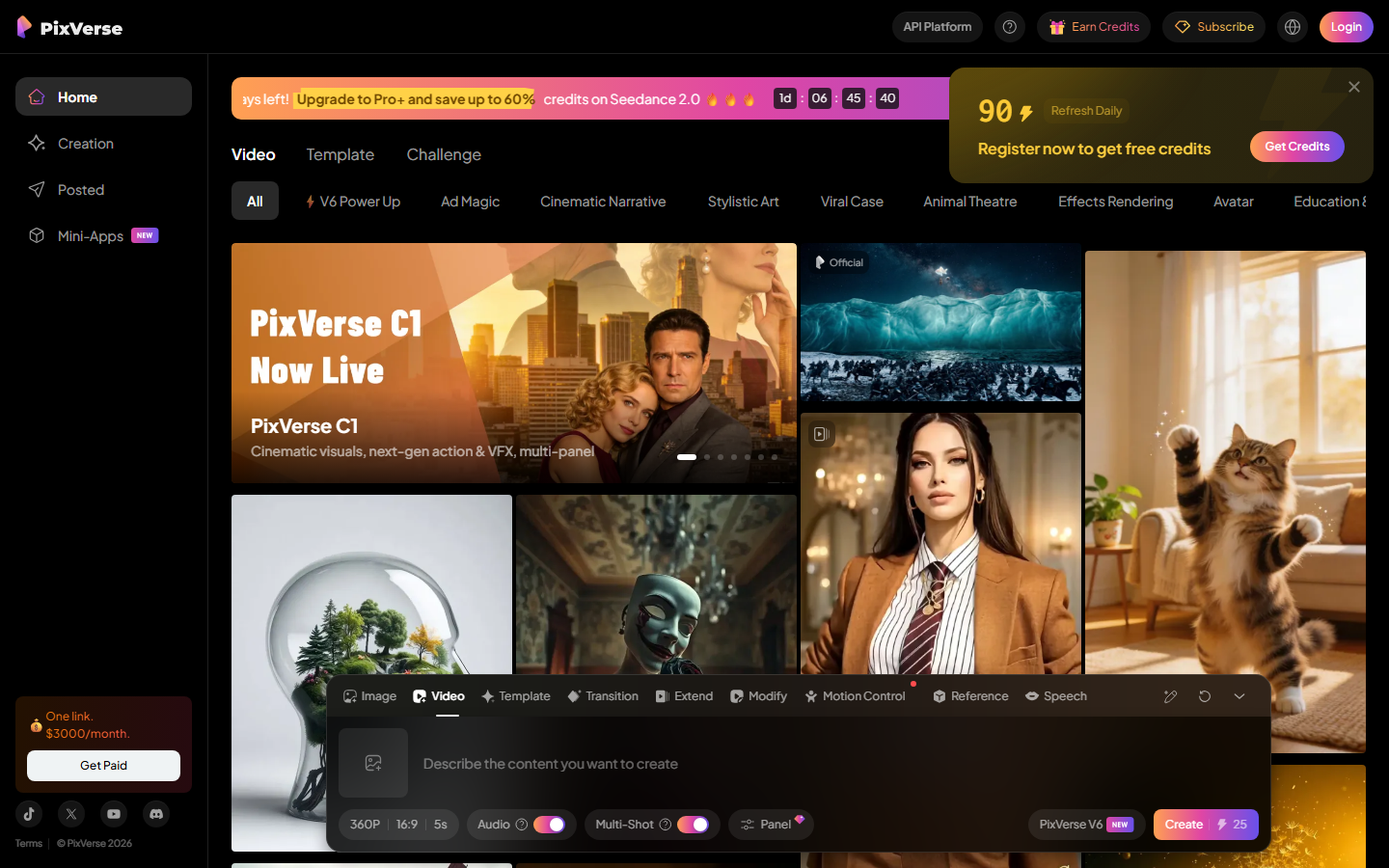
Pixverse targets creators who want stylized output, particularly anime and 3D-rendered looks. The free plan includes daily credits with watermark-free exports. Its text-to-video and image-to-video modes both support style presets, and the results lean more toward polished animation than photorealism. For anyone producing AI-generated content in a specific visual style, Pixverse delivers consistent aesthetics across batches. The platform also supports 4K upscaling on paid plans.
Pricing: Free tier; Premium $9.99/month
8. Google Veo 3
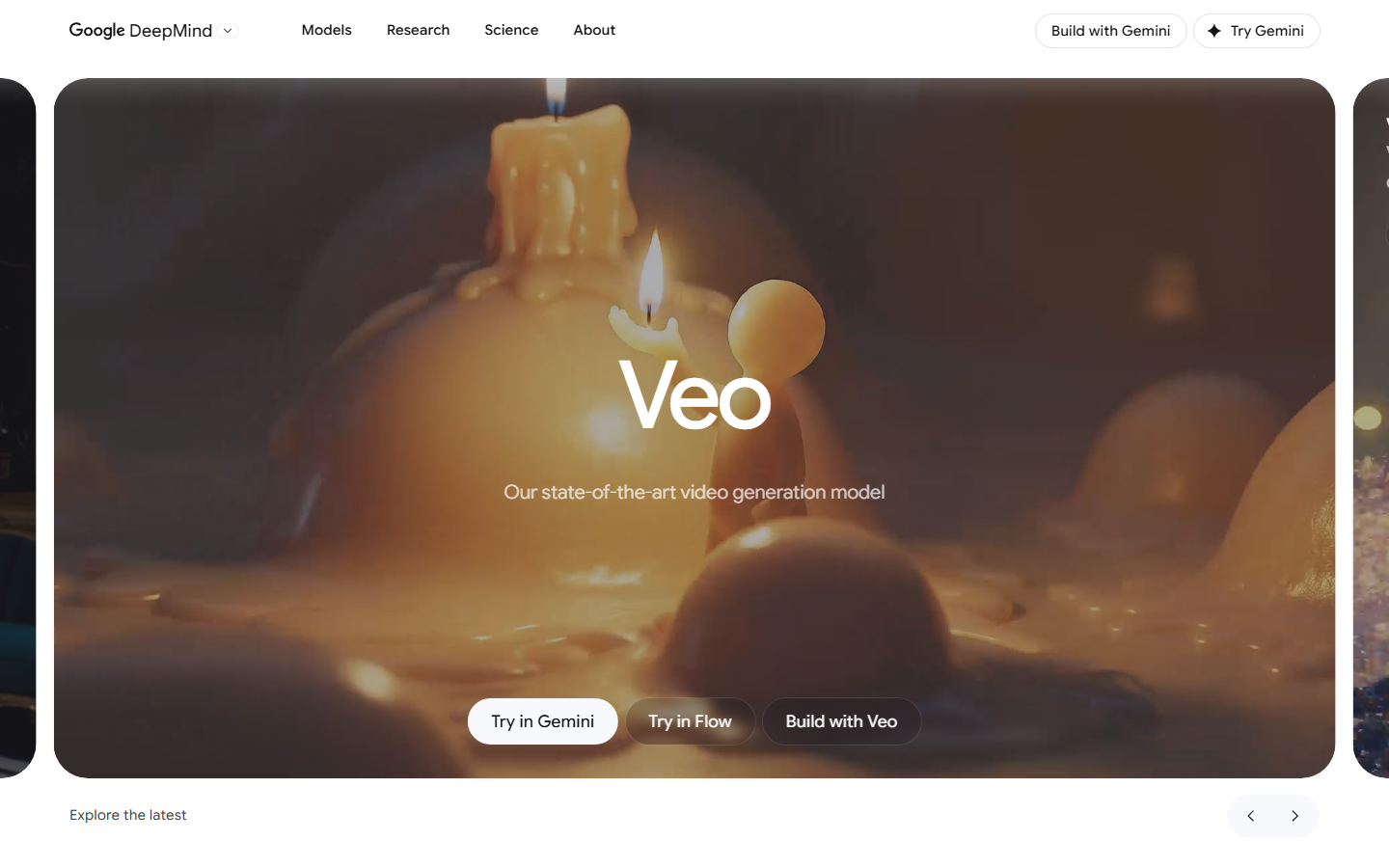
Veo 3 is Google's latest video generation model, accessible through Google AI Studio and integrated into several third-party platforms. Its standout feature is native audio generation: Veo 3 produces synchronized sound effects, ambient audio, and even dialogue alongside the video. Output quality is high, with strong temporal consistency across 8-second clips. Watermark-free output is available on paid tiers. The model also supports detailed camera direction prompts, giving you control over video pipeline composition without post-processing.
Pricing: Available through Google AI Studio; pricing varies by usage
Build this in Wireflow
Make the same kind of asset on a canvas you control, with a free account and no credit card.
Comparison Table
| Tool | Free Tier | Watermark-Free on Free | Max Length | Best For |
|---|---|---|---|---|
| Wireflow | Yes | Yes | Varies by model | Multi-model workflows |
| Kling AI | Yes (66 daily credits) | Yes | 3 minutes | Long-form video |
| Runway Gen-4 | Yes (125 credits) | No | 10 seconds | Professional editing |
| Pika | Yes (80 credits/month) | Yes | 5 seconds | Creative effects |
| Luma Dream Machine | Yes (30/month) | Yes | 5 seconds | Photorealistic motion |
| Hailuo AI | Yes | Yes | 6 seconds | Human motion |
| Pixverse | Yes (daily credits) | Yes | 8 seconds | Anime/stylized |
| Google Veo 3 | Limited | Paid only | 8 seconds | Audio-synced video |
Try it yourself: Build this workflow in Wireflow - the nodes are pre-configured with a text-to-video setup using Kling, ready to generate watermark-free video from any text prompt.
Frequently Asked Questions
Which AI video generator has no watermark on free plans?
Wireflow, Kling AI, Pika, Luma Dream Machine, Hailuo AI, and Pixverse all offer watermark-free downloads on their free tiers. Runway and Veo 3 require paid plans for watermark removal.
Are watermark-free AI videos safe to use commercially?
Most platforms grant commercial usage rights on paid plans. Free tiers vary, so check each platform's terms of service. Wireflow, Kling, and Runway explicitly allow commercial use on their paid tiers.
What is the longest video you can generate with AI without a watermark?
Kling AI currently leads with up to 3-minute clips on its professional plan. Most other tools generate 5-10 second clips per generation, though you can stitch multiple clips together.
Can I remove watermarks from AI-generated videos?
Some tools like Runway add watermarks on free plans that are removed when you upgrade. Using third-party watermark removal software on content that was intentionally watermarked may violate terms of service.
Which AI video generator produces the most realistic output?
Luma Dream Machine and Google Veo 3 consistently produce the most photorealistic results. Kling AI is also strong for realistic human motion in longer sequences.
How much does watermark-free AI video generation cost?
Prices range from free (Wireflow, Pika, Luma) to $8-24/month for paid plans. Enterprise pricing from platforms like Runway and Google varies based on volume and API access.
Can I use AI-generated videos on YouTube and social media?
Yes. All platforms listed here allow social media use. Videos generated on paid plans typically come with full commercial rights. Check each platform's license for specifics on monetization.
What resolution do watermark-free AI videos come in?
Most platforms output 720p on free tiers and 1080p or higher on paid plans. Pixverse offers 4K upscaling on premium plans. Wireflow's output resolution depends on which video model you select in your workflow.

Co-Founder & Operations at Wireflow
Runs client operations and content strategy at Wireflow. Works directly with creative teams and agencies to build production AI workflows.
- Content Strategy
- Client Operations
Make AI videos and ads.
Start free, no card needed.