Best AI Video Editing API Tools in 2026


In this article▾
Building video editing into your app used to mean months of ffmpeg scripting and GPU provisioning. Today, Wireflow and a growing set of API-first platforms let you trim, composite, render, and enhance video clips with a single REST call, so your team can ship features instead of maintaining infrastructure.
This guide ranks the top AI video editing API tools available right now, covering pricing, key capabilities, and the best use case for each.
Quick Summary
- Wireflow : Best overall for chaining multiple AI models in a visual canvas with full API access
- Shotstack : Best for template-driven render pipelines at scale
- Creatomate : Best for branded social video automation
- Cloudinary : Best for media-heavy apps that need transformation + CDN in one stack
- Runway : Best for generative video effects and AI-native editing
- Descript : Best for transcript-based editing workflows
- VEED : Best for quick subtitle and resize APIs
- Pictory : Best for turning long-form text into short video
1. Wireflow

Wireflow is a visual node editor that lets you wire AI models together on a drag-and-drop canvas, then call the entire pipeline through a REST API. You can chain image generation, upscaling, background removal, and video models like Kling or Veo 3 into a single workflow, hit one endpoint, and get a finished clip back.
Key strengths:
- Visual canvas to prototype, then deploy via API
- 30+ AI models available as nodes (image, video, audio, text)
- Pay-per-run pricing with no idle GPU costs
- Batch processing for high-volume pipelines
Pricing: Usage-based, pay-per-generation. Build workflows free, pay only for model inference time when you generate.
Best for: Teams that need multi-model video pipelines without managing infrastructure.
Build this in Wireflow
Make the same kind of asset on a canvas you control, with a free account and no credit card.
2. Shotstack
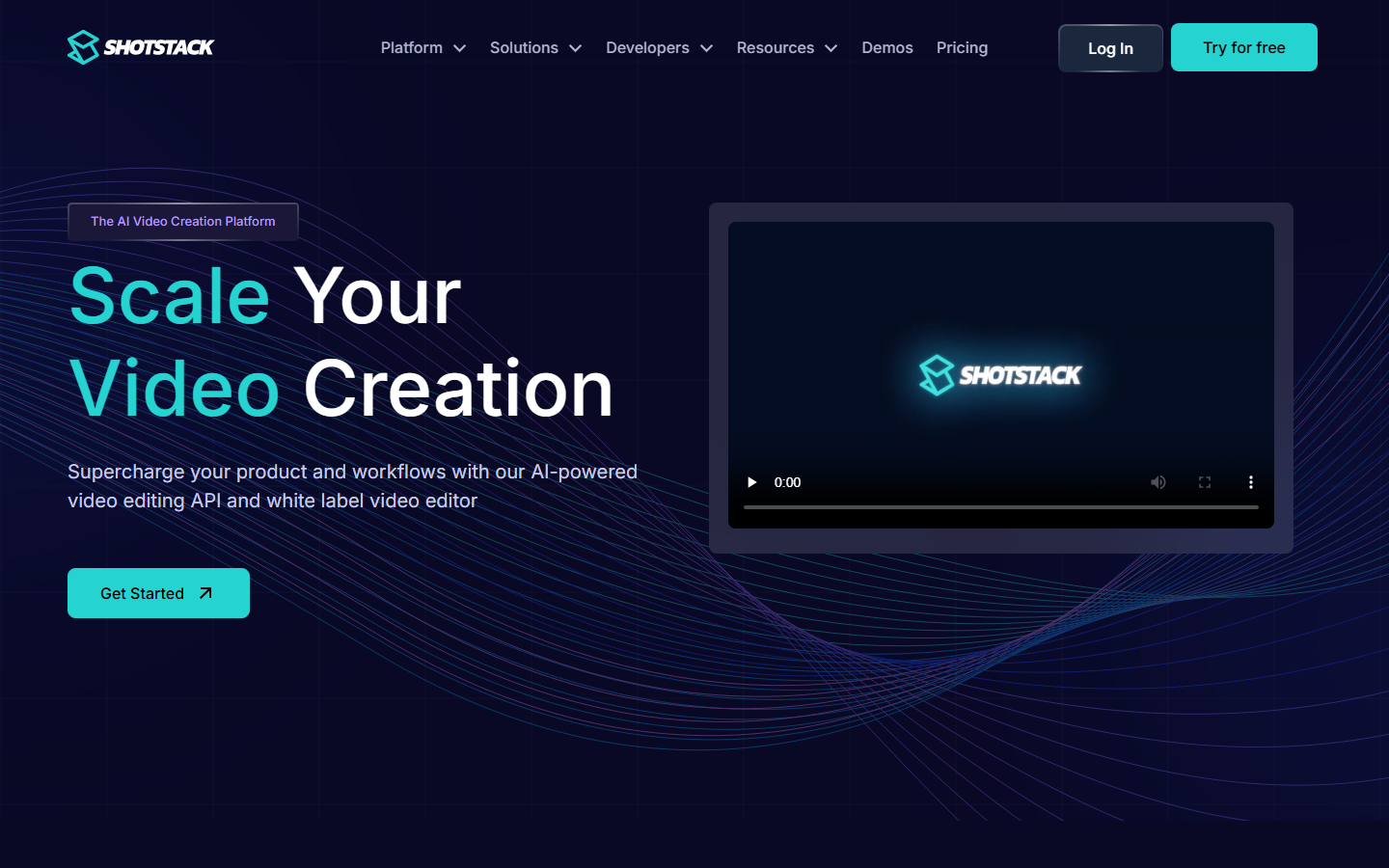
Shotstack provides a JSON-to-video API. You define your edit as a structured JSON timeline (clips, transitions, text overlays, audio tracks), POST it, and receive a rendered MP4. Their Edit API handles trimming, merging, watermarking, and basic compositing without any client-side rendering.
Key strengths:
- Timeline-based JSON schema that maps cleanly to code
- Built-in asset hosting and webhooks for async renders
- Template system for repeatable edits
- Sub-minute render times for short clips
Pricing: Free tier with watermark. Paid plans from $49/month for 50 renders.
Best for: SaaS products that generate personalized video at scale (real estate tours, e-commerce product clips, event recaps).
3. Creatomate
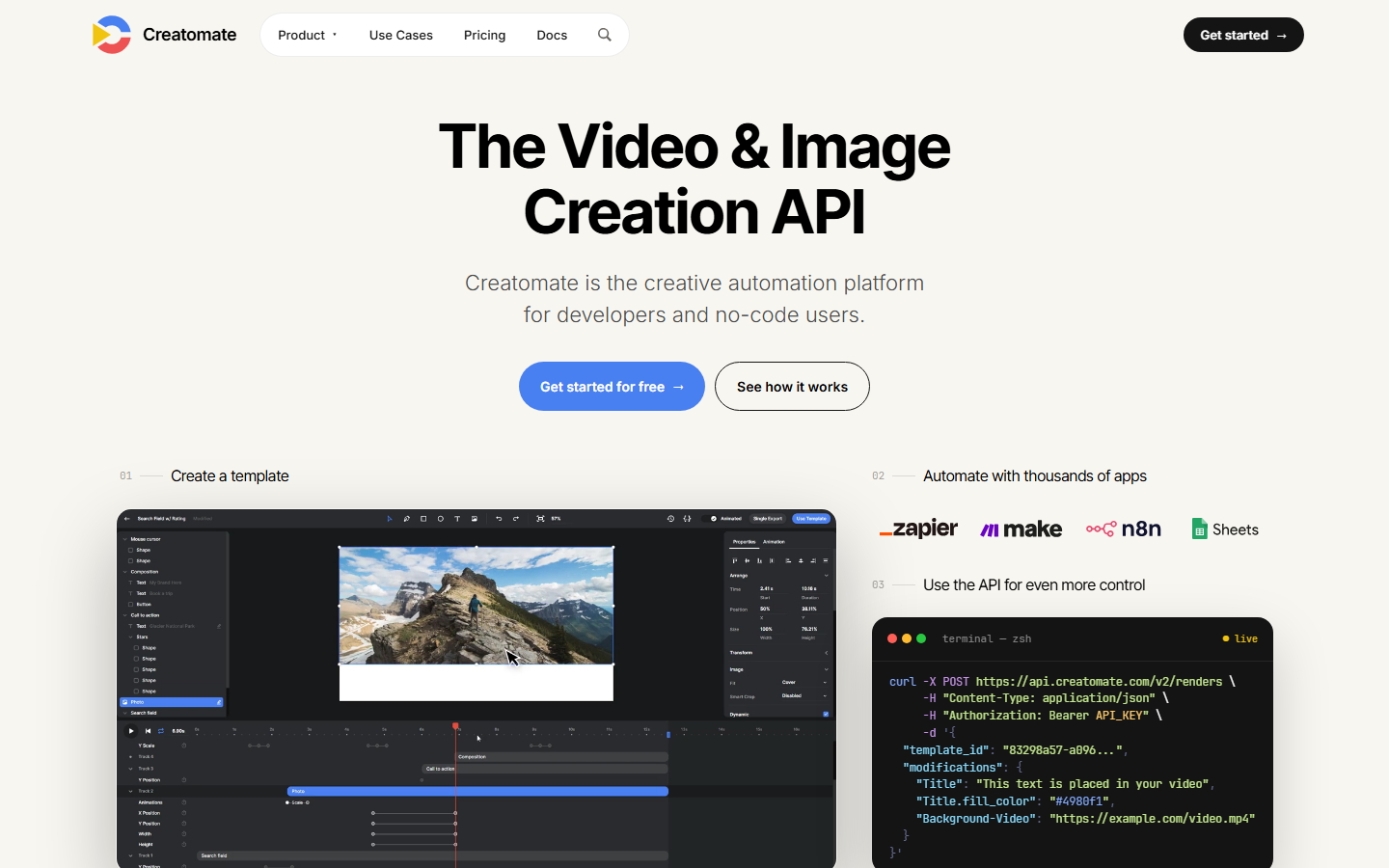
Creatomate focuses on branded video automation. You design templates in their visual editor, expose variables (logo, headline, footage URL), then hit an API endpoint to render variations. It handles social media video resizing, auto-captioning, and multi-format export in a single call.
Key strengths:
- Visual template designer with variable slots
- Auto-resize for Instagram, TikTok, YouTube Shorts, LinkedIn
- Built-in text animation and transition library
- Webhook callbacks when renders complete
Pricing: Pay-per-render starting at $0.48/video. Volume discounts available.
Best for: Marketing teams and agencies automating branded content across channels.
4. Cloudinary
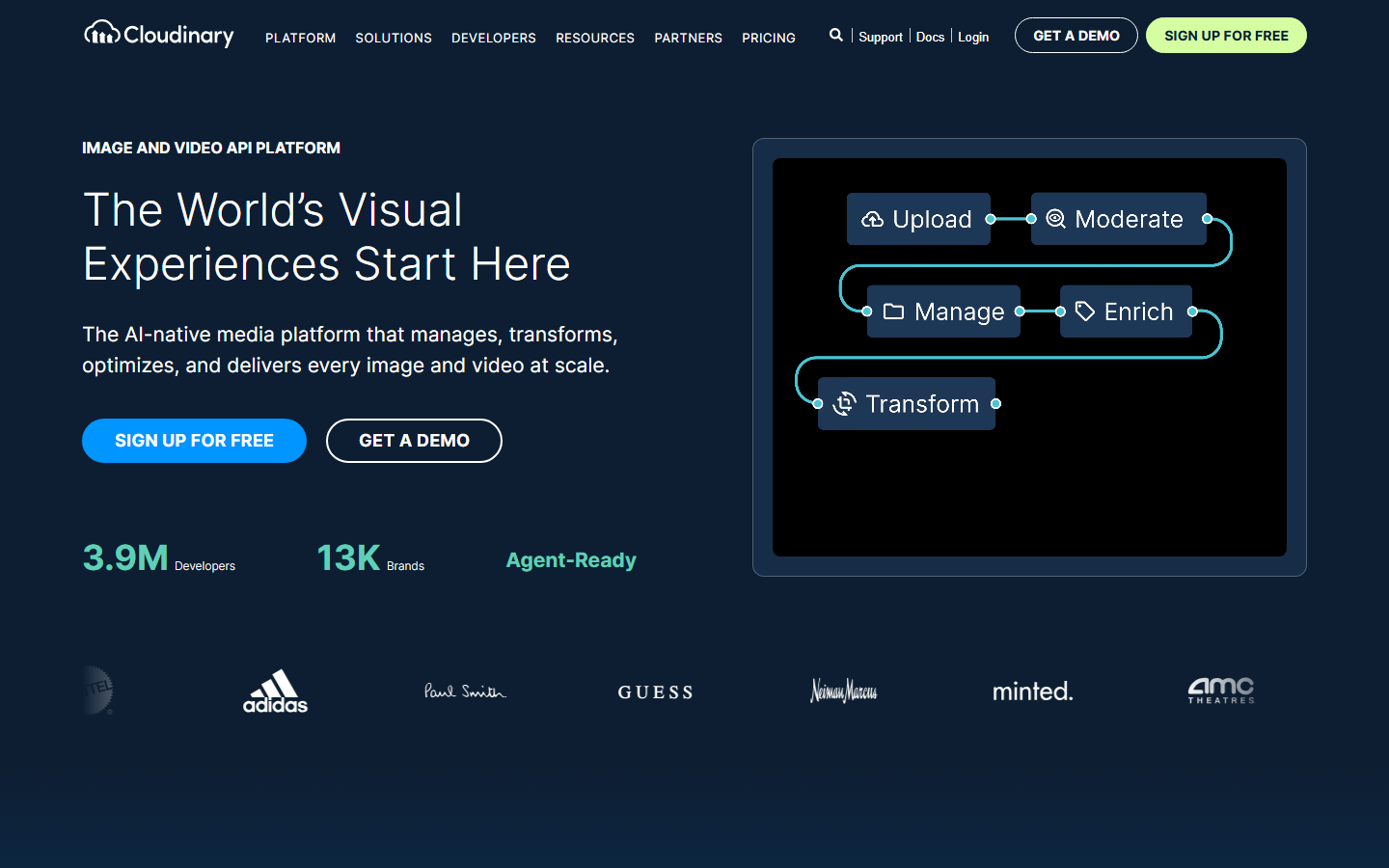
Cloudinary is a media management platform with a deep video transformation API. You can trim, crop, overlay text, add watermarks, transcode formats, and generate adaptive bitrate streams, all via URL parameters or their SDK. Their AI add-ons handle background removal, auto-captioning, and content-aware cropping.
Key strengths:
- URL-based transformations (no separate render step)
- Global CDN delivery baked in
- AI add-ons for moderation, tagging, and auto-crop
- SDKs for every major language
Pricing: Free tier (25 credits/month). Paid from $99/month.
Best for: Apps that need media storage, transformation, and delivery in one service.
5. Runway
Runway is known for its generative video models (Gen-3 Alpha and beyond), but their API also supports programmatic video generation tasks like inpainting, motion tracking, and style transfer. The API accepts text or image prompts and returns generated or edited video clips.
Key strengths:
- Advanced generative video models (Gen-3 Alpha and newer)
- Text-to-video, image-to-video, and video-to-video endpoints
- Motion brush and inpainting for targeted edits
- Active research pipeline with frequent model updates
Pricing: Credit-based. API access starts at the Standard plan ($15/month).
Best for: Creative studios needing generative effects, VFX prototyping, or AI-native video creation.
6. Descript

Descript turns video editing into text editing. Their platform transcribes your footage, and you edit the video by editing the transcript: delete a sentence, and the corresponding video segment disappears. While their API surface is narrower than Shotstack or Creatomate, it is strong for AI lip sync corrections, filler word removal, and transcript-driven assembly.
Key strengths:
- Edit video by editing text (transcript-first workflow)
- Automatic filler word detection and removal
- AI voice cloning for corrections ("Overdub")
- Multi-track audio mixing built in
Pricing: Free tier available. Business plan from $33/month per user.
Best for: Podcast and video teams that edit talk-heavy content (interviews, tutorials, webinars).
7. VEED
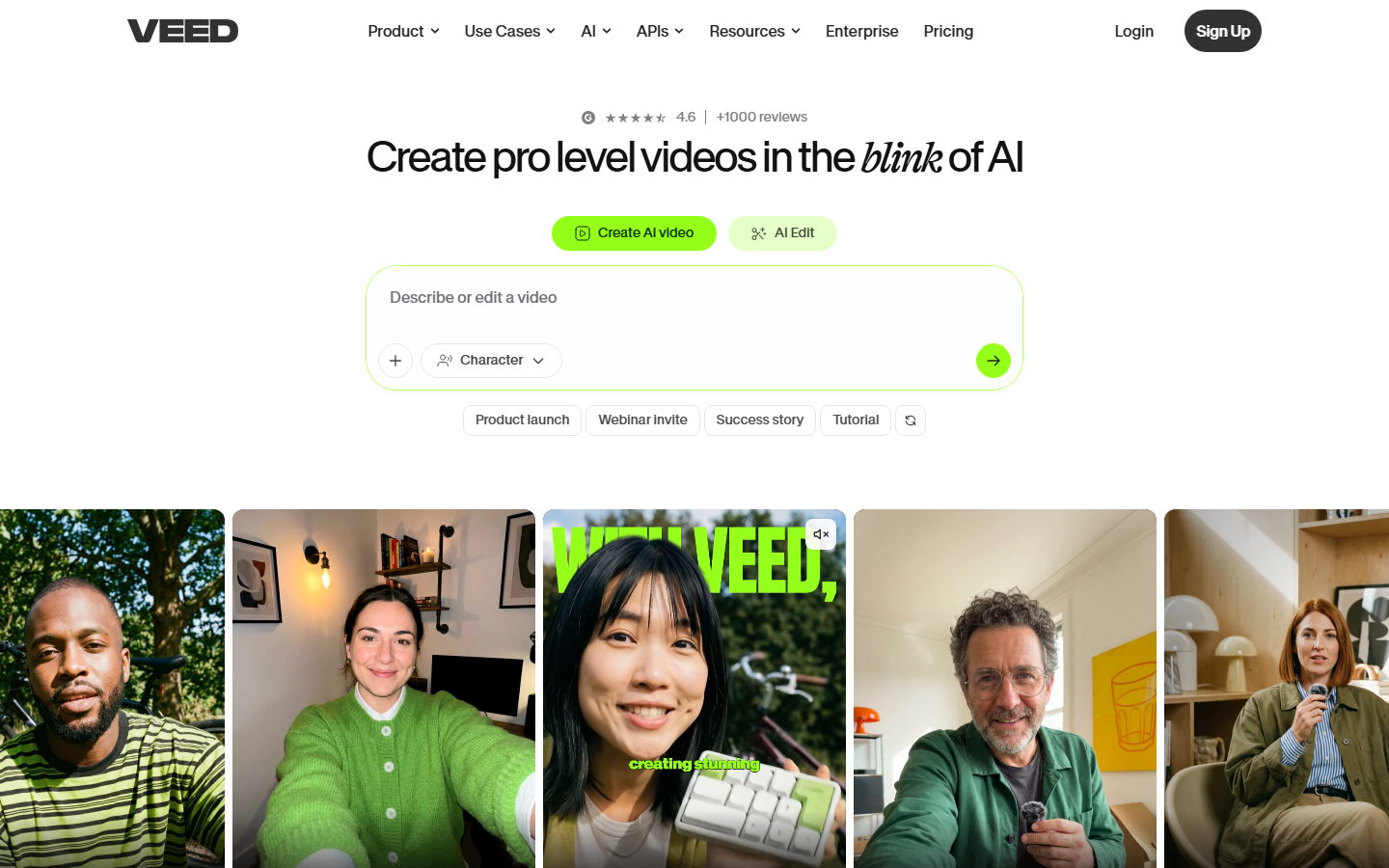
VEED offers a lightweight video editing API focused on subtitles, translations, resizing, and basic trimming. Their auto-caption engine supports 100+ languages and can burn captions directly into the video or return an SRT file. It is a good fit when you need fast, simple edits without a full rendering pipeline.
Key strengths:
- Auto-subtitle generation in 100+ languages
- One-click resize for social platforms
- Background noise removal
- Simple REST endpoints for common operations
Pricing: Free tier with watermark. Pro from $24/month.
Best for: Content creators and small teams that need subtitle and format conversion at scale.
8. Pictory
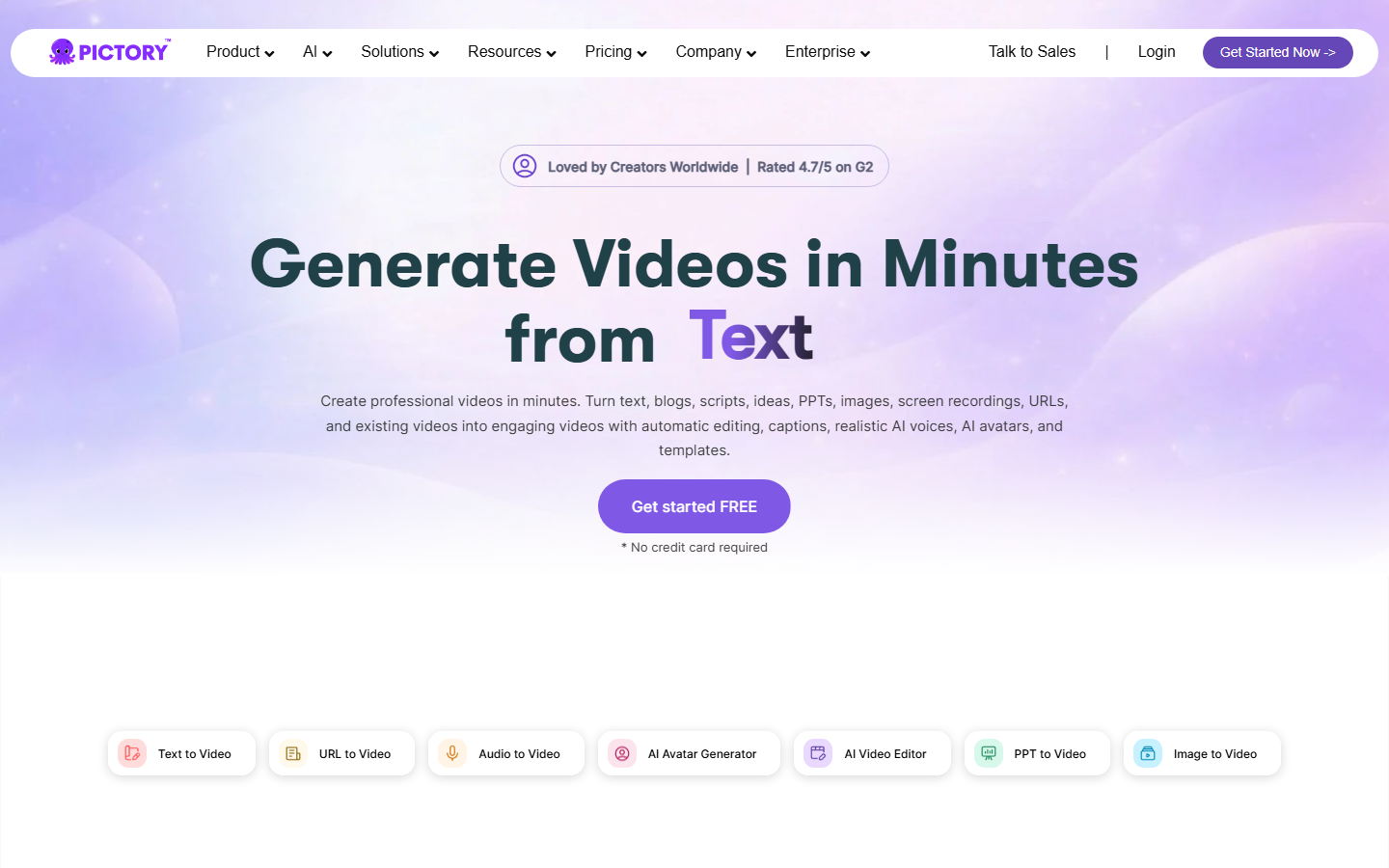
Pictory converts blog posts, articles, and scripts into short videos. You send text content to their API, and Pictory selects stock footage, adds voiceover, applies transitions, and returns a ready-to-publish video. It handles the editorial decisions that normally require a human editor.
Key strengths:
- Text-to-video with automatic scene selection
- Script-to-video with voiceover and captions
- Highlight extraction from long videos
- Brand kit integration (fonts, colors, logo)
Pricing: Plans from $29/month. API access on higher tiers.
Best for: Content marketers repurposing written content into video at volume.
Comparison Table
| Tool | API Type | Video Generation | Video Editing | Auto-Captions | Pricing Model |
|---|---|---|---|---|---|
| Wireflow | REST + Canvas | Yes (multi-model) | Via pipelines | Via model nodes | Pay-per-run |
| Shotstack | REST (JSON timeline) | No | Yes (full) | No | Per-render |
| Creatomate | REST (templates) | No | Yes (template) | Yes | Per-render |
| Cloudinary | URL params + SDK | No | Yes (transforms) | Yes (add-on) | Credits |
| Runway | REST | Yes (generative) | Yes (AI-native) | No | Credits |
| Descript | Limited REST | No | Yes (transcript) | Yes | Per-seat |
| VEED | REST | No | Yes (basic) | Yes | Subscription |
| Pictory | REST | Yes (stock-based) | Yes (auto) | Yes | Subscription |
How to Choose the Right Video Editing API
Picking the right tool depends on your use case. If you need to chain multiple AI models, from image generation to upscaling to video synthesis, a canvas-based platform gives you more flexibility than a single-purpose API. If your edits are repetitive and template-driven, Shotstack or Creatomate will be faster to integrate.
Consider these factors:
- Rendering speed: Shotstack and Creatomate render in seconds. Generative tools like Runway take minutes per clip.
- Customization depth: Cloudinary and Wireflow give you the most control. Pictory and VEED abstract away the details.
- Pricing model: Pay-per-render works for predictable volumes. Usage-based pricing works better for spiky workloads.
- AI capabilities: Only Wireflow and Runway offer generative AI models as part of the editing pipeline. The others focus on traditional video manipulation.
For teams building AI workflow automations, the ability to visually prototype a pipeline and then deploy it as an API endpoint removes weeks of integration work.
Try it yourself: Open this video editing workflow on Wireflow -- you can start from a pre-built template that generates a scene, upscales it, and animates it with Kling Video.
FAQ
What is a video editing API?
A video editing API lets you manipulate video programmatically through HTTP requests. Instead of opening desktop software, you send instructions (trim, merge, overlay, transcode) to a server and receive the rendered output. This enables automated video pipelines at scale.
Which AI video editing API is best for developers?
For developers who want full control over multi-model pipelines, Wireflow offers a visual canvas paired with a REST API. For simpler, template-based rendering, Shotstack provides a clean JSON schema that maps directly to code.
Can I generate videos from text using an API?
Yes. Runway generates video from text prompts using generative AI models. Pictory converts written content into video using stock footage and voiceovers. Wireflow lets you chain text-to-image and image-to-video models in a single pipeline.
How much do video editing APIs cost?
Pricing varies widely. Shotstack starts at $49/month for 50 renders. Cloudinary offers 25 free credits/month. Wireflow uses pay-per-run pricing with no monthly minimum. Most platforms offer free tiers for testing.
Do video editing APIs support real-time processing?
Most video editing APIs process asynchronously and return results via webhook or polling. Cloudinary's URL-based transformations are the closest to real-time, since they transform on delivery. For live streaming edits, you typically need a dedicated media server.
Can I add AI-generated captions through a video API?
Yes. VEED, Creatomate, and Cloudinary all offer auto-captioning via their APIs. You can burn captions into the video or export them as SRT/VTT files for separate use.
What video formats do these APIs support?
Most support MP4, WebM, and MOV for input and output. Cloudinary and Shotstack also handle GIF, AVI, and adaptive streaming formats like HLS and DASH. Check each provider's docs for codec-specific support.
How do I integrate a video editing API into my app?
Most platforms provide REST APIs with SDKs for popular languages (Node.js, Python, Ruby, PHP). You authenticate with an API key, send a request describing the edit, and receive the output URL or file. Webhook callbacks notify your app when async renders complete.

Co-Founder & Operations at Wireflow
Runs client operations and content strategy at Wireflow. Works directly with creative teams and agencies to build production AI workflows.
- Content Strategy
- Client Operations
Get unlimited ad creatives today.
One call to see if we are a fit and scope the first ad. If it fits, your first batch lands inside week one.