 Andrew Adams · Co-Founder & Operations at Wireflow ·
 AI Lip Sync Generator
Turn one portrait into a talking video on a node canvas.
A Portrait Photo node holds the face, a Speech Prompt node holds the script, ElevenLabs voices it, and HeyGen Avatar4 returns a 1:1 clip with the mouth synced to that audio. Free to build, pay per generation.
Free to build · no credit card
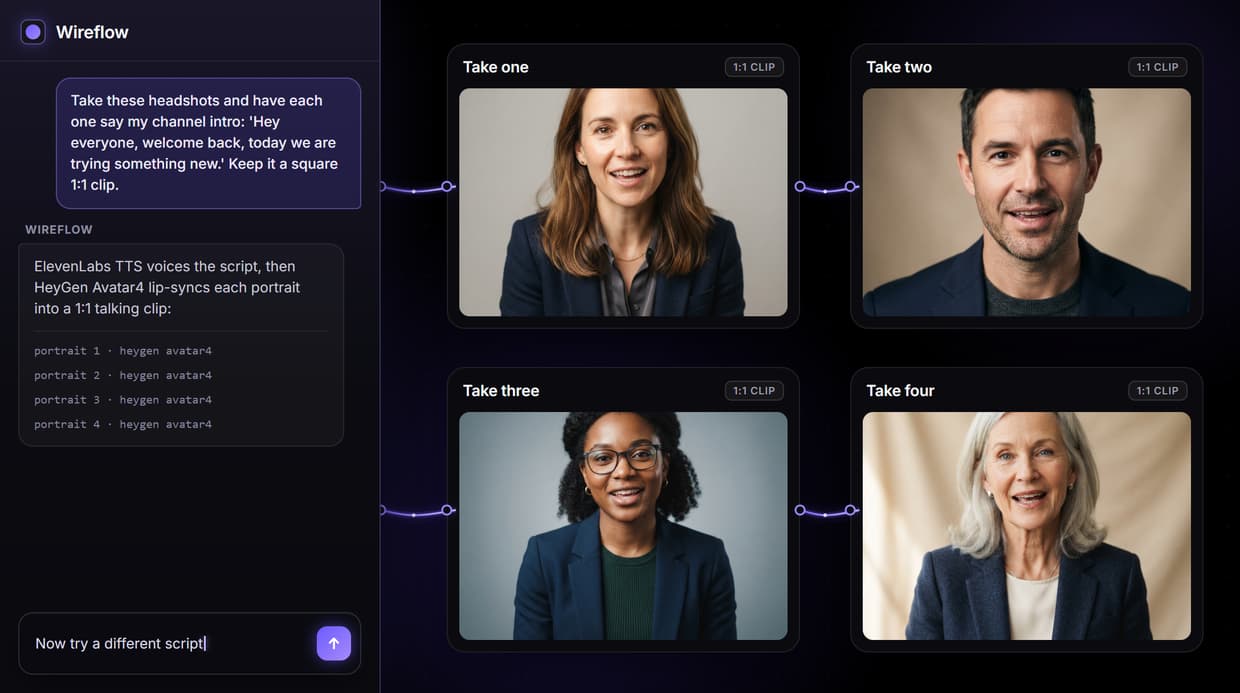
How AI lip sync works on Wireflow
AI lip sync generation maps spoken words onto a still portrait, producing a video where the face moves in time with the dialogue. Instead of a locked one-click tool, Wireflow puts the pipeline on a node canvas: a Portrait Photo node holds the image, a Speech Prompt node holds the script, an ElevenLabs node turns the script into a voice, and the HeyGen Avatar4 node reads the photo and that voice and returns the talking clip with audio. Nothing to install, it runs on hosted compute in the browser.
Because the workflow is open, you control each hop and can chain the clip into the rest of your AI social media video jobs, from short cutdowns to product clips. The same graph reruns with new words and upgrades by swapping a single model node.
What you can do with AI lip sync
Single photo input
One front-facing headshot in the Portrait Photo node is enough; no footage or studio.
Script to speech
Type dialogue in the Speech Prompt node; ElevenLabs voices it and HeyGen Avatar4 speaks it on screen.
Talking clip with audio
The video node returns a 1:1 clip with the mouth synced to the generated audio.
Voice and lipsync nodes
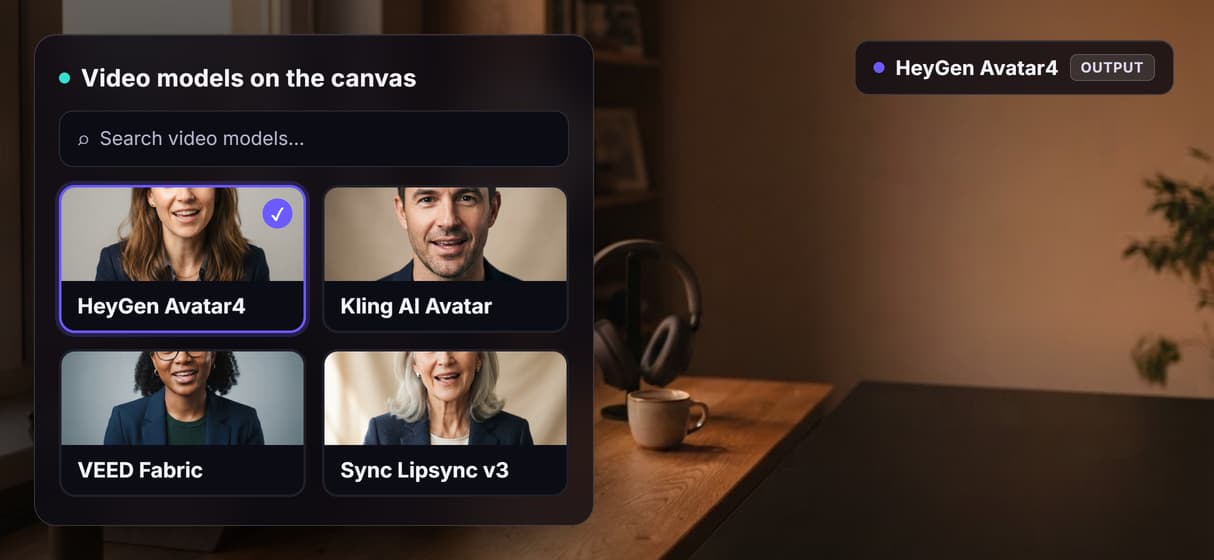
Pick another ElevenLabs voice, or add Sync Lipsync v3 when you need a specific voice track.
Rerun and swap
Change the script and rerun; swap HeyGen Avatar4 for another hosted model anytime.
Localize takes
Type the script in another language to produce a dubbed version of the same clip.
How the four node graph runs
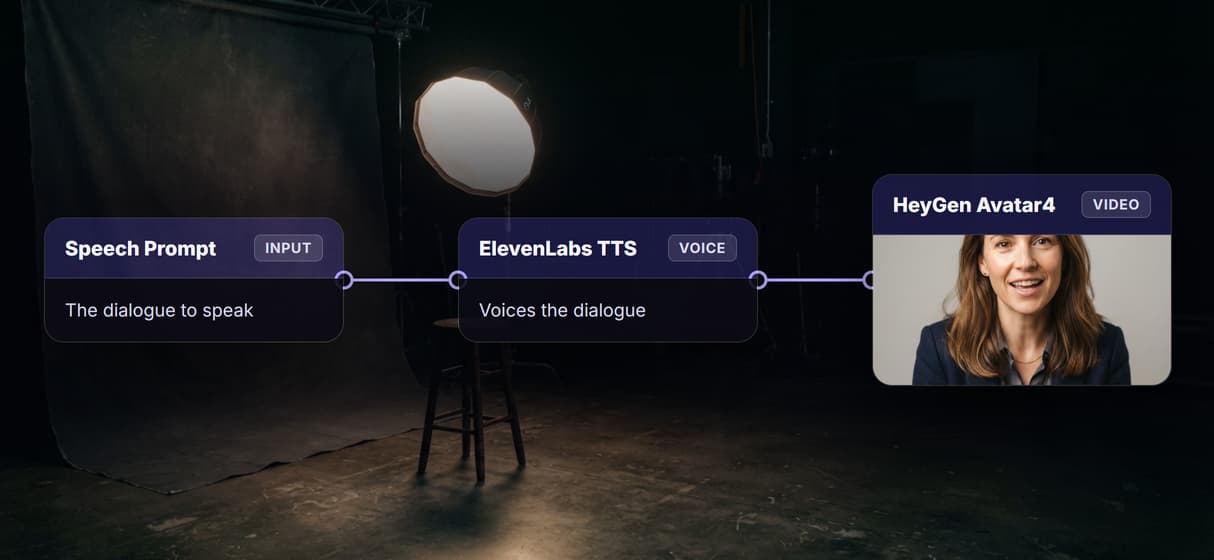
The workflow behind this page's button is deliberately small: four nodes, with two wires into the video node.
- Portrait Photo holds the image. Upload a clear front-facing headshot; this is the face that will speak.
- Speech Prompt holds the script. Type the exact words you want spoken, a sentence or two per run.
- ElevenLabs voices the script. The voice node turns your words into a speech track.
- HeyGen Avatar4 makes the clip. The node reads both the photo and the speech track, because each wires into it, and returns a 1:1 talking video with audio in a minute or two.
That double wiring is the detail worth copying: the photo that sets the face and the voice made from your words both feed the one video model, so the mouth stays matched to the speech. Roll the finished clip straight into a longer AI video pipeline without leaving the browser.
When a dedicated lip sync tool fits better
If you need frame-accurate dubbing onto existing footage, word-for-word narration in a cloned voice, or long unbroken takes, a purpose-built lip sync tool may get you there faster. This flow voices your text with a stock ElevenLabs voice and returns short square clips, so exact voice matching means a cloned voice and Sync Lipsync v3, not this four node graph as shipped.
Wireflow is the generation layer, not a video editor: it will not caption, trim, or splice for you. What it gives you instead is an open pipeline, hosted models you can swap, and per generation pricing. Pair the clip with an AI voice generator when the script needs a specific voice track.
More Than Just AI Lip Sync Generator
One portrait, a talking clip
Upload a headshot and type the dialogue. HeyGen Avatar4 returns a clip where the mouth matches the words, like an AI talking photo.
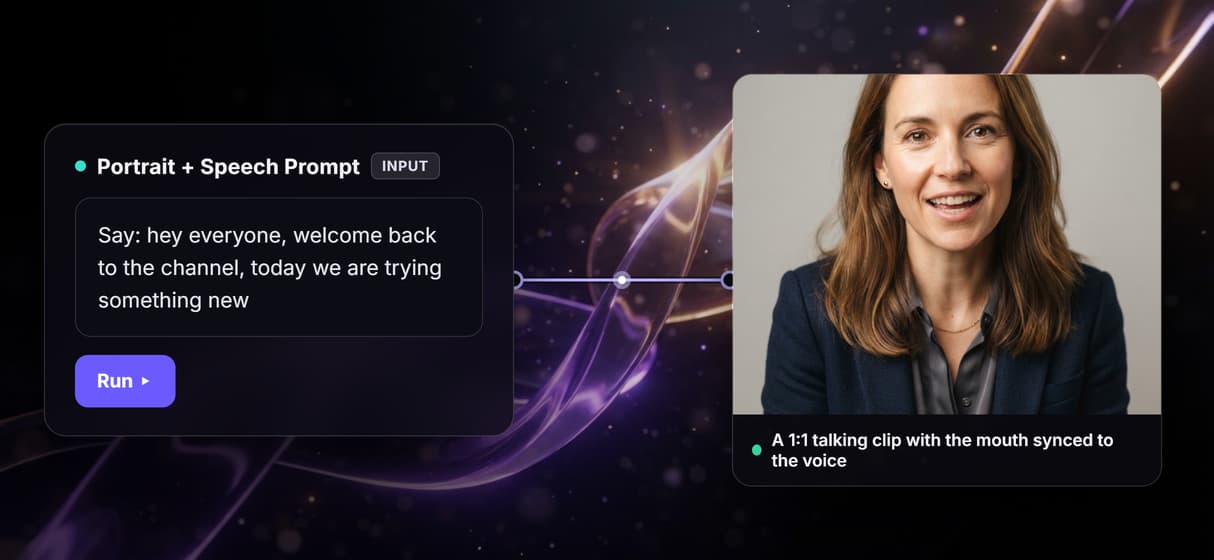
No camera or studio
Skip the mic, lights, and re-shoots. Generate a talking head from one photo, the same shortcut behind an AI avatar generator.
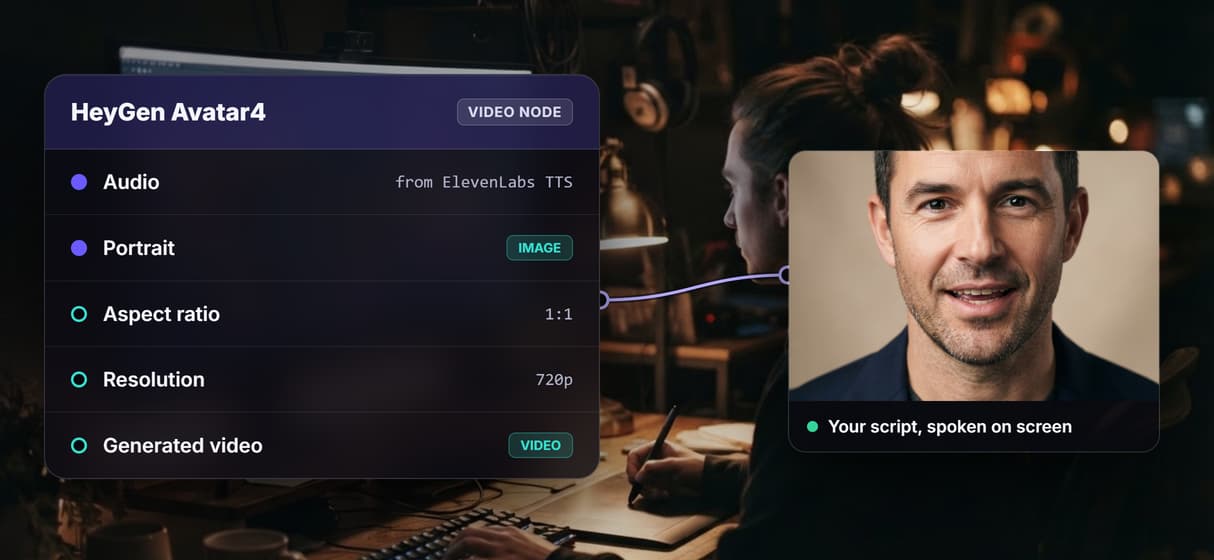
Your script, spoken on screen
Type the words in the Speech Prompt node and the video is voiced to match. Swap in AI voice cloning for a specific voice.
Made for social and ads
Output lands in a square 1:1 frame, and the video node switches to 9:16 for reels and stories. Feed it into an AI marketing video pipeline.
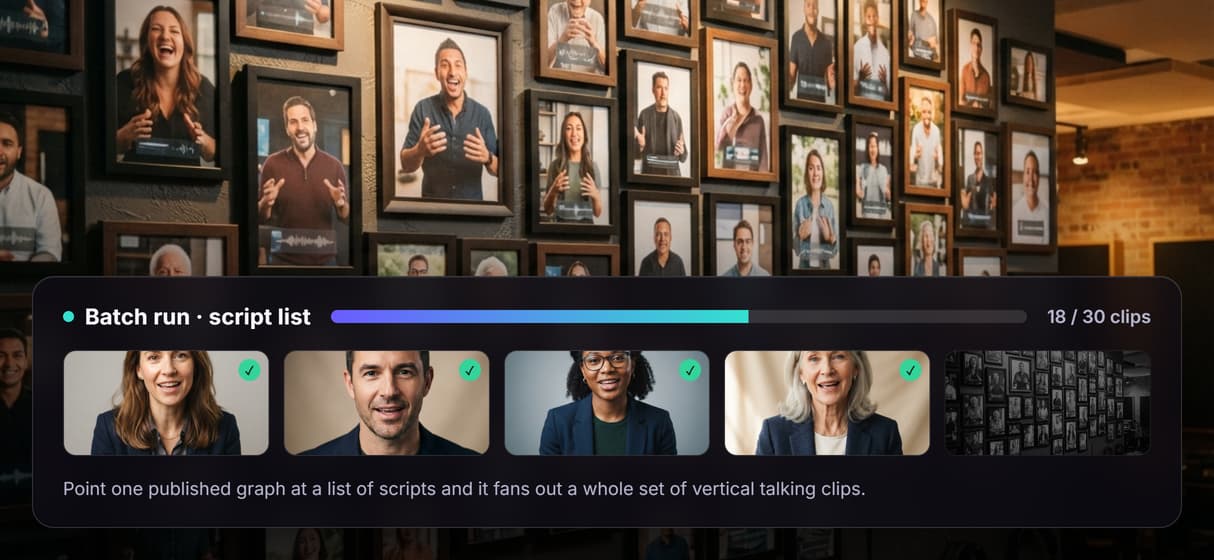
One graph, every take
Change the script and run again for the next clip, no rebuild. It is one hop in a full AI video generator workflow.
Build Any AI Workflow
AI Models Integrated
Full Commercial License
FAQs
It takes a portrait photo and a line of text, then produces a video where the subject's mouth moves in time with the spoken words. Wireflow runs this as a four node workflow you can rerun and rewire.
More From Wireflow
Written by
Andrew Adams · Co-Founder & Operations at Wireflow
Runs client operations and content strategy at Wireflow. Works directly with creative teams and agencies to build production AI workflows.
Turn a portrait into a talking video
Open the flow, upload a headshot, and type what it should say. ElevenLabs voices it and HeyGen Avatar4 returns a synced 1:1 clip with audio; building on the canvas is free and you pay per generation.