 Andrew Adams · Co-Founder & Operations at Wireflow ·
 AI Avatar Generator: Make Avatars From a Photo or Text
Upload a portrait or write a style prompt, then a GPT Image 2.5 Flare node turns it into a stylized avatar on a visual canvas.
Regenerate variations, chain upscaling, and run the whole thing from an API.
Free to build · no credit card
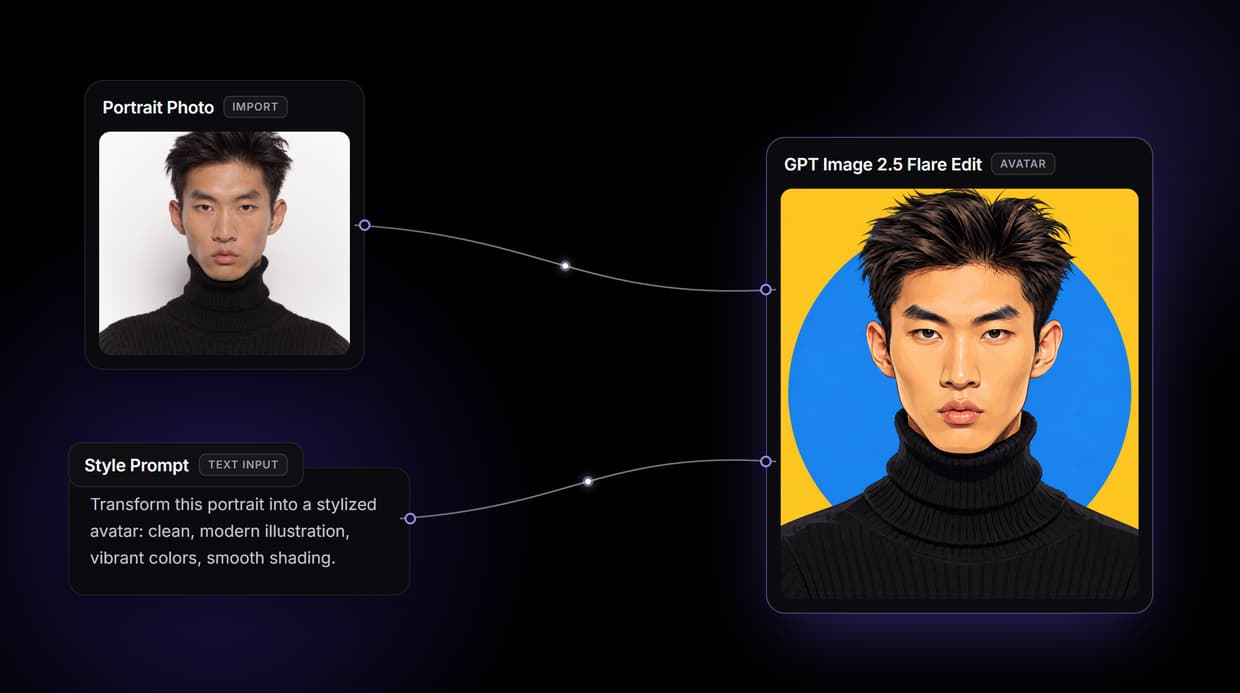
Inside the avatar workflow on this page
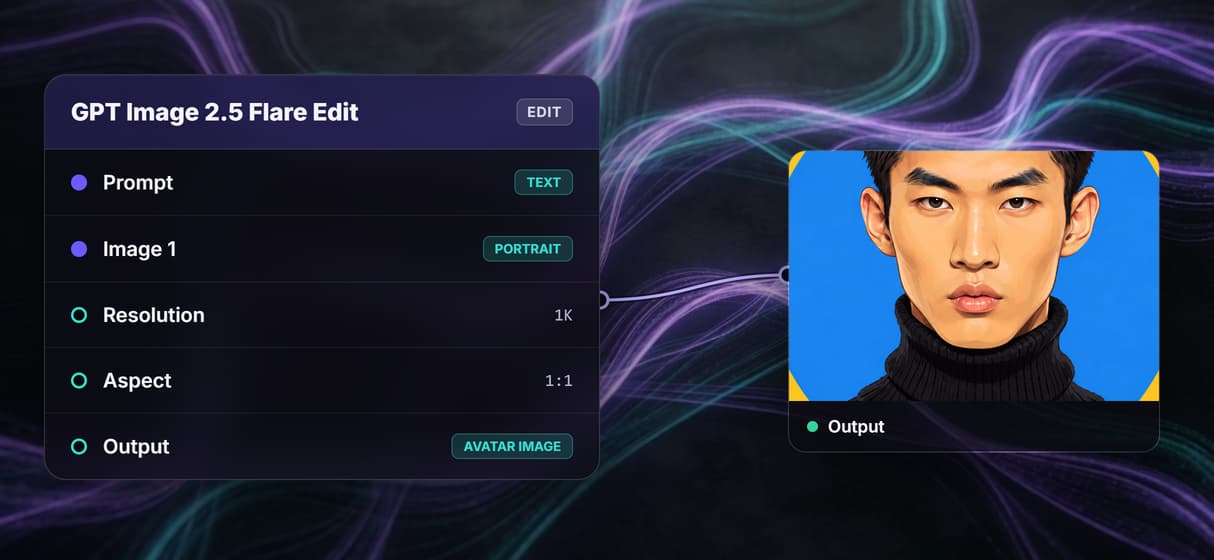
The workflow preview above is not a mockup, it is a live graph you can open and run. Three nodes sit on the canvas: a Portrait Photo input where you upload a reference face, a Style Prompt input where you describe the look you want, and an Avatar Generator node running GPT Image 2.5 Flare at 1024 px resolution and a 1:1 aspect ratio.
Both inputs feed the generator. Give it a photo and a prompt and it restyles your likeness into the look you asked for. The photo input is optional, so a prompt on its own generates a character from scratch, the same way realistic face generation works. Each run returns a fresh image, so regenerating a variation is one click, not a new project.
What the canvas gives you
Photo or text input
Upload a portrait to keep your likeness, or describe a character in text and skip the photo entirely.
Any style you prompt
Realistic, anime, 3D render, or painterly: the style prompt sets the direction for every generation.
GPT Image 2.5 Flare at 2K
The generator node renders avatars at 1024 px resolution and a square 1:1 ratio, ready for profiles and the web.
Chain more nodes
Wire the avatar into an upscaler, background remover, or face swap on the same canvas, no exports.
Run it as an API
Publish the workflow and every run can start from a REST call or an agent through MCP.
No watermarks
Every avatar ships with no watermark and a full commercial license for social, sites, and print.
Photo-to-avatar or text-to-avatar
Two real paths run through the same node. When you want to look like yourself, upload a portrait and the generator keeps your facial structure while applying the style in the prompt: a corporate headshot, a comic panel, a painted portrait. When you want a brand-new character, leave the photo input empty and let the prompt do all the work.
The tradeoff is worth naming. A photo-anchored avatar holds a likeness but inherits the framing and lighting of your source shot, so a clean, front-lit portrait gives the best result. A text-only avatar has total creative freedom but no fixed face across runs. If you need a clean cutout at the end, chain the AI background remover node and the avatar comes out on transparent.
Refine on the same canvas, not five tools
Generating the avatar is the first node, not the last. Because the graph is visual, the output port of the Avatar Generator can feed straight into the next step. Send it to an upscaler for a print-ready file, to a background remover for a clean cutout, or to a face swap node to keep one character consistent across a set of looks. Nothing gets downloaded and re-uploaded between stages.
That is the difference between a single generator and a canvas. A one-shot tool hands you an image and stops. Here the avatar is a value you keep working, and the same pattern powers our professional AI headshots guide. Publish the graph once and the entire chain runs from a single API call or an agent.
More Than Just AI Avatar Generator: Make Avatars From a Photo or Text
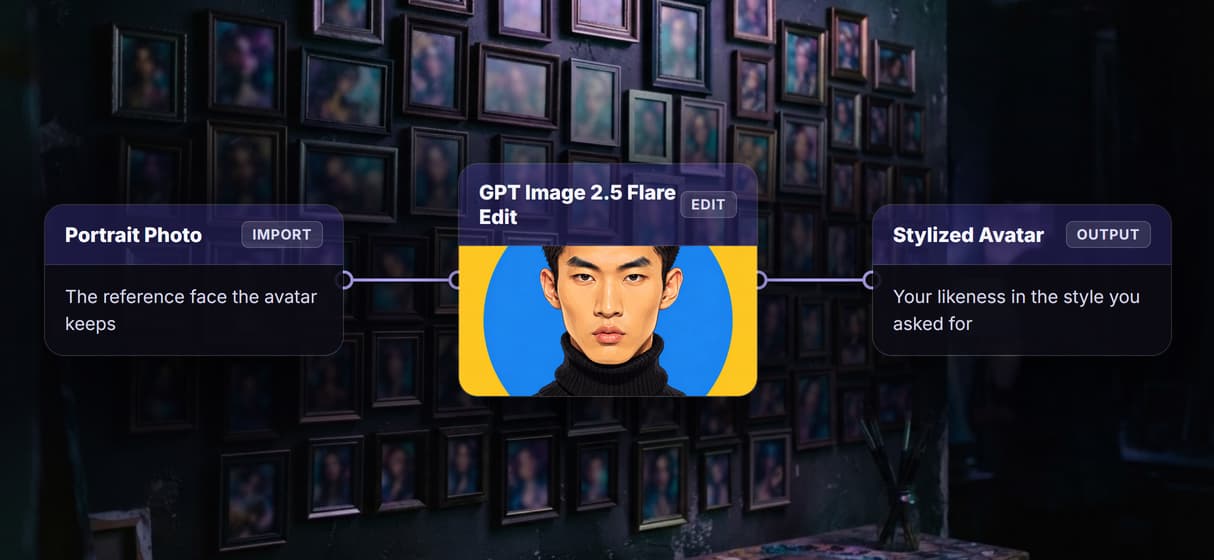
Turn a photo into an avatar
Upload a portrait and GPT Image 2.5 Flare restyles it while keeping your likeness. Send the result to an AI headshot generator for polish. Need the avatar to talk? Our roundup of HeyGen alternatives compares seven avatar video tools.
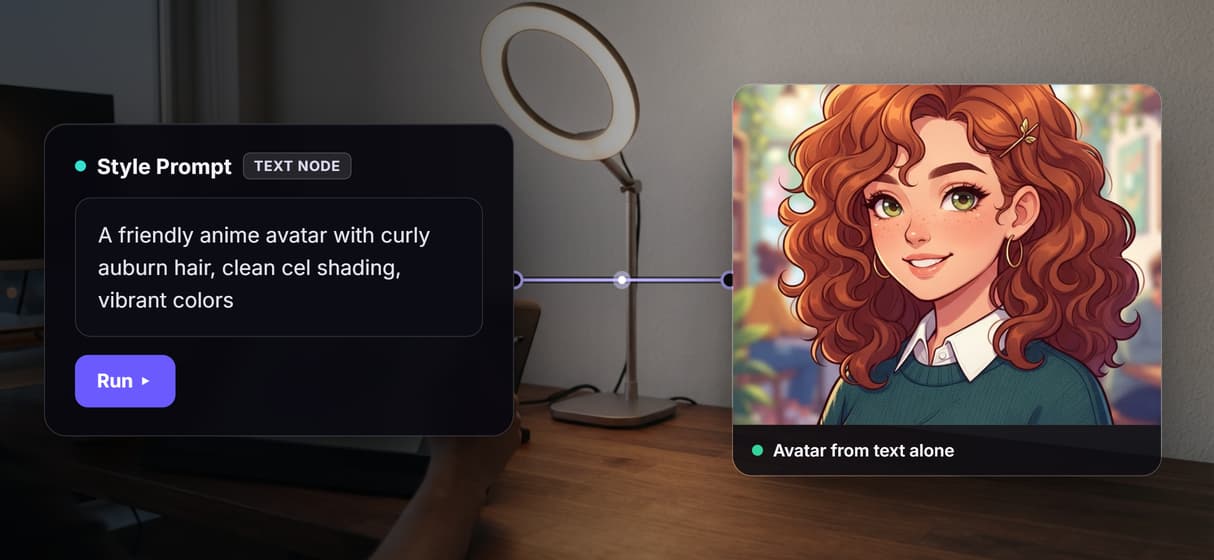
Or start from text alone
The photo input is optional, so a style prompt on its own spins up a character. It runs on the same canvas as the AI image generator.
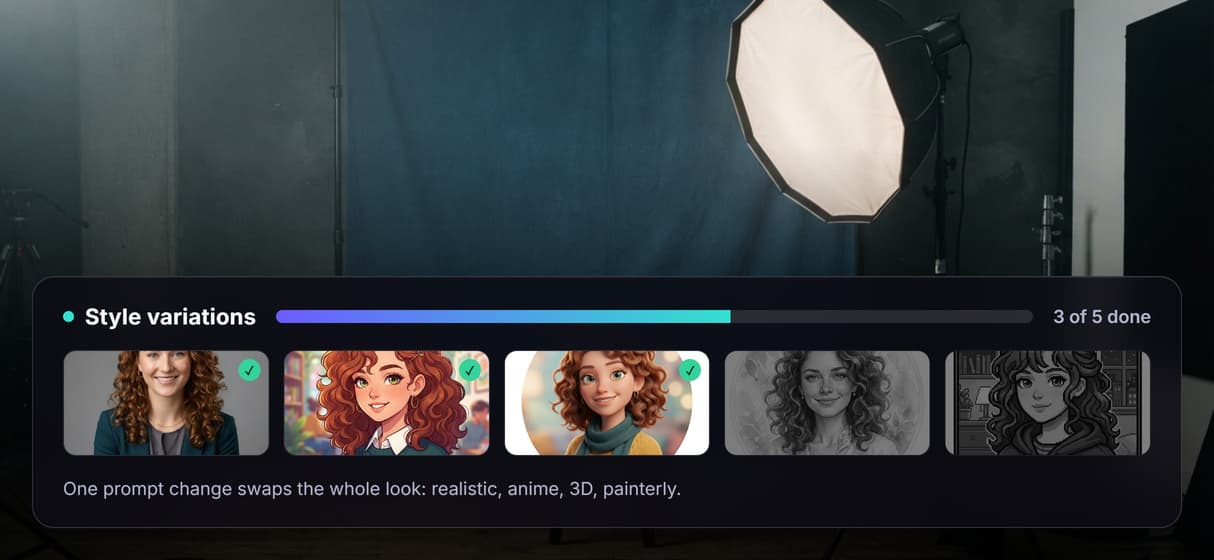
Any style from one prompt
Realistic, anime, 3D render, or painterly: the style prompt sets the direction. Swap it like any AI photo generator run.
Upscale on the same canvas
Drop the avatar into the AI image upscaler node for a print-ready file. Nothing gets exported or re-uploaded between steps.
Keep one face across styles
Send your likeness through the AI face swap node to hold one character across every look. Batch the variants in a single run.
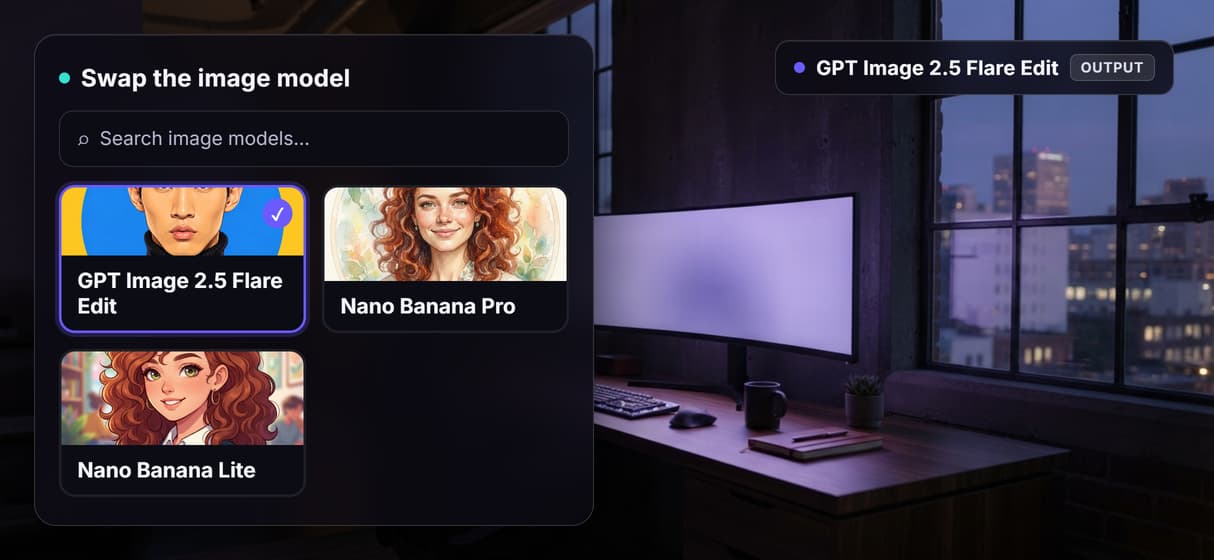
Avatar : make avatars from a photo or text Workflows
No Code Required
API & Batch Processing
FAQs
It is a tool that creates a stylized portrait or character from a reference photo, a text prompt, or both. Wireflow runs a GPT Image 2.5 Flare image node on a visual canvas so you can regenerate and refine in one place.
More From Wireflow
Written by
Andrew Adams · Co-Founder & Operations at Wireflow
Runs client operations and content strategy at Wireflow. Works directly with creative teams and agencies to build production AI workflows.
Make your first avatar
Open the workflow, add a portrait or a style prompt, and run the GPT Image 2.5 Flare node to get a stylized avatar in seconds. Regenerate variations, chain an upscaler, and download a print-ready result.