 Andrew Adams · Co-Founder & Operations at Wireflow ·
 AI Face Generator
Most AI face generators give you a text box and a black box.
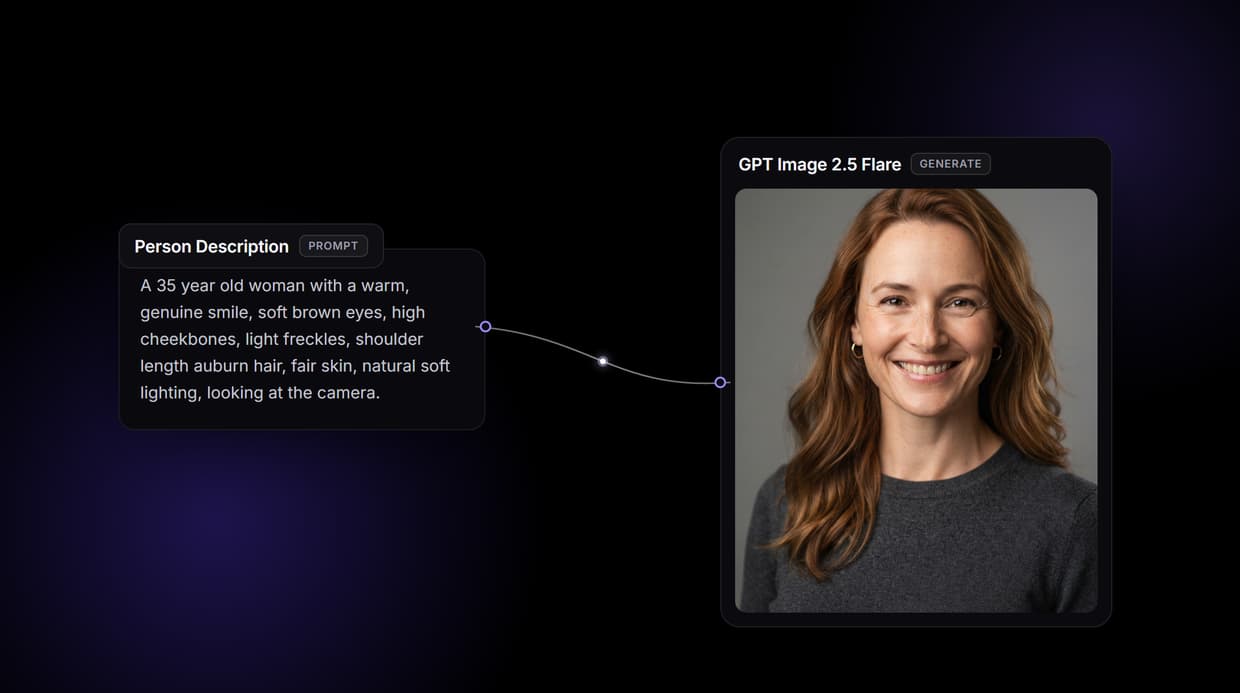
Wireflow gives you the graph: a Person Description node feeds GPT Image 2.5 Flare, which renders a synthetic face from your words. Free to build, pay per generation.
Free to build · no credit card
Why an AI face generator on a canvas
Most AI face tools are a single text box wired to a hidden model: type a description, press a button, and accept whatever face comes back. When the result is close but not right, there is nowhere to turn, no view of how the face was made, and no way to reuse the recipe on the next one. The prompt box is the whole interface, and its ceiling arrives fast.
Wireflow takes a different shape. A face is a small workflow you own on a node canvas: a Person Description node holds the words, and it wires into a GPT Image 2.5 Flare node that renders the result. It runs on hosted compute in the browser with nothing to install, and the same canvas drives the rest of your image work, from the Recraft V4 model page to full character sets.
What the face flow gives you
Person description
A text node holds the age, features, expression, and lighting for the face in one place.
Face render
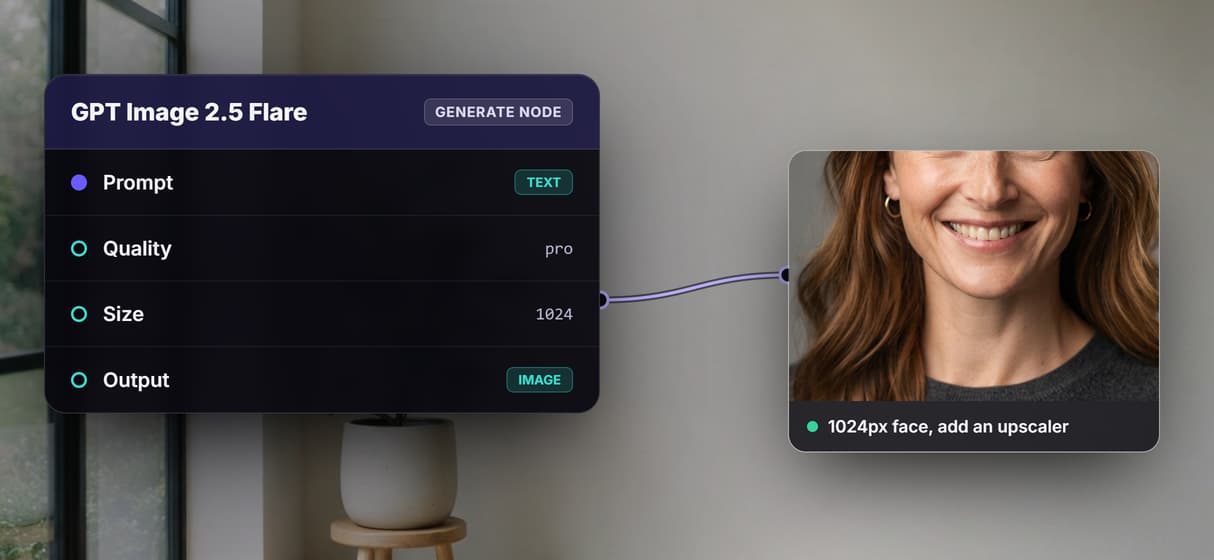
The GPT Image 2.5 Flare node reads the description and returns a synthetic face at 1024px square.
Rerun and restyle
Change the description text and run again; the graph and its wiring stay exactly in place.
Swappable models
Drop Flux Pro, GPT Image 2, or Ideogram V4 into the same generate node when a look calls for it.
Add an upscaler
Wire an image upscaler node onto the output when a face needs to be larger than 1024px.
Share by link
The workflow is versioned and shareable, so a teammate runs the exact same face graph.
How the face graph runs
The workflow behind this page's button is deliberately small: two working nodes and one wire, inside a group box that keeps them together.
- Person Description holds the words. One block of text sets the age, features, expression, and lighting, and it wires into the generator's prompt input.
- GPT Image 2.5 Flare renders it. The generate node reads that description and returns a synthetic face at 1024px square, in the pro quality setting.
- Rerun to iterate. Edit the description and run again for a new face; keep the words and settings steady to hold a look across a set.
Because the face is generated from text alone, every run is a fresh invented person rather than an edited photo. And because the graph lives among the platform's hosted models, the face can roll straight into more work, like building a matching AI profile picture, without leaving the browser.
When another tool is the better call
If you want a one button phone app with a fixed pack of avatar styles and no canvas to touch, a consumer face app is built for exactly that, and this page will not pretend otherwise. Wireflow gives you the graph instead, which is more control than a casual one off face needs.
This flow also generates a face from text alone: it does not take an uploaded selfie or reference photo, so it is not a face swap or deepfake service and must not be used to impersonate a real person without consent. If you want to place a specific face into a scene, that is a different job, handled by an AI face swap flow instead.
More Than Just AI Face Generator
Own the face pipeline
The whole flow sits in the open: a Person Description node feeds GPT Image 2.5 Flare. Rewire it like any node based image generation graph.
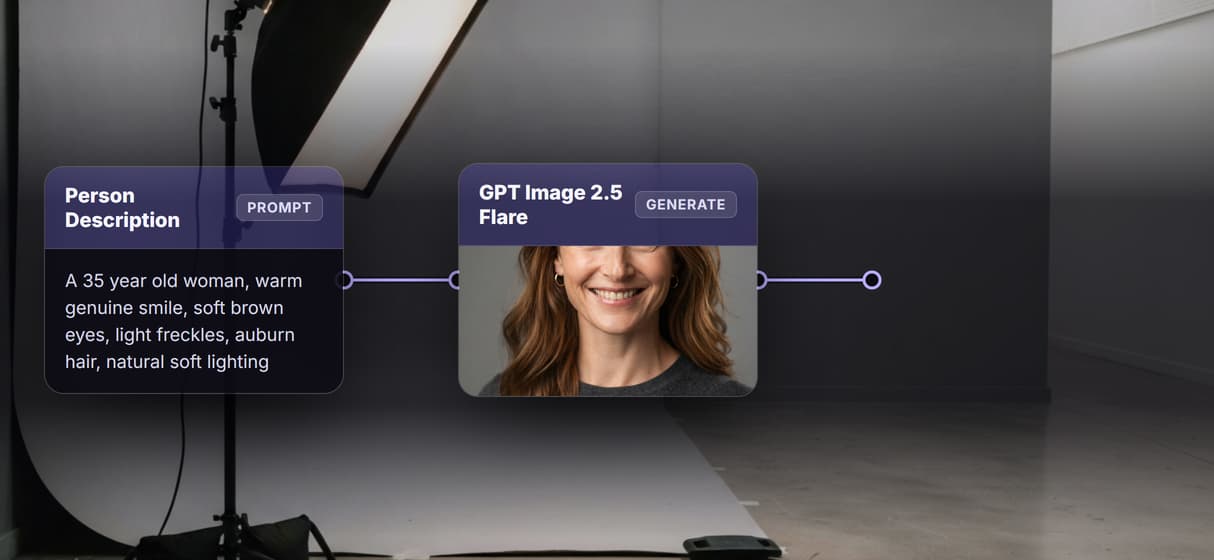
One text line is the whole brief
Set age, expression, lighting, and features in the Person Description node. Reuse the same graph inside an AI character creator flow.
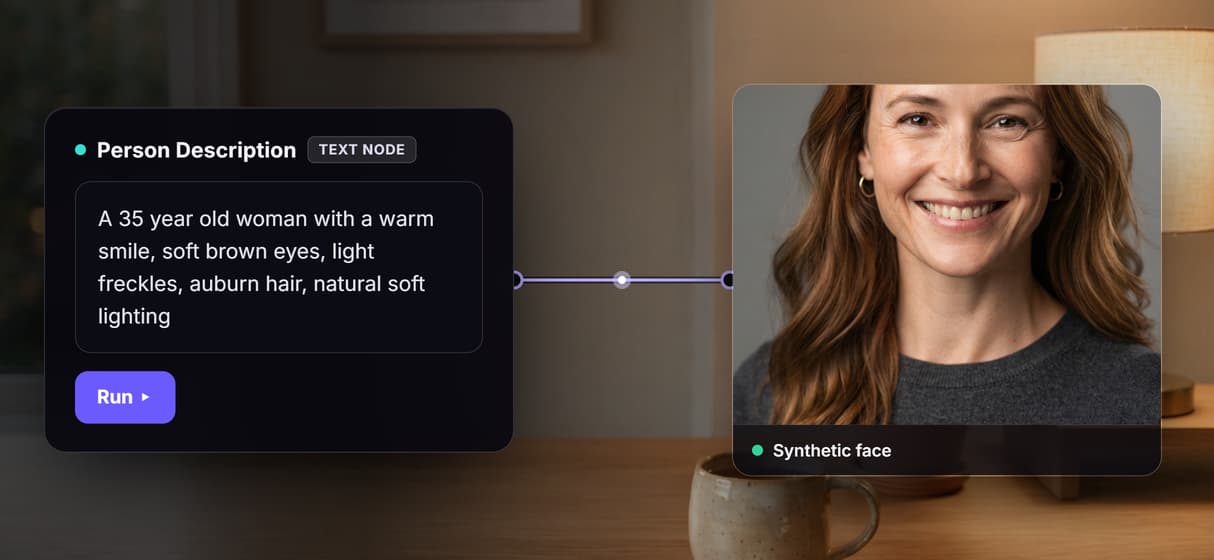
Swap the model, keep the graph
GPT Image 2.5 Flare renders by default; drop Flux Pro, GPT Image 2, or Ideogram V4 into the same node. Reuse it in an AI avatar generator flow.
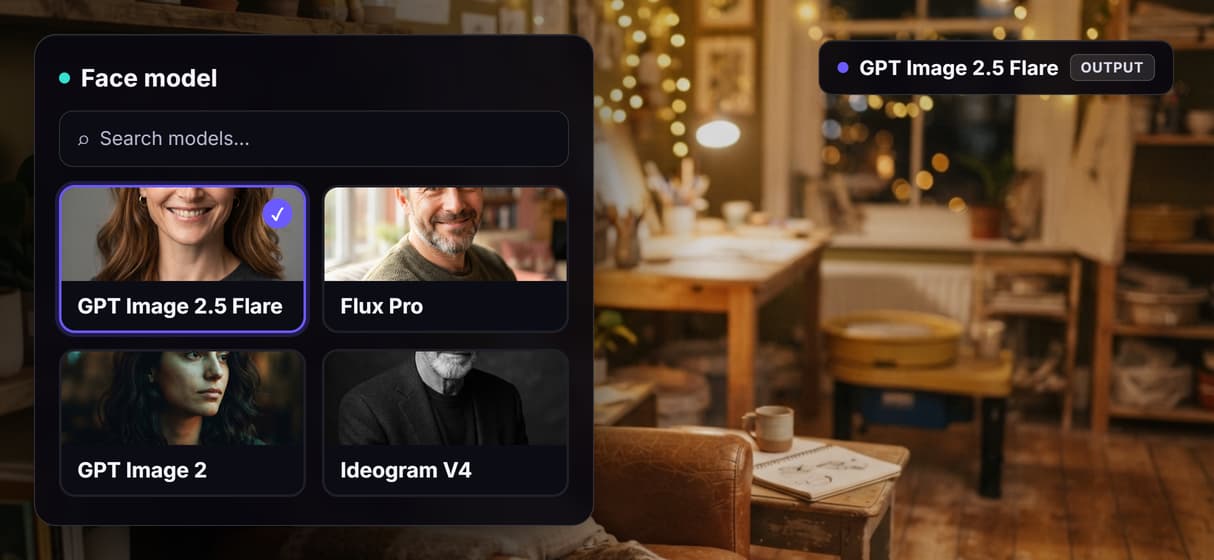
Enlarge without leaving the canvas
The face renders at 1024px square. Chain an AI image upscaler node onto the output when a job needs it larger and sharper.
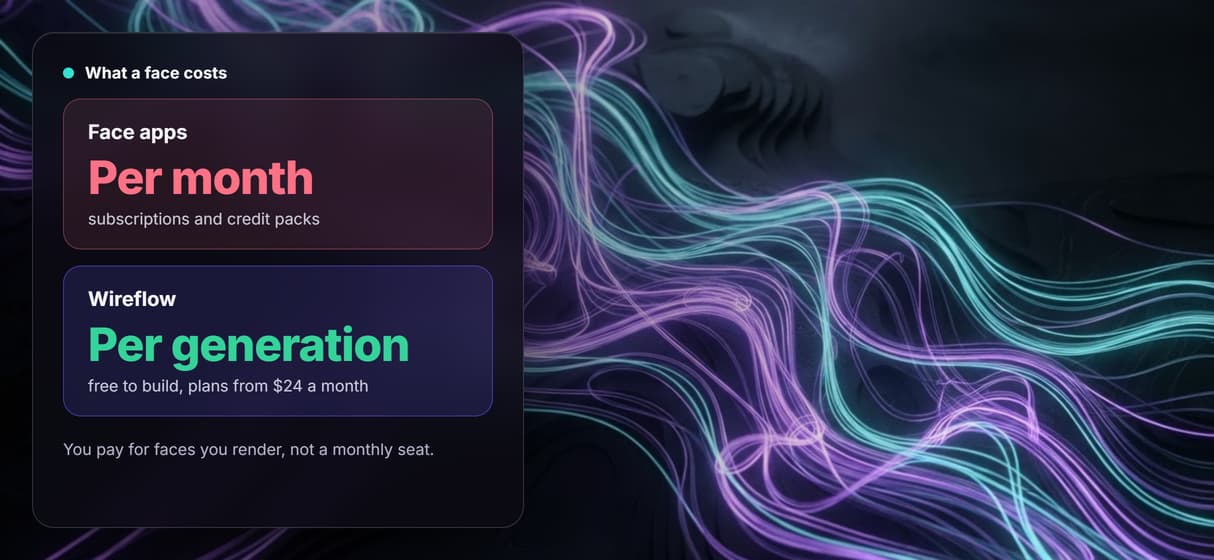
Pay per generation, build free
Building the graph on the canvas costs nothing; you pay only when a face renders. Iterate like an AI image editor with no subscription wall.
Build Any AI Workflow
AI Models Integrated
Full Commercial License
FAQs
It is a tool that turns a written description into a synthetic human face. On Wireflow it is a node workflow: a Person Description text node feeds a GPT Image 2.5 Flare node that renders the face.
More From Wireflow
Written by
Andrew Adams · Co-Founder & Operations at Wireflow
Runs client operations and content strategy at Wireflow. Works directly with creative teams and agencies to build production AI workflows.
Generate a face you own the recipe for
Open the flow, describe the face you want, and run it: a synthetic portrait from a graph you can rerun and reshape. Building is free; you pay per generation, not per month.