Best Image Editing API Tools in 2026

In this article▾
Best Image Editing API Tools in 2026
If you're building a product that handles user images, you need an editing API that can crop, enhance, remove backgrounds, and transform visuals without shipping a desktop app. Wireflow takes a different approach by letting you chain multiple image editing models into a single API call through its visual node editor, but there are several strong options depending on your use case. Here's how the top image editing API tools compare in 2026.
The same pattern exposes a face editing API: publish the face-edit workflow and call it as a REST endpoint or MCP tool across a batch of portraits.
The same pattern exposes a colorize photos API: publish the colorizer workflow and call it as a REST endpoint or MCP tool over a batch of scans.
Quick Summary
- Wireflow - Best overall: visual canvas + full REST API for chaining AI editing models
- Cloudinary - Best for media management: CDN-native transforms with URL-based editing
- Imgix - Best for real-time rendering: fast image processing via query parameters
- Photoroom - Best for e-commerce: background removal and product photo editing API
- Clipdrop (Stability AI) - Best for AI editing: cleanup, relighting, and upscaling endpoints
- Remove.bg - Best for background removal: single-purpose API with high accuracy
- fal.ai - Best for generative editing: access to FLUX, Nano Banana, and open-source edit models
For a hands-on look at how image editing APIs work inside a visual canvas, check out the image editor feature page.
1. Wireflow
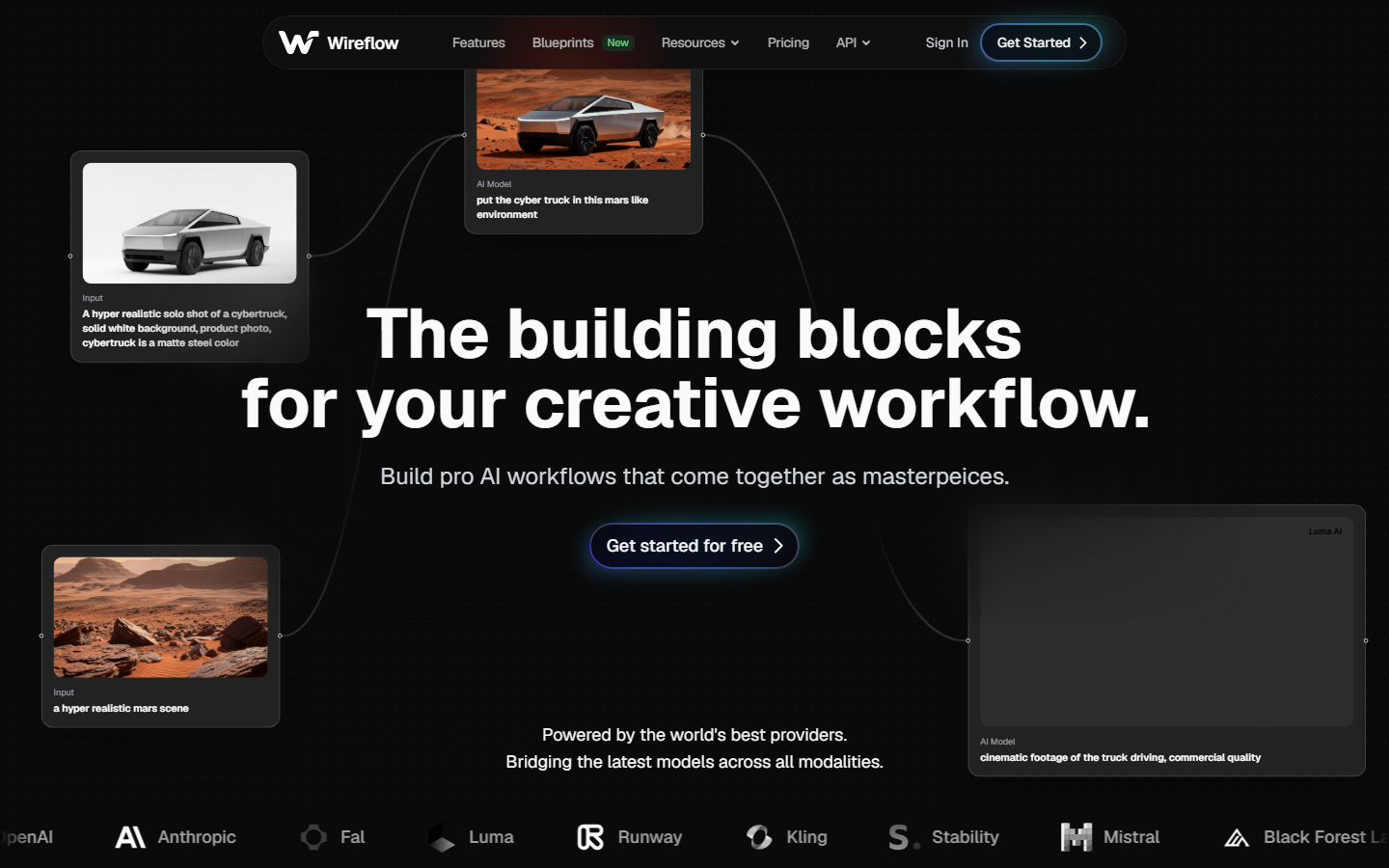
Wireflow is a visual AI workflow builder that exposes every workflow as a REST API endpoint. Instead of calling a single editing model, you can chain background removal, upscaling, style transfer, and inpainting into one pipeline. The node editor makes it easy to see exactly what each step does, and the API returns the final output in a single request.
Wireflow supports models from multiple providers including FLUX, Recraft, Nano Banana, and Kling. Pricing is usage-based with no per-seat charges, which keeps costs predictable for SaaS teams embedding image editing into their own products.
Key features: visual node editor, batch processing, multi-model chaining, REST API output, usage-based pricing
Build this in Wireflow
Make the same kind of asset on a canvas you control, with a free account and no credit card.
2. Cloudinary
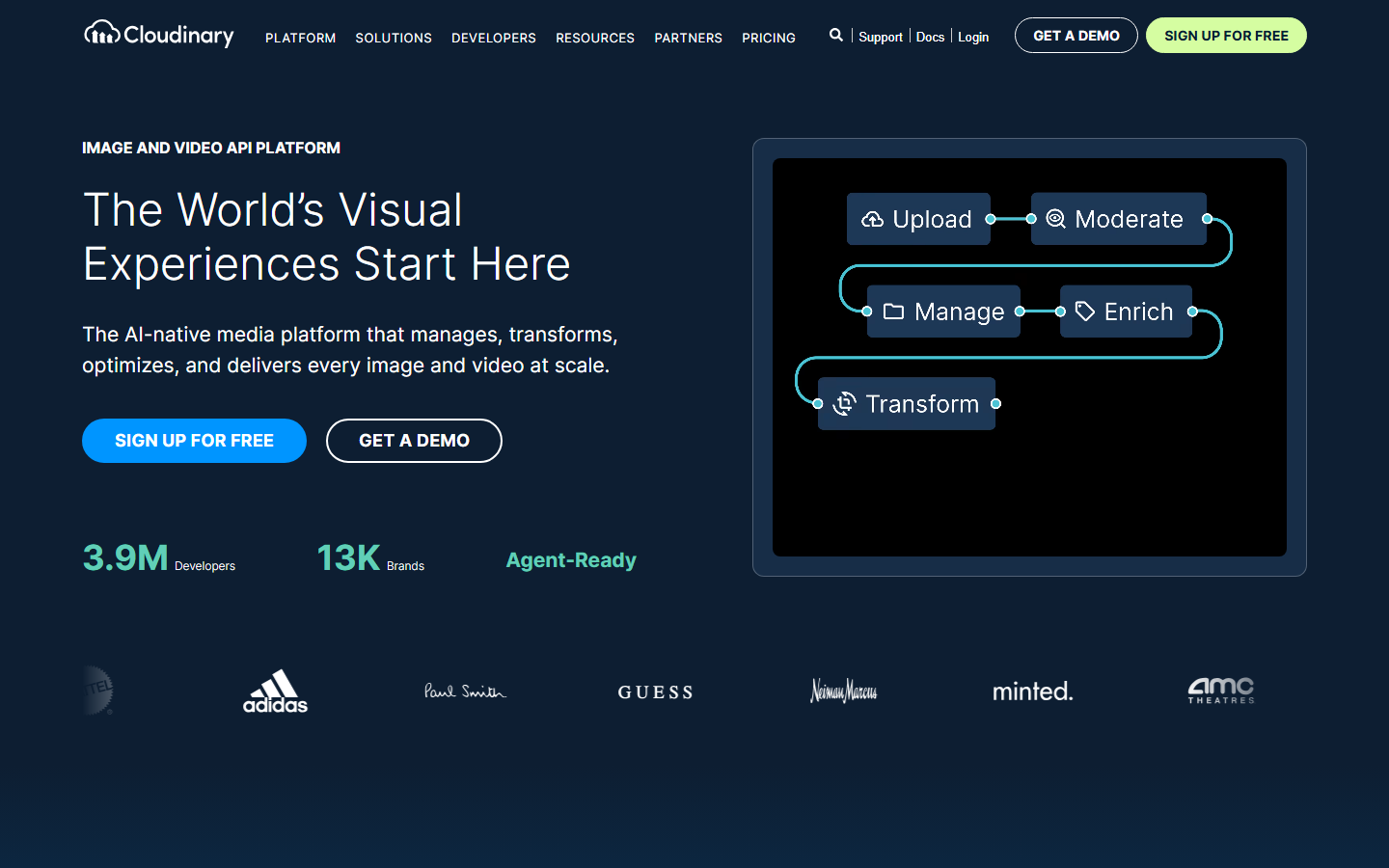
Cloudinary is a media management platform that handles image and video uploads, storage, transformation, and delivery through a single SDK. Its URL-based transformation syntax lets you crop, resize, apply filters, and add overlays by appending parameters to the image URL. The CDN layer means transformed images are cached globally for fast delivery.
Cloudinary added generative AI features in recent updates, including AI-powered background removal and object-aware cropping. The free tier supports up to 25,000 transformations per month, making it accessible for prototyping. Paid plans scale with bandwidth and storage.
Key features: URL-based transforms, global CDN, AI background removal, video support, 25k free monthly transforms
3. Imgix
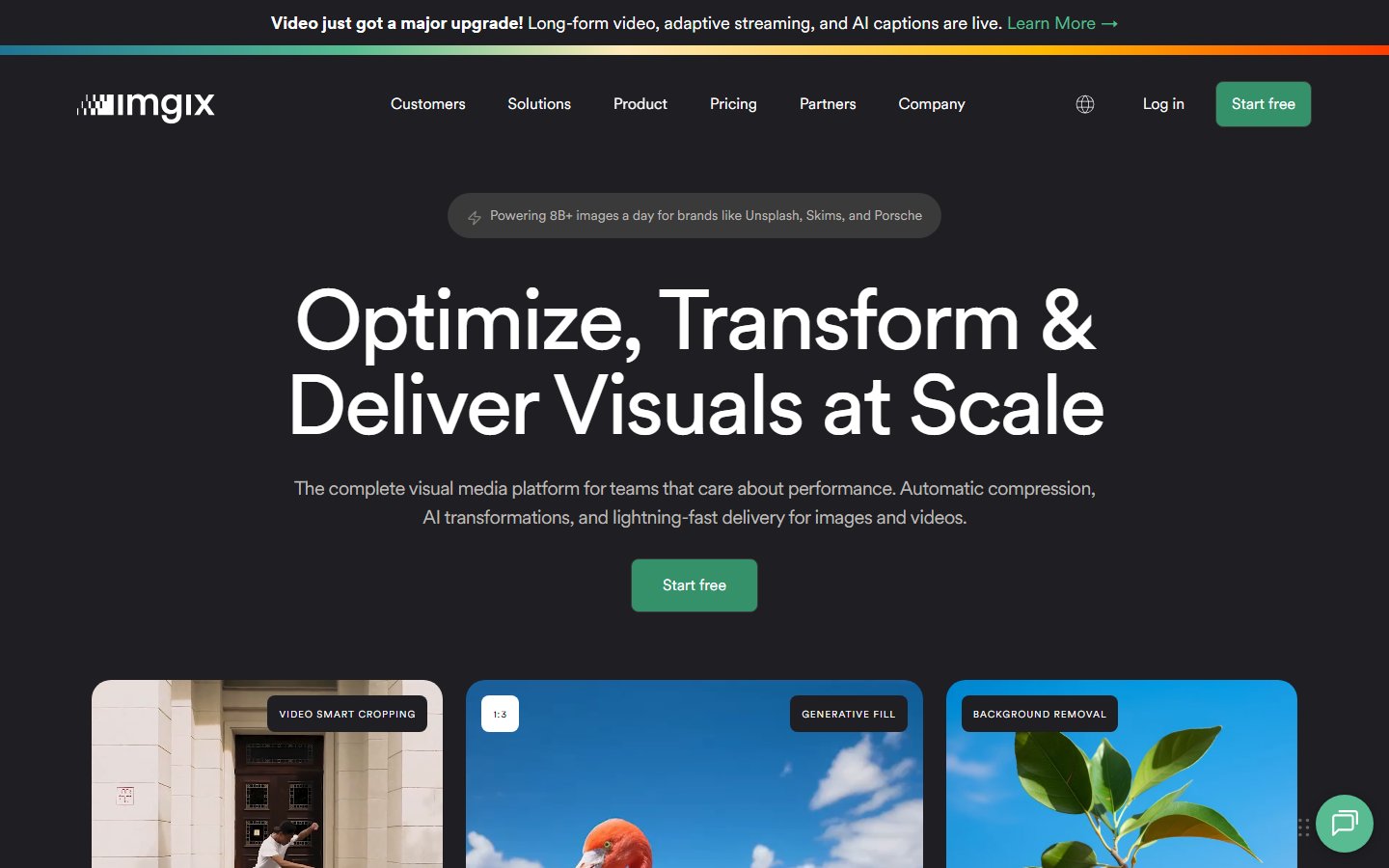
Imgix focuses on real-time image processing through a rendering API. You pass query parameters to control cropping, color adjustments, watermarks, and format conversion. Imgix processes images on demand and caches results at the edge, so there's no need to pre-generate variants.
The platform excels at responsive image delivery with automatic format selection (WebP, AVIF) and device-aware sizing. It integrates well with headless CMS platforms and e-commerce backends. Imgix doesn't include generative AI models, so it's better suited for deterministic transformations than creative editing.
Key features: real-time rendering API, automatic format optimization, edge caching, responsive image support
4. Photoroom

Photoroom started as a mobile photo editing app and expanded into an API-first platform for e-commerce teams. Its editing API handles background removal, shadow generation, and product photo enhancement in a single call. The results are tuned specifically for product listings on marketplaces like Amazon, Shopify, and Etsy.
Photoroom's API supports batch operations, which is useful for teams processing thousands of product images at once. The white-background and lifestyle-scene generators produce marketplace-ready images without manual retouching.
Key features: e-commerce-optimized editing, batch processing, shadow generation, marketplace-ready output
5. Clipdrop (Stability AI)
Clipdrop, now part of Stability AI's product suite, offers a family of image editing APIs built on Stable Diffusion models. The endpoints cover background removal, image cleanup (removing unwanted objects), relighting, and upscaling. Each endpoint is a standalone REST call, so you pick only the operations you need.
The relighting API is unique among competitors: it adjusts lighting direction, intensity, and color temperature on existing photos. For teams building creative workflow tools, Clipdrop's modular endpoints can be composed into custom pipelines.
Key features: object cleanup, AI relighting, upscaling, modular REST endpoints, Stable Diffusion backbone
6. Remove.bg

Remove.bg does one thing: background removal. Its API accepts an image and returns a transparent PNG with the subject isolated. The model handles hair, fur, semi-transparent objects, and complex edges better than most general-purpose segmentation tools.
The API is priced per image with volume discounts, and there's a free tier for low-resolution output. For teams that only need background removal without the overhead of a full editing platform, Remove.bg keeps integration simple: one endpoint, one response, no configuration.
Key features: single-purpose API, high-accuracy edge detection, transparent PNG output, volume pricing
7. fal.ai
fal.ai is an inference platform that hosts open-source and commercial image editing models behind API endpoints. It provides access to FLUX.2 Pro Edit, Nano Banana 2 Edit, and FLUX.1 Kontext Pro for tasks like semantic editing, style transfer, and text-guided image manipulation. Each model runs on dedicated GPU infrastructure with autoscaling.
fal.ai is the best option for teams that want direct access to the latest generative editing models without managing GPU clusters. Pricing is per-inference with no monthly minimums, which works well for bursty workloads. The tradeoff is that you need to handle model selection and pipeline orchestration yourself.
Key features: FLUX and Nano Banana edit models, per-inference pricing, GPU autoscaling, open-source model access
Comparison Table
| Tool | Best For | AI Editing | Batch Support | Free Tier | Pricing Model |
|---|---|---|---|---|---|
| Wireflow | Multi-model pipelines | Yes (multi-model) | Yes | Yes | Usage-based |
| Cloudinary | Media management | Basic | Yes | 25k transforms | Bandwidth + storage |
| Imgix | Real-time rendering | No | Yes | Trial | Bandwidth-based |
| Photoroom | E-commerce photos | Yes | Yes | Limited | Per-image |
| Clipdrop | Creative editing | Yes (SD models) | No | Limited | Per-call |
| Remove.bg | Background removal | Yes (segmentation) | Yes | Low-res only | Per-image |
| fal.ai | Generative editing | Yes (FLUX, NB2) | No | Pay-as-you-go | Per-inference |
How to Choose the Right Image Editing API
Picking the right API depends on your use case. If you're building an e-commerce platform that processes product photos at scale, Photoroom or Cloudinary will cover most needs out of the box. For real-time image delivery with responsive sizing, Imgix is hard to beat on performance.
If your product needs generative AI editing, like style transfer, inpainting, or semantic manipulation, fal.ai gives you direct model access while Wireflow's node editor lets you chain those same models into reusable pipelines with a single API endpoint. For single-task needs like background removal, a focused tool like Remove.bg keeps your integration lean.
Consider these factors when evaluating:
- Latency requirements: CDN-backed tools (Cloudinary, Imgix) are fastest for deterministic transforms. AI models add 1-5 seconds per inference.
- Volume: batch-friendly APIs (Wireflow, Photoroom, Cloudinary) reduce overhead at scale.
- Flexibility: multi-model platforms (Wireflow, fal.ai) handle more diverse editing tasks than single-purpose APIs.
- Integration complexity: URL-based APIs (Cloudinary, Imgix) need zero SDK setup. Model APIs require authentication and async handling.
Try it yourself: Build an image editing workflow in Wireflow with pre-configured nodes for text-to-image generation and high-quality editing output.
FAQ
What is an image editing API?
An image editing API is a web service that accepts images via HTTP requests and returns modified versions. Common operations include resizing, cropping, background removal, color correction, and AI-powered enhancements like upscaling or object removal.
Which image editing API is best for developers?
It depends on your stack. Cloudinary and Imgix offer the simplest integration with URL-based transforms. For AI-powered editing with model chaining, Wireflow provides a visual editor that exports as a REST API.
Are there free image editing APIs?
Yes. Cloudinary offers 25,000 free transformations per month. Remove.bg provides free low-resolution background removal. fal.ai charges per inference with no monthly minimum, so costs stay low for small volumes.
Can I chain multiple image edits in one API call?
Most standalone APIs handle one operation per call. Wireflow lets you chain multiple editing models (background removal, upscaling, style transfer) into a single pipeline that executes as one API request.
What's the difference between deterministic and AI image editing APIs?
Deterministic APIs (Imgix, Cloudinary) apply fixed transformations like crop, resize, and color adjustment. Results are identical every run. AI editing APIs (fal.ai, Clipdrop, Wireflow) use neural networks for tasks like semantic editing, object removal, and style transfer, where outputs can vary.
How much do image editing APIs cost?
Pricing varies widely. Cloudinary starts free with bandwidth-based scaling. Imgix charges by rendered images. Photoroom and Remove.bg price per image processed. fal.ai and Wireflow use pay-per-inference models, typically $0.01-0.10 per operation depending on the model.
Can image editing APIs handle video frames?
Some can. Cloudinary supports video transformations natively. Wireflow can process video frames through its pipeline by connecting image editing nodes to video extraction models. Imgix and Remove.bg are image-only.
What formats do image editing APIs support?
Most support JPEG, PNG, and WebP as input and output. Cloudinary and Imgix also handle AVIF, GIF, and TIFF. AI editing APIs typically accept PNG or JPEG and return the same format, with transparent PNG for background removal tasks.

Co-Founder & Operations at Wireflow
Runs client operations and content strategy at Wireflow. Works directly with creative teams and agencies to build production AI workflows.
- Content Strategy
- Client Operations
Get unlimited ad creatives today.
One call to see if we are a fit and scope the first ad. If it fits, your first batch lands inside week one.