Best HeyGen MCP Tools in 2026

In this article▾
Connecting HeyGen to an AI agent used to mean writing your own API client, polling for render status, and stitching the finished clip together by hand. The Model Context Protocol removed most of that glue, and there are now several ways to expose HeyGen avatar video as a tool an agent can call by name. Wireflow sits at the pipeline end of that spectrum, turning a whole avatar chain into one hosted MCP tool, while other options wrap HeyGen's own endpoints more directly. This guide ranks the seven worth wiring up in 2026.
Quick Summary
- Wireflow · Best overall: a full avatar pipeline exposed as one MCP tool
- HeyGen Official MCP Server · Best direct route: HeyGen's own atomic video tools
- Composio · Best managed auth: hosted HeyGen toolkit with OAuth handled
- Zapier MCP · Best no-code: HeyGen actions plus thousands of downstream apps
- n8n · Best self-hosted: HeyGen node inside a workflow engine you own
- Pipedream · Best for developers: HeyGen actions with real code steps between them
- Smithery · Best for discovery: registry and install layer for MCP servers
How to Choose a HeyGen MCP Tool
The decision comes down to one question: does your agent need a single avatar clip, or a finished video? A direct MCP wrapper answers the first case well. It gives the model atomic calls, returns a video ID, and stays out of the way. The moment you also need voice generation, lipsync refinement, captions, or a compose step, atomic tools become a burden, because the agent has to sequence and retry every stage itself and each intermediate result burns context. That split runs through this whole list, and it is why chaining multiple AI models in one call has become the common pattern for production video.
Two secondary factors matter almost as much: where credits are spent, since some options bill your existing HeyGen account and others bill their own compute, and reproducibility. Agents are non-deterministic, so a tool whose behavior is pinned server-side is far easier to debug than one the model reassembles on every run. Teams building video generation agents usually learn that in week two, not week one.
Build this in Wireflow
Make the same kind of asset on a canvas you control, with a free account and no credit card.
1. Wireflow
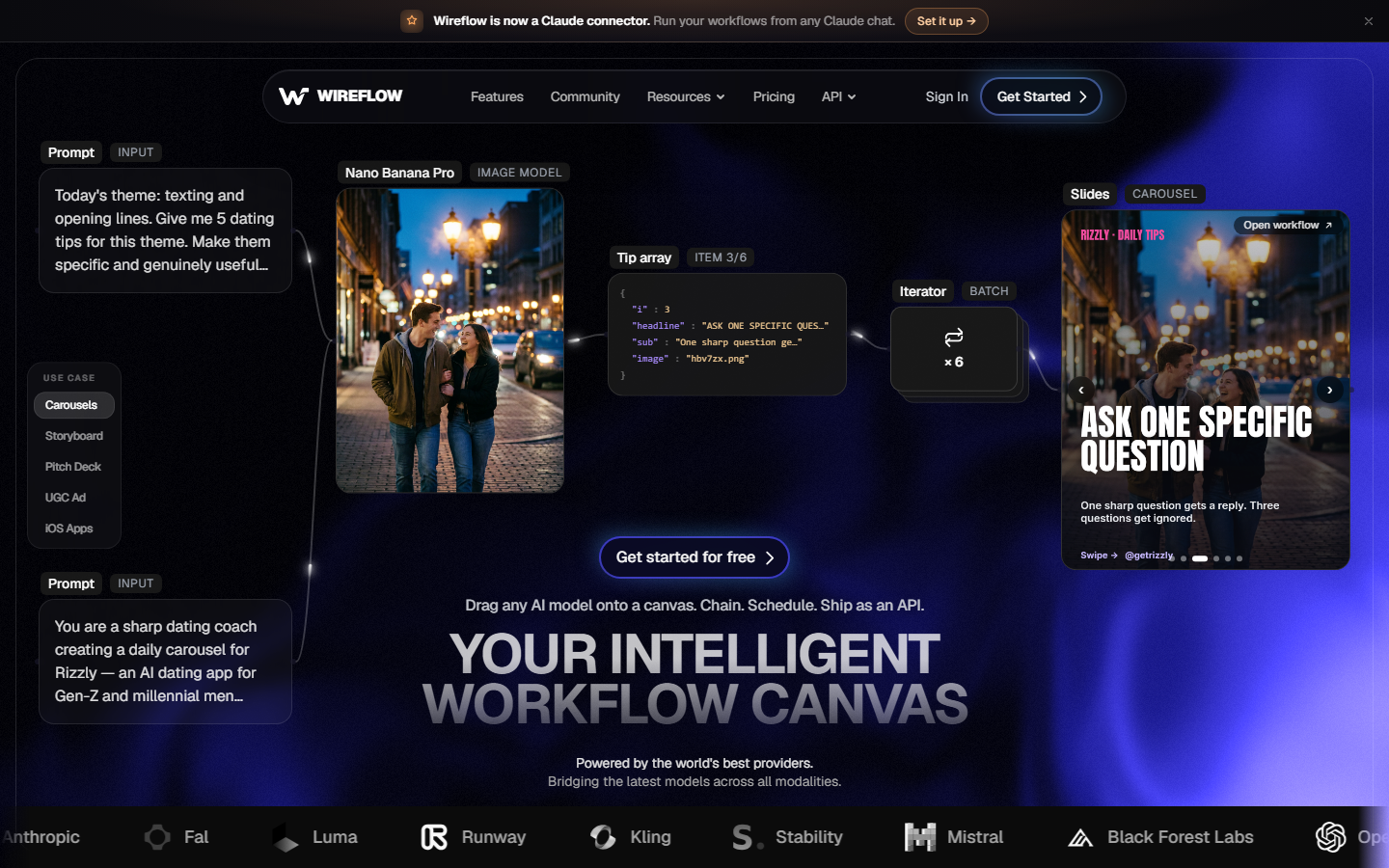
Wireflow is a hosted node canvas for AI media generation, and every workflow published on it is simultaneously a REST endpoint and an MCP tool on its hosted MCP server. That is the detail that matters for agent builders: you assemble the graph visually once, publish it, and the agent sees one named tool with typed inputs instead of a dozen atomic calls it has to orchestrate. For a hands-on look at this in action, check out the HeyGen MCP feature page, which walks through the node setup.
Three HeyGen-branded avatar nodes are on the canvas: Avatar4 (Image to Video), Avatar (Digital Twin), and Avatar V (Direct). Around them sit the pieces a real avatar video needs, including ElevenLabs TTS for voice, Sync Lipsync v3 for lip refinement, and compose steps for assembly. A typical graph takes a portrait plus a script, generates voice, drives the avatar, refines the lipsync, and returns a finished asset URL. The agent calls that once, and workflows are versioned server-side, so a run you debugged in March behaves the same in August.
The honest limits: this is a generation layer, not HeyGen's own avatar API and not a reseller of it, so renders do not land in your existing HeyGen account. It is hosted only, and it will not write your script or decide your creative strategy. Plans run $24 Starter, $45 Pro, and $249 Team per month, with building free and generations costing credits. Pick it when the deliverable is a finished video rather than a raw clip, which is why it recurs in MCP server comparisons for video editing.
2. HeyGen Official MCP Server
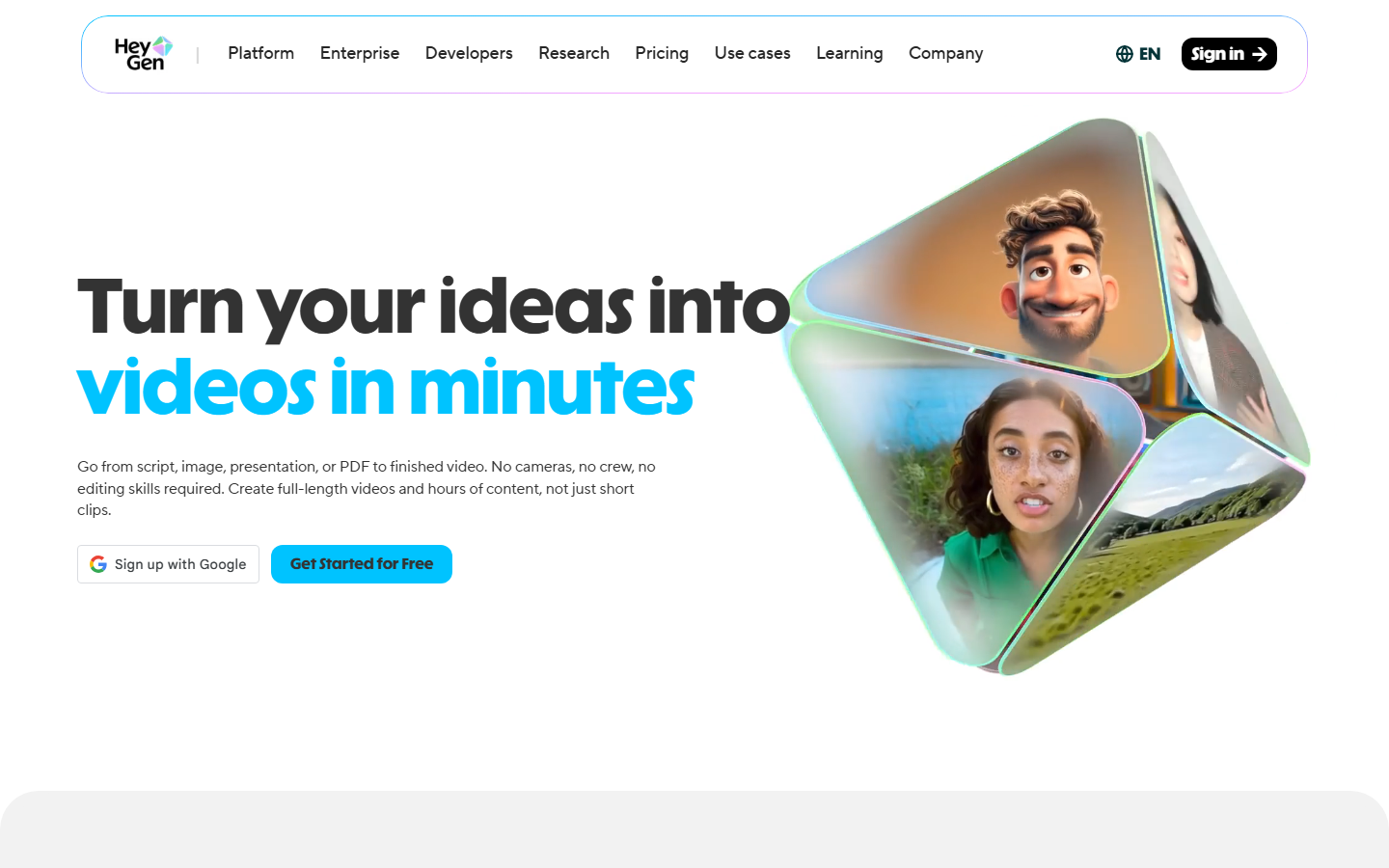
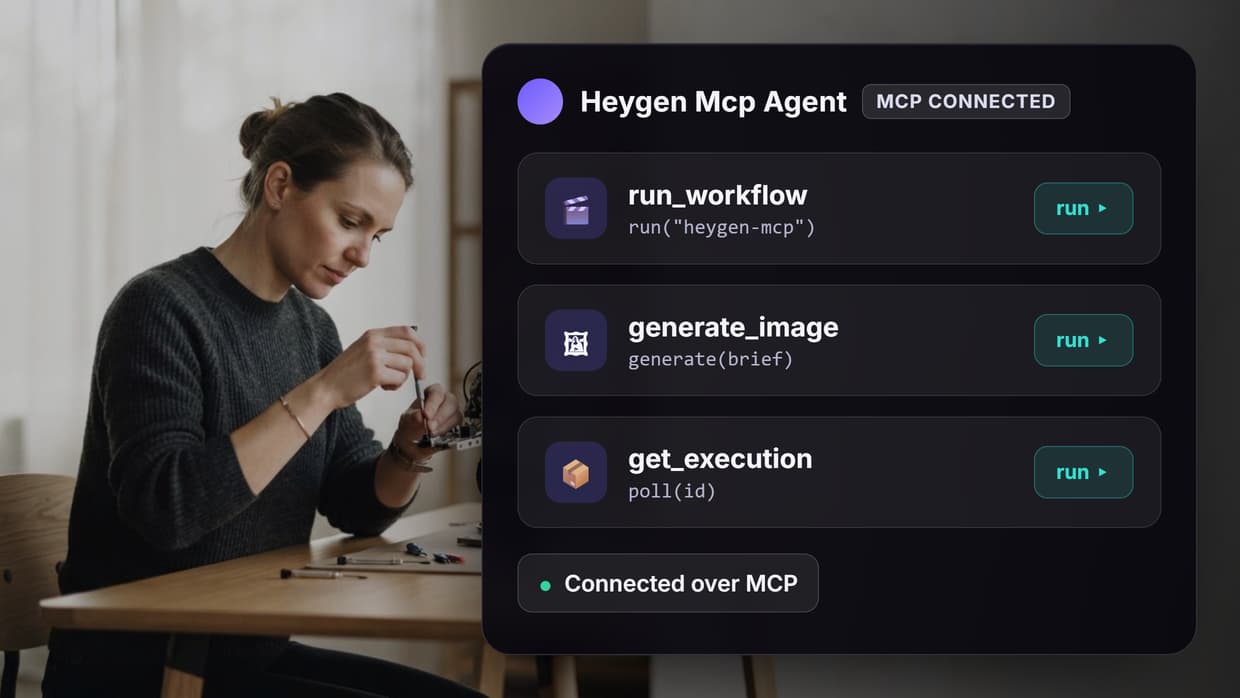
HeyGen ships its own MCP server, and if you already run on HeyGen it is the most direct route available. The published tool set covers the obvious surface: read remaining credits, list voices, list avatar groups, list avatars in a group, generate an avatar video, and check that video's status. It installs in one click into Claude, Cursor, VS Code, and other MCP-compatible clients, and runs draw on your existing HeyGen plan.
Because it wraps HeyGen's own API, output stays inside your HeyGen account, which matters for teams with brand avatars and approval steps already living there. The trade-off is that these are atomic tools by design: the agent gets a video ID, polls for status, and everything downstream of the render is your problem. For single-clip generation from a chat client that is exactly right; for a pipeline it means more agent turns and more failure points, a pattern also visible in n8n versus MCP for video automation.
3. Composio
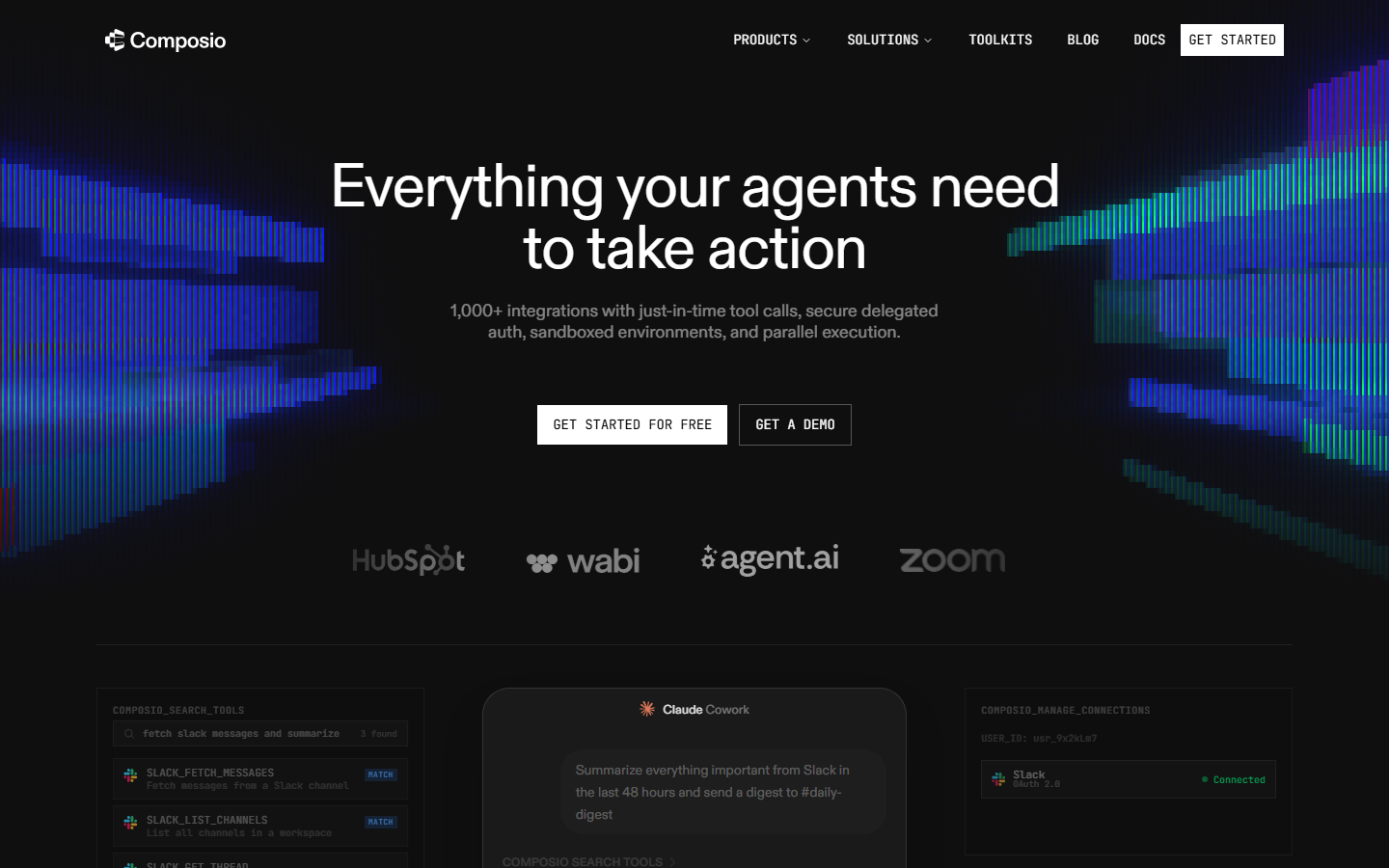
Composio offers a hosted HeyGen toolkit alongside several hundred other integrations, with adapters for the OpenAI Agents SDK, the Claude Agent SDK, Claude Code, Cursor, and ChatGPT. Its real contribution is authentication: it manages the OAuth handshake and credential storage so you are not shipping HeyGen API keys into a client config, with data encrypted at rest and in transit.
That makes it a sensible default for multi-tenant products where each customer connects their own HeyGen account. The catch is the abstraction cost every aggregator carries. Tool definitions are normalized across hundreds of services, so newer HeyGen parameters can lag the upstream API, and you add a hop between agent and render. Choose it when credential management is the hard part of the build, as it usually is for anyone shipping agent media tools to outside users.
4. Zapier MCP
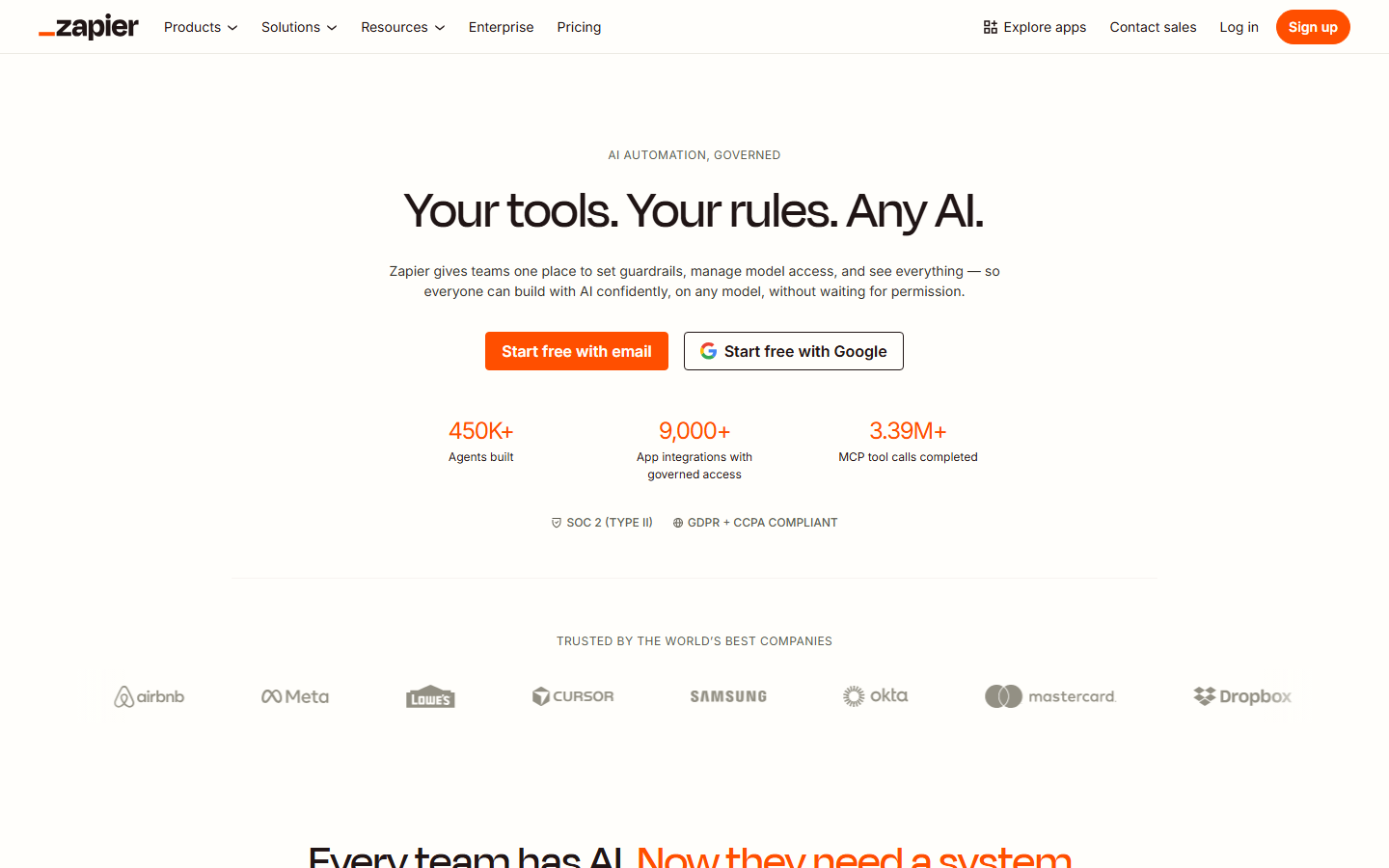
Zapier exposes HeyGen actions through its MCP endpoint, so any MCP-capable client can trigger a render without integration code. The strength is everything downstream: the same connection reaches thousands of apps, so a finished clip can land in Slack, a Drive folder, a CRM record, or an ad platform in the same automation.
It is the weakest option for controlling the generation itself. Actions are simplified to what fits a no-code builder, task-based pricing gets expensive at volume, and long renders sit awkwardly in a step-based execution model. It earns its place for marketing and ops teams whose bottleneck is distribution rather than generation, the same audience served by Zapier video editing integrations.
5. n8n
n8n supports HeyGen alongside its MCP Client Tool node, letting an agent inside n8n call MCP servers while n8n handles branching, retries, and scheduling. It can be self-hosted, so credentials and render metadata stay on infrastructure you control.
The cost is operational: you own upgrades, queue workers, and storage for intermediate video files, which grow fast. Rendering is also not n8n's job, so throughput is bounded by the services behind it. Pick it when governance outweighs setup time, and read how to build n8n video editing workflows before committing to self-hosting.
6. Pipedream
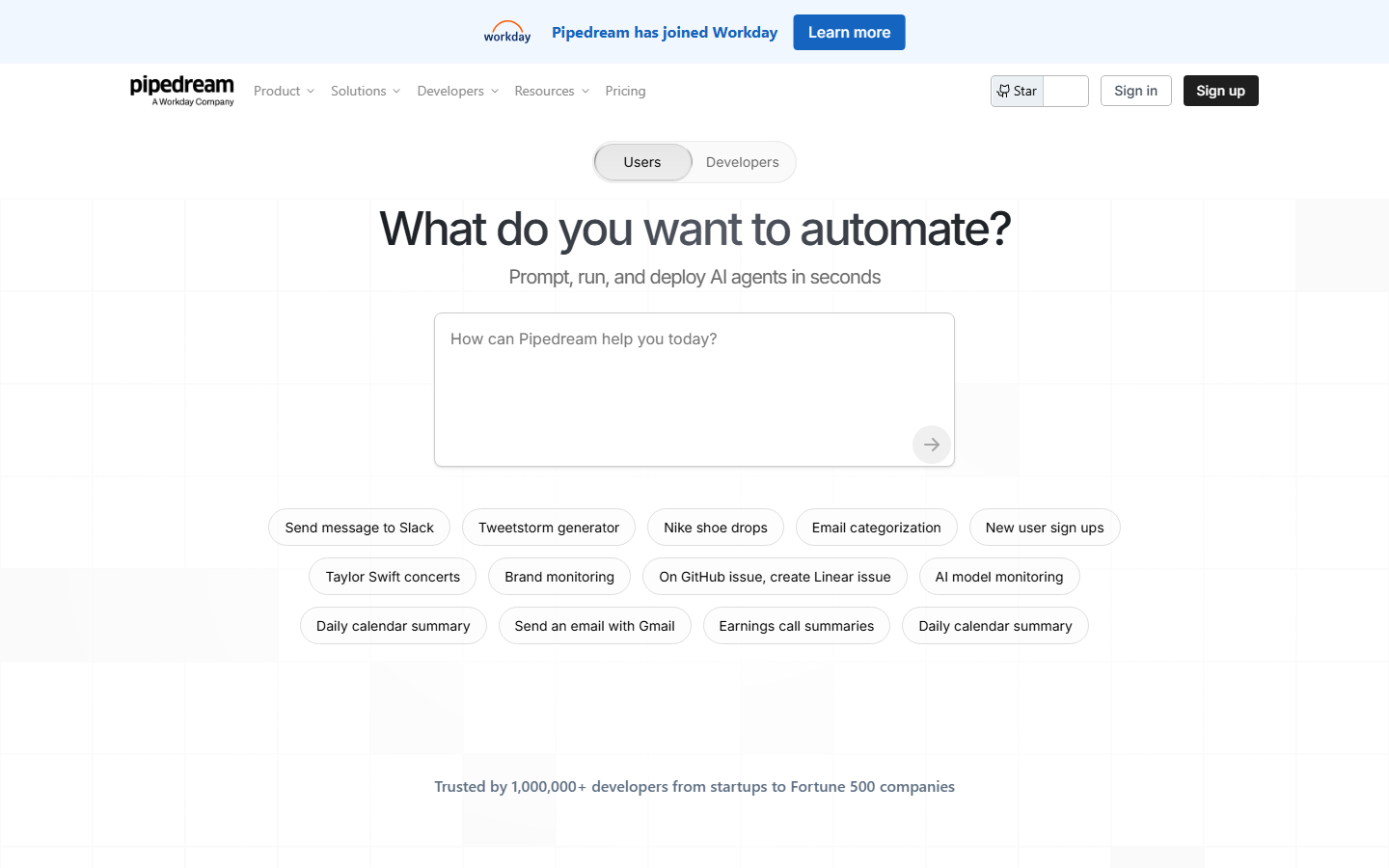
Pipedream sits between Zapier and raw code, offering prebuilt HeyGen actions and MCP support while letting you drop Node.js or Python steps between them. That matters when you need to reshape a payload, batch a CSV of scripts, or write custom polling around a long render.
Managed auth and per-step logs make it pleasant for prototyping agent tooling. It remains an integration platform rather than a media platform, with no compositing, no timeline, and no model catalog, so anything visual happens in the services you call. Developers automating bulk video ad production often use it as the scheduler in front of a generation service.
7. Smithery
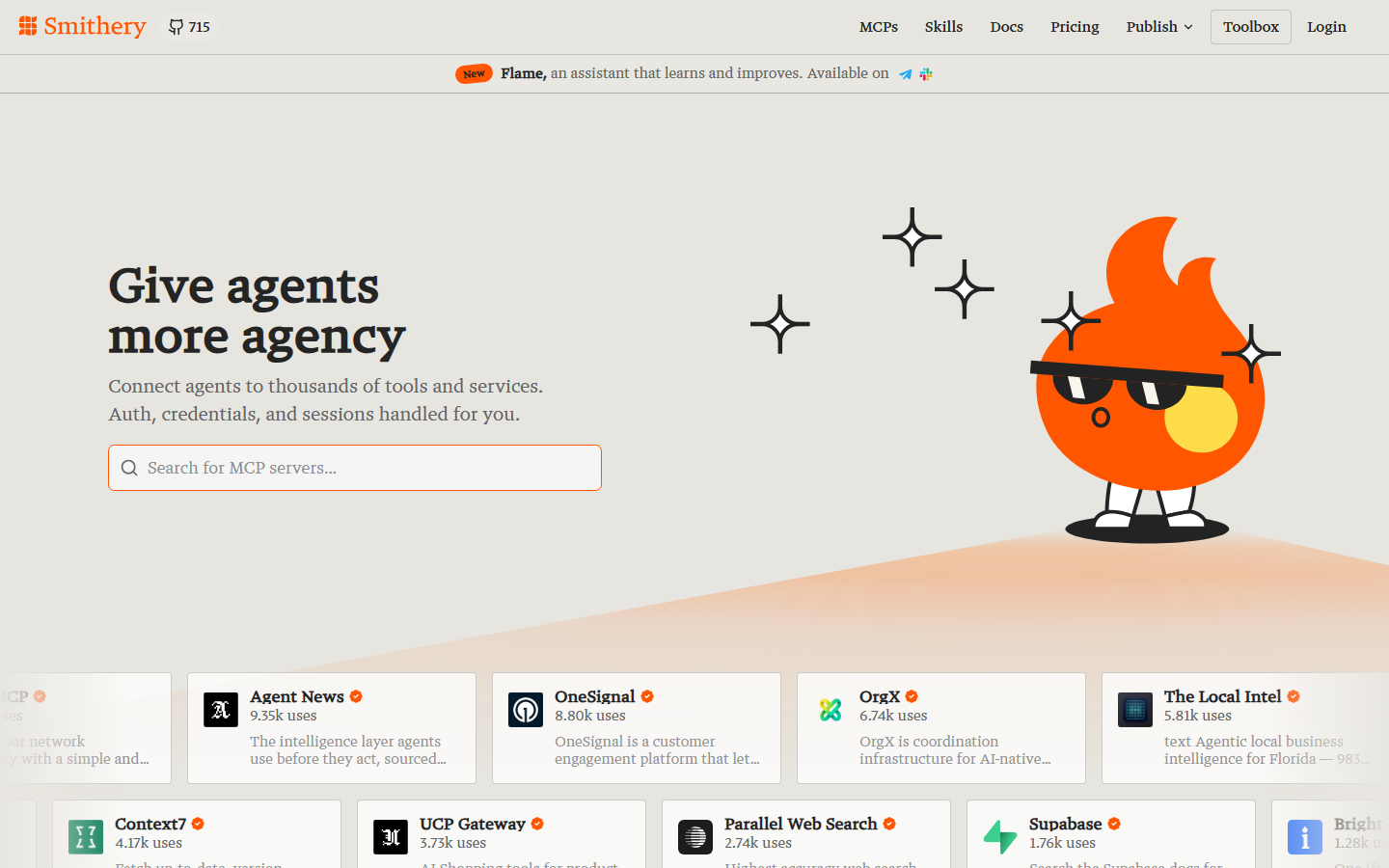
Smithery is a registry and install layer rather than a HeyGen integration in its own right. It indexes MCP servers, including HeyGen ones, and gives you a consistent way to discover, configure, and install them. Because it leans on open-source contributions, new servers often appear there before commercial catalogs list them.
Treat it as infrastructure, not something that renders. Some entries are unmaintained forks, so read the source of any community server before handing it an API key. Its value is evaluation speed, much like browsing options for image generation MCP servers.
Comparison Table
| Tool | Best for | Hosting | Chains multiple models | Credits billed to |
|---|---|---|---|---|
| Wireflow | Full avatar pipelines as one tool | Hosted | Yes | Wireflow |
| HeyGen Official MCP | Single avatar clips | Hosted by HeyGen | No | Your HeyGen plan |
| Composio | Managed multi-tenant auth | Hosted | Partial | Your HeyGen plan |
| Zapier MCP | No-code distribution | Hosted | No | Your HeyGen plan |
| n8n | Self-hosted governance | Self or cloud | Via orchestration | Your HeyGen plan |
| Pipedream | Custom code between steps | Hosted | Via code steps | Your HeyGen plan |
| Smithery | Discovering MCP servers | Registry | N/A | N/A |
Practical Setup Notes
Three habits reduce pain later. Pin tool definitions instead of letting the agent rediscover them each session, since tool drift causes silent failures. Handle long renders with a status tool or webhook rather than a blocking call, because avatar generation routinely exceeds MCP client timeouts. And keep script writing separate from video generation, letting the model produce copy and a pinned workflow turn it into a file. Agencies running multi-client video workflows converge on that separation.
Try it yourself: Open this MCP workflow to see how a published graph becomes a single tool an agent can call, with the nodes pre-configured and outputs already rendered.
FAQ
Does HeyGen have an official MCP server? Yes. HeyGen publishes its own MCP server with tools for listing voices and avatar groups, generating an avatar video, checking render status, and reading remaining credits. It installs into Claude, Cursor, VS Code, and other MCP-compatible clients.
What is the difference between an MCP server and an API? An API is called by code you write. An MCP server describes its tools in a format a language model can read, so an agent discovers and calls them without a hand-written client. Most MCP servers are thin wrappers over the same REST API.
Can an agent generate a complete video, not just an avatar clip? Not with atomic tools alone. A finished video needs voice, avatar, lipsync, captions, and assembly, and an agent sequencing those one call at a time is slow and error prone. One workflow-backed tool for the whole chain avoids that.
Which option keeps renders inside my existing HeyGen account? HeyGen's own MCP server, plus the aggregators that wrap it such as Composio, Zapier, n8n, and Pipedream, all run against your HeyGen credentials, so output and credit usage stay in that account.
Do I need to write code to use a HeyGen MCP tool? No. Zapier and n8n cover the no-code path, and canvas tools let you assemble a pipeline visually. Code helps when you need custom batching or payload transforms, which is where Pipedream fits.
How do I handle renders that take several minutes? Use an asynchronous pattern. Trigger the render, return the job ID immediately, and give the agent a status tool to poll or a webhook on completion. Blocking calls hit client timeouts on longer clips.
Are community HeyGen MCP servers safe to install? Read the source first. Listing quality varies, and any server you install receives your API key. Prefer official or commercially maintained servers for production credentials.
What should I compare when evaluating these tools? Whether the tool returns a finished asset or an intermediate one, where credits are billed, whether behavior is pinned server-side for reproducibility, and how authentication works if your users connect their own accounts.
Conclusion
The HeyGen MCP landscape splits cleanly. If your agent needs a single avatar clip from an account you already own, HeyGen's own MCP server is the shortest path and nothing here beats it. If your agent needs a finished video, the atomic-tool model works against you, and a canvas approach like Wireflow, where a versioned graph of avatar, voice, lipsync, and compose nodes is exposed as one named tool, removes most of the orchestration burden from the model. Write down what the agent is supposed to hand back, then pick accordingly, and if you are still mapping the category, the roundup of AI video generation MCP tools is a useful next read.

Co-Founder & Operations at Wireflow
Runs client operations and content strategy at Wireflow. Works directly with creative teams and agencies to build production AI workflows.
- Content Strategy
- Client Operations
Get unlimited ad creatives today.
One call to see if we are a fit and scope the first ad. If it fits, your first batch lands inside week one.