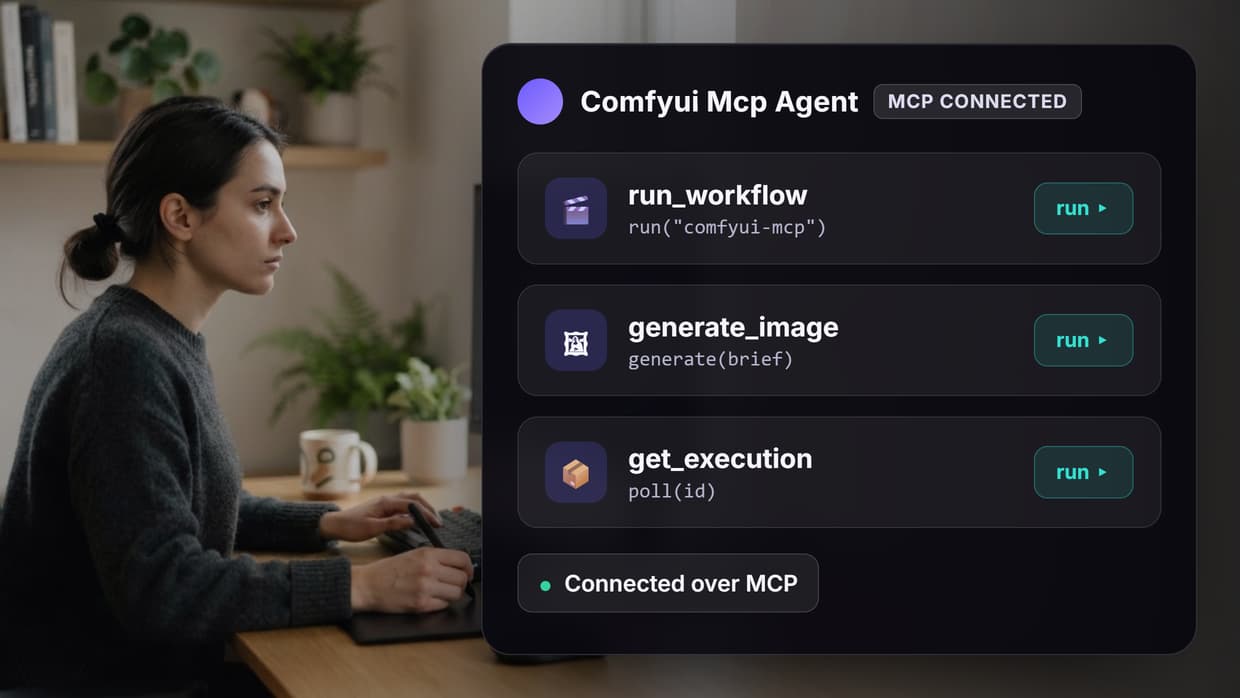
The best ComfyUI MCP tools in 2026 let an AI agent read your node graph, run a workflow, and hand back the rendered image without you touching the canvas. This guide ranks nine options by what they actually control, where the render happens, and how much setup each one costs you. Wireflow sits at the top because it exposes a hosted node graph over MCP, so agents can chain models without a local GPU.
Model Context Protocol turned ComfyUI from a canvas you click into a service an agent can call. You reach that same MCP surface by running ComfyUI online without a local install, where every published workflow is also an agent tool. The gap between the options is bigger than the marketing suggests: some servers only fire a preset template, others can create nodes, wire edges, and download checkpoints mid-conversation. A few are not MCP servers at all, they are hosting layers that make an MCP server worth running. If you want the hosting layer and the agent interface in one place, a Comfy Cloud alternative with MCP built in exposes every published workflow as both a REST endpoint and an MCP tool.
Quick Summary
- Wireflow: Hosted node graph exposed over MCP. Best Overall
- Comfy Cloud MCP: First-party server from the ComfyUI team. Best Official Option
- artokun/comfyui-mcp: 178 tools, edits your live graph. Most Complete
- joenorton/comfyui-mcp-server: Small Python server for local installs. Best Lightweight
- Nikolaibibo ComfyUI MCP Server: 15 tools tuned for Claude Desktop. Best for Claude Desktop
- ComfyDeploy: Turns a workflow into a versioned API. Best for Productionizing
- ViewComfy: Wraps a workflow in a shareable app. Best for Handoff
- RunComfy: Managed GPU ComfyUI in the browser. Best Managed Host
- Smithery: Registry and installer for MCP servers. Best for Discovery
How These Tools Were Ranked
Four things separate a useful ComfyUI MCP tool from a demo. First, control depth: can the agent only run a saved workflow, or can it inspect the graph, add nodes, and rewire connections? Second, where the compute lives, because a local server is free but pins you to one machine with a GPU. Third, output handling, since an agent that cannot see the image it produced cannot iterate on it. Fourth, install cost, which for several of these is a Python environment plus a custom node pack. For a working end-to-end example of an agent calling a graph and getting an image back, see this MCP server image generation example.
For a hands-on look at this in action, check out the ComfyUI MCP feature page. It walks through connecting an agent to a hosted graph and running it from a chat window, which is the same pattern every tool below implements with different tradeoffs.
Build this in Wireflow
Make the same kind of asset on a canvas you control, with a free account and no credit card.
1. Wireflow: Best Overall
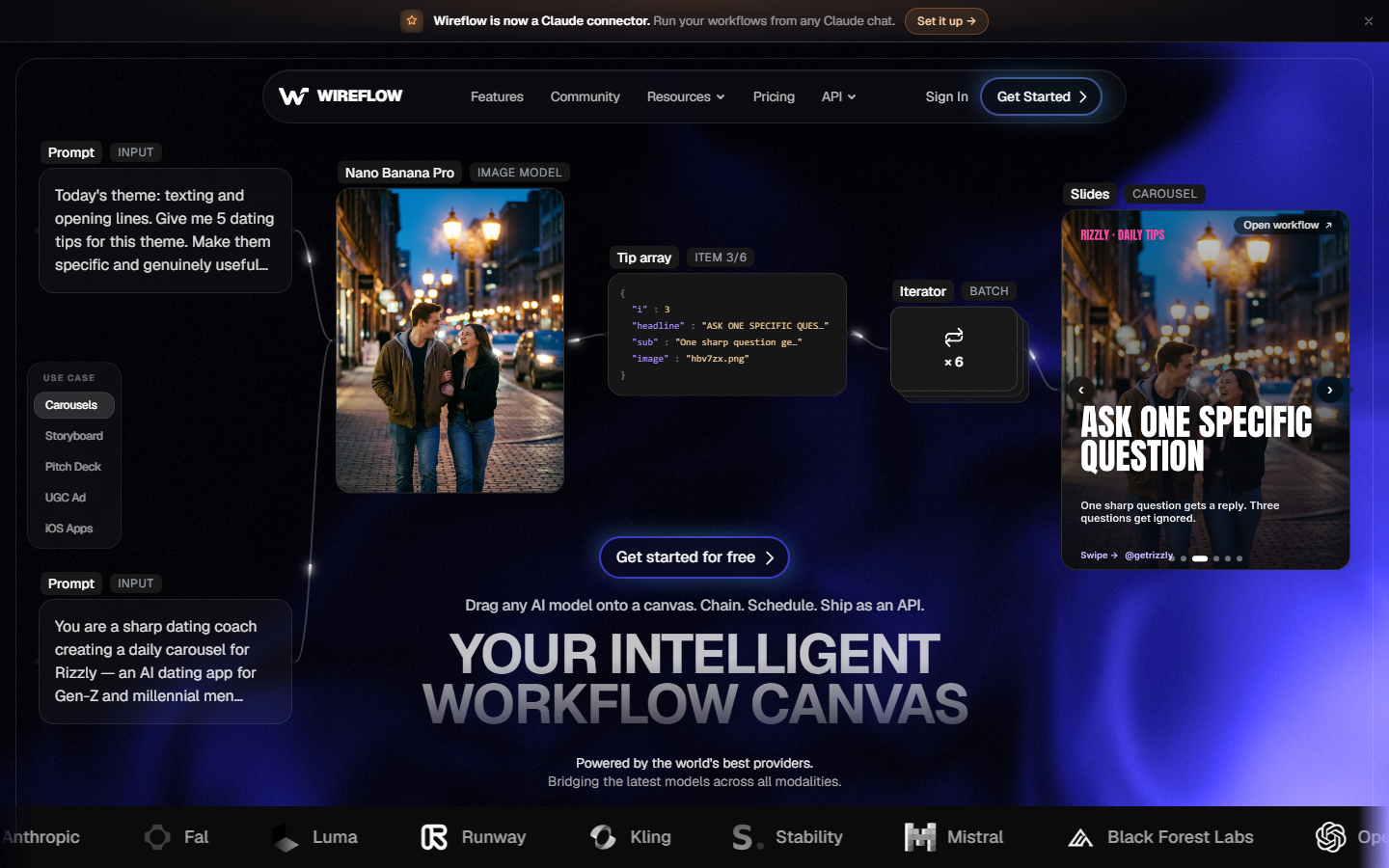
Wireflow is a hosted node canvas where each node is a model call, and the whole graph is reachable over MCP. The practical difference from every local server on this list is that there is no ComfyUI install, no checkpoint downloads, and no GPU to keep warm. An agent connects, lists the available workflows, passes inputs, and receives hosted output URLs it can pass to the next step. Because the graph is hosted, the same workflow an agent runs is the one a teammate opens in the browser, so there is no divergence between the API path and the canvas path.
The node library spans image, video, and audio models rather than a single Stable Diffusion lineage, which matters when a workflow needs Flux for a still and a video model for the motion pass. Runs are credit-metered instead of GPU-hour billed, so an idle agent costs nothing. The tradeoff is honest: you do not get arbitrary custom nodes from the ComfyUI ecosystem, so a workflow that depends on a niche community node has to be rebuilt with native equivalents. Teams that want the graph without the hardware usually land on a hosted ComfyUI alternative with an API.
2. Comfy Cloud MCP: Best Official Option
Comfy Cloud ships the first-party MCP server, reachable at a remote endpoint with a one-time browser OAuth flow from Claude Code, Claude Desktop, Cursor, or any MCP client. It exposes generation for image, video, audio, and 3D, plus search across models, nodes, and templates, which is the piece community servers usually skip. Being official also means the tool surface tracks ComfyUI releases instead of lagging them.
The catch is that it is a cloud product with cloud pricing, and at the time of writing the MCP piece is still in public beta, so tool names and arguments can move under you. If your agent code hardcodes tool signatures, expect maintenance. It is the safest starting point for anyone who wants ComfyUI semantics without running the server, and the closest official parallel to a ComfyUI cloud API.
3. artokun/comfyui-mcp: Most Complete
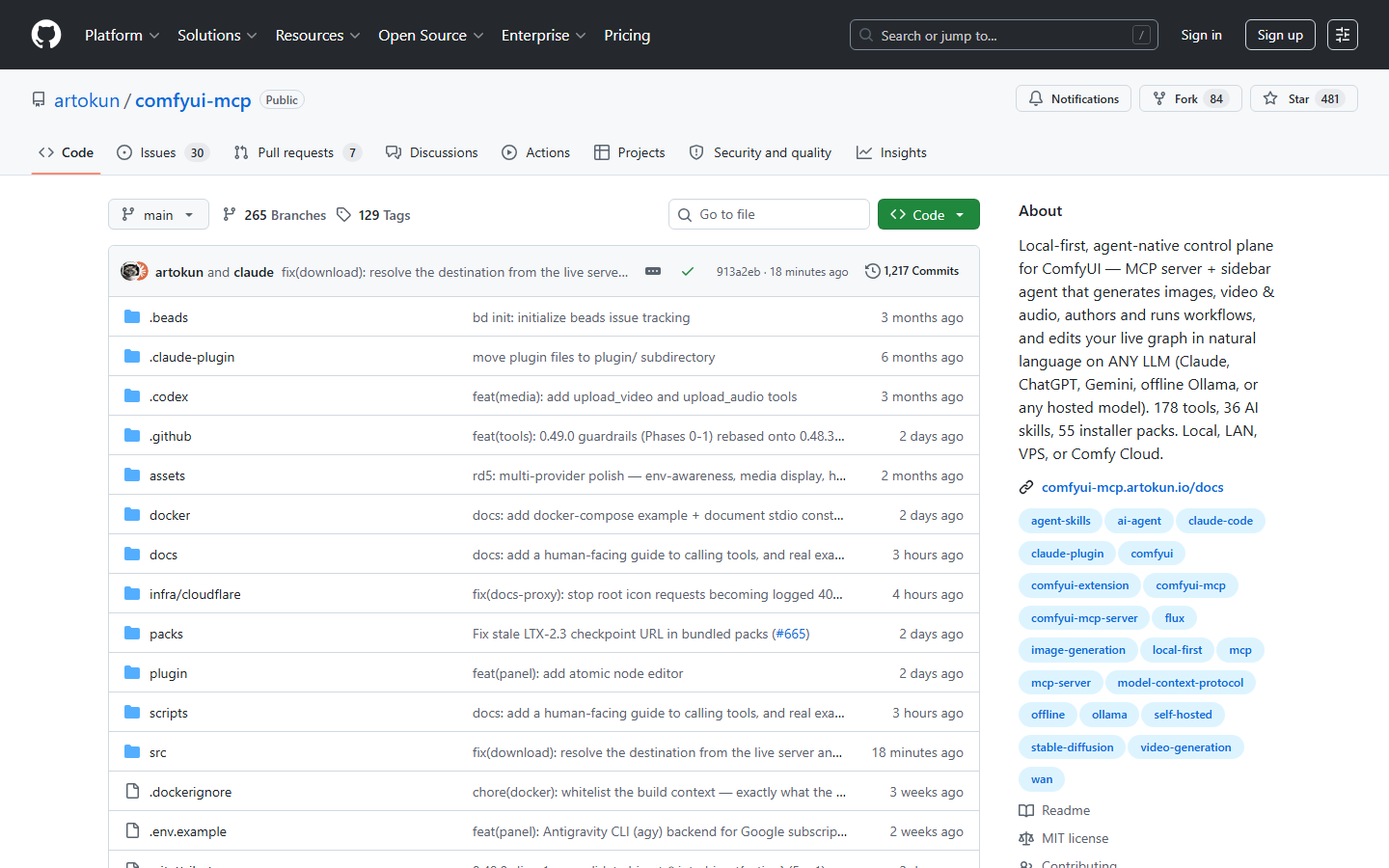
artokun/comfyui-mcp is the most ambitious entry here: an agent-native control plane with roughly 178 tools, 36 skills, and a sidebar agent that edits your live graph in natural language. It generates image, video, and audio, authors new workflows, and runs against local, LAN, VPS, or Comfy Cloud backends, with model support for any LLM including offline Ollama.
That surface area is also the risk. A tool list that large eats context in smaller models and makes tool selection noisier, so agents sometimes pick a near-miss tool. Installation is heavier than a single Python file, and the sidebar component assumes you are working inside the ComfyUI UI rather than purely headless. If you want an agent that treats the canvas as an editable document rather than a black box, nothing else on this list comes close. Pair it with a comparison of node-based image generation approaches before committing.
4. joenorton/comfyui-mcp-server: Best Lightweight
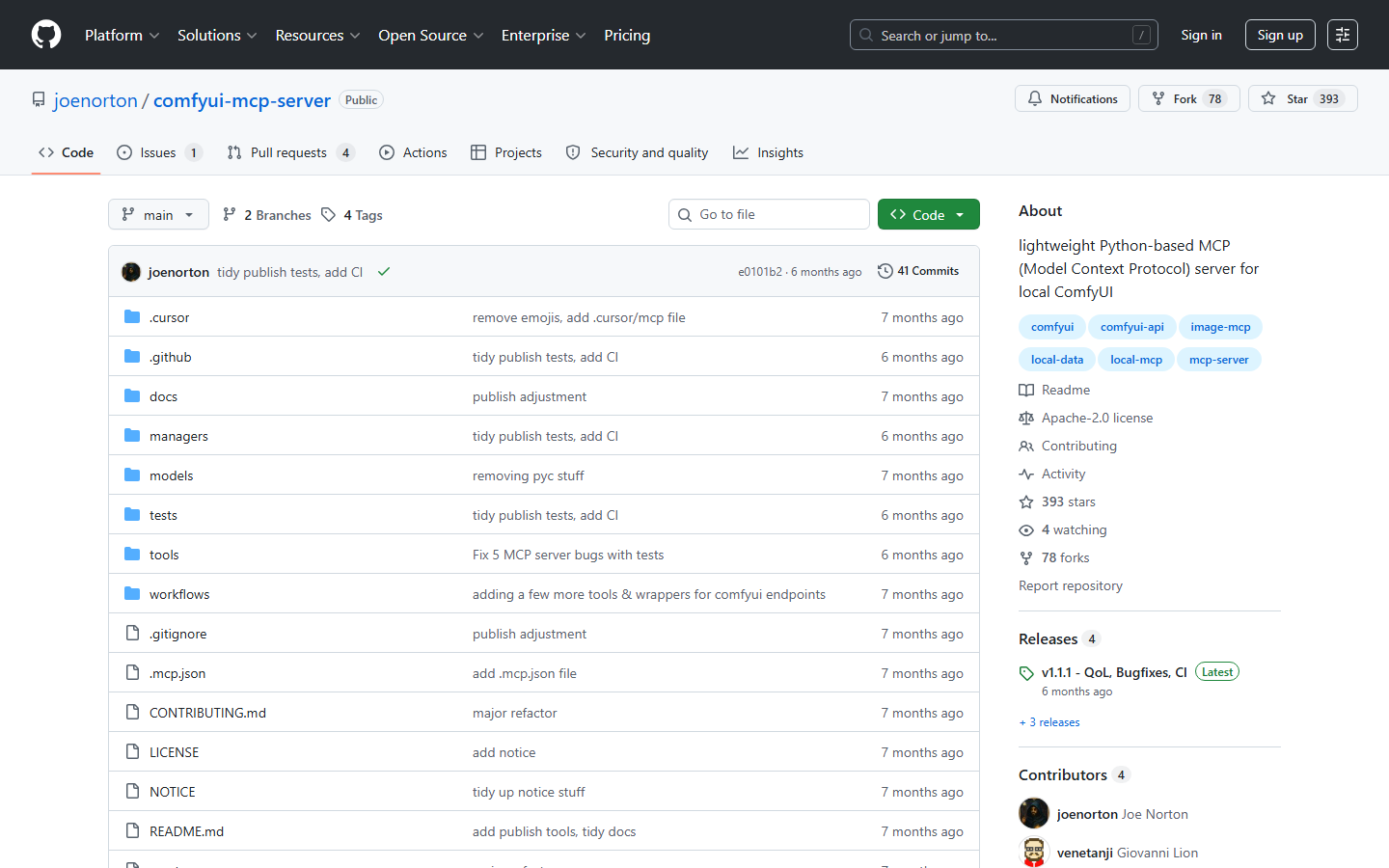
joenorton/comfyui-mcp-server is the opposite bet: a small Python MCP server that points at a local ComfyUI instance and lets an agent generate and iteratively refine images, audio, and video. It is readable in one sitting, which makes it the practical choice when you plan to fork it and add two tools specific to your pipeline.
Because it is thin, it inherits everything from your local install, including custom nodes and checkpoints you already have. It also inherits the failure modes: if ComfyUI is not running, the agent gets a connection error rather than a graceful message, and queue handling is basic. Treat it as a starting scaffold rather than a finished product. Developers weighing this against managed options should read the case for a ComfyUI alternative with no GPU.
5. Nikolaibibo ComfyUI MCP Server: Best for Claude Desktop
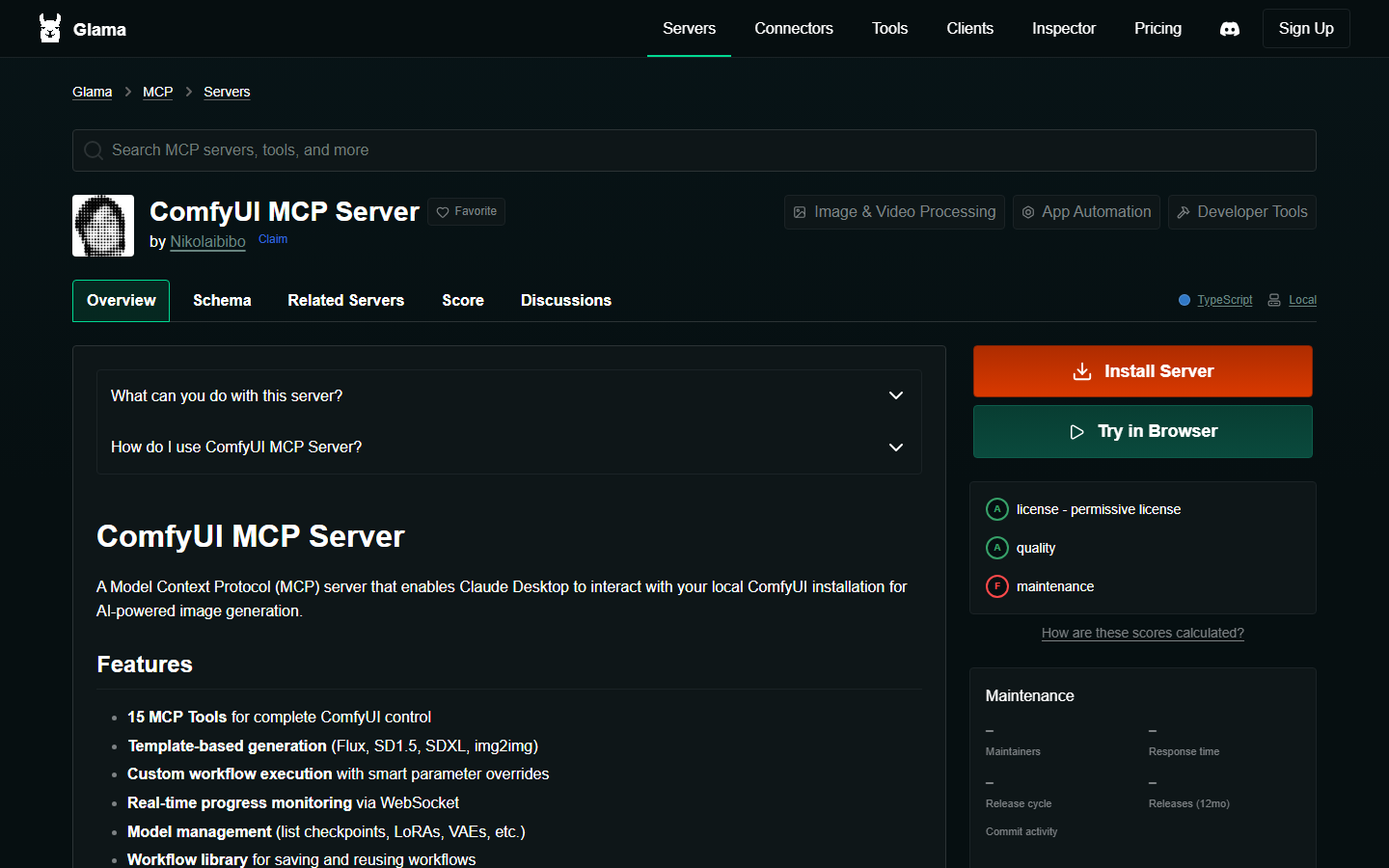
Nikolaibibo's ComfyUI MCP Server exposes 15 tools built specifically around Claude Desktop controlling a local install. The set is well chosen: template-based generation for Flux, SD1.5, SDXL and img2img, custom workflow execution with parameter overrides, model management for checkpoints and LoRAs, real-time progress over WebSocket, and a saved workflow library.
Fifteen tools is close to the sweet spot, small enough that a model reliably picks the right one, large enough to cover a real session. The progress monitoring is the standout feature, because long renders otherwise look like a hung tool call. Maintenance activity is the thing to check before you depend on it; the listing scores it lower than license and quality. It is the cleanest fit if your only client is Claude Desktop and your renders run on the machine under your desk, a setup worth comparing against the best AI image generation MCP tools.
6. ComfyDeploy: Best for Productionizing
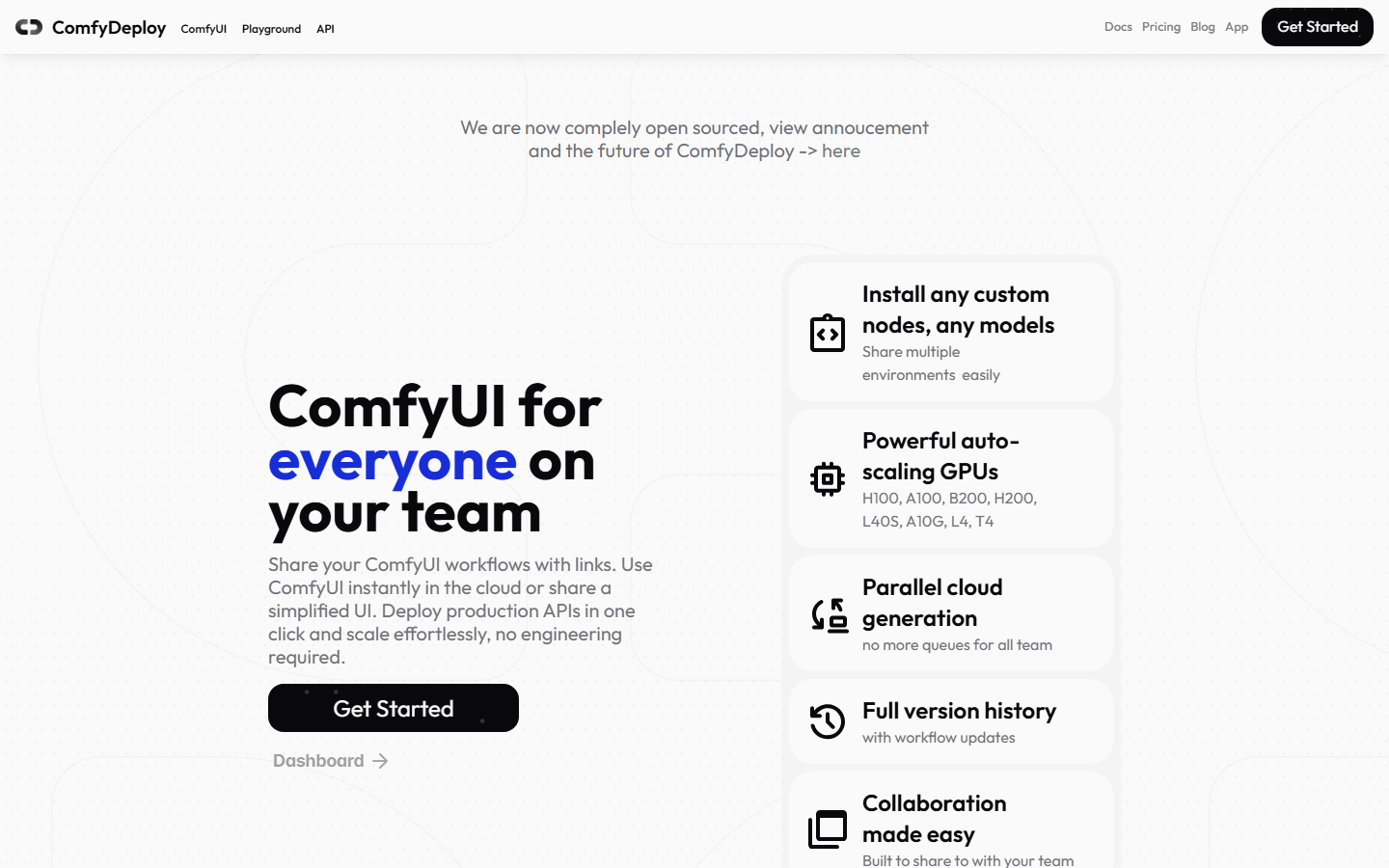
ComfyDeploy is not an MCP server, it is the layer that makes one worth pointing at. It takes a ComfyUI workflow, versions it, pins the custom nodes and models, and serves it as a stable API endpoint with autoscaled GPUs behind it. An MCP server that calls a ComfyDeploy endpoint gets deterministic behavior instead of "works on the machine where I built it".
The versioning is the real product. ComfyUI workflows break when a custom node updates, and pinning that graph is what turns a demo into something an agent can call next month. Pricing is usage based on GPU time, so idle costs are low but heavy batches add up. Use it when the workflow is finished and the problem is reliability, not authoring. Teams at that stage are usually also evaluating a ComfyUI hosted API.
7. ViewComfy: Best for Handoff
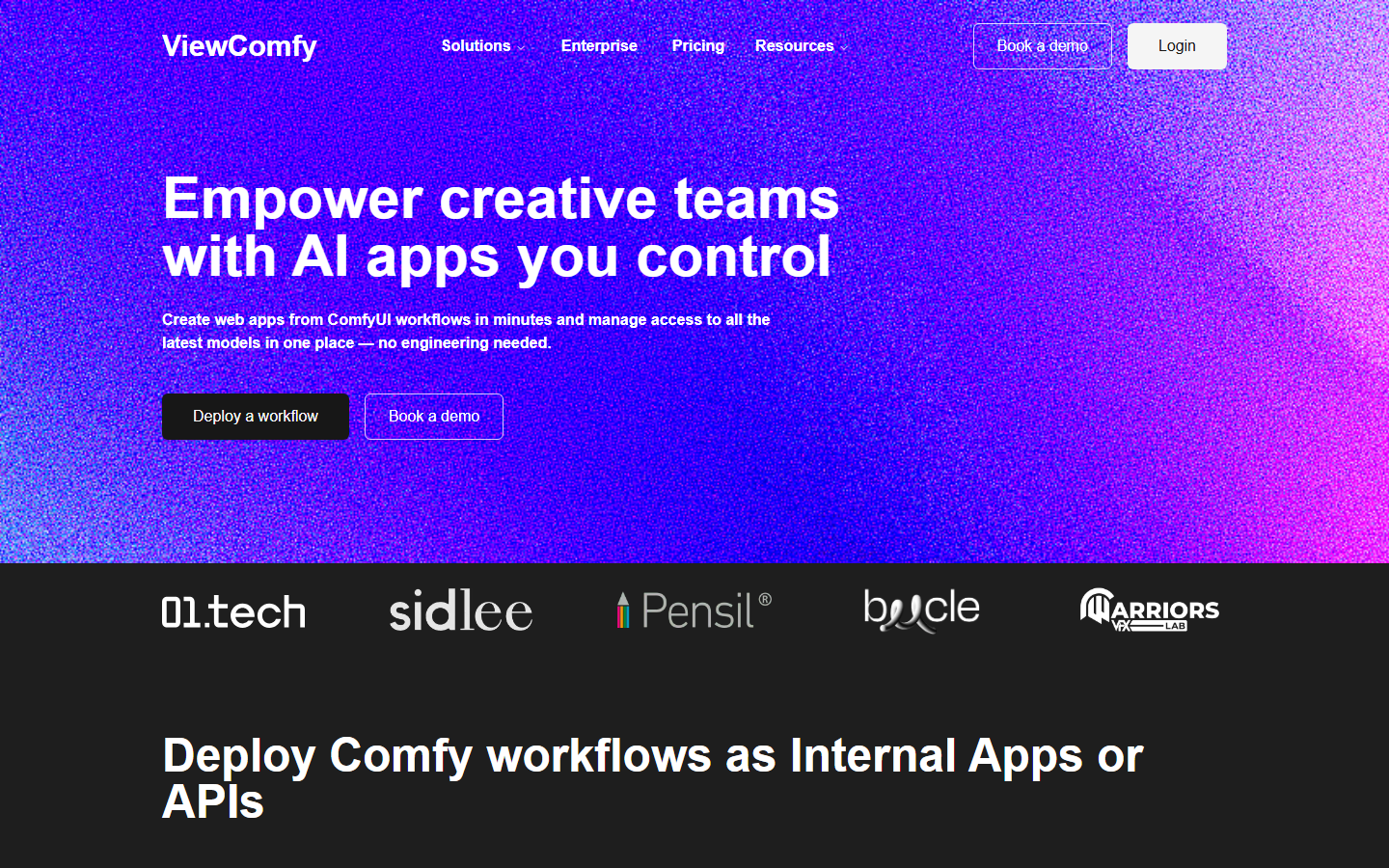
ViewComfy wraps a ComfyUI workflow in a simple form-style app and a deployable endpoint, so people who will never open a node canvas can still run the graph. In an MCP context it plays the same role as ComfyDeploy: a stable, hosted target with a defined input contract that an agent can call without knowing the graph internals.
The app layer is what distinguishes it. If your workflow is going to a client, a marketing team, or a non-technical stakeholder, handing over a form beats handing over a JSON graph and an install guide. It is less useful if you only ever call the workflow programmatically, since you pay for a UI you never open. Consider it alongside the broader set of ComfyUI alternatives when the goal is distribution rather than authoring.
8. RunComfy: Best Managed Host
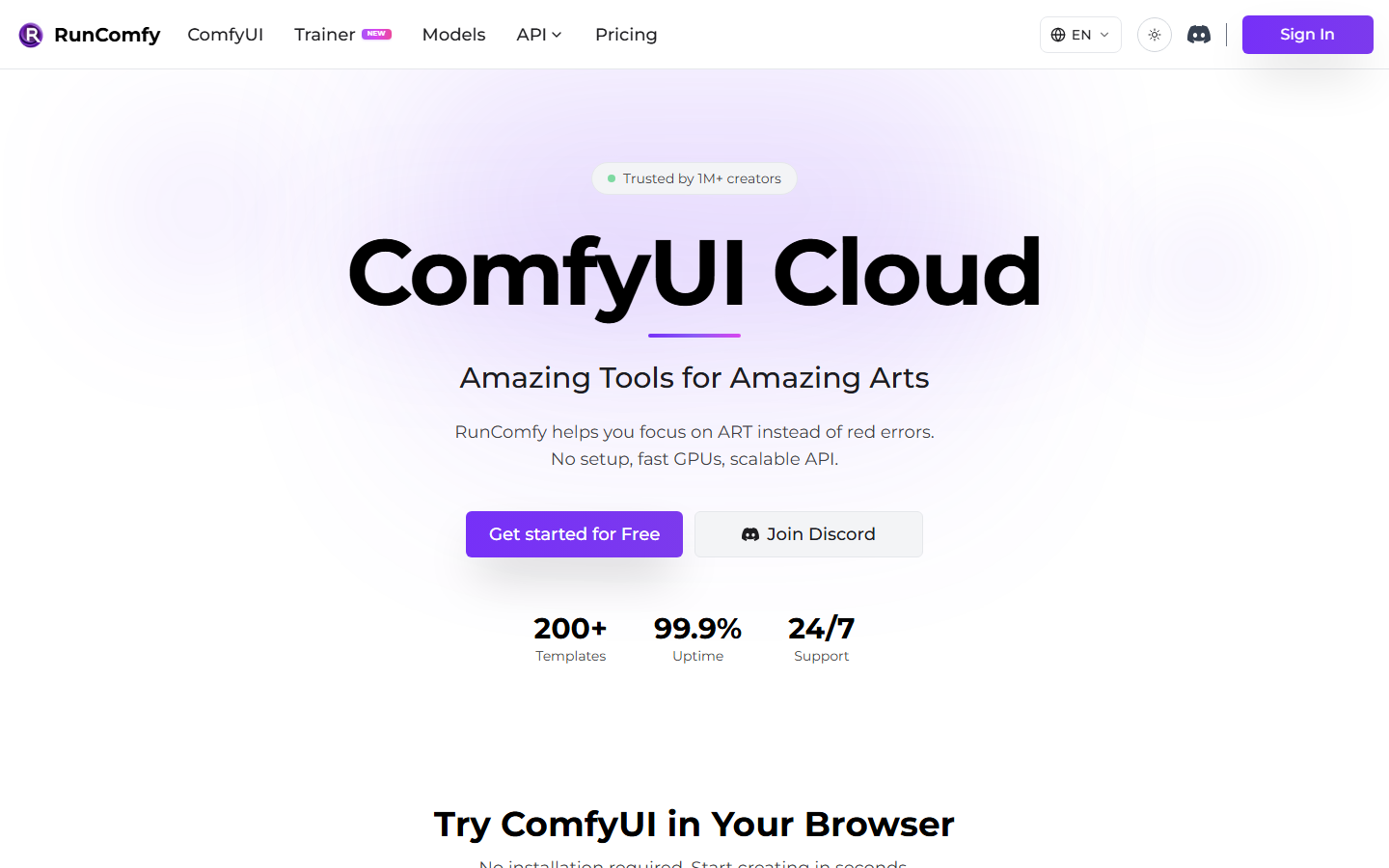
RunComfy gives you a full ComfyUI instance in the browser on a rented GPU, preloaded with a large custom node and model library. It solves the prerequisite most MCP servers assume and none provide: a running ComfyUI with the right nodes installed. Point a local-style MCP server at a RunComfy machine and you get the community ecosystem without maintaining a workstation.
Billing is per machine-hour, which is the important detail for agent workloads. An agent that fires a render three times a day still pays for the session to stay up, so it suits bursty interactive work better than sparse automated calls. Shut-down discipline matters here more than with credit-metered platforms. For sparse workloads, the best ComfyUI alternatives with no GPU are usually cheaper.
9. Smithery: Best for Discovery
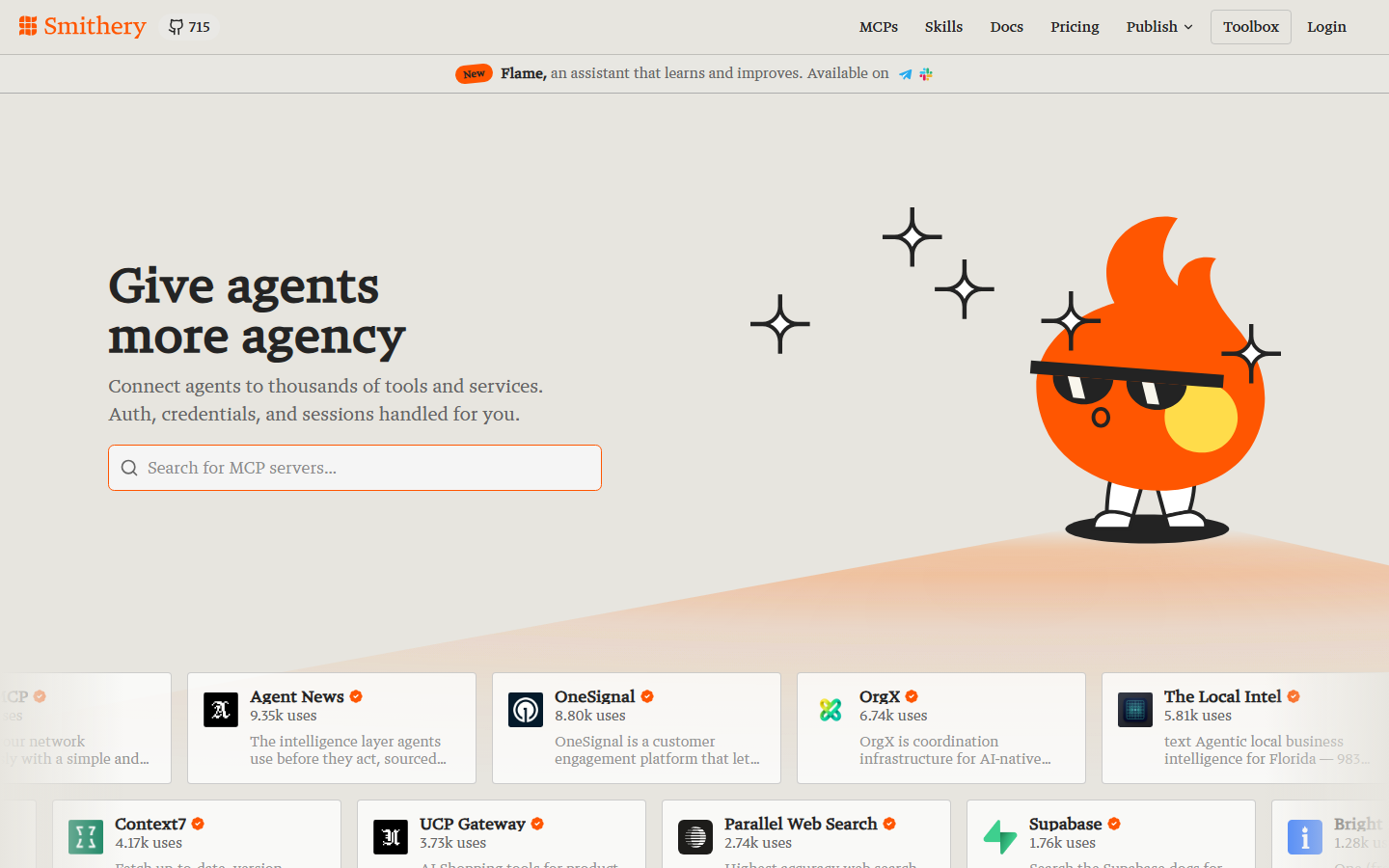
Smithery is a registry and installer for MCP servers rather than a ComfyUI tool. It matters here because the ComfyUI MCP space is mostly community repos with uneven maintenance, and a registry with install commands, config scaffolding, and usage signals saves you from cloning four repos to find the one that still works.
It does not run anything itself and it does not vet quality, so a high install count is a popularity signal, not a correctness one. Read the repo before you trust it with model downloads. Use Smithery to shortlist, then evaluate properly, the same way you would when picking from the best Replicate MCP tools.
Comparison Table
| Tool | Type | Compute | Agent can edit graph | Best for |
|---|---|---|---|---|
| Wireflow | Hosted graph + MCP | Hosted, credit-metered | Yes, hosted canvas | Multi-model chains, no GPU |
| Comfy Cloud MCP | Official MCP server | Comfy Cloud | Limited | Officially supported path |
| artokun/comfyui-mcp | MCP server + sidebar | Local, LAN, VPS, cloud | Yes, full graph editing | Deep natural-language control |
| joenorton/comfyui-mcp-server | MCP server | Local | No | Forking into a custom pipeline |
| Nikolaibibo MCP Server | MCP server | Local | No, template + override | Claude Desktop users |
| ComfyDeploy | Workflow API layer | Autoscaled GPU | No | Versioned production endpoints |
| ViewComfy | App + endpoint layer | Hosted GPU | No | Non-technical handoff |
| RunComfy | Managed ComfyUI host | Rented GPU per hour | Via the hosted UI | Full custom node ecosystem |
| Smithery | MCP registry | None | No | Finding and installing servers |
Picking the Right One
If you already run ComfyUI locally with custom nodes you depend on, start with a local server and choose by tool count: artokun for maximum control, Nikolaibibo for a focused set, joenorton if you intend to fork. If you do not want to run a GPU at all, the choice is between the official cloud server and a hosted node platform, and the deciding question is whether you need ComfyUI's exact custom node ecosystem or just the ability to chain models. Workflows heading to production should sit behind a versioned endpoint regardless of which server calls them, which is the argument the n8n versus MCP comparison for automation makes in a different context.
Try it yourself: Build this workflow in Wireflow and the nodes are pre-configured with the exact setup discussed above, so you can run an agent-callable graph without installing anything.
FAQ
What is a ComfyUI MCP server? It is a small service that exposes ComfyUI capabilities as Model Context Protocol tools, so an AI agent can list workflows, set parameters, run a graph, and read the output image without a human clicking through the canvas.
Do I need a GPU to use ComfyUI MCP tools? For local servers, yes, because the render happens on your machine. Cloud options such as Comfy Cloud, ComfyDeploy, RunComfy, and hosted node platforms move the compute off your hardware, so a laptop is enough to drive them.
Can an agent build a ComfyUI workflow from scratch? Some can. Servers that expose graph editing tools let an agent create nodes and wire connections in natural language. Template-based servers only run workflows you saved earlier with parameter overrides.
Which ComfyUI MCP tool works with Claude Desktop? Most of them, since MCP is client agnostic. The Nikolaibibo server is built specifically around that pairing, and Comfy Cloud MCP supports Claude Desktop and Claude Code through a browser OAuth flow.
How much do these tools cost? The community servers are free and open source; you pay for the compute underneath. Managed hosts bill per GPU hour, workflow API layers bill per run or per GPU second, and credit-metered platforms charge per node execution.
Are ComfyUI MCP servers safe to install? Treat them like any custom node pack. They can download models, write files, and execute graphs on your machine, so read the repository, check recent commit activity, and prefer servers with a permissive license and visible maintenance.
Why do agents pick the wrong tool sometimes? Large tool surfaces make selection harder. A server exposing 150-plus tools gives a model many near-identical options, so smaller focused tool sets often produce more reliable agent behavior even though they can do less.
What happens when a custom node updates and breaks my workflow? Nothing protects you unless the workflow is pinned. That is the specific problem workflow API layers solve by freezing node and model versions with each deployment, so an agent calling last month's endpoint gets last month's behavior.
Conclusion
The ComfyUI MCP landscape in 2026 splits cleanly into three groups: servers that expose a local install to an agent, cloud layers that make a workflow callable and stable, and registries that help you find the first two. Pick based on where you want the compute and how much graph control the agent actually needs, not on tool count. If the goal is an agent-callable node graph with no local install and multi-model chaining built in, start with the hosted approach and add a local server later for the custom nodes it cannot replace.
Would you rather we just built it?
We get on a call, learn your style, build the workflow, and ship the deliverables on a schedule. You keep the workflow either way.