Best Hosted ComfyUI Alternative With APIs in 2026


In this article▾
If you have been running ComfyUI locally, you already know the pain: GPU provisioning, dependency conflicts, and zero API access for production apps. Wireflow solves this by offering a hosted visual canvas with a full REST API, letting teams build and deploy AI workflows without managing infrastructure. This guide covers the best hosted ComfyUI alternatives that ship with production-ready APIs so you can pick the right tool for your stack.
Quick Summary
- Wireflow - Best Overall (cloud canvas + full REST API + 157 nodes)
- ComfyDeploy - Best for Existing ComfyUI Users (upload JSON, get API)
- RunComfy - Best Preloaded Environment (200+ nodes, API access)
- ComfyOnline - Best Auto-Generated APIs (run workflows, get endpoints)
- Fal.ai - Best for Single-Model Inference (fast cold starts)
- Floyo - Best Browser-Based Builder (node pipelines + automation)
- Graydient AI - Best for Preset Workflows (quick results + REST)
1. Wireflow

Wireflow is a hosted visual node editor built for developers who need both a drag-and-drop canvas and a programmatic REST API. Unlike ComfyUI, which requires local GPU hardware and has no native API layer, Wireflow runs entirely in the cloud and exposes every workflow as an executable endpoint. That is the same trade a hosted ComfyUI online canvas makes, pairing a visual graph with a REST endpoint and per-generation pricing. For teams weighing a ThinkDiffusion alternative that skips the rented GPU box, the same node canvas hosts the models and turns each pipeline into a REST endpoint and an MCP tool.
For a hands-on look at the API surface and integration patterns, check out the hosted ComfyUI API feature page.
Key differentiators:
- Full REST API with Bearer token auth, webhook triggers, and async execution polling
- 157 node types spanning image generation, video, audio, 3D, and utility categories
- Multi-model chaining in a single workflow (e.g., Flux 2 Pro into Kling Video 2.5)
- Free tier with pay-per-execution pricing; no GPU rental fees
- Idempotency keys and exponential backoff support for production reliability
The API documentation covers authentication, rate limits, error handling, and webhook configuration. You can execute workflows via POST /api/v1/workflows/{id}/execute or trigger them without credentials through webhook endpoints.
curl -X POST https://www.wireflow.ai/api/v1/workflows/YOUR_ID/execute \
  -H "Authorization: Bearer sk-your-api-key" \
  -H "Content-Type: application/json" \
  -d '{"nodes": [...], "edges": []}'
Rate limits scale by plan (10-200 req/min), and every response includes X-RateLimit-Remaining headers so your app can throttle gracefully.
Build this in Wireflow
Make the same kind of asset on a canvas you control, with a free account and no credit card.
2. ComfyDeploy
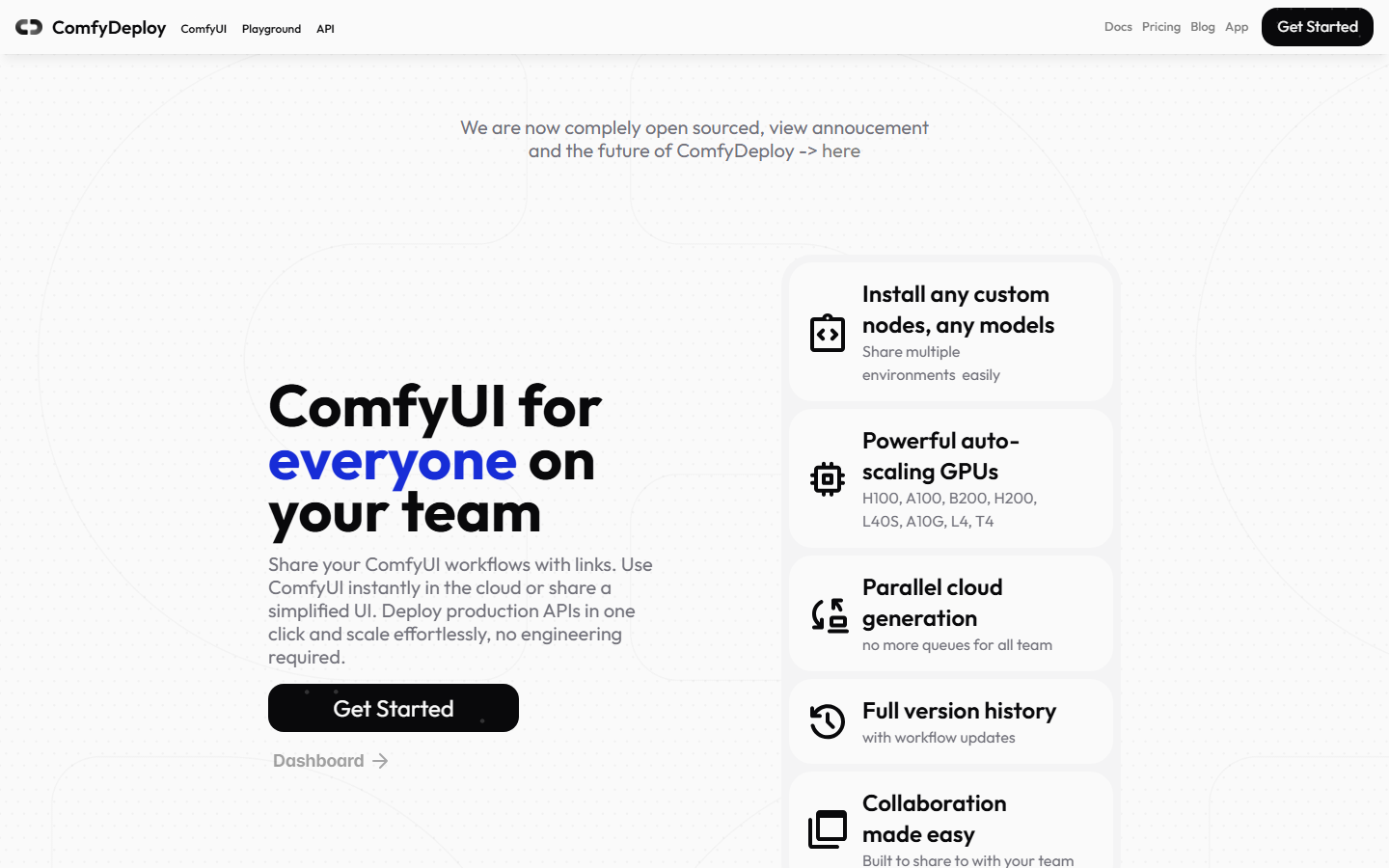
ComfyDeploy takes your existing ComfyUI JSON workflow and converts it into a hosted API endpoint. If you have already invested time building complex node graphs locally, this is the fastest path to production without rewriting anything.
You upload a workflow JSON export, ComfyDeploy provisions the compute, and you receive a REST endpoint that accepts inputs and returns generated outputs. The platform handles GPU scaling, queue management, and cold starts transparently. Pricing is usage-based with no minimum commitment, making it suitable for teams that want to keep their existing ComfyUI workflows intact while gaining cloud API access.
Limitations: you are still constrained by ComfyUI's node ecosystem and Python dependency chain. If that dependency chain is the part you want gone, a hosted node canvas without ComfyUI trades exact-graph fidelity for a simpler set of whole-model nodes. Custom nodes require explicit support, and debugging production failures means reading ComfyUI-style logs rather than structured API errors.
3. RunComfy
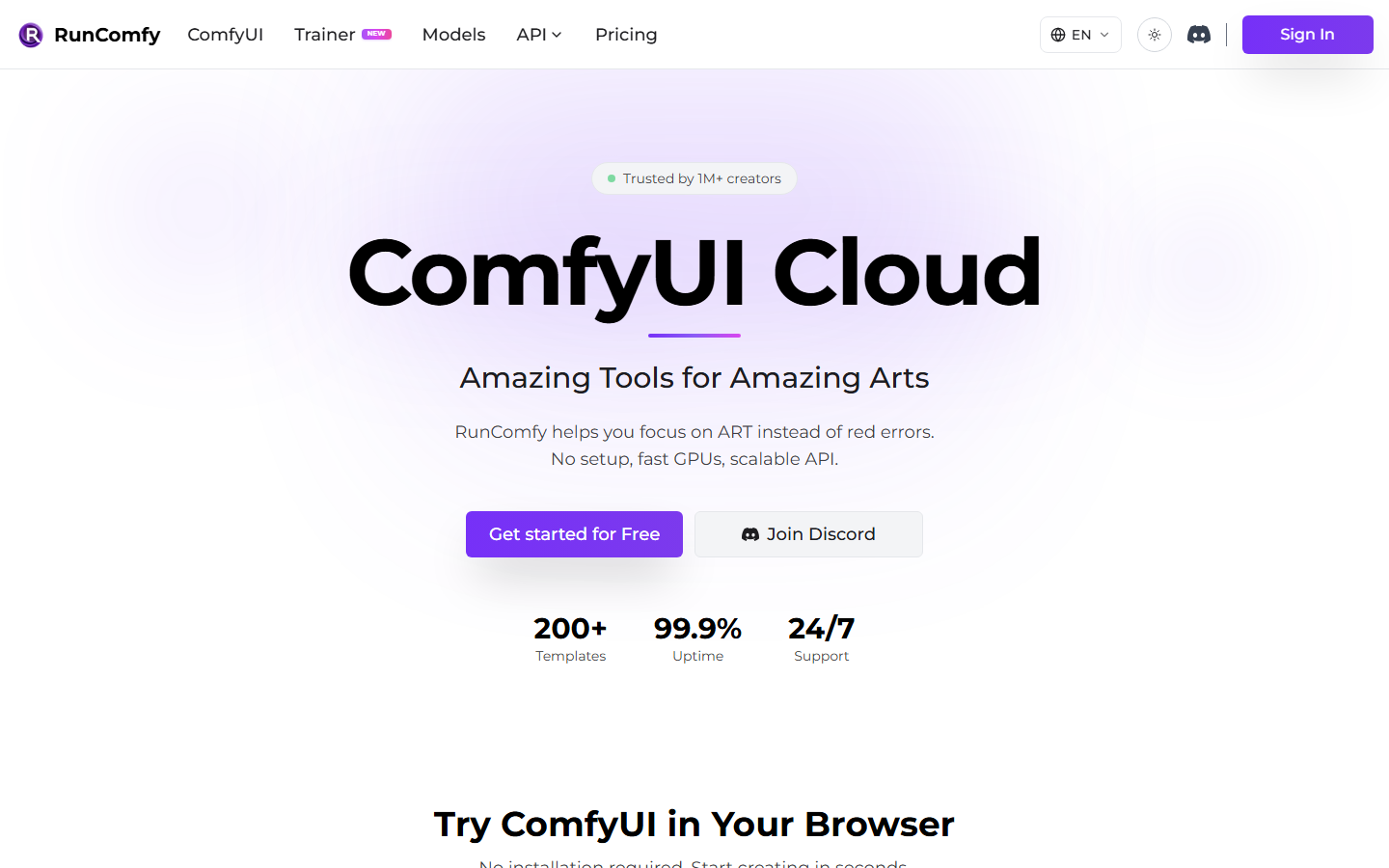
RunComfy provides a fully managed ComfyUI environment in the cloud with 200+ preloaded nodes and models. It exposes API access to pretrained image generation models for text-to-image, image-to-image, and inpainting tasks with real-time editing capabilities.
The platform targets users who want the familiar ComfyUI interface without hardware management. GPU instances spin up on demand, and the visual node editor environment mirrors local ComfyUI closely. API access is available for programmatic execution, though the interface remains tied to ComfyUI's architecture and its associated complexity.
Best for teams already deep in the ComfyUI ecosystem who primarily need GPU hosting rather than a fundamentally different workflow abstraction.
4. ComfyOnline
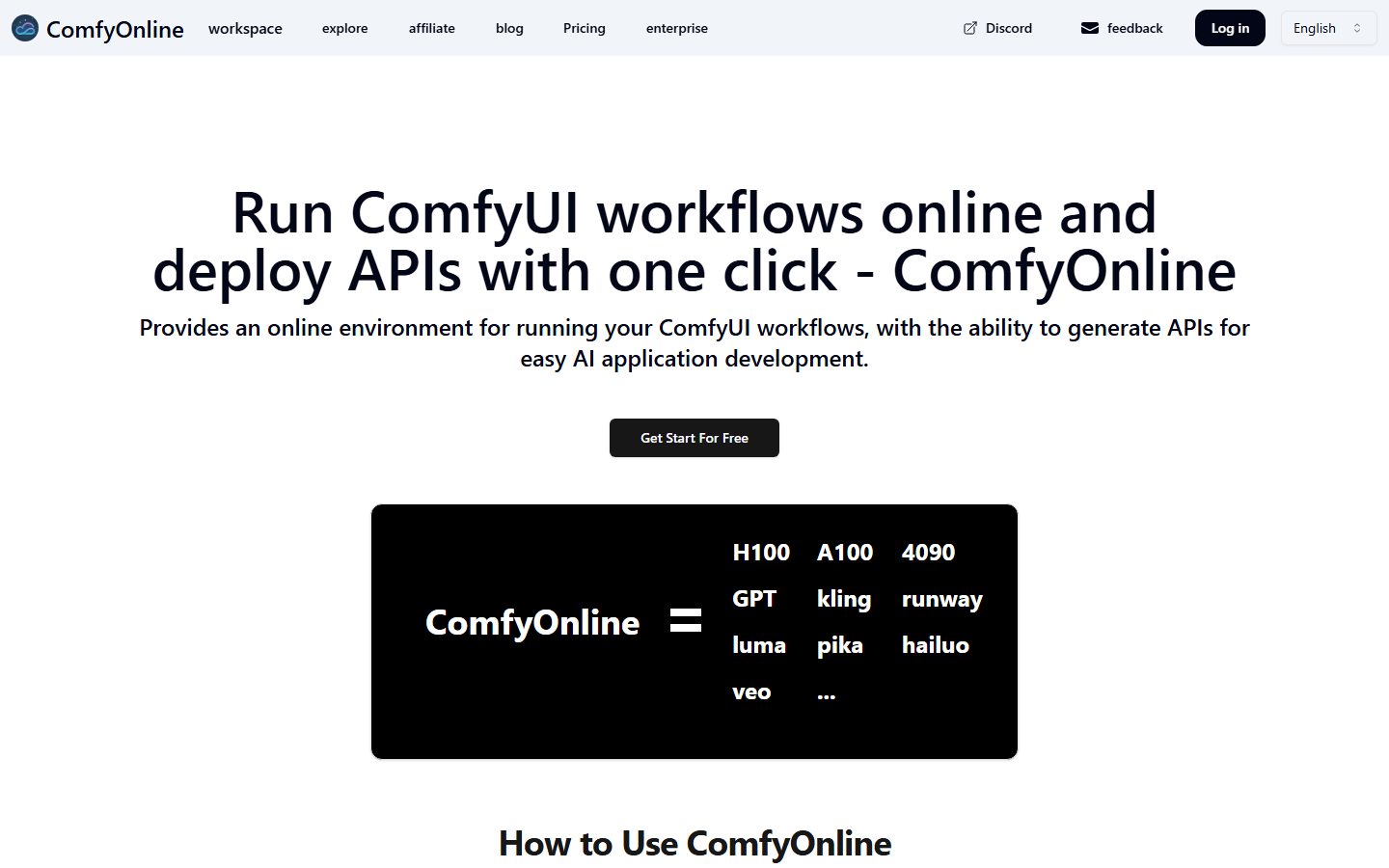
ComfyOnline lets you run ComfyUI workflows in the browser and auto-generates API endpoints for each one. It supports image, video, audio, and text generation with advanced services, LLMs, and custom nodes that scale with traffic.
The auto-API feature is the standout: once you build or import a workflow, ComfyOnline creates a typed REST endpoint with input/output schemas derived from your node graph. This eliminates the manual API wrapping step that other hosted ComfyUI tools require. The platform also handles batch generation for high-volume use cases.
Pricing scales with compute usage, and the free tier includes limited monthly generations for testing.
5. Fal.ai
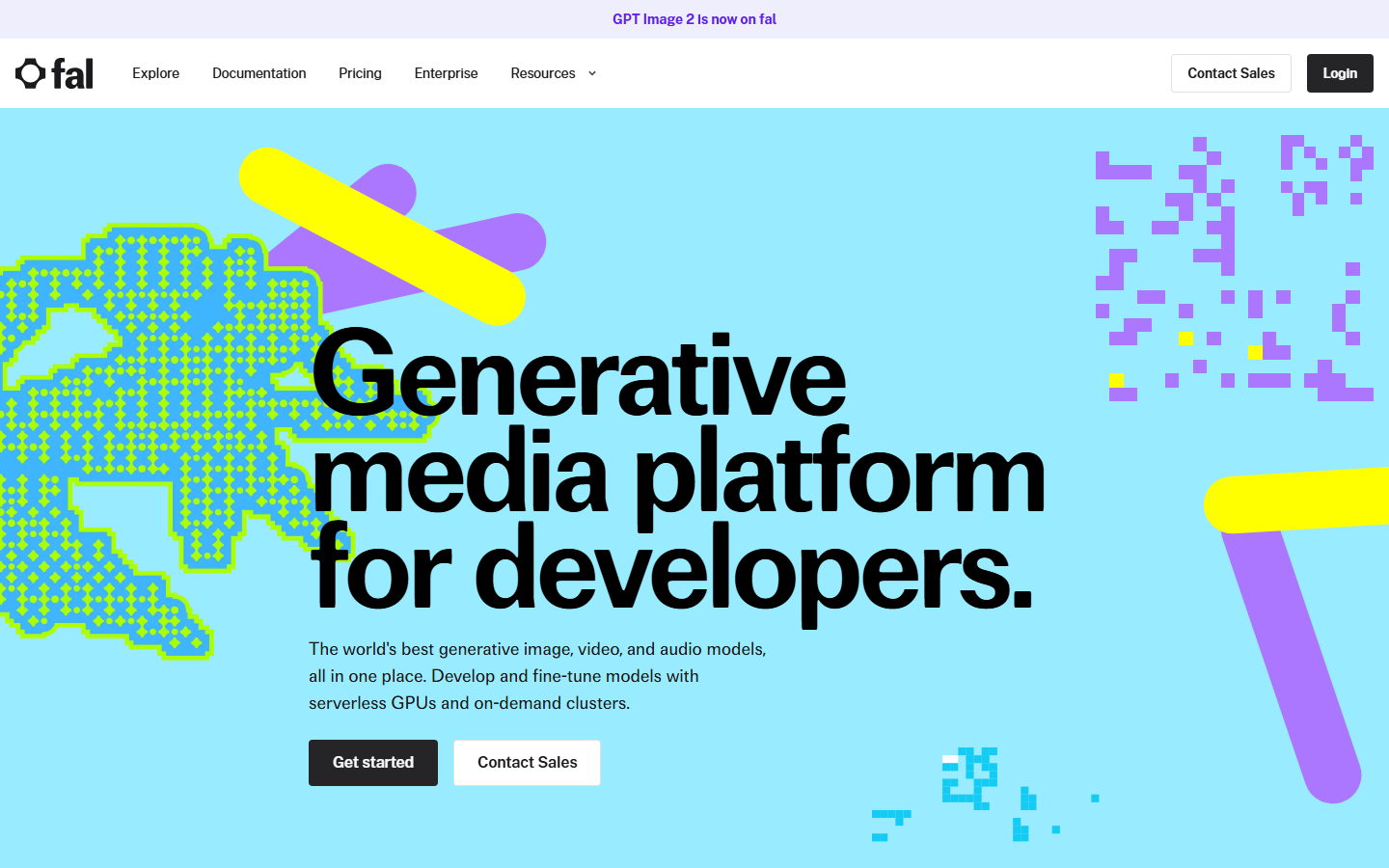
Fal.ai takes a different approach by offering individual AI models as API endpoints rather than a visual canvas. If your use case is single-model inference (text-to-image with Flux, upscaling with RealESRGAN, video with Kling), Fal delivers sub-second cold starts and straightforward REST calls.
Fal is not a workflow builder. You cannot chain models visually or build multi-step pipelines natively. For multi-model orchestration, you would need to handle the sequencing in your own application code. However, for teams that just need fast, reliable inference on specific models without ComfyUI's complexity, Fal's simplicity is a strength.
The API is well-documented with SDKs for Python and JavaScript, queue-based execution for long-running tasks, and webhook callbacks on completion.
6. Floyo
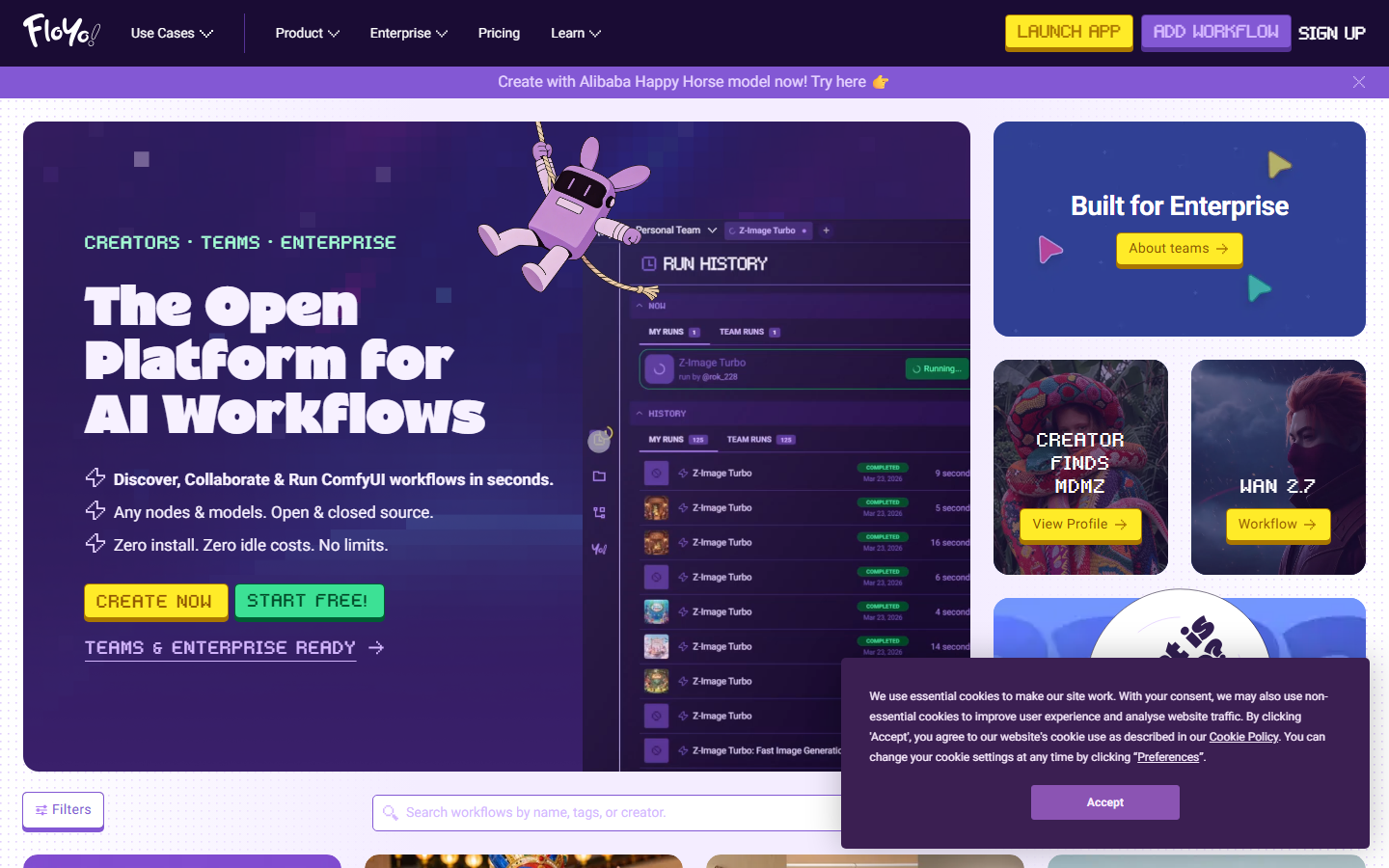
Floyo is a browser-based platform for running and building ComfyUI-style node workflows without local installation. It enables text, image, and video pipelines with workflow automation APIs for programmatic triggering and scheduling.
The platform bridges the gap between ComfyUI's node-based approach and modern API expectations. Workflows built in Floyo's canvas can be triggered via REST, making it suitable for teams that want visual building with API pipeline automation. The node library covers standard generation tasks plus some utility nodes for data transformation.
Floyo is newer to the market, so the node ecosystem is smaller than ComfyUI's, but the hosted nature and API-first design compensate for teams focused on deployment speed.
7. Graydient AI
Graydient AI offers preset workflows for quick results alongside deeper customization options. The platform includes a REST API for programmatic access and handles GPU provisioning automatically.
Graydient positions itself between no-code simplicity and developer flexibility. Preset workflows let non-technical users generate content immediately, while the API and customization layer serves developers building headless AI workflow integrations. The trade-off is a smaller model selection compared to open platforms like ComfyUI or Wireflow.
Comparison Table
| Platform | Visual Canvas | REST API | Multi-Model Chaining | Free Tier | Custom Nodes |
|---|---|---|---|---|---|
| Wireflow | Yes | Full REST + Webhooks | Yes (157 nodes) | Yes | Built-in |
| ComfyDeploy | No (upload JSON) | Yes | Via ComfyUI | Limited | ComfyUI nodes |
| RunComfy | ComfyUI UI | Yes | Via ComfyUI | No | 200+ preloaded |
| ComfyOnline | ComfyUI UI | Auto-generated | Via ComfyUI | Limited | Yes |
| Fal.ai | No | Yes | No (single model) | Yes | No |
| Floyo | Yes | Yes | Yes | Limited | Growing |
| Graydient AI | Preset + Custom | Yes | Limited | No | Limited |
Hosted ComfyUI or a ComfyUI alternative?
Once you decide to leave a local ComfyUI setup, there are two directions to go, and they solve different problems. Hosted ComfyUI keeps the exact node graph you already built and simply runs it on someone else's GPU, so your custom nodes and Python dependencies come along unchanged. That is the right move when the workflow itself is fine and the only pain is provisioning and maintaining the hardware.
A ComfyUI alternative is a cleaner break. Instead of porting the same graph, you rebuild the pipeline on a platform designed for the cloud from the start, with whole-model nodes, a native REST API, and no Python dependency chain to maintain. You give up exact-graph fidelity, but you gain structured API errors, webhook triggers, and workflows a team can share without each person reinstalling anything locally.
Which one fits depends on how attached you are to your current graph. If rebuilding a handful of nodes is cheaper than maintaining the local stack, Wireflow's ComfyUI alternative gives you the visual canvas and the API in one place, so each pipeline becomes an endpoint your app can call. If you have years of custom nodes you cannot rewrite, stay closer to hosted ComfyUI and accept the heavier dependency surface as the cost of keeping every node intact.
How to Choose the Right Platform
Picking between these tools depends on where you sit on the build-vs-buy spectrum. If you already have complex ComfyUI workflows and just need hosting, ComfyDeploy or RunComfy preserve your existing investment. If you want a clean break from ComfyUI's architecture while keeping the visual canvas approach, Wireflow or Floyo offer modern no-code canvas experiences with native API layers.
For single-model API calls without workflow complexity, Fal.ai is the fastest path to production. For preset-driven simplicity with optional API access, Graydient covers basic use cases without requiring node-graph expertise.
The key questions to ask: Do you need multi-model chaining? Do you need webhook triggers for event-driven automation? Do you need workflow templates that your team can reuse? If yes to any of these, prioritize platforms with native workflow orchestration rather than single-model inference APIs.
Try it yourself: Wireflow lets you chain GPT Image 2.5 Flare into ClarityAI for upscaling in a single workflow, then execute it via REST API. Read the API documentation to see how workflow execution, polling, and webhook triggers work in production.
Frequently Asked Questions
What is a hosted ComfyUI alternative?
A hosted ComfyUI alternative is a cloud platform that provides visual AI workflow building and API access without requiring local GPU hardware or ComfyUI installation. These tools run compute infrastructure for you and expose REST endpoints for programmatic execution.
Can I migrate my existing ComfyUI workflows to a hosted platform?
Yes, platforms like ComfyDeploy and RunComfy accept ComfyUI workflow JSON exports directly. Others like Wireflow use a different node format, so migration involves rebuilding workflows in their canvas, though the concepts transfer directly.
Do hosted ComfyUI alternatives support custom models?
Most platforms support popular open models (Flux, Stable Diffusion, SDXL) out of the box. Wireflow offers 157 built-in node types covering multiple model families. ComfyDeploy and RunComfy support ComfyUI custom nodes, while Fal.ai focuses on curated model endpoints.
What are the cost differences between self-hosted ComfyUI and cloud alternatives?
Self-hosted ComfyUI requires GPU rental ($0.50-$4/hour for capable hardware) plus maintenance time. Cloud alternatives use pay-per-execution pricing (typically $0.01-$0.10 per generation), which is more cost-effective for intermittent workloads but can exceed GPU rental costs at very high volumes.
How do webhook triggers work with hosted workflow APIs?
Webhook triggers let you start workflow executions via HTTP POST without API key authentication. This enables integrations with form builders, Zapier, CI/CD pipelines, and other systems that can send HTTP requests. The webhook URL is unique per workflow and returns an execution ID for status polling.
Can I chain multiple AI models in a single API call?
Wireflow, Floyo, and ComfyUI-based platforms (ComfyDeploy, RunComfy, ComfyOnline) support multi-model chaining where output from one node feeds into the next. Fal.ai requires you to handle chaining in your application code since each endpoint serves a single model.
What uptime and reliability should I expect from hosted platforms?
Most hosted platforms offer 99%+ uptime with automatic failover. Look for features like idempotency keys (prevents duplicate executions on retries), structured error responses with actionable codes, and rate limit headers that let your application throttle gracefully rather than hitting hard walls.
Are there open-source hosted alternatives to ComfyUI?
ComfyUI itself is open-source, and you can self-host it on cloud GPUs. For managed hosting with APIs, the platforms listed here are commercial services. Some offer free tiers for testing. If you need full control, self-hosting ComfyUI on RunPod or Vast.ai with a custom API wrapper is an option, though it requires significant DevOps investment.

Co-Founder & Operations at Wireflow
Runs client operations and content strategy at Wireflow. Works directly with creative teams and agencies to build production AI workflows.
- Content Strategy
- Client Operations
Get unlimited ad creatives today.
One call to see if we are a fit and scope the first ad. If it fits, your first batch lands inside week one.