Running ComfyUI locally works until it doesn't. GPU memory limits, dependency conflicts, and zero autoscaling make local installs a poor fit for production. Wireflow solves this by offering a fully hosted visual workflow builder with a clean REST API, letting developers skip the infrastructure entirely and call AI pipelines from any codebase. But Wireflow isn't the only option, and the right tool depends on how close to native ComfyUI you need to stay. This guide covers the seven best ComfyUI cloud API tools in 2026, ranked by developer experience, API maturity, and cost.
Quick Summary: Best ComfyUI Cloud API Tools in 2026
- Wireflow: Best Overall / Best REST API
- ComfyDeploy: Best for deploying native ComfyUI workflows
- RunComfy: Best one-click workflow-to-API conversion
- ViewComfy: Best serverless, no-infrastructure option
- RunPod: Best for full GPU control and customization
- Replicate: Best for ML model hosting and discovery
- Fal.ai: Best for low-latency inference
Why Developers Need a Cloud API for ComfyUI
ComfyUI is powerful for prototyping but falls short in production. Running ComfyUI online on a hosted canvas instead swaps the GPU meter for per-generation pricing you can see before each run. Local GPU instances don't scale, cold-start management is manual, and there's no built-in REST API. A hosted node canvas with no machine to spin up removes that management entirely and turns every workflow into a REST endpoint and an MCP tool. Teams building apps that generate images or video on demand need an endpoint they can call with a prompt and get a result back, without managing containers or CUDA versions. For teams that do not need native ComfyUI at all, a simpler hosted canvas with an API turns any workflow into a REST endpoint and an MCP tool. AI pipeline automation tools fill this gap by wrapping model execution in a clean API layer.
The tradeoff between platforms comes down to three factors: how close to native ComfyUI you need to stay, how much infrastructure you want to manage, and what billing model fits your usage pattern. Teams that would rather skip ComfyUI altogether can weigh a RunComfy alternative with a built-in API, where every published workflow is a REST endpoint and an MCP tool. Some platforms charge per GPU-minute; others bill per execution or credit. For high-volume apps, the execution model matters as much as the feature list. Batch image generation via API is a core requirement for most production workloads.
Build this in Wireflow
Make the same kind of asset on a canvas you control, with a free account and no credit card.
1. Wireflow: Best Overall

Wireflow is not a direct ComfyUI wrapper. It's a visual workflow builder that uses a node graph interface similar to ComfyUI but runs entirely in the browser and exposes every workflow as a callable REST endpoint. Developers who find ComfyUI's API setup cumbersome will appreciate that Wireflow workflows are immediately publishable: once you build a pipeline, you get a POST endpoint, no Docker required.
The Wireflow API uses standard Bearer token authentication and returns structured JSON. You POST to /api/v1/workflows/{id}/execute, poll /executions/{id}/poll for status, and receive node outputs as URLs or structured data when the run completes. The async execution pattern with exponential backoff is well-documented and handles the inevitable latency of GPU-backed generation. Rate limits scale from 50 daily executions on Free to unlimited on Enterprise.
Wireflow supports 157 nodes across image generation (Flux 2, Flux 2 Pro, Imagen 4), video (Kling 2.5), audio, and utilities. It also publishes an official Claude Skill so Claude Code users can drive workflows directly from the IDE via the AI model chaining interface. For API-first teams, Wireflow is the cleanest ComfyUI alternative in this list.
Pricing: Free tier, Starter, Pro, Enterprise. Execution credits billed per run. Best for: Developers who want a clean REST API without managing ComfyUI infrastructure.
2. ComfyDeploy: Best for Native ComfyUI Workflows
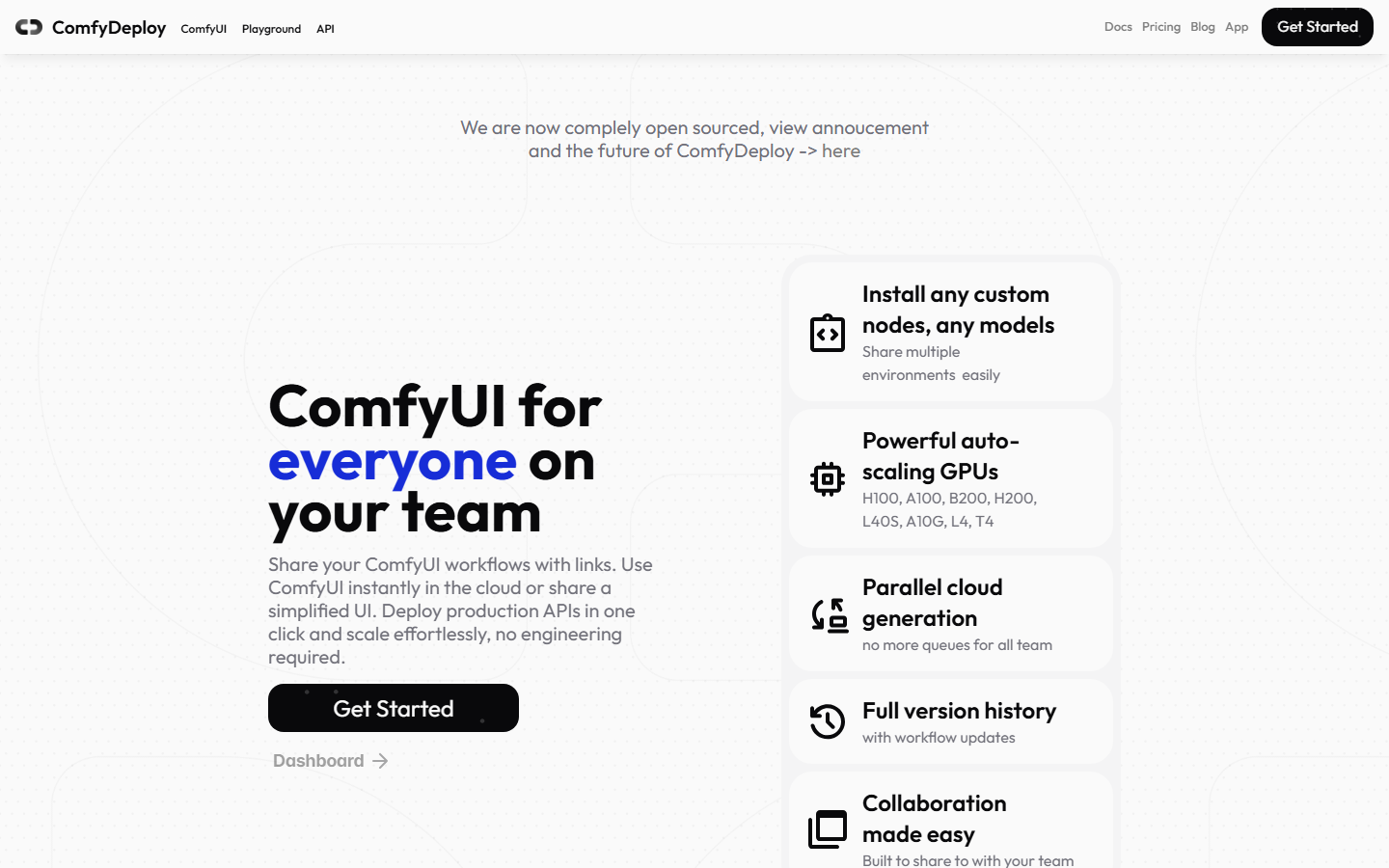
ComfyDeploy takes your existing ComfyUI JSON workflow and turns it into a hosted API endpoint. If you've already built and tested a workflow locally in ComfyUI, ComfyDeploy lets you upload it and generate an API without rewriting anything. Custom nodes are supported, and environment snapshots ensure consistency across deployments.
The platform's main strength is workflow fidelity. Any pipeline that runs locally in ComfyUI should run identically on ComfyDeploy. The tradeoff is that the API surface is less ergonomic than purpose-built platforms: you're essentially wrapping a ComfyUI JSON payload rather than interacting with a structured endpoint. Visual node editors designed from scratch for API-first use tend to produce cleaner interfaces.
Pricing: Pay-per-run with free tier. Best for: Teams migrating existing ComfyUI workflows to production without a rewrite.
3. RunComfy: Best Workflow-to-API Conversion
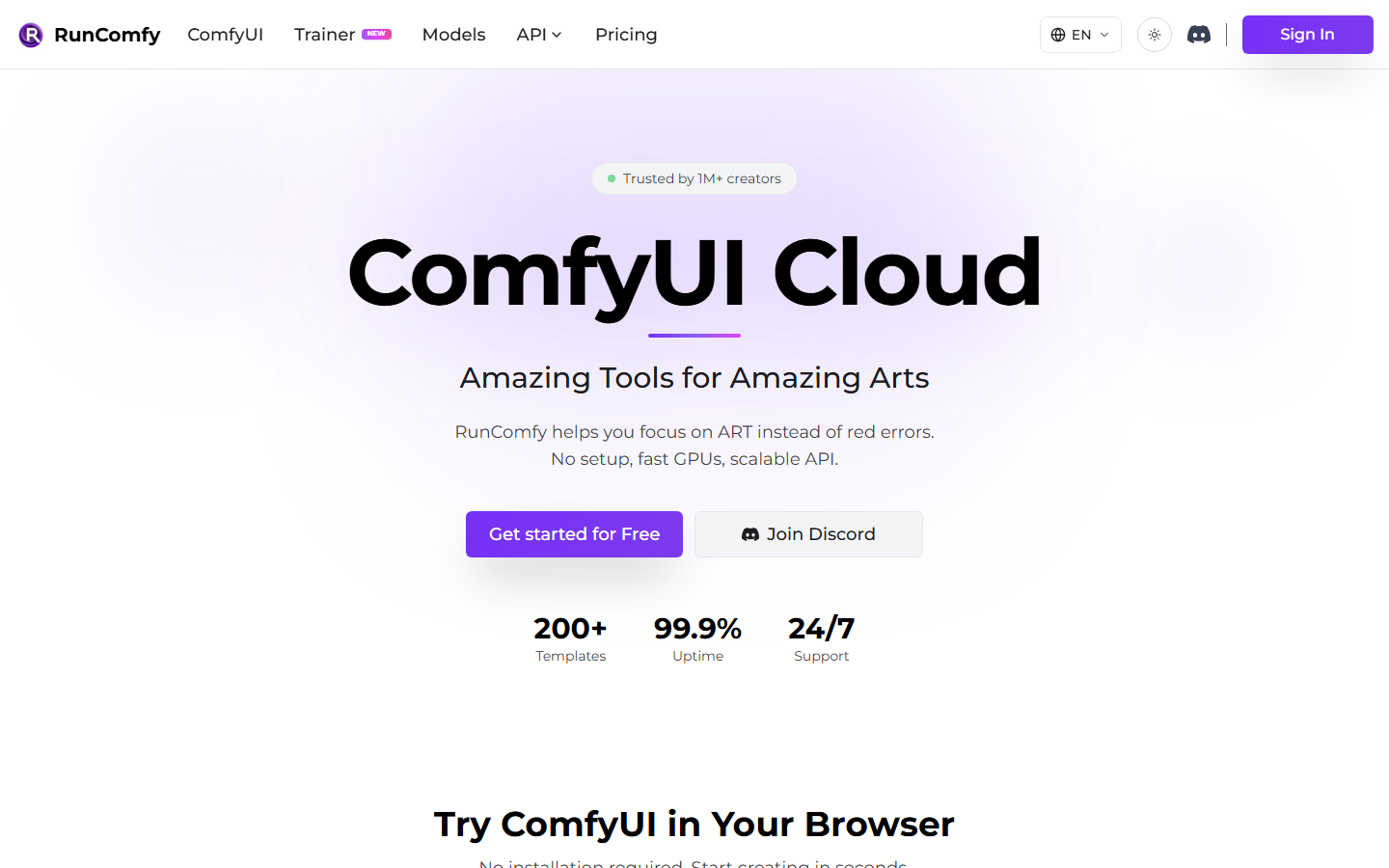
RunComfy offers one-click workflow-to-API conversion with autoscaling and serverless cold starts. You upload a ComfyUI workflow, select a machine tier, and get a URL. The platform handles environment setup, dependency installation, and scaling to zero when idle. Cold starts average 30 to 60 seconds, which is acceptable for async workloads but slow for synchronous UIs.
The API surface is standard: submit a job, get an ID, poll for completion. RunComfy's differentiator is the zero-configuration path for existing ComfyUI users. Teams already working in ComfyUI can get a production endpoint in minutes. For tools that need tighter control over request/response format, reusable AI templates on more structured platforms offer better long-term ergonomics.
Pricing: Pay-per-minute based on GPU tier. Best for: ComfyUI teams who want a production API fast, without infrastructure work.
4. ViewComfy: Best Serverless Option
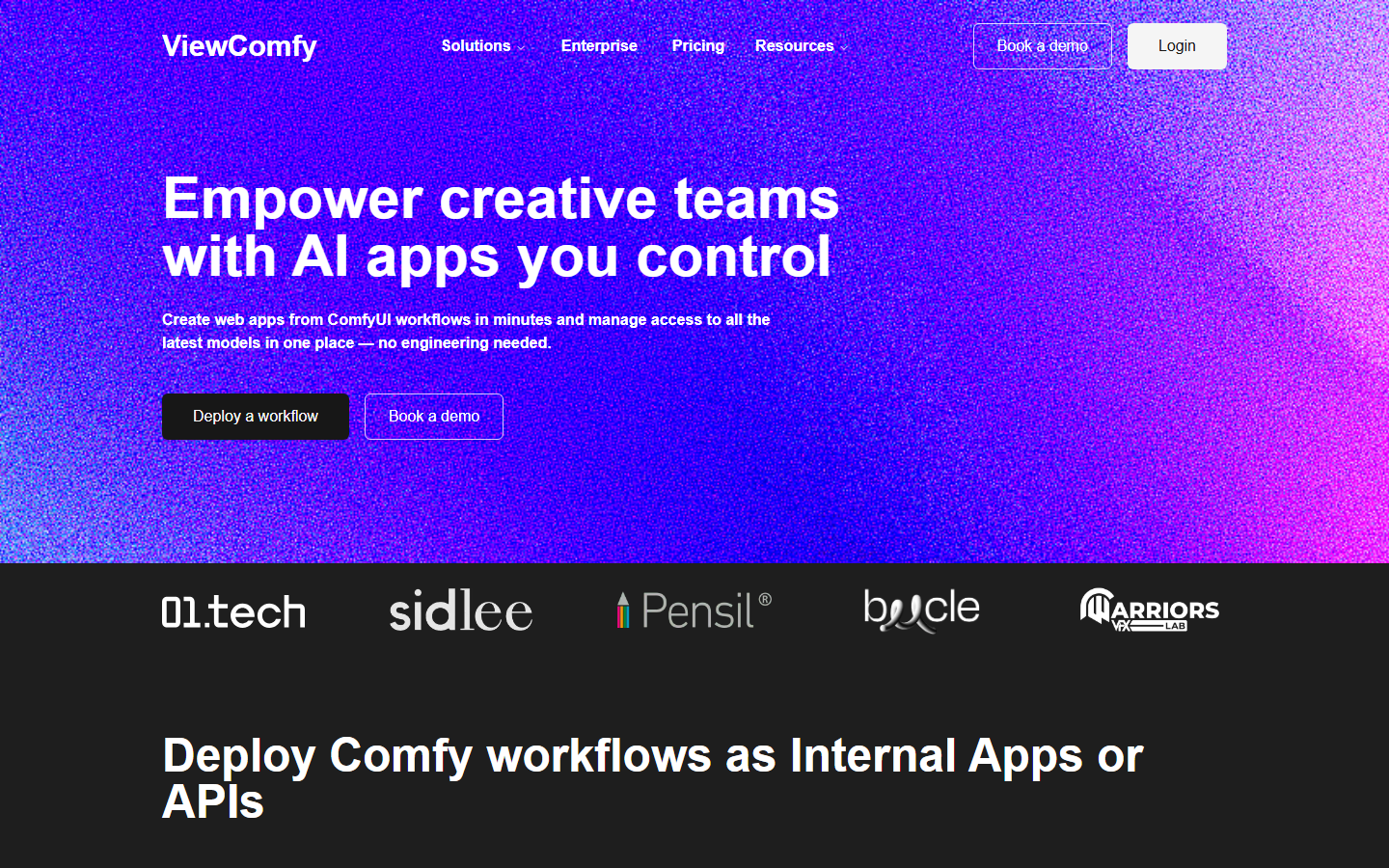
ViewComfy is a serverless ComfyUI hosting platform focused on making workflows accessible without coding. Developers can convert ComfyUI workflows into web apps or API endpoints, with enterprise options including SSO and private S3 bucket integration. Node compatibility covers both public and private custom nodes.
For teams that want to expose AI generation to non-technical users as a form-based interface, ViewComfy is the most accessible option. For pure API use cases, the serverless architecture means pay-as-you-go pricing with no idle costs, which suits low-to-medium volume workloads. A headless AI workflow platform may be a better fit when the primary consumer is another service rather than a human.
Pricing: Serverless pay-as-you-go. Best for: Teams that need both a web UI and an API from the same workflow.
5. RunPod: Best for Full GPU Control
RunPod provides raw GPU instances and a serverless endpoint layer. ComfyUI runs in a container of your choice, giving you root access, custom CUDA versions, and any dependencies you want. The tradeoff is setup complexity: you manage the container, configure JupyterLab or SSH access, and write your own API wrapper around ComfyUI's existing HTTP interface.
For power users who need models not available on managed platforms, or need to run fine-tuned checkpoints with specific custom nodes, RunPod offers maximum flexibility. It's not a managed API so much as a GPU provider that supports ComfyUI-compatible containers. Teams building on top of RunPod often wire their own AI content generation API layer using RunPod's serverless endpoint feature.
Pricing: On-demand and spot GPU pricing. Serverless billing per execution-second. Best for: Developers who need full GPU control and are comfortable with containerization.
6. Replicate: Best for Model Hosting
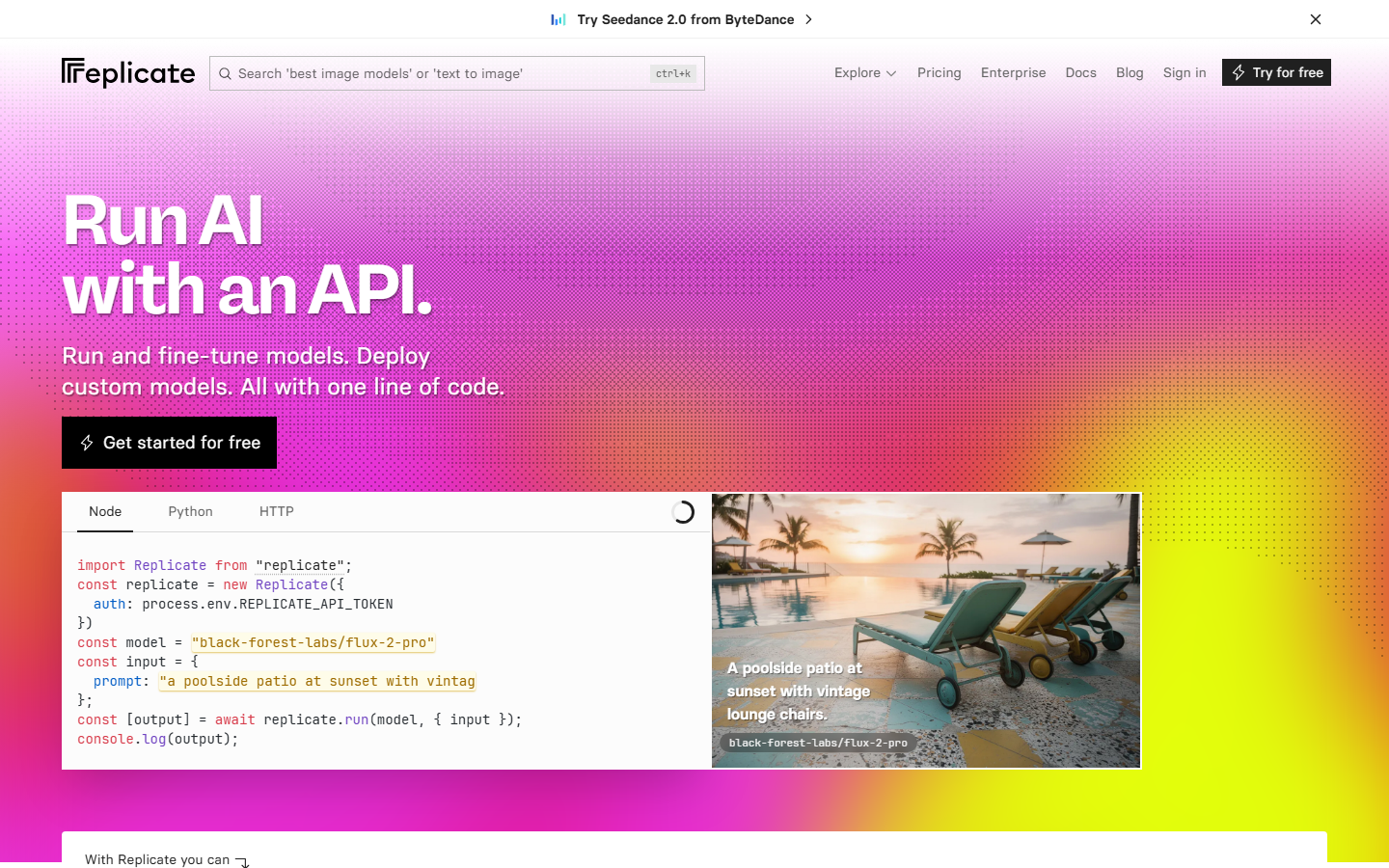
Replicate is an ML model hosting platform with a large community-contributed library. ComfyUI support comes via container templates, meaning you push a Docker image with your workflow baked in and Replicate wraps it in an API. The platform is well-documented and the API is consistent across all models.
The limitation for ComfyUI use cases is the friction of containerization. Every workflow change requires a new Docker image. Replicate is better suited to stable, infrequently-changed workflows than rapidly iterating pipelines. For tools that need frequent updates, an AI pipeline API designed for dynamic workflow configuration avoids the rebuild-and-redeploy cycle.
Pricing: Pay-per-prediction based on compute time. Best for: Developers who want a stable, containerized ComfyUI endpoint they won't change often.
7. Fal.ai: Best for Fast Inference
Fal.ai offers a fast inference API for image and video generation models, including Flux, SDXL, and others commonly used in ComfyUI workflows. The platform isn't a ComfyUI wrapper but it covers much of the same model territory. Developers who use ComfyUI primarily for Flux or ControlNet pipelines may find Fal.ai's direct model endpoints faster and cheaper than running full ComfyUI in the cloud.
Fal's websocket-based async API handles streaming outputs, which is useful for progressive image generation previews. For creative professionals testing a range of AI audio and editing tools alongside image generation, platforms like LyricEdits round out a multi-modal production stack. For image-focused API use, the Flux Pro API is another direct option without the ComfyUI overhead.
Pricing: Pay-per-inference. Best for: Developers who need fast model-level access without a full ComfyUI deployment.
Comparison Table
| Tool | API Type | ComfyUI Native | Setup | Pricing Model | Best For |
|---|---|---|---|---|---|
| Wireflow | REST (structured) | No | None | Per execution | API-first developers |
| ComfyDeploy | REST (workflow JSON) | Yes | Low | Per run | Migrating local workflows |
| RunComfy | REST (serverless) | Yes | Low | Per GPU-minute | Fast production API |
| ViewComfy | REST + UI | Yes | Low | Pay-as-you-go | Web app + API combo |
| RunPod | Raw GPU + serverless | Yes | High | Per GPU-second | Full custom deployments |
| Replicate | REST (containerized) | Via Docker | High | Per prediction | Stable production models |
| Fal.ai | REST (model-level) | No | Very Low | Per inference | Fast single-model calls |
For developers choosing between native ComfyUI compatibility and API ergonomics, ComfyUI alternative platforms like Wireflow offer a better long-term developer experience when the goal is a maintainable production system rather than workflow fidelity.

How to Choose the Right Tool
The right choice depends on your starting point. If you have existing ComfyUI workflows, ComfyDeploy or RunComfy let you deploy them without rewriting. If you're starting fresh and want a clean API from day one, Wireflow's structured endpoint and full documentation make it the most maintainable option at scale. If you need raw compute and flexibility, RunPod. For budget-conscious teams running stable workloads on Flux or SDXL, Fal.ai is hard to beat on cost per generation.
Consider cold starts. Serverless platforms like RunComfy and ViewComfy scale to zero, which is great for cost but adds 30 to 60 seconds to the first request after idle. For apps where the user waits for a result, this latency is noticeable. AI workflow builder platforms with dedicated compute avoid cold starts at the cost of a higher base fee. Check Wireflow's pricing for a detailed plan comparison.
Try it yourself: Build this workflow in Wireflow: the nodes are pre-configured with a text prompt wired to Flux 2 Pro, showing exactly how a ComfyUI-style pipeline runs via the Wireflow API.
FAQ
What is the easiest way to run ComfyUI in the cloud with an API? RunComfy and ComfyDeploy offer the lowest-friction path for existing ComfyUI users. If you don't have existing workflows, Wireflow's REST API gives you a production-ready endpoint without any ComfyUI setup.
Does Wireflow support ComfyUI workflows natively? Wireflow does not import ComfyUI JSON directly. It's a visual workflow builder with its own node format and a clean REST API. Most ComfyUI use cases: image generation, editing, chaining models: are achievable in Wireflow with similar or fewer steps. See the Wireflow features page for a full node and capability overview.
What is the difference between ComfyDeploy and RunComfy? ComfyDeploy focuses on turning a ComfyUI workflow file into a hosted API. RunComfy does the same but adds autoscaling, team features, and environment snapshots. Both target teams migrating from local ComfyUI to a production API.
How do cold starts affect ComfyUI cloud APIs? Serverless platforms scale to zero when idle, meaning the first request after a quiet period triggers GPU initialization. This adds 30 to 60 seconds to response time. For user-facing apps, managed or always-warm instances eliminate this delay.
Is Fal.ai a ComfyUI cloud platform? Fal.ai is a model inference API, not a ComfyUI hosting platform. It supports many models used in ComfyUI workflows (Flux, SDXL, etc.) but doesn't accept ComfyUI workflow JSON. Use it when you need fast access to a specific model, not a full ComfyUI environment.
Can I use the Wireflow API with any programming language?
Yes. The Wireflow API is plain REST with JSON. It works with curl, fetch, Python requests, Axios, or any HTTP client. There's no official SDK, so you call it directly from your existing stack.
What happens when a ComfyUI cloud API execution fails?
Most platforms return a structured error response. Wireflow returns { "error": "message" } with additional context for complex failures like insufficient credits (which includes a per-node cost breakdown). Always implement retry logic with exponential backoff, starting at 1 second, for transient errors.
How does rate limiting work on ComfyUI cloud APIs?
Each platform has its own limits. Wireflow's rate limits range from 10 req/min on Free to 200 req/min on Enterprise, with all plans capped at 10 executions/min to prevent GPU overload. Every Wireflow API response includes X-RateLimit-Limit, X-RateLimit-Remaining, and X-RateLimit-Reset headers so you can track usage programmatically.
Would you rather we just built it?
We get on a call, learn your style, build the workflow, and ship the deliverables on a schedule. You keep the workflow either way.