Best AI Generation API with Spend Limits Tools in 2026


In this article▾
Running AI generation workloads through APIs can rack up costs quickly if there is no budget ceiling in place. Wireflow solves this by letting you chain multiple AI models in a visual canvas while setting per-project spend caps, so you never wake up to a surprise invoice. This guide ranks the eight best AI generation APIs that offer meaningful spend controls, from hard budget caps to usage alerts and auto-pause features, so you can ship production AI workflows without financial risk.
Quick Summary
- Wireflow - Visual AI pipeline builder with per-project spend caps and usage dashboards (Best Overall)
- OpenAI API - Hard monthly spend limits with email alerts at configurable thresholds
- Google Vertex AI - Budget alerts and quota controls tied to Google Cloud billing
- Anthropic API - Organization-level spend limits with automatic request blocking
- AWS Bedrock - IAM-based throttling and AWS Budgets integration for cost ceilings
- Replicate - Per-model spend limits with webhook notifications on threshold
- OpenRouter - Unified gateway with per-key credit caps across 200+ models
- Requesty AI - Project-based and per-key spend limits with auto-pause
For a hands-on look at how spend-limited APIs work inside a node-based canvas, check out the AI generation API with spend limits feature page.
1. Wireflow

Wireflow is a visual AI workflow platform that connects image, video, audio, and text models through a drag-and-drop node editor. Every project includes a spend cap you can set in the dashboard, and the system pauses execution the moment the cap is reached. Real-time cost tracking shows per-node and per-run totals, which makes it straightforward to identify which model in a multi-step pipeline consumes the most budget. The platform supports batch generation natively, and each batch job respects the project-level limit.
Wireflow also exposes a REST API, so teams can trigger workflows programmatically while still relying on the same spend controls configured in the UI. Rate limiting, concurrent-run caps, and cost-per-run estimates are available before execution starts.
Build this in Wireflow
Make the same kind of asset on a canvas you control, with a free account and no credit card.
2. OpenAI API
OpenAI provides a hard monthly usage limit that blocks all API calls once the threshold is hit. You can configure email alerts at 50%, 75%, 90%, and 100% of the cap through the billing settings page. Organization admins can also set per-project limits, which helps teams running multiple products off a single account. The model chaining capabilities you might build on top of OpenAI endpoints can inherit these limits at the account level, keeping downstream costs predictable.
OpenAI also supports usage tiers that unlock higher rate limits as spend history grows, but the hard cap always takes priority over tier-based rate increases.
3. Google Vertex AI
Google Vertex AI ties into Google Cloud's billing system, where you can set budget alerts and, with a Cloud Function trigger, automatically disable billing when a threshold is exceeded. Vertex supports Gemini 2.5 Pro, Imagen, and other generation models behind the same quota framework. Per-project quotas let you cap requests per minute and per day at the API level. For teams comparing AI orchestration APIs, Vertex stands out by integrating cost controls directly into the cloud console rather than requiring a separate billing dashboard.
The downside is that the auto-disable billing approach requires some setup; it is not a single toggle like some competitors offer.
4. Anthropic API

Anthropic offers organization-level spend limits that automatically block requests once the monthly cap is reached. Workspace admins can set separate budgets per workspace, which is useful for isolating costs between development and production environments. Anthropic also provides usage tracking via API, so you can build internal dashboards that monitor token consumption in real time.
Rate limits scale with usage tier (free, build, scale, enterprise), and the spend cap applies independently from rate limits, ensuring you do not exceed budget even at higher throughput tiers.
5. AWS Bedrock
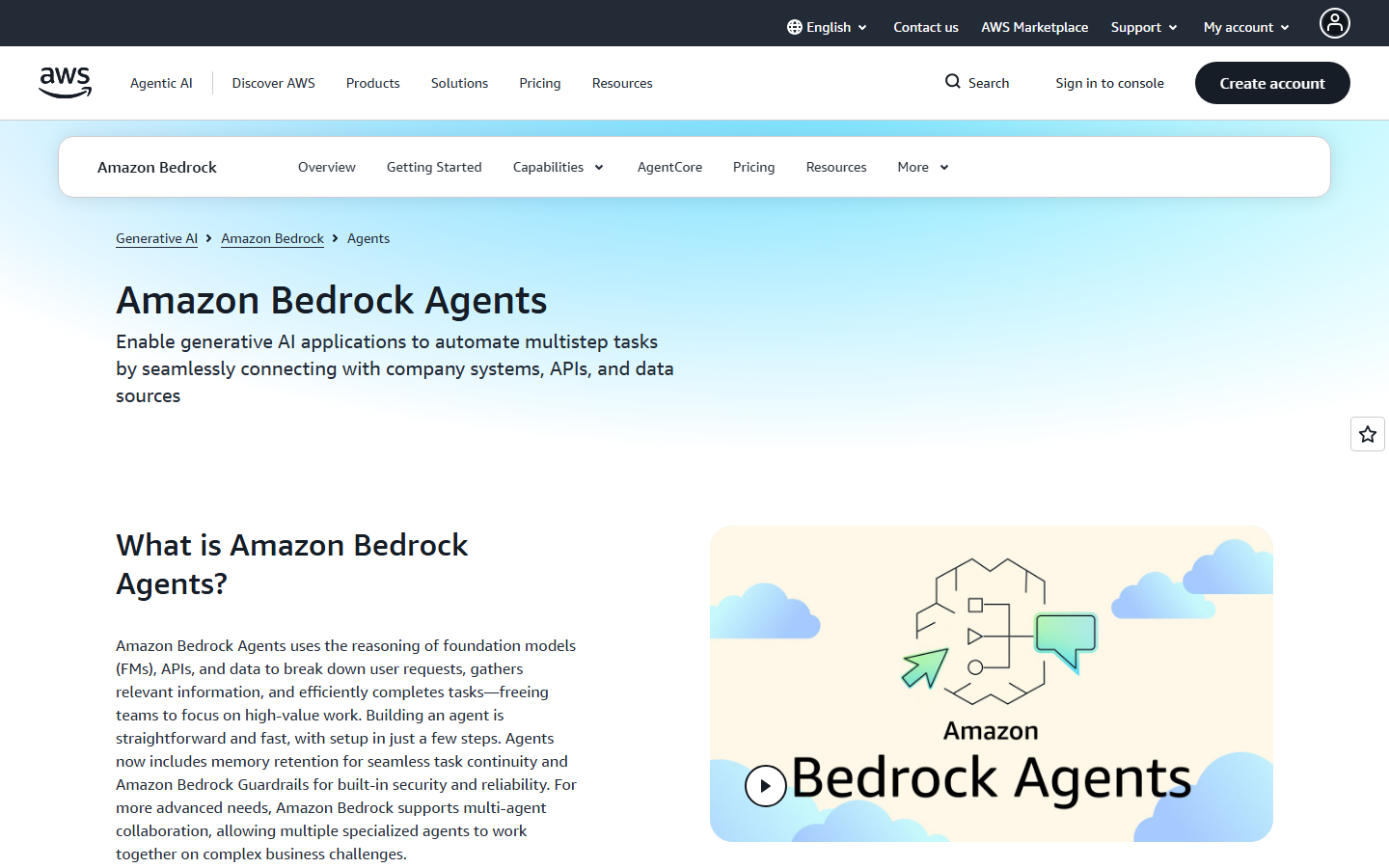
AWS Bedrock provides access to foundation models from Anthropic, Meta, Stability AI, and Amazon's own Titan family. Cost controls come through AWS Budgets, which can trigger SNS notifications or invoke Lambda functions to revoke IAM permissions when a spend threshold is hit. For teams already running infrastructure on AWS, this fits into existing pipeline automation workflows without adding a new billing system.
Bedrock also supports provisioned throughput, which lets you lock in a fixed hourly rate for predictable workloads, effectively turning a variable cost into a flat one.
6. Replicate
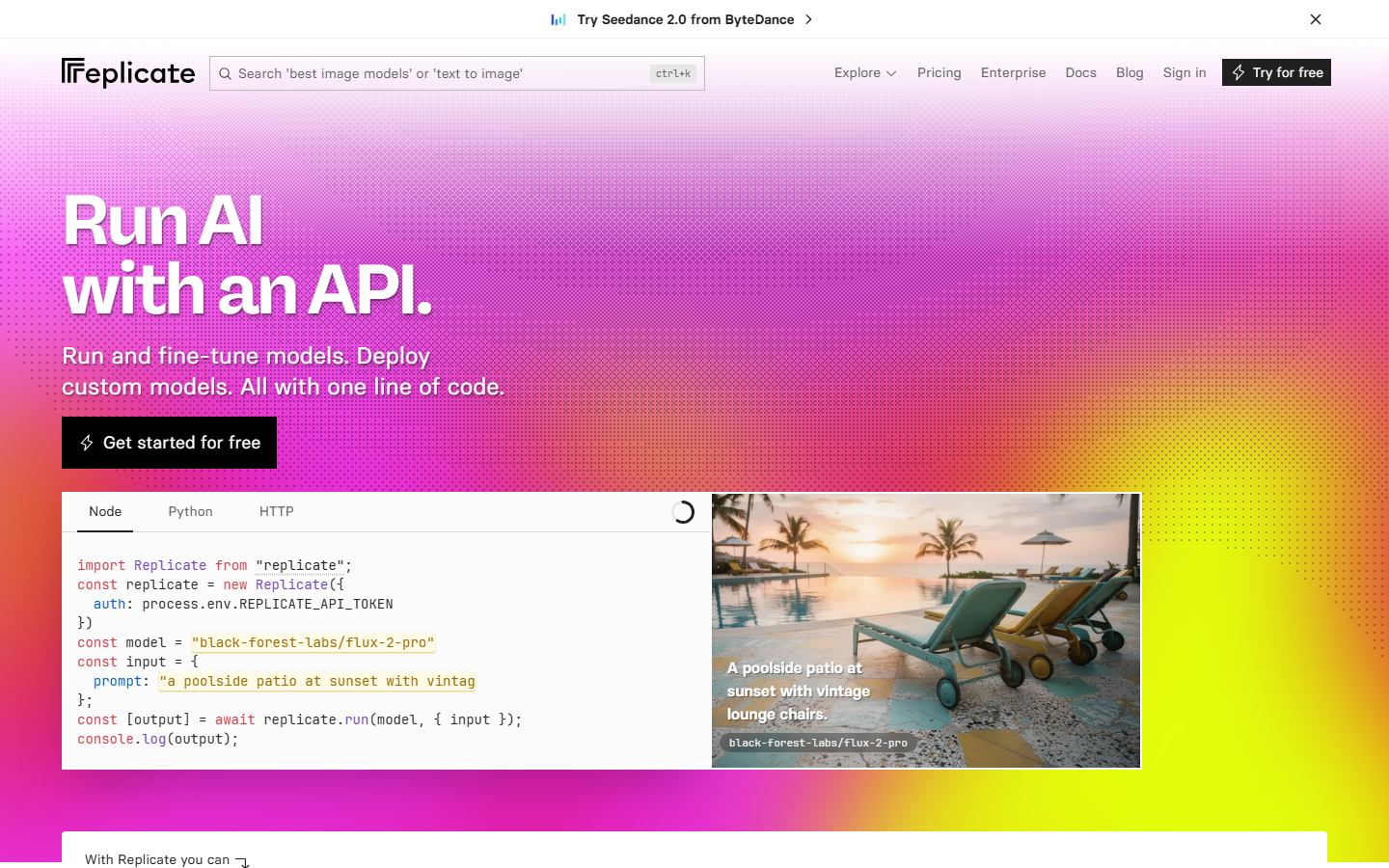
Replicate hosts open-source models and lets you set per-account spend limits through the dashboard. When you hit the cap, API calls return an error rather than continuing to accumulate charges. Replicate also supports webhook notifications at configurable thresholds (50%, 80%, 100%), giving you time to react before the hard stop. If you are looking for headless AI workflow platforms to pair with Replicate's model hosting, the spend limit on the Replicate side ensures costs stay bounded regardless of how many upstream triggers fire.
Pricing is per-second of compute time, which makes cost estimation more predictable than token-based billing for image and video models.
7. OpenRouter
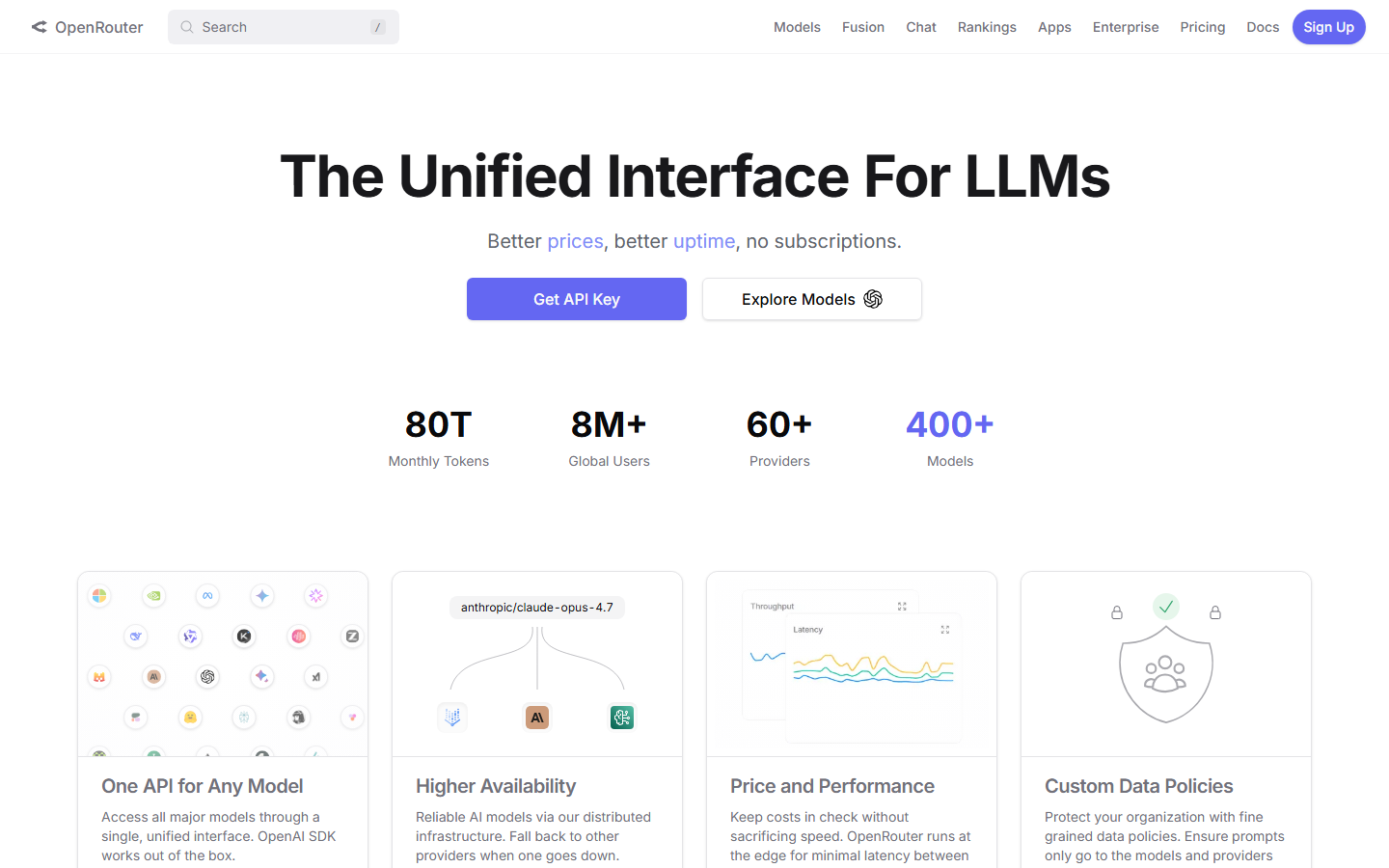
OpenRouter acts as a unified API gateway that routes requests to 200+ models across providers like OpenAI, Anthropic, Google, and Meta. Each API key can have a credit limit attached, and once the credits are exhausted, the key stops working. This is especially useful for SaaS builders who issue per-customer API keys with individual budgets. OpenRouter also supports no-code AI canvas integrations, making it possible to connect multiple model providers through a single endpoint with unified billing.
The platform tracks per-model costs in real time and provides a usage breakdown by model, date, and API key, which simplifies cost attribution in multi-tenant applications.
8. Requesty AI
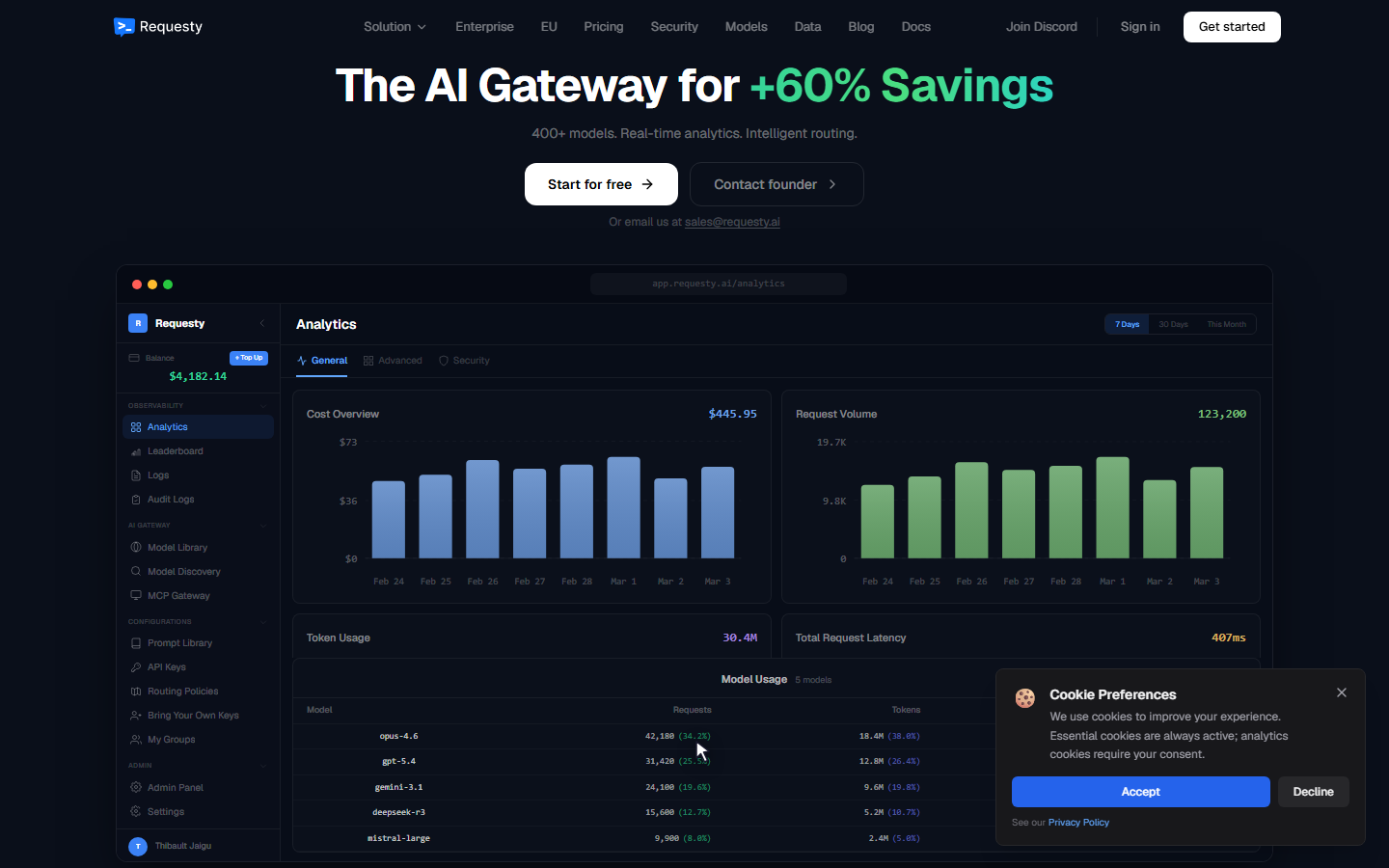
Requesty AI offers two tiers of spend control: project-based limits and per-API-key limits. Project limits cap the total spend across all keys in a project, while key limits cap individual consumers. When a limit is hit, Requesty can either block the request or, through routing policies, automatically fall back to a cheaper model. This fallback approach makes Requesty unique among developer-friendly AI generation platforms because it degrades gracefully instead of failing outright.
Requesty also handles upstream 429 errors by retrying with alternative providers, so rate limits from one provider do not cascade into downtime for your application.
Comparison Table
| Platform | Hard Spend Cap | Per-Key Limits | Auto-Pause | Alerts | Pricing Model |
|---|---|---|---|---|---|
| Wireflow | Yes | Yes (per-project) | Yes | Dashboard + email | Per-run / per-model |
| OpenAI | Yes | Yes (per-project) | Yes | Email at thresholds | Per-token |
| Google Vertex AI | Via Cloud Billing | Yes (per-project quota) | Manual setup | Budget alerts | Per-token / per-character |
| Anthropic | Yes | Yes (per-workspace) | Yes | Usage API | Per-token |
| AWS Bedrock | Via AWS Budgets | IAM-based | Lambda trigger | SNS notifications | Per-token / provisioned |
| Replicate | Yes | Per-account | Yes | Webhooks | Per-second compute |
| OpenRouter | Yes (per-key credits) | Yes | Yes | Dashboard | Per-token (pass-through) |
| Requesty AI | Yes | Yes (per-key + per-project) | Yes + fallback | Dashboard | Per-token (pass-through) |
Each platform takes a different approach to API cost management. Hard caps are the safest option for teams that cannot tolerate overages, while alert-based systems work better for workloads where interruption is more costly than a moderate overspend.
Try it yourself: Build this workflow in Wireflow to see how spend-limited AI generation works inside a visual node editor with real model outputs.
FAQ
What is a spend limit on an AI API?
A spend limit is a maximum dollar amount you configure for a billing period. Once your usage costs reach that limit, the API either blocks further requests or sends an alert, depending on the provider. It prevents unexpected charges from runaway scripts or traffic spikes.
Which AI API has the strictest spend controls?
Anthropic and OpenAI both offer hard caps that automatically block requests at the limit. Requesty AI adds a fallback option that switches to cheaper models instead of blocking, giving you both cost control and uptime. For visual pipeline users, Wireflow's pricing includes per-project caps that apply across all models in a workflow.
Can I set different spend limits for different API keys?
Yes. OpenRouter, Requesty AI, and Wireflow all support per-key or per-project limits. AWS Bedrock achieves this through IAM policies. OpenAI added per-project limits in 2026. Google Vertex AI uses per-project quotas tied to batch image generation and other resource types.
How do spend limits differ from rate limits?
Rate limits cap the number of requests per minute or per day. Spend limits cap the total dollar amount. You can hit your rate limit many times without exceeding your spend limit, and you can exceed your spend limit with relatively few expensive requests. Most production setups need both, especially when running AI pipeline automation.
What happens when I hit my spend limit?
Most providers return an HTTP 429 or 402 error. Requesty AI can optionally route to a fallback model. Wireflow pauses the workflow and notifies you. AWS Bedrock requires a Lambda function to revoke permissions. The exact behavior varies, so test your error handling before going to production.
Are spend limits available on free tiers?
Google AI Studio, OpenRouter, and Replicate all offer free tiers with built-in usage caps. These are effectively spend limits set to zero additional cost. For paid tiers, all eight platforms in this guide let you configure custom caps through their visual AI studio or billing dashboard.
Can I get alerts before hitting my spend limit?
OpenAI sends email alerts at configurable percentages (50%, 75%, 90%, 100%). Replicate supports webhook notifications. AWS uses SNS. Wireflow and Requesty show real-time usage in their dashboards. Anthropic exposes usage data via API so you can build custom alerting with any workflow builder.
Do spend limits apply to all AI model types?
Yes. Whether you are generating images, video, audio, or text, the spend limit covers all API usage within the billing scope. Some platforms like Replicate price by compute time rather than tokens, but the dollar-denominated cap works the same way across all content generation API model types.

Co-Founder & Operations at Wireflow
Runs client operations and content strategy at Wireflow. Works directly with creative teams and agencies to build production AI workflows.
- Content Strategy
- Client Operations
Get unlimited ad creatives today.
One call to see if we are a fit and scope the first ad. If it fits, your first batch lands inside week one.