Best AI Studio with API Tools in 2026

In this article▾
Choosing the right AI studio with full API access can make or break your production pipeline. Wireflow combines a visual node-based canvas with a complete REST API, letting developers design workflows in the browser and deploy them as callable endpoints. This guide covers the eight strongest platforms in 2026, ranked by API depth, model selection, and production readiness.
Quick Summary
- Wireflow - Best overall: visual canvas + full REST API with 157+ model nodes
- Replicate - Best for open-source models: hosted inference with a simple predictions API
- Fal AI - Best for speed: low-latency serverless inference with queue-based execution
- Google AI Studio - Best free tier: browser-based prototyping with Gemini API access
- Runway - Best for video: creative studio with Gen-3 and image-to-video APIs
- Leonardo AI - Best for game assets: fine-tuned models with batch generation endpoints
- Stability AI - Best for self-hosting: open-weight models with a managed API option
- Segmind - Best budget option: serverless GPU inference at competitive per-image pricing
1. Wireflow

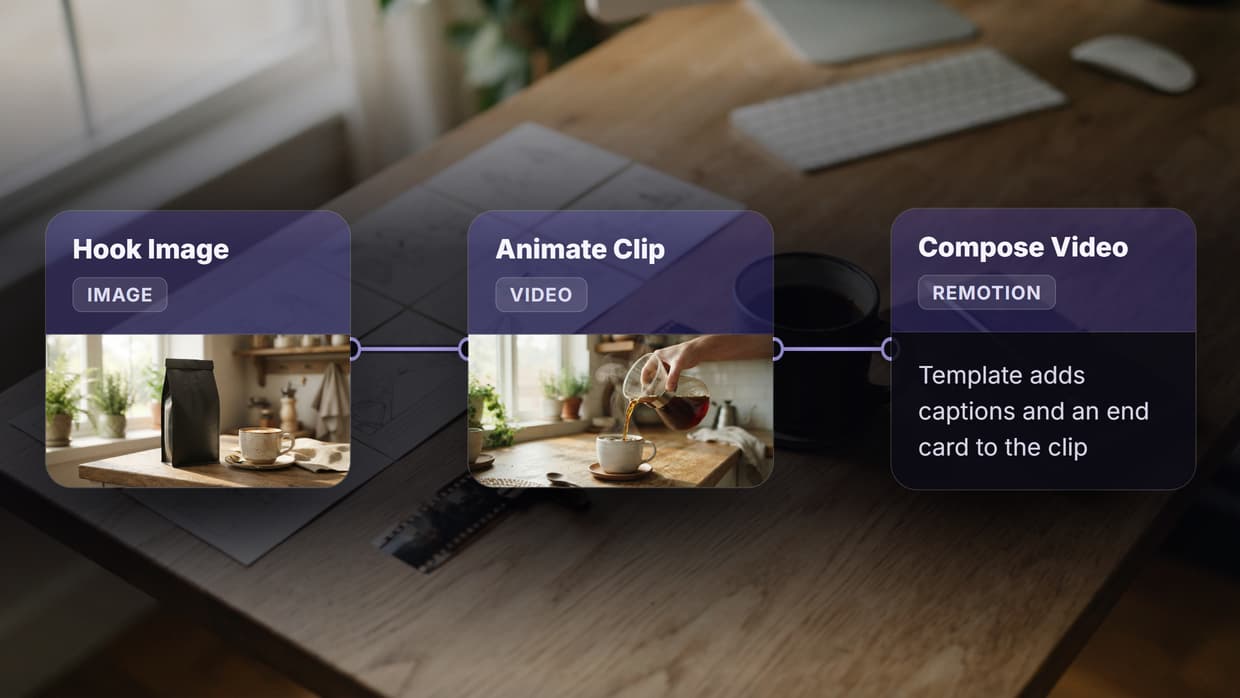
Wireflow is a visual node editor that doubles as a headless API backend. You build workflows by connecting model nodes on a drag-and-drop canvas, then execute them through REST endpoints or webhooks. The platform supports 157+ node types across image generation, video, audio, 3D, and utility categories.
For a hands-on look at this in action, check out the best AI studio with API tools in 2026 feature page.
API Highlights
The Wireflow API follows a straightforward async pattern. You POST to /api/v1/workflows/{id}/execute, receive an executionId, then poll /api/v1/workflows/executions/{id}/poll until the status flips to COMPLETED. Authentication uses Bearer tokens with sk- prefixed keys generated from the dashboard.
curl -X POST https://www.wireflow.ai/api/v1/workflows/YOUR_ID/execute \
  -H "Authorization: Bearer sk-your-api-key" \
  -H "Content-Type: application/json" \
  -d '{ "nodes": [...], "edges": [] }'
Rate limits scale by plan: Free gets 10 requests/min and 50 daily executions, while Pro offers 60 requests/min and 1,000 daily runs. Every response includes X-RateLimit-Remaining headers so you can throttle gracefully. Webhook triggers at /workflow/{webhookId}/trigger require no API key, making them ideal for no-code AI canvas integrations with Zapier or CI pipelines.
Best for: Teams that want a visual builder and a production API in one platform.
Build this in Wireflow
Make the same kind of asset on a canvas you control, with a free account and no credit card.
2. Replicate
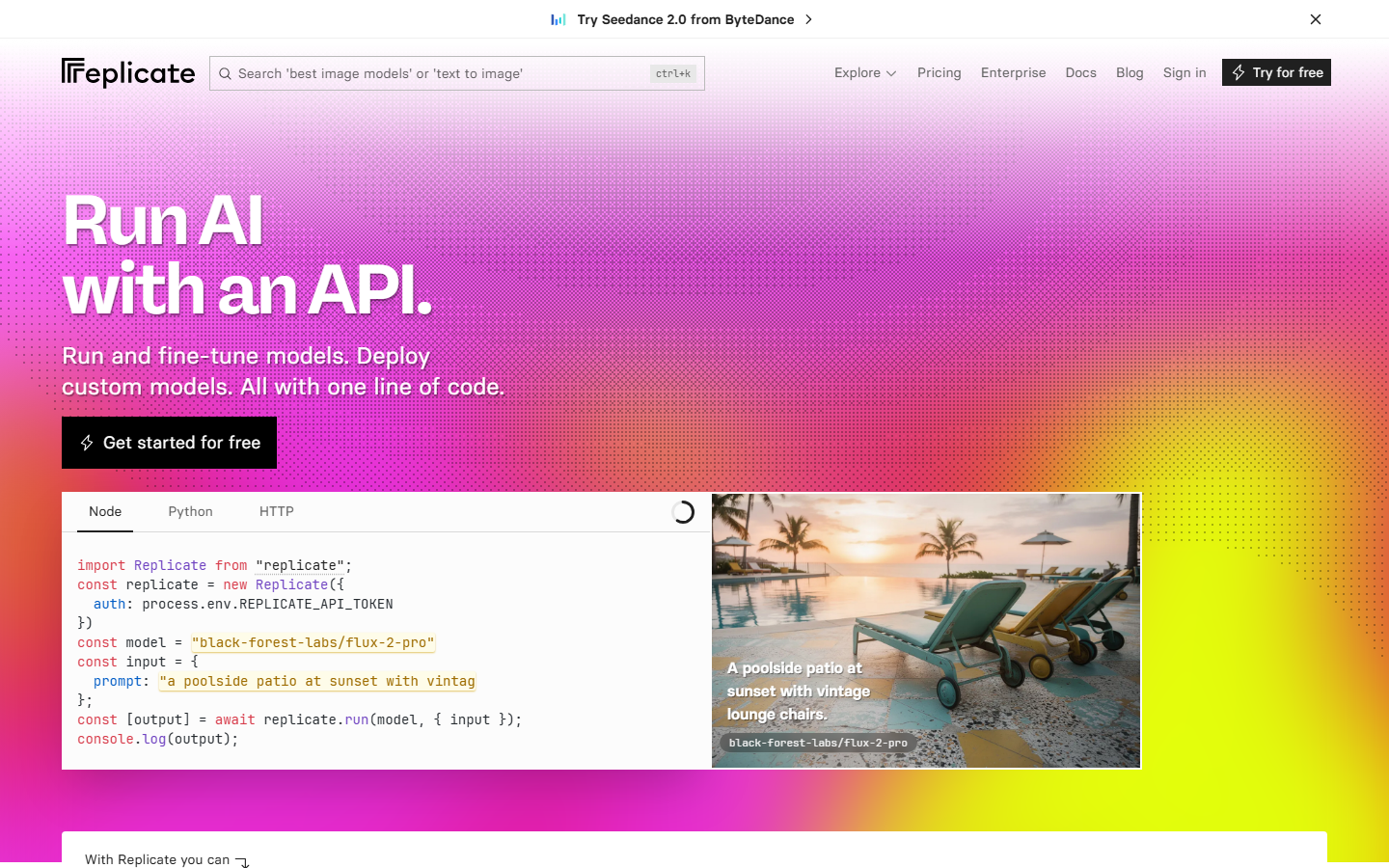
Replicate hosts thousands of open-source models behind a unified predictions API. You pick a model, send a POST request with your inputs, and get results back in seconds. The platform handles GPU provisioning, scaling, and cold starts automatically, which is why it has become the default batch image generation backend for many startups.
API Highlights
Every model on Replicate shares the same endpoint structure: POST /v1/predictions with a version hash identifying the model. Outputs arrive as URLs pointing to temporary file storage. Replicate also supports streaming for language models and webhooks for async notifications.
Best for: Developers who want quick access to the latest open-source models without managing infrastructure.
3. Fal AI
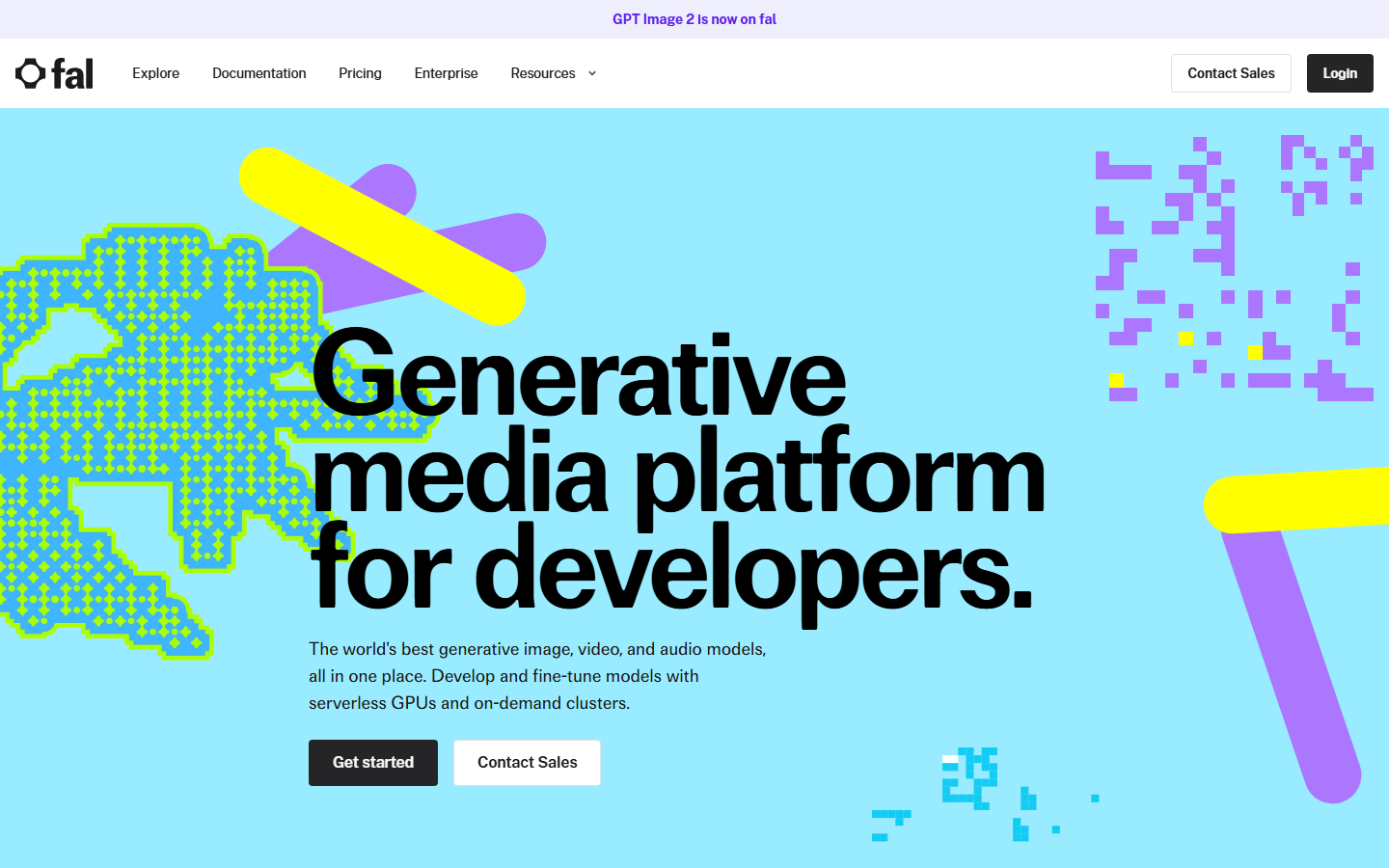
Fal AI focuses on speed. Their serverless GPU infrastructure delivers sub-second cold starts for popular models like Flux and Stable Diffusion. The API uses a queue-based pattern: submit a request, get a request ID, poll for results. For real-time apps, they offer a WebSocket endpoint that pushes results as they complete. Many teams building AI content generation APIs rely on Fal for the raw inference layer.
API Highlights
Endpoints follow the pattern POST https://fal.run/{model-id} for synchronous calls or POST https://queue.fal.run/{model-id} for async. Auth is a simple Key header. Pricing is per-second of GPU time with no minimum commitment.
Best for: Applications that need the fastest possible inference times for image and video models.
4. Google AI Studio
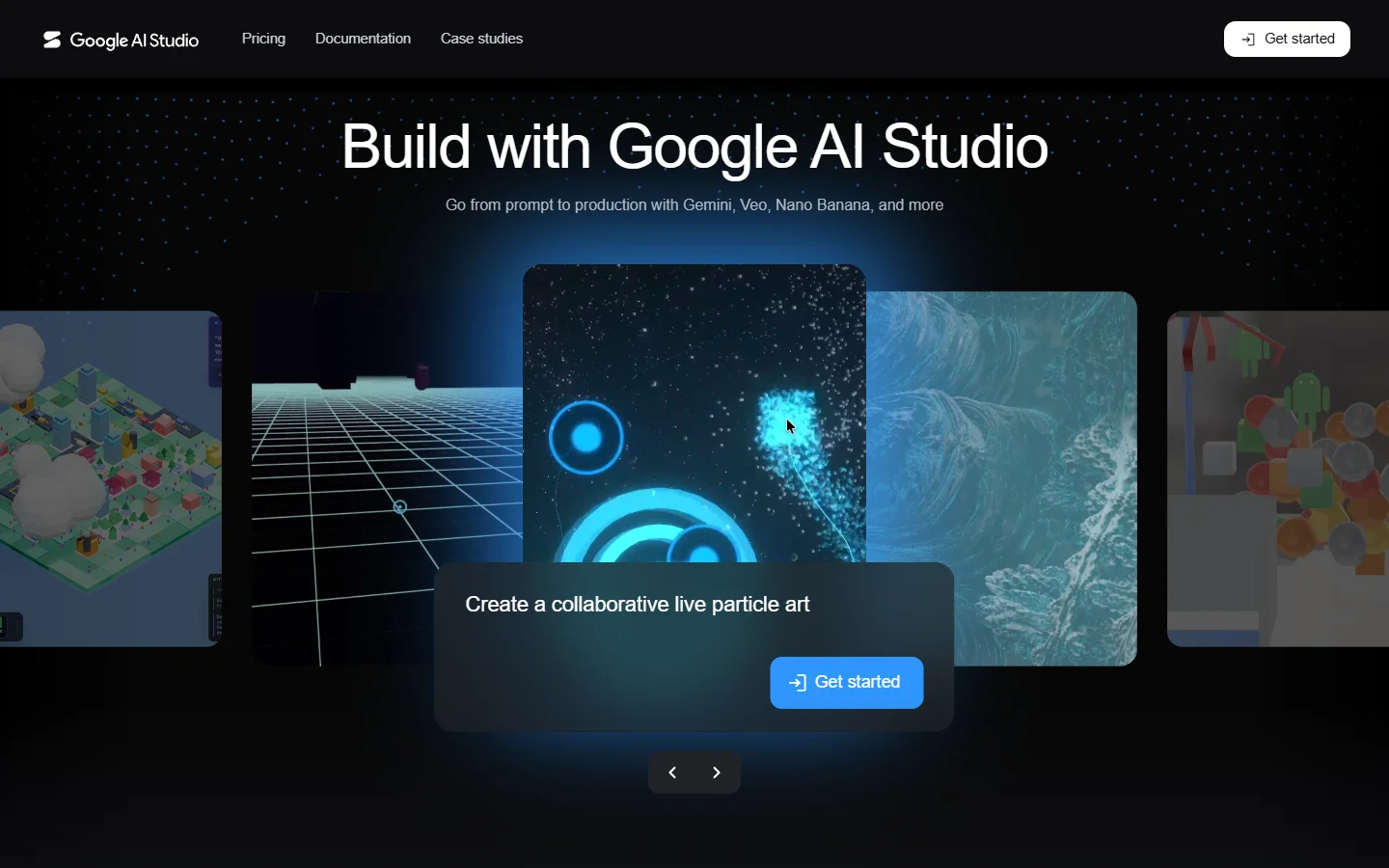
Google AI Studio provides a browser-based playground for prototyping with Gemini models, then generates API code you can drop into production. The free tier is generous: you can make requests to Gemini models at no cost in supported regions. This makes it a solid entry point for teams exploring AI workflow builders before committing to a paid platform.
API Highlights
The Gemini API supports text, image, audio, and video inputs in a single multimodal endpoint. Structured output mode lets you define JSON schemas for consistent responses. Function calling is built in, so you can connect Gemini to external tools without middleware.
Best for: Teams already in the Google Cloud ecosystem who want a free prototyping environment with a clear path to production.
5. Runway
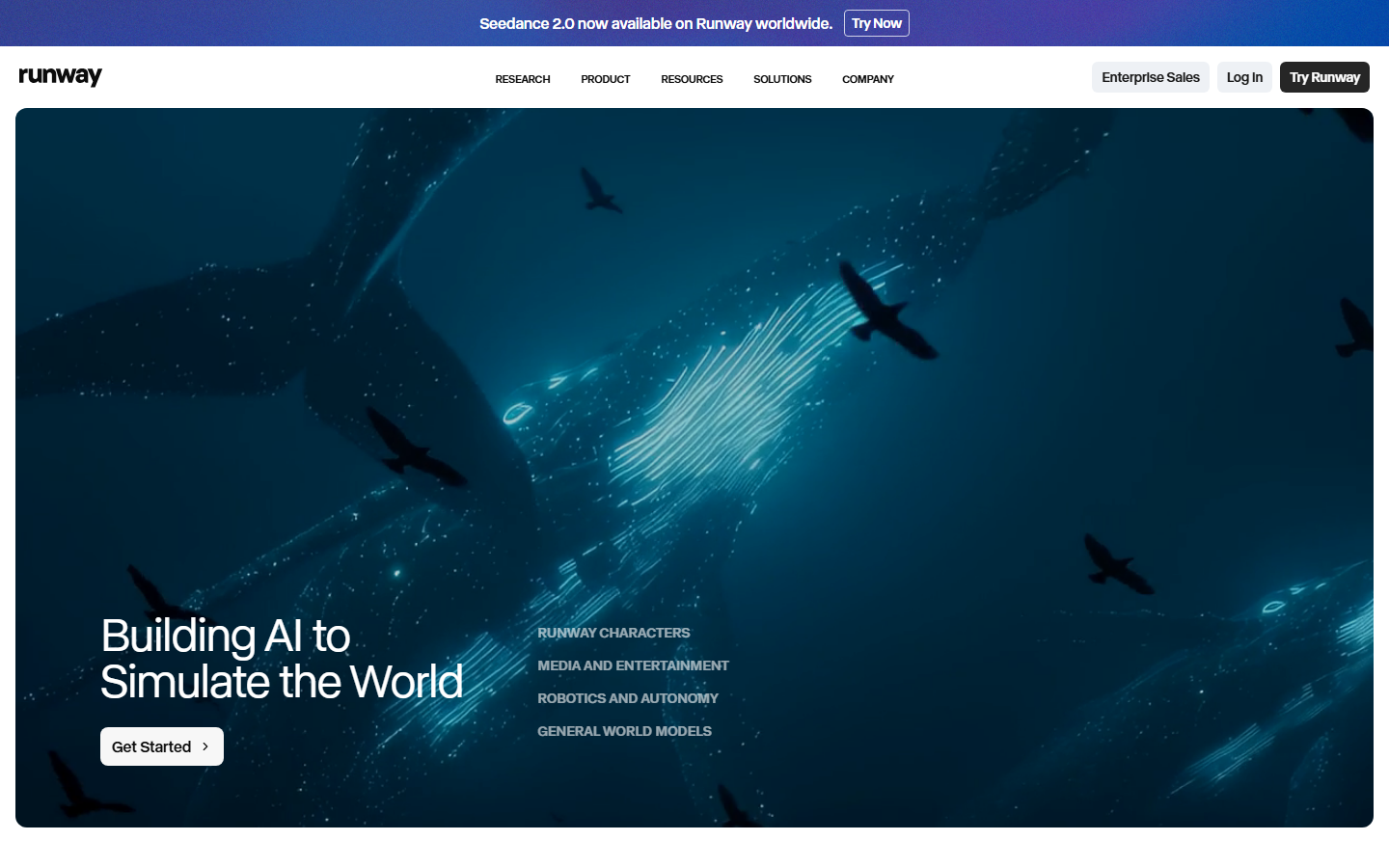
Runway built its reputation on video generation, and their API reflects that focus. Gen-3 Alpha produces high-quality video from text or image prompts, and the API exposes fine-grained controls for motion, camera angles, and duration. The studio interface lets you iterate visually before committing to API calls, which is useful for creative teams building AI marketing video pipelines.
API Highlights
Runway's API is task-based: you create a task with your prompt and parameters, then poll for completion. Video generation tasks typically take 60-120 seconds. Output URLs are temporary and expire after 24 hours, so you need to download or re-host results promptly.
Best for: Teams focused on AI video generation who need both a creative studio and programmable endpoints.
6. Leonardo AI
Leonardo AI targets game developers and digital artists with fine-tuned models trained on specific art styles. The platform includes a web studio for prompt experimentation and a REST API for programmatic image generation. Their model training feature lets you upload reference images and create custom models accessible through the same API.
API Highlights
The API covers image generation, model training, texture generation, and image editing. Each endpoint returns a generationId you can use to retrieve results. Leonardo also offers real-time canvas generation via a WebSocket API for interactive applications.
Best for: Game studios and digital artists who need custom-trained models with API access.
7. Stability AI
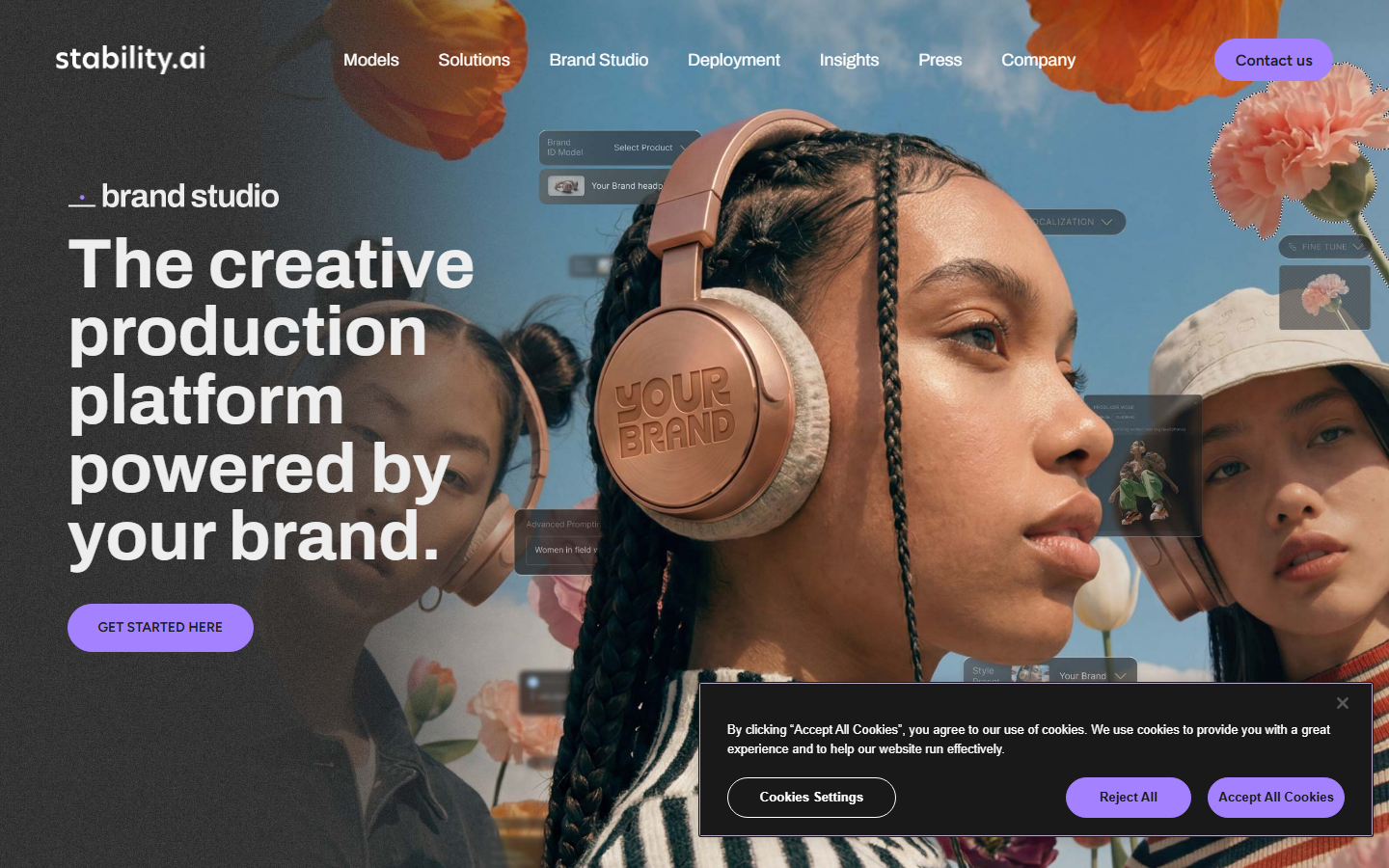
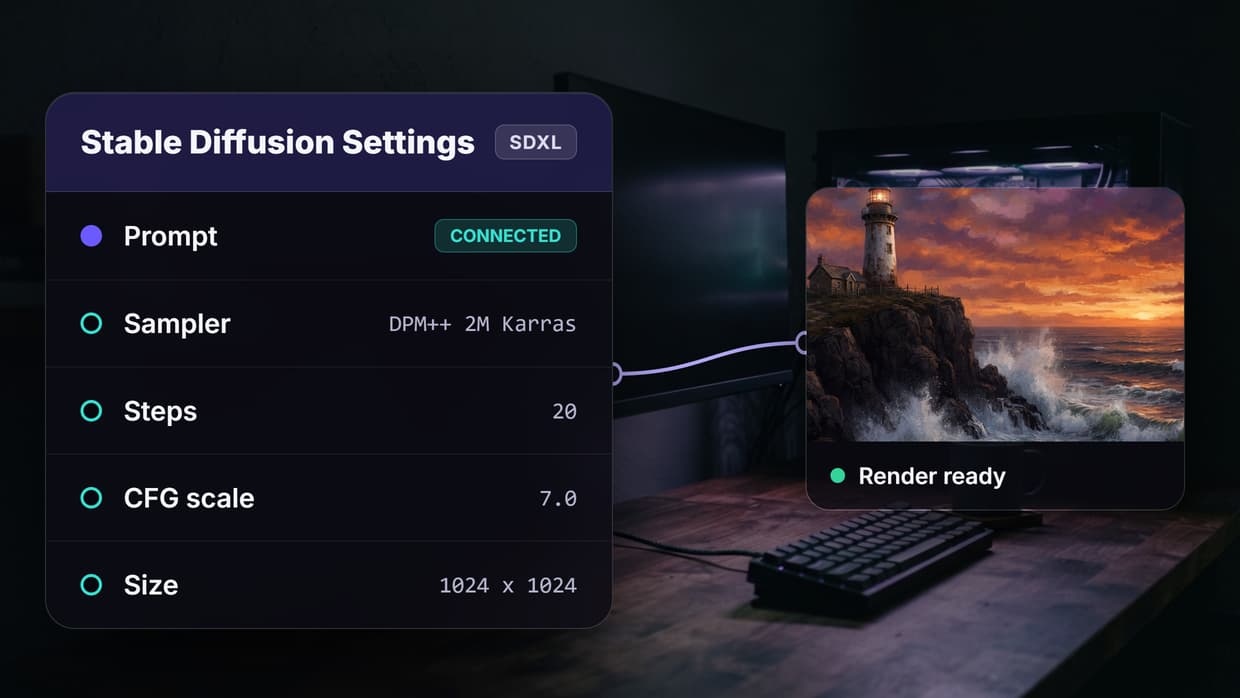
Stability AI offers both managed API access and open-weight models you can self-host. Their managed API covers Stable Diffusion 3.5, SDXL, image upscaling, inpainting, and video generation. The self-hosting option appeals to teams with strict data residency requirements who still want AI pipeline automation without sending data to external servers.
API Highlights
The REST API uses a straightforward POST /v2beta/stable-image/generate pattern. Responses return base64-encoded images or file URLs depending on your output_format parameter. The API includes built-in safety filters with configurable thresholds.
Best for: Organizations that need the flexibility to run models on their own GPUs while having a managed fallback.
8. Segmind
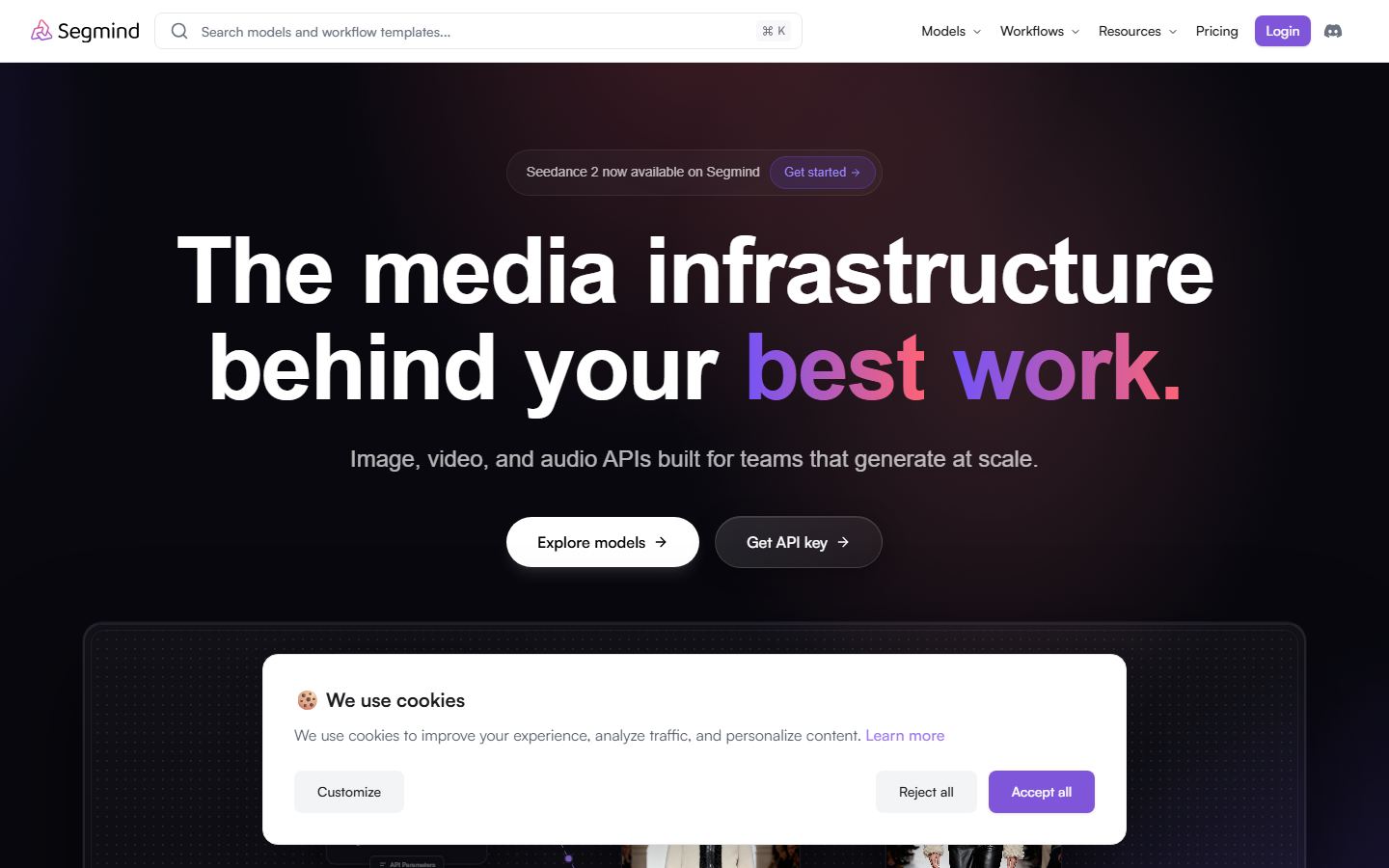
Segmind provides serverless GPU inference at prices that undercut most competitors. Their API hosts popular models like Flux, SDXL, and various ControlNet pipelines, all accessible through a consistent REST interface. The platform includes a visual AI canvas editor-style workflow builder for chaining models, though its API integration is less mature than dedicated platforms.
API Highlights
Endpoints follow POST https://api.segmind.com/v1/{model-name} with JSON payloads. Responses return base64 images directly. Pricing is per-call with transparent per-model rates. They also offer a ComfyUI-compatible API for teams migrating from ComfyUI cloud setups.
Best for: Budget-conscious teams that need reliable inference without overpaying for unused capacity.
Comparison Table
| Platform | Visual Studio | REST API | Models | Webhooks | Self-Host | Free Tier |
|---|---|---|---|---|---|---|
| Wireflow | Yes (node canvas) | Full CRUD + execute | 157+ nodes | Yes | No | 50 runs/day |
| Replicate | Playground | Predictions API | 1000+ community | Yes | No | Limited |
| Fal AI | Playground | Sync + queue | 50+ curated | No | No | Credits-based |
| Google AI Studio | Full IDE | Gemini API | Gemini family | No | No | Generous free |
| Runway | Creative studio | Task-based | Gen-3, Gen-2 | No | No | Credits-based |
| Leonardo AI | Web studio | REST + WebSocket | Custom-trainable | No | No | 150 tokens/day |
| Stability AI | DreamStudio | REST v2 | SD 3.5, SDXL | No | Yes | 25 credits |
| Segmind | Workflow builder | REST per-model | 100+ hosted | No | No | Free calls/day |
How to Choose the Right Platform
Picking the right AI studio depends on three factors: what you are building, how you plan to scale, and what your team already knows. If your workflow involves chaining multiple AI models (text to image to video, for example), a node-based AI platform with API access saves significant integration time compared to stitching individual APIs together manually.
For pure inference needs, Replicate and Fal AI offer the widest model selection with minimal setup. For teams that need both a design surface and production endpoints, platforms with integrated studios and APIs eliminate the gap between prototyping and deployment. Consider API authentication patterns and rate-limit structures early, as these directly affect how you architect your backend.
Try it yourself: Build this workflow in Wireflow - the nodes are pre-configured with the exact setup discussed above.
FAQ
What is an AI studio with API access?
An AI studio with API access is a platform that combines a visual interface for designing AI workflows with programmable REST endpoints. You prototype in the browser, then call the same pipeline from your backend code without rebuilding anything.
Which AI studio has the best free tier in 2026?
Google AI Studio offers the most generous free tier for text and multimodal tasks through the Gemini API. For image generation specifically, Wireflow provides 50 free executions per day with full API access on the free plan.
Can I chain multiple AI models in a single API call?
Yes. Platforms like Wireflow let you connect multiple model nodes in a workflow and execute the entire chain with one API call. The execution engine handles data passing between nodes automatically, so you do not need to orchestrate each step individually.
How do webhooks work with AI studio APIs?
Webhooks let external services trigger workflow executions without API keys. You register a webhook URL, and any POST request to that URL starts a run. This is useful for connecting AI pipelines to form submissions, CI/CD events, or third-party automation tools like Zapier.
What rate limits should I expect from AI studio APIs?
Rate limits vary significantly by platform and plan. Entry-level tiers typically allow 10-20 requests per minute, while enterprise plans go up to 200+ requests per minute. Most platforms return rate-limit headers with every response so you can implement client-side throttling.
Is it better to self-host AI models or use a managed API?
Managed APIs are faster to set up and handle scaling automatically, making them the better choice for most teams. Self-hosting makes sense when you have strict data residency requirements, need to run custom fine-tuned models, or your volume is high enough that GPU rental becomes cheaper than per-call pricing.
How do I handle long-running AI generation tasks via API?
Most AI studio APIs use an async pattern: submit a request, receive a task or execution ID, then poll a status endpoint until the job completes. Best practice is to use exponential backoff when polling, starting at 1 second and capping at 10 seconds between checks.
Can I use AI studio APIs with Claude Code or other AI agents?
Yes. Wireflow publishes an official Claude Skill that lets Claude Code and Claude Desktop drive workflows through the API. Any AI agent that can make HTTP requests can interact with AI studio APIs, since they are standard REST endpoints.

Co-Founder & Operations at Wireflow
Runs client operations and content strategy at Wireflow. Works directly with creative teams and agencies to build production AI workflows.
- Content Strategy
- Client Operations
Get unlimited ad creatives today.
One call to see if we are a fit and scope the first ad. If it fits, your first batch lands inside week one.