Best Visual AI Pipeline Builders in 2026

In this article▾
Visual AI pipeline builders let you connect multiple AI models on a drag-and-drop canvas, turning complex multi-step generation tasks into reusable workflows. Wireflow is one of the leading platforms in this space, offering a node-based editor that chains image, video, and audio models with a full REST API. For a hands-on look at how visual pipelines work, check out the AI pipeline automation page. This guide compares six platforms so you can pick the one that fits your team and workload.
Quick Summary
- Wireflow - Best overall for creative AI pipelines with API access
- ComfyUI - Best open-source option for Stable Diffusion workflows
- n8n - Best for general automation with AI model nodes
- Vellum - Best for LLM-focused pipeline development
- BuildShip - Best for shipping backend AI endpoints fast
- Flowise - Best free tool for building chatbot and RAG pipelines
1. Wireflow

Wireflow provides a visual node editor where you drag AI model nodes onto a canvas and connect them with edges. It supports text-to-image (Recraft V4, Flux 2 Pro), image-to-video (Kling, Seedance), upscalers, background removers, TTS, and more. Every workflow you build can be triggered through a REST API, making it straightforward to integrate pipelines into production apps.
Key strengths include batch generation across hundreds of inputs, version-controlled workflow templates, and a built-in asset library. The canvas groups related nodes into color-coded sections, which helps when pipelines grow beyond five or six steps. Pricing starts with a free tier; paid plans scale based on compute usage.
Build this in Wireflow
Make the same kind of asset on a canvas you control, with a free account and no credit card.
2. ComfyUI
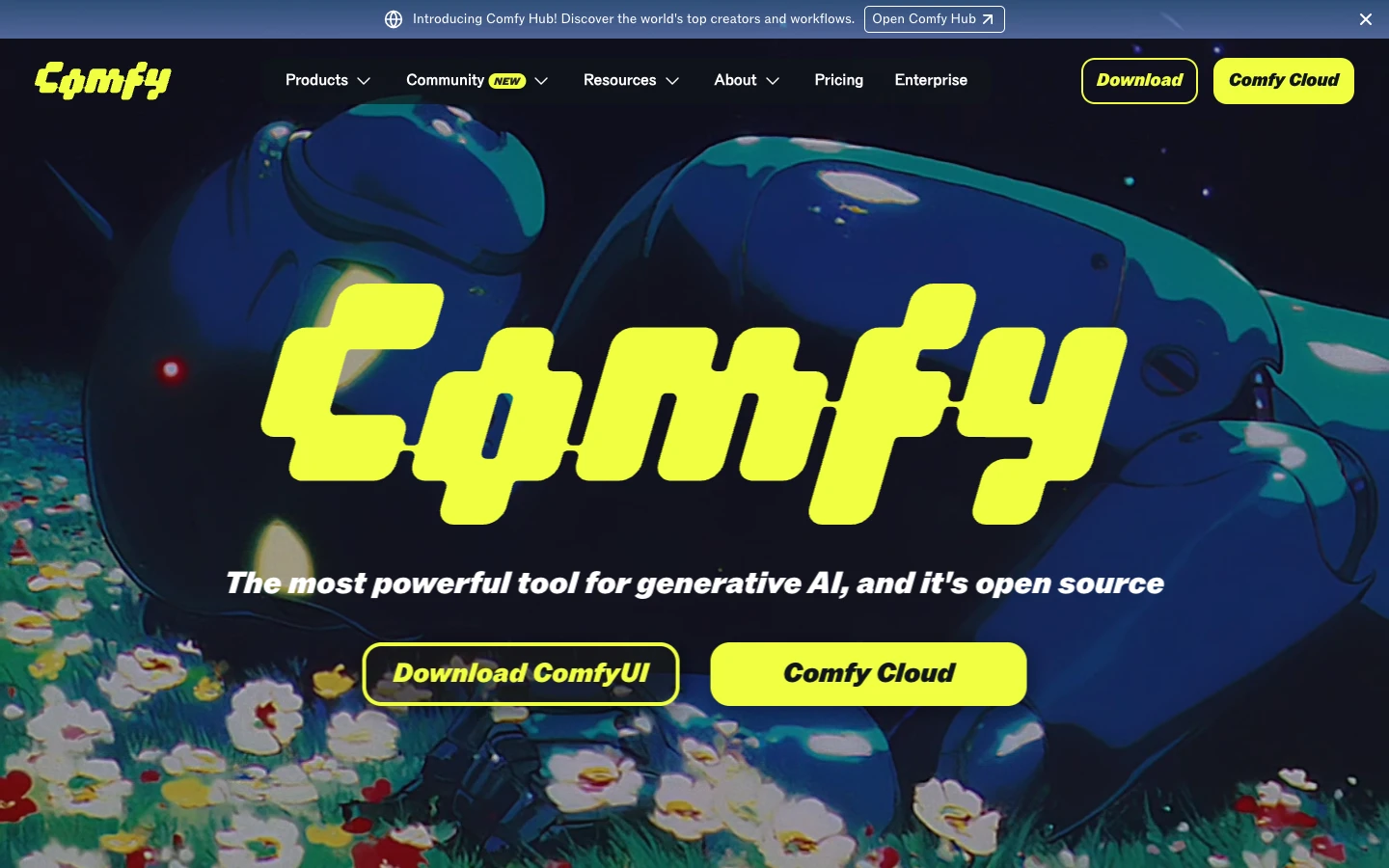
ComfyUI is the open-source standard for Stable Diffusion workflows. Its node graph lets you wire together checkpoints, LoRAs, samplers, VAE decoders, and post-processing nodes with fine-grained control over every diffusion parameter. If you need to experiment with custom models or research new sampling techniques, ComfyUI gives you full access to the underlying inference stack.
The tradeoff is setup complexity. You need a local GPU (or a cloud GPU rental) and must install models, custom nodes, and Python dependencies manually. There is no built-in API, though community projects like ComfyDeploy add API wrappers. ComfyUI is free, and its community regularly publishes node packs for new model architectures.
3. n8n
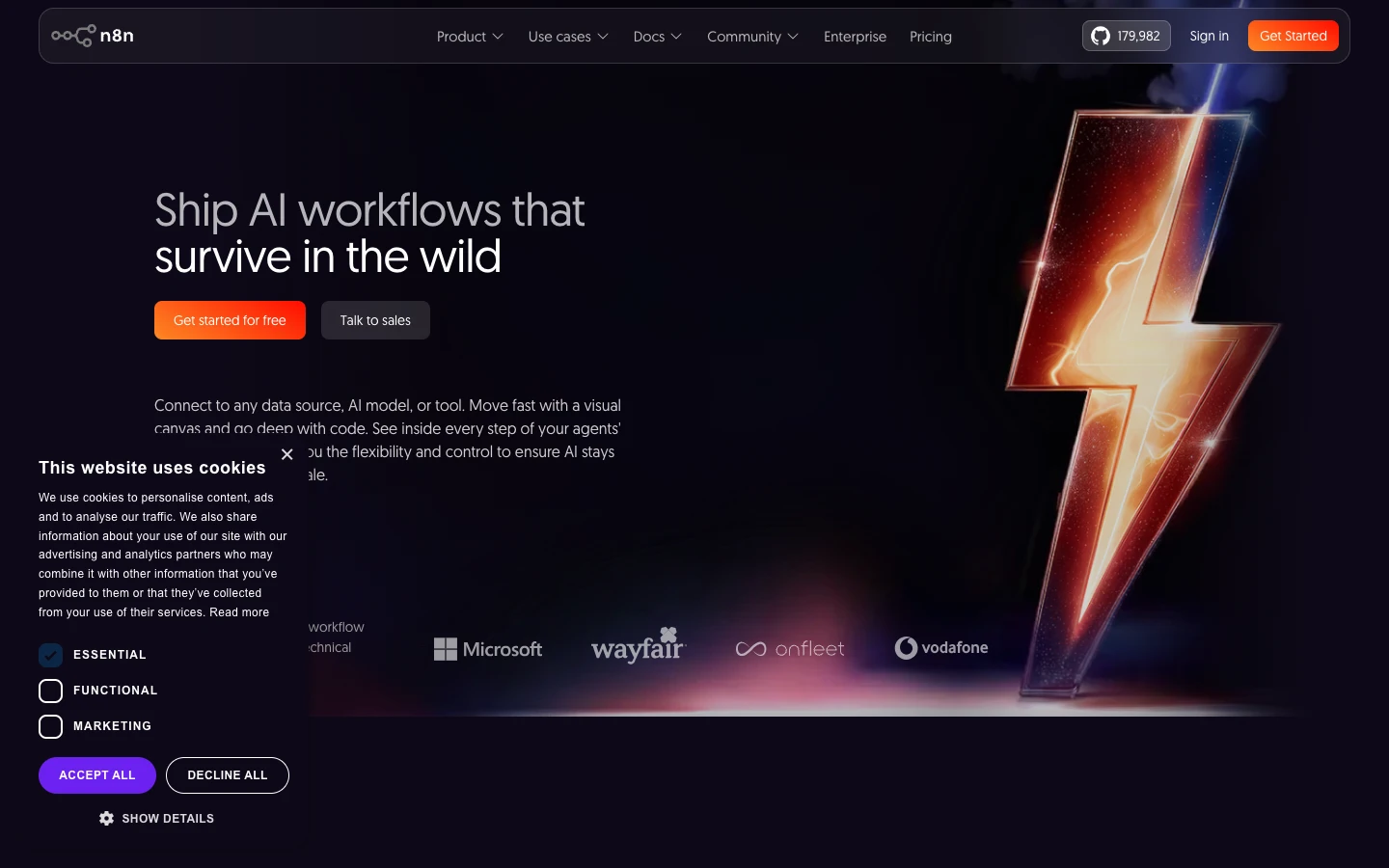
n8n is a general-purpose workflow automation tool that has added strong AI model chaining capabilities. Its canvas uses a left-to-right flow where you connect trigger nodes (webhook, cron, form submission) to action nodes (OpenAI, Anthropic, HuggingFace, HTTP request). You can branch, loop, and merge paths, which makes it good for conditional AI pipelines that depend on external data.
n8n shines when your pipeline mixes AI steps with non-AI steps, such as pulling data from a CRM, running it through an LLM or modern data enrichment tools for enrichment, and pushing results to a database. The visual debugger shows execution data at every node, which simplifies troubleshooting. However, n8n does not natively support image or video generation models beyond what you can call via HTTP request nodes.
4. Vellum
Vellum focuses specifically on LLM pipeline development. Its canvas lets you chain prompts, retrievers, conditional logic, and code nodes into workflows that handle complex reasoning tasks. Built-in evaluation tools let you run test suites against your pipeline and compare output quality across model providers, which is valuable for teams iterating on prompt engineering at scale.
The platform includes version control, A/B testing for prompt variants, and pipeline automation for scheduled runs. Vellum targets engineering teams that build LLM-powered features in production apps. It does not support image or video generation natively, so it fits best when your pipeline is text-in, text-out.
5. BuildShip
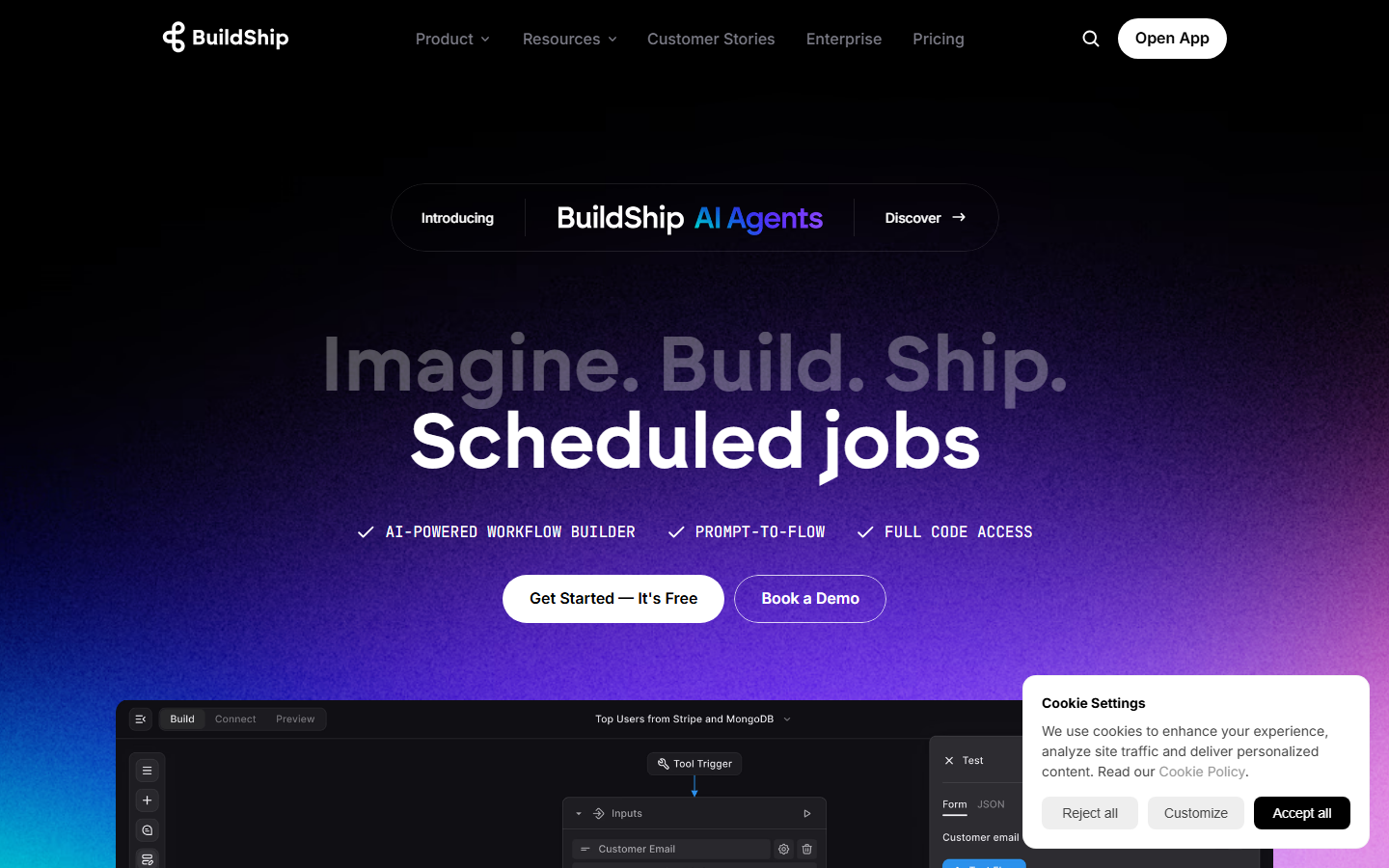
BuildShip takes a different approach by combining visual pipeline building with instant backend deployment. You build workflows on a canvas, and BuildShip generates a serverless API endpoint for each one. This is useful for teams that want to expose AI pipelines as microservices without managing infrastructure.
Nodes include AI model calls (GPT, Claude, Gemini), database operations, and third-party integrations. The platform handles auth, rate limiting, and logging automatically. BuildShip works well for no-code AI canvas use cases where speed of deployment matters more than deep model customization.
6. Flowise
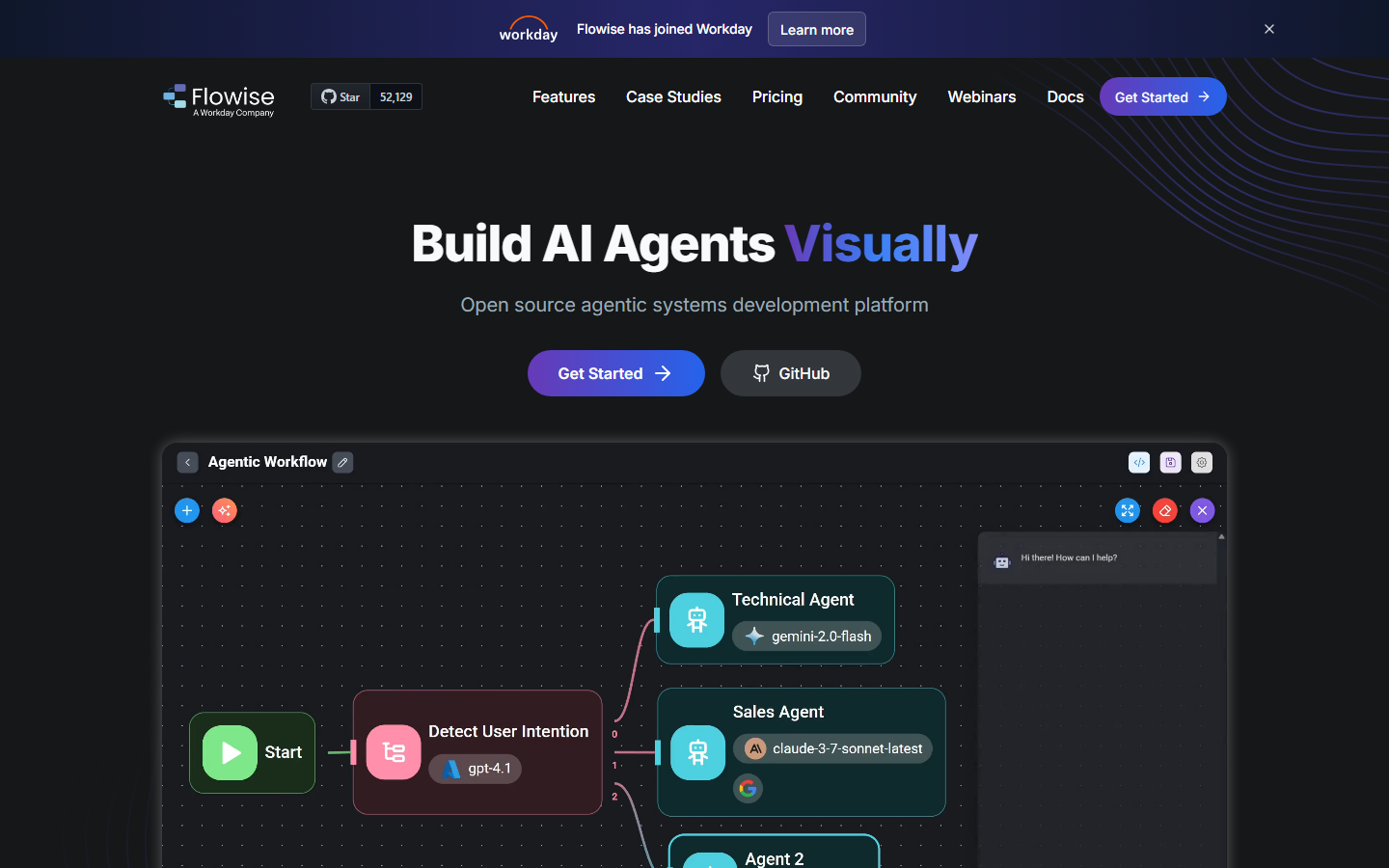
Flowise is an open-source visual builder for LLM apps, with a focus on chatbots and retrieval-augmented generation (RAG) pipelines. You drag LLM nodes, vector store connectors, document loaders, and memory modules onto a canvas, then wire them together to create conversational AI agents. It supports LangChain and LlamaIndex components natively.
Like ComfyUI, Flowise is free and self-hostable, with an active community contributing new node types. It provides a built-in chat interface for testing pipelines and can export workflows as API endpoints. The main limitation is its scope: Flowise is designed for text-based LLM workflows and does not handle image, video, or audio generation. For teams building AI content generation chatbots on a budget, it is a strong starting point.
Comparison Table
| Platform | Type | Open Source | API Access | Image/Video Models | LLM Support | Pricing |
|---|---|---|---|---|---|---|
| Wireflow | Creative AI canvas | No | Full REST API | Yes (20+ models) | Yes | Free tier + usage-based |
| ComfyUI | Diffusion node editor | Yes | Community add-ons | Yes (Stable Diffusion) | Limited | Free (bring your GPU) |
| n8n | General automation | Yes (fair-code) | Webhook triggers | Via HTTP only | Yes | Free self-hosted; cloud from $24/mo |
| Vellum | LLM workflow platform | No | SDK + API | No | Yes (multi-provider) | Usage-based |
| BuildShip | Backend AI builder | No | Auto-generated endpoints | No | Yes | Free tier + pay-per-execution |
| Flowise | LLM chatbot builder | Yes | Built-in API | No | Yes (LangChain) | Free self-hosted; cloud plans available |
How to Choose the Right Pipeline Builder
The right platform depends on what your pipeline produces. If you work with images, video, or multi-modal content, a creative AI workflow platform or ComfyUI are your strongest options. If your pipeline is text-centric, involving LLM chaining, RAG, or prompt optimization, Vellum and Flowise cover different ends of the budget spectrum. For mixed AI-and-data workflows that pull from APIs, databases, and SaaS tools, n8n provides the broadest integration library.
Consider API access if you plan to trigger pipelines programmatically. Some platforms produce reusable templates and API endpoints from visual workflows automatically, while others require extra setup. Match the deployment model to whether your team consumes pipelines through code, scheduled triggers, or manual runs.
Try it yourself: Build this workflow in Wireflow - the nodes are pre-configured with a text-to-image generation and upscaling pipeline you can customize.
Frequently Asked Questions
What is a visual AI pipeline builder?
A visual AI pipeline builder is a tool that lets you connect multiple AI models and processing steps on a drag-and-drop canvas. Instead of writing integration code, you place nodes for each model or operation and draw connections between them to define the data flow.
Do I need coding skills to use these tools?
Most visual pipeline builders are designed for low-code or no-code use. Wireflow, BuildShip, and Flowise require no coding to build basic pipelines. ComfyUI and n8n offer more power through optional scripting. Vellum sits in between, with a visual editor backed by a Python SDK for advanced customization.
Can I run pipelines through an API?
Yes, but support varies. Wireflow and BuildShip generate REST API endpoints automatically. n8n exposes workflows via webhooks. Flowise includes a built-in API server. ComfyUI requires third-party tools for API access. Vellum provides a full SDK for programmatic execution.
Which platform is best for image and video generation?
Wireflow supports the widest range of image and video models (Recraft, Flux, Kling, Seedance, and others) with native canvas nodes. ComfyUI excels at Stable Diffusion workflows specifically. The other platforms on this list focus on text and LLM workloads.
Are there free options available?
ComfyUI and Flowise are fully open source and free to self-host. Wireflow, n8n, and BuildShip each offer free tiers with usage limits. Vellum is usage-based with no permanent free tier, though they provide trial credits.
How do visual pipelines differ from code-based orchestration?
Visual pipelines represent each step as a node on a canvas, making the data flow immediately visible. Code-based orchestration (using frameworks like LangChain or custom scripts) offers more flexibility but requires you to manage dependencies, error handling, and execution order manually. Visual builders handle most of that infrastructure for you.
Can I self-host these pipeline builders?
ComfyUI, Flowise, and n8n can all be self-hosted. Wireflow, Vellum, and BuildShip are cloud-hosted platforms with managed infrastructure.
What should I look for when choosing a pipeline builder?
Focus on three factors: supported model types (image, video, LLM, audio), deployment options (API, webhook, scheduled), and team workflow features (versioning, collaboration, testing). Match these to your actual production requirements rather than feature counts.
Wrapping Up
Visual AI pipeline builders remove the integration overhead of chaining multiple AI models together. Whether you need to generate product images, build conversational agents, or automate content creation, one of the six platforms above will fit your workflow. Start by identifying whether your pipelines are primarily visual (images and video) or text-based (LLMs and RAG), then pick the tool that matches your deployment needs and pricing expectations.

Co-Founder & Operations at Wireflow
Runs client operations and content strategy at Wireflow. Works directly with creative teams and agencies to build production AI workflows.
- Content Strategy
- Client Operations
Get unlimited ad creatives today.
One call to see if we are a fit and scope the first ad. If it fits, your first batch lands inside week one.