Best AI Image Generation MCP Tools in 2026

In this article▾
- Quick Summary
- What Separates a Good Image MCP Server From a Bad One
- 1. Wireflow: Best Overall
- 2. fal.ai MCP: Best for Fast Hosted Inference
- 3. Replicate MCP: Best for Open-Source Model Range
- 4. mcp-image: Best Free Open-Source Server
- 5. Freepik MCP: Best for Stock Plus Generation
- 6. Higgsfield MCP: Best for Stylized Social Visuals
- 7. ComfyUI MCP: Best for Self-Hosted Control
- 8. Google Gemini MCP: Best for Conversational Editing
- Comparison Table
- How to Choose
- FAQ
- Final Thoughts
Model Context Protocol servers let an AI assistant call an image model directly, so you can ask Claude, Cursor, or Codex for a picture and get a real file back instead of a suggestion. This guide ranks the eight AI image generation MCP tools worth using in 2026, judged on model coverage, setup effort, output handling, and cost control. Wireflow takes the top spot because it exposes a whole multi-step visual pipeline through one MCP connection rather than a single generate call.
The list is ordered by how well each server holds up in daily agent work, not by brand size. For a hands-on look at this in action, check out the AI image generation MCP feature page.
Quick Summary
- Wireflow: Best overall. Full image pipelines, not just single generations.
- fal.ai MCP: Best for fast hosted inference across many models.
- Replicate MCP: Best for open-source model range.
- mcp-image: Best free open-source server.
- Freepik MCP: Best for stock assets plus generation in one place.
- Higgsfield MCP: Best for stylized social visuals.
- ComfyUI MCP: Best for self-hosted control.
- Google Gemini MCP: Best for conversational image editing.
What Separates a Good Image MCP Server From a Bad One
Most image MCP servers do the same headline thing: accept a prompt, return an image. The differences show up on the second request. A server that returns a temporary URL forces your agent to download and re-host every asset, and a server that exposes one model leaves you switching connections when a job needs a different render style. The gap between a demo and a working setup is usually storage, model choice, and error handling, as the walkthrough in this MCP server image generation example shows. If your agent also edits video, see Wireflow's MCP server guide for video editing.
Composition is the second differentiator. Real image work is rarely one call: a product shot needs generation, then background removal, then an upscale, then a resize for three placements. Servers that expose only a generate_image tool push that orchestration back onto the agent, which means more tokens, more retries, and more ways for the chain to break. Servers that expose a saved pipeline let the agent make one call, the same argument behind chaining multiple AI models in one API call.
The third is cost visibility. An agent in a loop can spend real money fast, and most servers give you no ceiling, so look for per-key spend limits or a credit balance the agent cannot exceed. This roundup of AI generation APIs with spend limits covers the options.

Build this in Wireflow
Make the same kind of asset on a canvas you control, with a free account and no credit card.
1. Wireflow: Best Overall
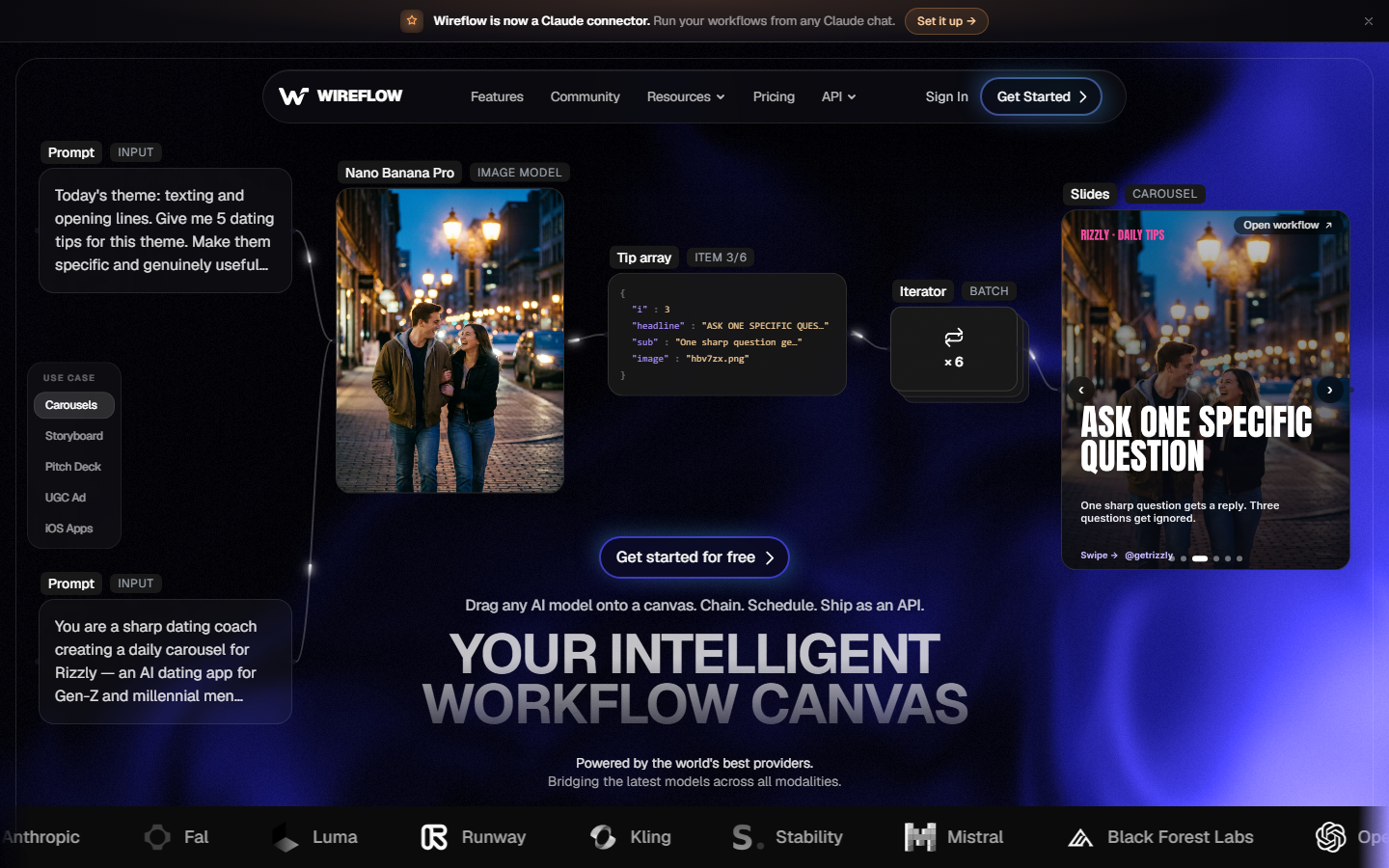
Wireflow is a visual canvas where you connect model nodes into a pipeline, then expose that whole pipeline to an agent over MCP. Instead of a single generate tool, the agent gets your saved workflow: generate, edit, upscale, background removal, and format conversion running as one unit. That matters because the hard part of agent image work is not the first render, it is everything after it, as this look at node-based image generation tools explains.
Model coverage spans the major image families including Nano Banana, Flux, Seedream, Recraft, and GPT Image, so you can swap the render node without touching the rest of the chain. Outputs come back as hosted file URLs the agent can pass straight on, and it is worth downloading anything you plan to keep. Credits come from one shared balance that every model draws on, and the API checks that balance before each run starts. Rates are on the pricing page. The tradeoff: you build the workflow on the canvas first, so a thinner server is quicker if all you want is one prompt to one model.
2. fal.ai MCP: Best for Fast Hosted Inference
fal.ai runs a serverless GPU platform tuned for generative media, and its MCP integration puts that inference speed behind an agent tool call. Latency is the selling point: popular image models are optimized for fast cold starts, so an agent waiting on a render is not idle for a minute. Setup is covered in this guide to the fal MCP configuration.
The catalog is deep on image and upscaling models and the API is well documented, which makes it a reliable base layer. The weak spot is the same as most raw inference platforms: one call, one model, one output URL with a limited lifetime, so chaining an upscale after a generation means your agent handles the handoff. Billing is per second of GPU time, as broken down in this fal.ai pricing comparison.
3. Replicate MCP: Best for Open-Source Model Range
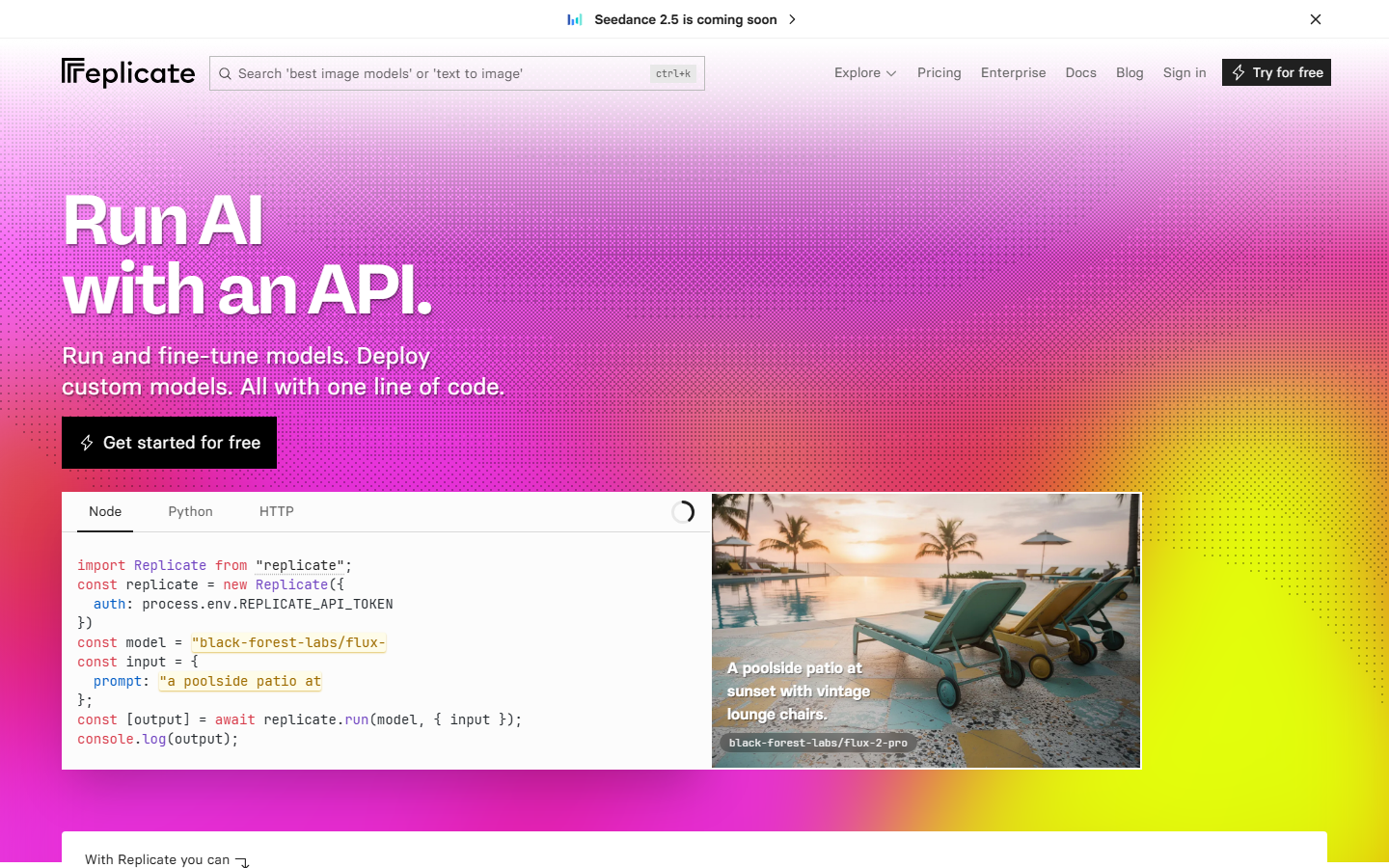
Replicate hosts thousands of community-published models and its MCP server lets an agent run any of them by name. If you need a specific fine-tune, a niche ControlNet variant, or an older Stable Diffusion checkpoint nobody else hosts, this is where you find it.
The cost of that breadth is inconsistency. Community models have different input schemas, output shapes, and reliability, so an agent that works against one may fail against the next, and cold starts on rarely used models can run past a minute. Teams that outgrow per-call orchestration often move that layer elsewhere, a path described in this note on migrating from Replicate to a canvas API.
4. mcp-image: Best Free Open-Source Server
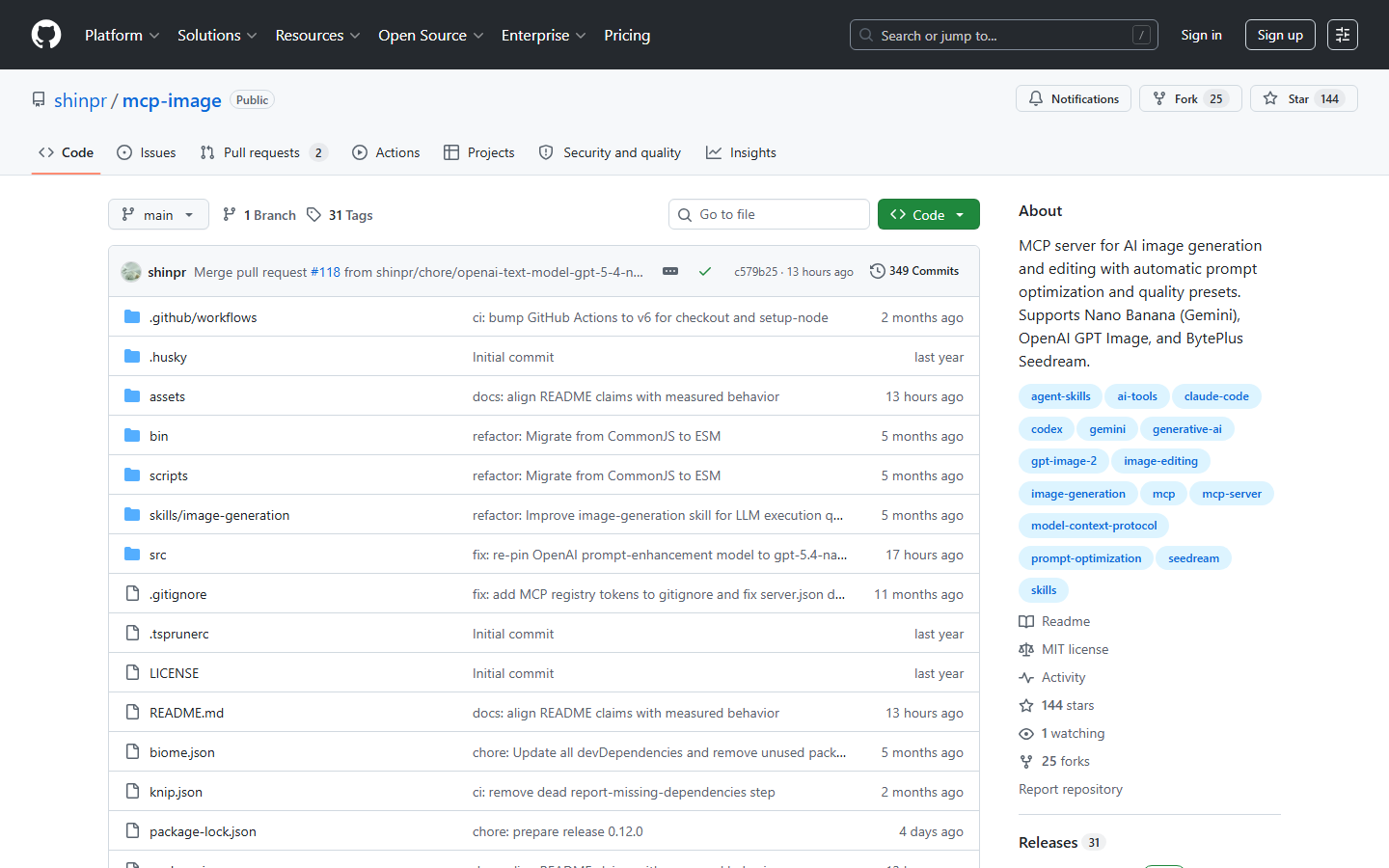
mcp-image is an open-source MCP server for image generation and editing that supports Nano Banana through Gemini, OpenAI GPT Image, and BytePlus Seedream behind one interface. It adds automatic prompt optimization and quality presets, which helps when the caller is an agent writing terse prompts, and it works with Claude Code, Cursor, Codex, and any MCP-compatible client. This walkthrough on generating images in Claude Code covers the same client setup.
The server is free and you bring your own provider keys, which makes it the cheapest entry point here and the most transparent on cost. It also means you handle key management, rate limits, and storage yourself, with no dashboard when something fails, so it suits a solo developer more than a team needing shared access. See adding image generation to Claude Code for that comparison.
5. Freepik MCP: Best for Stock Plus Generation
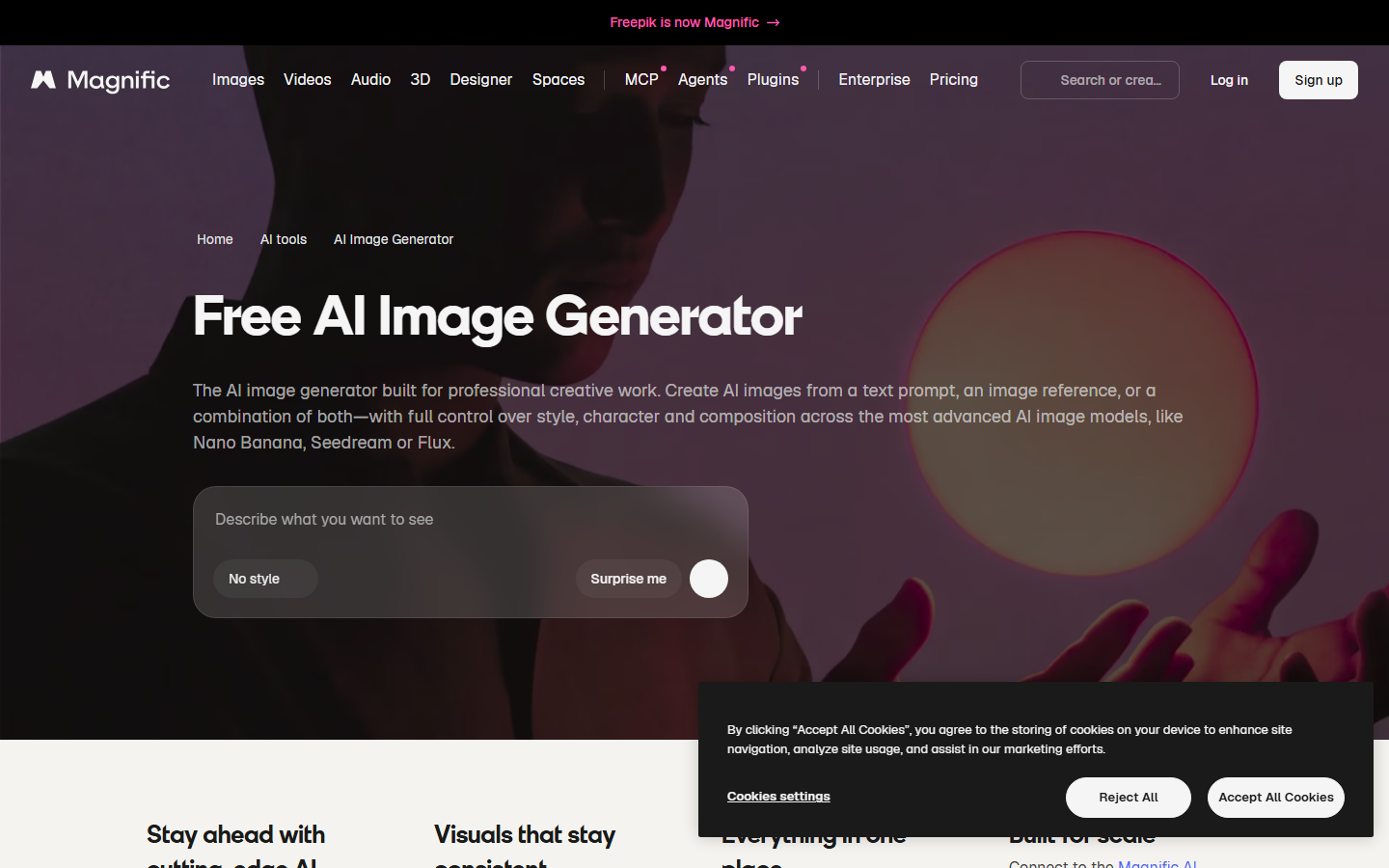
Freepik pairs a large licensed stock library with hosted generation models, and the MCP connection gives an agent access to both. For marketing work that mixes real photography with generated elements, one source for both cuts a lot of asset wrangling, and licensing is handled at the platform level. The API side is reviewed in this list of Freepik AI image generation API tools.
The limits are model depth and control. You get a curated set rather than the full open-source catalog, fine-grained conditioning is thinner than on a dedicated inference platform, and subscription quotas mean heavy programmatic use hits ceilings faster than pay-per-call pricing would.
6. Higgsfield MCP: Best for Stylized Social Visuals
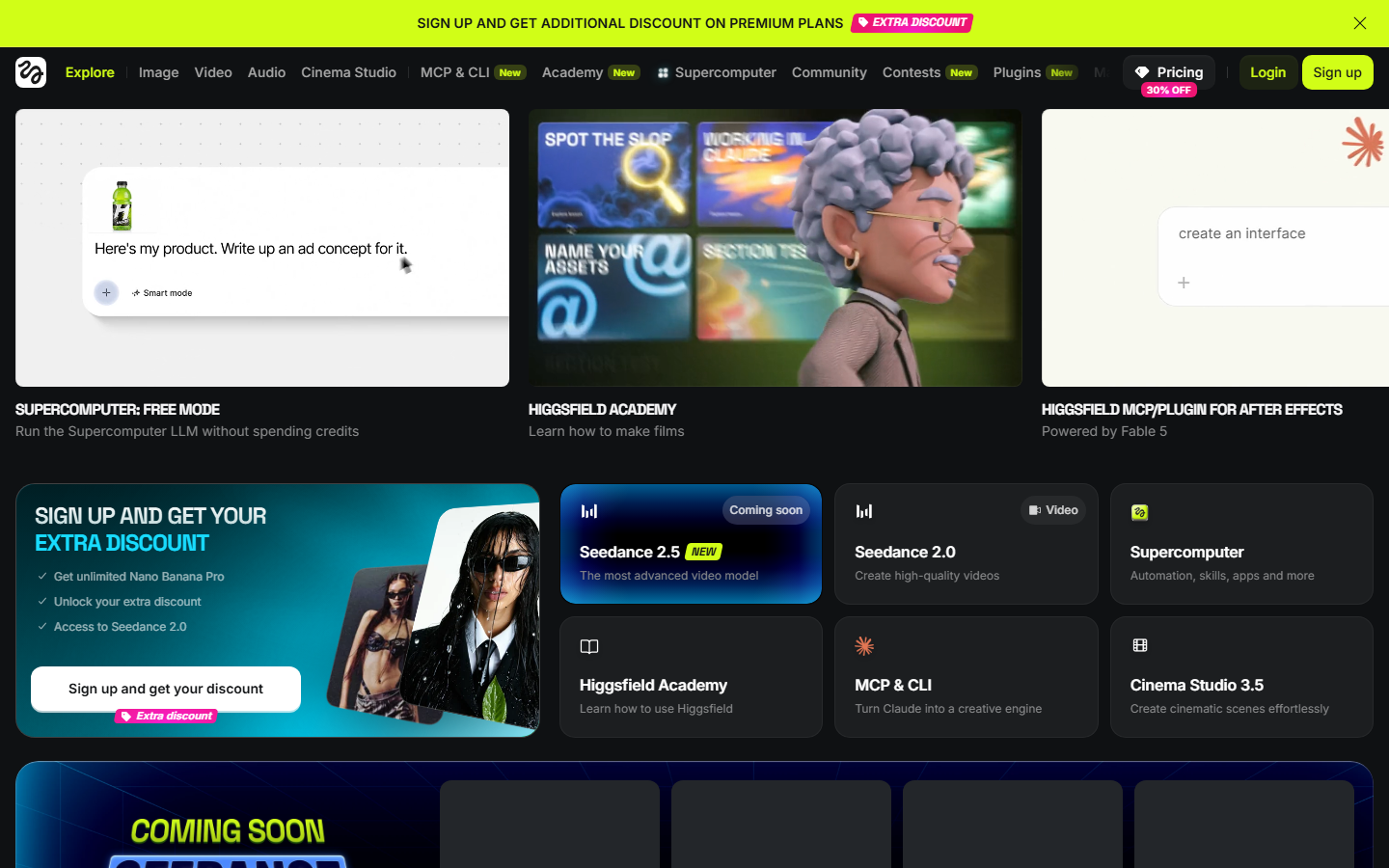
Higgsfield focuses on stylized visuals aimed at social content, and its MCP server carries that opinionated aesthetic into agent workflows. Preset styles do a lot of the work, so a short prompt produces something that already looks intentional. For short-form pipelines where volume matters more than pixel-level control, that saves real time.
It is also the narrowest tool here: you work inside the platform's look, model selection is small, and there is no dropping in a custom checkpoint. Credit costs per image run higher than raw inference because you are paying for the styling layer. Teams wanting the same speed with more control usually compare the options in this list of Higgsfield MCP alternatives.
7. ComfyUI MCP: Best for Self-Hosted Control
ComfyUI is the node graph most serious image work already runs on, and community MCP servers expose a saved graph as an agent-callable tool. Because you control the graph you control everything: custom nodes, specific checkpoints, LoRAs, sampler settings, and the exact order of operations.
The cost is operational. You supply the GPU, keep the install patched, manage custom node dependencies that break on updates, and expose the endpoint safely if an agent calls it from outside your network. One graph change can break the MCP contract your agent depends on. If the control matters but the maintenance does not appeal, the tradeoffs are laid out in this comparison of hosted ComfyUI alternatives with APIs.
8. Google Gemini MCP: Best for Conversational Editing
Google Gemini exposes its image models, including the Nano Banana family, through MCP-compatible tooling, and the standout capability is iterative editing: hand it an image and a plain instruction, then keep refining across turns while the subject stays consistent. Developer specifics are covered in this Nano Banana 2 API guide.
Restrictions are the tradeoff. Content policies are stricter than on open platforms, so some commercial or likeness-heavy prompts get refused, and model choice is limited to Google's own family.
Comparison Table
| Tool | Best for | Model range | Multi-step pipelines | Output URLs | Cost model |
|---|---|---|---|---|---|
| Wireflow | Full image pipelines | Multi-provider | Yes, saved workflows | Hosted | Shared credits |
| fal.ai MCP | Fast inference | Broad, hosted | No, single call | Temporary | Per second of GPU time |
| Replicate MCP | Model breadth | Largest catalog | No, single call | Temporary | Per second of compute |
| mcp-image | Free local setup | 3 providers | Limited | Bring your own | Provider keys only |
| Freepik MCP | Stock plus generation | Curated set | No | Platform hosted | Subscription quotas |
| Higgsfield MCP | Social visuals | Narrow, styled | No | Platform hosted | Credits per image |
| ComfyUI MCP | Full control | Anything you install | Yes, in graph | Self-hosted | Your own GPU cost |
| Gemini MCP | Conversational edits | Google models only | No | Temporary | Per request |
How to Choose
Start with the shape of the job, not the model list. If the agent makes one call and needs one picture, a thin server like fal.ai or mcp-image is the fastest path. If the agent needs a finished asset, meaning generated, cleaned, upscaled, and sized, pick something that runs the chain server-side or you will spend your time debugging orchestration. The same reasoning applies when picking a plain image generation API for developers.
Then check three details. Does the output URL persist, or does your agent re-host every file? Can you cap spend on the key the agent uses? Does swapping models mean rewriting the tool call or changing one setting? Setup for most of these follows the pattern in this guide to connecting an AI image API to Claude. Watch the billing shape too: per-second pricing looks cheap on one render and gets unpredictable inside a retrying loop, while credit systems are easier to reason about because you can check the balance before a run, as this breakdown of usage-based AI API pricing explains.
Try it yourself: Build this workflow in Wireflow. The nodes are pre-configured with the prompt-to-image MCP setup discussed above.
FAQ
What is an AI image generation MCP server?
A small service that speaks the Model Context Protocol and exposes image generation as a tool an AI assistant can call. Once connected, the assistant produces an actual image file during a conversation instead of describing what to make.
Which MCP clients support these servers?
Claude Desktop, Claude Code, Cursor, Codex, Cline, and a growing set of IDE assistants. Most servers ship a standard config block you paste into the client's settings file.
Do I need an API key for each one?
Usually yes. Hosted servers like fal.ai, Replicate, and Freepik issue their own keys. Open-source servers such as mcp-image are free to run but need keys for whichever providers you point them at.
Can an MCP server run a multi-step image pipeline?
Only if it was built for it. Most expose a single generate call, so the assistant chains steps itself. Canvas platforms and self-hosted ComfyUI graphs are the two ways to get a whole chain behind one tool call.
How do I stop an agent from spending too much?
Use a provider with a hard balance or per-key spend limit rather than an open-ended card charge. Cap retries in the agent instructions too, since failed renders still cost money on per-second billing.
Are generated images safe to use commercially?
That depends on the model and the platform terms, not on MCP. Licensed platforms state commercial rights clearly, while open-source checkpoints vary by license, so check the model card first.
Why do my generated images disappear after a while?
Most inference platforms return signed URLs that expire, often within hours. Download the asset during the run, or copy it to storage you control.
What is the fastest way to test an MCP image server?
Run one prompt, then immediately try a second request that edits the first result. The second request is where thin servers break, and it takes about two minutes to find out.
Final Thoughts
MCP image tooling in 2026 splits into two groups. Thin servers such as fal.ai, Replicate, mcp-image, and Gemini connect in minutes and are fine when one prompt equals one picture. Deeper options such as ComfyUI graphs and Wireflow canvases take longer to set up but hand the agent a finished asset instead of a first draft, which is what most production work needs. For a canvas that behaves this way out of the box, a node canvas alternative to Picsart Flow publishes every workflow as an MCP tool an agent can call. Pick based on how many steps sit between the prompt and the file you ship, and read up on building multi-model workflows before committing to a stack.

Co-Founder & Operations at Wireflow
Runs client operations and content strategy at Wireflow. Works directly with creative teams and agencies to build production AI workflows.
- Content Strategy
- Client Operations
Ask Claude for your next ad.
Connect once. Ask any time.
- No credit card
- You keep the rights to what you make
- Cancel anytime
More in Alternatives
Head-to-heads and roundups of the tools people weigh up.