Best AI Video Generation MCP Tools in 2026

In this article▾
Model Context Protocol servers let a coding agent call a video model directly, so a prompt in Claude Code or Cursor turns into a rendered clip without a browser tab or a hand written API client. This guide ranks the eight AI video generation MCP tools worth connecting in 2026, with notes on which models each one exposes, how they handle long running renders, and where each falls down. Wireflow takes the top spot because it chains generation, editing, and audio in one workflow instead of exposing a single model call, and the rest of the list covers the specialists you would pair with it.
Quick Summary
- Wireflow: chained multi model video workflows over MCP. Best Overall
- Higgsfield MCP: 30+ cinematic image and video models, hosted endpoint. Best for Cinematic Models
- fal.ai MCP: raw access to the fal model registry. Best for Model Breadth
- Shotstack MCP: timeline rendering and programmatic assembly. Best for Assembly
- Replicate MCP: open model catalog with predictable versioning. Best for Open Models
- Creatomate MCP: template driven video at volume. Best for Templated Output
- JSON2Video MCP: data to video from structured JSON. Best for Data Driven Video
- ElevenLabs MCP: voice and sound design for the audio layer. Best for Audio
What Makes an MCP Server Good at Video
Video is the hardest media type to expose over MCP, and the reason is timing. An image call returns in seconds, so a synchronous tool response works fine. A video render can take two to six minutes, which is well past the point where an agent session gives up waiting. If you would rather build the whole scene as one graph, see our AI movie maker on a node canvas. The servers that work well either return a job handle the agent can poll, or they stream progress events back through the protocol. The ones that fail return a timeout and leave a paid render orphaned somewhere in a queue. Anyone comparing options should also read how the MCP protocol handles image generation, since the same tool schema patterns apply with looser deadlines.
For a worked example with Google's model, our walkthrough of Veo 3.1 inside Claude shows a chat request coming back as a finished clip.
For a worked example with one model, our guide to Seedance in Claude covers the connector setup, a real clip and the credits it used.
The second thing that separates good from mediocre is scope. A server that exposes one model gives the agent one decision. A server that exposes a workflow gives the agent a result. Most real video jobs need at least three steps: generate the shot, extend or stitch it, then lay audio over the top. If the MCP server only covers step one, the agent has to orchestrate the other two itself, and that orchestration logic ends up hardcoded in a prompt where nobody can maintain it. The difference between n8n and MCP for video automation comes down to exactly this question of where the orchestration lives. Because every flow is also an MCP tool, an agent can call the FLUX 3 video node and get the clip URL back.

Build this in Wireflow
Make the same kind of asset on a canvas you control, with a free account and no credit card.
1. Wireflow
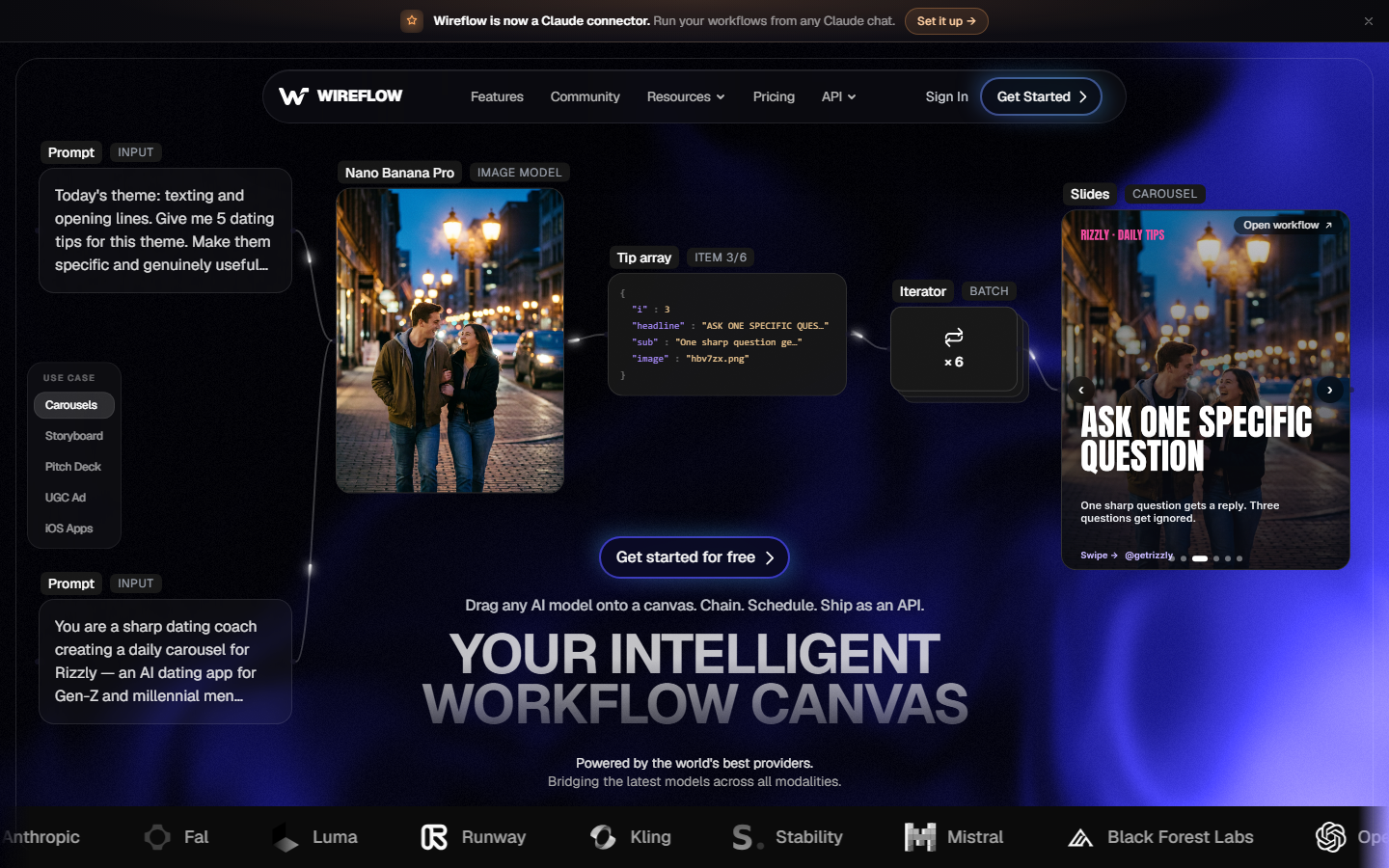
Wireflow exposes whole workflows over MCP rather than individual model endpoints. You build a node graph on the canvas, chaining a text to video model into an upscale step into an audio mix, then publish it and call the entire chain as a single MCP tool. The agent passes a prompt and gets back a finished video, which means the multi step logic lives in a canvas you can inspect and version rather than in the agent's context window. Model coverage spans Seedance, Veo, Kling, and the rest of the current generation, so switching the underlying model is a node setting rather than a code change. Long renders return a job id the agent polls, so a four minute Seedance job does not blow up a session. The tradeoff is setup: you have to build the workflow first, which is more upfront work than pointing an agent at a bare model endpoint. That cost pays back the moment you need the same pipeline twice. Teams doing this at volume usually start from the node based AI workflow platform pattern and adapt it.
2. Higgsfield MCP
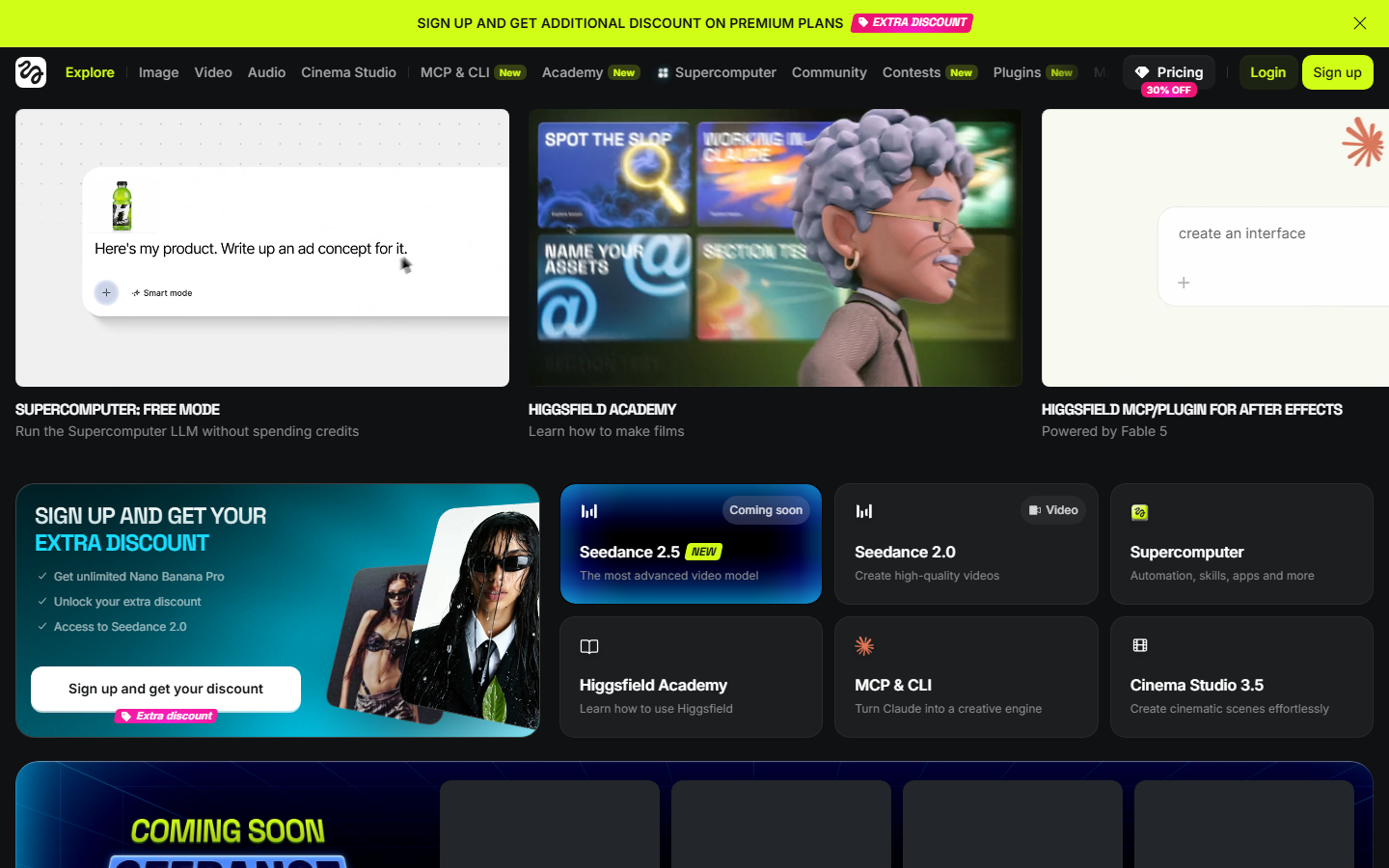
Higgsfield shipped a hosted MCP server that puts more than 30 image and video models behind one endpoint, with a strong bias toward cinematic camera work and character consistency. Setup is a single URL in your MCP config, no local process to babysit, and the tool descriptions are written well enough that agents pick the right model without much prompting. It is the best option if the thing you care about is shot quality and camera language rather than pipeline structure. Where it gets thin is post generation work: there is no assembly, no timeline, and no audio layer, so it produces excellent individual shots that something else has to stitch together. Pricing runs on credits that burn fast at higher resolutions, which matters when an agent is free to retry. If Higgsfield's model list appeals but the credit model does not, the Higgsfield MCP alternatives comparison covers the substitutes in detail.
3. fal.ai MCP
fal.ai is the closest thing to raw infrastructure on this list, and its MCP server reflects that: it exposes the model registry more or less directly, including Kling and Luma video endpoints alongside the image and audio catalog. Latency is the best of any hosted option here, and per second pricing is transparent enough to forecast. The flip side is that the server does very little thinking for you. The agent has to know which model id it wants, what parameters that specific model takes, and what to do with the returned URL, which in practice means writing a fairly detailed system prompt before the setup behaves reliably. It generates video, it does not edit video. Developers already on fal will find the fal MCP setup notes cover the config specifics.
4. Shotstack MCP
Shotstack is a cloud video editing API with a native MCP server exposing roughly a dozen tools for building layered timelines: clips, transitions, chroma key, captions, and overlays. It is not a generation tool, which is why it sits mid list here, but it is the piece most generation focused servers are missing. Point it at a set of generated clips and it will assemble them into a real edit with titles and music beds. The JSON timeline format is verbose, so agents burn a lot of tokens describing an edit, and complex timelines are easier to template than to generate fresh each time. Pair it with a generation server and you have a complete pipeline; use it alone and you have a renderer with nothing to render. It slots naturally into any video assembly API stack.
5. Replicate MCP
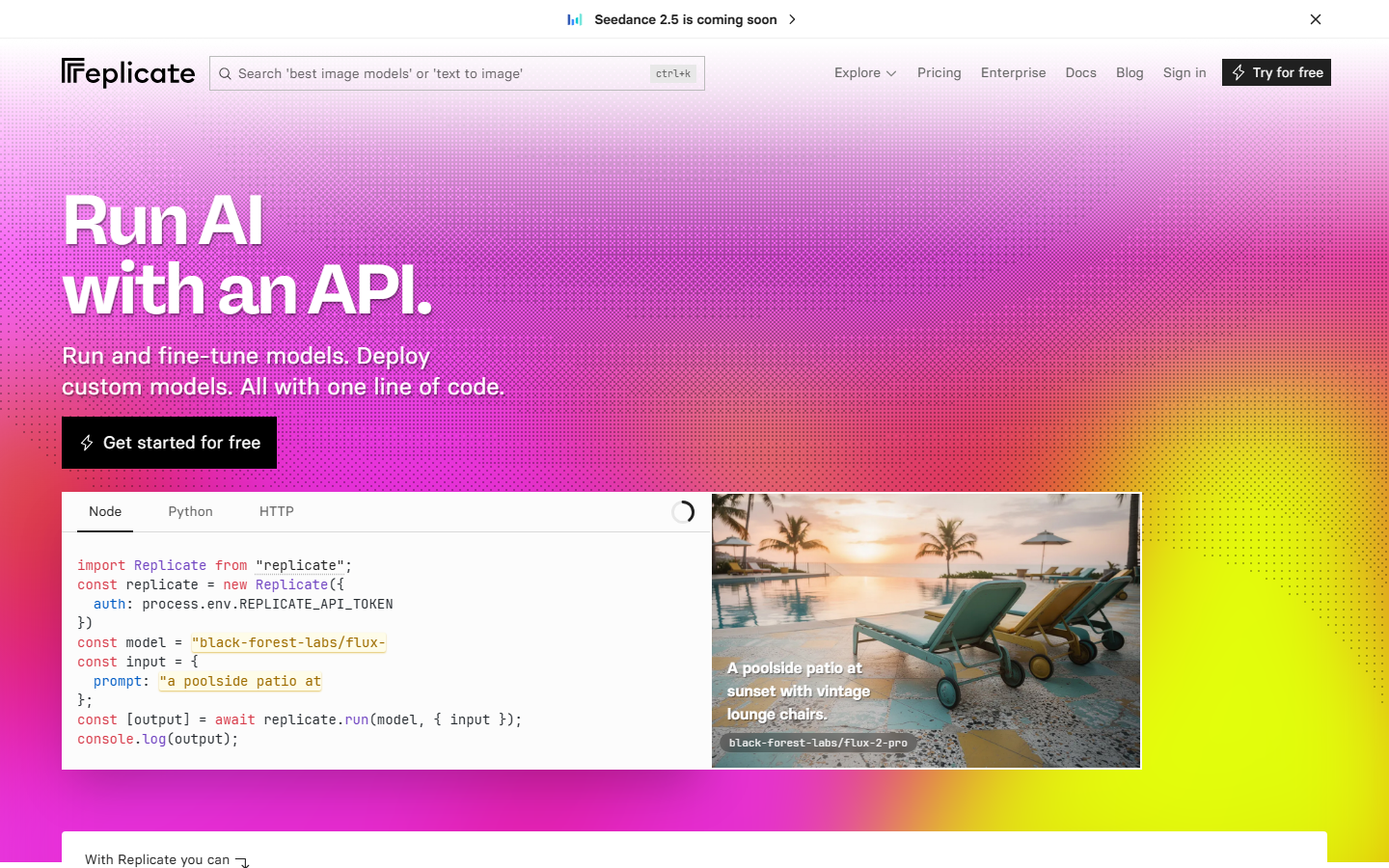
Replicate's appeal for agent work is versioning: every model is pinned to an immutable hash, so a workflow that worked last month still produces the same output today. That is rarer than it should be, and it makes Replicate the safest choice when reproducibility matters more than raw speed. Video models on the platform run slower than on fal, and cold starts on less popular models can add a minute before generation even begins. The MCP integration is community maintained rather than first party, so tool descriptions vary in quality depending on which server you install. Teams outgrowing it usually hit the same wall and end up migrating from Replicate to a canvas API once single model calls stop being enough.
6. Creatomate MCP
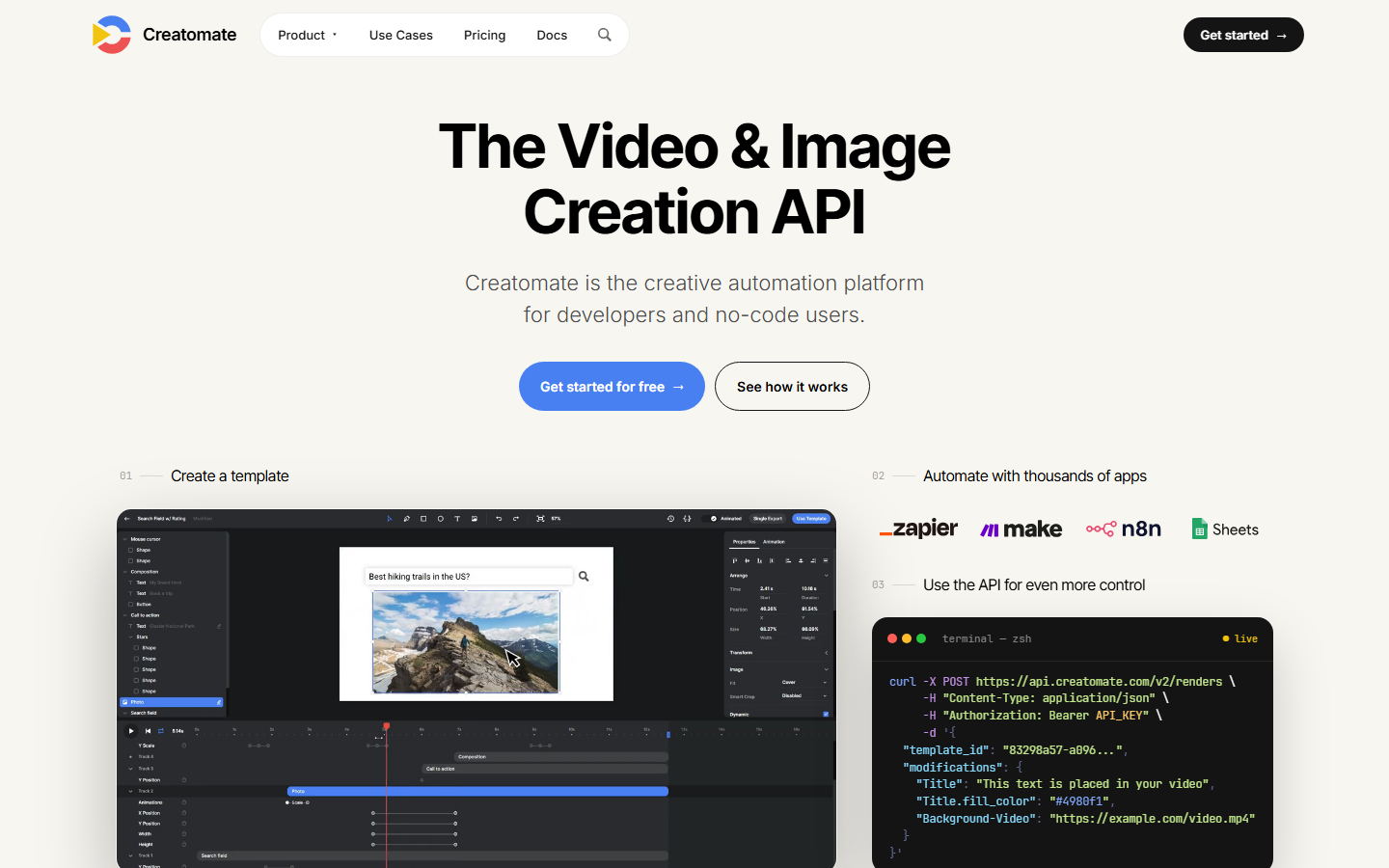
Creatomate is built around templates: you design a video once in their editor, expose the dynamic fields, then generate thousands of variants by swapping text, images, and clips. For agent driven work this is a good fit because the agent only has to produce structured data, not a full edit description, which keeps token use low and output predictable. Rendering is fast and reliable. The constraint is creative range, since every output looks like the template it came from, which is exactly right for ad variants and exactly wrong for original storytelling. Generation models are not part of the product, so the source clips have to come from elsewhere. This is the standard approach behind most bulk video ad pipelines.
7. JSON2Video MCP
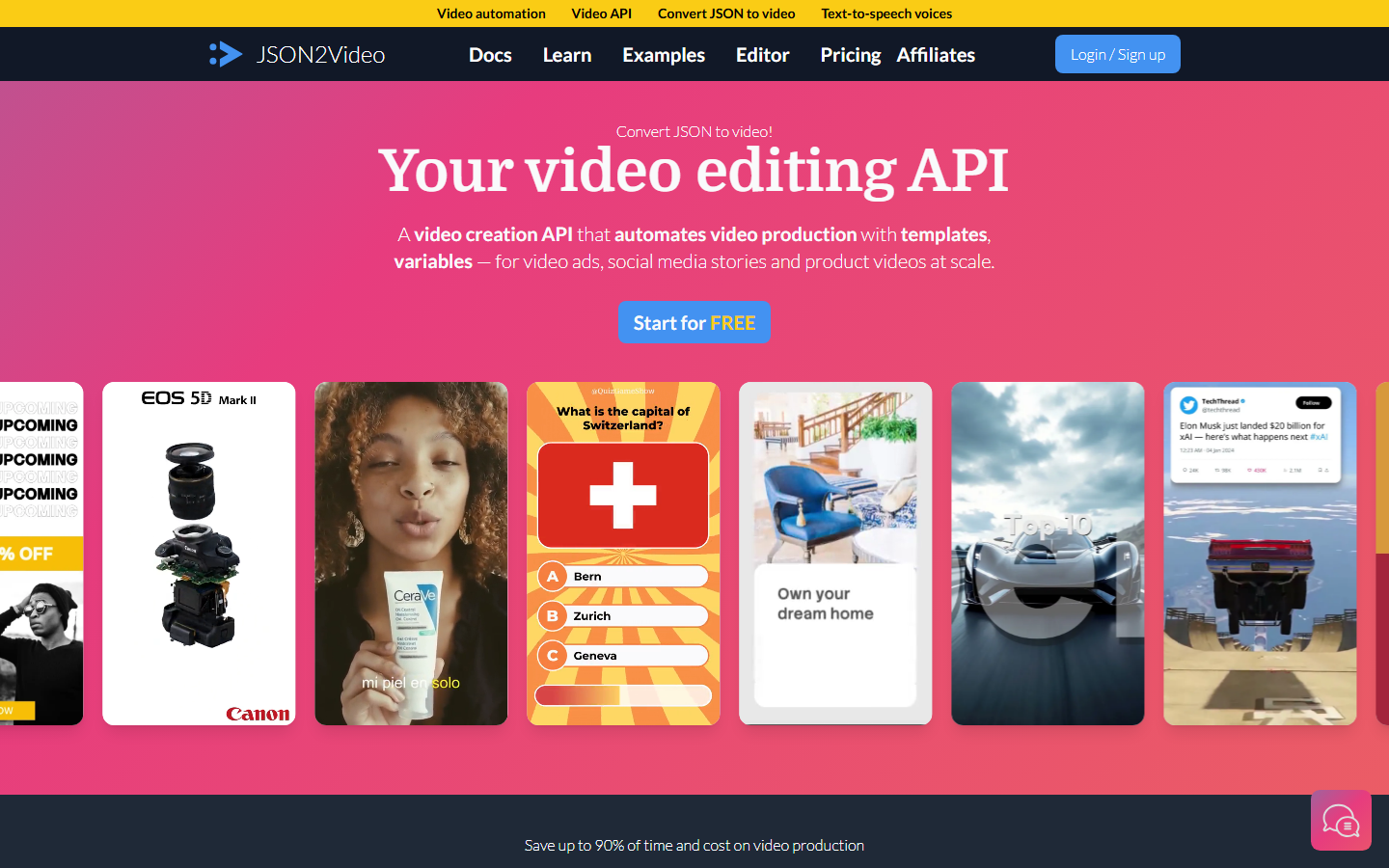
JSON2Video renders a video from a JSON document describing scenes, elements, and timing, which maps almost perfectly onto what a language model is good at producing. Agents write valid JSON reliably, so the failure rate here is lower than with tools that expect prose descriptions of an edit. Built in text to speech and subtitle generation cover the audio layer without a second service. The rendering engine is more basic than Shotstack's, motion options are limited, and there is no generative model behind it, so it is best understood as a fast assembler for content you already have. Pricing by output minute keeps costs legible at volume. It works well as the final step in a multi shot video stitching setup.
8. ElevenLabs MCP
ElevenLabs does not generate video at all, and it is on this list because almost every video pipeline built by an agent forgets audio until the end. Its MCP server covers text to speech, voice cloning, sound effects, and dubbing, and the tool schemas are among the cleanest of any server here. Response times are short enough for synchronous calls, which makes it easy to slot into an agent loop without polling. Voice quality is the best available. The limitation is obvious: it is one layer of the stack, and it needs a generation and assembly tool on either side of it to produce anything watchable. Most video generation agent builds end up calling it as the last step before the final render.
Comparison Table
| Tool | Generates video | Edits or assembles | Audio | Long render handling | Best for |
|---|---|---|---|---|---|
| Wireflow | Yes, multi model | Yes | Yes | Job polling | End to end pipelines |
| Higgsfield MCP | Yes, 30+ models | No | No | Job polling | Cinematic shots |
| fal.ai MCP | Yes | No | Yes, separate models | Job polling | Model breadth, low latency |
| Shotstack MCP | No | Yes, timeline | Music and captions | Job polling | Programmatic edits |
| Replicate MCP | Yes | No | Yes, separate models | Job polling | Reproducible versions |
| Creatomate MCP | No | Yes, templates | Yes | Synchronous or polling | High volume variants |
| JSON2Video MCP | No | Yes, JSON scenes | Yes, built in TTS | Job polling | Data driven video |
| ElevenLabs MCP | No | No | Yes | Synchronous | Voice and sound design |
How to Choose
Start from the shape of the job rather than the model list. If the agent needs to produce a finished video with no human step in between, pick a server that covers generation, assembly, and audio, or accept that you will be wiring three servers together and maintaining the glue. If the agent is one step in a larger human led process, a single purpose server is cleaner and cheaper. Cost discipline matters more here than in image work: a retry loop on a video model can spend real money in minutes, so cap retries in the tool description itself rather than trusting the agent to be careful. Anyone evaluating on price should compare against the wider video API options for coding agents before committing.
Try it yourself: open this video MCP workflow. The nodes are pre-configured with the generation and assembly setup described above: GPT Image 2.5 Flare and Gemini Omni Flash 1.1 generate the clip, and the Video Editor assembles it.
FAQ
What is an MCP server for video generation? It is a service that exposes video generation as tools an AI agent can call over the Model Context Protocol. Instead of writing an API client, you add the server to your agent's config and the agent can generate video directly from a conversation.
Can Claude Code generate video through MCP? Yes. Any MCP compatible client, including Claude Code and Cursor, can call a video generation server once it is added to the client's MCP configuration. The agent sees the video tools alongside its file and shell tools.
How do MCP servers handle renders that take minutes? Well designed servers return a job id immediately and expose a second tool for checking status, so the agent polls instead of blocking. Servers that try to return the finished video synchronously tend to time out on anything longer than about ninety seconds.
Do I need separate MCP servers for generation and editing? Usually yes, unless the server exposes full workflows. Most video MCP servers cover either generation or assembly, not both, so a complete pipeline typically means two or three servers plus orchestration logic.
Which video models are available over MCP in 2026? Coverage varies by server, but the current generation models including Seedance, Veo, Kling, and Luma are available through at least one of the hosted options. Aggregator servers expose the widest catalogs.
How much does agent driven video generation cost? Most platforms charge per second of output, and rates rise sharply with resolution. A ten second clip at 1080p typically lands somewhere between fifty cents and two dollars depending on the model, which adds up quickly when an agent retries.
Is a local MCP server better than a hosted one? Local servers running FFmpeg are free and private, which suits trimming, concatenation, and format conversion. Generation still needs hosted models, so most setups run a local server for editing and a hosted one for generation.
What is the most common mistake when connecting video tools to an agent? Not capping retries. An agent that treats a failed render as something to try again can spend a large amount of credit before anyone notices, so retry limits belong in the tool description rather than in the prompt.
Conclusion
The MCP layer for video matured quickly in 2026, and the meaningful split is no longer which models a server can reach but how much of the pipeline it covers. Single model servers like fal.ai and Higgsfield are excellent at the one thing they do, and pairing them with an assembler like Shotstack or JSON2Video plus ElevenLabs for audio gives a workable stack at the cost of maintaining the connections between them. Teams that would rather maintain one workflow than four integrations tend to land on the workflow level approach instead, which is where the Wireflow canvas fits: build the chain once, expose it as a single tool, and let the agent call the result rather than the parts.

Co-Founder & Operations at Wireflow
Runs client operations and content strategy at Wireflow. Works directly with creative teams and agencies to build production AI workflows.
- Content Strategy
- Client Operations
Ask Claude for your next ad.
Connect once. Ask any time.
- No credit card
- You keep the rights to what you make
- Cancel anytime
More in Alternatives
Head-to-heads and roundups of the tools people weigh up.