 Andrew Adams · Co-Founder & Operations at Wireflow ·
 FLUX 3 Video on Wireflow
FLUX 3, Black Forest Labs' video model, runs as a node on the Wireflow canvas.
Prompt it for a clip with native audio, wire a still in as a start frame, chain keyframes into a storyboard, and compare it against Veo 3.1 and Seedance 2.5 on the same prompt. Hosted compute, no local GPU, pay per generation.
Free to build · no credit card · See how it works ↓
How to Use FLUX 3 Video on Wireflow
Steps to get you started in Wireflow.
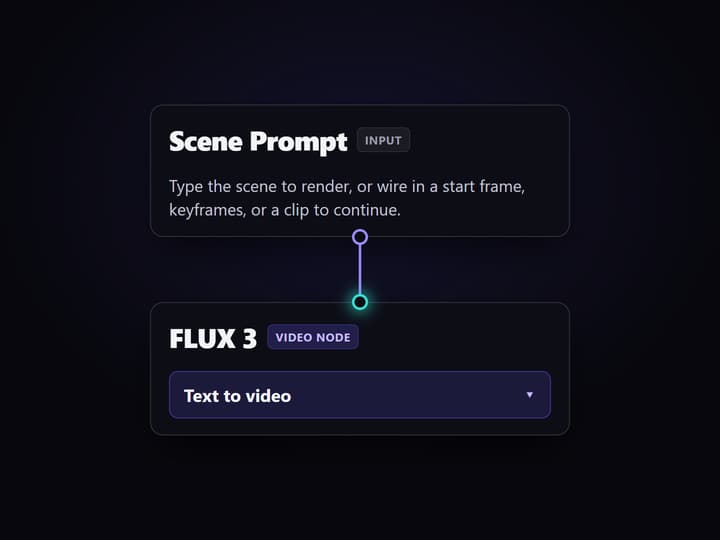
Write the scene or wire a frame in
Start with one clear scene prompt, or wire a still in as the start frame, add an end frame to interpolate, or chain keyframes for a storyboard. Use a FLUX 3 Image node first when you want to lock the look before the clip.
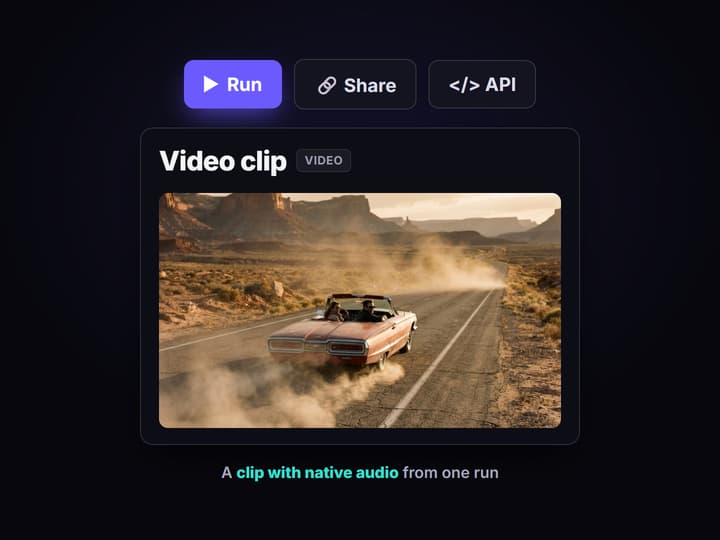
Run the FLUX 3 node
Send the prompt to FLUX 3 and inspect the clip it returns, with its native audio. Pick an aspect ratio, a length up to 20 seconds, and HD or Full HD to match where the video will run.
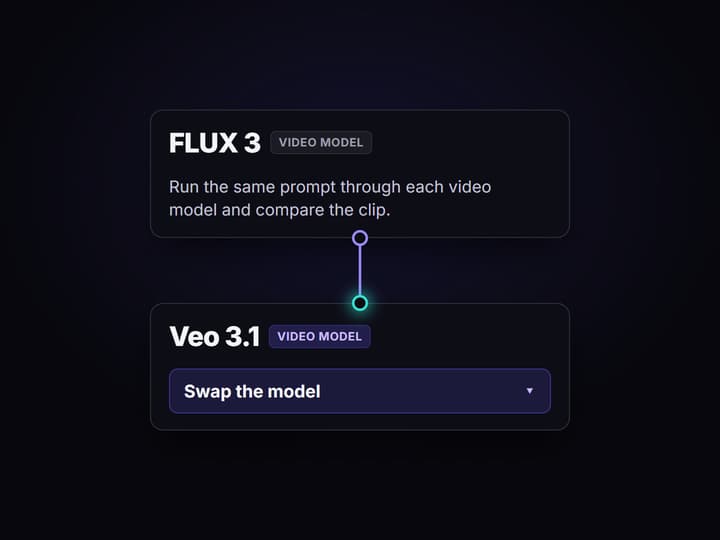
Swap the model and compare
Send the same prompt into Veo 3.1 or Seedance 2.5 on the same canvas and compare the clips side by side before you commit credits to a final render.
FLUX 3 video on Wireflow: what it does and how it runs
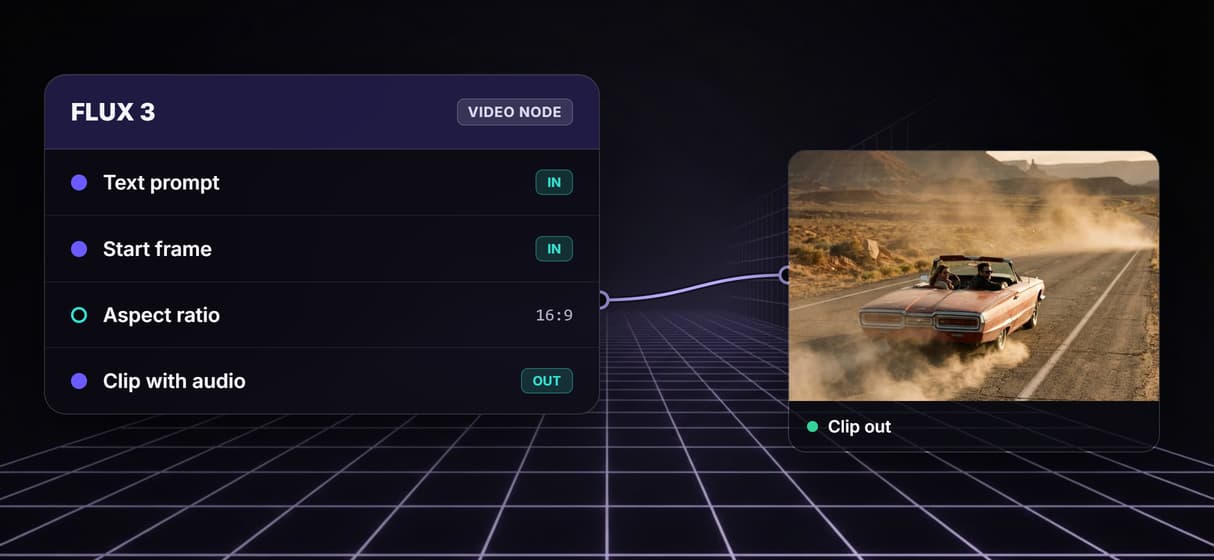
FLUX 3 is Black Forest Labs' video model. Give it a text prompt, a still to animate as a start frame, a start plus an end frame to interpolate between, or up to six keyframes, and it returns a clip with native audio generated in the same pass. Wire a finished clip into its Video to Extend input and it carries the motion forward with no cut, billed at a higher rate. One node covers text-to-video, image-to-video, storyboard, and continuation.
On Wireflow it is a node on the canvas rather than a standalone site or an API you glue together yourself. You wire a prompt in, press run, and get the clip back on hosted compute in the browser, no CUDA install and no local GPU. The same canvas drives your text to video and still-image work, so the FLUX 3 Image step that locks the look and the step that animates it live in one graph.
What you can do with the FLUX 3 node
Text to video
Describe a scene and the node returns a clip that matches the prompt.
Native audio in one pass
The model writes sound into the clip as it renders, up to 20 seconds long.
Start frame to video
Wire a still in as the start frame, with an optional end frame, and animate it.
Keyframe storyboard
Wire up to six images and FLUX 3 spreads them evenly across the clip.
Pick ratio and resolution
Set the aspect ratio and render at HD or Full HD so the clip fits its placement.
Compare models
Run Veo 3.1 and Seedance 2.5 on the same prompt, side by side.
From a prompt to a clip in one graph
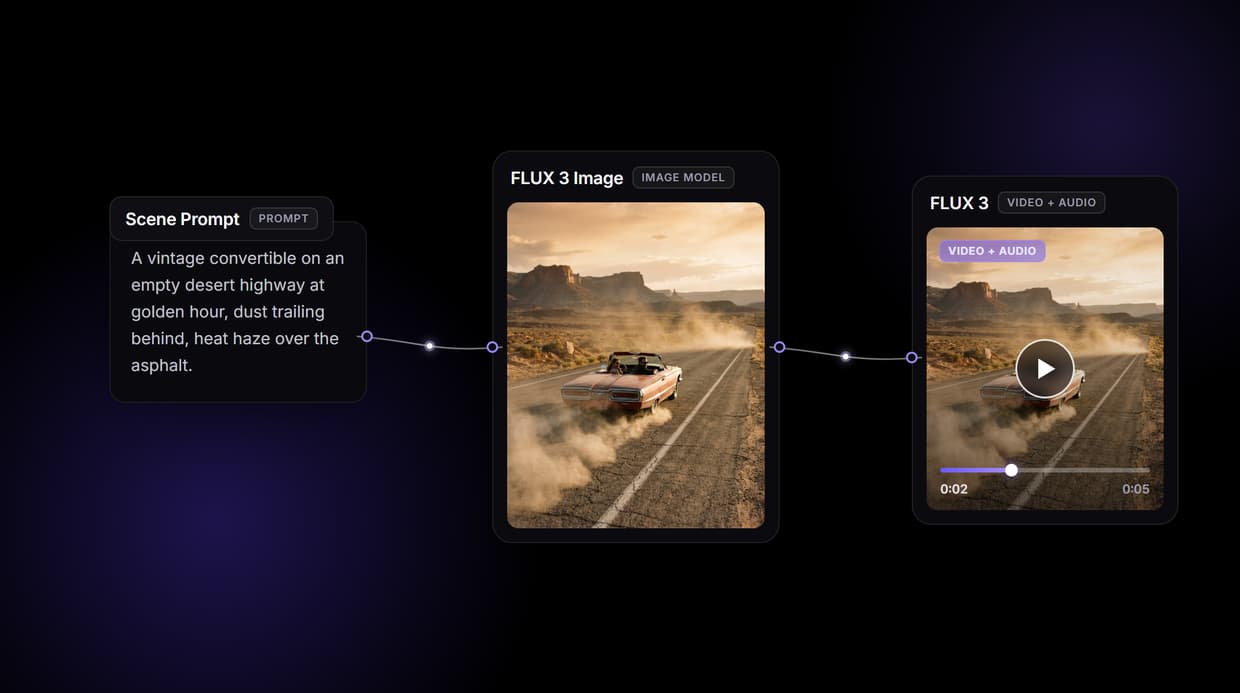
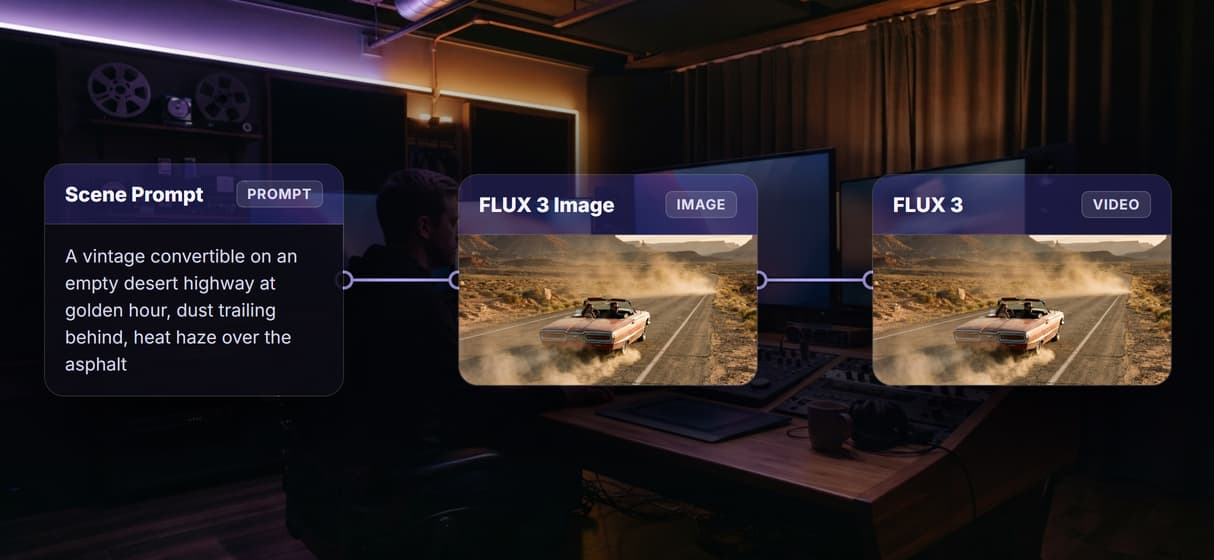
The example behind this page's button shows the pattern. One Scene Prompt node feeds a cinematic description into a FLUX 3 Image node, and that concept still wires straight into FLUX 3 as its start frame:
- FLUX 3 Image renders a concept still. The saved image output on the example comes from this node, so you can judge the look instantly without paying for a video run.
- FLUX 3 animates that still into a clip with audio. It ships ready to run rather than pre-rendered, because video generations cost more credits. Press run on that node when you want the clip.
Swap the FLUX 3 node for Veo 3.1 or Seedance 2.5 and the node-based pattern stays the same, which is how you turn one idea into an AI video workflow instead of a pile of browser tabs.
FLUX 3 next to Veo 3.1 and Seedance 2.5, same prompt
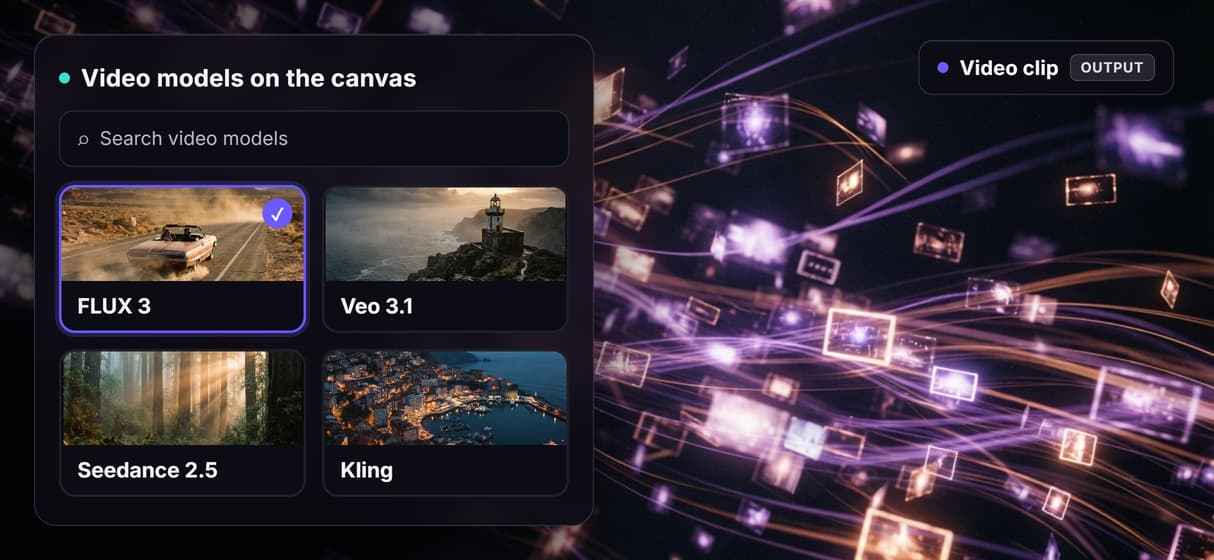
Most pages about FLUX 3 list its specs, or compare it using a different prompt in every example. None of them show it next to Veo 3.1 and Seedance 2.5 on the same prompt, which is the only test that tells you which model to actually use. On the canvas you wire all three to one prompt node, run them, and watch the clips come back next to each other, audio and all.
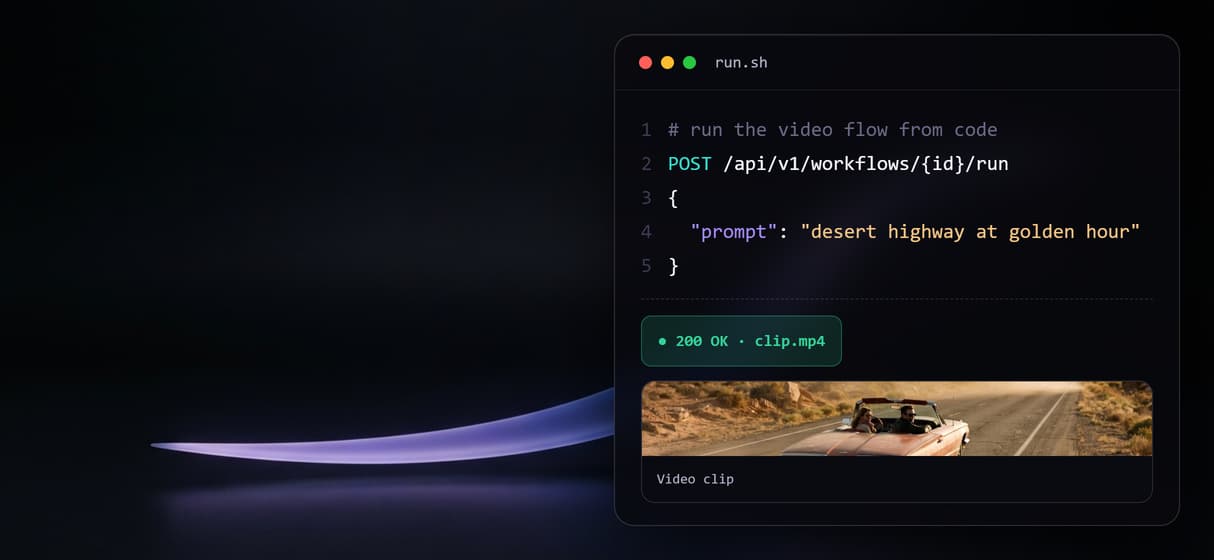
Because every published workflow is both a REST endpoint and an MCP tool, you can then call the winning model from code the same way you would reach for the Veo 3.1 API, without stitching three separate vendor SDKs together. Pick the model per shot, keep the rest of the graph identical, and let credit cost per run guide the final choice.
When a full editor is the better call
If your job is a timeline edit, a sound mix, color grading, or stitching many takes into a finished film, that work belongs in a tool like Premiere or Resolve, and this page will not pretend otherwise. A generated clip is a strong starting shot, not a locked cut, and the model's native audio is a scratch track you will often replace.
Wireflow is the generation layer: it generates the clips, next to your image and audio nodes, so you can iterate on an idea fast and pay per generation instead of standing up your own GPU box. Export the shots you keep and finish them in whatever editor you already use.
More Than Just FLUX 3 Video on Wireflow
Prompt to a clip with sound in one flow
Type one scene prompt and the canvas feeds the node, so a single AI video pipeline run turns text into a clip with its own native audio.
Text, a frame, or a storyboard all go in
Prompt from text, wire a still in as the start frame like an image to video API, or wire up to six keyframes for a storyboard.
Compare it beside other video models
Run FLUX 3, Veo 3.1, and Seedance 2.5 on one canvas through the same prompt, so you can compare AI video models side by side yourself.
No install, no GPU, pay per run
No CUDA and no VRAM ceiling: the model runs on hosted compute in the browser, and building is free like the rest of the AI video generator.

Versioned, and callable from code
Every flow is versioned and shareable, plus a REST endpoint and an MCP tool, so an agent can call this clip step as a video API for coding agents.
AI Models Available
Automate Any Workflow
Included in Every Plan
FAQs
FLUX 3 is Black Forest Labs' video model. It turns a text prompt, a start frame, keyframes, or an existing clip into a video with native audio, and on Wireflow it runs as a node on the canvas.
Discover related AI tools
More From Wireflow
Written by
Andrew Adams · Co-Founder & Operations at Wireflow
Runs client operations and content strategy at Wireflow. Works directly with creative teams and agencies to build production AI workflows.
Try the prompt-to-clip example
Open the example: one scene prompt drives a FLUX 3 Image concept still that wires into FLUX 3 as its start frame. The concept frame is pre-rendered; run the video node for the clip with audio. Building is free; each generation uses credits.