 Andrew Adams · Co-Founder & Operations at Wireflow ·
 Product Video Generator
Most product video generators hand you a locked template.
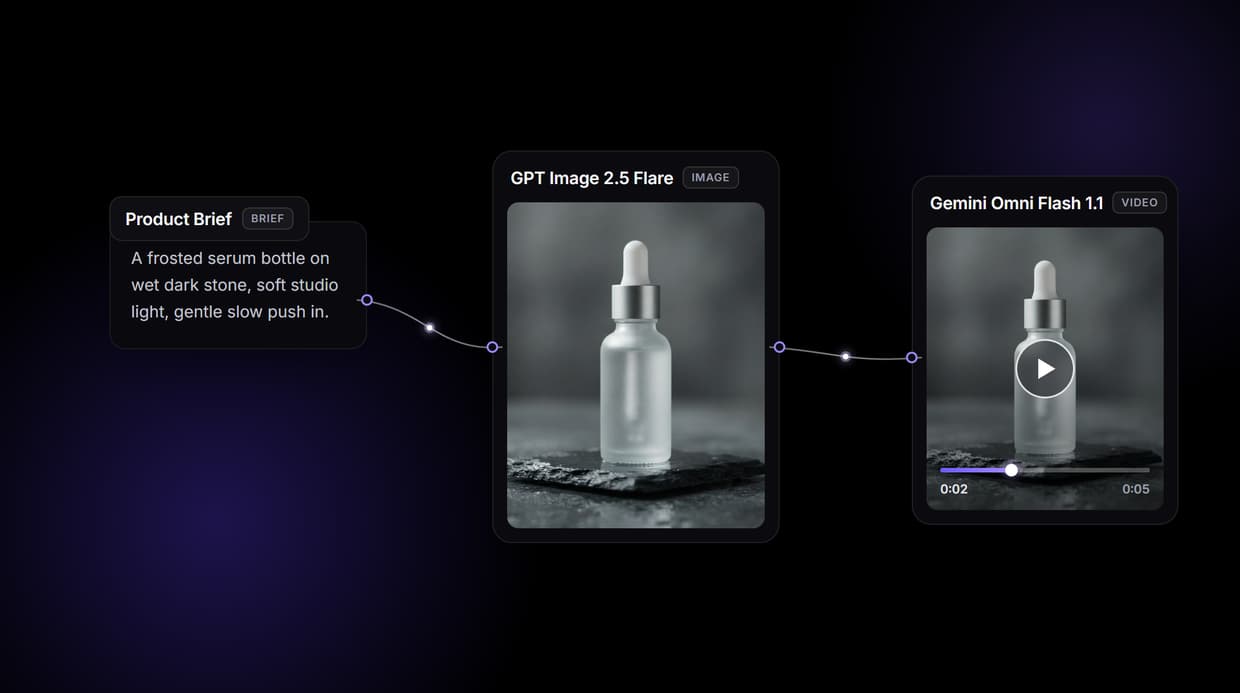
Wireflow hands you the pipeline: a node canvas where your product brief becomes a hero frame with GPT Image 2.5 Flare, then Gemini Omni Flash 1.1 animates that exact frame into a short product clip. Free to build, pay per generation.
Free to build · no credit card · See how it works ↓
How to Use Product Video Generator
Steps to get you started in Wireflow.
Describe the product and the shot
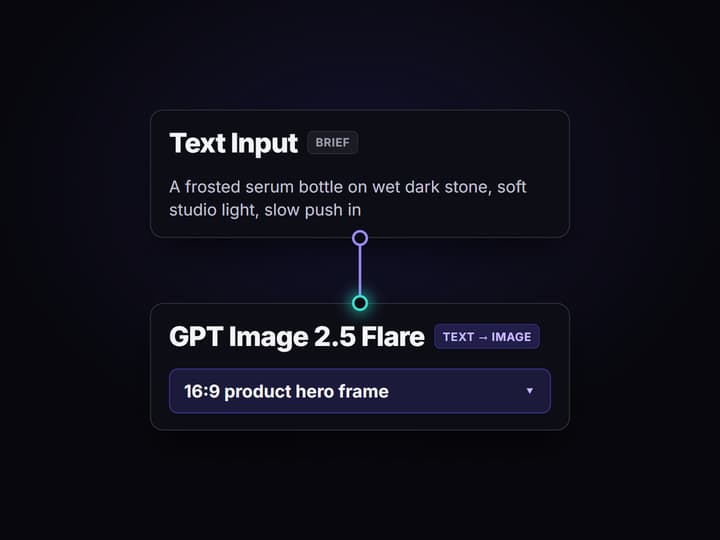
Open the flow and click the Text Input node. One sentence covers it: the product, the setting, and the camera move, for example a frosted serum bottle on wet dark stone with a slow push in.
Render the hero frame and approve it
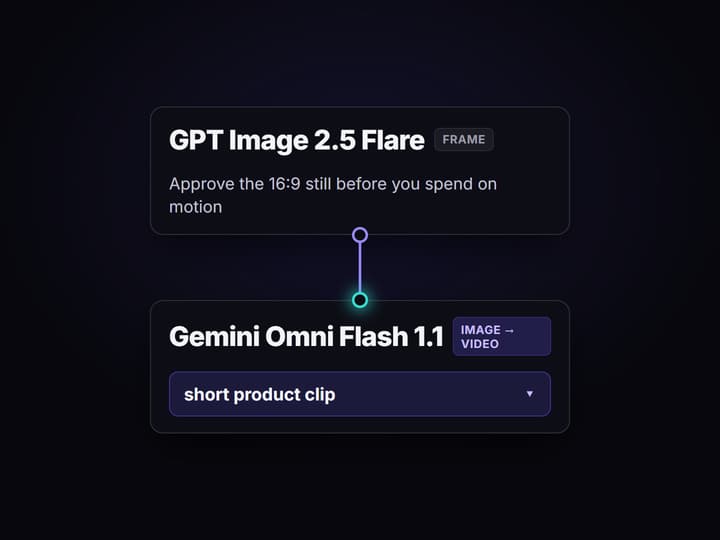
Run the graph and GPT Image 2.5 Flare turns the brief into a 16:9 product hero still. Check the lighting, framing, and label before you spend a single credit on motion.
Animate the frame, then reuse the graph
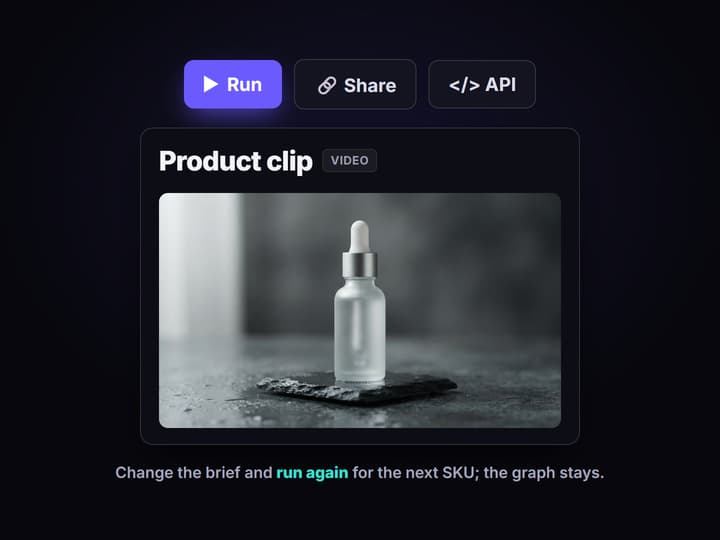
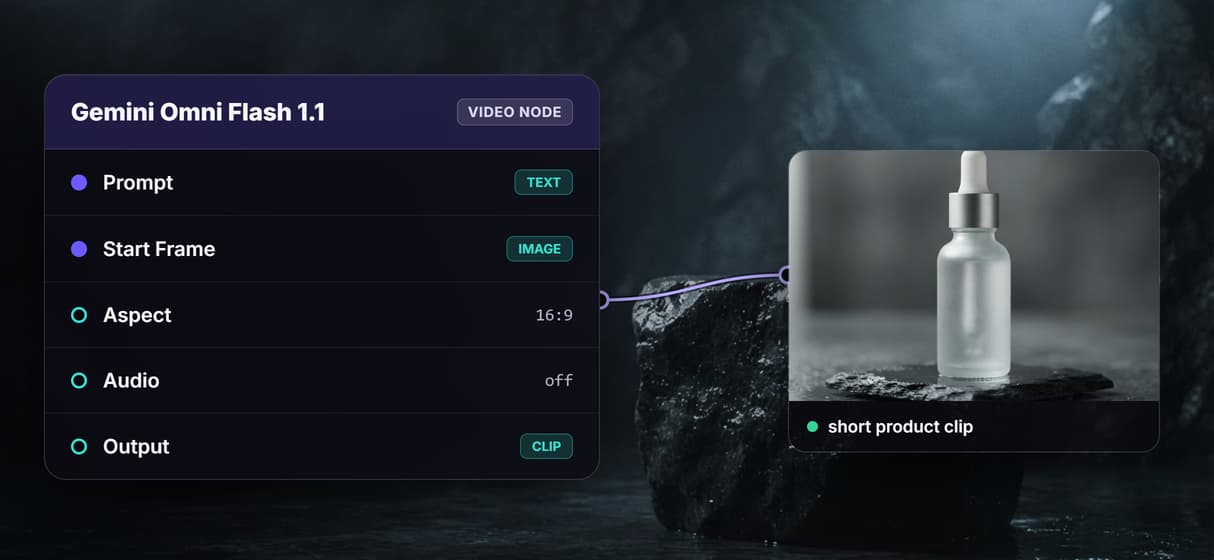
Gemini Omni Flash 1.1 reads the brief and the approved frame and returns a short product clip. Change the brief for the next SKU, or swap the video node for another of the 70+ hosted models.
Why product teams outgrow template video generators
Most product video generators work the same way: upload a photo or paste a link, pick a template, and a finished clip pops out. It is fast, and for a one off it is fine. The ceiling arrives when you have a hundred SKUs, a brand look to hold, and a boss who wants the hero shot framed a specific way. The template decides the pacing, the stock decides the vibe, and you cannot see or fix the frame that actually becomes the video.
Wireflow answers with a different shape. Instead of a locked template, product video is a small workflow you own on a node canvas: a Text Input holds the brief, Nano Banana Lite renders the product hero frame, and Kling Video turns that frame into motion. It runs on hosted compute in the browser, nothing to install, and the same canvas drives every other AI video generator job your team has, from listing clips to social cutdowns.
What replaces the template studio
Brief intake
A Text Input node holds the product brief. Change the words and rerun; the graph never moves.
Product hero frame
GPT Image 2.5 Flare renders the 16:9 still that sets lighting, framing, and the label look.
Motion from the frame
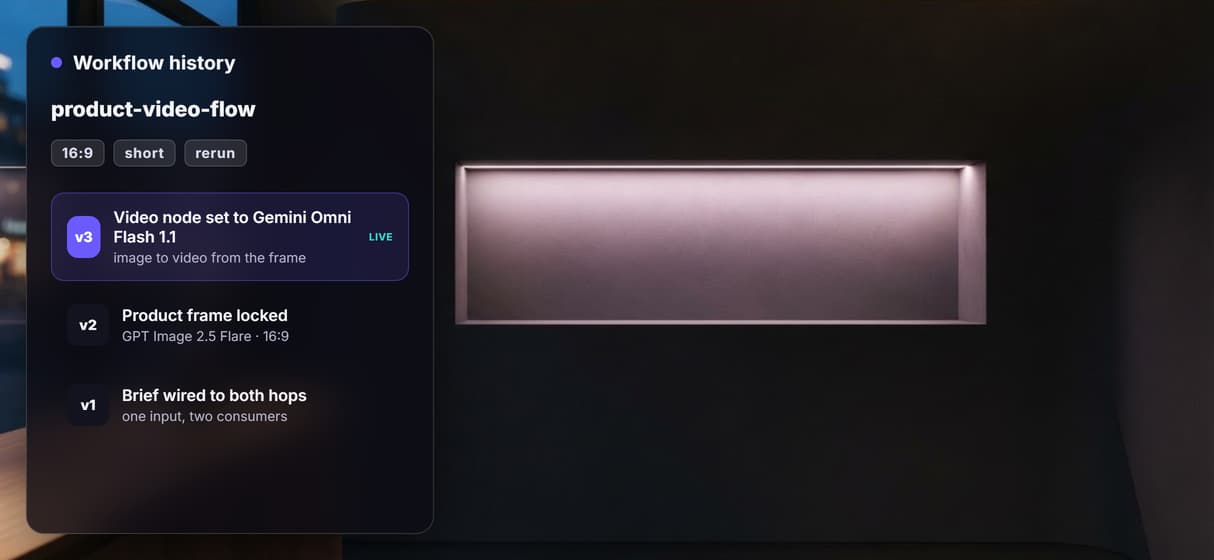
Gemini Omni Flash 1.1 animates the approved still into a short product clip you can rerun.
Soundtrack and voice nodes
Extend the graph with the Music node for a bed and ElevenLabs TTS for a voiceover.
Upscale and polish
Add Topaz Upscale Video when a listing needs a crisp high resolution master.
Rerun and swap
Workflows are versioned and shareable by link; swap any model node as better ones ship.
How the three node graph actually runs
The workflow behind this page's button is deliberately small: three nodes and three wires.
- Text Input holds the brief. One sentence about the product, the setting, and the camera move is enough; a sticky note in the flow walks a first run through it.
- GPT Image 2.5 Flare renders the frame. The brief becomes a 16:9 product hero still, so you approve the look before paying for motion.
- Gemini Omni Flash 1.1 animates it. The node reads both the brief and the frame, because the input wires to each, and returns a short product clip in a minute or two.
That double wiring is the detail worth copying: the same words that pose the frame also direct the motion, so the clip stays true to the still instead of drifting. And because the graph lives among 70+ hosted model nodes, the clip can roll straight into a longer AI video pipeline, Topaz upscaling included, without leaving the browser.
When a template generator is still the right call
If you need one clip in the next five minutes and you do not care how the frame is composed, a template product video maker is genuinely faster, and this page will not pretend otherwise. Wireflow's flow returns clips measured in seconds, so longer pieces come from chaining takes rather than one long render.
Wireflow is the generation layer, not a full editor or a copywriter: it will not script your ad or manage your storyboard. What it offers instead is ownership of the pipeline, 70+ hosted models to swap between, and per generation pricing. If product clips are an ingredient in a bigger content machine, build here, and pair the flow with a UGC video generator when the job calls for a spokesperson.
More Than Just Product Video Generator
A pipeline you own, not a rented template
The whole product video flow sits on a canvas: brief in, hero frame, clip out. Rewire any hop like a node based video generation graph.
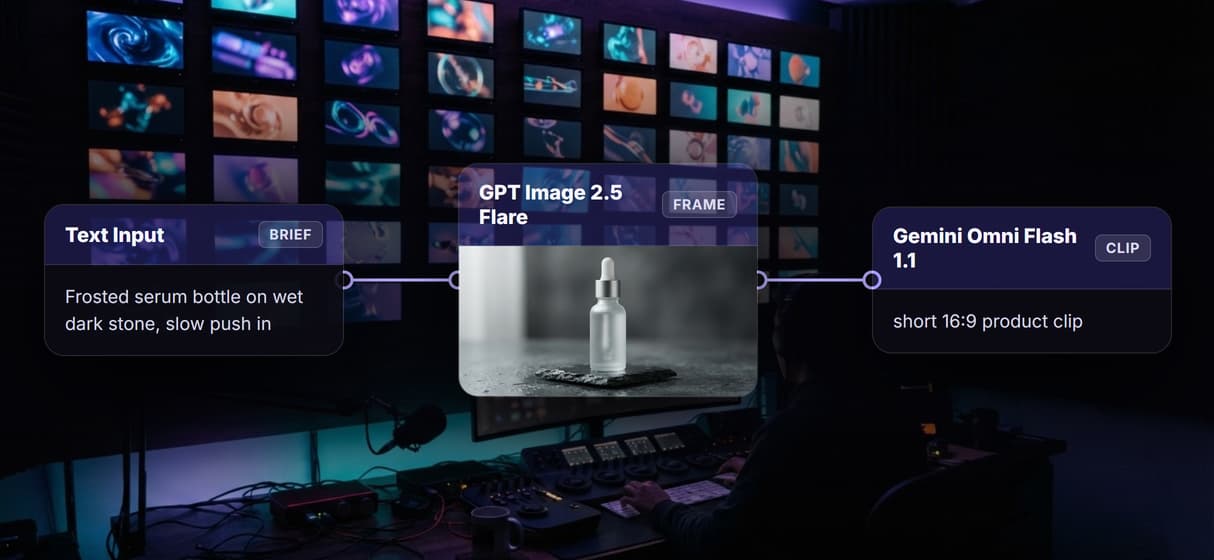
Approve the hero frame before you animate
GPT Image 2.5 Flare renders the 16:9 product still first, so you lock framing and label before paying for motion. Few ai video maker tools show that step.
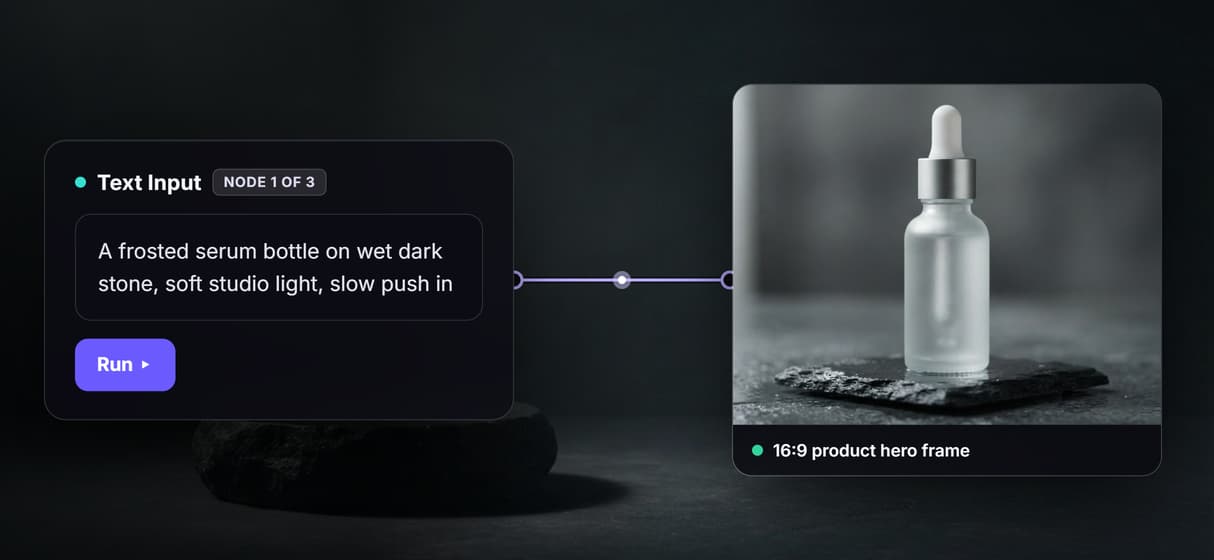
Gemini Omni Flash 1.1 animates the exact frame
The video node takes the same brief plus the approved still and returns a short product clip. It is image to video with the wiring already done for you.
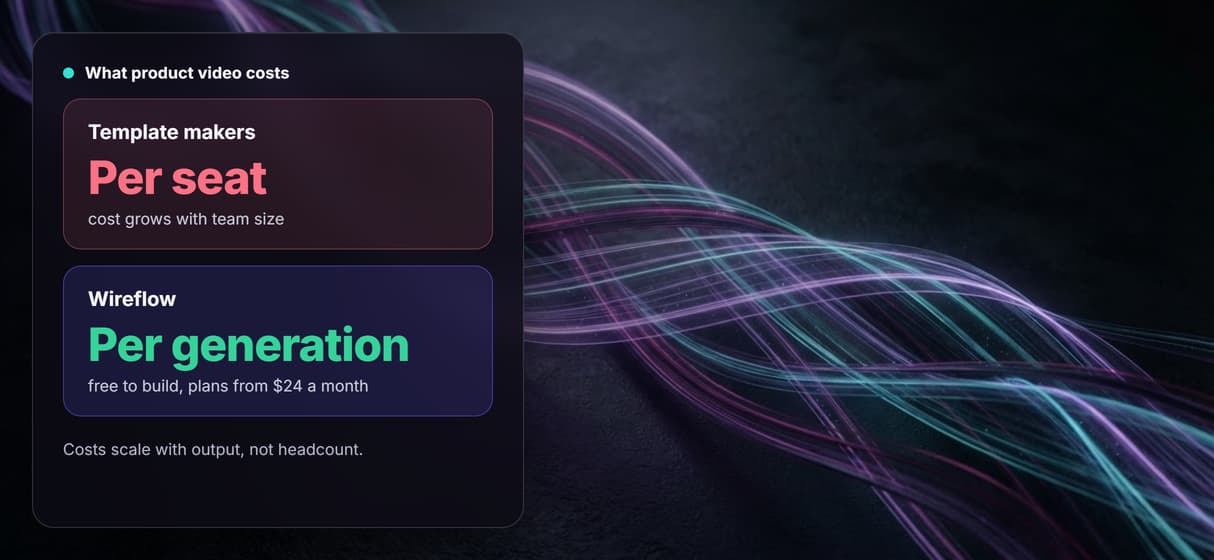
Per generation pricing, not per seat
Building on the canvas is free and generations are metered, so ten editors cost no more than one. Try the free AI video generator online and pay per run.
One graph for every SKU in the catalog
Workflows are versioned and shareable by link, so swap the brief and rerun for the next SKU. It is the backbone of any durable AI video workflow.
AI Models Available
Automate Any Workflow
Included in Every Plan
FAQs
A template maker hides the steps and hands you a finished clip. Wireflow shows the whole pipeline on a canvas: brief, product hero frame, and animated clip are separate nodes you can inspect, edit, and rerun. You own the workflow instead of renting a template.
Discover related AI tools
More From Wireflow
Written by
Andrew Adams · Co-Founder & Operations at Wireflow
Runs client operations and content strategy at Wireflow. Works directly with creative teams and agencies to build production AI workflows.
Own the product video pipeline, not a template
Open the flow, describe your product, and run it: hero frame first, then motion, from one graph you can rerun for every SKU. Building is free; you pay per generation, not per seat.