Best AI Tools for Ecommerce Product Videos in 2026


In this article▾
- Quick Summary
- How We Ranked These Tools
- 1. Wireflow - Best Overall
- 2. Creatify - Best for UGC Ads
- 3. Topview AI - Best for Marketplace Sellers
- 4. Arcads - Best for Actor Performance
- 5. PixVerse - Best for Image to Video
- 6. InVideo - Best for Templates
- 7. Runway - Best for Creative Control
- 8. CapCut - Best Free Option
- Comparison Table
- Choosing Based on Catalogue Size
- FAQ
- Conclusion
Ecommerce product video used to mean a studio day, a videographer, and a two week turnaround for a single SKU. In 2026 the same clip is a prompt, a product photo, and about ninety seconds of render time. This guide ranks the eight AI tools that actually hold up when you need product videos at catalogue scale, and it explains where each one fits: avatar led UGC, image to video product motion, template driven social edits, or full pipeline automation. Wireflow takes the top slot because it chains several of these models into one repeatable run instead of locking you into a single generator, which is the difference between one good video and four hundred of them.
Quick Summary
- Wireflow - chain models into one product video pipeline. Best Overall
- Creatify - product URL to avatar led ad. Best for UGC Ads
- Topview AI - listing page to short form video. Best for Marketplace Sellers
- Arcads - scripted AI actors reading your copy. Best for Actor Performance
- PixVerse - product photo to cinematic motion. Best for Image to Video
- InVideo - prompt to templated brand video. Best for Templates
- Runway - cinematic b-roll and video editing models. Best for Creative Control
- CapCut - fast vertical edits and captions. Best Free Option
How We Ranked These Tools
Product video is a volume problem before it is a creative problem. A store with three hundred SKUs does not need one perfect hero film; it needs a repeatable process that turns each product photo into three or four usable clips, then swaps the hook to test which one converts. We ranked on input flexibility, output consistency across a batch, how much manual editing sits between generation and upload, pricing at volume, and whether the tool exposes an API. The same logic applies to your stills, as covered in AI product photos for ecommerce.
The other split worth naming is avatar video versus product motion. Avatar tools put a person on screen describing your product, which works for TikTok and Meta placements. Product motion tools animate the product itself, which works for PDP embeds and marketplace listings. Most stores need both, and the tools below rarely do both well, which is why the ranking starts with an orchestration layer rather than a single generator. The economics of running both are in our breakdown of ad creative testing at scale.

Build this in Wireflow
Make the same kind of asset on a canvas you control, with a free account and no credit card.
1. Wireflow - Best Overall
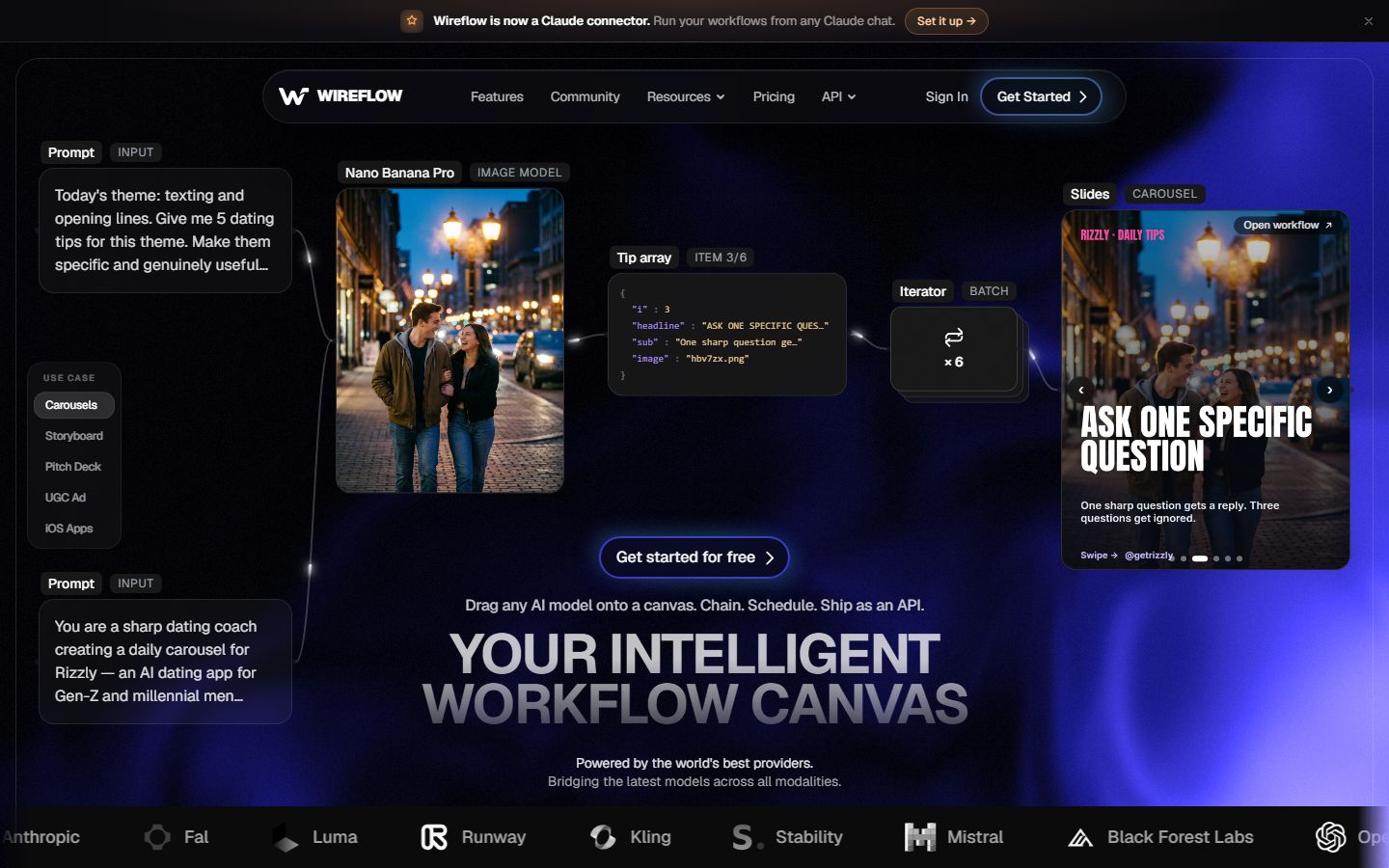
Wireflow is a node canvas where each node is an AI model, so a product video is a chain rather than a single button. A real ecommerce run looks like this. A GPT Image 2.5 Flare node makes a hero frame of the product. A MiniMax Hailuo 03 Max Turbo node animates that frame into a 5 second clip. A Frame Extractor node then pulls stills from the clip for the listing. The image below shows that exact run on one product photo of a plain ceramic mug. Our run cost 45 credits for the product. Because every step is a separate node, you can swap the video model without rebuilding the rest of the flow, which matters in a year where the best model changes roughly every quarter. Store owners typically start from the ecommerce use case page and fork an existing flow instead of building from scratch.

The practical advantage over single tool competitors is batching. Once a flow works for one SKU, you feed it a list and it runs the same chain against every product, so the fiftieth video is as consistent as the first. It also means one subscription covers HeyGen avatars, Nano Banana image edits, and Seedance or Veo video in the same run, instead of three separate seats. The tradeoff is honest: there is a learning curve, and if you only need one video a month a template tool will be faster. See the full AI video generator breakdown for model coverage and per run credit costs.
Pricing: you can open and change this flow for free, and new accounts get a free video. More videos need a plan, from $36 a month for 2,660 credits. Best for: stores and agencies producing video across many SKUs.
2. Creatify - Best for UGC Ads

Creatify takes a product URL, scrapes the images and copy, and returns an avatar led video ad in a few minutes. It is the fastest path from a Shopify listing to something you can put behind ad spend, and the avatar library is wide enough that you can test different presenter demographics against the same script. The output is unmistakably AI, but for direct response placements that is no longer the disqualifier it was two years ago.
Where it gets tight is control. You are working inside Creatify's pipeline, so if the generated script is off brand you edit text rather than restructure the video. Batch runs are supported but priced per video, so cost climbs quickly at catalogue scale. Our Creatify pricing breakdown covers where the per video math stops working.
Pricing: paid plans from roughly $39/mo. Best for: performance marketers testing UGC hooks quickly.
3. Topview AI - Best for Marketplace Sellers

Topview AI was built around the marketplace seller workflow: paste an Amazon or TikTok Shop listing, pick an avatar, get a vertical video sized for the placement. It handles the annoying parts automatically, pulling product stills, generating a script from the bullet points, and burning in captions. For sellers who need a video attached to every ASIN, that automation is worth more than creative range.
The limitation is that it optimises for one format. Vertical, avatar fronted, caption heavy clips are excellent; anything cinematic or product motion led is out of scope. Sellers who outgrow that single format usually end up looking at Topview alternatives rather than fighting the tool.
Pricing: free trial, paid plans from roughly $19/mo. Best for: Amazon and TikTok Shop sellers needing a video per listing.
4. Arcads - Best for Actor Performance

Arcads focuses on one thing: making the AI actor read your script convincingly. The delivery is noticeably better than most avatar tools, with pacing and emphasis that survive a second viewing, which is why agencies use it for hook testing where the first three seconds decide everything. You write the script, pick the actor, and generate variants of the same line read differently.
It is script first, not product first, so the product itself usually appears as a cutaway rather than the subject. That makes Arcads a strong component in a wider pipeline and a weak standalone choice if the product needs to be shown in motion. The per generation pricing is covered in our Arcads pricing notes, and the head to head with Creatify is worth reading if you are choosing between the two.
Pricing: paid plans from roughly $110/mo. Best for: hook and script variant testing with believable delivery.
5. PixVerse - Best for Image to Video

PixVerse animates a still into motion, which is the right primitive for product video where the product must stay recognisable. Feed it a clean product shot and it produces a slow orbit, a texture reveal, or a hand entering frame, all while keeping the product geometry stable enough to pass as real footage. Its Ad Master mode packages this into a product ad template, and it is the tool most often cited as the 2026 default for SKU scale product motion.
Consistency is still the weak point. Complex packaging and small text on labels can warp between frames, so plan on regenerating a share of clips. It is best used on hero shots with simple silhouettes rather than busy multi item scenes. The same constraint applies to any image to video model, and it is the main reason batch pipelines include a review step.
Pricing: free credits, paid plans from roughly $10/mo. Best for: turning existing product photography into motion.
6. InVideo - Best for Templates
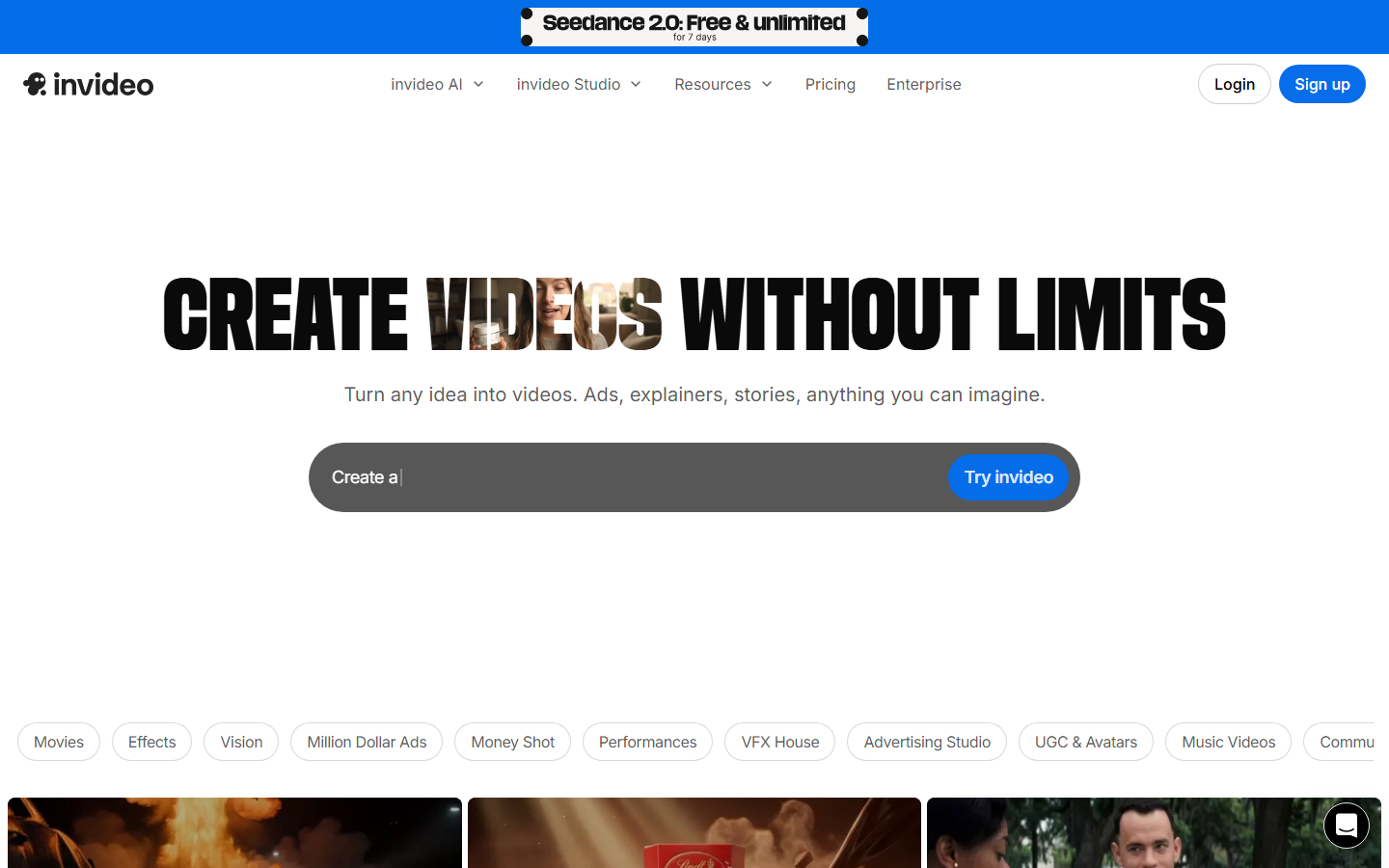
InVideo sits closer to a traditional editor with AI bolted on. You describe the video, it assembles a templated cut from stock and your uploads, and you refine with text commands. For brands that need a consistent house look across a product line, templates beat generation because every clip inherits the same fonts, pacing, and transitions.
The stock footage dependency is the catch. Videos lean on library clips that other brands also use, so distinctiveness suffers unless you supply most of the footage yourself. It is a good fit for explainer style product videos and a poor fit for anything that has to look native to a social feed. Brands weighing template tools against generation should also read our free AI video generator comparison.
Pricing: free tier with watermark, paid plans from roughly $28/mo. Best for: consistent branded explainer video across a product line.
7. Runway - Best for Creative Control

Runway is the choice when the video needs to look designed rather than generated. Its video models and editing tools handle camera motion, style transfer, and shot level edits that the ecommerce specific tools do not attempt, which makes it the right pick for campaign hero films and cinematic b-roll cut around a product.
It is also the least automated option here. There is no product URL input, no listing scrape, no batch mode aimed at catalogues, so every video is hand built. Teams usually run Runway for a handful of flagship assets and a cheaper tool for the long tail, or reach for one of the Runway alternatives when volume is the constraint.
Pricing: free credits, paid plans from roughly $15/mo. Best for: flagship product films where craft matters more than volume.
8. CapCut - Best Free Option

CapCut is the finishing tool most ecommerce teams already have open. Auto captions, background removal, beat synced cuts, and a huge template library make it the fastest way to turn raw generated clips into something feed ready, and the free tier covers most of it. Export speed is genuinely fast, which matters when you are pushing a dozen variants a day.
It is an editor, not a generator. CapCut will not invent a product video from a listing URL, so it sits at the end of the chain rather than the start. Treat it as the polish step after PixVerse or Wireflow produces the raw footage. For teams that want that polish step automated instead of manual, the UGC video automation approach removes the hand editing entirely.
Pricing: free, Pro from roughly $10/mo. Best for: free editing, captions, and social formatting.
Comparison Table
| Tool | Primary Input | Output Style | Batch/API | Starting Price |
|---|---|---|---|---|
| Wireflow | Photo, text, product brief | Any (model chained) | Yes, both | Free tier |
| Creatify | Product URL | Avatar UGC ad | Batch only | ~$39/mo |
| Topview AI | Listing URL | Vertical avatar clip | Batch only | ~$19/mo |
| Arcads | Script | AI actor read | Batch only | ~$110/mo |
| PixVerse | Product photo | Product motion | Limited | ~$10/mo |
| InVideo | Text prompt | Templated edit | No | ~$28/mo |
| Runway | Photo, text | Cinematic | API | ~$15/mo |
| CapCut | Existing footage | Edited social cut | No | Free |
Choosing Based on Catalogue Size
Under twenty SKUs, pick one tool and stay inside it. Creatify or Topview cover a small store's ad and listing needs without any pipeline work. Between twenty and two hundred SKUs you want a real batch mode plus one specialist for hero assets. Above two hundred, orchestration is the only sane answer, because you are no longer buying videos, you are buying a process that produces them. The numbers behind that are in our guide on scaling ad creative production.
Placement matters as much as volume. Marketplace listings reward literal product demonstration, paid social rewards a person speaking to camera, and PDP embeds reward short silent loops. For that PDP placement specifically, a GIF maker on a canvas can turn one clip into a silent looping GIF sized for the product page. Map your placements first and pick tools per placement rather than hunting for one winner. Stores selling primarily through creators should start from the UGC creator workflow instead.
Try it yourself: Open this ecommerce product video workflow - the nodes are pre-configured to take a product brief, generate the creator frame, and assemble the finished vertical ad.
FAQ
What is the best AI tool for ecommerce product videos in 2026? For most stores the answer depends on volume. Wireflow is the strongest overall because it chains multiple models into one repeatable pipeline, which is what catalogue scale actually requires. For a single tool with no setup, Creatify covers ad style product video and PixVerse covers product motion.
Can AI generate a product video from just a photo? Yes. Image to video models like PixVerse and Runway animate a still product shot into short motion clips. Quality depends heavily on the input: clean, well lit shots with simple silhouettes hold up, while busy packaging and small label text tend to distort between frames.
How much do AI product videos cost per SKU? Per video pricing sits roughly between $1 and $5 on most tools, so a two hundred SKU catalogue costs $200 to $1,000 per full refresh. Credit based platforms usually work out cheaper at volume because you pay per model call rather than per finished video.
Do AI product videos work for Amazon listings? They do, and Amazon allows AI generated video in listing media as long as the product is represented accurately. Avoid clips where the model has altered packaging, colour, or size, since that crosses into misrepresentation and risks listing suppression.
Are avatar videos better than product motion videos for conversion? They serve different placements. Avatar videos perform better in paid social feeds where a human face stops the scroll, while product motion performs better on product detail pages and marketplace listings where the shopper already wants to see the item. Most stores run both.
Can I automate product video generation for a whole catalogue? Yes, but only with tools that expose batch input or an API. Feed a product list in, run the same chain per SKU, and review the output rather than generating each video by hand. That review step is not optional, since a percentage of AI clips fail on product fidelity.
How long should an ecommerce product video be? Six to fifteen seconds for paid social and marketplace listings, twenty to forty seconds for product detail page embeds where intent is already high. Longer explainer formats only make sense for considered purchases where the product genuinely needs demonstration.
Conclusion
The 2026 ecommerce product video stack is no longer a question of which generator is best, because the leading model changes faster than most teams can re-tool. What stays stable is the process: a product input, a script or brief, a generation step, and an assembly step. Tools like Creatify, Topview, and PixVerse each own a slice of that and are worth buying if your needs fit their slice cleanly. If your catalogue is large enough that the process matters more than any single model, an orchestration layer is the better purchase, and the pricing page is the fastest way to compare that against per video tools.

Co-Founder & Operations at Wireflow
Runs client operations and content strategy at Wireflow. Works directly with creative teams and agencies to build production AI workflows.
- Content Strategy
- Client Operations
Ask Claude for your next ad.
Connect once. Ask any time.
- No credit card
- You keep the rights to what you make
- Cancel anytime
More in Alternatives
Head-to-heads and roundups of the tools people weigh up.