 Andrew Adams · Co-Founder & Operations at Wireflow ·
 AI GIF Maker
Most AI GIF makers are one prompt and one output you cannot reproduce.
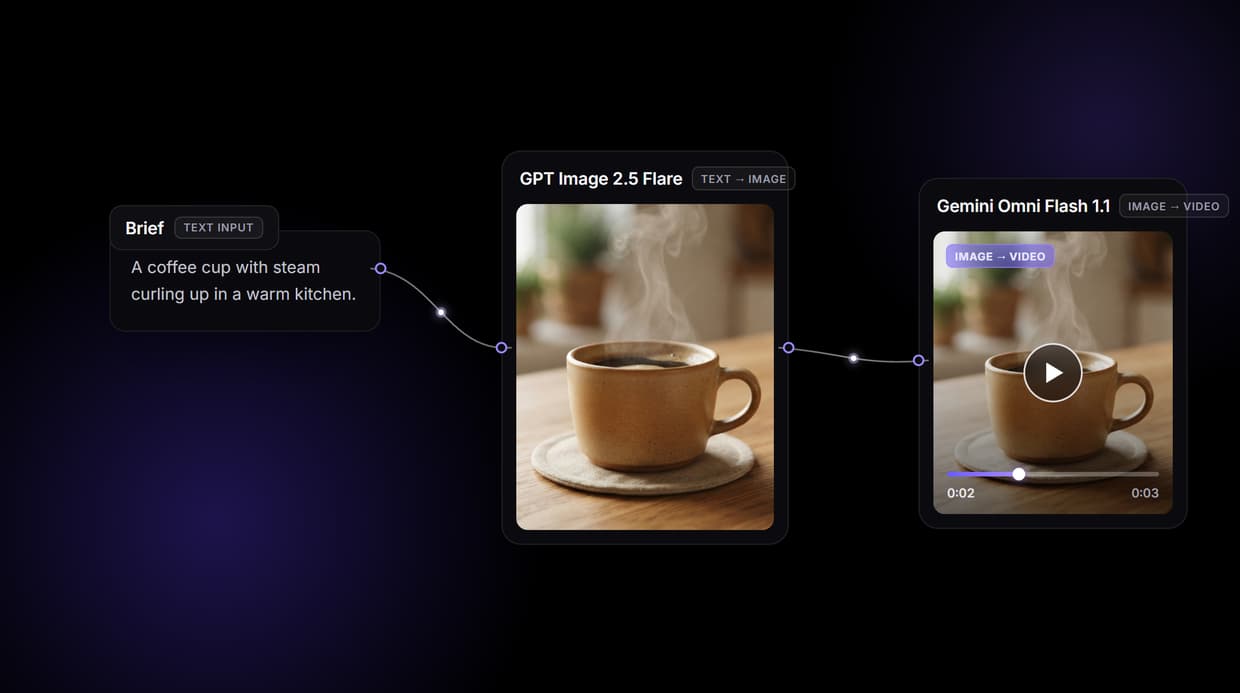
Wireflow makes an AI GIF a node graph you own: a brief becomes a clean still frame with GPT Image 2.5 Flare, then Gemini Omni Flash 1.1 animates that frame into a short looping clip. Re-run it, batch it over a sheet, swap the model. Free to build, pay per generation.
Free to build · no credit card · See how it works ↓
How to Use AI GIF Maker
Steps to get you started in Wireflow.
Type the loop brief
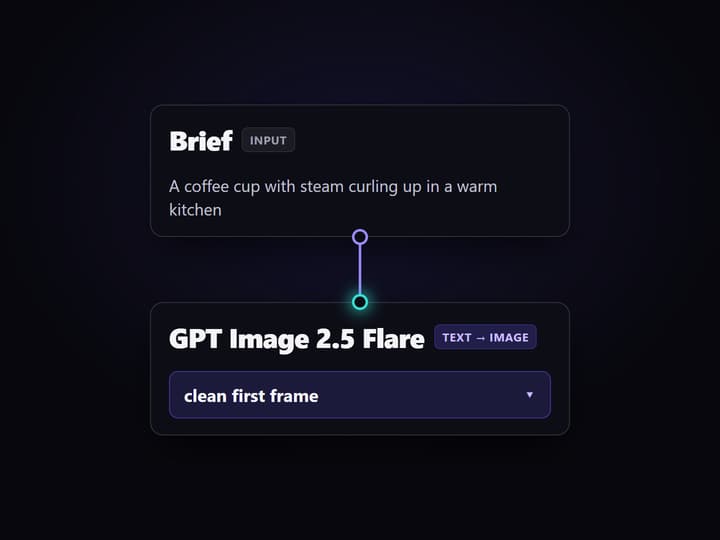
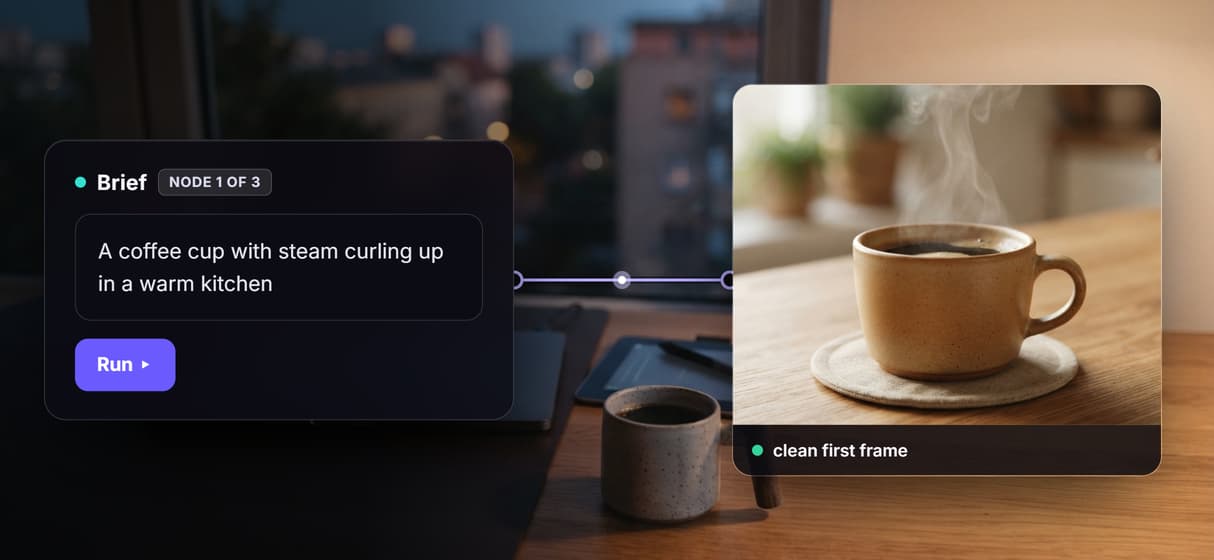
Open the flow and click the Brief node. One line covers it: the subject, the motion, and the vibe, for example a coffee cup with steam curling up in a warm kitchen.
Run the graph once
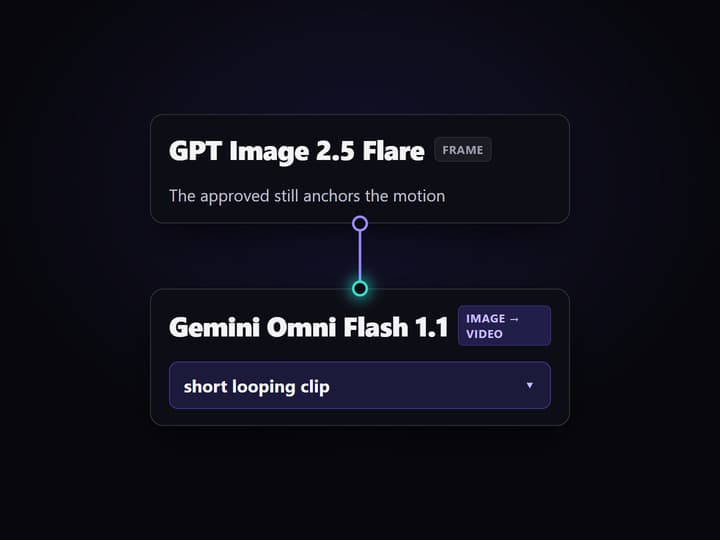
GPT Image 2.5 Flare renders the brief into a clean still frame, then Gemini Omni Flash 1.1 animates that frame into a short looping clip you can preview right in the canvas.
Change inputs, swap, or batch
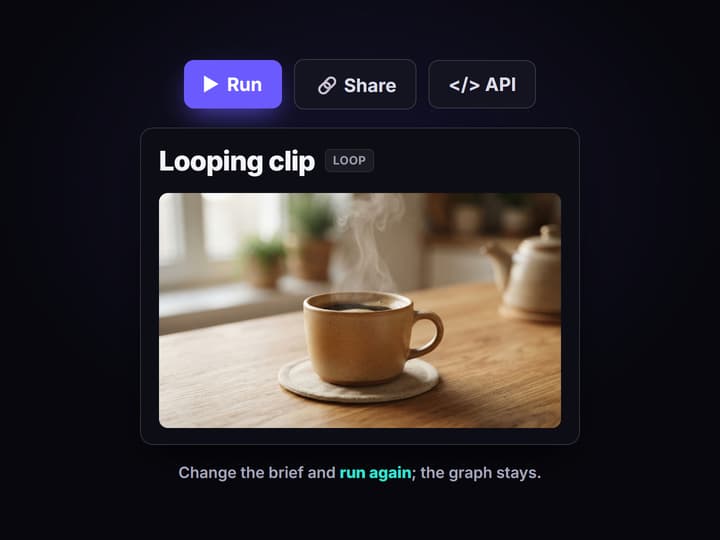
Edit the brief and run again for a new loop, swap Gemini Omni Flash 1.1 for Seedance or Veo in one node, or point the graph at a sheet to render a whole set of loops.
Why most AI GIF makers hit a ceiling
The current wave of AI GIF makers all work the same way: one prompt box, one output, and no way to reproduce it. You get a loop, but you cannot rerun the exact recipe next week, batch it across a campaign, or see which model made the motion. The moment you need forty product loops instead of one, or the same subject with a different action, you are prompting from scratch again.
Wireflow answers with a different shape. An AI GIF is a small workflow you own on a node canvas: a Brief node holds the prompt, GPT Image 2.5 Flare renders the still frame, and Gemini Omni Flash 1.1 animates that frame into a short looping clip. It runs on hosted compute in the browser, nothing to install, and the same canvas drives every other AI video generator job your team runs.
What you get instead of a single prompt box
Brief intake
A Brief node holds the subject, the motion, and the vibe. Change the words and rerun; the graph never moves.
A clean first frame
GPT Image 2.5 Flare renders the subject as a crisp still, so you approve the look before you pay to animate it.
Animate to a loop
Gemini Omni Flash 1.1 takes the approved frame and returns a short looping clip, image to video with the wiring done for you.
Swap the motion model
Drop Seedance, Veo, Wan, or Luma into the same video node when a different model loops your subject better.
Batch over a sheet
Point the graph at a sheet of rows and it renders one on-brand loop per row instead of one at a time.
Upscale and export
Sharpen with Topaz or Crystal, then export the clip and convert it to a .gif file, or ship the looped MP4.
How the graph actually runs
The workflow behind this page's button is deliberately small: a brief, a frame, and a looping clip.
- Brief holds the prompt. One line about the subject, the motion, and the look is enough; a sticky note in the flow walks a first run through it.
- GPT Image 2.5 Flare renders the frame. The brief becomes one clean still, the first frame of the loop, so you approve the subject before paying for motion.
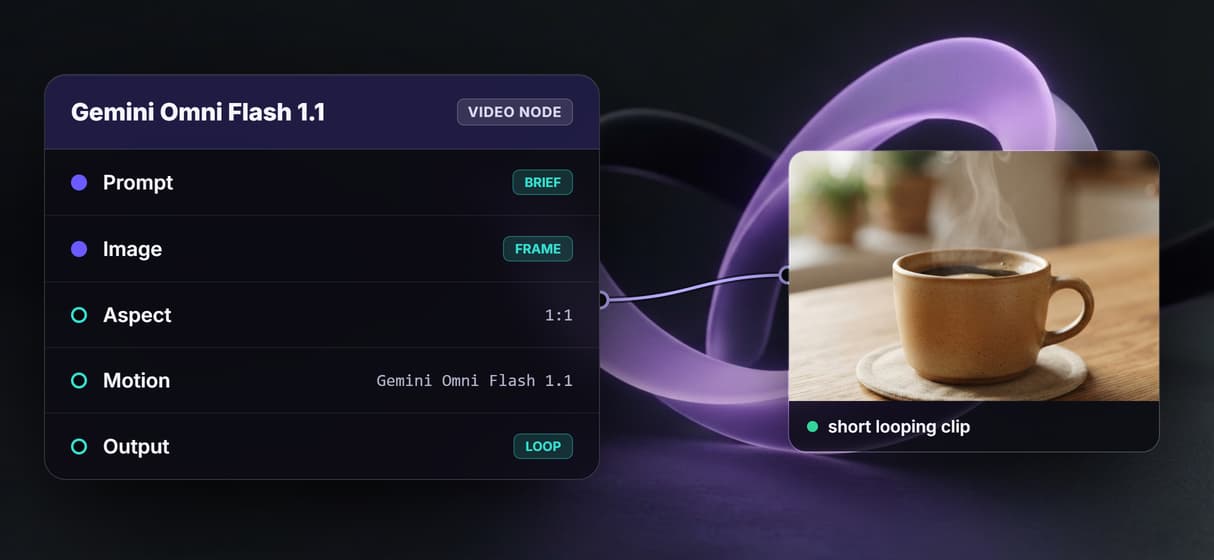
- Gemini Omni Flash 1.1 animates it. The video node takes the approved frame plus the brief and returns a short looping clip, image to video with the wiring done for you.
The brief wires to both hops, so the same words that build the frame also direct the motion and the loop stays coherent. Because the graph lives among 90+ hosted model nodes, you can build videos from prompts you already have, swap the animate model, or feed the loop into a longer edit, all without leaving the browser.
When EZGIF is still the right call
Wireflow makes the short looping animation, an MP4 clip, not the .gif file format itself. There is no native .gif export node, so you export the clip and convert it, or ship the looped MP4. If you already have a video and just want to trim it, crop single frames, reverse them, or hand-tune a palette, that is a manual editor like EZGIF, and this page will not pretend otherwise.
Motion here comes from AI video models, so a loop varies slightly run to run instead of matching a hand-drawn sequence exactly. Wireflow is the generation layer, not a frame editor: it will not write your caption timeline or dither a palette for you. What it offers instead is a repeatable, batchable pipeline for people who would otherwise skip animated loops because a designer is too slow. Start from a prompt with text to video AI when you have no source footage at all.
More Than Just AI GIF Maker
A pipeline, not a one-off box
Brief in, a still frame, a looping clip out, all open on a canvas you can rewire hop by hop like any node based video generation graph.
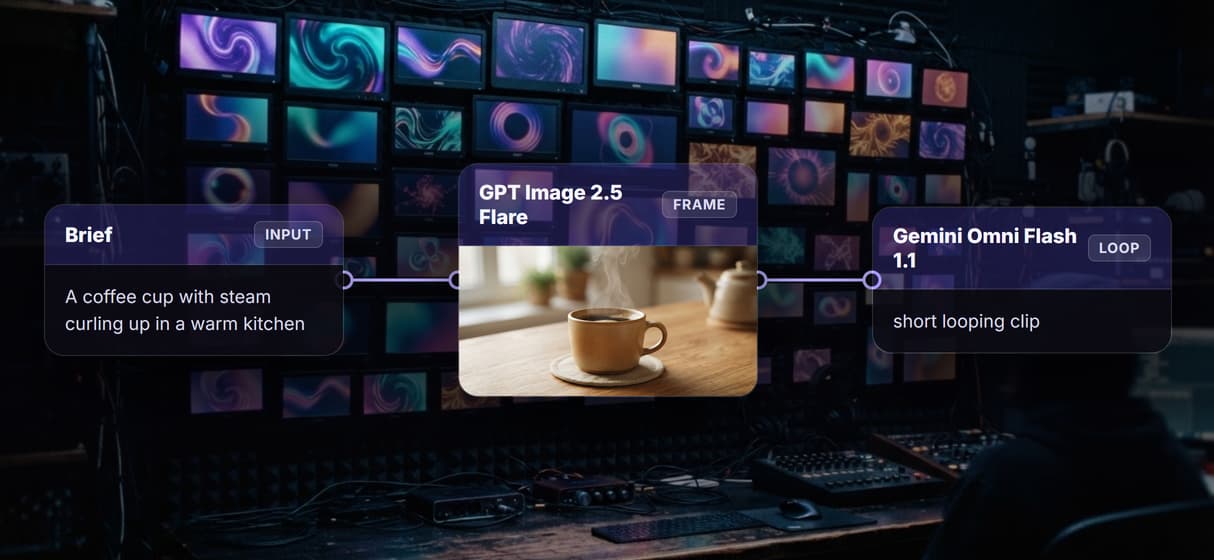
See the frame before you animate
GPT Image 2.5 Flare turns the brief into a clean first frame, so you approve the subject before paying to animate it, unlike a blind AI image generator prompt.
Gemini Omni Flash 1.1 loops the frame
The video node takes the approved frame and returns a short looping clip. It is image to video AI with the wiring already done for you. Want a looping brand mark? The animate your logo with AI guide uses the same node.
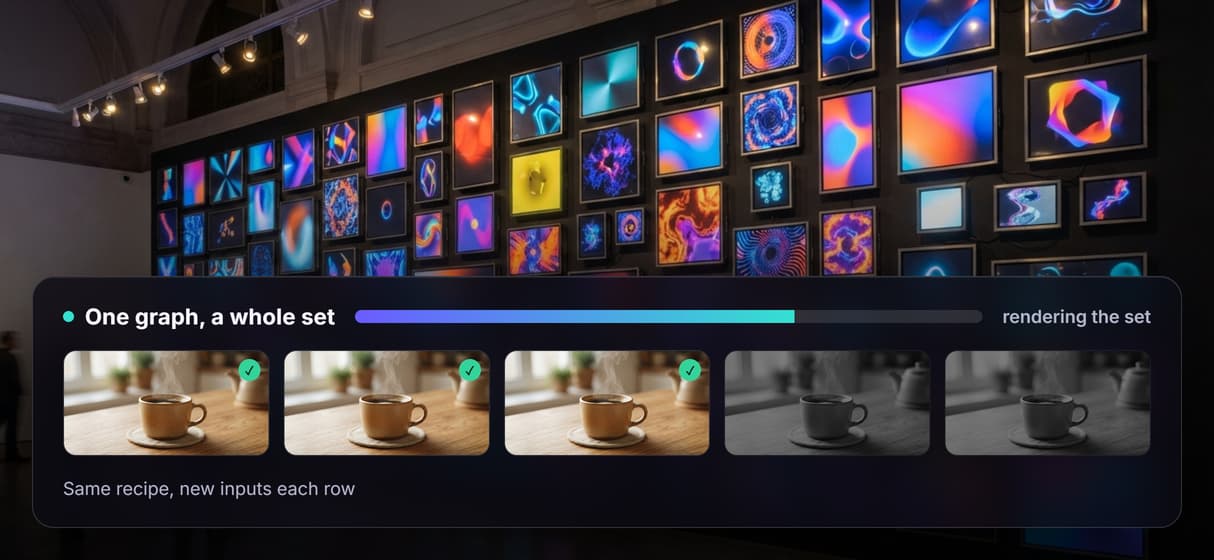
Batch a whole set from one sheet
Point the same graph at a sheet and it renders one on-brand loop per row, scale a single prompt box cannot reach, the same idea as batch image generation.
Reruns match, swaps are one node
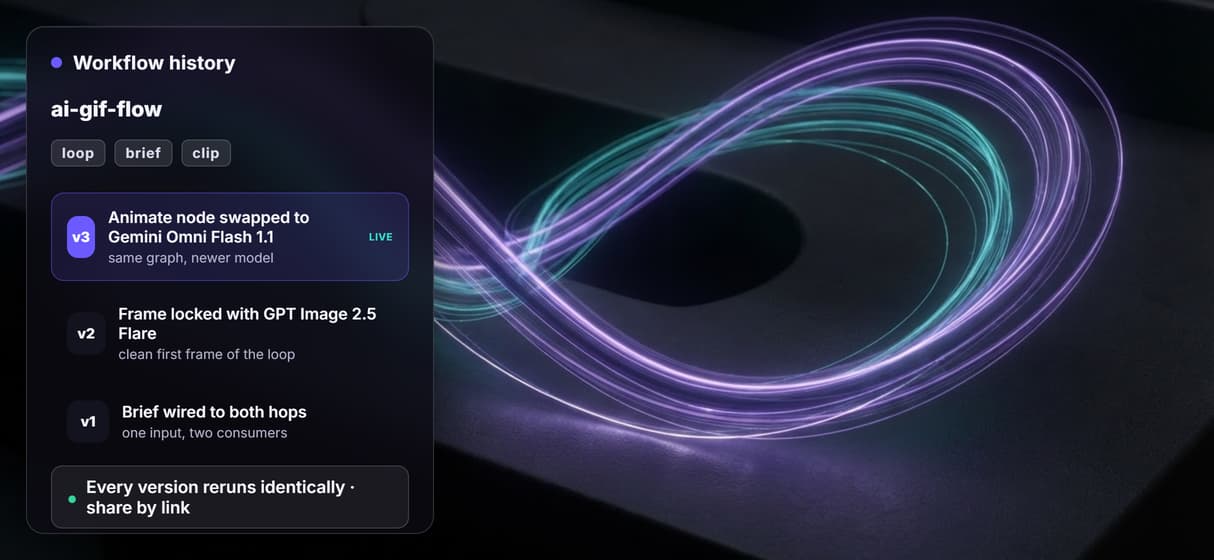
Workflows are versioned and shareable by link, so loop fifty matches loop one. Swap Gemini Omni Flash 1.1 for another AI animation maker model without rebuilding.
Gif Workflows
No Code Required
API & Batch Processing
FAQs
It depends what you want to keep. For a quick one-off loop, single-output tools fit. To own and reproduce the recipe, Wireflow makes an AI GIF a node graph: a brief becomes a frame and a looping clip, priced per generation.
Discover related AI tools
More From Wireflow
Written by
Andrew Adams · Co-Founder & Operations at Wireflow
Runs client operations and content strategy at Wireflow. Works directly with creative teams and agencies to build production AI workflows.
Own the GIF pipeline
Open the flow, type a brief, and run it: a clean still frame and a short looping clip from one graph. Building is free; you pay per generation, and the recipe reruns every time.