 Andrew Adams · Co-Founder & Operations at Wireflow ·
 AI Animate Image
Give a product photo, portrait or landscape a simple camera move.
Start with the connected image-to-video template; build free and check generation credits before you run.
Free to build · no credit card
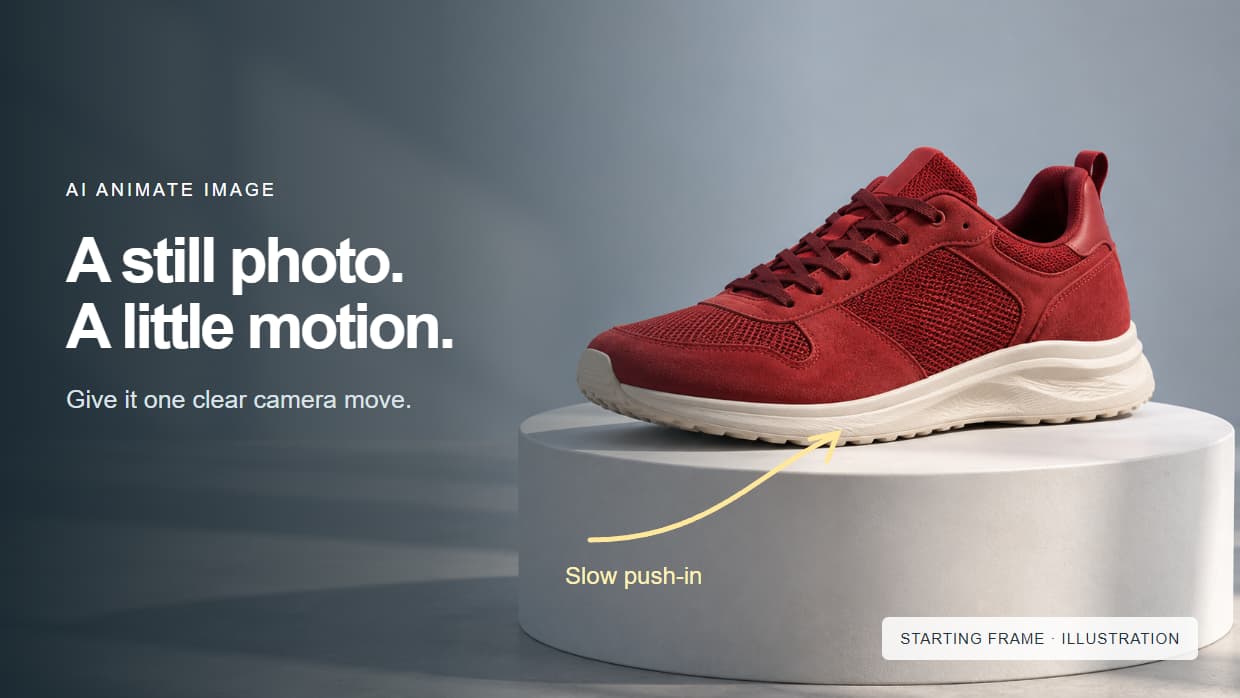
How AI Image Animation Works
AI image animation turns a still photo into a short video by using the image as a visual starting point and a text prompt as motion direction. A clear product shot, portrait or landscape gives you a useful place to begin. Start with one movement so you can judge what the model changes.
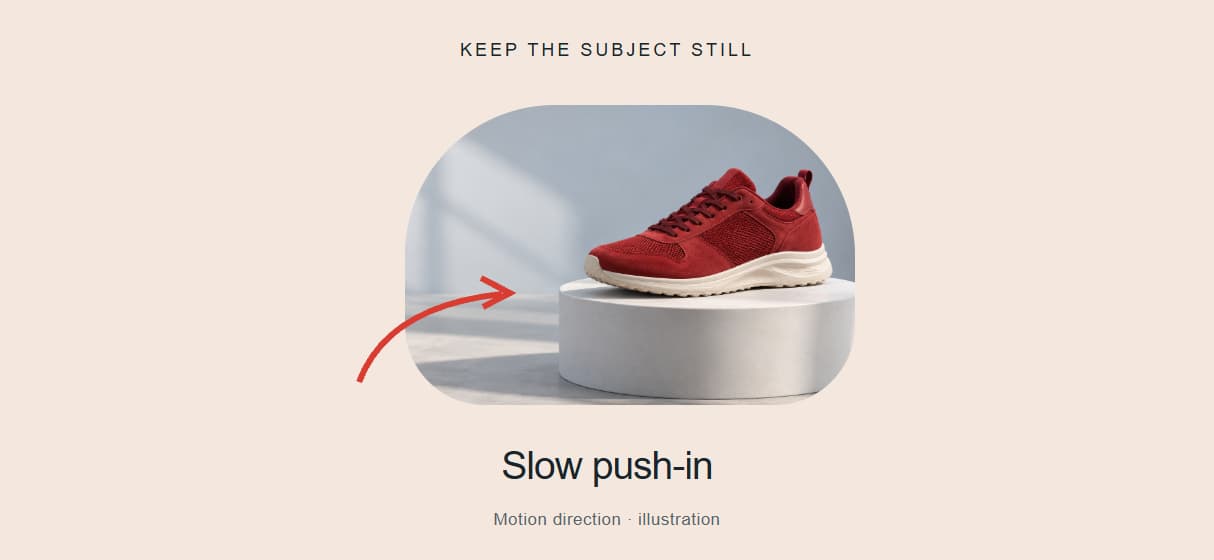
For a shoe on a plinth, try: "Slow camera push-in toward the shoe. Keep the shoe still on the plinth and the studio lighting steady." The photo carries the appearance; the prompt describes the action. Preview the result for shape, texture and background consistency before refining the movement.
The template below already connects Photo Upload and Motion Prompt to Gemini Omni Flash 1.1. Duplicate it, add your own photo and replace the sample motion prompt. You can build the workflow free; generation uses credits. Keep the same setup when you want to animate another image.
AI Image Animation Capabilities
Single Image to Video
Use a clear photo as the visual starting point for a short video clip.
Text-Guided Motion Control
Give the model one useful direction, such as a slow push-in with a still subject.
Face and Expression Animation
For a portrait, start with a small head movement or expression change and inspect the result.
Environment and Scene Motion
Describe gentle wind, moving water or drifting clouds when those elements fit your source image.
Fast Generation Pipeline
Keep the photo, prompt and video model connected so each new shot needs fewer manual handoffs.
Chain with Other AI Models
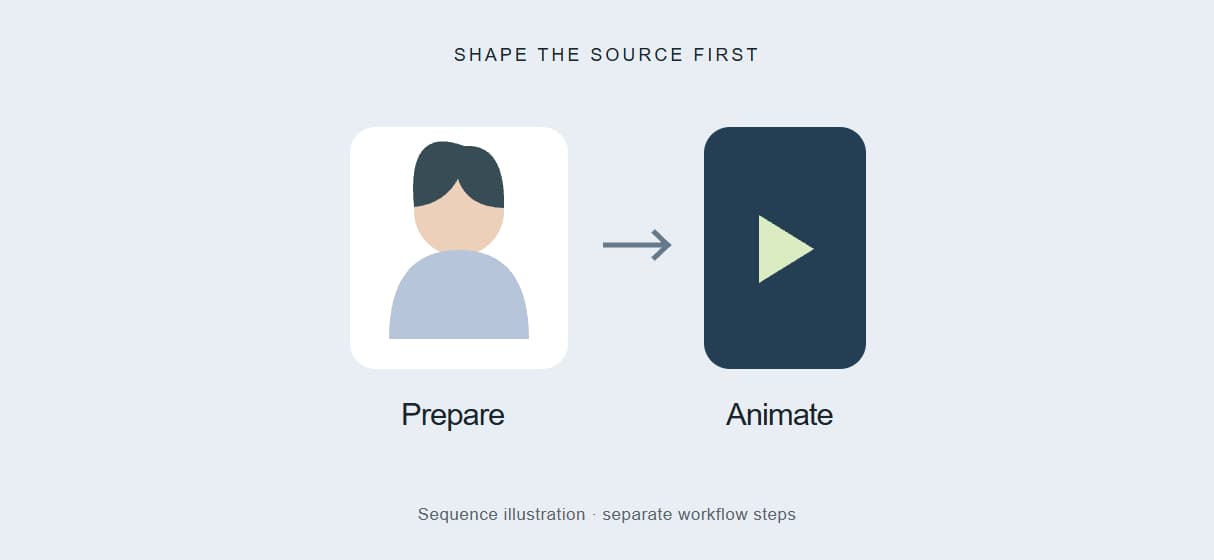
Add a separate image-preparation step when your source needs editing before animation.
More Than Just AI Animate Image
Professional Video from Photos
Give a product shot or portrait a new role in a video. Start with one photo and a simple camera move in the AI video generator. Then grow the clip into a full Wireflow video workflow on a node canvas.
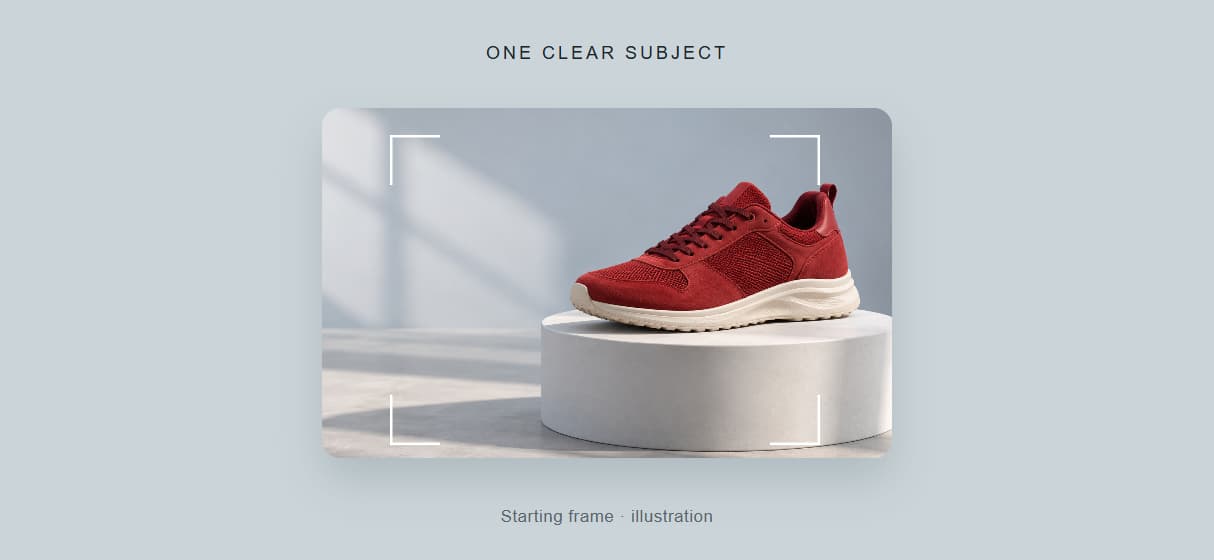
Built for Image-to-Video Workflows
Your photo and motion prompt feed the same video step. Reuse the connected image to video AI setup for the next shot.
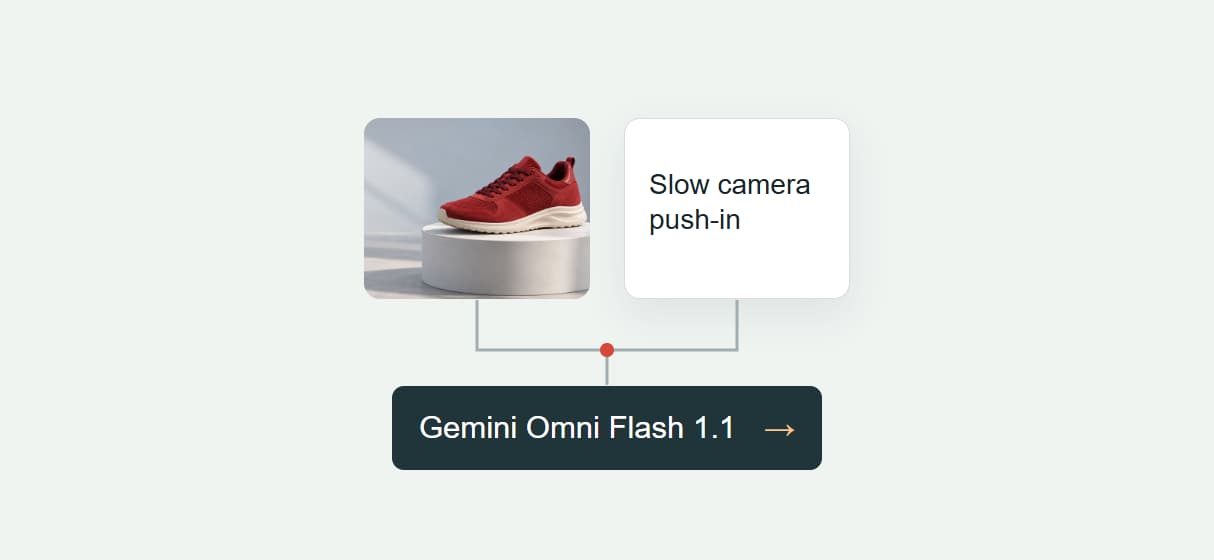
Multiple Animation Styles
Try a slow push-in, a gentle pan or movement in the scene. Use our image-to-video guide to shape the prompt.
Explore More Video Models
The starting template connects your inputs to Gemini Omni Flash 1.1. Explore Seedance 2.0 when planning a different image-to-video workflow.
Combine with Face and Body Effects
Prepare the portrait before adding motion. Explore AI face swap for a character edit or image restoration for an older source.
Animate image Workflows
No Code Required
API & Batch Processing
FAQs
AI animate image means using a still photograph as the starting point for a generated video. A motion prompt describes the action or camera movement, so you can animate a photo without drawing individual frames.
More From Wireflow
Written by
Andrew Adams · Co-Founder & Operations at Wireflow
Runs client operations and content strategy at Wireflow. Works directly with creative teams and agencies to build production AI workflows.
Animate Your First Photo Now
Start with one clear photo and one camera move. Duplicate the connected template, replace the sample prompt and check the generation credits before running. Preview the clip, refine the motion if needed, then keep the workflow for your next photo.