Best AI Tool for Amazon Listing Videos in 2026


In this article▾
- Quick Summary: The 8 Best Tools
- What Amazon Actually Requires
- 1. Wireflow (Best Overall)
- 2. Creatify (Best for UGC Ads)
- 3. Topview AI (Best for Fast SKU Turnaround)
- 4. HeyGen (Best for Spokesperson Videos)
- 5. Pictory (Best for Script-Led Videos)
- 6. InVideo (Best Template Library)
- 7. Runway (Best Visual Quality)
- 8. CapCut (Best Free Option)
- Comparison Table
- How to Choose
- FAQ
- Conclusion
Amazon listing videos now sit in the main image carousel, and sellers who add one usually see a measurable lift in conversion against the same listing without one. The problem is production cost: a studio clip runs hundreds of dollars per SKU, and most sellers have hundreds of SKUs. AI video tools close that gap by turning a single product photo into a listing-ready clip in minutes. This guide ranks the eight tools worth using in 2026, with real screenshots, pricing, and the Amazon specs each one can actually hit. Wireflow takes the top spot because it chains image and video models into one repeatable pipeline instead of locking you into a single template engine.
Quick Summary: The 8 Best Tools
- Wireflow: chain product image and video models on one canvas. Best Overall
- Creatify: UGC-style avatar ads from a product URL. Best for UGC Ads
- Topview AI: product photo to ecommerce clip, ecommerce-first presets. Best for Fast SKU Turnaround
- HeyGen: realistic AI presenters with multi-language voice. Best for Spokesperson Videos
- Pictory: script and blog text into narrated video. Best for Script-Led Videos
- InVideo: large template library with prompt-to-video. Best Template Library
- Runway: highest-fidelity generative motion and camera control. Best Visual Quality
- CapCut: free editor with AI cleanup tools. Best Free Option
What Amazon Actually Requires
Before comparing tools, know the constraints, because half the tools on most listicles cannot meet them. Amazon requires Brand Registry enrollment before you can upload video to a product listing, so plan the video alongside registration rather than after it. Files should be MP4 or MOV, 1280x720 at minimum with 1920x1080 preferred, and under 5 minutes, though the clips that perform sit between 15 and 45 seconds. If you are building the source stills first, our guide to creating AI product photos for ecommerce covers the input side of this pipeline.
If the clip has to explain the product rather than just show it, an AI product explainer video workflow adds a scripted voiceover and captions to an approved hero frame.
The rule that eliminates the most tools is the watermark rule. Amazon rejects listing videos carrying a third-party logo or watermark, which knocks out the free tiers of nearly every generator on this list. You need a paid, commercially licensed export, and you should confirm the license covers marketplace commercial use, not just social posting. We keep a running list of AI video generators without watermarks if that is your main filter.
The second constraint is product accuracy. A generative model that invents a slightly different label, changes the cap colour, or reshapes the bottle produces a video that misrepresents the product, which is both a compliance risk and a returns problem. This is why tools that start from your real photograph beat tools that generate the product from a text prompt, and why the image to video approach is the safer default for listing work.

Build this in Wireflow
Make the same kind of asset on a canvas you control, with a free account and no credit card.
1. Wireflow (Best Overall)
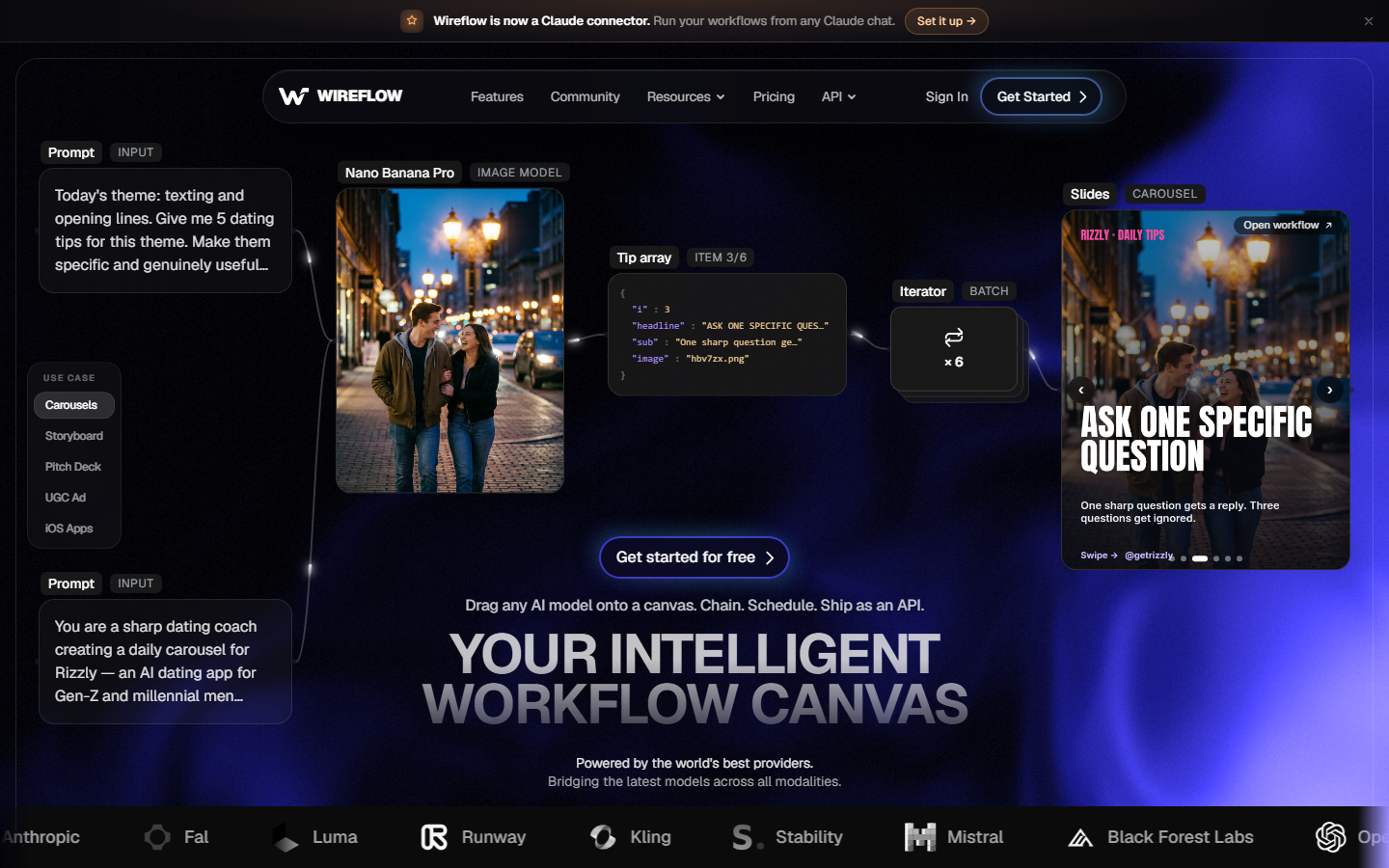
Wireflow is a node canvas where each step is a node: your product photo goes in, an image model cleans or restages it, a video model animates it, and a compose node exports the finished file. Because the models are separate nodes rather than a fixed template, you can use GPT Image 2.5 Flare for the key visual and Gemini Omni Flash 1.1 for the motion, then swap either one when a better model ships without rebuilding the pipeline. That matters for listing video specifically, since the model that keeps a label crisp is rarely the same model that produces the best camera move. The ecommerce workspace collects the presets built for this use case.
The practical advantage is repeatability across a catalogue. Once the pipeline works for one SKU, an iterator node feeds it a list of products and returns a finished clip per row, which is the difference between making one video and making two hundred. Pricing is credit based rather than per-seat, so a seller producing videos in monthly batches pays for the batch instead of an idle subscription; current rates are on the pricing page. The tradeoff is honest: a canvas asks more of you on day one than a one-click template tool, and if you only need three videos a year that setup cost is not worth paying.
2. Creatify (Best for UGC Ads)

Creatify pulls a product page URL, scrapes the images and copy, and builds an avatar-led ad where a synthetic presenter talks about the product over B-roll of your photos. For Amazon sellers this is strongest as off-Amazon traffic creative, TikTok and Meta ads pointing at the listing, rather than as the in-carousel video itself, because the talking-head format reads as an ad while carousel videos convert better as product demonstrations. Plans start around $39 a month, and the same logic applies to the wider category of tools that mass produce UGC ads.
3. Topview AI (Best for Fast SKU Turnaround)
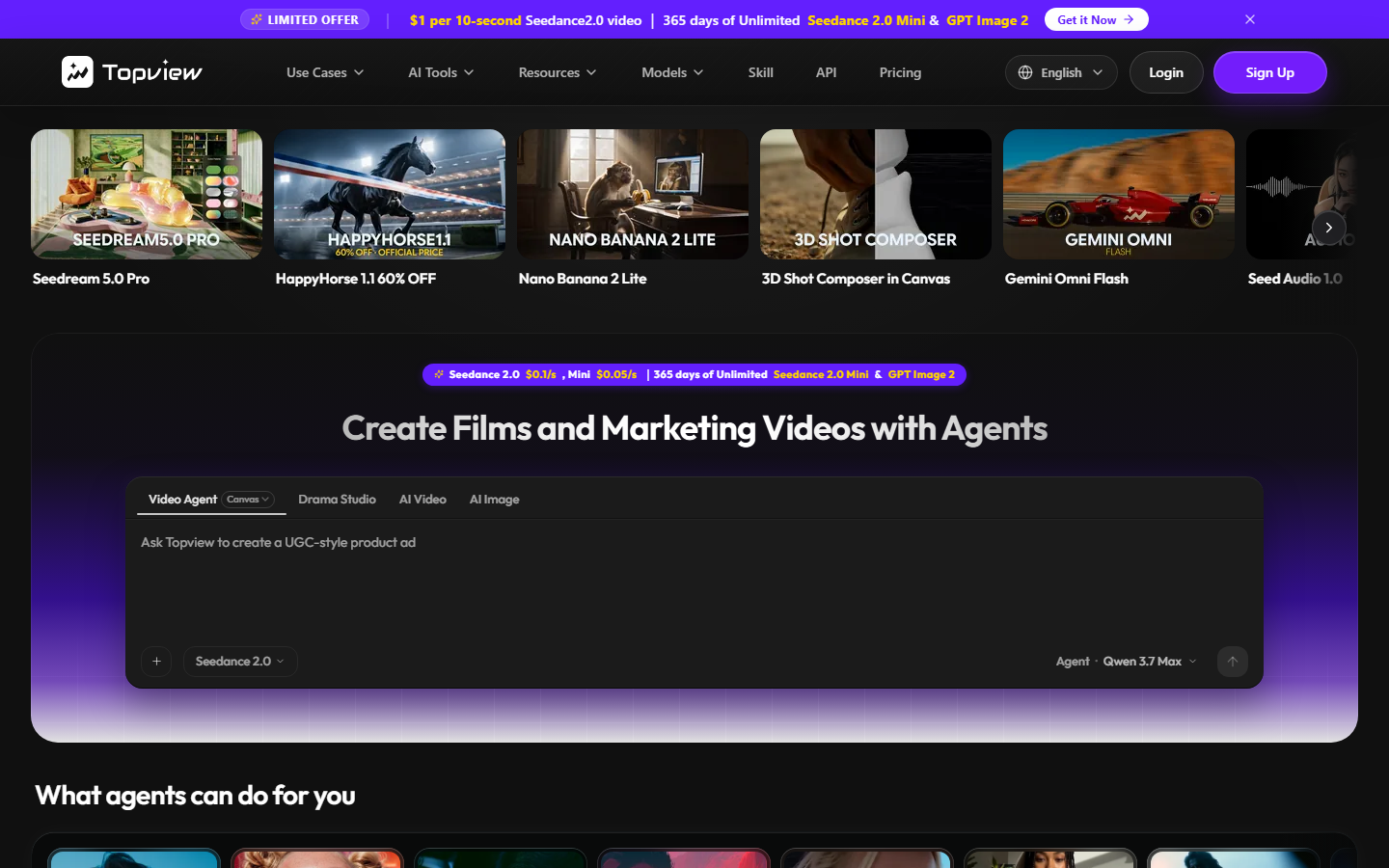
Topview AI is built around the exact job in this article: upload a product photo, pick an ecommerce preset, get a short vertical or landscape clip with motion and captions. It is the fastest path from photo to acceptable file, and the ecommerce presets already respect marketplace aspect ratios so you are not cropping afterwards. The ceiling is lower than a model-chaining tool, since you are choosing from templates rather than directing the shot, but for a seller clearing a backlog of listings that ceiling is rarely the binding constraint. Sellers who need the still images sorted first should start with an AI product photo generator.
4. HeyGen (Best for Spokesperson Videos)

HeyGen makes photoreal AI presenters with voice cloning and translation into 40-plus languages, which is the standout feature for sellers running the same ASIN across Amazon US, DE, and JP. Record the script once, publish localized variants without rehiring talent per market. It is not a product-motion tool: HeyGen will not animate your bottle, so pair it with a clip generator if you want the presenter and the product demonstration in one video. Plans begin around $29 a month. The faceless video route is the alternative if you would rather skip presenters entirely.
5. Pictory (Best for Script-Led Videos)

Pictory takes a script, a blog post, or a bullet list and assembles a narrated video from stock footage and your uploads, with automatic captions and scene splitting. If your listing already has strong A+ content copy, Pictory converts it into a video with very little extra work, which makes it efficient for feature-benefit explainers. The weakness for Amazon is that stock B-roll dilutes product specificity, so the finished clip often shows a generic kitchen rather than your actual product in use. Treat it as a supporting asset rather than the main carousel video, in the same way you would treat a creative testing variant.
6. InVideo (Best Template Library)
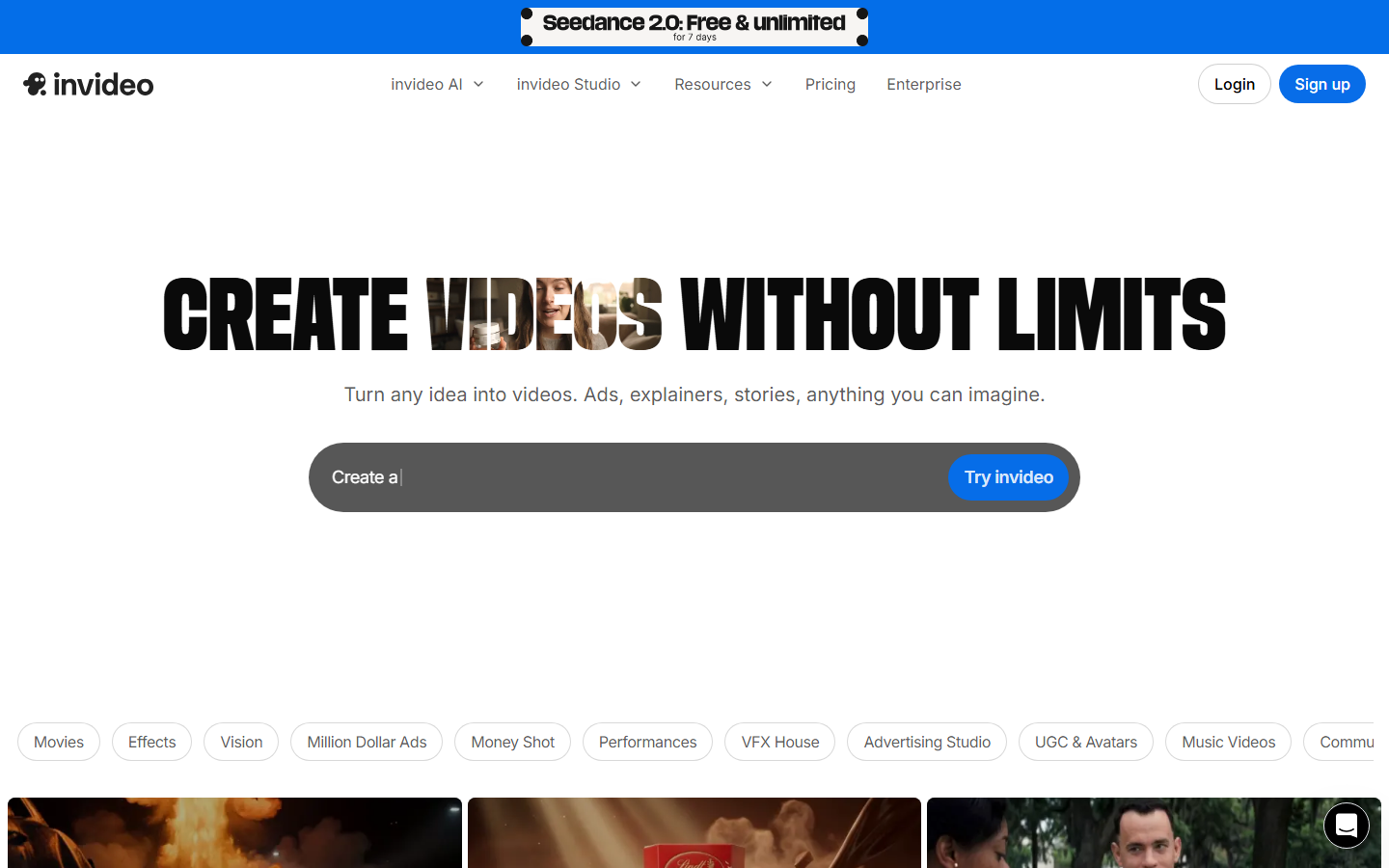
InVideo combines thousands of editable templates with a prompt-to-video mode that drafts a full timeline, script, and voiceover from one sentence. The breadth is the selling point: there are ecommerce templates for unboxing, comparison, and feature-highlight formats, and every element stays editable afterwards. The catch is that templated videos look templated, and if competitors in your category use the same tool your listing stops looking distinct. It is a reasonable middle option when you want more control than a preset tool and less setup than a canvas, and it fits neatly into a wider creative production process.
7. Runway (Best Visual Quality)
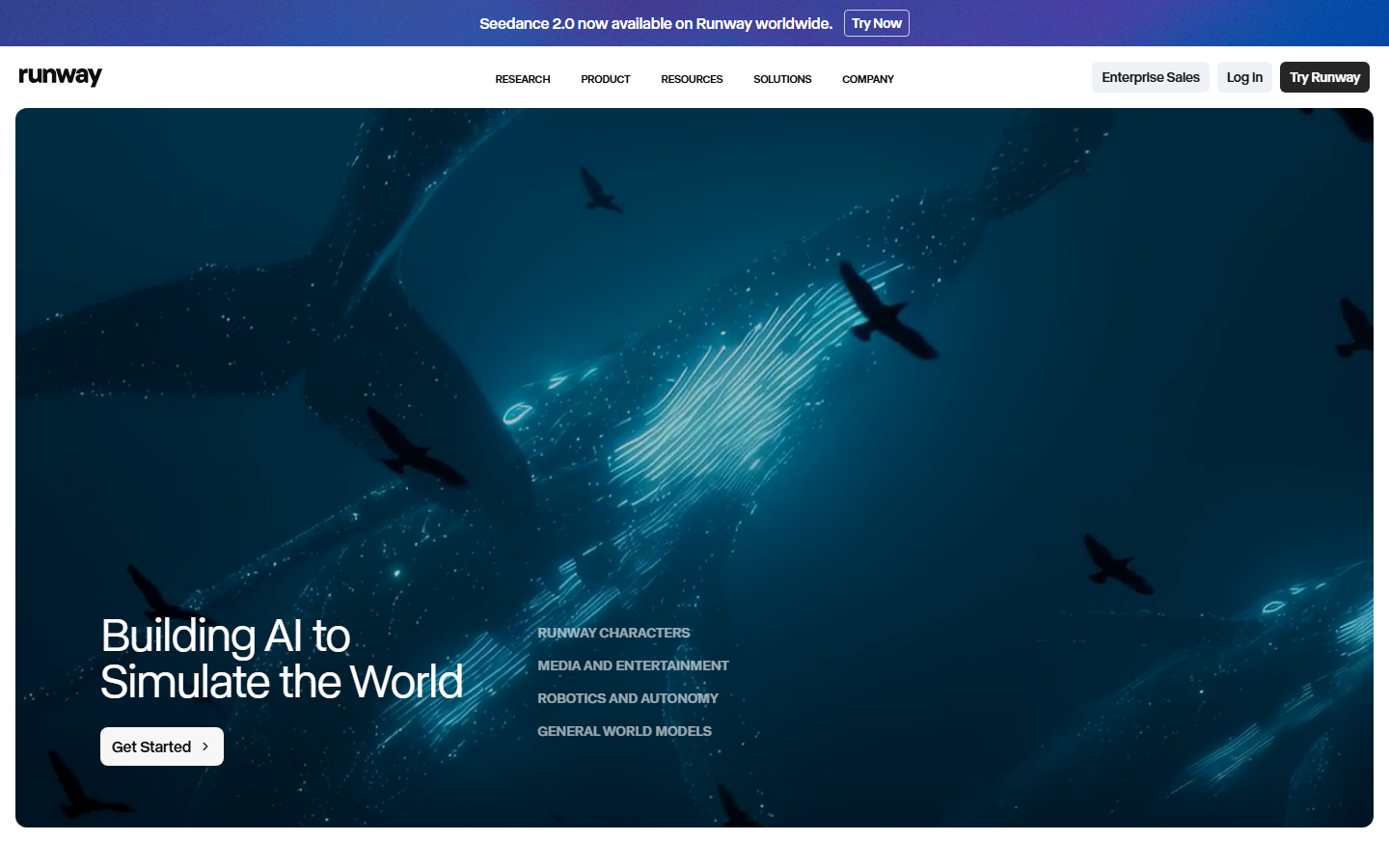
Runway produces the most cinematic motion of anything here, with genuine camera control, motion brushes, and image-to-video that respects your source frame. For a hero SKU where the video is doing real persuasion work, Runway output is closer to a commercial shoot than to a template. It is also the most expensive per second and the least automated, so it does not scale to a catalogue, and its generative freedom means you must review every clip for product drift before it goes near a listing. Use it for your top ten ASINs and something cheaper for the tail; the model pricing comparison is a useful reference when weighing cost per clip.
8. CapCut (Best Free Option)
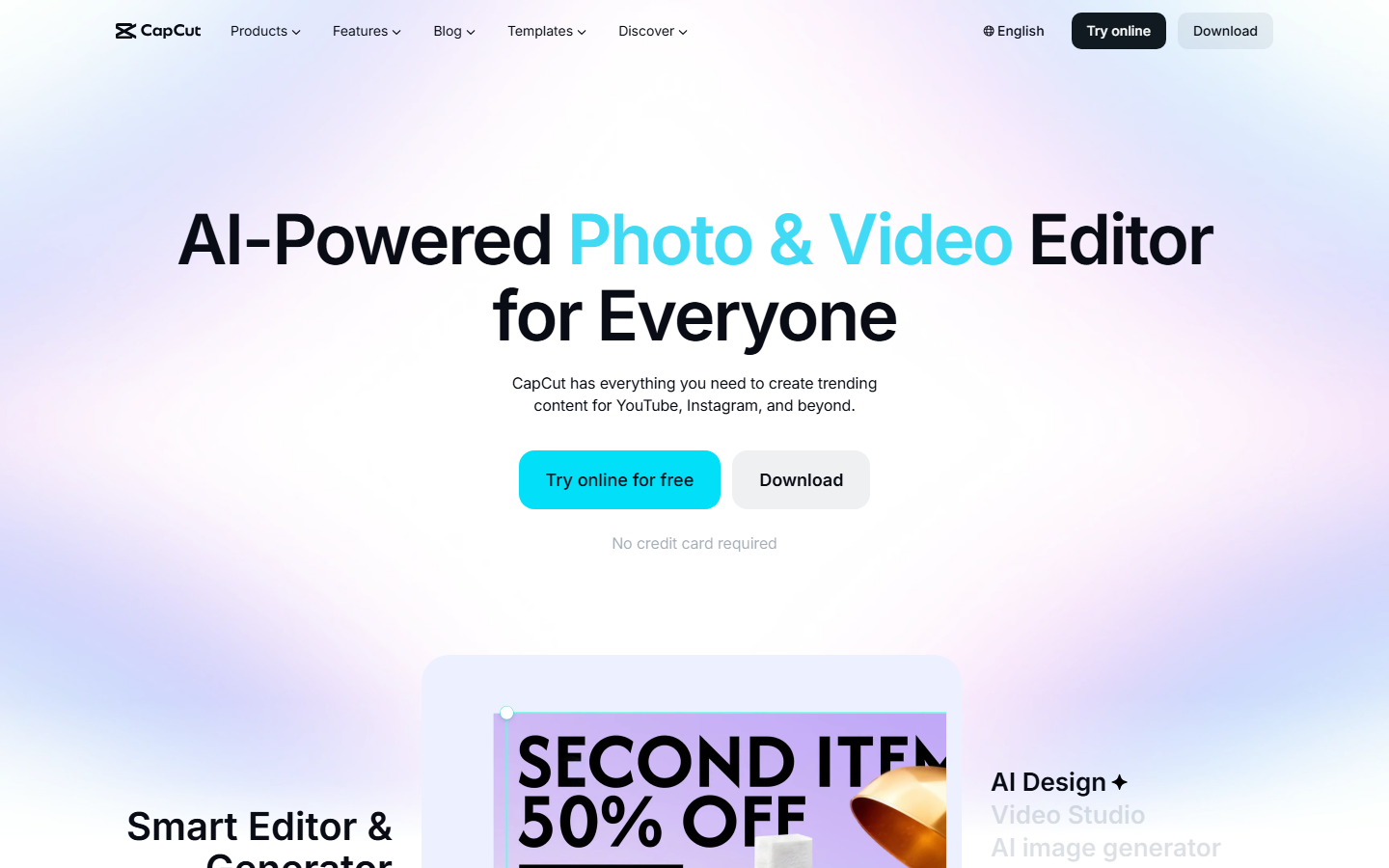
CapCut is a full editor with AI background removal, auto-captions, and upscaling, free on desktop and mobile. If you already have footage, or you can shoot on a phone, CapCut assembles a compliant listing video at zero software cost. It is manual work rather than generation, so the cost moves from your budget to your calendar, and you need to confirm the specific export path leaves no watermark before uploading. It pairs well with generated stills from an ecommerce image workflow.
Comparison Table
| Tool | Best for | Starting price | Product photo input | Watermark-free export | Scales to a catalogue |
|---|---|---|---|---|---|
| Wireflow | Chained image and video pipelines | Credit based | Yes | Yes | Yes, via iterator |
| Creatify | UGC-style avatar ads | ~$39/mo | Yes, via URL scrape | Paid plans | Batch mode |
| Topview AI | Fast SKU turnaround | ~$19/mo | Yes | Paid plans | Limited |
| HeyGen | Multi-language presenters | ~$29/mo | No | Paid plans | Limited |
| Pictory | Script to video | ~$25/mo | Uploads only | Paid plans | Limited |
| InVideo | Template variety | ~$28/mo | Yes | Paid plans | Limited |
| Runway | Cinematic quality | ~$15/mo + credits | Yes | Yes | No |
| CapCut | Free editing | Free | Manual | Check export path | No |
How to Choose
Match the tool to the shape of your catalogue rather than to a feature list. If you sell fewer than twenty SKUs and each one earns real revenue, quality per clip wins and Runway or a hand-directed pipeline is worth the time. If you sell several hundred SKUs, throughput wins and the only tools that matter are the ones with batch or iterator modes, because a per-video interface silently becomes a full-time job. Sellers producing product photography at volume already know this tradeoff.
Budget the input, not just the output. Every tool here produces a better video from a clean, well-lit, correctly-sized product photo, and no model repairs a bad source frame. Sellers who fix their stills first typically get usable video on the first generation instead of the fifth, which changes the effective cost per clip more than any pricing tier does. The store image guide covers that prep step.
Finally, test before you standardize. Amazon shows the video in the carousel, so the first two seconds carry most of the click, and the format that wins in your category is an empirical question rather than a best-practice one. Run two versions on your highest-traffic ASIN, hold everything else constant, and let the conversion data pick the tool you commit to; the same discipline applies to UGC creator workflows.
Try it yourself: Build this workflow in Wireflow and the product ad pipeline is pre-configured with the brief, key visual, and video nodes discussed above, so you can point it at your own SKU and run it.
FAQ
Does Amazon allow AI-generated listing videos? Yes. Amazon has no policy against AI-generated video. The requirements are the same as for filmed video: the product must be represented accurately, there can be no third-party watermark, and you must be enrolled in Brand Registry to upload video to a listing.
What are the exact video specs for an Amazon listing? MP4 or MOV, minimum 1280x720 with 1920x1080 preferred, H.264 or equivalent encoding, and under 5 minutes. In practice, clips between 15 and 45 seconds perform best in the carousel.
Do listing videos actually increase conversion? Sellers consistently report higher conversion on listings with video than on the same listing without it, and video also increases time on page, which helps ranking indirectly. The lift varies by category, so measure on your own ASINs rather than trusting a headline number.
Can I make an Amazon listing video from one product photo? Yes, and this is the most reliable approach. Image-to-video tools animate your real photograph, which keeps the product accurate. Text-to-video tools generate the product from scratch and frequently alter the label or shape, which is not acceptable for a listing.
Which free tool can I use without a watermark? CapCut's desktop export is the most dependable free path, but verify your specific export leaves no logo. Most other free tiers stamp exports, and an uploaded watermarked video will be rejected or removed.
How long does one listing video take to produce? With a preset tool, five to fifteen minutes from photo to file. With a chained pipeline, the first SKU takes 30 to 60 minutes to set up and every subsequent SKU takes a couple of minutes, which is why the setup cost pays back across a catalogue.
Do I need Brand Registry to add video? Yes, for video in the main product image carousel. Brand Registry enrollment requires an active registered trademark, so start that process before you commission a batch of videos.
Should the video be 16:9 or vertical? For the Amazon listing carousel, 16:9 or square is the safer choice because vertical gets letterboxed. Produce a vertical cut separately if you are also running TikTok or Reels traffic to the listing.
Conclusion
There is no single best AI tool for Amazon listing videos in 2026, only a best fit for your catalogue size and quality bar. Topview and Creatify are the quickest to a usable file, Runway produces the best-looking single clip, HeyGen solves multi-market localization, and CapCut costs nothing if you have time instead of budget. For sellers who need consistent, watermark-free video across a large catalogue and want to keep swapping in better models as they ship, a chained pipeline on a node canvas remains the most durable answer, and the AI video generator page is the place to see that setup in action.

Co-Founder & Operations at Wireflow
Runs client operations and content strategy at Wireflow. Works directly with creative teams and agencies to build production AI workflows.
- Content Strategy
- Client Operations
Ask Claude for your next ad.
Connect once. Ask any time.
- No credit card
- You keep the rights to what you make
- Cancel anytime
More in Alternatives
Head-to-heads and roundups of the tools people weigh up.