 Andrew Adams · Co-Founder & Operations at Wireflow ·
 UGC Video Generator
Most UGC video generators lock you into a fixed avatar roster and hide the pipeline.
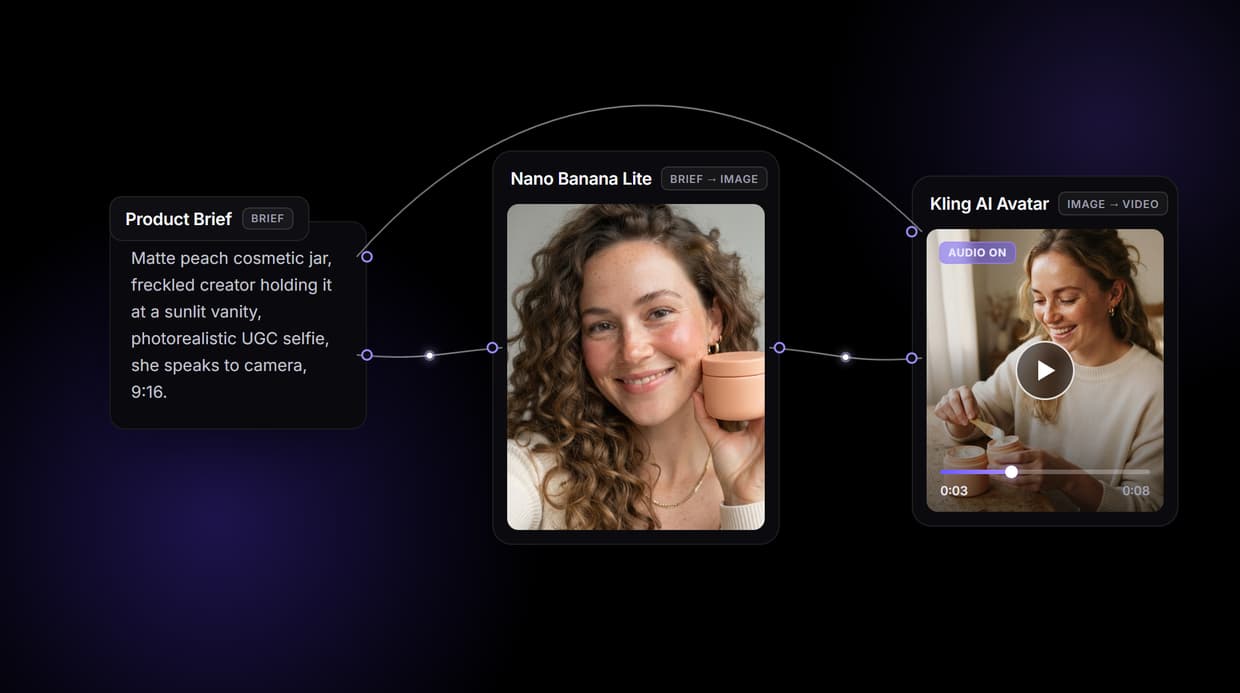
Wireflow hands you the flow: a node canvas where a Product Brief becomes a UGC reference with Nano Banana Lite, that reference wires into every ad frame, and the frame plus an ElevenLabs voiceover feed a Kling AI Avatar node so the same creator speaks your script on camera. Free to build, pay per generation.
Free to build · no credit card · See how it works ↓
How to Use UGC Video Generator
Steps to get you started in Wireflow.
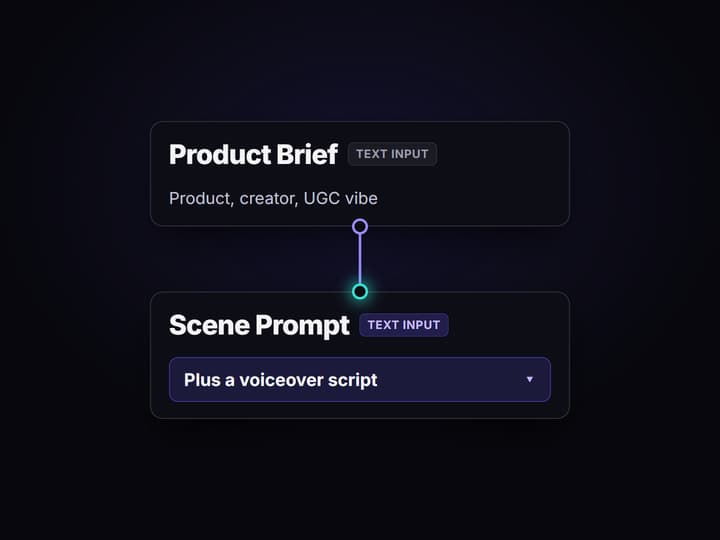
Describe the product, scene, and script
Open the flow and fill the three Text Input nodes. The Product Brief covers the product, creator look, and UGC vibe; the Scene Prompt describes one ad scene; the Voiceover Script holds the words the creator says.
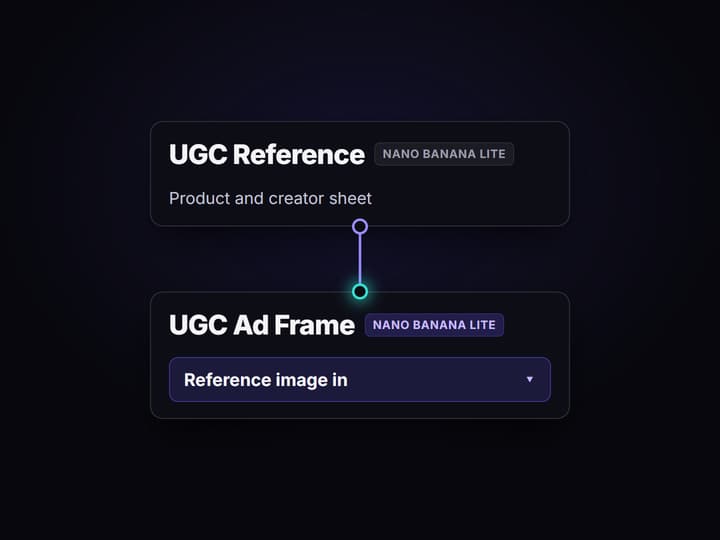
Run the graph once
Nano Banana Lite renders a UGC reference, a second Nano Banana Lite node reads the Scene Prompt plus that reference and returns an ad frame, and ElevenLabs TTS turns your script into a creator voice track.
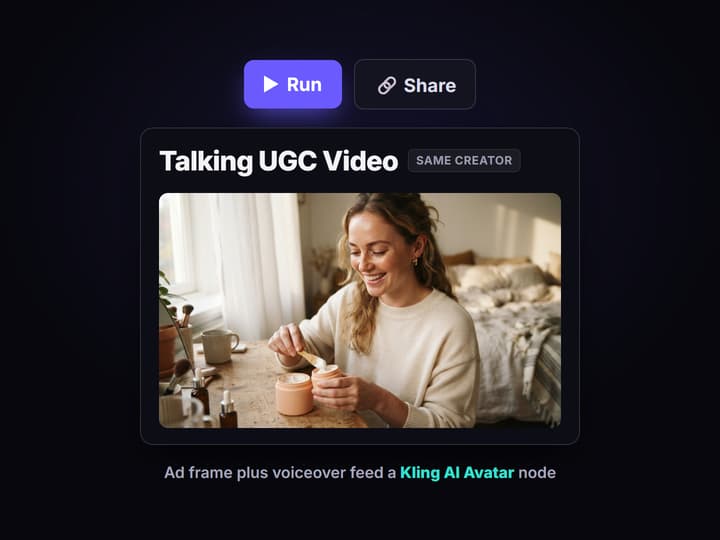
Turn the frame into a talking video
The ad frame and the voice track feed a Kling AI Avatar node, so the same creator speaks your script on camera. Swap in HeyGen Avatar4 or add Sync Lipsync v3 for tighter mouth sync.
Why UGC video needs a pipeline, not just an avatar
The hard part of AI UGC video was never the first clip. It is the tenth variation that still shows the same product in the same hands and the same face on camera. One good render is luck; a creator and a product that stay consistent across a kitchen shot, a bathroom-shelf shot, and a talking close-up is a system. Most UGC video generators hide that system inside a closed app with a fixed avatar roster, so when the look drifts or a better model ships you start over.
Wireflow answers with a different shape. Building a UGC video is a small workflow you own on a node canvas: a Text Input holds the brief, Nano Banana Lite renders a reference, that reference wires into a second image node so every ad frame inherits the same product and creator, and the frame plus a voiceover feed a talking avatar node. It runs on hosted compute in the browser, nothing to install, and the same canvas drives the wider AI UGC workflow your team already runs.
What replaces the closed UGC video app
Product brief
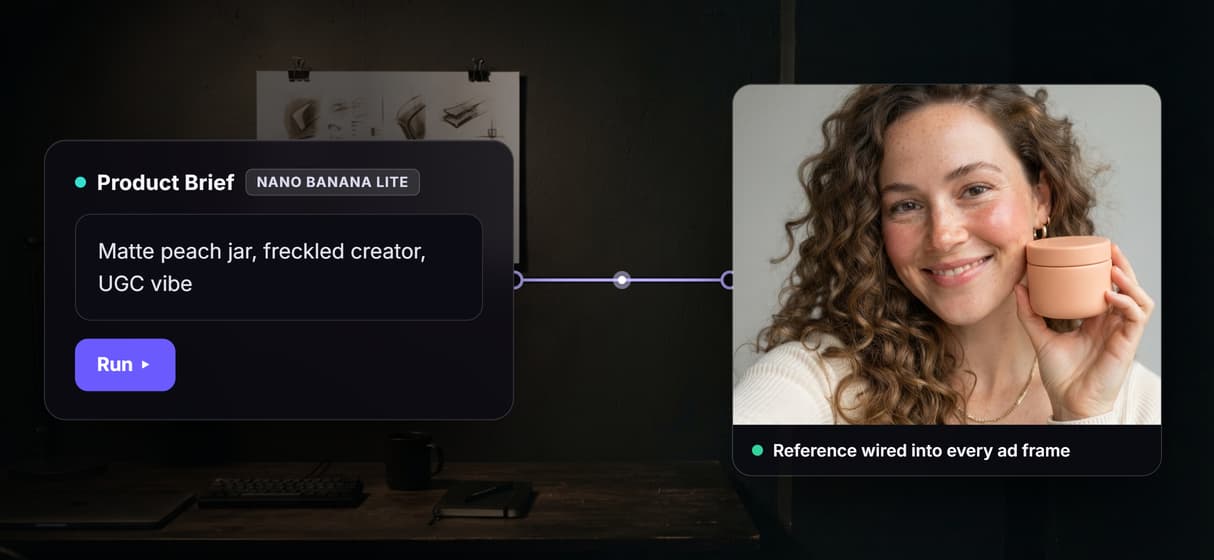
A Text Input node holds the product, creator look, and UGC vibe. Change the words and rerun; the graph never moves.
UGC reference
Nano Banana Lite renders a reference that sets the product and creator identity for every ad frame.
On-brand ad frames
A second Nano Banana Lite node takes the reference plus a Scene Prompt and keeps the same product and creator.
Creator voiceover
An ElevenLabs TTS node turns your Voiceover Script into the voice track that drives the talking clip.
Talking video node
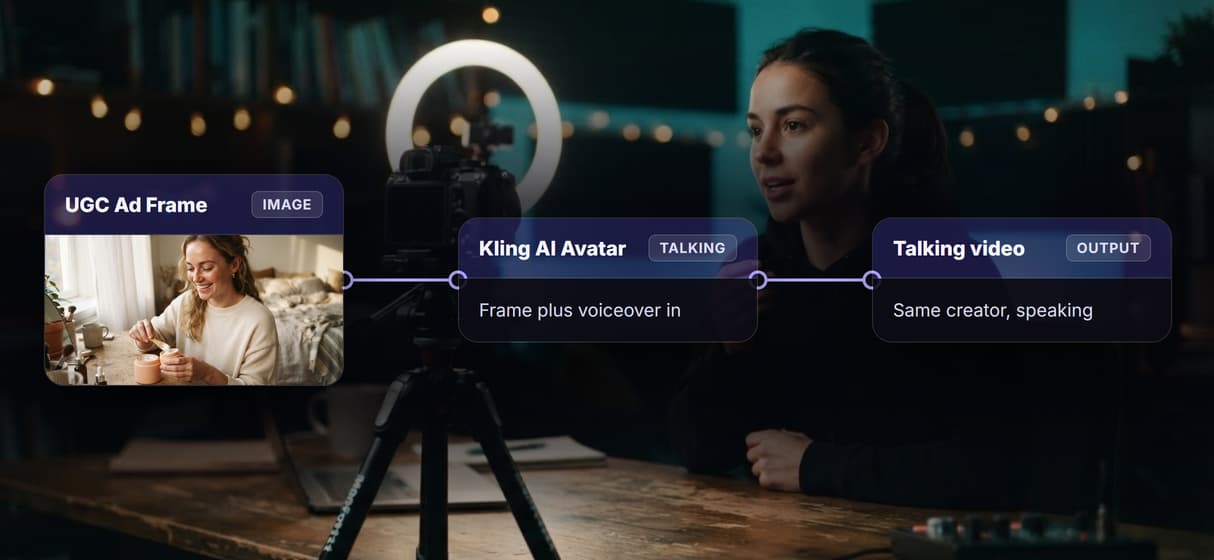
A Kling AI Avatar node takes the ad frame and the voice track and returns the same creator speaking on camera.
Rerun and swap
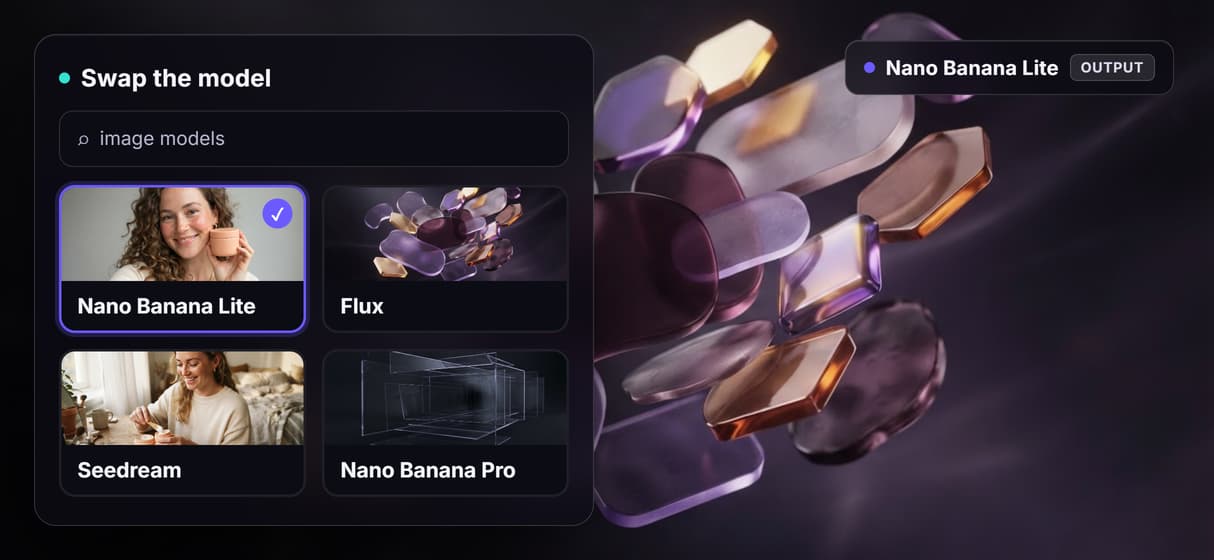
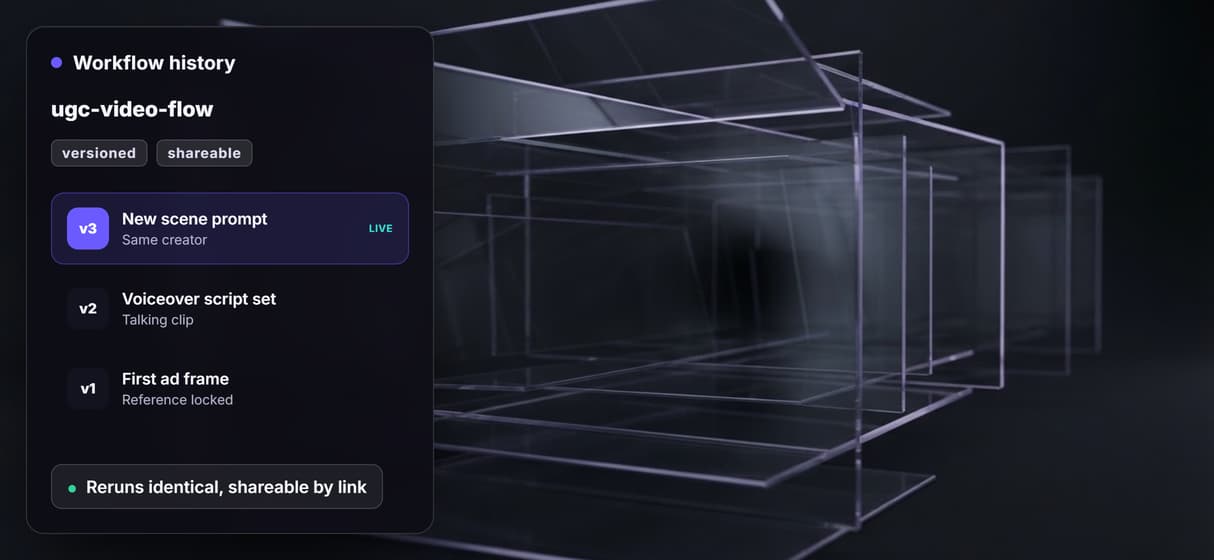
Workflows are versioned and shareable by link; swap Kling AI Avatar for HeyGen Avatar4 as better models ship.
How the consistency actually works
The workflow behind this page's button is deliberately small: three Text Inputs, two image nodes, a voice node, and one talking-video node wired in a straight line.
- Product Brief sets the identity. One line about the product, the creator look, and the vibe feeds the first Nano Banana Lite node, which renders a UGC reference of both.
- The reference wires forward. That reference image plugs into the second Nano Banana Lite node's image input, so it is looking at the product and creator while it renders each ad frame.
- The frame becomes a talking video. The ad frame and an ElevenLabs voice track feed a Kling AI Avatar node, so the same creator speaks the script on camera.
That single image wire is the detail worth copying: identity comes from a picture the model can see, not from re-describing a product in words every time. And because the graph lives among 70+ hosted models, a talking clip can roll straight into a faceless AI video generator variation or a full set of AI video ads without leaving the browser.
When a UGC video generator is not the tool you need
Wireflow is the generation layer, not a UGC social manager. It will not staff a marketplace of stock avatars, write your ad scripts, publish to TikTok or Instagram, or tell you which hook to test. If what you want is a creator marketplace and a posting dashboard, a UGC suite is the better buy, and this page will not pretend otherwise.
Identity consistency here comes from the reference image, which is strong but not a biometric guarantee; extreme angles or heavy restyling can still drift, and you fix that by regenerating rather than editing. Talking clips are short, measured in seconds, not longform videos. What Wireflow offers instead is ownership of the pipeline, 70+ hosted models to swap between, and per generation pricing. If the videos feed a bigger client machine, build them here and pair the flow with AI UGC ads for agencies when volume is the point.
More Than Just UGC Video Generator
Lock the product with a reference
Nano Banana Lite turns your Product Brief into a UGC reference, and that image wires into every ad frame so the product and creator stay identical.
One graph, image to talking video
The ad frame feeds a Kling AI Avatar node with an ElevenLabs voiceover, so the same creator speaks your script on camera without leaving the canvas.
Swap the model, keep the pipeline
The look lives in a node, not a locked app. Trade Nano Banana Lite for Flux, or Kling AI Avatar for HeyGen Avatar4, as better models ship.
Reruns identical, upgrades one node
Workflows are versioned server side and shareable by link, so your fiftieth video matches your first and the whole team runs the exact same graph.
Per generation, not per seat
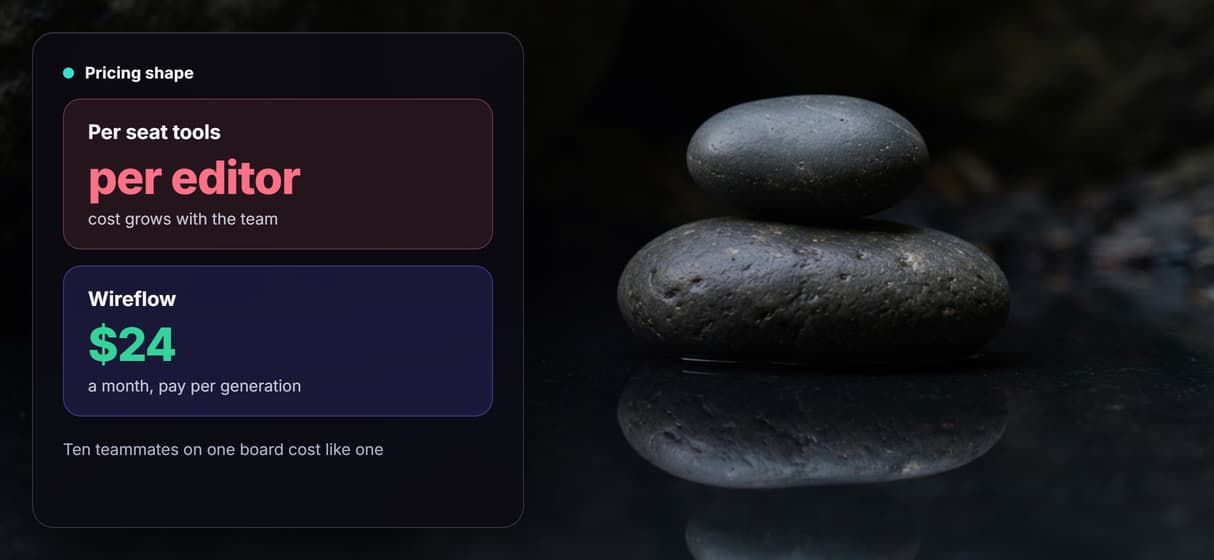
Building on the canvas is free and generations are metered, so ten teammates editing one UGC video board cost no more than a single editor.
Build Any AI Workflow
AI Models Integrated
Full Commercial License
FAQs
Write a one line Product Brief and run it through a Nano Banana Lite node to get a UGC reference. Wire that reference image into a second image node so every ad frame keeps the same product and creator, then feed a frame and a voiceover into a Kling AI Avatar node to get the talking video.
Discover related AI tools
- AI Video Generator: 12 Video Models, One Canvas (2026) | Wireflow
- TapNow AI Alternative
- Opencreator AI Alternative
- AI Video Workflow
- AI UGC Workflow
- Faceless AI Video Generator
- Text to Video
- Text to Video AI
- Happy Horse 1.0
- Free AI Video Generator Online
- Best AI Video Generators 2026
- Video Maker: One Prompt to a Finished Clip on a Canvas
More From Wireflow
Written by
Andrew Adams · Co-Founder & Operations at Wireflow
Runs client operations and content strategy at Wireflow. Works directly with creative teams and agencies to build production AI workflows.
Own the pipeline, not a subscription
Open the flow, describe your product, scene, and script, and run it: a UGC reference, on-brand ad frames, and a talking creator video from one graph. Building is free; you pay per generation, not per seat.