Best Tools to Scale Ads With UGC in 2026

In this article▾
- Quick Summary
- How We Ranked These Tools
- 1. Wireflow: Best Overall
- 2. Arcads: Best for Realism
- 3. Creatify: Best for Volume
- 4. HeyGen: Best for Multilingual
- 5. Captions: Best for Editing
- 6. MakeUGC: Best for Simple Talking Heads
- 7. TopView AI: Best Budget Pick
- Comparison Table
- How to Actually Scale Once You Have Picked a Tool
- FAQ
- Conclusion
Scaling UGC ads means shipping 30 to 100 creative variants a month instead of five, and the tool you pick decides whether that is a batch job or a bottleneck for your media buying team. The canvas-based platform Wireflow sits at the top of this list because it chains scripting, avatar rendering and export into one canvas you can re-run per product, while the rest of the field specializes in a single step. Below are seven tools ranked by how much volume they let one operator produce per week, with pricing, real limits and the kind of buyer each one fits.
Quick Summary
- Wireflow (Best Overall). Node canvas that chains script, avatar and edit in one re-runnable flow.
- Arcads (Best for Realism). Script-to-actor UGC with the most convincing delivery.
- Creatify (Best for Volume). Product URL in, batches of avatar ads out.
- HeyGen (Best for Multilingual). Avatar library plus translation across 40+ languages.
- Captions (Best for Editing). AI editor with eye contact correction and auto subtitles.
- MakeUGC (Best for Simple Talking Heads). Fast, cheap, single-format output.
- TopView AI (Best Budget Pick). Low cost per clip for early creative testing.
How We Ranked These Tools
The ranking criterion is throughput per operator: how many distinct, usable ad variants one person can produce in a week without hiring an editor. That favors tools with batch generation, reusable templates and an API over tools that are excellent but manual. A second factor is whether the output survives a real media buy, since a clip that looks synthetic burns spend before it ever hits a learning phase. If you are still deciding how many variants you actually need, our breakdown of ad creative testing at scale covers the volume math for Meta and TikTok.
Cost matters too, but not in isolation. A $2 clip that needs 20 minutes of manual cleanup is more expensive than a $12 clip that exports finished. We weighted the total time to a post-ready file, including subtitles, aspect ratio and hook variants. For platform-specific formatting notes, see the guide to AI tools for TikTok UGC ads.
Build this in Wireflow
Make the same kind of asset on a canvas you control, with a free account and no credit card.
1. Wireflow: Best Overall
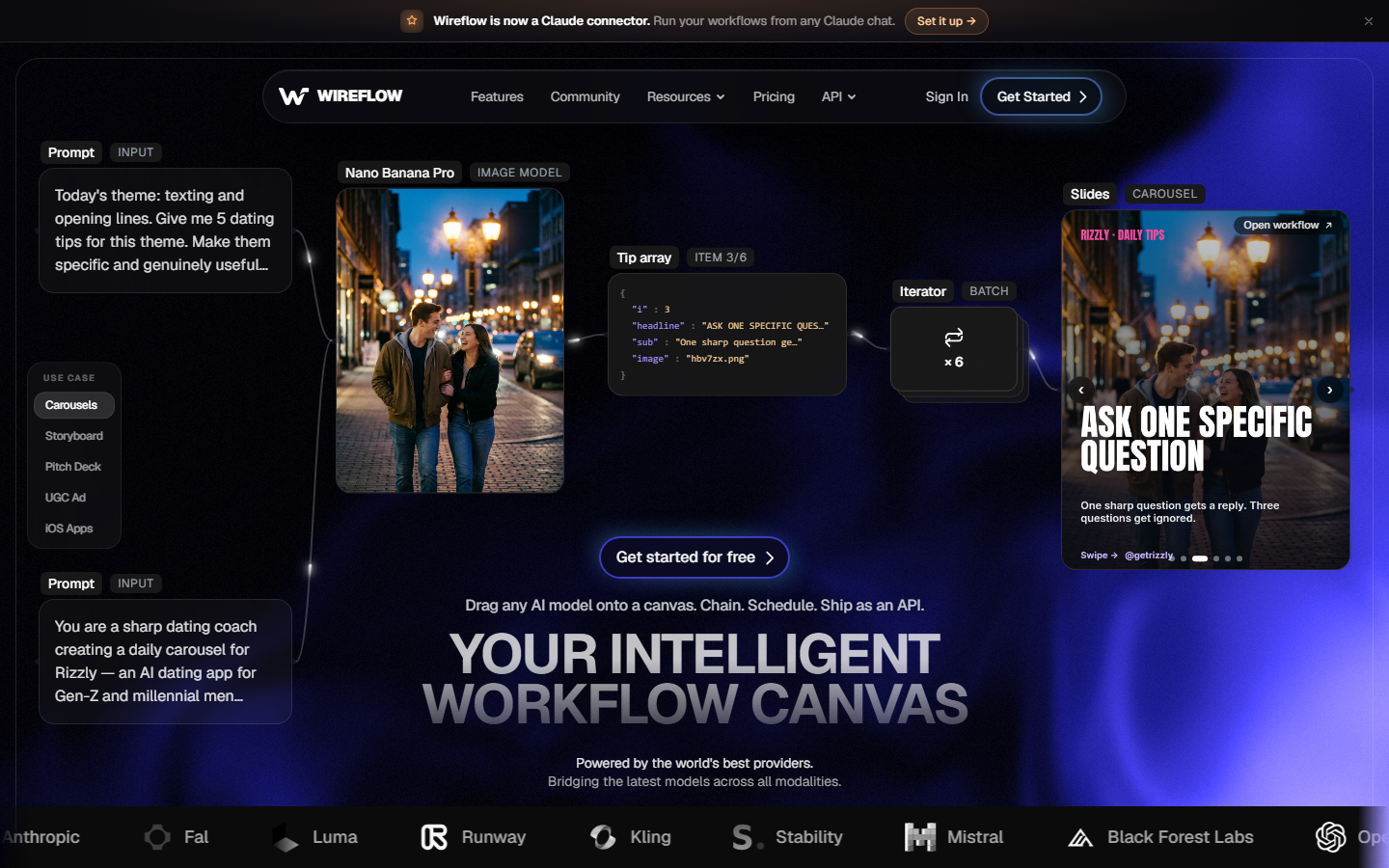
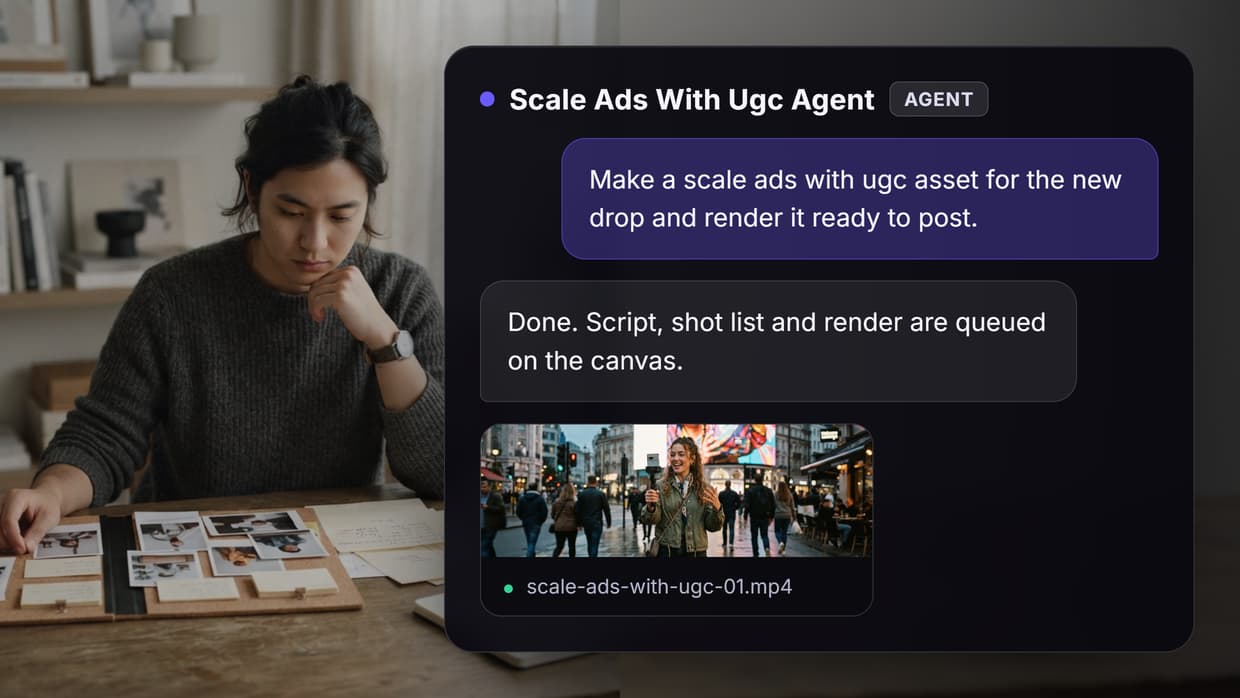
Wireflow is a node-based canvas where each step of a UGC ad is a node: a text node holding the script, a model node generating the avatar performance, an editor node cutting the timing and burning captions. Because the graph is the artifact, you change one input and re-run the whole chain, which is what turns a one-off ad into a repeatable production line. For a hands-on look at this in action, build a flow to scale ads with UGC in Wireflow.
The practical difference shows up on the second product. Single-purpose UGC generators make you restate the brief every time; a saved flow accepts a new product image and a new hook line and returns the same finished format. Teams running client work usually keep one flow per client and swap the inputs, a pattern covered in UGC video automation for agencies.
Verdict: best if you produce UGC repeatedly and want the setup to persist between rounds. Less suited to someone who needs one clip today and nothing after that. Plans and credit costs are on the pricing page.
2. Arcads: Best for Realism
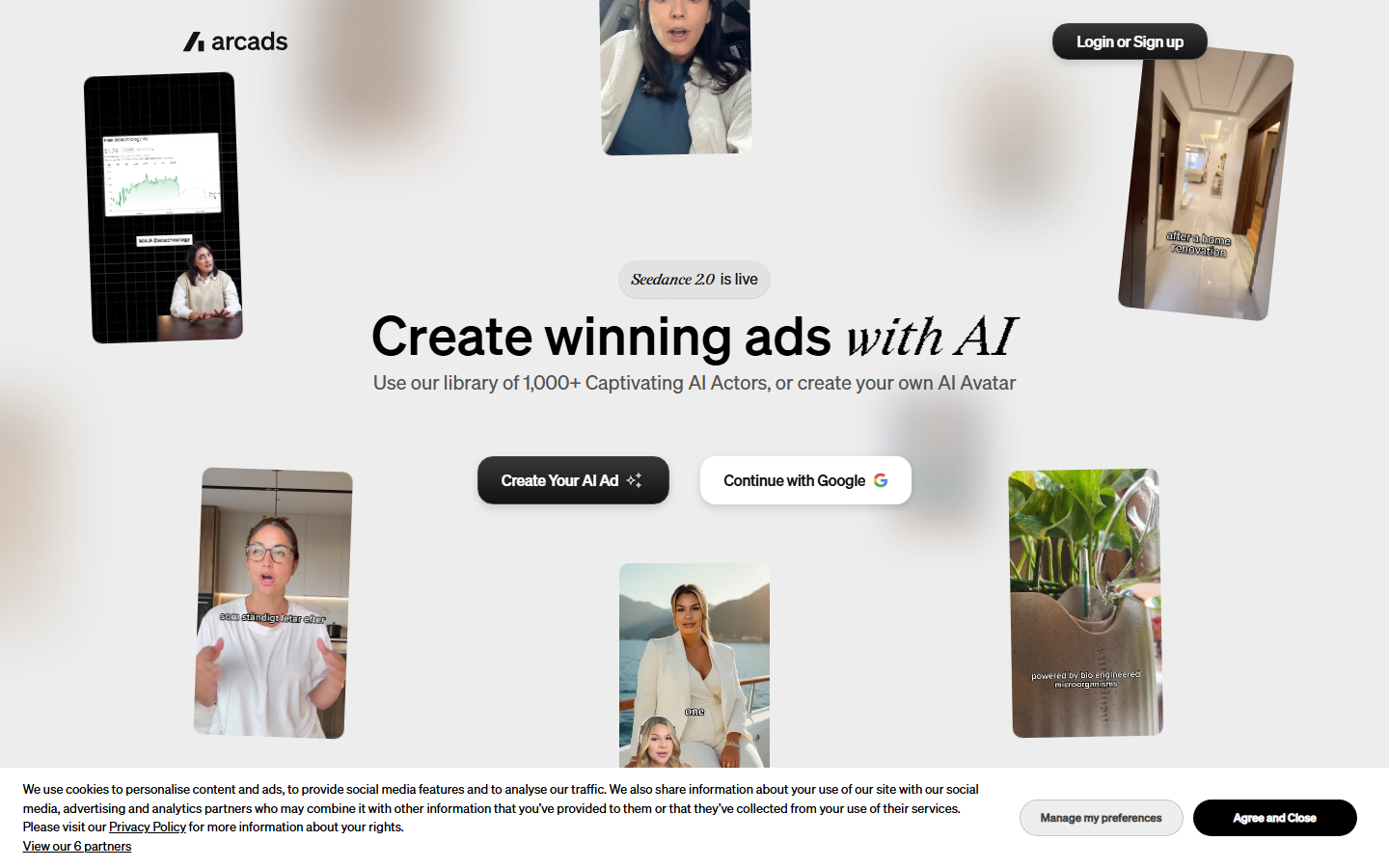
Arcads generates ads from a written script using a library of licensed actors, and the delivery is the reason people pay for it. Pacing, emphasis and micro-expressions land closer to a real creator read than most competitors, which matters on direct-response placements where the first two seconds decide everything. Plans start around $110 per month for a limited monthly video allowance.
The tradeoff is that Arcads is a generator, not a production system. There is no editing timeline, so B-roll, product inserts and multi-scene structures happen elsewhere. Teams comparing it against other script-to-actor tools can read our list of Arcads alternatives.
Verdict: best single-tool pick when the ad is one person talking to camera and believability is the whole job.
3. Creatify: Best for Volume
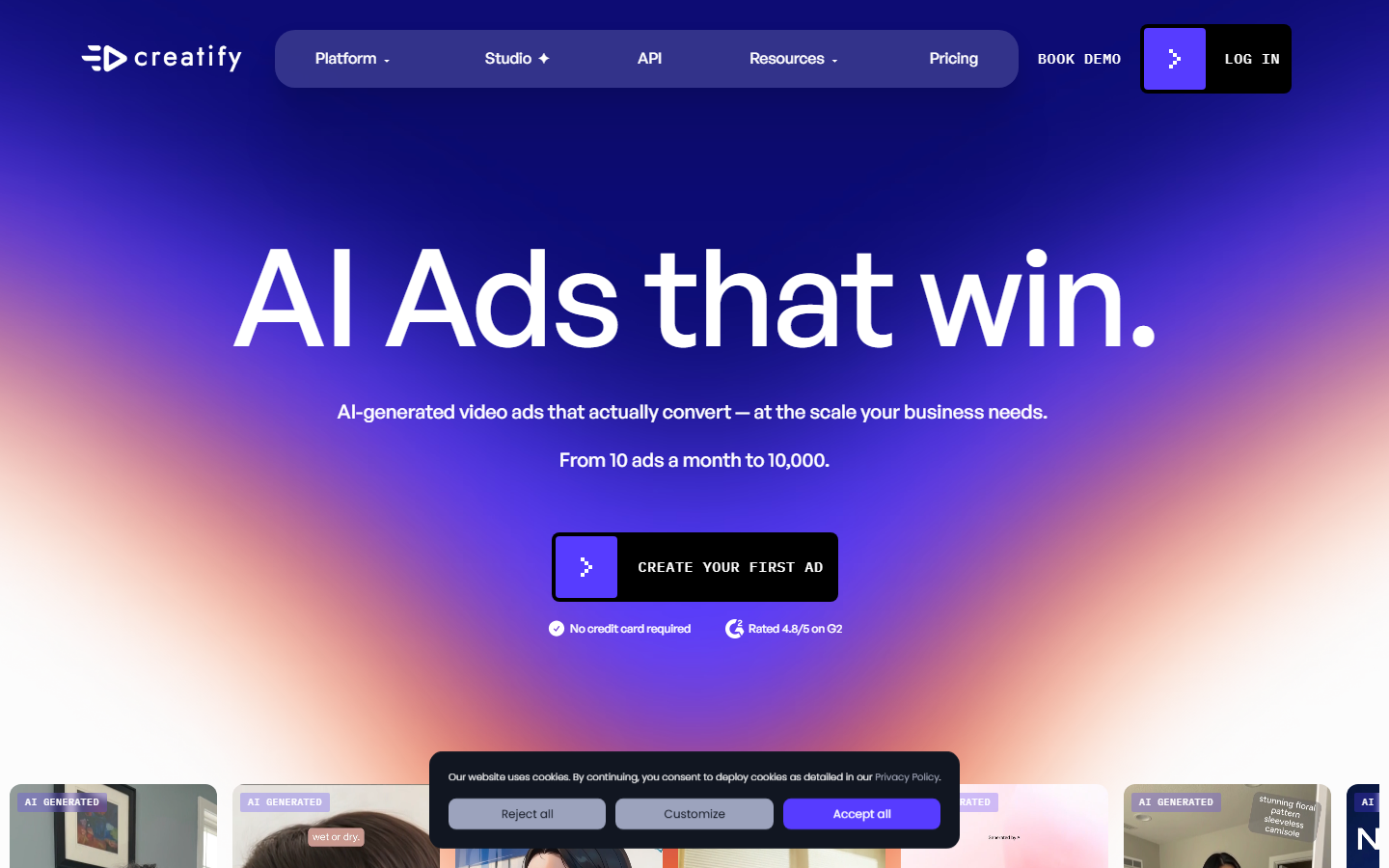
Creatify takes a product URL, scrapes the imagery and copy, then produces avatar ads in batches. Batch mode is the feature that earns its place here: you can generate a dozen hook variants against the same body in one run, which is exactly the shape of a Meta creative test. It also handles vertical, square and horizontal exports without a separate pass.
Quality is a step below Arcads on avatar delivery, and the scraped copy usually needs a rewrite before it is worth spending on. Credit consumption also climbs fast on longer clips, so check the tiers against your monthly variant count first; we broke the plans down in Creatify pricing.
Verdict: best when you need many variants quickly and can tolerate an editing pass on the winners.
4. HeyGen: Best for Multilingual

HeyGen is the strongest option when the same ad needs to run in several markets. Its translation pipeline re-voices a clip and re-syncs the lips across 40+ languages, so one approved creative becomes a regional set without re-shooting or re-scripting. The avatar library is large and includes custom avatars trained on your own footage.
HeyGen is built as a video platform rather than a performance-ads tool, so hooks, aspect ratios and ad-specific pacing are your responsibility. Its API is the part most teams end up using for scale, which we cover in HeyGen API for agencies.
Verdict: best for multi-market rollouts and localized creative, weaker as a from-scratch ad generator.
5. Captions: Best for Editing
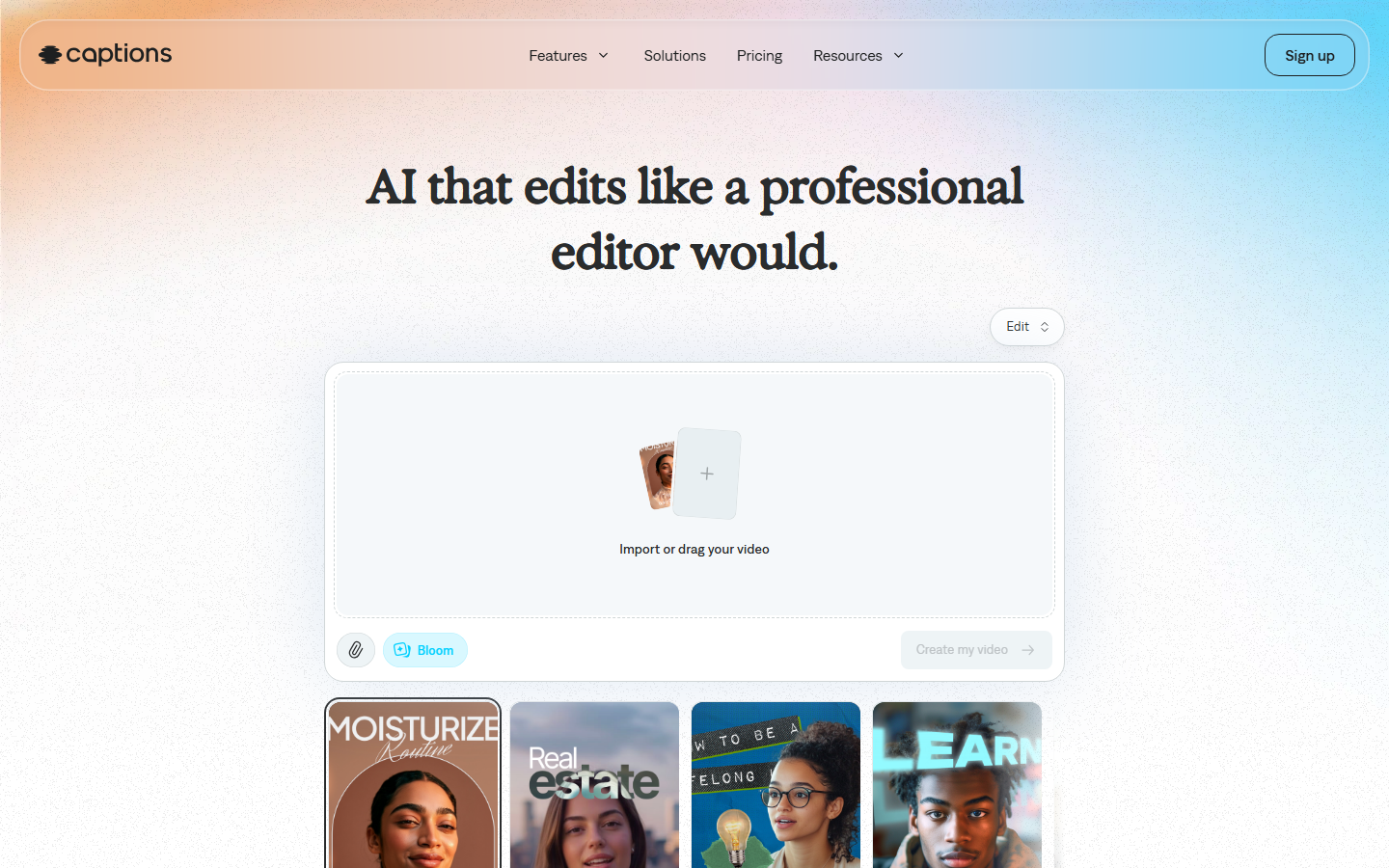
Captions started as a subtitle tool and grew into an AI editor. Eye contact correction, filler-word removal, auto framing and styled captions are all one tap, which makes it the fastest way to turn raw creator footage into something post-ready. Its AI creator feature also produces synthetic UGC, though that is not where it is strongest.
If your ads come from real creators and the bottleneck is post-production rather than filming, Captions removes most of that work. If you have no source footage, you will still need a generator upstream. The pattern of pairing a generator with an editing pass is described in automate UGC video creation.
Verdict: best editing layer in the list, not a standalone scaling engine.
6. MakeUGC: Best for Simple Talking Heads
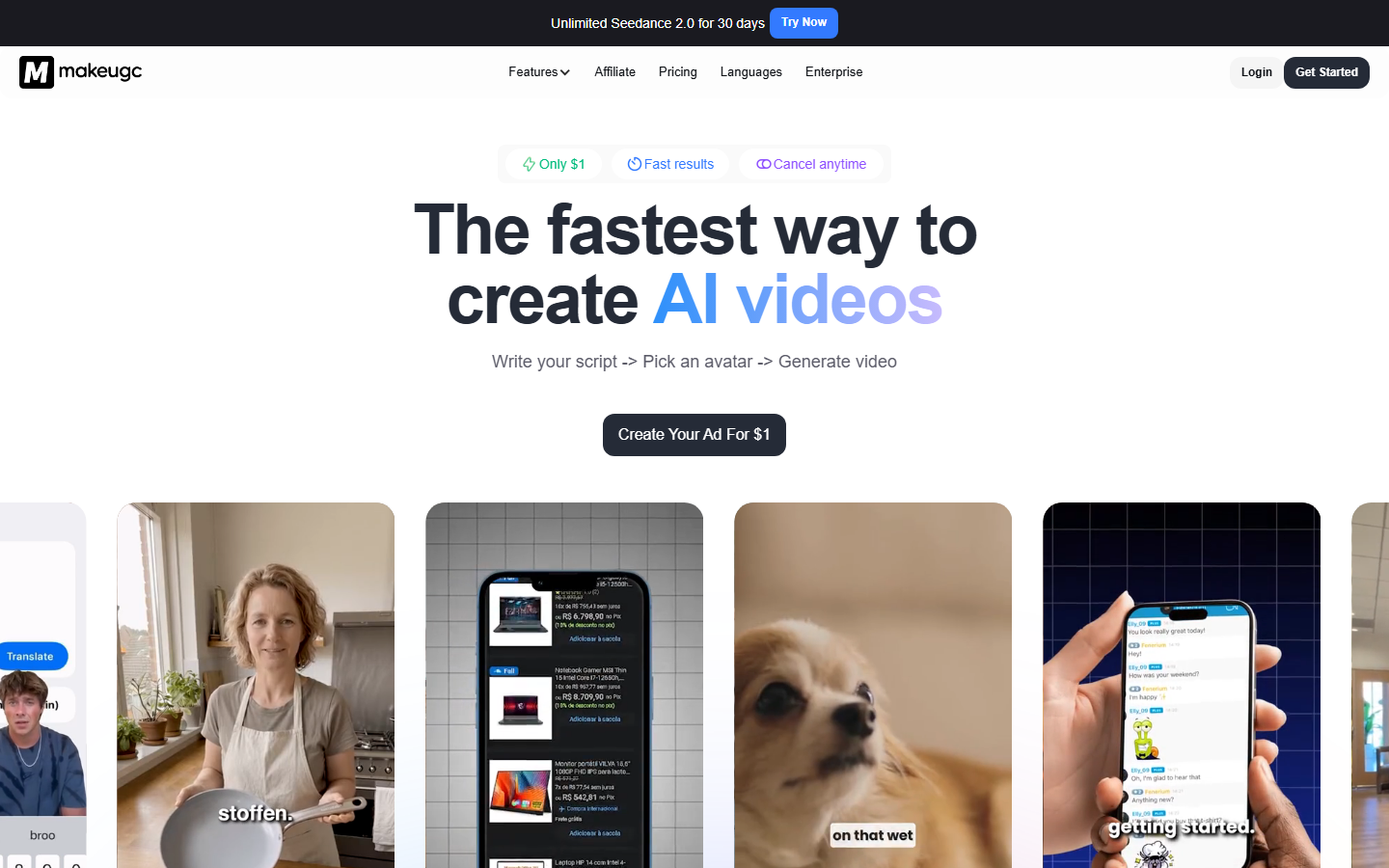
MakeUGC does one format well: an avatar reading a script to camera with captions burned in. Setup takes minutes, entry pricing sits below most competitors, and the output is consistent enough for testing offers and hooks before you commit budget to production creative.
The narrow scope is the limit. Multi-scene ads, product demonstrations and anything requiring B-roll fall outside what it produces, and the avatar range is smaller than HeyGen's. Teams that outgrow it usually move for scene control, which is the theme of our MakeUGC alternatives roundup.
Verdict: best cheap starting point for one-format talking-head ads.
7. TopView AI: Best Budget Pick
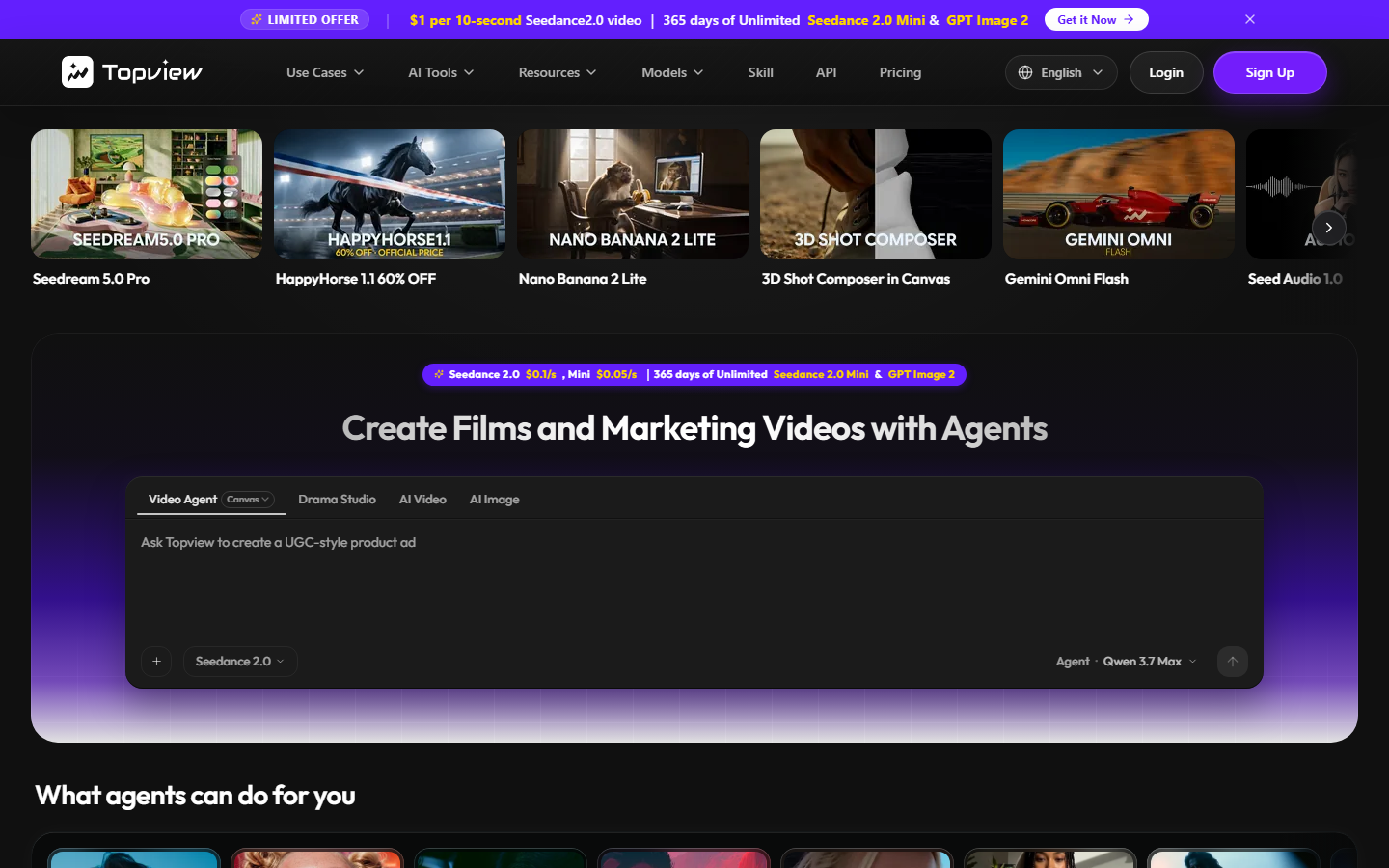
TopView AI converts product links and existing videos into short ad clips at the lowest cost per output in this group. It also analyzes competitor ads and rebuilds their structure, which is useful for teams that want a starting template rather than a blank script field. Free credits make it easy to evaluate before paying.
Output quality is uneven between runs, so plan on discarding a share of what you generate. That is an acceptable trade at the testing stage and a poor one for scaling a proven winner. If you work from competitor references, the method is broken down in how to clone viral ads with AI.
Verdict: best for cheap, high-volume early testing where a low hit rate is fine.
Comparison Table
| Tool | Best For | Batch Generation | API | Editing Timeline | Entry Price |
|---|---|---|---|---|---|
| Wireflow | Repeatable pipelines | Yes | Yes | Yes | Credit-based |
| Arcads | Realistic delivery | Limited | Yes | No | ~$110/mo |
| Creatify | High variant counts | Yes | Yes | Basic | ~$33/mo |
| HeyGen | Multilingual rollouts | Yes | Yes | Basic | ~$29/mo |
| Captions | Post-production | No | Limited | Yes | ~$25/mo |
| MakeUGC | Talking-head ads | Limited | No | No | ~$19/mo |
| TopView AI | Budget testing | Yes | No | Basic | Free tier |
Prices reflect published entry tiers and change often, so confirm on each vendor's site before committing. Agencies rebilling this work should also price the labor saved rather than the tool cost, a point covered in how much to charge clients for AI UGC ads.
How to Actually Scale Once You Have Picked a Tool
Volume comes from separating the parts of an ad that change from the parts that do not. Lock the structure, the caption style, the aspect ratio and the CTA, then treat hook line, avatar and product shot as swappable inputs. That single decision is usually worth more than switching tools, and it is why saved flows outperform one-off generation over a quarter. The workflow shape is described in automate video creation for social media ads.
Then batch on a schedule rather than on demand. One generation session per week producing 15 to 25 variants beats daily ad-hoc requests, because you review, approve and upload in one pass instead of fifteen. Creators and small teams running this cadence can see the setup on the UGC creators page.
Try it yourself: Build this workflow in Wireflow. The nodes are pre-configured with the exact script-to-avatar-to-export setup described above.
FAQ
What does it cost to produce one AI UGC ad in 2026? Between roughly $2 and $20 per finished clip depending on length and tool, against $50 to $500 or more for a human creator brief. The gap widens with volume because AI cost is per clip while creator cost includes negotiation and revision rounds.
How many UGC ad variants should I run per month? Most performance teams test 20 to 50 variants a month per active offer, concentrating on hook variations rather than full rebuilds. Below about 15 you cannot separate creative signal from delivery noise.
Do AI UGC ads perform as well as real creator content? On cold traffic and short-form placements they frequently match it, particularly for hook testing. Real creators still outperform on trust-heavy categories such as supplements, finance and anything requiring visible product use.
Which tool is best if I only need talking-head ads? MakeUGC or Arcads. MakeUGC is cheaper and faster to set up; Arcads produces a more believable read and is worth the difference once you are spending real budget.
Can I generate UGC ads through an API? Yes. Wireflow, HeyGen, Creatify and Arcads all expose APIs suitable for programmatic generation, which is how teams push variant creation into their own dashboards. See our roundup of bulk video ad API tools.
Do I need separate tools for TikTok and Meta? No, but you need separate exports. Both platforms want 9:16, though TikTok rewards a faster hook and native-looking captions while Meta tolerates more structured pacing. Most tools handle both from one source clip.
How do I keep AI UGC ads from looking synthetic? Use imperfect audio pacing, real product footage cut against the avatar, and avoid centered studio framing. Mixing one real B-roll shot into an otherwise generated clip removes most of the uncanny signal.
Is it worth using more than one tool? Usually yes. The common stack is one generator for volume and one editor for finishing, or a canvas tool that covers both steps so the handoff is not manual. See AI UGC ads for agencies for the stacks teams actually run.
Conclusion
There is no single winner for every team here. If you need realism in a talking-head ad, Arcads is the pick; if you need many variants at low cost, Creatify or TopView AI will get you there; if the same ad has to run in eight countries, HeyGen is the obvious answer. The choice depends on whether your constraint is quality, volume, languages or budget, and most teams discover the answer after their first 30 variants rather than before. Whichever direction you go, the tools that keep paying off are the ones where this month's setup still works next month, which is the argument for treating UGC production as a saved pipeline rather than a series of one-off generations. Our comparison of AI video ad creators for agencies is a good next read if you are building that pipeline for clients.

Co-Founder & Operations at Wireflow
Runs client operations and content strategy at Wireflow. Works directly with creative teams and agencies to build production AI workflows.
- Content Strategy
- Client Operations
Make AI videos and ads.
Start free, no card needed.