Features
AI Upscale Video
Upscale a video with AI without a desktop render farm.
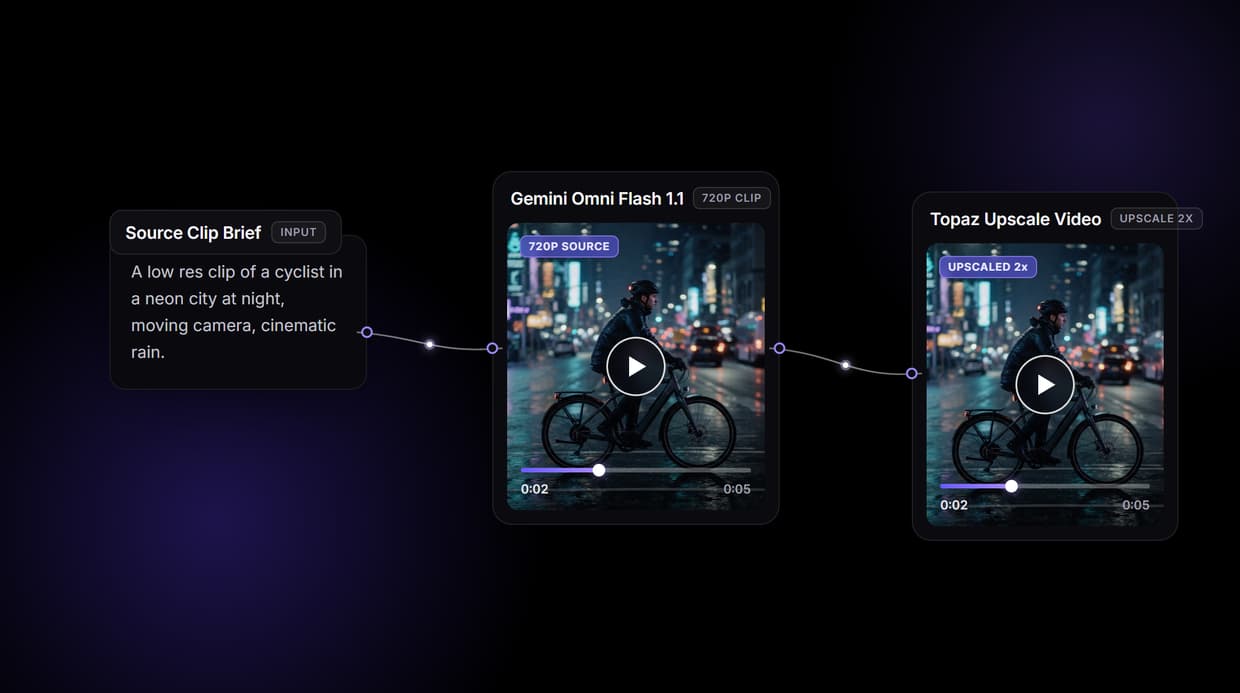
Wire one low res clip into Topaz Upscale Video, Crystal Video Upscaler and FLUX Video Upscale on the same canvas, run them side by side, and see the credit cost of each before you pick one. Free to build, pay per generation.
Free to build · no credit card · Read the agent docs · See how it works ↓
 Andrew Adams · Co-Founder & Operations at Wireflow ·
How to Use AI Upscale Video
Steps to get you started in Wireflow.
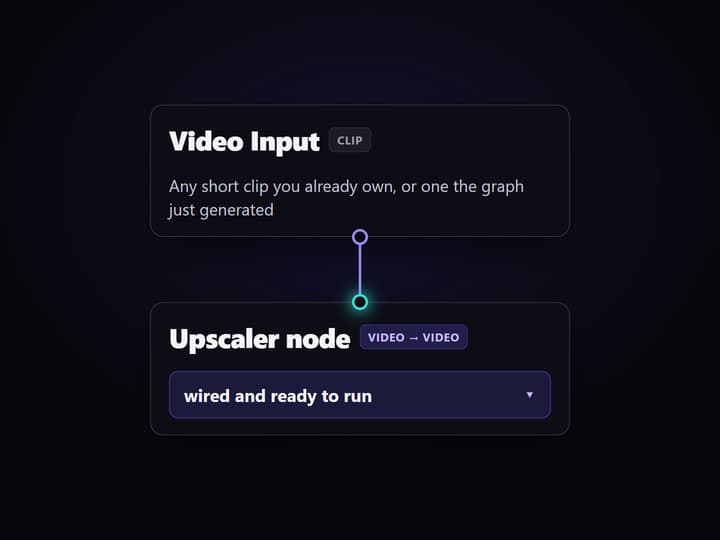
Bring in the clip you want sharper
Open the flow and point the video input at a clip you already have or one the graph just generated. Short low res footage is the case these upscalers are built for.
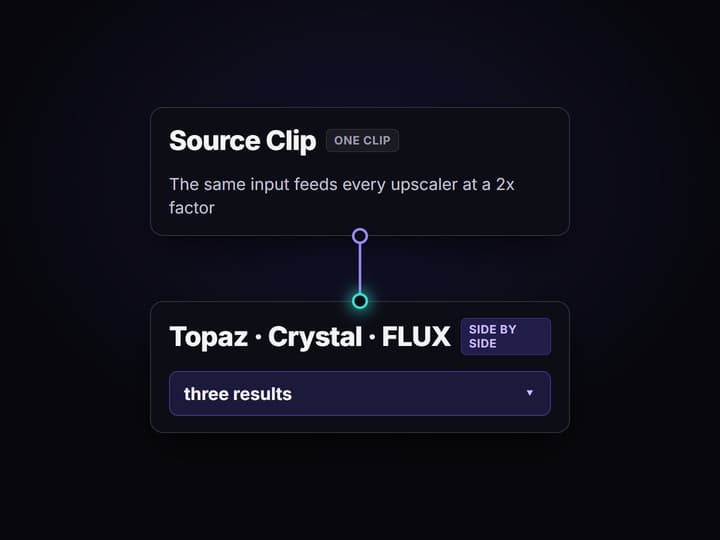
Pick an upscaler, or wire all three
Send the same clip into Topaz Upscale Video, Crystal Video Upscaler and FLUX Video Upscale. Each runs at a 2x factor by default, so the comparison is fair across all three.
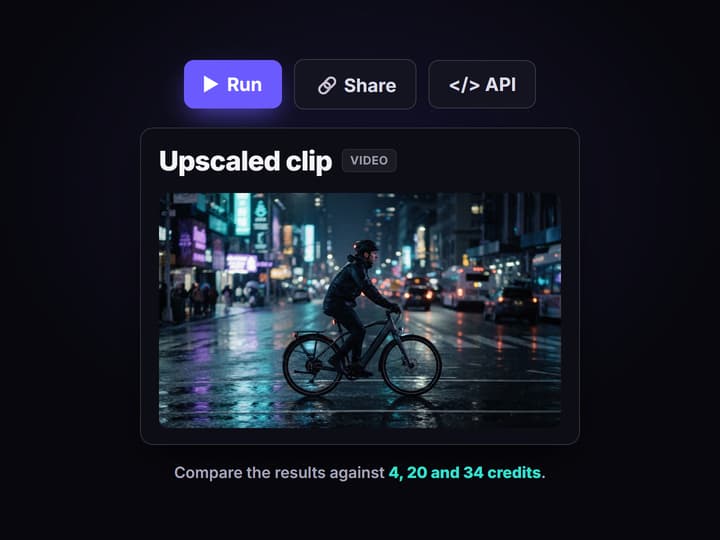
Run once and compare quality to cost
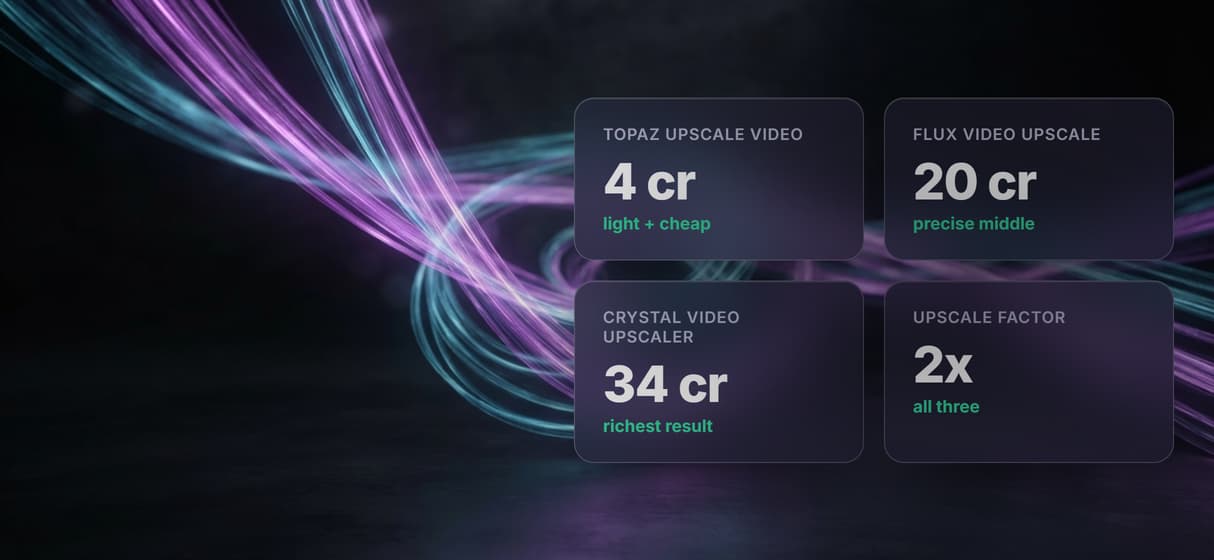
Press Run and the clip upscales on hosted compute. Watch the three results against their credit cost, 4 for Topaz, 20 for FLUX and 34 for Crystal, then keep the node that wins.
More Than Just AI Upscale Video
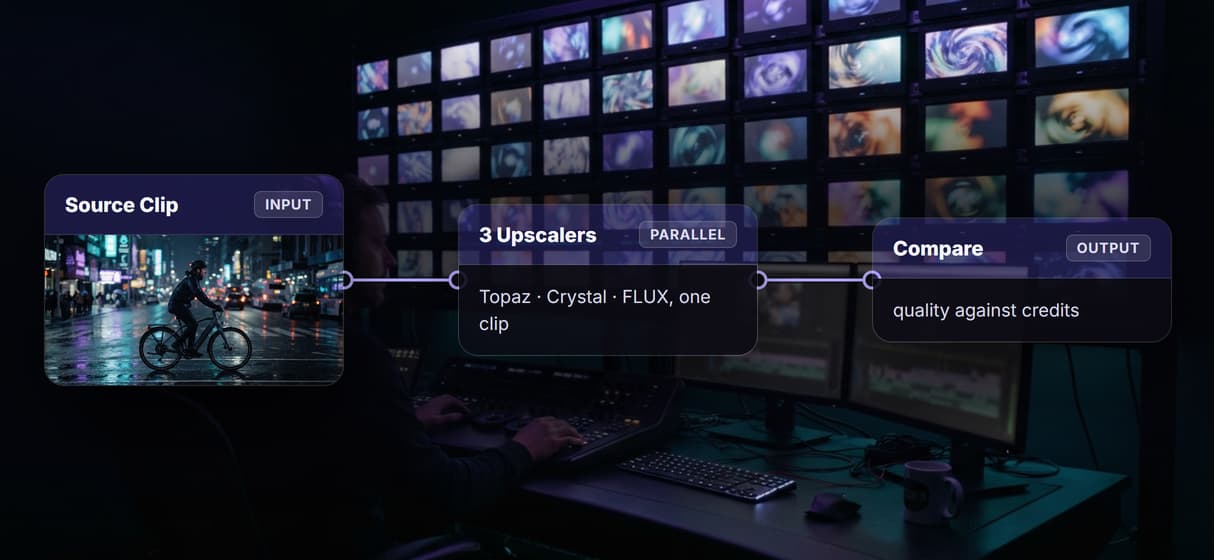
Three upscalers on one clip
Send a single low res clip into Topaz Upscale Video, Crystal Video Upscaler and FLUX Video Upscale at once, then read all three results in the same AI video workflow.
See the credit cost before you commit
Topaz Upscale Video runs for 4 credits, FLUX Video Upscale for 20, and the Crystal upscaler for 34, so you choose quality against price per run, not blind.
2x in the cloud, no local GPU
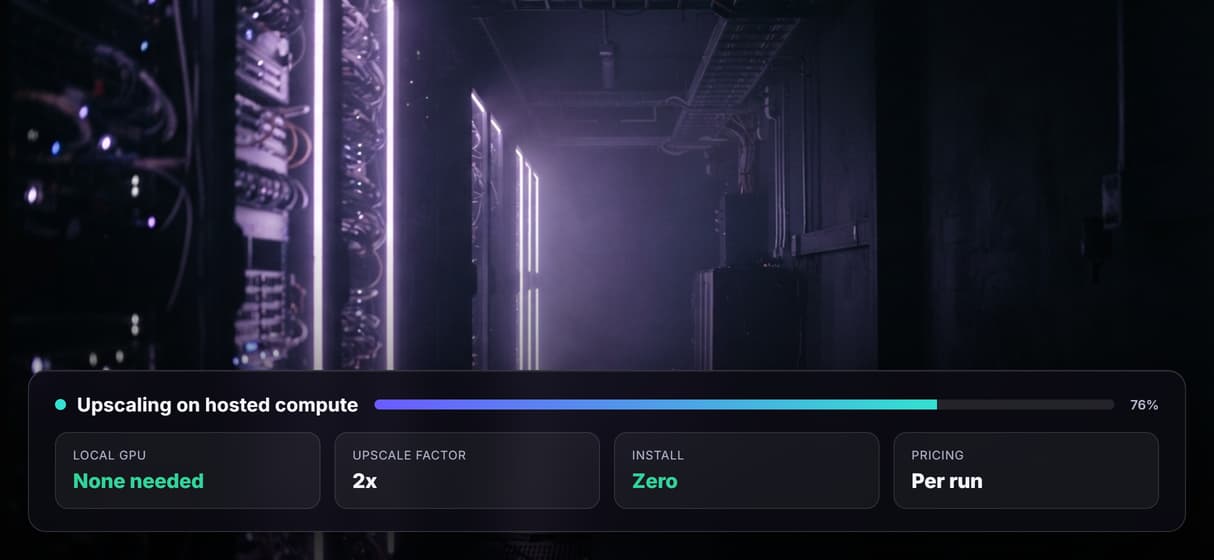
Every upscaler runs on hosted compute at a 2x factor, so a laptop with no GPU gets the same result as a workstation. It is the AI video generator stack, upscaling wired in.
Feed it any clip you already have
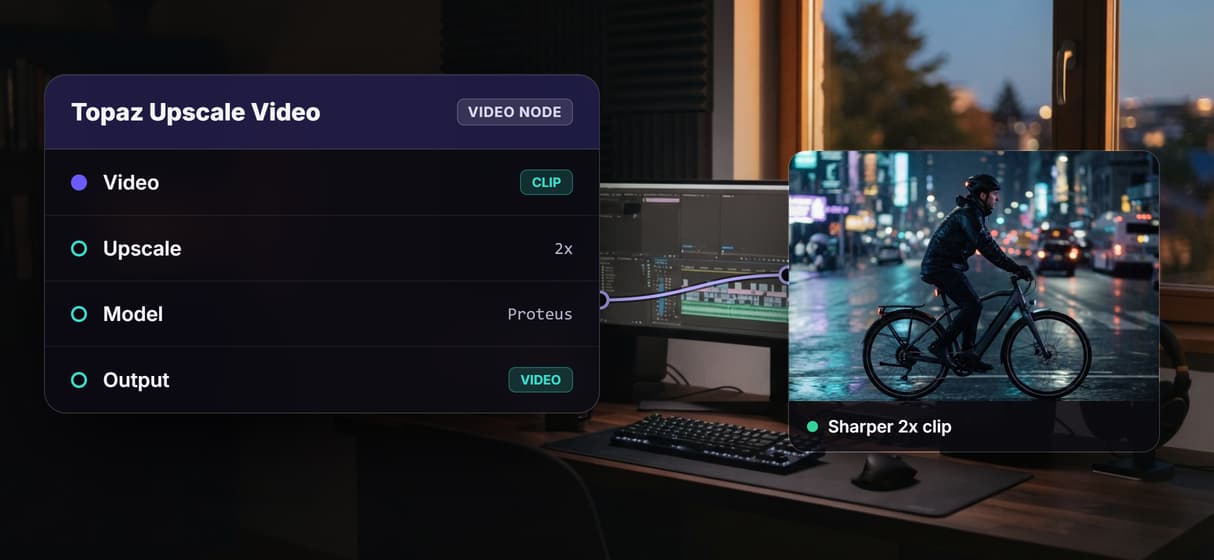
Point the video input at footage from your library or a clip the graph just made, then chain the sharper result straight into an AI video extender or a later edit.
Reruns match, upgrades are one node
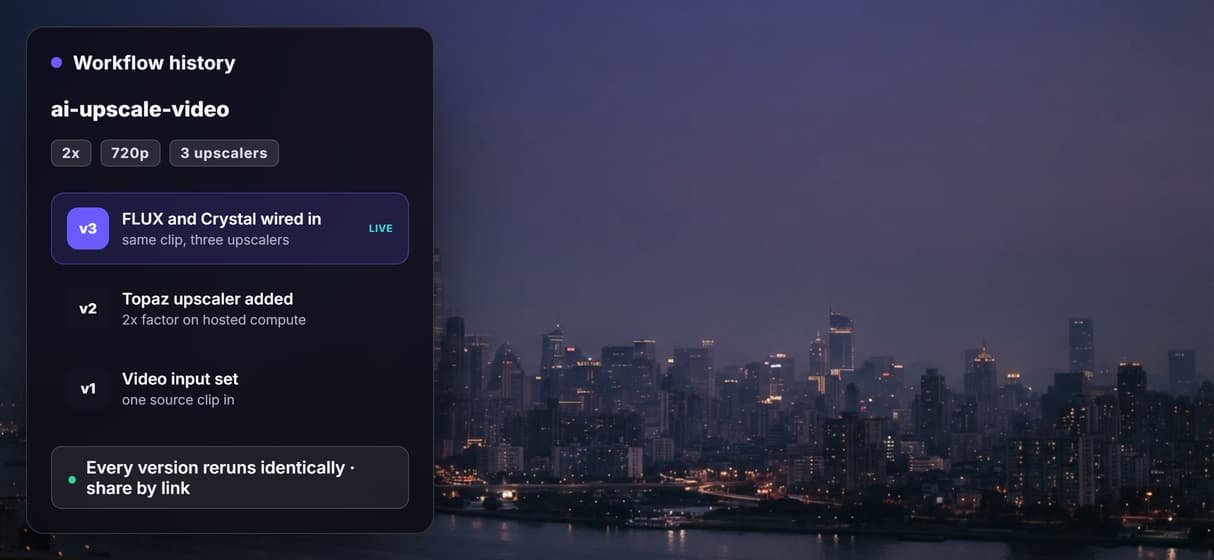
Workflows are versioned and shareable by link, so your fiftieth run matches your first. Swap any upscaler node as better ones ship, the habit behind every text to video AI graph.
Build Any AI Workflow
AI Models Integrated
Full Commercial License
Upscale a video with AI, and actually see the tradeoff
Upscaling a clip used to mean a desktop app, a capable GPU, and a single opinion about what sharper should look like. You exported, waited, and hoped the result was worth the render time. If it was not, you did the whole thing again with different settings.
Wireflow turns that into a node on a canvas. A video upscaler reads your clip and returns a higher resolution version on hosted compute, nothing to install. The part worth building a page around is choice: because every model is a node, the same low res clip can run through three different upscalers in one graph. Topaz Upscale Video, Crystal Video Upscaler, and FLUX Video Upscale each take the clip, each returns its own result, and each shows you its credit cost, so the comparison is concrete instead of a forum argument. The sharper clip then rolls straight into the rest of your AI video pipeline without leaving the browser.
What the upscaling graph gives you
One video input
Drop in a clip you own or one the graph generated. The same source feeds every upscaler node.
Topaz Upscale Video
The lightweight pick at 4 credits a run. Clean 2x detail recovery for most footage.
Crystal Video Upscaler
The richest result at 34 credits when the clip deserves the extra spend.
FLUX Video Upscale
A 20 credit middle ground with a precise mode that stays faithful to the source.
2x by default
Every upscaler runs at a 2x factor so the side by side comparison is fair.
Rerun and swap
Versioned and shareable by link; swap any upscaler node as stronger ones ship.
How the comparison graph runs on one clip
The workflow behind this page's button is built to make the tradeoff visible.
- A source clip comes in. A base frame and a short generated clip stand in for your footage in the demo, but the video input takes any clip you already have.
- The same clip fans out to three upscalers. Topaz Upscale Video, Crystal Video Upscaler, and FLUX Video Upscale each receive the identical input, so nothing about the source changes between them.
- Each returns its own result and cost. You see the sharper clip from each node next to 4, 20, and 34 credits, and keep the one that earns its price.
That side by side is the detail worth copying: running one clip through every upscaler at a fixed 2x factor is the only honest way to tell which model is worth the credits for your kind of footage. Image work follows the same pattern with the AI image upscaler, and a clip that starts from text instead of a file begins with image to video AI.
When a desktop upscaler is still the right call
If you batch hundreds of archival clips overnight, need 4x or 8x on a feature length master, or work air gapped with no clip leaving the building, a native desktop app like Topaz Video AI is built for exactly that, and this page will not pretend otherwise. Our flow runs at a 2x factor to keep the credit cost low, works on short clips rather than hour long masters, and needs the footage to reach hosted compute.
Wireflow is the generation layer, not an offline render suite: there is no local processing, no custom plugin chain, and quality still depends on the source clip. What it offers instead is three upscalers you can compare in one run, hosted compute with no GPU, and per generation pricing. If you want the native benchmark head to head with the hosted approach, the Topaz Video AI alternative page lays that out.
FAQs
You wire a clip into a video upscaler node and press Run. The upscaler reads your footage and returns a higher resolution version on hosted compute, so there is no GPU or install. On Wireflow the same clip can run through Topaz Upscale Video, Crystal Video Upscaler, and FLUX Video Upscale in one graph so you compare them directly.
Discover related AI tools
More From Wireflow
Written by
Andrew Adams · Co-Founder & Operations at Wireflow
Runs client operations and content strategy at Wireflow. Works directly with creative teams and agencies to build production AI workflows.
Upscale your clip three ways in one run
Open the flow, drop in a clip, and send it through Topaz, Crystal and FLUX video upscalers side by side. Compare the results against their credit cost. Building is free; you pay per generation.