Features
AI Video Extender
An AI video extender as a flow you run: drop a short clip, type what happens next, and the graph continues it.
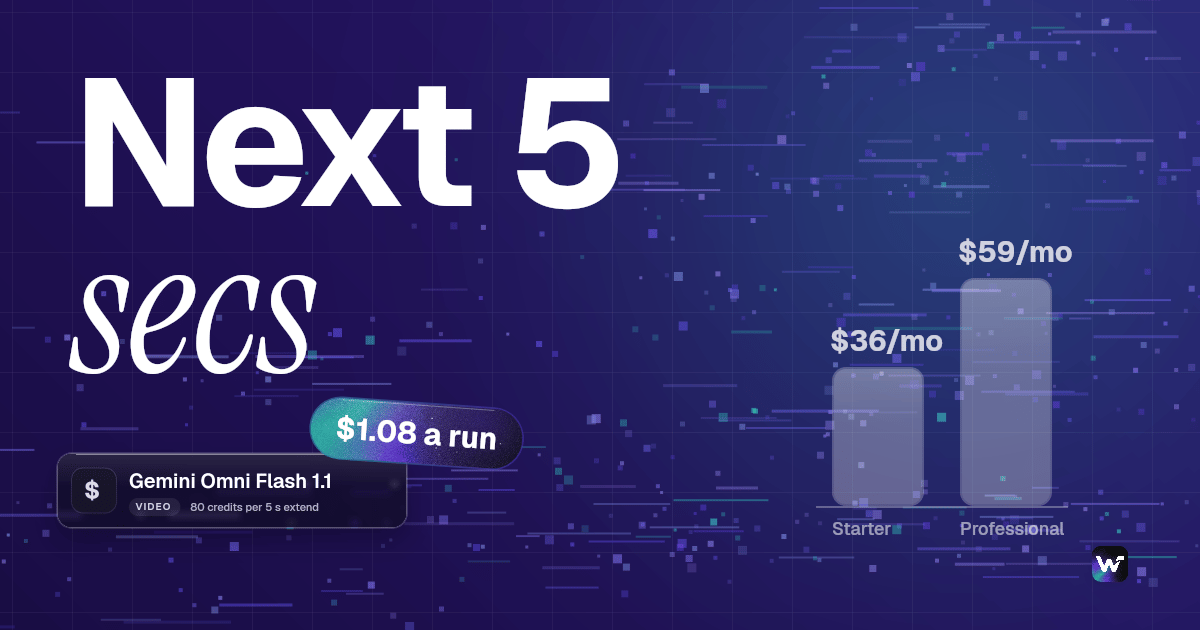
Frame Extractor takes the clip's last frame and Gemini Omni Flash 1.1 generates a 5 second continuation that picks up exactly where the clip ended. One extend is 80 credits, about $1.08 on Starter. Building on the canvas is free; video runs on a paid plan.
Free to build · no credit card · Read the agent docs · See how it works ↓
 Andrew Adams · Co-Founder & Operations at Wireflow ·
How to Use AI Video Extender
Steps to get you started in Wireflow.
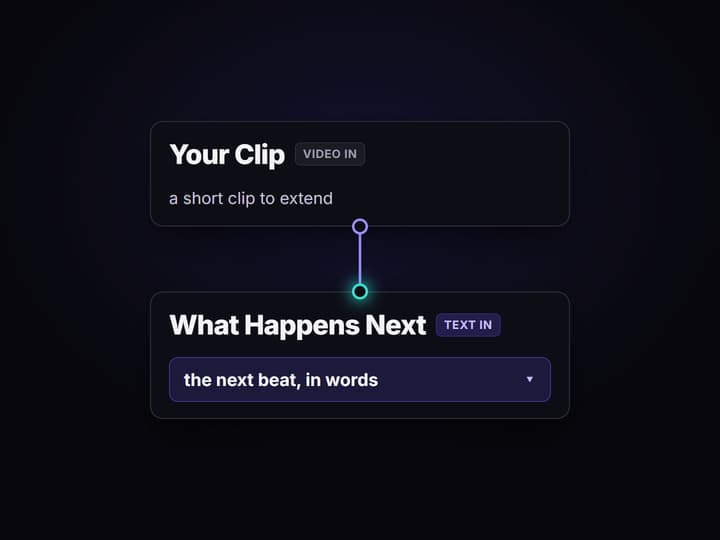
Add your clip and say what happens next
Open the flow, load a short video into the Your Clip node, and type the next beat into the What Happens Next node, for example the camera keeps flying forward and the forest opens to a lake.
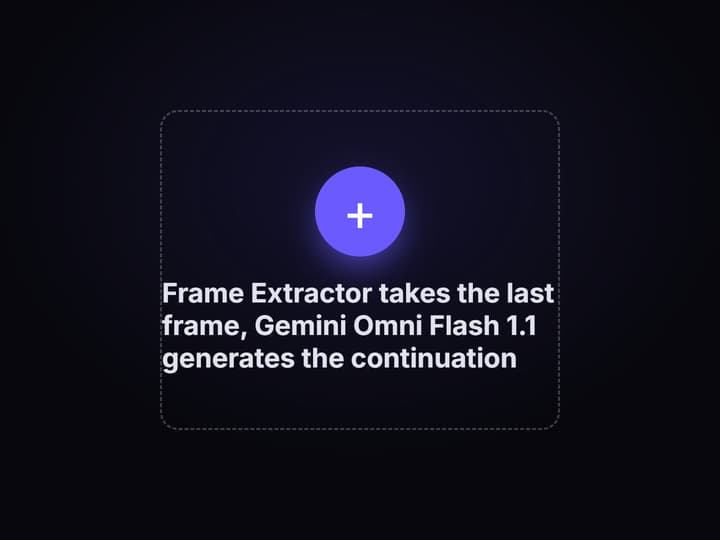
Frame Extractor takes the last frame
The Frame Extractor node reads the clip's final frame (frame index -1). That frame is where the continuation will begin, so the new footage lines up with the end of your clip instead of starting fresh.
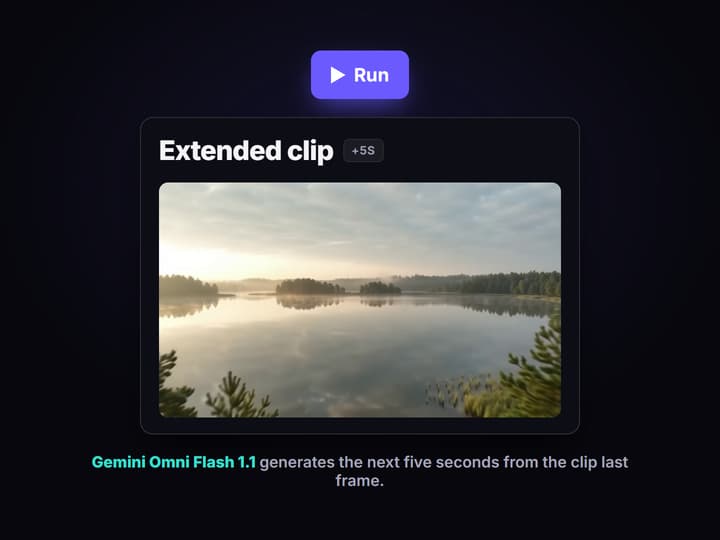
Gemini Omni Flash 1.1 extends the clip
Gemini Omni Flash 1.1 takes the last frame and your direction and generates a 5 second continuation. Open the board to watch it, place it after your clip, or feed it back in to extend again.
More Than Just AI Video Extender
One short clip in, a longer clip out
Drop a short clip and the flow returns the next five seconds that pick up exactly where it ended, ready to drop after your clip in any AI video generator.
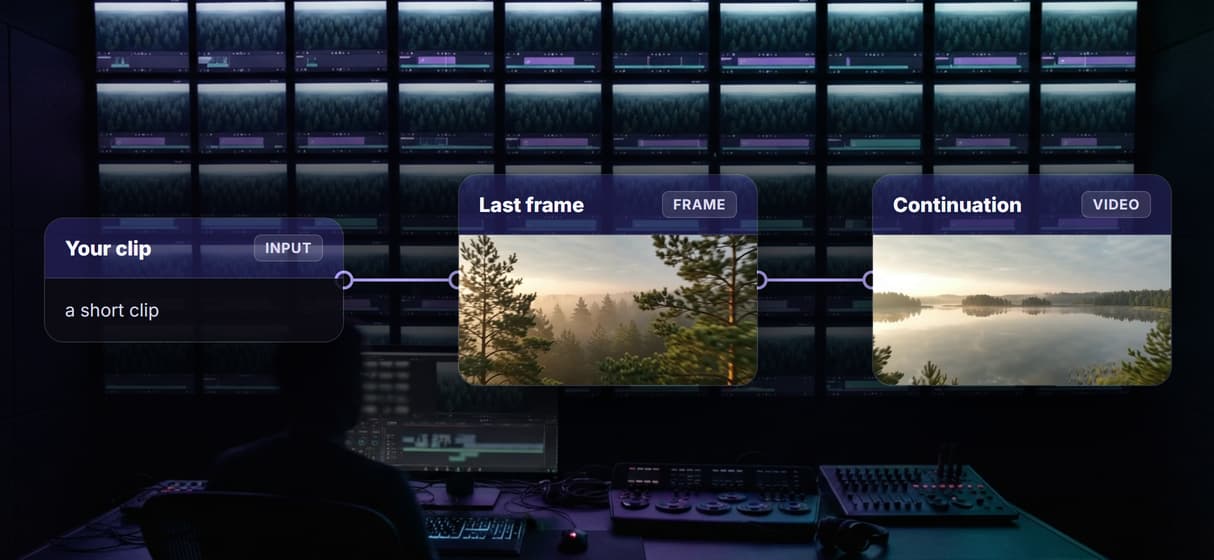
It continues from your clip's last frame
Frame Extractor reads the last frame and Gemini Omni Flash 1.1 moves it forward, so the continuation starts seamlessly, like any image to video API.
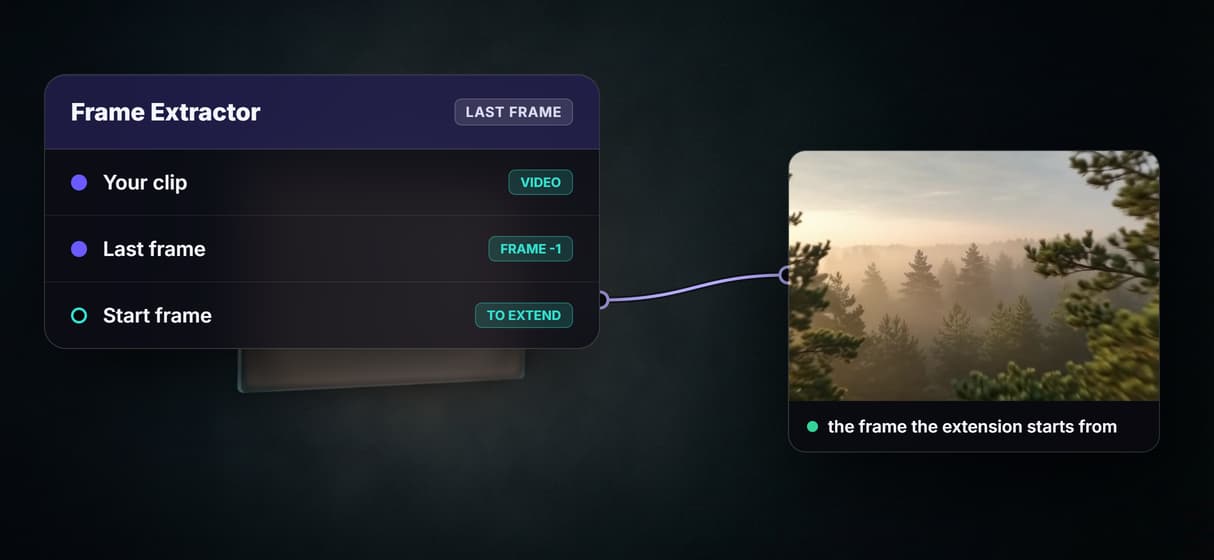
You say what happens next
Type the next beat in plain words and the model follows it, so you direct the extension instead of rolling dice, all on one AI video workflow canvas.
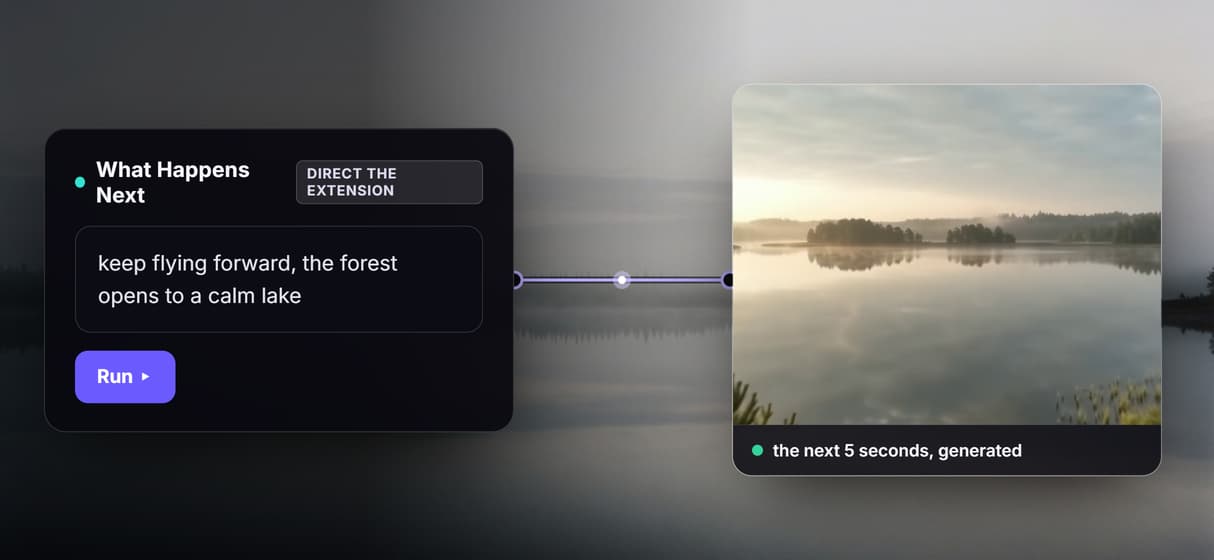
Rerun or chain it to go further
Each run adds about five seconds, so feed the output back in to extend again, or wire it into a longer AI video pipeline that keeps building.
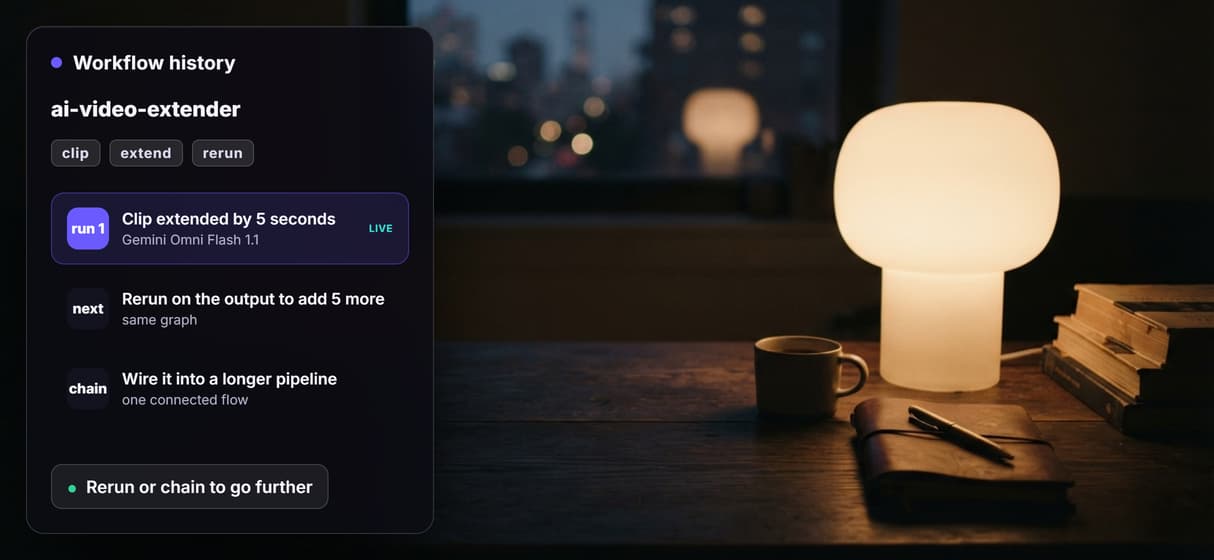
Pay per second, and see the price first
One five second extend is 80 credits, about $1.08 on Starter, billed per second of real output, and code can drive the same video generation API.
AI Models Available
Automate Any Workflow
Included in Every Plan
One real run: a forest clip that keeps flying to a lake
Here is one real run of this flow. The Your Clip node held a short cinematic aerial shot flying forward over a misty pine forest at dawn. What Happens Next said to keep flying forward until the forest opens onto a calm lake. The flow extended it, and the new footage reaches the lake exactly as asked. The scene is landscape made from a text prompt, so there is no real person and no real brand in it.
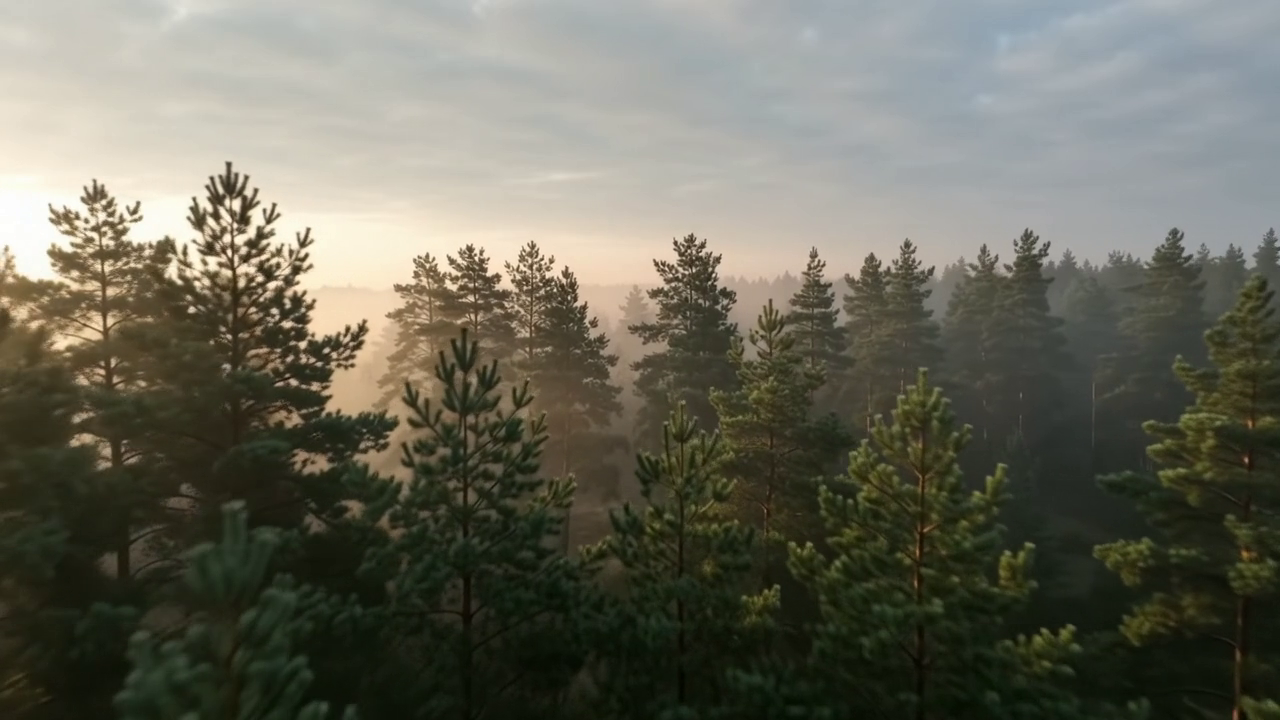
Frame Extractor took the clip's last frame, the point the continuation starts from:

Then Gemini Omni Flash 1.1 generated the next five seconds, and the shot flies on to reveal a mirror-still lake:
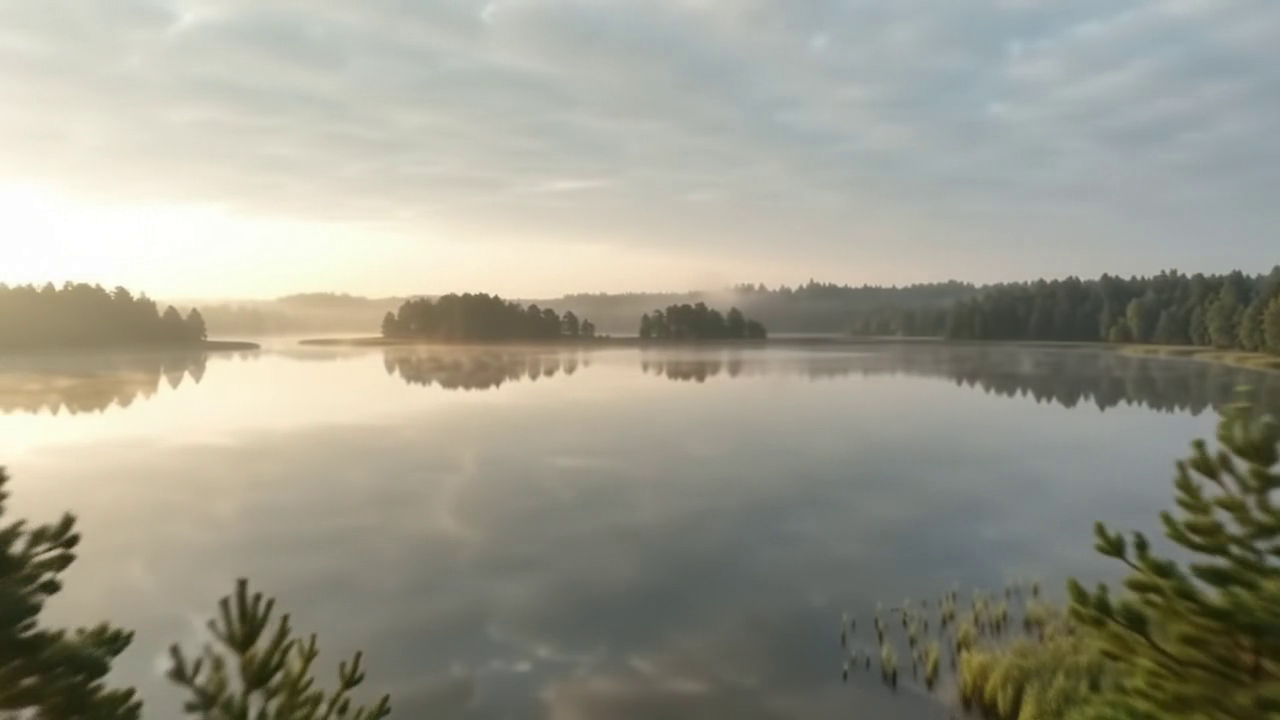
You can watch the real clips: the original short clip and the generated continuation that picks up where it ended. Place the continuation after your clip and the shot is twice as long.
What goes in and what comes out
A short clip and one line saying what happens next go in, and the next few seconds that continue the clip come out, with every step a node on the same canvas. These are the nodes:
- Your Clip. A media input node that holds the short video you want to extend.
- What Happens Next. A text input node with the direction for the continuation, in plain words.
- Frame Extractor. Takes the clip's last frame (frame index -1), the point the continuation begins from.
- Gemini Omni Flash 1.1. Takes that last frame as its start frame and your direction, and generates a 5 second continuation.
Because every step is a node, this drops into a wider workflow: wire the shots before it onto the same canvas, or run many extends over a feed with the video generation API.
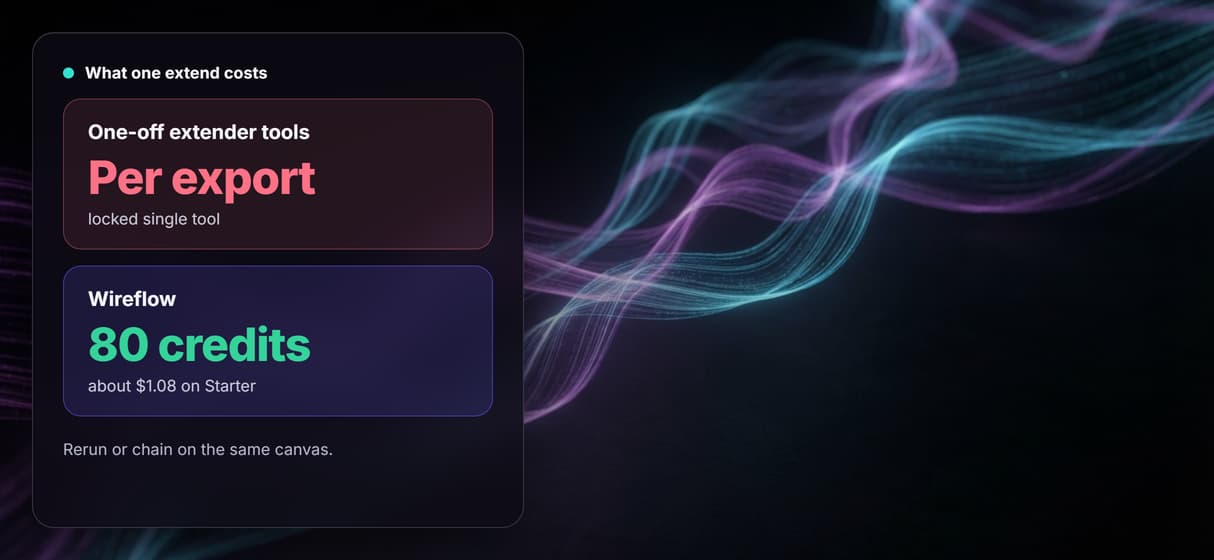
What one extend costs
One extend run is 80 credits for a 5 second 720p continuation, which is 16 credits per second on Gemini Omni Flash 1.1. The number is from the run receipt, not a list price.
On Starter, which is $36 a month for 2,660 credits, that is about $1.08 a run, roughly 33 extends a month. On Professional, which is $59 a month for 4,370 credits, it is about $1.08 a run, roughly 54 extends a month. Building on the canvas is free, and video models run on a paid plan. Each run adds about five seconds, so a longer result is a few runs, each priced the same way.
Open the flow
Open the workflow here: the AI video extender board. It opens logged out, with the saved forest clip, the extracted last frame and the generated continuation from the run above, so you can see every node and its output before you sign in. Copy it to your account to run it on your own clip.
Run it from Claude
You can run this flow from Claude through the Wireflow connector. In Claude, open Customize, then Connectors, then Add custom connector, paste the address https://www.wireflow.ai/api/mcp, and sign in. The setup steps are in the Claude app docs.
Then give Claude this prompt:
I copied the Wireflow AI video extender flow to my account. Use Wireflow to run my copy. Your Clip: <your video link>. What Happens Next: the camera keeps moving forward and the scene opens up. Send me the extended clip. Tell me the credit cost and wait for my yes before you run it.
With that last line, Claude looks up the price and waits for your yes before it spends any credits.
Run it from the API
Every published Wireflow workflow is also a REST endpoint, so a script or an agent can send a clip and a direction and get the continuation back:
curl -X POST https://www.wireflow.ai/api/v1/workflows/cmwgzvybs000cjx08ojlo7law/run \
-H "Authorization: Bearer $WIREFLOW_API_KEY" \
-H "Content-Type: application/json" \
-d '{"inputs":{"your-clip":"YOUR_VIDEO_LINK","what-happens-next":"the camera keeps flying forward and the forest opens to a lake"}}'
The run route works on workflows you own: open the flow, copy it to your account, and use your copy's id. The POST returns 202 with an executionId; poll GET /api/v1/workflows/executions/{executionId}/poll, or pass a webhook. Full reference is in the run API docs.
What each node does
Your Clip
A media input node that holds the short video you want to extend.
What Happens Next
A text input node with the direction for the continuation, in plain words.
Frame Extractor
Takes the clip's last frame, the point the continuation begins from.
Gemini Omni Flash 1.1
Generates a 5 second continuation from the last frame and your direction.
Rerun or chain
Feed the output back in to extend again, or wire it into a longer pipeline.
Endpoint and MCP tool
Every saved run is a REST endpoint and an MCP tool a script or agent can call.
When it fits, and when another tool fits better
This extends a clip by generating what comes next, so the new footage is a continuation the model invents, not real footage recovered from off screen. It works best on steady, simple shots; fast or complex motion can drift, so keep each run to about five seconds and rerun or chain to go further rather than asking for a long extension in one run. It adds no new sound, so bring audio in your editor after.
It extends LENGTH, not the frame. If you want to change a clip's aspect ratio by generating new content around the edges, that is outpainting, a different video model job. Use it on your own footage, or footage you have the rights to. Build here when you want to extend a clip on a canvas you can rerun, chain and call from code, and make the first clip on the same canvas when you need it too.
FAQs
It makes a clip longer by generating what comes next. Here a short clip and a line of direction go in, Frame Extractor takes the last frame, and Gemini Omni Flash 1.1 generates a 5 second continuation that picks up exactly where the clip ended, all on one canvas you can rerun.
Discover related AI tools
Written by
Andrew Adams · Co-Founder & Operations at Wireflow
Runs client operations and content strategy at Wireflow. Works directly with creative teams and agencies to build production AI workflows.
Extend your clip in one flow
Open the flow, drop a short clip and say what happens next, and run it: Frame Extractor takes the last frame and Gemini Omni Flash 1.1 generates a 5 second continuation that picks up where the clip ended. One extend is 80 credits, about $1.08 on Starter, and you can rerun to go further. Building on the canvas is free.