 Andrew Adams · Co-Founder & Operations at Wireflow ·
 Compare AI Video Models Side by Side
Comparison tool pages give you no methodology; comparison articles give you nothing to run.
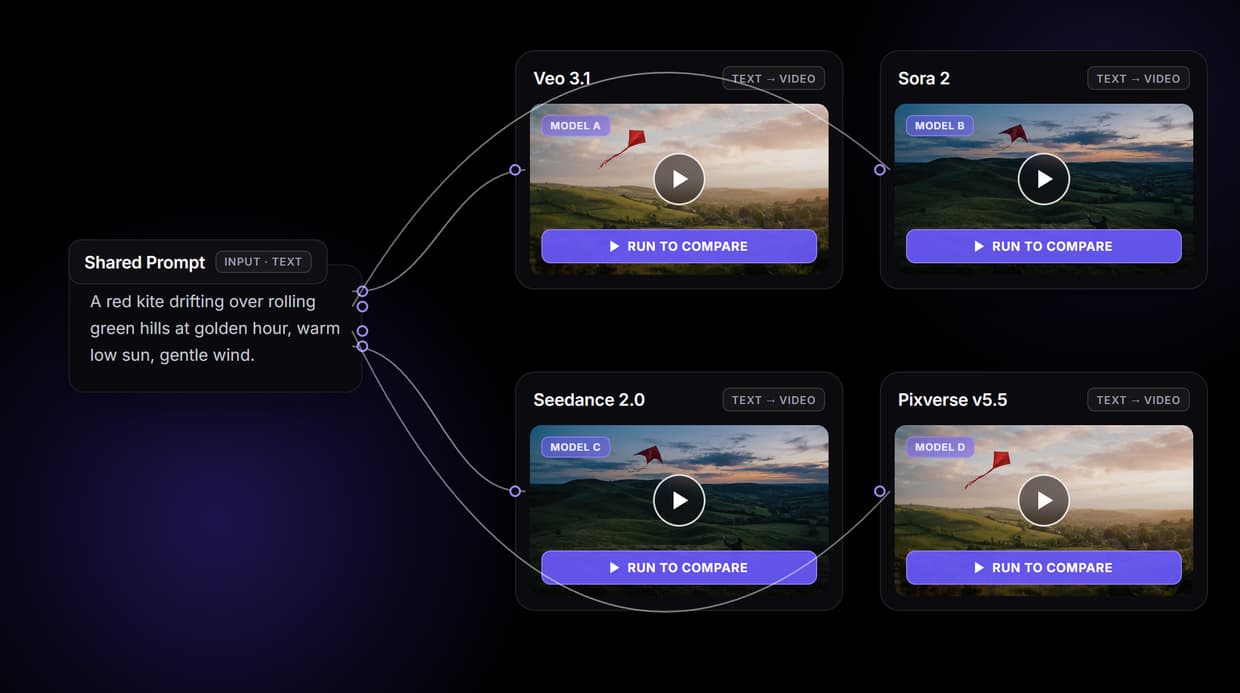
Wireflow does both. Wire one Shared Prompt into Veo 3.1, Sora 2, Seedance 2.0 and Pixverse v5.5 on one canvas, run them, and judge the clips side by side. Free to build, pay per generation.
Free to build · no credit card · See how it works ↓
How to Use Compare AI Video Models Side by Side
Steps to get you started in Wireflow.
Write one prompt in the Shared Prompt node
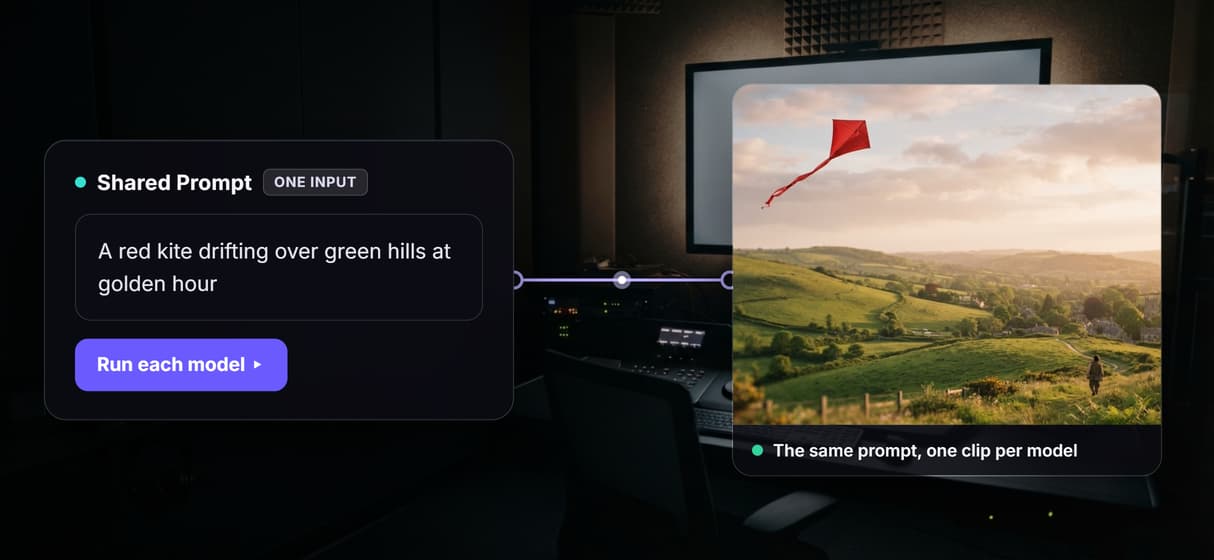
Open the flow and click the Shared Prompt input, then type the scene once, for example a red kite drifting over green hills at golden hour. This single brief is what every model will read.
Fan that prompt into every model you want to compare
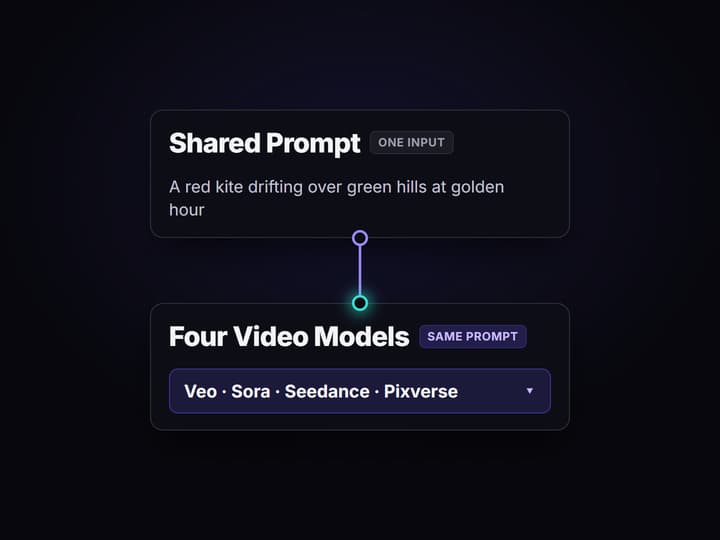
Wire the Shared Prompt output into each video node: Veo 3.1, Sora 2, Seedance 2.0 and Pixverse v5.5 by default, or drop in Kling, Luma Dream Machine and Wan 2.5 to widen the test.
Run the models and judge the clips side by side
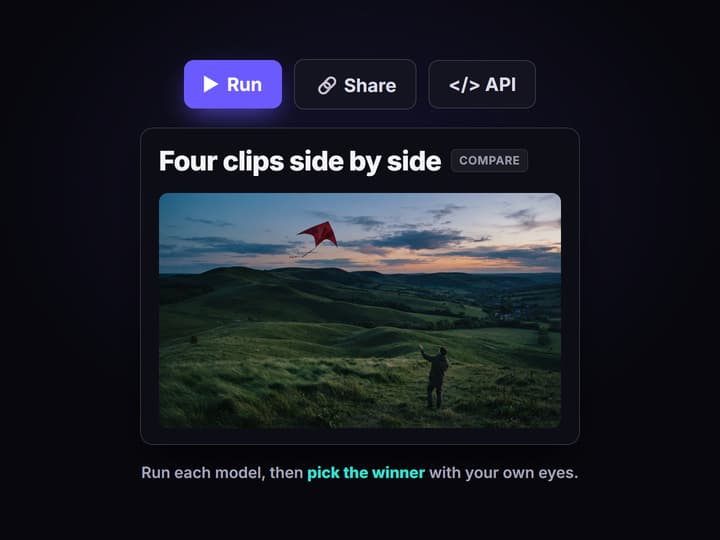
Run each video node yourself, since video models cost credits and never auto run, then watch the renders sit next to each other and pick the winner on motion, prompt adherence and consistency.
Why teams compare AI video models side by side
The same prompt is a different film in every model. Veo leans one way on motion, Sora reads a scene another way, Seedance and Pixverse make their own trade offs on speed and adherence. The only honest way to pick is to feed all of them the identical brief and look at the clips next to each other, which is exactly what the comparison tools and the comparison articles on the first page of Google are each half of.
Tool pages let you fan one prompt across models but give you no methodology and no way to reuse the result. Article roundups give you a written verdict but nothing you can run on your own footage. Wireflow is both halves at once: a node canvas where a single Shared Prompt wires into every model you want to test, so the comparison is something you actually run, on your prompt, and keep. It is the same canvas that drives every other AI video generator job your team has.
What sits on the comparison canvas
One Shared Prompt
A single input node holds the brief. Change the words once and every model updates together.
Four model nodes
Veo 3.1, Sora 2, Seedance 2.0 and Pixverse v5.5 each take the prompt and render their own clip.
Run per model
You run each video node yourself; expensive models never auto run behind your back.
Your own scoring lens
Judge motion, prompt adherence and consistency with your eyes, not a fixed leaderboard.
Save and share
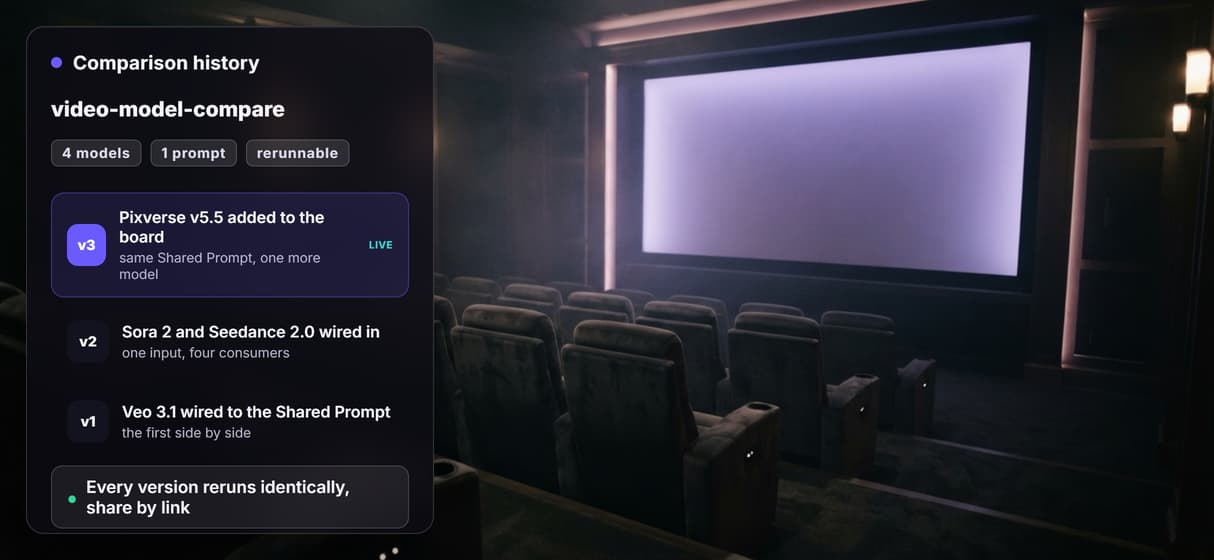
The board is versioned and shareable by link, so the exact comparison reruns any time.
Swap or add models
Drop in Kling, Luma Dream Machine, LTX 2, Wan 2.5 or Minimax Hailuo 03 to widen the field.
How the fan out actually runs
The workflow behind this page is deliberately simple: one input, four consumers.
- The Shared Prompt node holds the brief. One scene description is enough, and a sticky note in the flow walks a first run through it.
- Its output wires into each model node. The same out prompt port connects to Veo 3.1, Sora 2, Seedance 2.0 and Pixverse v5.5, so no model gets a reworded advantage.
- You run the models to compare. Video models cost credits, so the nodes ship without a generated clip; you press run on each one when you are ready and the renders appear side by side.
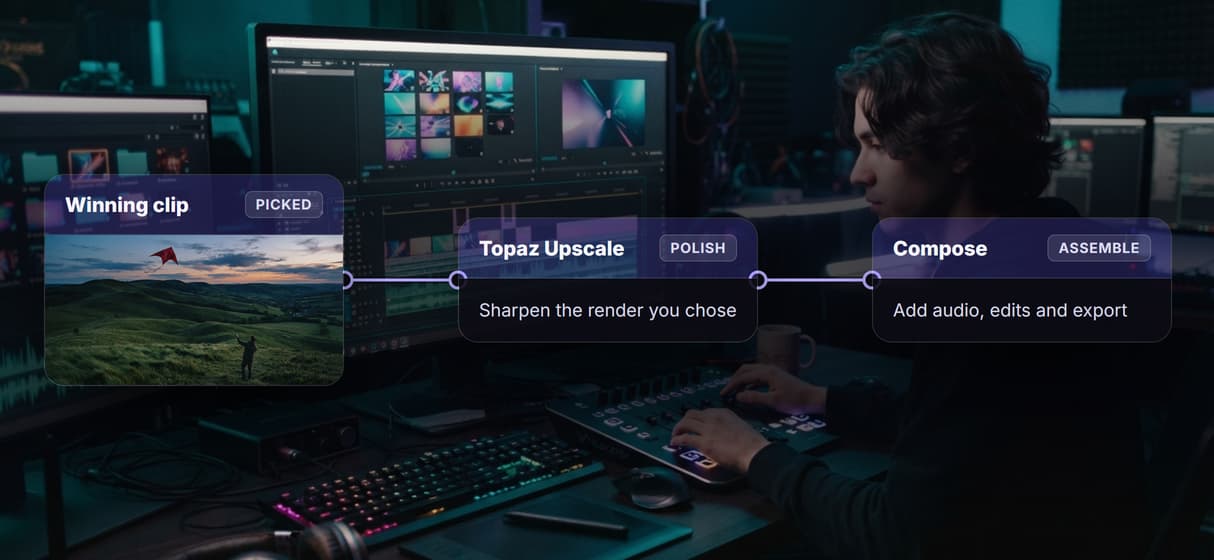
Because the models are just nodes, widening the test is a drag and drop: add a Kling AI alternative node, a Veo 3.1 variant, or Luma Dream Machine, and they all read the same Shared Prompt. The winner then rolls straight into the rest of your graph, upscaling and audio included, without leaving the browser.
Where a benchmark site is still the right call
If you want published leaderboard scores that someone else measured across a fixed prompt set, a dedicated benchmark site is built for exactly that, and this page will not pretend to be one. Wireflow is the generation and comparison layer, not a benchmark authority: there are no fixed scores here, you judge your own prompt with your own eyes.
Two more honest limits. Video models are expensive, so the canvas never auto runs them; you press run yourself, on your own credits, which is the point but also means a comparison is a few deliberate clicks, not one button. And Wireflow generates and routes media, it is not the reasoning brain: it will not write your prompt or decide which model wins for you. What it gives you instead is the identical brief across every model, on one subscription, saved as a workflow you can rerun. Start on the Seedance 2.0 node and add the rest.
More Than Just Compare AI Video Models Side by Side
Every hosted video model on one canvas
Drop Veo 3.1, Sora 2, Seedance 2.0 and Pixverse v5.5 onto one board and feed them all from a single node, the way AI model chaining already works. Add Wan 2.5 as another node to see how Alibaba's model handles the same prompt.
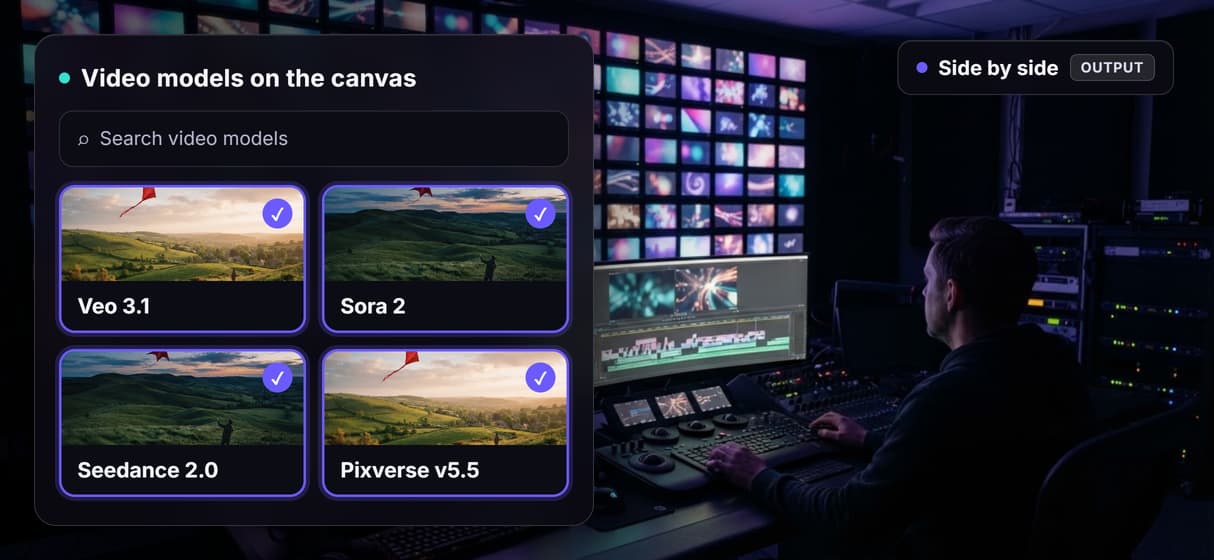
One shared prompt, wired into each model
Type the brief once; every model reads the exact same words, so the only variable left is the model, not the wording, inside one real AI video workflow.
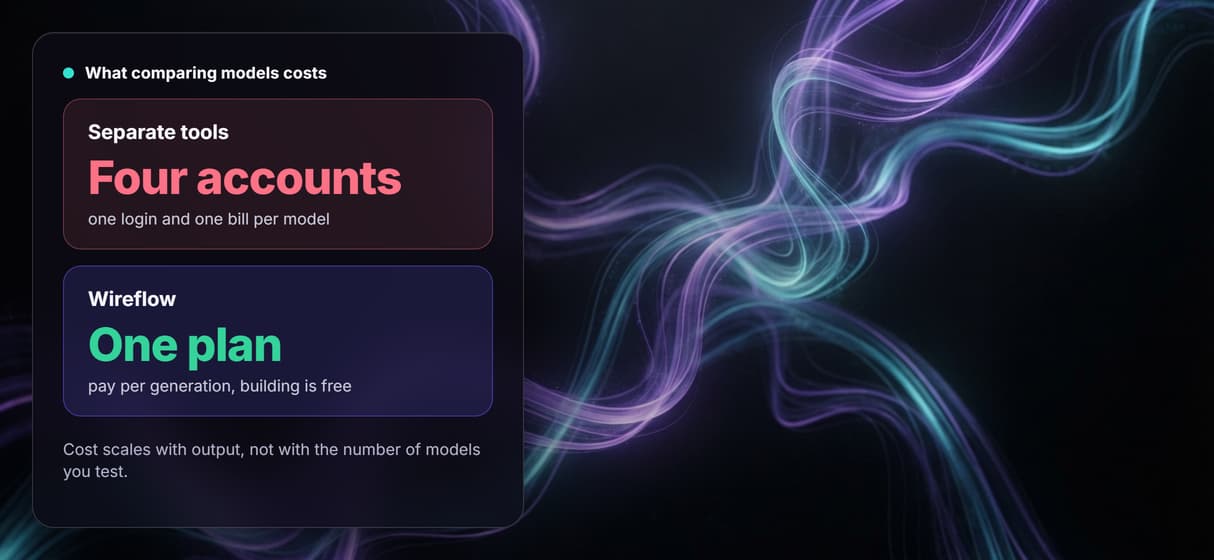
One subscription, not four separate tools
Run every model on one plan and pay per generation, instead of juggling four separate logins and four monthly bills just to chain AI models.
Your comparison is a saved workflow
The board is versioned and shareable by link, so the same four way AI video pipeline reruns identically next month instead of dying as a throwaway demo.
Send the winning clip into your pipeline
Pick the strongest render and wire it straight into upscaling, audio and edit nodes, or into a Sora 2 alternative swap, without leaving the canvas.
Compare video models side by side Workflows
No Code Required
API & Batch Processing
FAQs
You wire one Shared Prompt node into several video model nodes on a canvas. The same brief reaches Veo 3.1, Sora 2, Seedance 2.0, Pixverse v5.5 and any others you add, then you run each node and the clips render next to each other so you can judge them directly.
Discover related AI tools
More From Wireflow
Written by
Andrew Adams · Co-Founder & Operations at Wireflow
Runs client operations and content strategy at Wireflow. Works directly with creative teams and agencies to build production AI workflows.
Compare video models on one canvas
Open the board, wire one prompt into every model, and run them to see the clips side by side. Building is free; you pay per generation, not per account.