Best Topaz Video AI Alternatives in 2026


In this article▾
Topaz Video AI set the standard for desktop video upscaling, but its shift to a $299/year subscription in late 2025 pushed many editors to look elsewhere. Wireflow takes a different approach by letting you chain AI video enhancement models in a visual canvas and trigger them via API, so you can upscale, interpolate, and stabilize footage without installing desktop software. Below are seven alternatives worth considering, whether you want a lifetime license, a browser-based tool, or a programmable pipeline.
Quick Summary
- Wireflow - cloud canvas with API access, pay-per-use pricing, no GPU needed
- AVCLabs Video Enhancer AI - desktop app with 8K output and face recovery
- HitPaw VikPea - 7 AI models including colorization and stabilization
- VideoProc Converter AI - budget-friendly with low hardware requirements
- Video2X - free and open-source, strong on anime content
- Aiarty Video Enhancer - $149 lifetime license, clean upscale quality
- TensorPix - fully browser-based, no download required
Wireflow
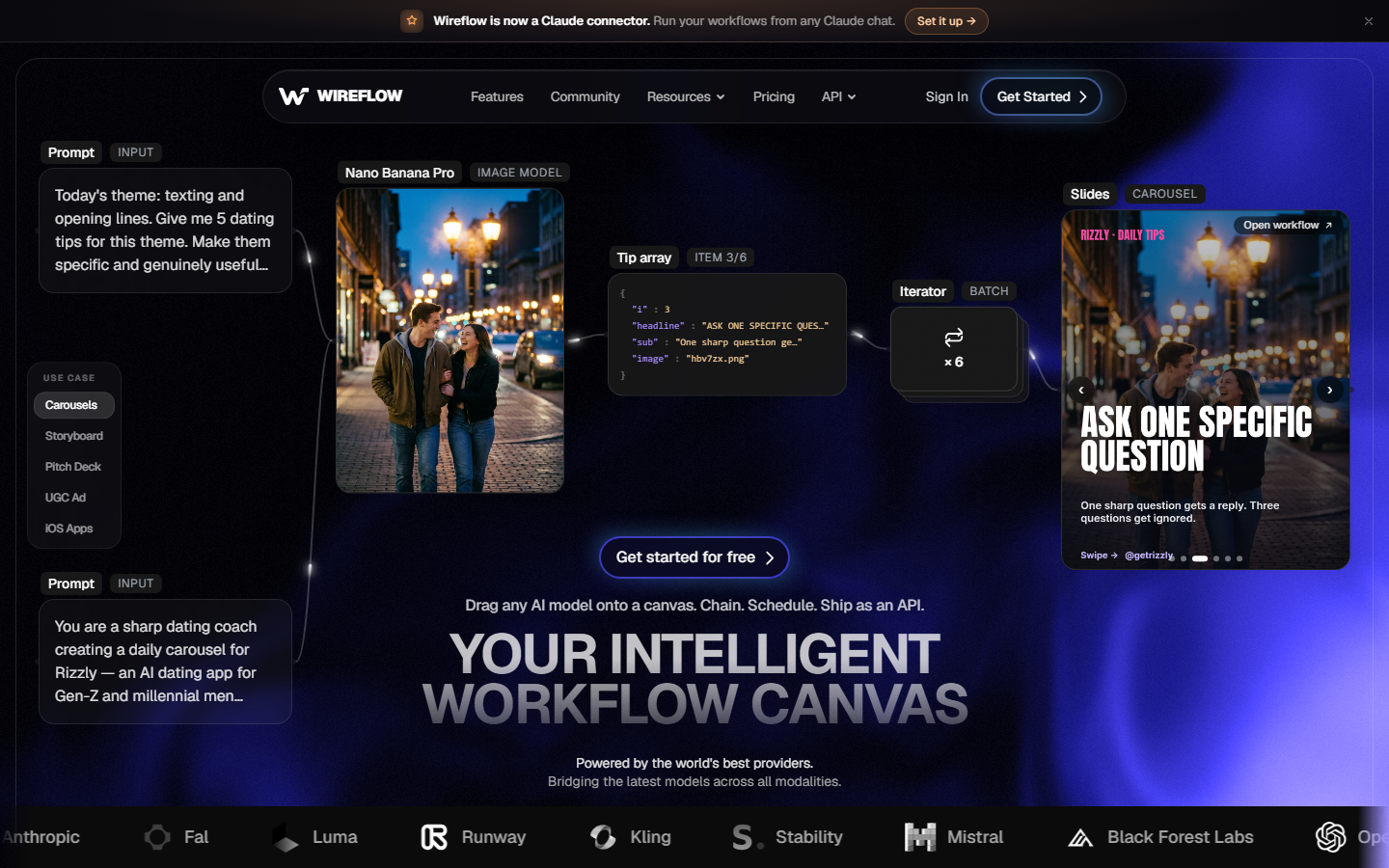
Wireflow works as a visual node editor where you connect AI models into reusable workflows. For video enhancement, you can wire an upscaling model to a frame interpolation node and a stabilization pass, then run the full chain with one click or a single API call. Everything runs on cloud GPUs, so your local machine specs do not matter.
For a hands-on look at this in action, check out the Topaz Video AI alternative feature page.
Pricing: Free tier available, then usage-based. No annual subscription.
Build this in Wireflow
Make the same kind of asset on a canvas you control, with a free account and no credit card.
AVCLabs Video Enhancer AI
AVCLabs Video Enhancer AI supports upscaling to 8K and includes dedicated face recovery models that sharpen blurry faces in old footage. It runs on Windows and Mac with GPU acceleration through NVIDIA and AMD cards. The interface is straightforward: import your clip, pick a model, set the output resolution, and export.
Pricing: $59.95/month or $199.95/year. A lifetime option occasionally surfaces during promotions.
Best for: Archival footage restoration where facial detail matters.
HitPaw VikPea
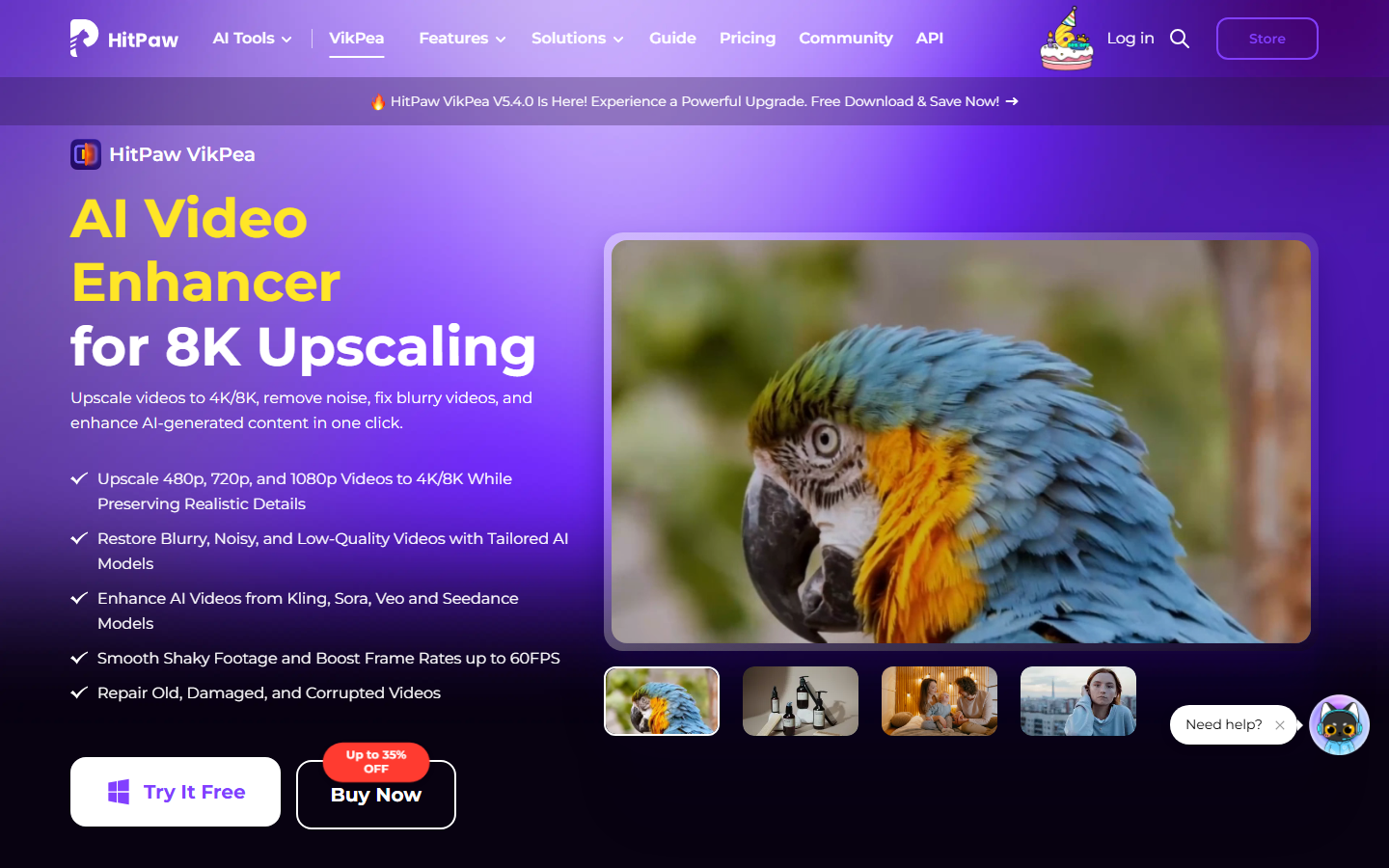
HitPaw VikPea (formerly HitPaw Video Enhancer) ships with seven AI models covering upscaling, denoising, colorization, and animation. The colorization model is useful for restoring black-and-white archival clips without manual grading. It handles resolutions up to 8K and includes batch processing for multi-file queues.
Pricing: $45.99/month, $129.99/year, or $349.99 lifetime.
Best for: Editors who need colorization alongside upscaling in a single tool.
VideoProc Converter AI
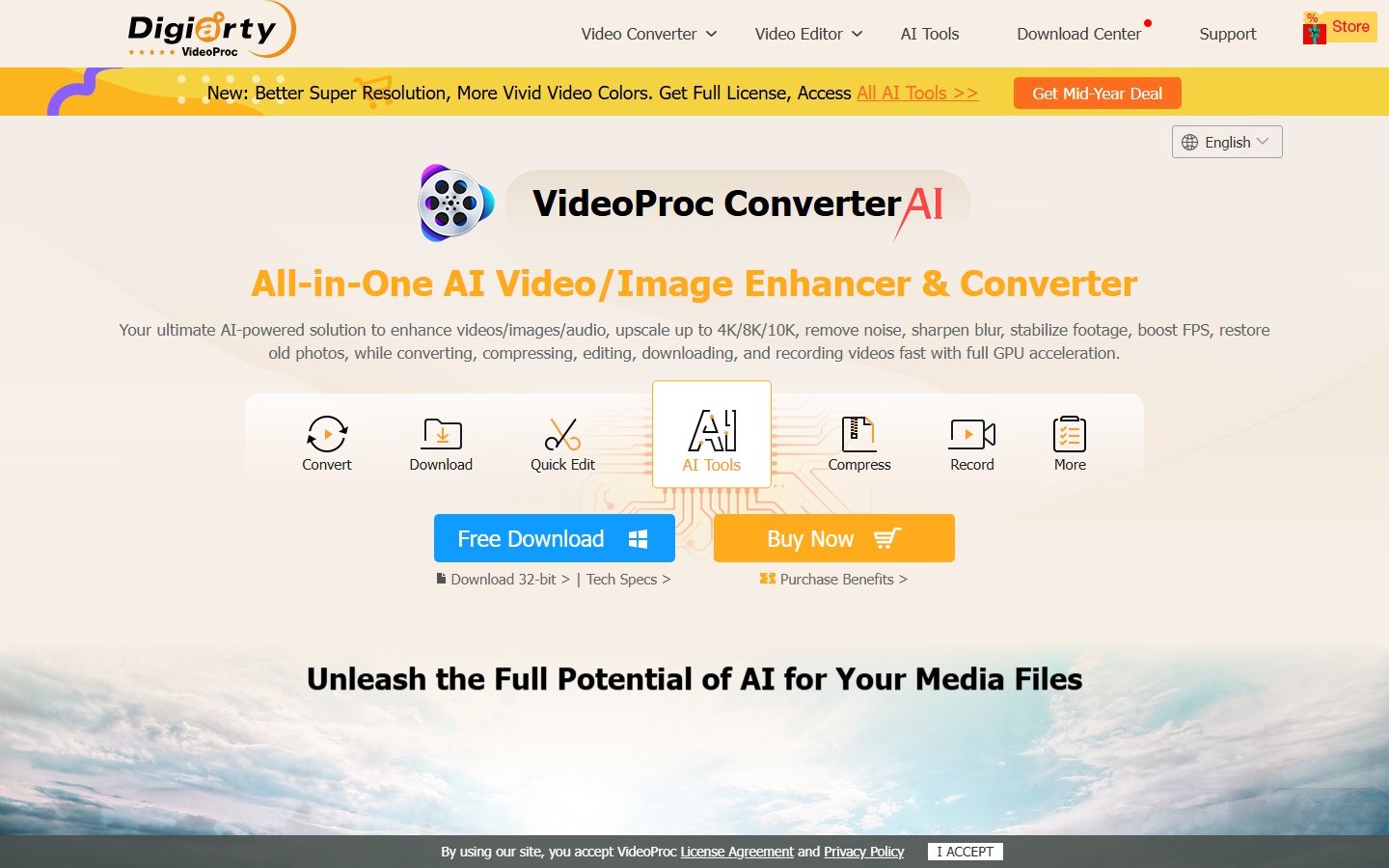
VideoProc Converter AI bundles video upscaling with format conversion, compression, and basic editing. Its hardware requirements are notably low compared to competitors, running acceptably on older GPUs and even integrated graphics. The batch processing support handles folder-level queues efficiently.
Pricing: $25.95/year or $45.95 lifetime.
Best for: Budget-conscious editors who also need a format converter.
Video2X
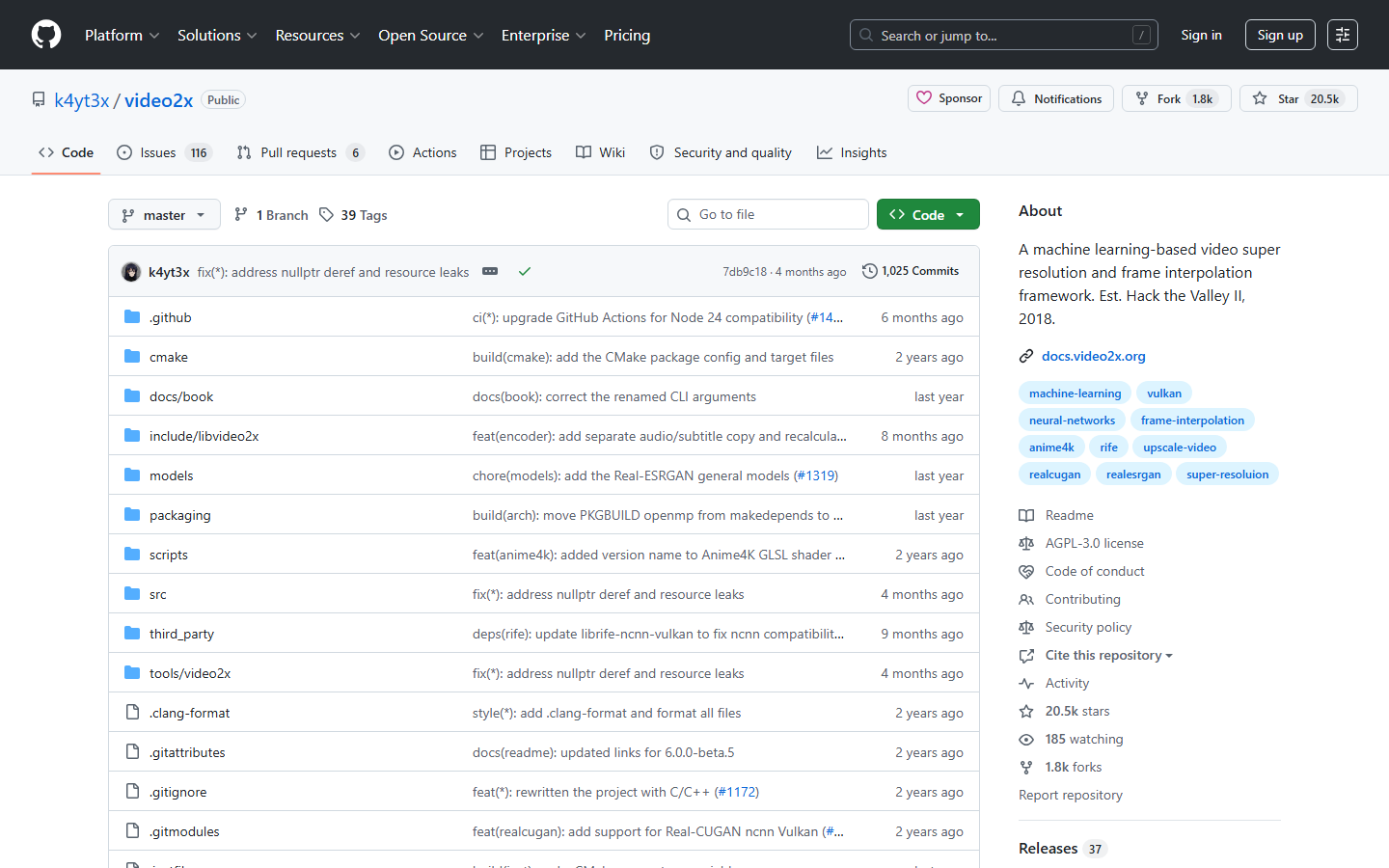
Video2X is free, open-source, and particularly strong at upscaling anime and cel-shaded content. It wraps multiple upscaling engines (Waifu2x, Real-ESRGAN, SRMD) behind a unified CLI and GUI. Processing speed depends entirely on your GPU, and there is no cloud option, but the price (zero dollars) makes it the default choice for developers who want to build their own pipeline.
Pricing: Free and open-source.
Best for: Anime upscaling and developers comfortable with command-line tools.
Aiarty Video Enhancer
Aiarty Video Enhancer positions itself as a direct Topaz replacement with a $149 lifetime license. Output quality on real-world 1080p-to-4K tests is competitive, producing clean edges without the over-sharpening artifacts that some cheaper tools introduce. It supports hardware acceleration on NVIDIA, AMD, and Apple Silicon, and the video generation workflow is simple enough for non-technical users.
Pricing: $79.99/year or $149 lifetime.
Best for: Editors who want Topaz-level quality without recurring payments.
TensorPix
TensorPix runs entirely in the browser, processing your footage on cloud GPUs so you never install software or worry about local hardware. Upload a clip, pick an enhancement preset (upscale, denoise, deinterlace, stabilize), and download the result. The tradeoff is speed: large files take longer to upload and process than desktop tools, but for quick social media video touch-ups it is the fastest path from footage to output.
Pricing: Free tier (limited resolution), paid plans from $4.99/month.
Best for: Quick enhancement jobs when you do not want to install anything.
Comparison Table
| Tool | Max Resolution | GPU Required | Lifetime License | API Access | Frame Interpolation |
|---|---|---|---|---|---|
| Wireflow | Cloud-based | No | N/A (pay-per-use) | Yes | Yes |
| AVCLabs | 8K | Yes | Limited promos | No | No |
| HitPaw VikPea | 8K | Yes | $349.99 | No | Yes |
| VideoProc | 4K | Optional | $45.95 | No | Yes |
| Video2X | Unlimited | Yes | Free | No | No |
| Aiarty | 4K/8K | Yes | $149 | No | No |
| TensorPix | 4K | No (cloud) | No | No | No |
How to Choose the Right Alternative
The decision comes down to three factors: budget, hardware, and workflow complexity.
If you want zero upfront cost, Video2X is the obvious pick, though you need a decent GPU and some comfort with open-source tooling. For a one-time purchase that closely matches Topaz's output quality, Aiarty at $149 lifetime delivers the best value. If the output you actually need is a short looping preview rather than a full upscale, you can make GIFs from a brief without touching that pipeline. VideoProc suits editors who also need format conversion and do not have powerful hardware.
For teams that need to upscale images and video at scale, or integrate enhancement into a larger production pipeline, a cloud-based approach removes the GPU bottleneck entirely. TensorPix handles one-off browser jobs, while Wireflow covers programmatic batch pipelines where you need API access and model chaining.
Try it yourself: Build a video enhancement workflow in Wireflow with pre-configured upscaling and interpolation nodes.
FAQ
Is Topaz Video AI still worth $299/year?
It depends on volume. If you upscale footage daily and need the broadest model library (19+ models), Topaz remains a strong choice. For occasional use, the annual cost is hard to justify when lifetime alternatives like Aiarty exist at $149.
What is the best free alternative to Topaz Video AI?
Video2X is the best free option. It is open-source, supports multiple upscaling engines, and produces strong results on anime and general footage. The tradeoff is a steeper learning curve and the need for a local GPU.
Can I upscale video without a GPU?
Yes. TensorPix runs in the browser on cloud GPUs, and Wireflow processes everything server-side. Both eliminate the need for local GPU hardware.
Which tool produces the closest quality to Topaz Video AI?
Aiarty and AVCLabs produce results closest to Topaz on side-by-side tests. Aiarty edges ahead on clean upscales with less over-sharpening, while AVCLabs has stronger face recovery models.
Do any alternatives support 8K output?
AVCLabs and HitPaw VikPea both support 8K output. Most other tools cap at 4K, which covers the majority of use cases for YouTube, social media, and streaming.
Can I batch-process multiple videos?
Most desktop tools (AVCLabs, HitPaw, VideoProc, Aiarty) support batch queues. For automated batch processing via API, Wireflow lets you trigger enhancement runs programmatically across hundreds of clips.
Is there an API for video upscaling?
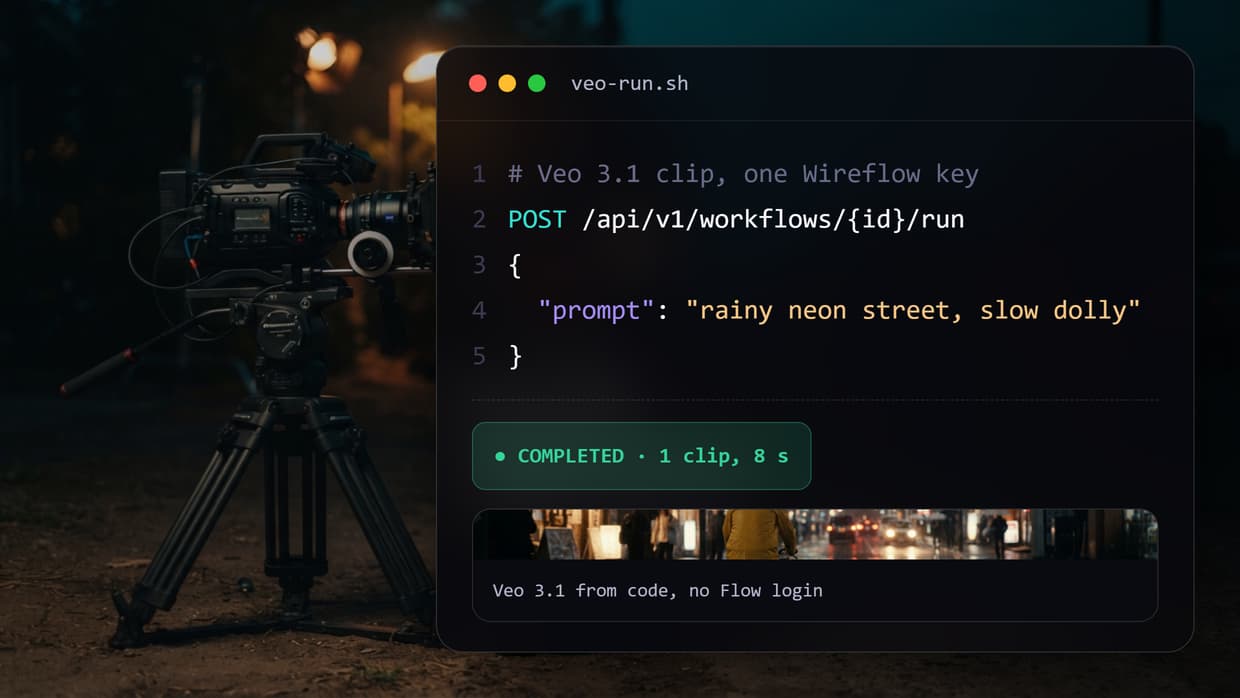
Wireflow provides a REST API for video enhancement workflows. You can chain upscaling, interpolation, and stabilization models and trigger them from code or automation tools like n8n and Make.
What happened to Topaz Video AI's lifetime license?
Topaz Labs discontinued perpetual licenses in October 2025, moving to a $299/year subscription-only model. Existing lifetime license holders kept their access, but new customers must subscribe.

Co-Founder & Operations at Wireflow
Runs client operations and content strategy at Wireflow. Works directly with creative teams and agencies to build production AI workflows.
- Content Strategy
- Client Operations
Make AI videos and ads.
Start free, no card needed.