Features
Topaz Video AI Alternative
Topaz Video AI remains the offline upscaling benchmark for footage you already have.
Wireflow is the alternative when the job begins in the cloud: generate a reference frame, animate it with a swappable video node, chain enhancement, then publish the graph as a REST endpoint or MCP tool. No local GPU or CUDA setup.
Free to build · no credit card · Read the agent docs · See how it works ↓
 Andrew Adams · Co-Founder & Operations at Wireflow ·
How to Use Topaz Video AI Alternative
Steps to get you started in Wireflow.
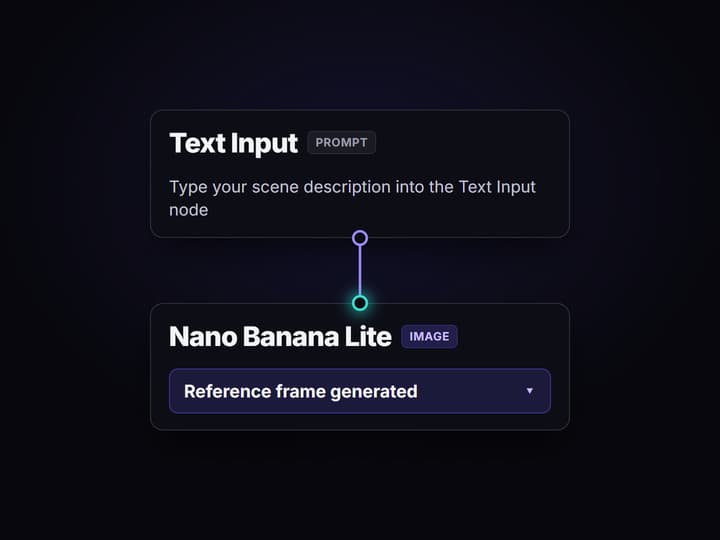
Open the flow and write the scene prompt
Open the published workflow and edit the Text Input. Describe the subject, setting, aspect ratio, light, and motion you want the cloud video pipeline to carry through every node.
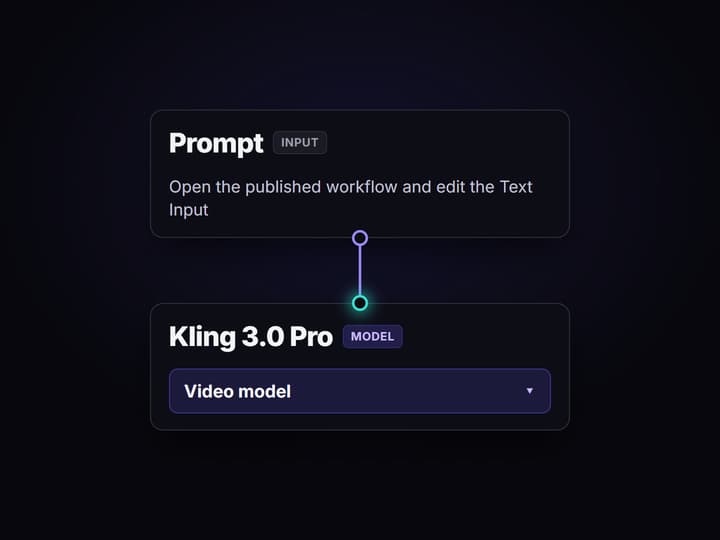
Generate the reference frame and video
Run the graph so GPT Image 2.5 Flare creates the anchor frame, Gemini Omni Flash 1.1 animates it from the same brief, and Topaz Upscale Video upscales the clip.
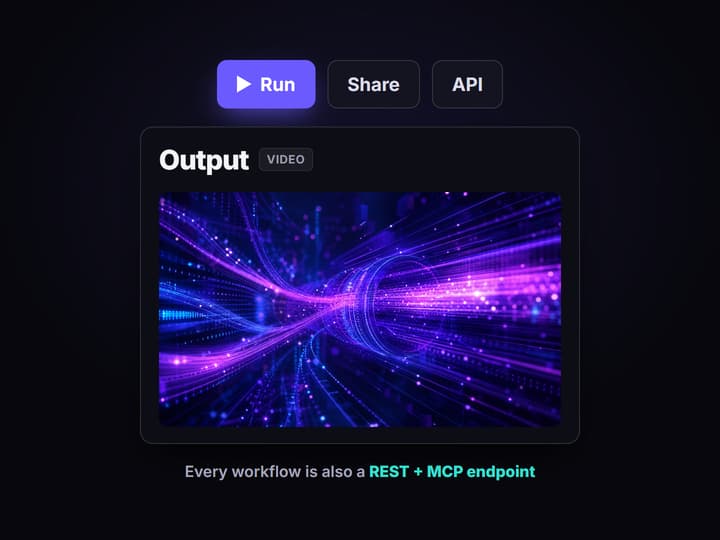
Swap, enhance, or call the flow from code
Replace the video node without rebuilding the graph, change the Topaz upscale settings, or publish the flow so a REST client or MCP agent can return the asset URL.
A Topaz Video AI alternative for a different job
Topaz Video AI is the offline upscaling benchmark for footage you already have. If the job is restoring a VHS transfer, interpolating an existing clip for slow motion, or working with no network connection, a dedicated desktop tool is the honest choice.
Wireflow serves the searcher the usual alternative lists miss: the team creating AI video in the cloud and chaining the result into a repeatable AI video workflow. The canvas runs hosted compute in the browser, so a Text Input can feed GPT Image 2.5 Flare for a reference frame, a video node for motion, and a post-processing node without local CUDA setup.
What the cloud workflow replaces
Hosted compute
Generation and enhancement run in the browser without local CUDA drivers or a dedicated GPU.
Reference frame generation
GPT Image 2.5 Flare turns the prompt into the visual anchor that directs the video node.
Swappable video models
Kling 2.5, Veo 3.1, Seedance 2.0, and Sora 2 can occupy the video slot.
Cloud enhancement
Topaz Upscale Video and Crystal Video Upscaler nodes keep post-processing in the graph.
Workflow as API
A published graph becomes a REST endpoint and MCP tool with typed inputs and asset URLs.
One graph to maintain
Swap a model node as the catalog changes while the prompt, wiring, and callers stay in place.
Why this search changed in October 2025
Topaz Labs moved to subscription access in October 2025. That shift is context for the rise in alternative searches, not the basis for a pricing comparison here. Wireflow is not positioned as a cheaper desktop upscaler. It is positioned for a different operating model: browser-based generation, model chaining, and workflows that software or agents can call.
The distinction matters. A person with old footage needs restoration controls. A team producing new AI clips needs a graph that can create the frame, animate it, enhance it, and return an asset URL without rebuilding integrations for every model.
One graph from prompt to cloud video
Wire the prompt to GPT Image 2.5 Flare to create an anchor frame, then send the frame and prompt to a video node. Kling 2.5, Veo 3.1, Seedance 2.0, and Sora 2 are choices inside the same graph, so changing the model does not force a new pipeline.
When the generation is ready, keep processing in the graph with the Topaz Upscale Video or Crystal Video Upscaler node, or extend it as an AI video editing API. The caller supplies typed inputs and receives an asset URL, while the canvas remains the editable source of truth.
When Topaz Video AI is still the right choice
Wireflow covers cloud AI video generation and chaining. It is not the right replacement for these dedicated offline enhancement jobs:
- Offline upscaling of legacy footage. VHS, DVD, and archival sources belong in a dedicated restoration workflow.
- Frame interpolation for slow motion of existing footage. Choose a tool built around temporal processing of a source clip.
- Offline or air-gapped environments. Wireflow requires a cloud connection by design.
- Simple batch upscaling with no chaining. A dedicated desktop queue is the simpler fit when no generation, API, or model graph is needed.
Wireflow vs Topaz Video AI at a Glance
Topaz is a desktop restoration tool. Wireflow is a cloud generation and chaining layer. Picking the right one starts with whether the footage already exists.
Where Wireflow wins
- Runs on hosted compute with no local GPU, CUDA setup, or driver management
- Chain a reference frame, a video model, and enhancement nodes in one graph
- Swap the video model without rebuilding the pipeline around it
- The same workflow publishes as a REST endpoint and an MCP tool
- Graphs are shareable and versioned, so a team runs the same pipeline
Choose Topaz Video AI if
- The job is offline upscaling of legacy VHS, DVD, or archival footage
- You need frame interpolation for slow motion on a clip you already have
- You work offline or air-gapped, or want simple batch upscaling with no chaining
Pricing, checked August 2026. Building on the Wireflow canvas is free and needs no credit card, and new accounts get starter credits and a free video; after that, generating runs on a paid plan. Starter is $36 a month for 2,660 credits, Professional is $59 a month for 4,370 credits, and Team is $299 a month for 22,140 credits in a shared pool. Every node shows its credit cost on the canvas before you press run, so an expensive video step is visible up front instead of at the end of the month. Topaz sells a one-time desktop licence with paid upgrades; Wireflow is a monthly credit plan with no hardware to buy.
Topaz models run inside Wireflow
Topaz models run on Wireflow as nodes, so you do not have to leave the browser to reach them. Topaz Upscale Video and Topaz Upscale are both on the canvas, ready to drop into a flow.
They sit next to FLUX Video Upscale and Crystal Video Upscaler, so you can send the same clip through more than one upscaler and compare the results in a single flow. That makes it easy to judge which upscaler suits the footage before you commit to a pipeline.
More Than Just Topaz Video AI Alternative
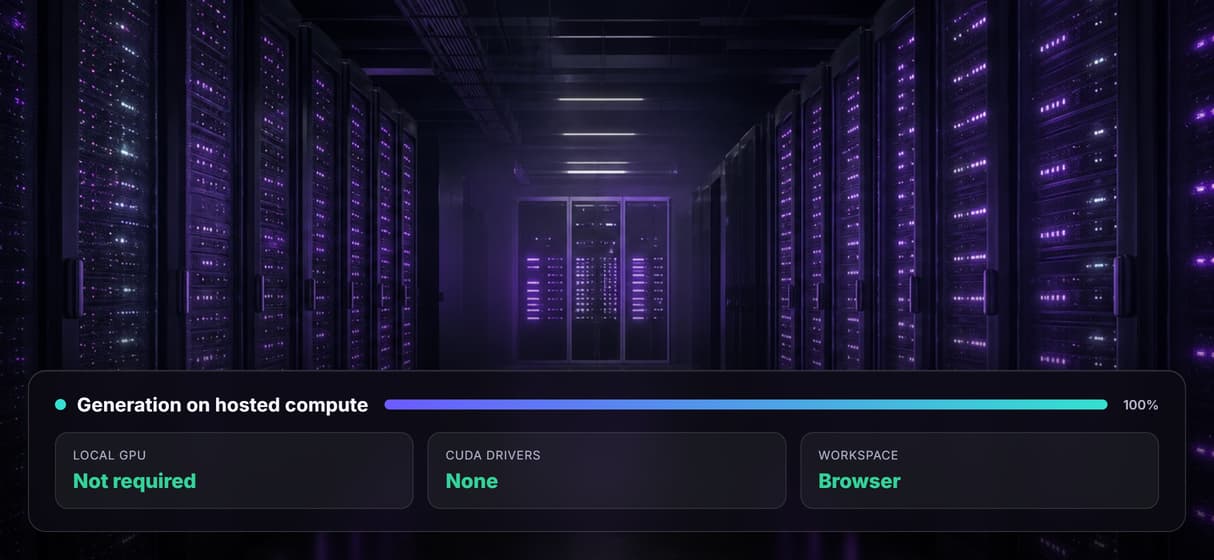
Cloud processing no GPU required
Cloud-native compute runs every generation in the browser with no CUDA drivers or dedicated GPU needed on your machine.
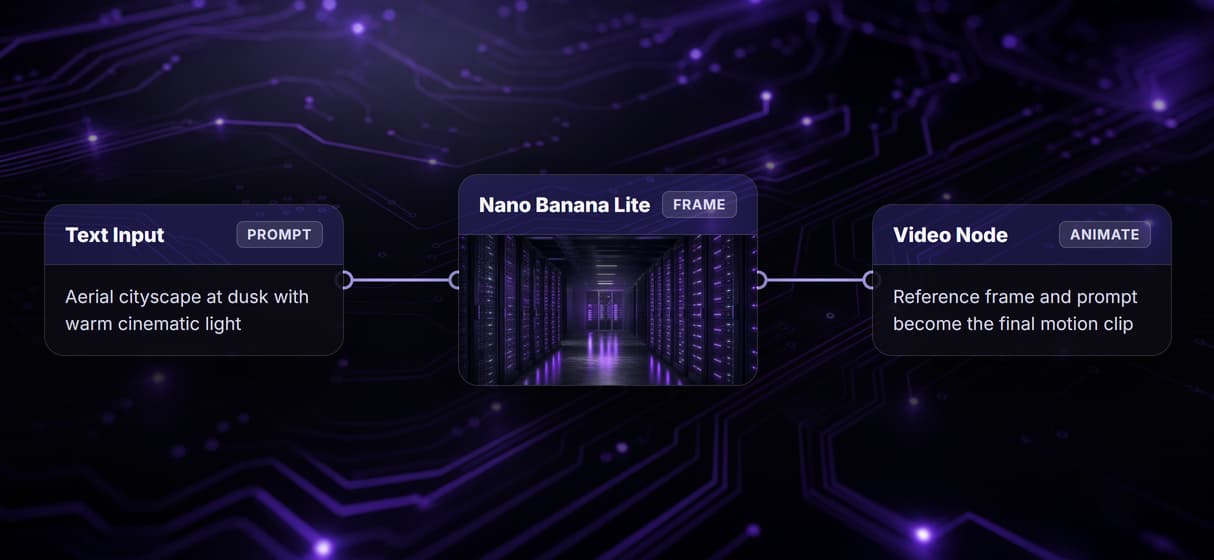
Chain generation and enhancement in one graph
Wire a Text Input into GPT Image 2.5 Flare and a video node in one graph to generate the reference frame and animate it in one run.
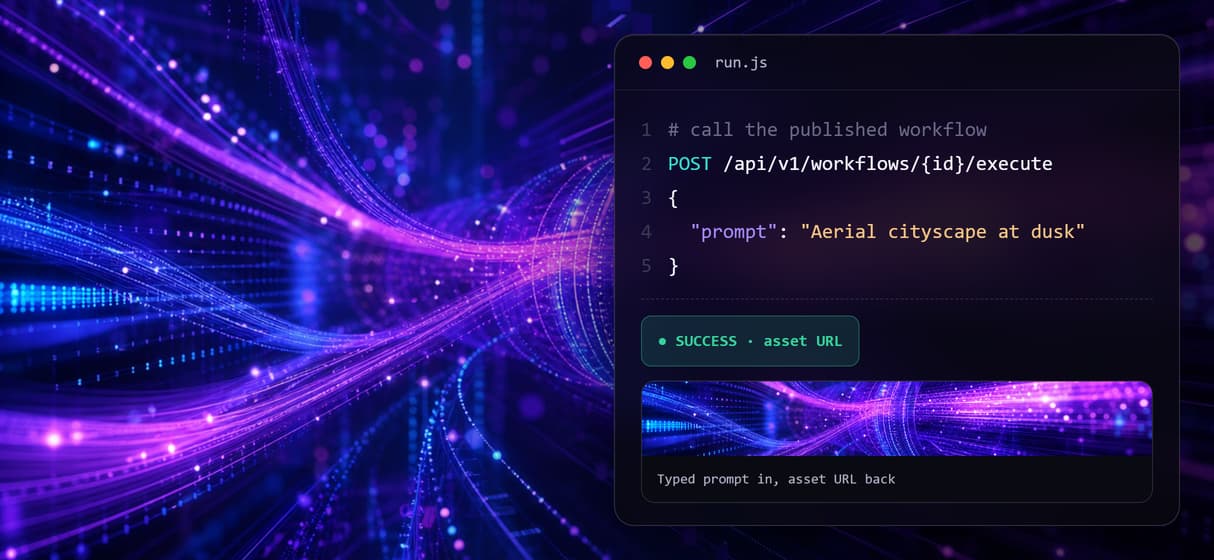
Every workflow doubles as a REST endpoint
Publish any flow and it becomes a REST endpoint and an MCP tool your code calls with a typed prompt and gets an asset URL back.
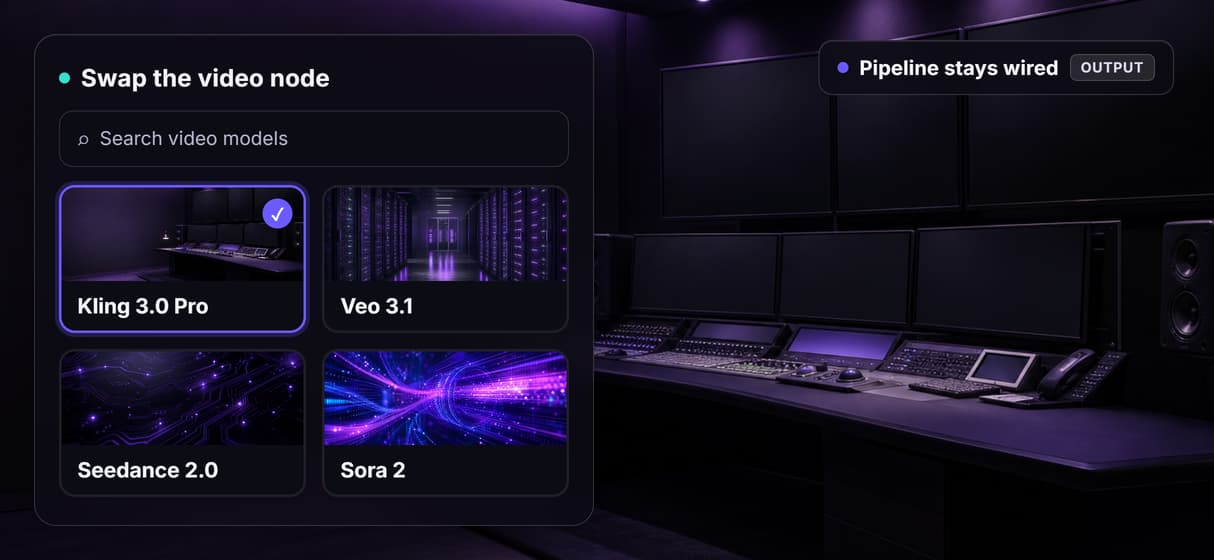
Swap models as better ones ship
The video model is a node not a vendor lock-in. Swap Gemini Omni Flash 1.1 for Veo 3.1 or Seedance 2.0 and the pipeline stays wired.
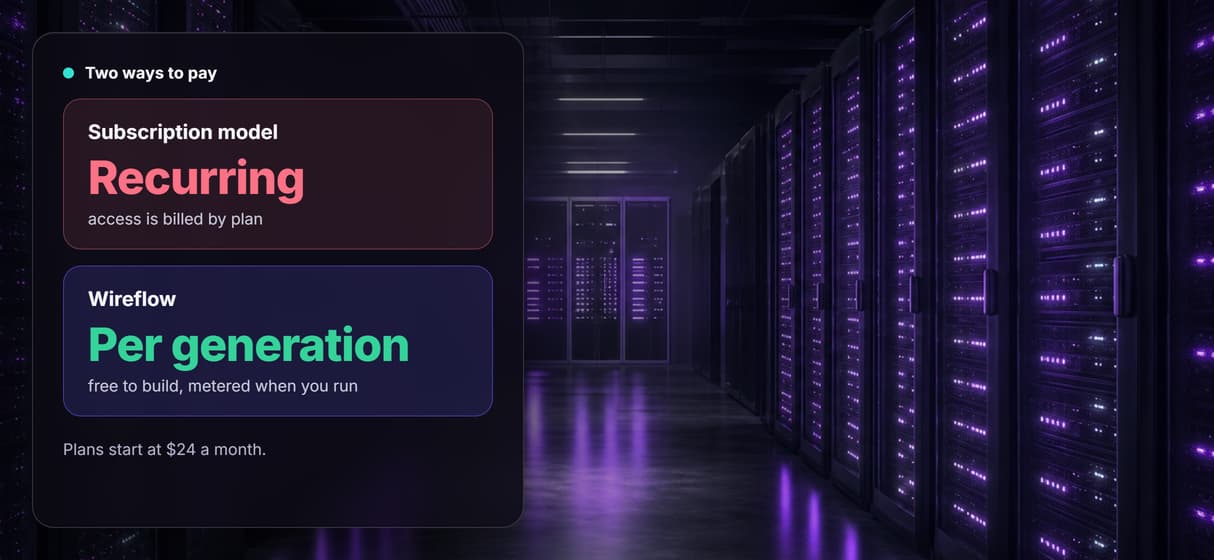
Pay per generation not per subscription
Canvas access is free and generations are metered so building costs nothing. Plans start at 36 dollars a month when you are ready to run at scale.
Build Any AI Workflow
AI Models Integrated
Full Commercial License
FAQs
Not for every job. Topaz Video AI remains the better fit for dedicated offline upscaling and interpolation of existing footage. Wireflow is the alternative for cloud AI video generation, model chaining, enhancement nodes, and workflows that can be called from code or an agent.
Discover related AI tools
More From Wireflow
Written by
Andrew Adams · Co-Founder & Operations at Wireflow
Runs client operations and content strategy at Wireflow. Works directly with creative teams and agencies to build production AI workflows.
Build the cloud video workflow
Open the flow, edit one prompt, and run it from the browser: GPT Image 2.5 Flare makes a reference frame, Gemini Omni Flash 1.1 animates it, and Topaz Upscale Video upscales the clip. Swap models or publish the graph when the pipeline is ready.