Best AI SDK for Image Generation Tools in 2026

In this article▾
- Quick Summary
- How We Ranked These SDKs
- 1. Wireflow: Best Overall
- 2. Vercel AI SDK: Best for TypeScript
- 3. fal.ai: Best for Speed
- 4. Replicate: Best Model Breadth
- 5. OpenAI SDK: Best Prompt Adherence
- 6. Google Gemini SDK: Best for Photorealism
- 7. Stability AI SDK: Most Configurable
- 8. Together AI: Best Value at Volume
- Comparison Table
- Choosing the Right One
- FAQ
- Conclusion
Picking an AI SDK for image generation in 2026 comes down to three questions: how many models you can reach through one interface, how much orchestration code you have to write yourself, and what happens to your bill when volume climbs. Wireflow sits at the visual end of that spectrum, letting you assemble a multi-model image pipeline on a canvas and then call it as a single REST endpoint, while SDKs like the Vercel AI SDK and fal.ai sit closer to the code. This guide ranks eight options by what they actually give a developer shipping image generation into production, with pricing, model coverage, and the failure modes each one leaves you to handle.
Quick Summary
- Wireflow: visual canvas that compiles into one API call. Best Overall
- Vercel AI SDK: typed TypeScript primitives for Next.js apps. Best for TypeScript
- fal.ai: fastest hosted inference for diffusion models. Best for Speed
- Replicate: widest catalog of community and research models. Best Model Breadth
- OpenAI SDK: first-party access to GPT Image 2. Best Prompt Adherence
- Google Gemini SDK: Imagen and Nano Banana in one client. Best for Photorealism
- Stability AI SDK: direct Stable Diffusion and control endpoints. Most Configurable
- Together AI: cheap open-weight serving at scale. Best Value at Volume
How We Ranked These SDKs
Every tool here was judged on the same five criteria: number of image models reachable without a second integration, quality of the official client library, whether multi-step pipelines (generate, then upscale, then remove background) require your own orchestration code, cost transparency, and how quickly a new developer gets a first image back. A single-model SDK is easy to adopt and painful to outgrow, which is why the best image generation API for developers is rarely the one with the flashiest demo.
Google has retired Imagen 4 in the Gemini API and Vertex AI, so read our guide to Imagen 4 pricing and its replacements before you budget for a Google image model.
If you would rather not wire the SDK calls yourself, a visual prompt to image endpoint exposes the same generation as one REST route you can call from any language.
The other axis worth naming early is where the pipeline logic lives. Single-provider SDKs give you one generate() call and leave chaining, retries, and asset handoff to your application code, which is fine for one image and awkward for a five-step sequence. Platforms that model the pipeline itself let you chain multiple AI models in one API call so your backend stays a thin caller.
Build this in Wireflow
Make the same kind of asset on a canvas you control, with a free account and no credit card.
1. Wireflow: Best Overall
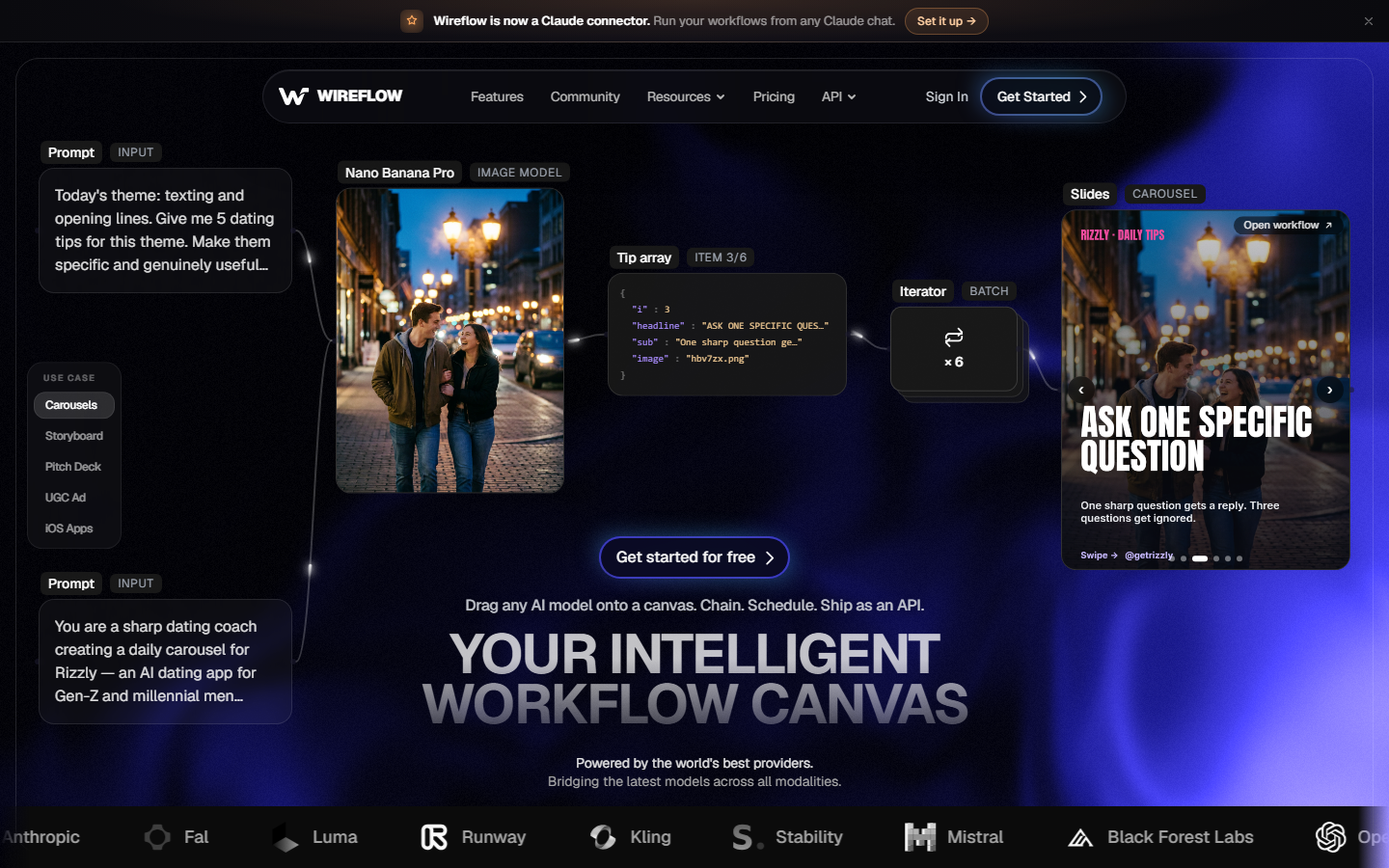
Wireflow is a node-based canvas where each node is a model call, and the finished graph is exposed as a versioned REST endpoint you can hit from any language. For a hands-on look at this in action, check out the AI SDK for image generation feature page, which walks through the same build end to end.
The practical difference shows up on multi-step work. Generating a product shot with Flux, upscaling it, then swapping the background is three separate provider calls and two rounds of file handling in a conventional SDK. On a canvas it is three connected nodes, and your application sends one POST with the prompt. Model swaps are a node change rather than a code change, which matters when a cheaper model ships mid-quarter.
Pricing is credit-based per run with per-model rates, so cost tracks usage rather than a per-seat floor, and the pricing page lists the model rates directly. The tradeoff is honest: if you only ever call one model with one prompt, a canvas is more machinery than the job needs.
Pros: one endpoint for multi-model pipelines, no orchestration code, model swaps without redeploying. Cons: overkill for single-call use cases, requires learning the node model.
2. Vercel AI SDK: Best for TypeScript
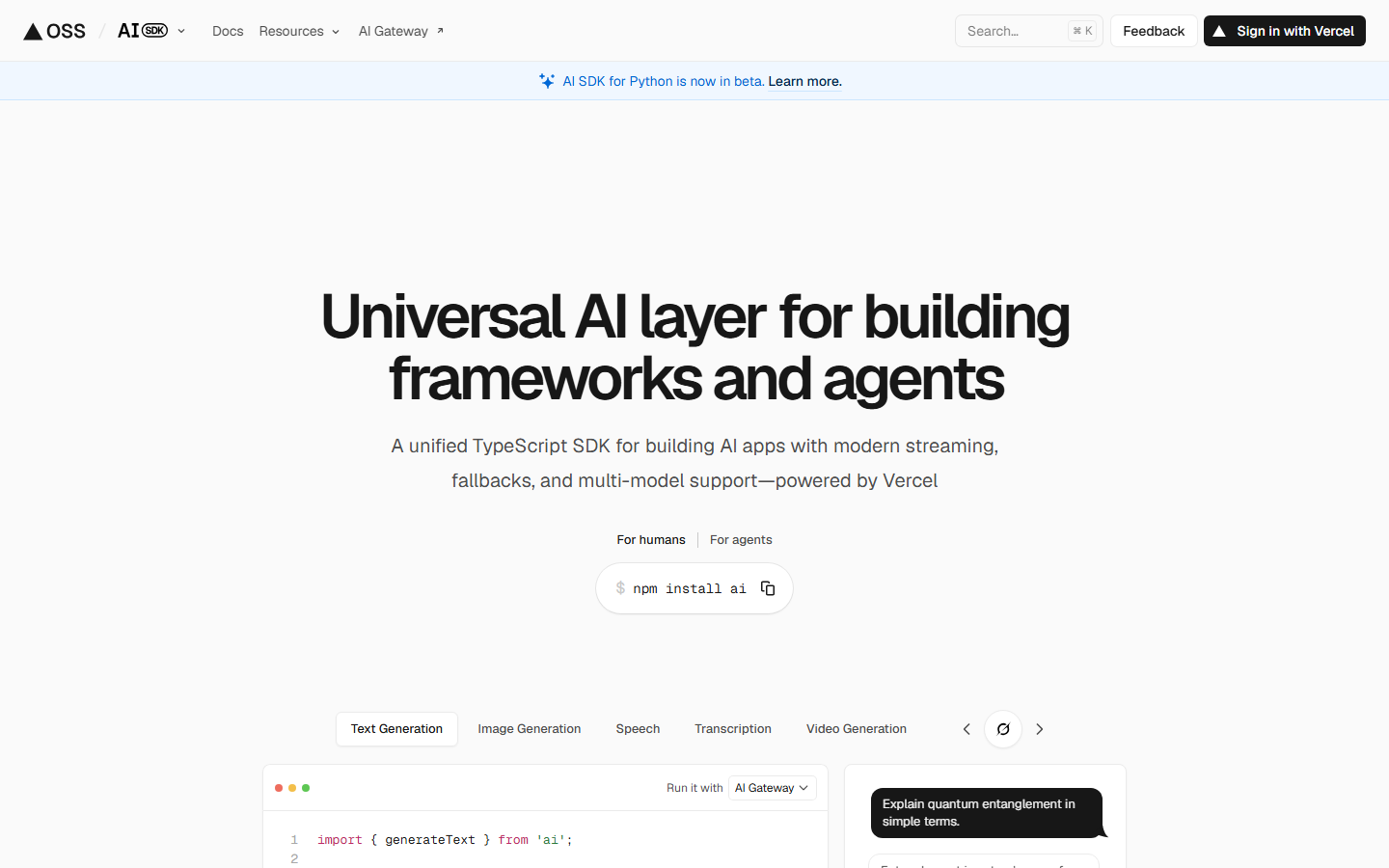
The Vercel AI SDK gives TypeScript developers a provider-agnostic experimental_generateImage() call that works across OpenAI, Google, Fal, and Replicate through swappable provider packages. Types are strong, streaming is first-class, and it drops into a Next.js route handler in a few lines, which is why it has become the default for React teams; the same pattern is covered in detail in our guide to generating images with an AI SDK.
What it does not do is run anything. It is a client library, so you still hold provider keys, still pay each provider directly, and still write your own code for sequencing, retries, and storage. Chaining a generate into an upscale is your await chain to maintain.
Pros: excellent DX, provider abstraction, free and open source. Cons: no hosted execution, no pipeline layer, TypeScript only.
3. fal.ai: Best for Speed
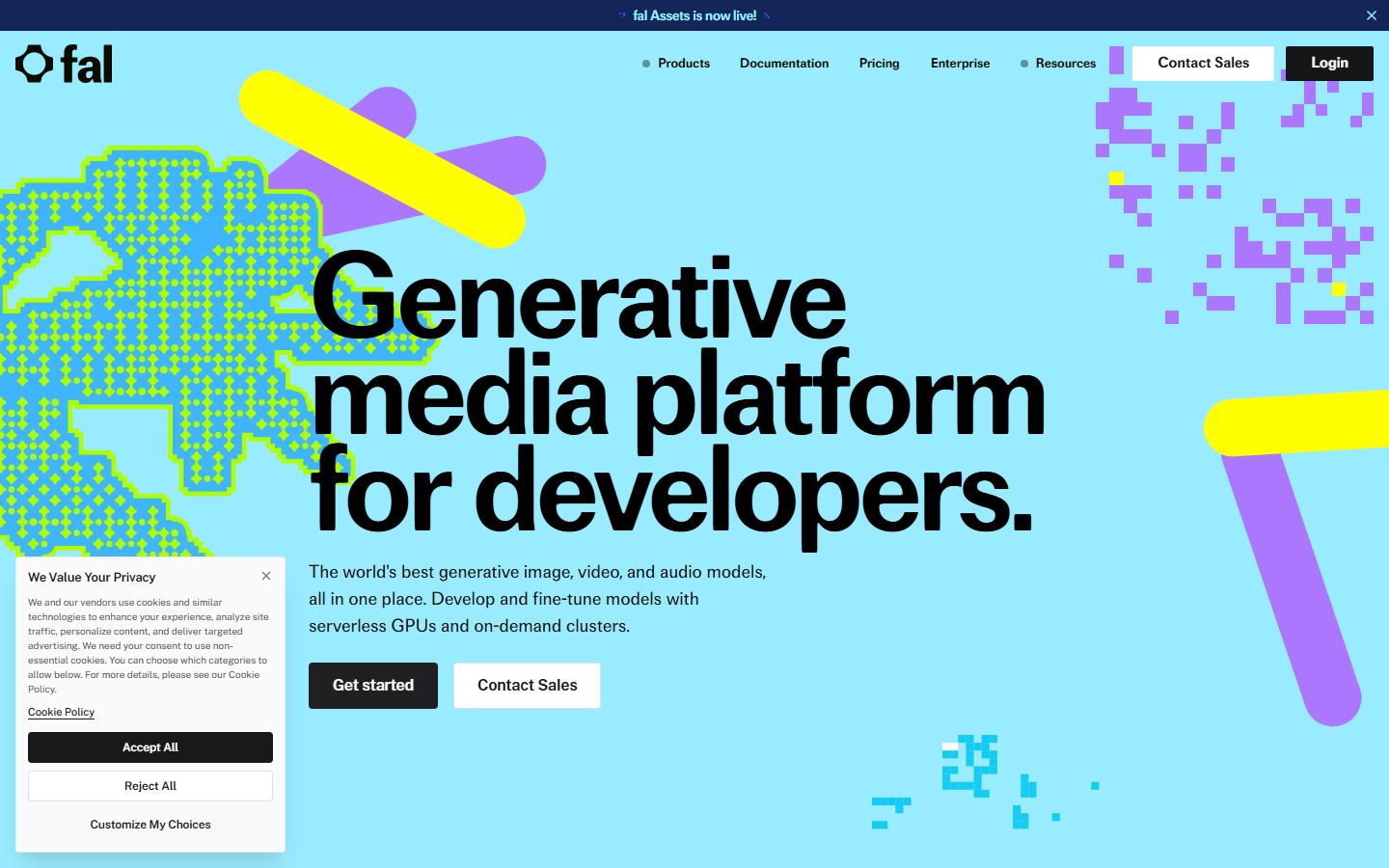
fal.ai is built around fast inference on diffusion models, with clients for JavaScript, Python, and Swift plus queue and webhook modes for long jobs. Cold starts are low and per-image latency on Flux-class models is among the best available, which makes it a common backend choice for interactive tools where the user is watching a spinner.
Its catalog is curated rather than exhaustive, weighted toward image and video diffusion, and billing is per-inference-second on some endpoints and flat per-image on others. Read the model card before you forecast, since the same visual result can cost very differently depending on which endpoint you land on. Teams running high volume usually pair it with hard spend limits on AI generation APIs to keep a runaway loop from becoming an invoice.
Pros: fastest hosted diffusion, good queue and webhook support, real-time endpoints. Cons: mixed billing units, narrower catalog than aggregators.
4. Replicate: Best Model Breadth
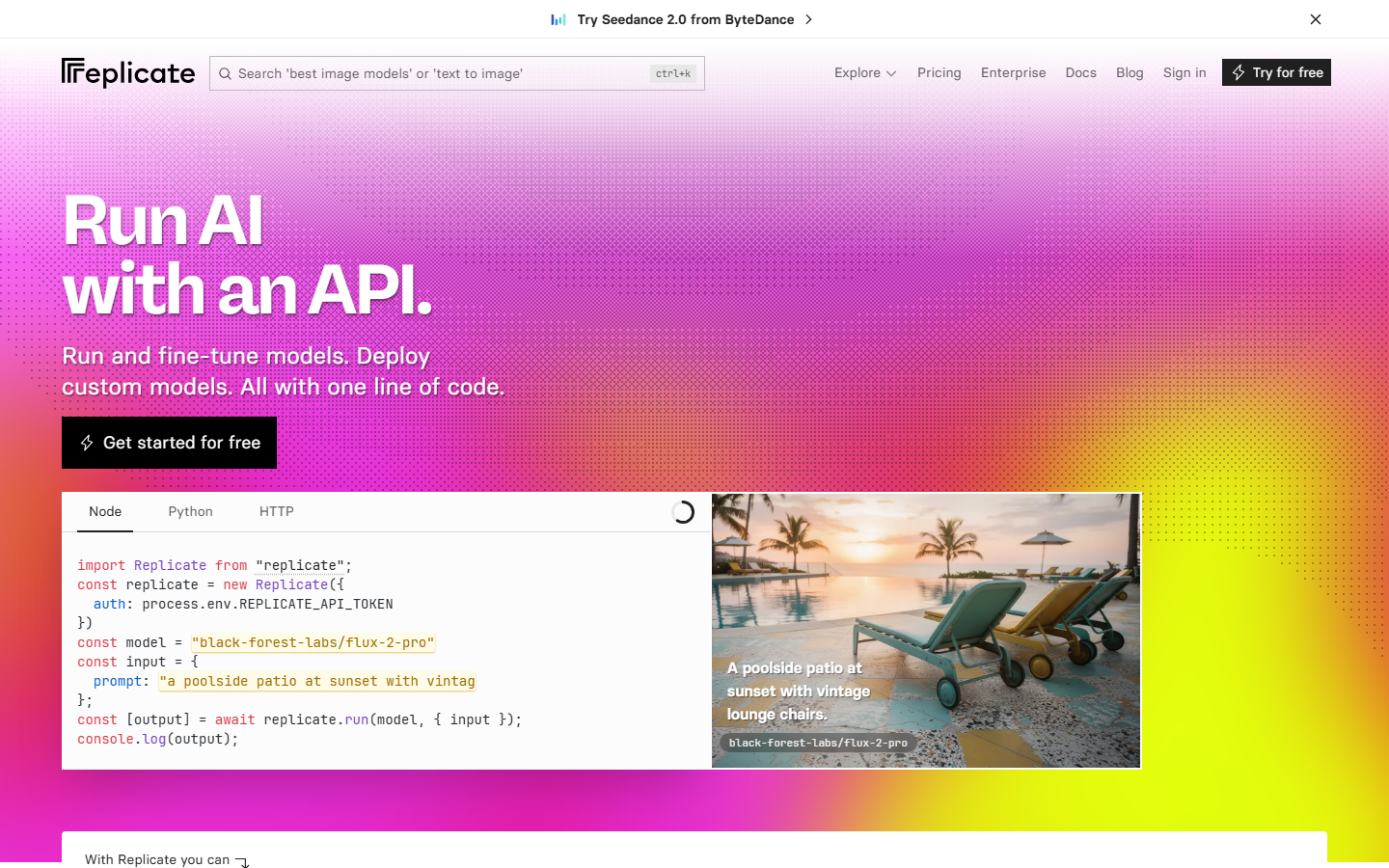
Replicate hosts thousands of community and research models behind one consistent SDK, and its version-pinned model IDs make reproducibility straightforward. If a model appeared on arXiv last month, there is a decent chance someone has already pushed it, and you can call it with the same three lines you use for Flux.
Billing is per-second of GPU time, so cost depends on hardware class and how long the model runs, which makes budgeting harder than flat per-image pricing. Cold starts on rarely used models can add ten seconds or more. Teams that outgrow the per-second model often look at migrating from Replicate to a canvas API once their pipelines get past two or three steps.
Pros: enormous catalog, version pinning, custom model deploys. Cons: per-second billing is hard to forecast, cold starts on long-tail models.
5. OpenAI SDK: Best Prompt Adherence

The OpenAI Python and Node clients expose GPT Image 2 through the same interface teams already use for text, which is the shortest possible integration path if OpenAI is already in your stack. Prompt following is the model's real strength: complex multi-subject instructions and in-image text land more reliably than with most diffusion models.
The limits are the obvious ones. It is one provider with one image family, content filtering is strict enough to block some legitimate commercial prompts, and there is no orchestration beyond the single call. For text-heavy layouts specifically, it is worth benchmarking against Recraft v4 before committing.
Pros: best instruction following, mature SDK, unified with text models. Cons: single provider, strict filtering, no pipeline primitives.
6. Google Gemini SDK: Best for Photorealism
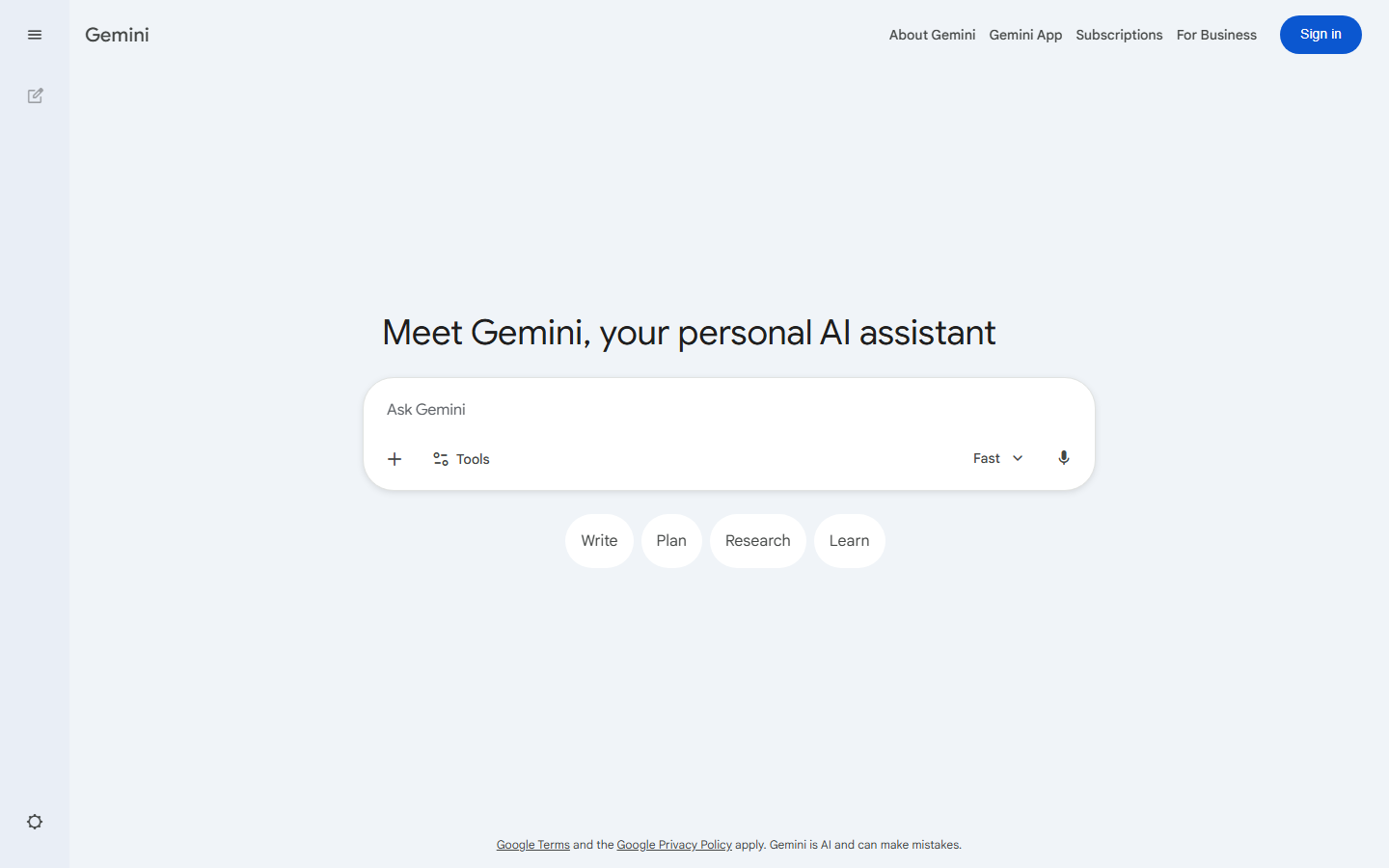
Google ships Imagen and the Nano Banana line through the Gemini SDK, giving one client for both text and image work. Imagen 4 Ultra produces the most convincing photorealistic output of any widely available endpoint in 2026, and Nano Banana 2 covers the opposite end with one to three second renders at low cost, as covered in our Nano Banana 2 API guide.
The friction is operational rather than technical: quota tiers, regional availability, and the split between the Gemini API and Vertex AI all add setup steps that a single-key provider does not. SynthID watermarking is applied to output, which some teams need to account for.
Pros: top-tier photorealism, fast low-cost tier, one SDK for text and image. Cons: quota and region complexity, two overlapping API surfaces.
7. Stability AI SDK: Most Configurable
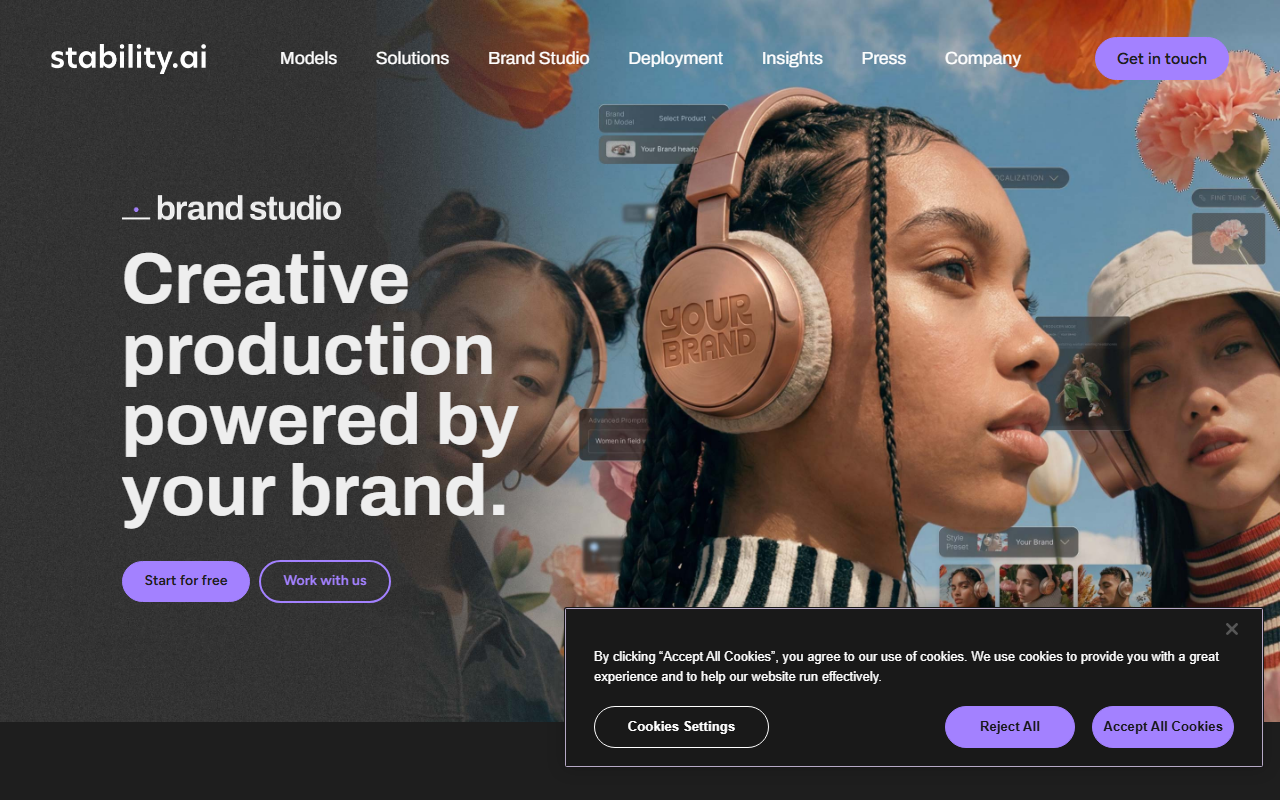
Stability AI exposes Stable Diffusion alongside structure, sketch, style, and inpainting control endpoints, which is the deepest set of steering knobs available from a first-party API. If your product needs the output to follow a layout or a reference edge map rather than just a prompt, this is the shortest route there.
Raw aesthetic quality on default settings trails the current frontier models, so it rewards teams willing to tune. It is also the natural bridge if you expect to run weights yourself later, since the same model family works in a self-hosted image generation API setup.
Pros: deep control endpoints, open weights available, predictable credit pricing. Cons: base quality behind frontier models, more tuning required.
8. Together AI: Best Value at Volume
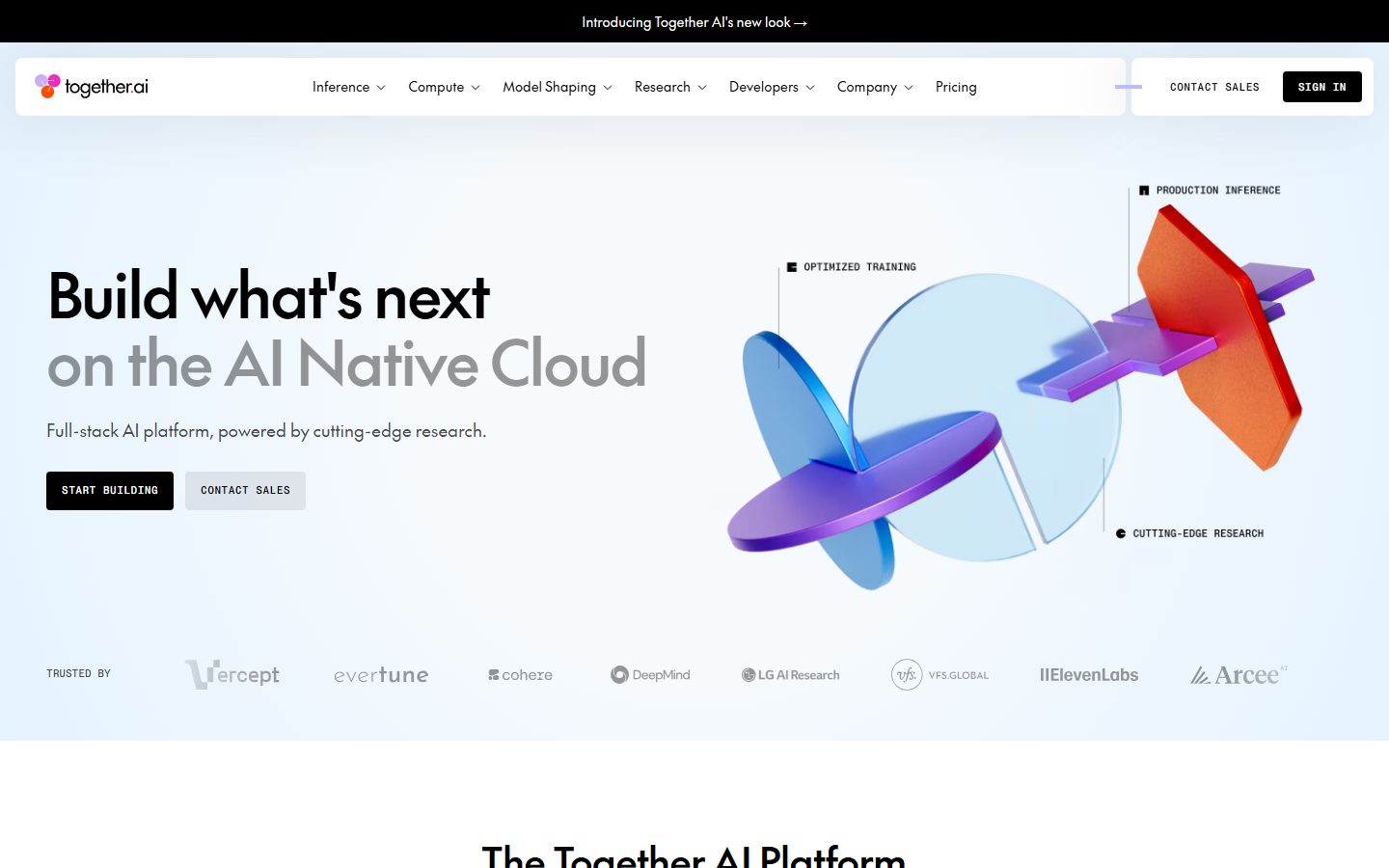
Together AI serves open-weight image models including the Flux family through an OpenAI-compatible SDK, so switching from OpenAI is often a base URL and a model string. Per-image pricing on the free and lite tiers is among the lowest available, which makes it a sensible backend for high-throughput jobs where marginal cost decides the architecture.
Closed frontier models are not on the menu, and throughput under sustained load depends on your rate tier, so plan capacity before a launch. For teams serving many customers from one integration, it pairs well with a multi-tenant image generation setup that keeps per-customer usage separated.
Pros: very low per-image cost, OpenAI-compatible interface, strong open-model coverage. Cons: no closed frontier models, tier-dependent throughput.
Comparison Table
| SDK | Models reachable | Pipeline support | Billing unit | Best for |
|---|---|---|---|---|
| Wireflow | Multi-provider via nodes | Native, visual | Credits per run | Multi-step pipelines |
| Vercel AI SDK | Multi-provider via packages | None, your code | Provider's own | TypeScript apps |
| fal.ai | Curated diffusion catalog | Queue and webhooks | Per image or per second | Low-latency UX |
| Replicate | Thousands, community | None, your code | Per GPU second | Model experimentation |
| OpenAI SDK | GPT Image family | None, your code | Per image | Prompt adherence |
| Google Gemini | Imagen, Nano Banana | None, your code | Per image | Photorealism |
| Stability AI | Stable Diffusion family | Control endpoints | Credits | Structural control |
| Together AI | Open-weight models | None, your code | Per image | High volume |
Choosing the Right One
If you are shipping a TypeScript app and calling one model, the Vercel AI SDK plus a single provider is the lowest-friction stack in 2026 and you should stop there. If latency is the product, use fal.ai. If you are still deciding which model wins, Replicate's catalog is the cheapest place to find out.
The calculus changes once the pipeline has more than two steps or more than one provider in it. At that point the orchestration code, the retry logic, and the intermediate asset storage become the actual maintenance burden, not the model calls, and a platform that owns those steps is worth more than a marginally faster endpoint. The same reasoning applies to node-based image generation generally: the value is in the graph, not any single node.
Try it yourself: Build this workflow in Wireflow. The nodes are pre-configured with the exact setup discussed above.
FAQ
What is the difference between an AI image SDK and an image generation API? The API is the HTTP endpoint; the SDK is the client library that wraps it with types, retries, and auth handling. Some tools ship both, and a few, like the Vercel AI SDK, ship only the client and let you point it at other people's APIs.
Do I need an SDK at all, or can I just use fetch? For a single generate call, plain HTTP is fine and removes a dependency. SDKs earn their place once you need polling for long jobs, typed model parameters, streaming, or provider switching without rewriting call sites.
Which SDK supports the most image models? Replicate has the largest raw catalog. For reaching multiple providers through one integration rather than one catalog, aggregator platforms and canvas-based tools cover more ground because they are not tied to a single hosting stack.
How should I budget for image generation costs? Convert every provider to a cost-per-finished-image figure, including retries and any upscale step, rather than comparing headline rates. Per-second GPU billing and per-image billing are not comparable until you do that, and retries are usually the line item teams forget.
Can I chain generation, upscaling, and background removal in one request? Not with single-provider SDKs; each step is its own call and you handle the file passing. Pipeline platforms expose the whole chain as one endpoint, which is the main structural reason teams move off raw SDKs as products mature.
Is it safe to depend on one provider's SDK long term? It is workable if you wrap the calls behind your own interface from day one. Providers deprecate model versions on their own schedule, and teams that call the vendor SDK directly from twenty files feel every one of those deprecations.
Which option is best for a solo developer shipping fast? The Vercel AI SDK with a single provider key. It has the shortest path from zero to a working image in a web app, and it does not commit you to a specific model.
Do these SDKs handle image storage? Mostly no. Providers return a temporary URL or base64 payload that expires, so persisting output to your own bucket is your responsibility with almost every option here. Hosted pipeline platforms are the exception, since they store intermediate assets between steps.
Conclusion
There is no single best AI SDK for image generation in 2026, only a best fit for where your complexity actually lives. If it lives in one model call, take the thinnest client you can find and move on. If it lives in a chain of models, storage handoffs, and cost controls, the SDK is the least interesting part of the problem and the orchestration layer is what you are really choosing. When the orchestration layer is the real choice, a node-based Picsart Flow alternative gives you that chain of models, storage handoffs, and per-node cost in one hosted graph. Wireflow is built for that second case, which is why it leads this list, and the image editing API landscape is worth reviewing next if post-generation steps are part of your pipeline.

Co-Founder & Operations at Wireflow
Runs client operations and content strategy at Wireflow. Works directly with creative teams and agencies to build production AI workflows.
- Content Strategy
- Client Operations
Ask Claude for your next ad.
Connect once. Ask any time.
- No credit card
- You keep the rights to what you make
- Cancel anytime
More in Alternatives
Head-to-heads and roundups of the tools people weigh up.