Nano Banana 2 API Guide for Developers

In this article▾
- What Is Nano Banana 2?
- Setting Up Your First API Call
- Using the Webhook Trigger for Serverless Integration
- Pricing and Rate Limits
- Chaining Nano Banana 2 with Other Models
- Error Handling and Idempotency
- Integrating with Claude Code via the Claude Skill
- Best Practices for Production Deployments
- Frequently Asked Questions
Google's Nano Banana 2 model, built on Gemini 3.1 Flash Image, is one of the fastest and most cost-effective image generation APIs available to developers in 2026. Wireflow gives you direct access to Nano Banana 2 through its REST API, so you can integrate high-quality image generation into any application without managing infrastructure or GPU provisioning.
What Is Nano Banana 2?
Nano Banana 2 is Google's production-grade image generation model that replaced Nano Banana Pro as the default across Gemini's Fast, Thinking, and Pro modes. The underlying model is gemini-3.1-flash-image-preview, optimized for speed and high-volume workloads. It supports resolutions from 512px up to 4K, aspect ratios including 1:1, 16:9, 9:16, 4:3, and 3:4, and maintains consistency across up to 5 characters and 14 objects in a single generation. For a hands-on look at Nano Banana 2 capabilities on Wireflow, check out the Nano Banana API feature page.
Build this in Wireflow
Make the same kind of asset on a canvas you control, with a free account and no credit card.
Setting Up Your First API Call
Before writing any code, you need an API key from the Wireflow dashboard. Navigate to Settings > API Keys and generate a new key. Keys begin with sk- and are shown only once, so store them securely.
Here is a minimal curl example that creates a workflow with a text input node connected to a Nano Banana Pro generation node, then executes it:
# Create and execute a Nano Banana 2 image generation workflow
curl -X POST https://www.wireflow.ai/api/v1/workflows \
  -H "Authorization: Bearer sk-your-api-key" \
  -H "Content-Type: application/json" \
  -d '{
    "name": "Nano Banana 2 Generator",
    "nodes": [
      {
        "id": "input-1",
        "type": "basedNode",
        "position": {"x": 0, "y": 0},
        "data": {
          "label": "Text Input",
          "nodeType": "input:text",
          "category": "input",
          "params": {
            "prompt": "A coastal villa at golden hour with terracotta roof tiles"
          }
        }
      },
      {
        "id": "gen-1",
        "type": "basedNode",
        "position": {"x": 500, "y": 0},
        "data": {
          "label": "Nano Banana Pro",
          "nodeType": "generate:nano_banana_pro",
          "category": "generate",
          "params": {"resolution": "1K", "aspect_ratio": "16:9"}
        }
      }
    ],
    "edges": [
      {
        "id": "e1",
        "source": "input-1",
        "target": "gen-1",
        "sourceHandle": "out-prompt",
        "targetHandle": "in-prompt"
      }
    ]
  }'
This returns a workflow ID. Next, execute it and poll for results using the async execution pattern:
# Execute the workflow
curl -X POST https://www.wireflow.ai/api/v1/workflows/YOUR_WORKFLOW_ID/execute \
  -H "Authorization: Bearer sk-your-api-key" \
  -H "Content-Type: application/json" \
  -d '{"nodes": [], "edges": []}'

# Poll for completion
curl https://www.wireflow.ai/api/v1/workflows/executions/EXECUTION_ID/poll \
  -H "Authorization: Bearer sk-your-api-key"
The poll endpoint returns RUNNING, COMPLETED (with node outputs including image URLs), or FAILED (with error details). Use exponential backoff starting at 1 second, multiplying by 1.5 per attempt, capping at 10 seconds between polls.
Using the Webhook Trigger for Serverless Integration
For applications that need to trigger image generation without storing API keys on the client, Wireflow's webhook endpoints provide a zero-auth trigger path. Each workflow can have a webhook URL that accepts POST requests without an Authorization header:
curl -X POST https://www.wireflow.ai/api/v1/workflow/YOUR_WEBHOOK_ID/trigger \
  -H "Content-Type: application/json" \
  -d '{"prompt": "Mountain landscape at sunrise with morning mist"}'
This returns a 202 response with an executionId. You can then poll for results using your API key server-side. The webhook path is /workflow/ (singular), distinct from the REST endpoints at /workflows/ (plural). CORS headers are set to Access-Control-Allow-Origin: *, making webhooks suitable for form submissions, Zapier integrations, and CI/CD pipelines.

Pricing and Rate Limits
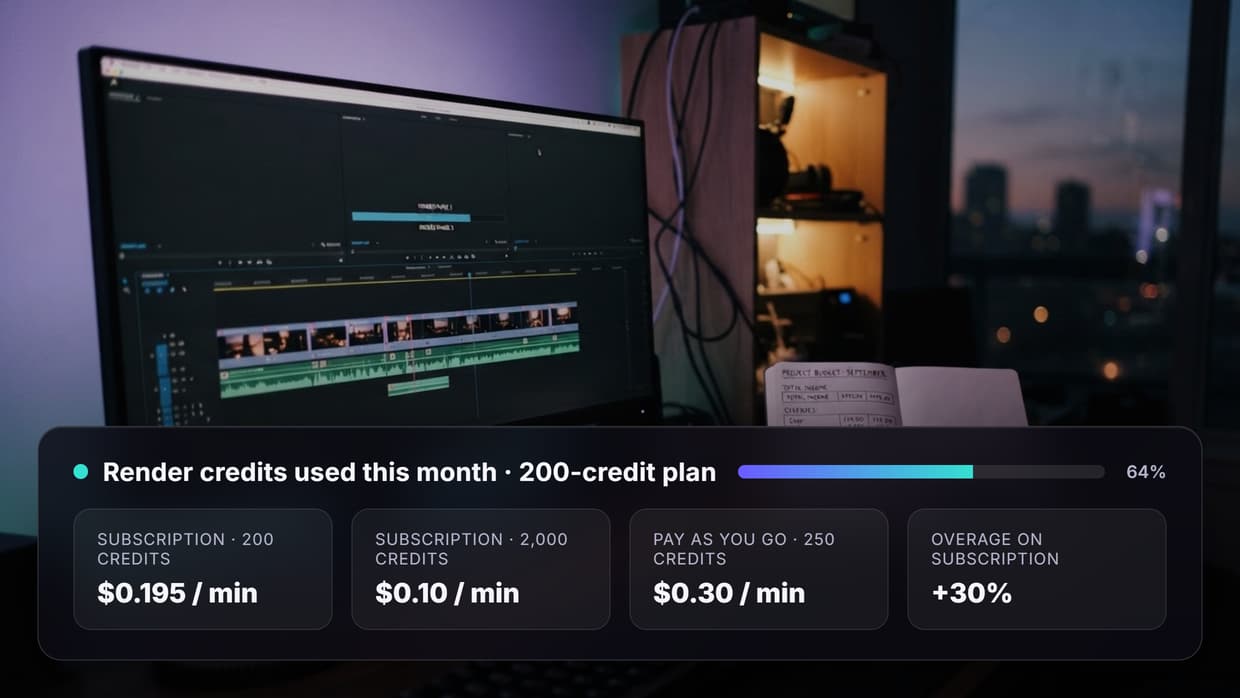
Nano Banana 2 pricing on Wireflow follows a credit-based system. At 1K resolution, expect roughly $0.067 per image through the standard API. For high-volume workloads, batch generation can cut costs significantly. Check the batch generation guide for details on running multiple images in a single execution.
Rate limits vary by plan. Free accounts get 10 requests per minute with 50 daily executions. Starter plans bump that to 20 req/min and 200 daily executions. Pro plans allow 60 req/min with 1,000 daily executions, and Enterprise plans scale to 200 req/min with unlimited executions. The execution-per-minute cap stays at 10 across all tiers to prevent automation overload. Every response includes X-RateLimit-Remaining and X-RateLimit-Reset headers so you can build adaptive throttling into your client.
| Plan | Requests/min | Executions/min | Daily Executions | Best For |
|---|---|---|---|---|
| Free | 10 | 10 | 50 | Prototyping |
| Starter | 20 | 10 | 200 | Side projects |
| Pro | 60 | 10 | 1,000 | Production apps |
| Enterprise | 200 | 10 | Unlimited | High-scale platforms |
Chaining Nano Banana 2 with Other Models
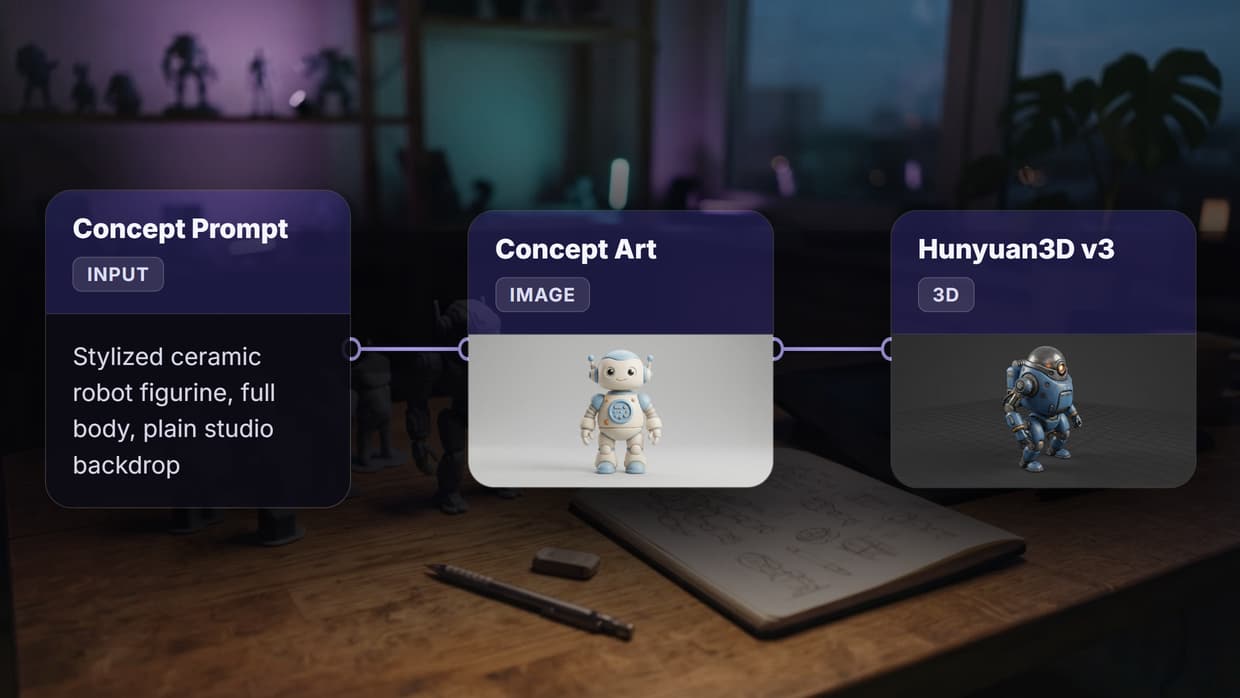
One of the most practical patterns is chaining Nano Banana 2 with other nodes in a single workflow. For example, you can generate an image with Nano Banana 2, then pass it to a model chaining pipeline that upscales, edits, or converts the output to video.
A common production setup connects a text input to Nano Banana Pro for base generation, then routes the output to edit:nano_banana_pro_edit for refinement, or to video:kling_video_2_5_i2v for image-to-video conversion. Each node in the chain executes sequentially, and Wireflow handles the data passing between them automatically. The AI pipeline automation feature ensures retries and error handling are built in.

Error Handling and Idempotency
Production API integrations need proper error handling. Wireflow returns structured errors with contextual fields. A 402 response means insufficient credits and includes a breakdown array showing exactly which nodes require how many credits. A 429 response includes a retryAfter field telling you how long to wait.
For critical workloads, include an Idempotency-Key header on execute requests. Identical keys within 24 hours replay the original response without triggering a duplicate execution. This is essential for payment flows or any scenario where double-generation would waste credits. See the full error reference for all status codes.
// Example: Node.js fetch with idempotency and retry logic
async function generateImage(workflowId, apiKey, prompt) {
  const idempotencyKey = `gen-${Date.now()}-${prompt.slice(0, 20)}`;

  const res = await fetch(
    `https://www.wireflow.ai/api/v1/workflows/${workflowId}/execute`,
    {
      method: 'POST',
      headers: {
        'Authorization': `Bearer ${apiKey}`,
        'Content-Type': 'application/json',
        'Idempotency-Key': idempotencyKey
      },
      body: JSON.stringify({ nodes: [], edges: [] })
    }
  );

  if (res.status === 429) {
    const retryAfter = res.headers.get('Retry-After');
    await new Promise(r => setTimeout(r, retryAfter * 1000));
    return generateImage(workflowId, apiKey, prompt);
  }

  if (!res.ok) {
    const err = await res.json();
    throw new Error(`API error ${res.status}: ${err.error}`);
  }

  return res.json();
}
Integrating with Claude Code via the Claude Skill
If you use Claude Code or Claude Desktop, Wireflow publishes an official Claude Skill (see /docs/guides/claude-skill) that lets AI agents drive Nano Banana 2 workflows programmatically. This means you can ask Claude to generate images, chain models, and retrieve results without writing any HTTP client code. The skill handles authentication, polling, and result extraction. This is especially useful for building AI workflows where an LLM orchestrates image generation as part of a larger task.
Best Practices for Production Deployments
When moving from prototyping to production, keep these patterns in mind. Store your API key in environment variables or a secrets manager; never hardcode it. Use the no-code canvas to prototype workflows visually before converting them to API calls. Set up webhook triggers for user-facing features so your frontend never holds API credentials. Monitor the X-Request-Id header on every response for debugging with Wireflow support.
For batch workloads, create a single workflow with a utility:prompt_concat node to template your prompts dynamically, then execute it in a loop with different inputs. The content generation API comparison covers how this approach stacks up against other platforms.

Try it yourself: Build this workflow in Wireflow and explore the Wireflow API documentation at /docs/api/workflows to start integrating Nano Banana 2 into your applications today.
Frequently Asked Questions
What is the Nano Banana 2 API and how does it differ from Nano Banana Pro?
Nano Banana 2 is Google's Gemini 3.1 Flash Image model, which replaced Nano Banana Pro as the default image generation model. It offers improved text rendering, multi-object consistency, and support for resolutions up to 4K. The API interface on Wireflow remains the same; only the underlying model has changed.
How much does Nano Banana 2 cost per image?
At 1K resolution through the Wireflow API, Nano Banana 2 costs approximately $0.067 per image. Batch API pricing can reduce this to around $0.034 per image, a 50% discount for high-volume workloads.
Do I need a GPU to use the Nano Banana 2 API?
No. Wireflow handles all GPU provisioning and model hosting. You send HTTP requests and receive image URLs in response. There is no local GPU requirement.
What resolutions does Nano Banana 2 support?
Nano Banana 2 supports 512px, 1K, 2K, and 4K resolutions. Supported aspect ratios include 1:1, 16:9, 9:16, 4:3, 3:4, 4:1, 1:4, 8:1, and 1:8.
Can I trigger Nano Banana 2 generation without an API key?
Yes, using Wireflow's webhook endpoints. Each workflow can have a webhook URL that accepts unauthenticated POST requests. Results are then polled server-side with an API key.
How do I handle rate limiting in production?
Check the X-RateLimit-Remaining and X-RateLimit-Reset headers on every response. When you receive a 429 status, read the Retry-After header and wait that many seconds before retrying. Use exponential backoff for polling.
Can I chain Nano Banana 2 with video generation models?
Yes. Wireflow's node-based architecture lets you connect Nano Banana 2 output to video models like Kling 2.5 in the same workflow. The image output from Nano Banana 2 feeds directly into the video node's image input.
Is there an official SDK for the Wireflow API?
No official SDK exists. The API is plain REST and JSON, compatible with any HTTP client including curl, fetch, axios, and Python requests. Code examples are available in the API documentation.

Co-Founder & Operations at Wireflow
Runs client operations and content strategy at Wireflow. Works directly with creative teams and agencies to build production AI workflows.
- Content Strategy
- Client Operations
Get unlimited ad creatives today.
One call to see if we are a fit and scope the first ad. If it fits, your first batch lands inside week one.