Best AI Node Editor with API Tools in 2026

In this article▾
Node-based editors have become the standard for building complex AI workflows visually. Wireflow combines a drag-and-drop node canvas with a full REST API, letting developers design pipelines in the browser and execute them programmatically. Whether you need image generation, video synthesis, or multi-model orchestration, the right node editor with API access can replace months of custom integration work.
Quick Summary
- Wireflow (Best Overall): Visual node canvas with full REST API and 157+ model nodes
- ComfyUI (Best Open-Source): Extensive community nodes, self-hosted
- n8n (Best for Automation): General-purpose workflow engine with AI integrations
- NodeTool (Best for Local Dev): TypeScript-first visual builder
- Flowise (Best for LLM Apps): Node-based LangChain orchestration
- Rivet (Best for AI Agents): Visual prompt engineering and testing
- BuildShip (Best for Backend): Visual API builder with AI node support
For a hands-on look at this in action, check out the node-based AI platform with API feature page.
1. Wireflow

Wireflow provides a visual canvas where you connect AI model nodes, input nodes, and utility nodes into executable pipelines. The platform exposes every workflow through a REST API that supports creating, updating, executing, and polling workflows programmatically. With 157 node types across image generation, video, audio, 3D, and data processing, it covers most generative AI use cases without external dependencies.
The API follows an async execution pattern: POST to start a run, then poll for results. Webhook triggers let you fire workflows from external systems without authentication, making it simple to integrate with CI/CD pipelines, Zapier, or custom frontends. Rate limits scale from 10 requests per minute on the free tier to 200 on Enterprise, with execution caps that prevent runaway automation.
Key strengths: hosted infrastructure (no GPU management), idempotency keys for safe retries, and a Claude Skill integration that lets AI agents drive visual node workflows directly.
Build this in Wireflow
Make the same kind of asset on a canvas you control, with a free account and no credit card.
2. ComfyUI
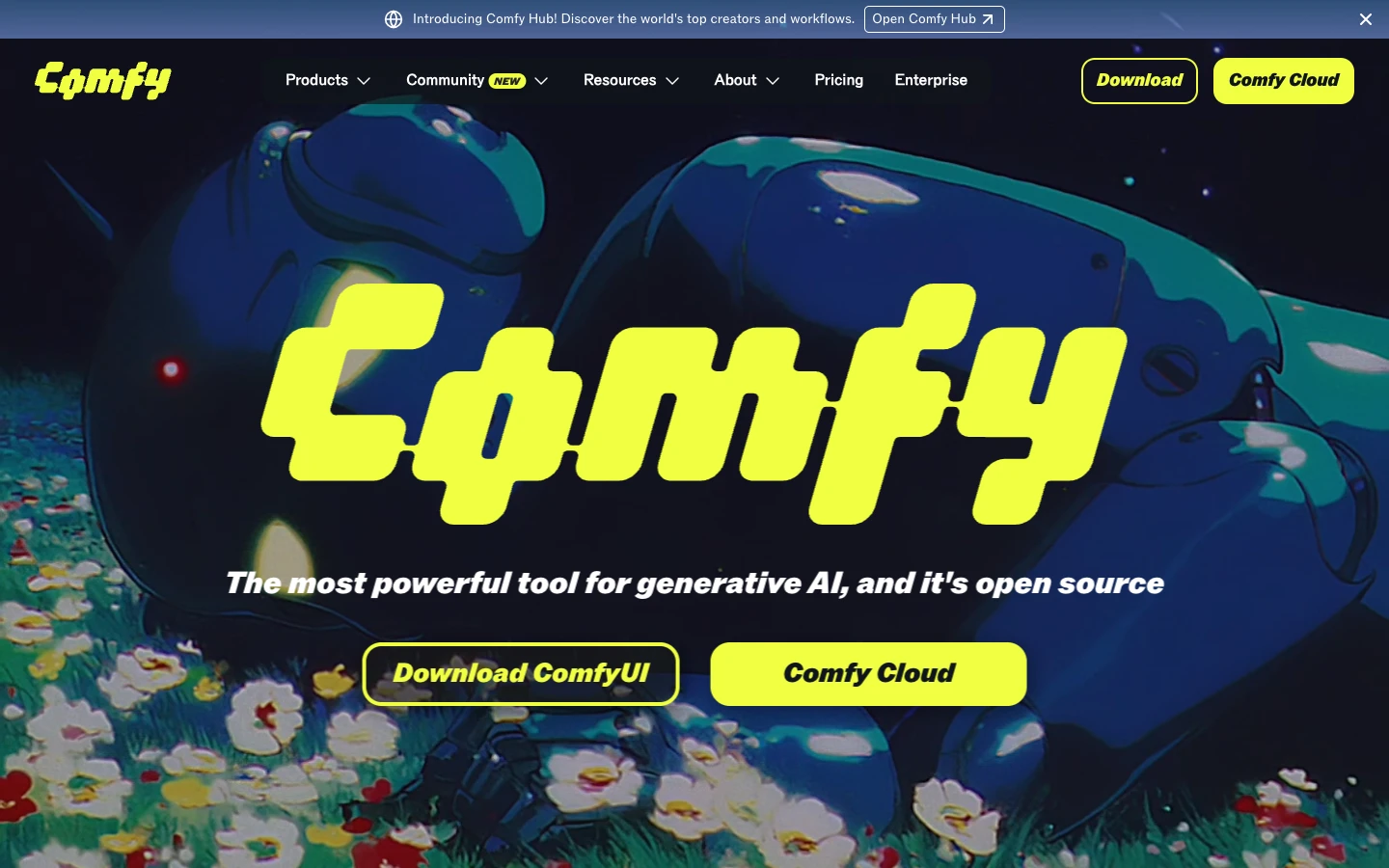
ComfyUI is the open-source standard for Stable Diffusion workflows. Its node graph supports complex image and video pipelines with fine-grained control over samplers, schedulers, and conditioning. The community has built thousands of custom nodes covering ControlNet, IP-Adapter, AnimateDiff, and more.
API access comes through a local WebSocket server or third-party hosting platforms like ComfyDeploy and RunComfy. The native API is functional but requires you to submit entire workflow JSON payloads, which creates a steeper learning curve than REST-first platforms. Self-hosting means managing your own GPU infrastructure, though cloud-hosted ComfyUI options have improved significantly.
Best for: users who need maximum control over Stable Diffusion pipelines and prefer open-source tooling.
3. n8n
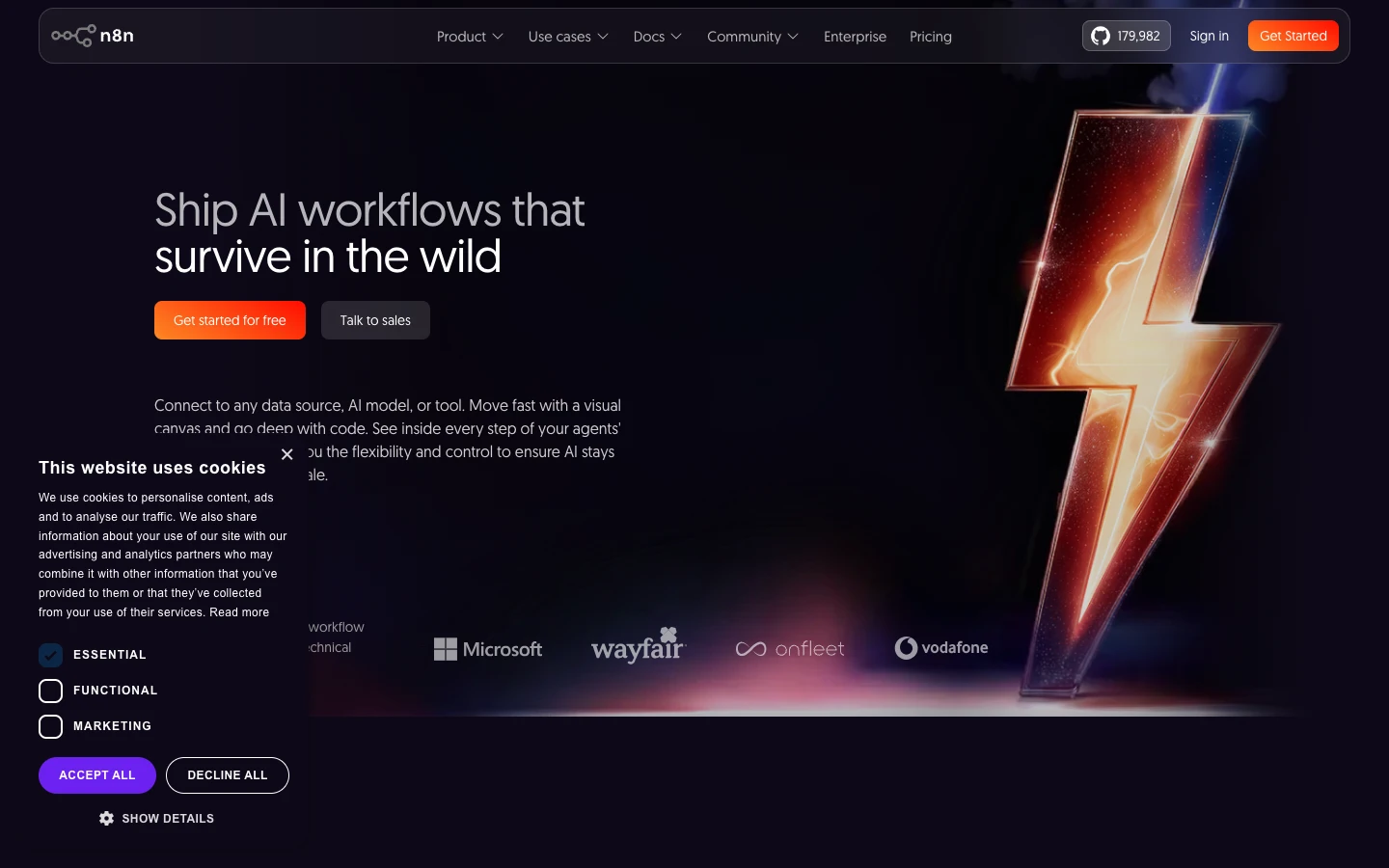
n8n is a general-purpose workflow automation platform with a visual node editor. While not AI-specific, it has grown strong AI capabilities: native nodes for OpenAI, Anthropic, Hugging Face, and custom HTTP nodes that can call any model API. Its strength is connecting AI operations with business logic, databases, and external services in a single flow.
The platform offers both self-hosted and cloud options. Its API lets you trigger workflows externally and retrieve execution results. n8n excels at building AI pipelines with REST APIs when you need to combine model inference with data transformations, conditional logic, and multi-step business processes.
Best for: teams that need AI nodes alongside hundreds of SaaS integrations in one editor.
4. NodeTool
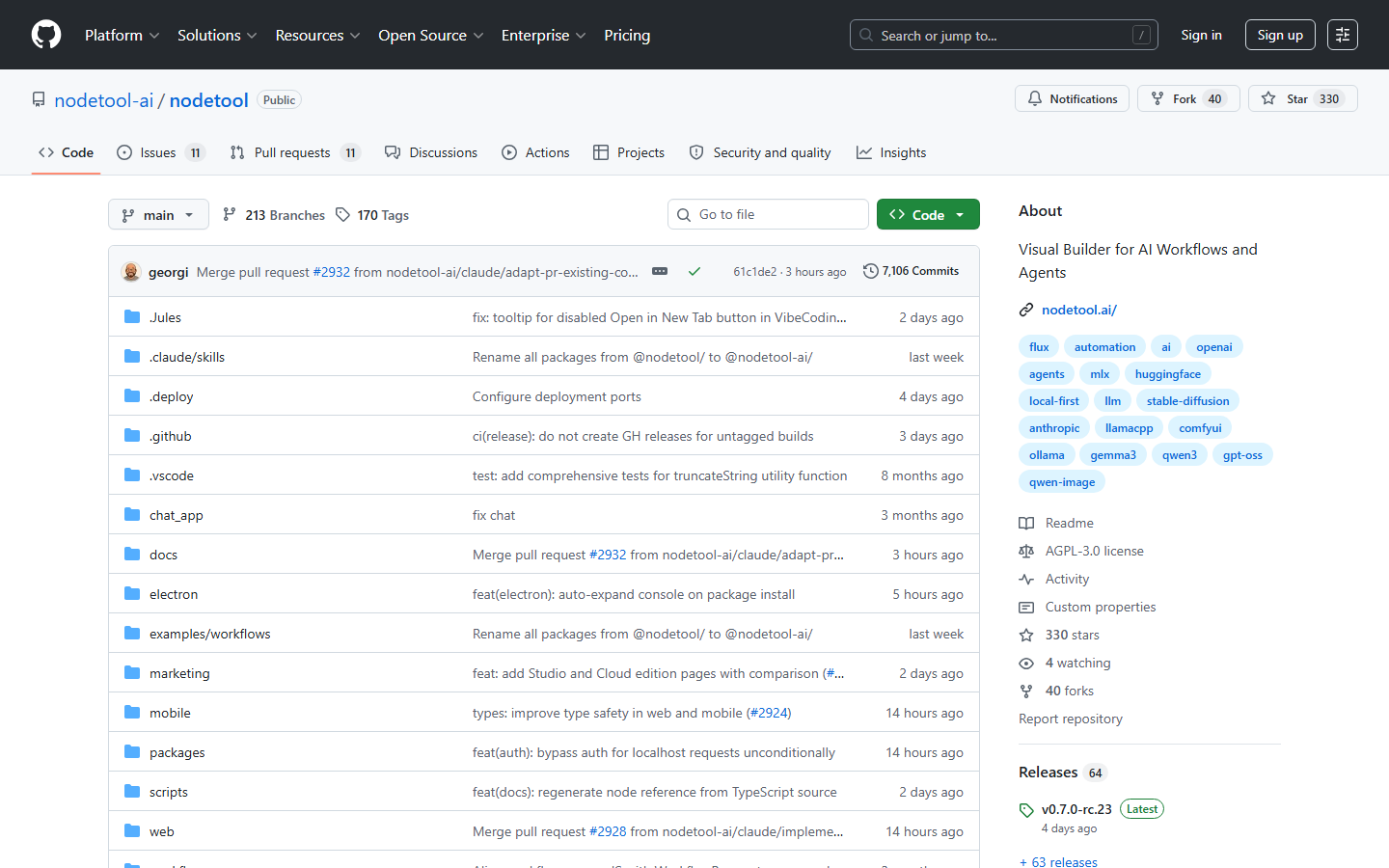
NodeTool is a visual programming environment for building AI workflows and agents. It supports both local models and cloud APIs through a TypeScript-first architecture. The editor lets you create LLM agents, RAG systems, and multimodal pipelines by connecting nodes visually, then export them as executable code.
Running locally on macOS, Windows, and Linux, NodeTool gives you full control over your data and models. Custom nodes can be written in TypeScript or Python, making it flexible for developers who want visual design paired with code-level extensibility. The headless workflow platform approach means you can embed generated workflows into your own applications.
Best for: developers who want local-first execution with visual design and code export.
5. Flowise
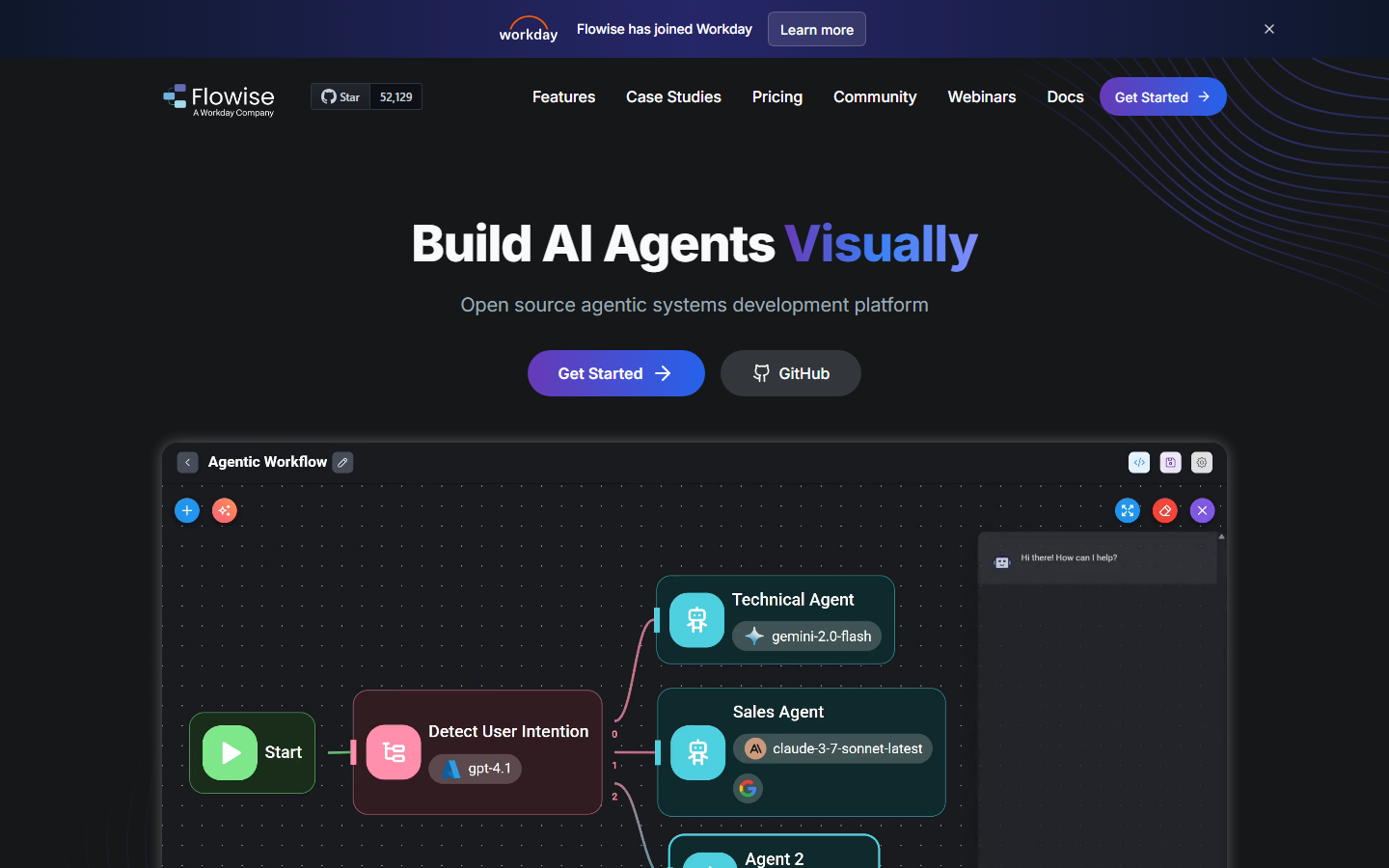
Flowise provides a node-based interface for building LangChain and LlamaIndex applications visually. It specializes in LLM orchestration: retrieval-augmented generation, conversational agents, document processing, and tool-calling chains. Each flow can be exposed as an API endpoint with a single toggle.
The platform is open-source and self-hostable. Its API lets you invoke any chatflow or agentflow via HTTP POST, pass custom variables, and stream responses. Flowise covers a narrower domain than general-purpose node editors, but within AI content generation and conversational AI, it provides purpose-built nodes that reduce configuration overhead.
Best for: teams building LLM-powered chatbots, document Q&A systems, or RAG applications.
6. Rivet
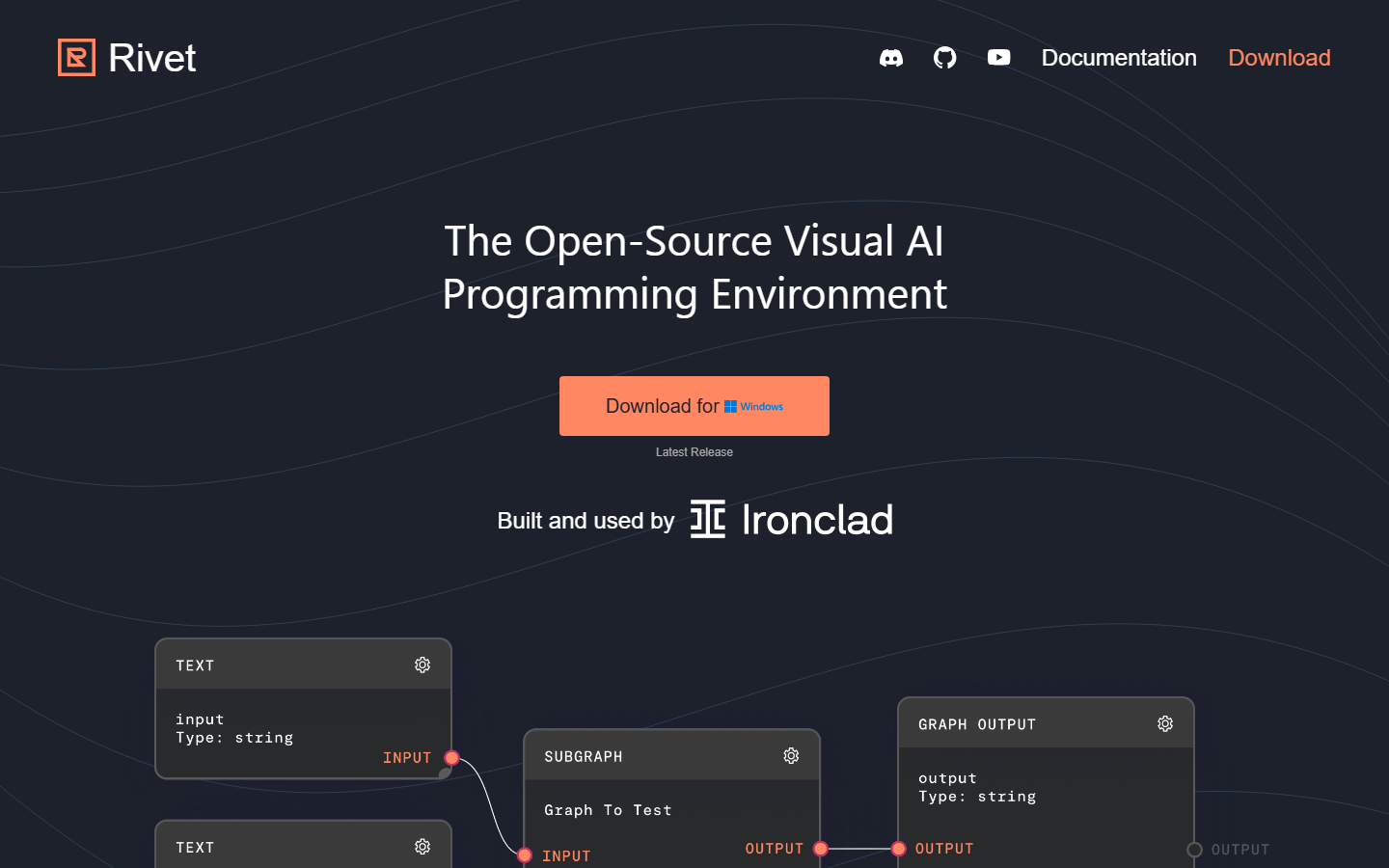
Rivet (by Ironclad) is a visual AI agent builder focused on prompt engineering and testing. Its node graph lets you design complex prompt chains, add conditional branching, loop through data, and test different model configurations side by side. The tool is especially strong for iterating on prompt logic before deploying to production.
Rivet integrates with TypeScript and Node.js applications through its SDK, letting you export visual graphs as executable code. The AI orchestration API approach means you design visually, then deploy programmatically with full version control over your prompt logic.
Best for: teams that need visual prompt engineering with automated testing and TypeScript integration.
7. BuildShip
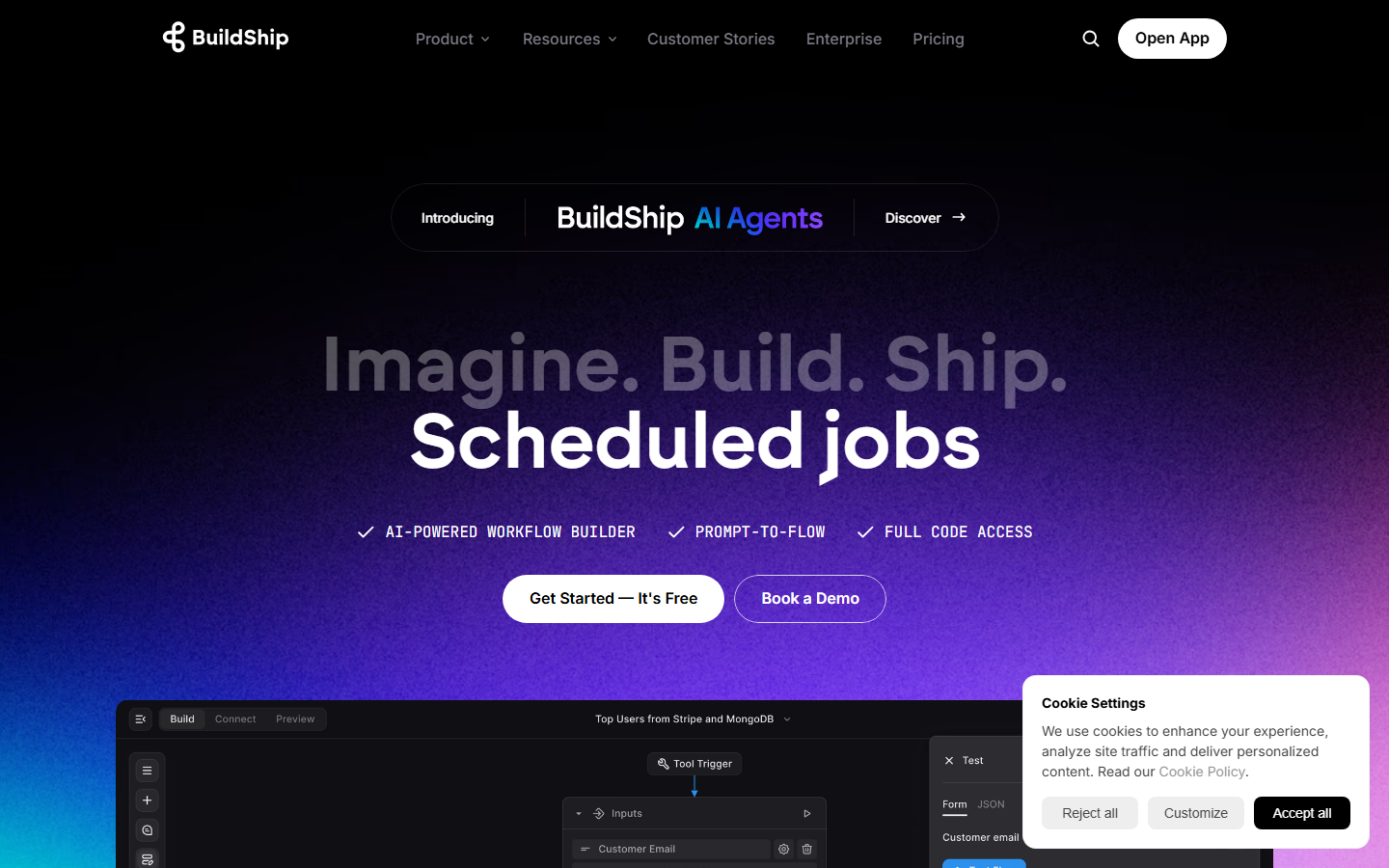
BuildShip is a visual backend builder that uses a node-based editor to create API endpoints, scheduled tasks, and event-driven workflows. Its AI nodes support OpenAI, Claude, and custom model integrations, letting you build AI-powered backends without writing server code. Each workflow automatically becomes a deployable API endpoint.
The platform handles hosting, scaling, and authentication. BuildShip is useful when you need AI capabilities wrapped in production-ready APIs with minimal infrastructure work. Its approach to AI workflow building focuses on shipping quickly rather than fine-grained model control.
Best for: developers who want to ship AI-powered APIs fast without managing infrastructure.
Comparison Table
| Platform | API Type | Self-Host | AI-Specific | Node Count | Free Tier |
|---|---|---|---|---|---|
| Wireflow | REST + Webhooks | No (hosted) | Yes | 157+ | Yes (50 exec/day) |
| ComfyUI | WebSocket/JSON | Yes | Yes (image/video) | 1000+ (community) | Open-source |
| n8n | REST | Yes + Cloud | No (general) | 400+ | Community edition |
| NodeTool | Local/Export | Yes (local) | Yes | Growing | Open-source |
| Flowise | REST | Yes + Cloud | Yes (LLM) | 100+ | Open-source |
| Rivet | SDK/Export | Yes (local) | Yes (prompts) | 50+ | Open-source |
| BuildShip | Auto-generated REST | No (hosted) | Partial | 100+ | Yes (limited) |
How to Choose the Right Node Editor
Selecting the right platform depends on your primary use case. If you need a hosted solution with immediate API access and broad model support, a platform like Wireflow eliminates infrastructure concerns. If you require maximum flexibility with Stable Diffusion models specifically, ComfyUI's open ecosystem is unmatched. For LLM-focused applications, Flowise provides the most streamlined path from visual design to API deployment.
Consider these factors: whether you want to self-host or use managed infrastructure, whether your workflows are primarily image/video or text/LLM, and whether API-first execution or visual experimentation is your priority.
Try it yourself:
Explore the Wireflow API docsto build node-based workflows with full REST access to every node type discussed above.
FAQ
What is a node-based AI editor?
A node-based AI editor is a visual programming environment where you connect processing blocks (nodes) with edges to define data flow. Each node performs a specific operation, like generating an image, processing text, or calling an external API. The visual approach makes complex multi-step pipelines easier to understand and modify than equivalent code.
Can I use these node editors through an API without the visual interface?
Yes, most platforms listed here expose their workflows through REST APIs or SDKs. You design the workflow visually, then trigger executions programmatically. Wireflow, Flowise, and BuildShip all generate API endpoints automatically from visual workflows.
Which node editor is best for image generation workflows?
For image generation specifically, ComfyUI offers the deepest control with its extensive Stable Diffusion node ecosystem. Wireflow provides a broader range of models (Flux 2, Nano Banana 2, Imagen) with simpler API integration and no GPU management requirement.
Do I need to manage GPUs to use these tools?
Not necessarily. Hosted platforms like Wireflow and BuildShip handle all GPU infrastructure. ComfyUI and NodeTool require self-hosting with your own GPU (or a cloud GPU provider). n8n and Flowise call external model APIs, so GPU management depends on which models you connect.
Can these node editors handle video generation?
Wireflow supports video generation nodes (Kling 2.5, Veo 3.1) within the same canvas as image and text nodes. ComfyUI supports AnimateDiff and similar video models through community nodes. The other platforms in this list are primarily text and image focused.
How do webhook triggers work in node-based AI editors?
Webhook triggers let external services start a workflow execution via an HTTP POST request, typically without requiring API authentication. This enables integrations with forms, CI/CD pipelines, Zapier, and other tools that can send HTTP requests. The workflow runs asynchronously, and results can be polled or pushed via callback URLs.
What are the rate limits for API access?
Rate limits vary significantly. Wireflow offers 10-200 requests per minute depending on plan tier, with execution caps to prevent abuse. Open-source tools like ComfyUI and Flowise have no built-in rate limits but are constrained by your hardware. BuildShip and n8n have tier-based limits similar to Wireflow.
Can I combine multiple AI models in a single workflow?
Yes, model chaining is a core capability of node editors. You can feed the output of one model (like a text generator) into another (like an image generator) by connecting their nodes. Wireflow calls this model chaining, while other platforms may refer to it as pipeline composition or flow orchestration.

Co-Founder & Operations at Wireflow
Runs client operations and content strategy at Wireflow. Works directly with creative teams and agencies to build production AI workflows.
- Content Strategy
- Client Operations
Get unlimited ad creatives today.
One call to see if we are a fit and scope the first ad. If it fits, your first batch lands inside week one.