Best Drag and Drop AI With API Tools in 2026


In this article▾
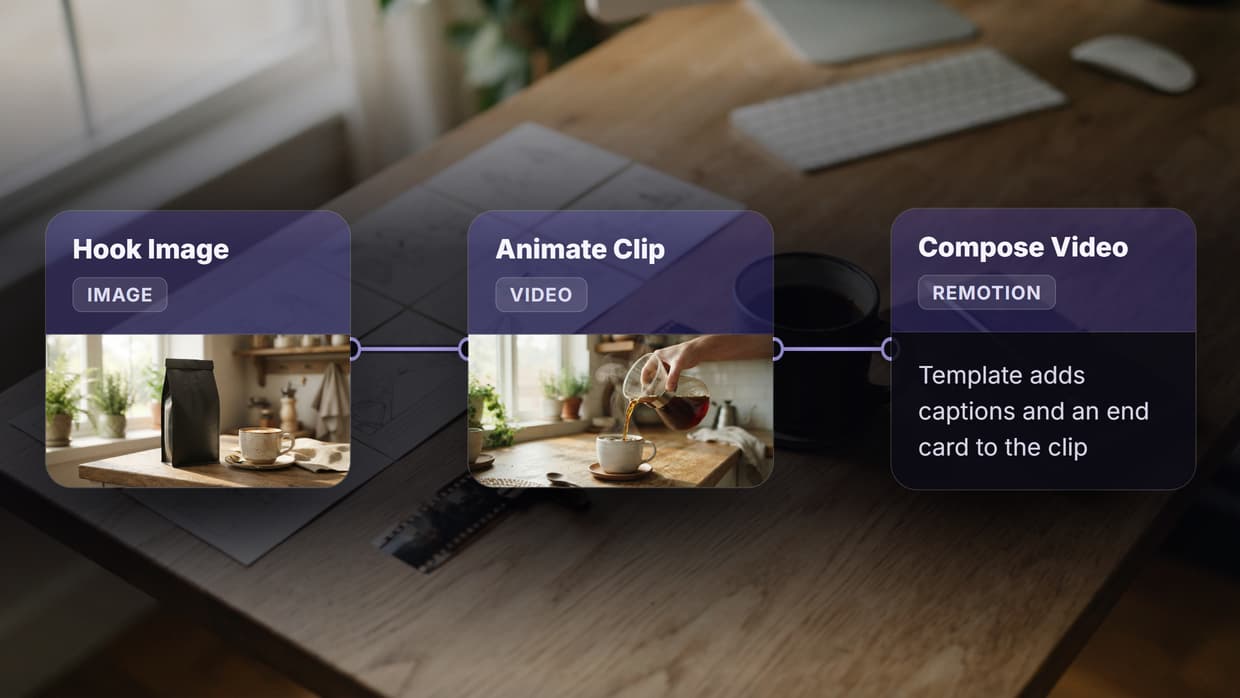
Building AI-powered applications used to mean choosing between a visual interface or programmatic control. Wireflow removes that tradeoff entirely, giving developers a drag-and-drop canvas for chaining AI models alongside a full REST API for executing workflows from any codebase. Whether you need to prototype a multi-model pipeline quickly or deploy it at scale via webhook triggers, these eight platforms offer both visual builders and API access for production use.
Quick Summary
- Wireflow - Best overall drag-and-drop AI canvas with full REST API
- n8n - Best open-source workflow automation with API triggers
- Buildship - Best for serverless AI backend workflows
- Dify - Best open-source LLM app builder with visual editor
- Flowise - Best for LangChain-based drag-and-drop flows
- ComfyDeploy - Best for deploying ComfyUI workflows via API
- Relevance AI - Best for no-code AI agent building with API
- Rivet - Best for visual AI prompt chaining and debugging
1. Wireflow

Wireflow is a visual node-based platform where you connect AI models, inputs, and utility nodes on a canvas, then hit one endpoint to run the entire pipeline. The API supports full workflow CRUD, async execution with polling, webhook triggers that need no authentication, and idempotency keys for safe retries.
For a hands-on look at this in action, check out the drag-and-drop AI with API tools feature page.
What sets Wireflow apart is that every workflow you build on the canvas becomes a callable API endpoint. You can execute a workflow with a single POST /workflows/{id}/execute call, poll for results, and retrieve full output data including images, video, and text. The platform supports 157+ node types across image generation, video, audio, 3D, and data processing. Rate limits scale by plan from 10 req/min on Free up to 200 req/min on Enterprise, and the webhook system lets you trigger workflows from Zapier, CI pipelines, or HTML forms without exposing API keys.
Pricing: Free tier with 50 daily executions. Starter, Pro, and Enterprise plans available.
Build this in Wireflow
Make the same kind of asset on a canvas you control, with a free account and no credit card.
2. n8n
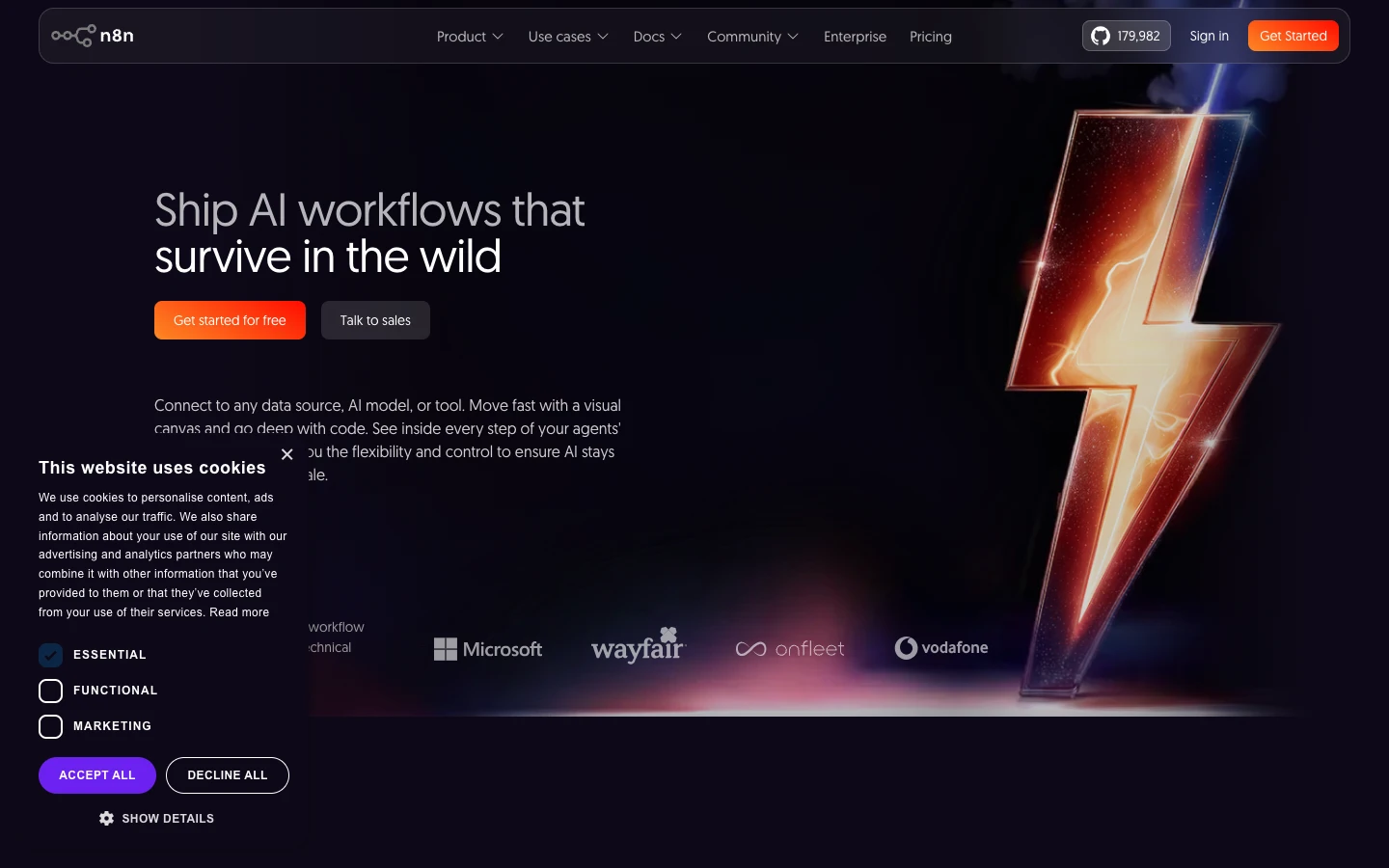
n8n is an open-source workflow automation tool with a visual editor that connects hundreds of integrations. Its drag-and-drop interface lets you build AI workflows by linking LLM nodes, HTTP request nodes, and data transformation steps. The platform exposes a REST API for triggering workflows programmatically, and webhook nodes let external services kick off executions.
n8n shines for automation-heavy use cases where AI is one step in a larger data pipeline. It supports self-hosting, which gives teams full control over infrastructure and data. The AI agent nodes can call OpenAI, Anthropic, and other providers directly from the canvas.
Pricing: Free (self-hosted). Cloud plans start at $24/month.
3. Buildship
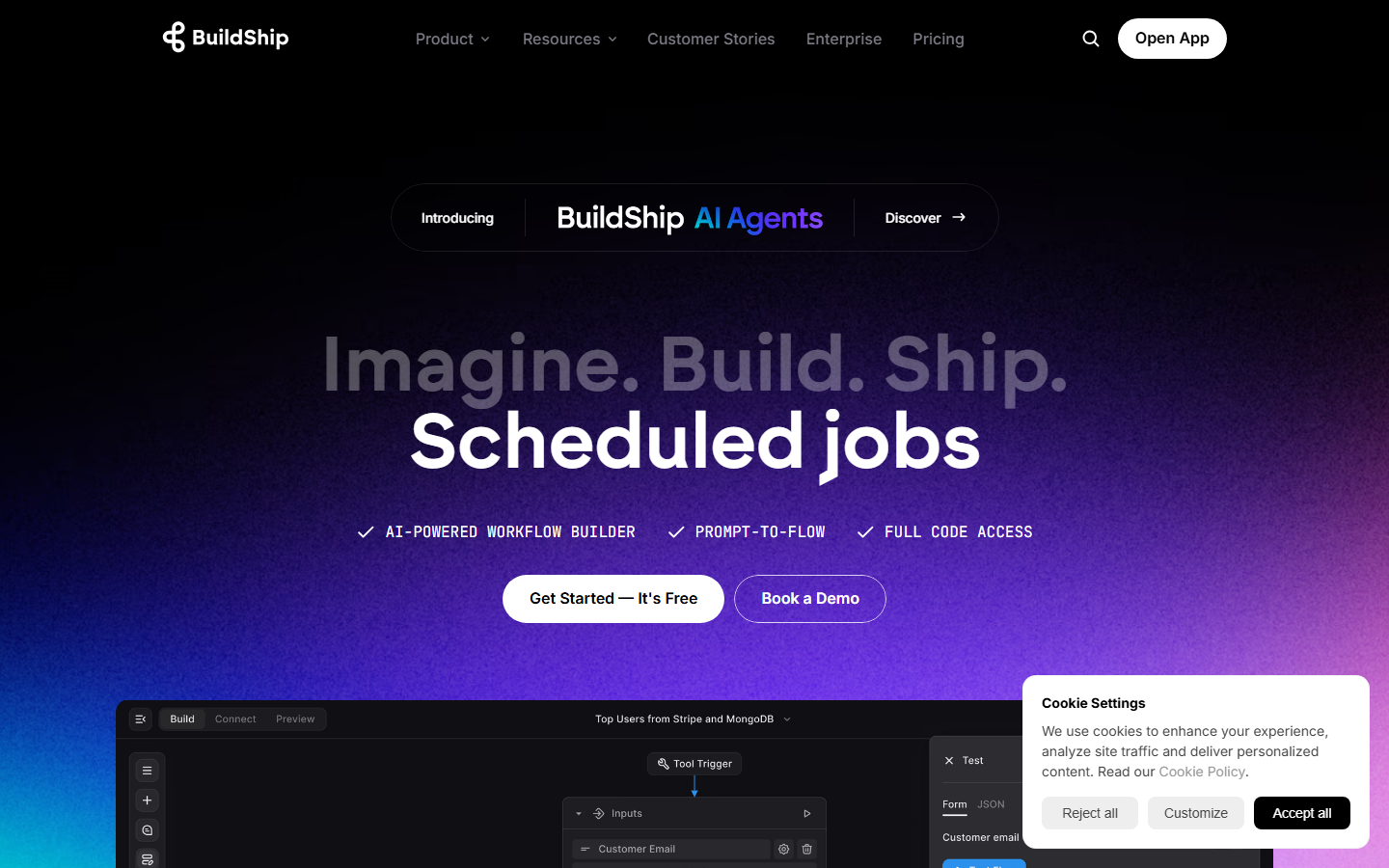
Buildship offers a visual workflow builder designed specifically for creating AI-powered backend APIs. You drag nodes onto a canvas, configure them with natural language, and deploy as serverless endpoints instantly. Each workflow gets its own API URL that you can call from any frontend or service. The platform runs on Google Cloud and handles scaling automatically, which makes it a good fit for teams building AI content generation APIs without managing infrastructure.
Buildship integrates with Firebase, Supabase, Stripe, and other backend services natively. The node library covers database operations, AI model calls, file processing, and conditional logic.
Pricing: Free tier available. Pro starts at $29/month.
4. Dify
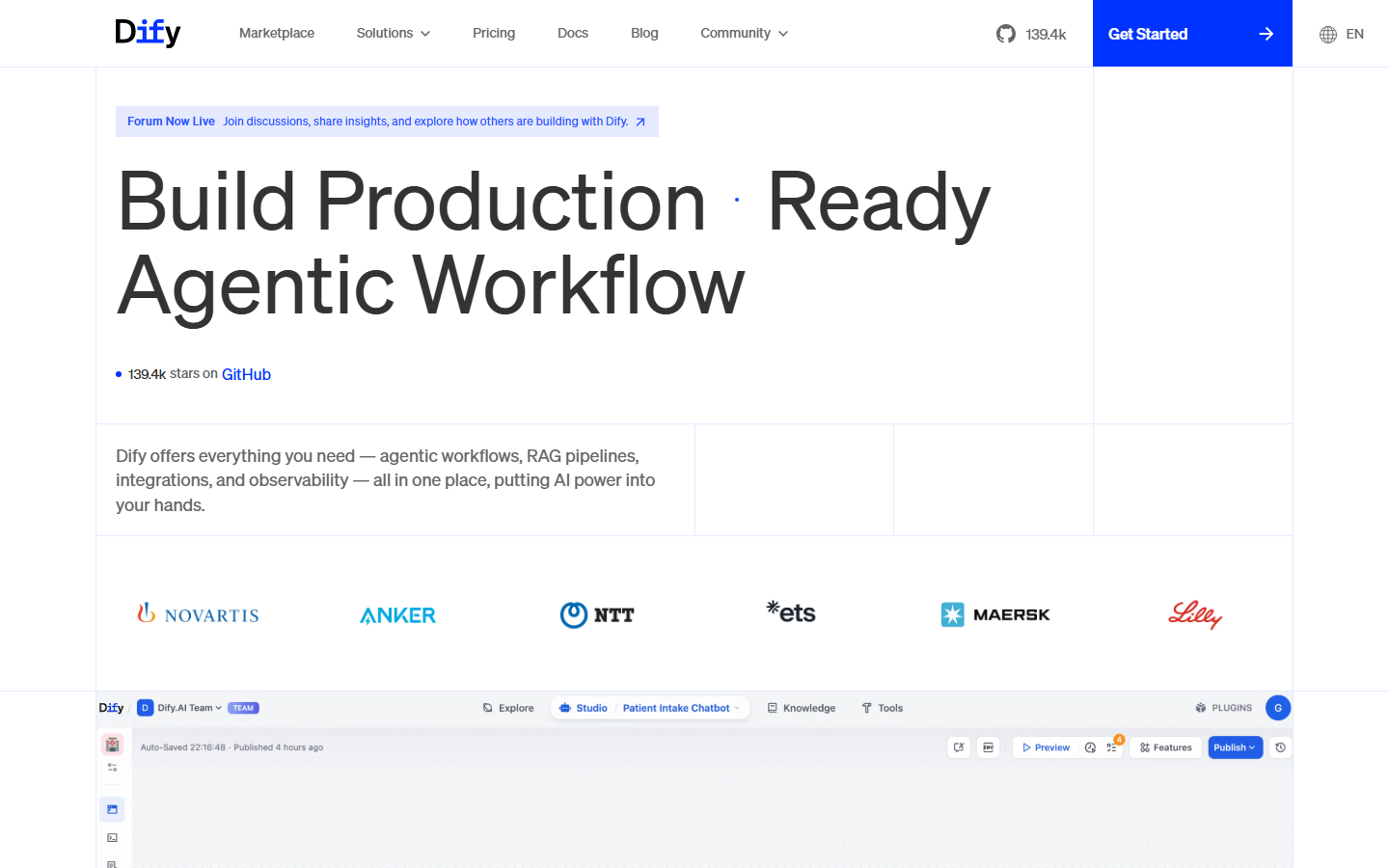
Dify is an open-source platform for building LLM-powered applications with a visual workflow editor. You can chain prompts, add retrieval-augmented generation (RAG) steps, and build AI orchestration pipelines entirely through drag and drop. Every app you create automatically gets API endpoints for integration into your products.
The platform supports multiple LLM providers (OpenAI, Anthropic, local models) and includes built-in tools for web scraping, code execution, and knowledge base management. Dify's workflow mode lets you design complex branching logic visually, while the API layer exposes conversation, completion, and file upload endpoints.
Pricing: Free (self-hosted). Cloud plans from $59/month.
5. Flowise
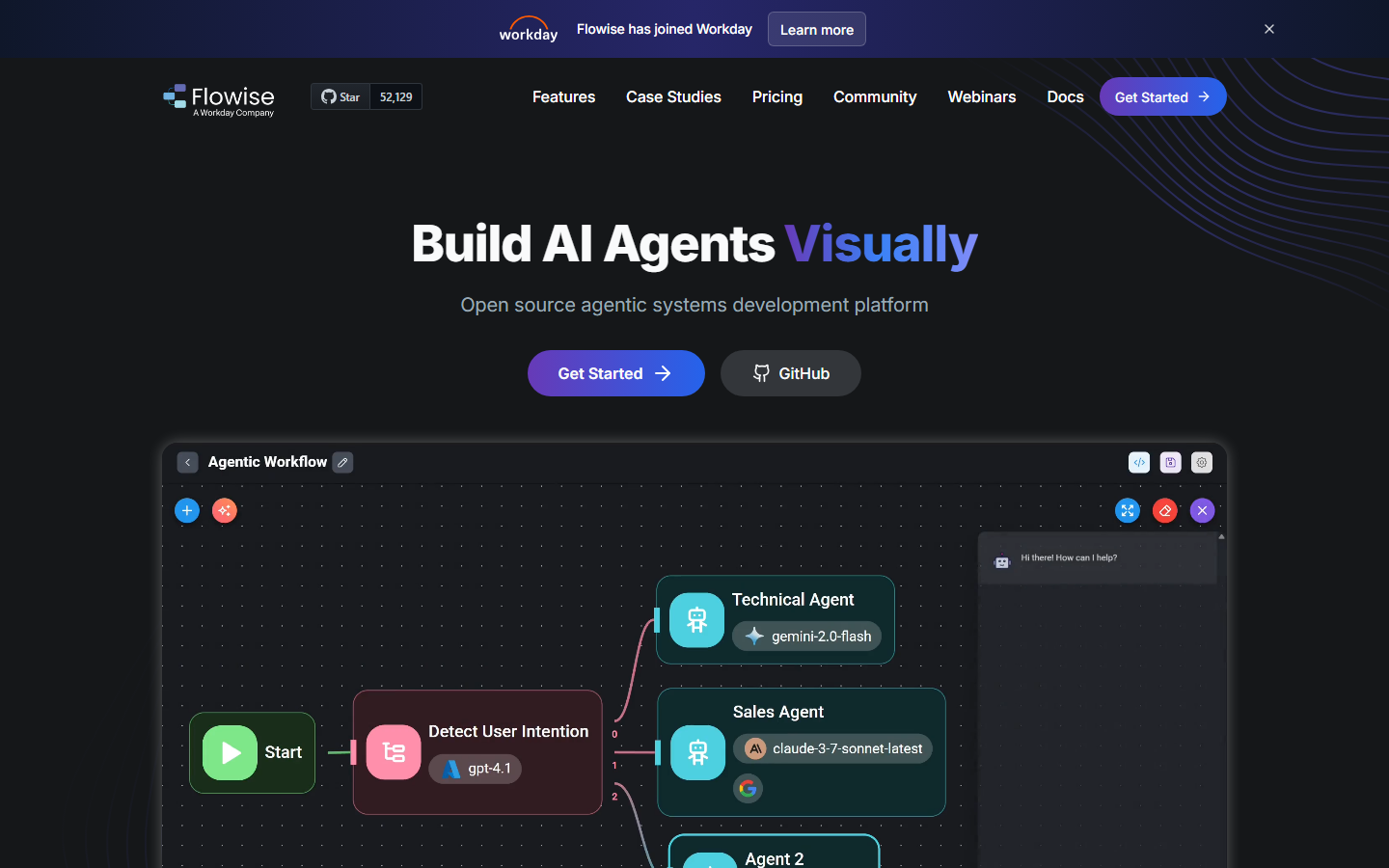
Flowise provides a drag-and-drop UI for building LangChain and LlamaIndex flows. If you are already familiar with the LangChain ecosystem, Flowise gives you a visual way to assemble chains, agents, and tools without writing Python. Each flow gets an API endpoint and an embeddable chat widget. The platform integrates with vector databases like Pinecone and Weaviate for building AI pipelines with REST APIs.
Flowise is fully open source and can be self-hosted on any infrastructure. It supports streaming responses, file uploads, and conversation memory out of the box.
Pricing: Free (self-hosted). FlowiseAI Cloud available for managed hosting.
6. ComfyDeploy
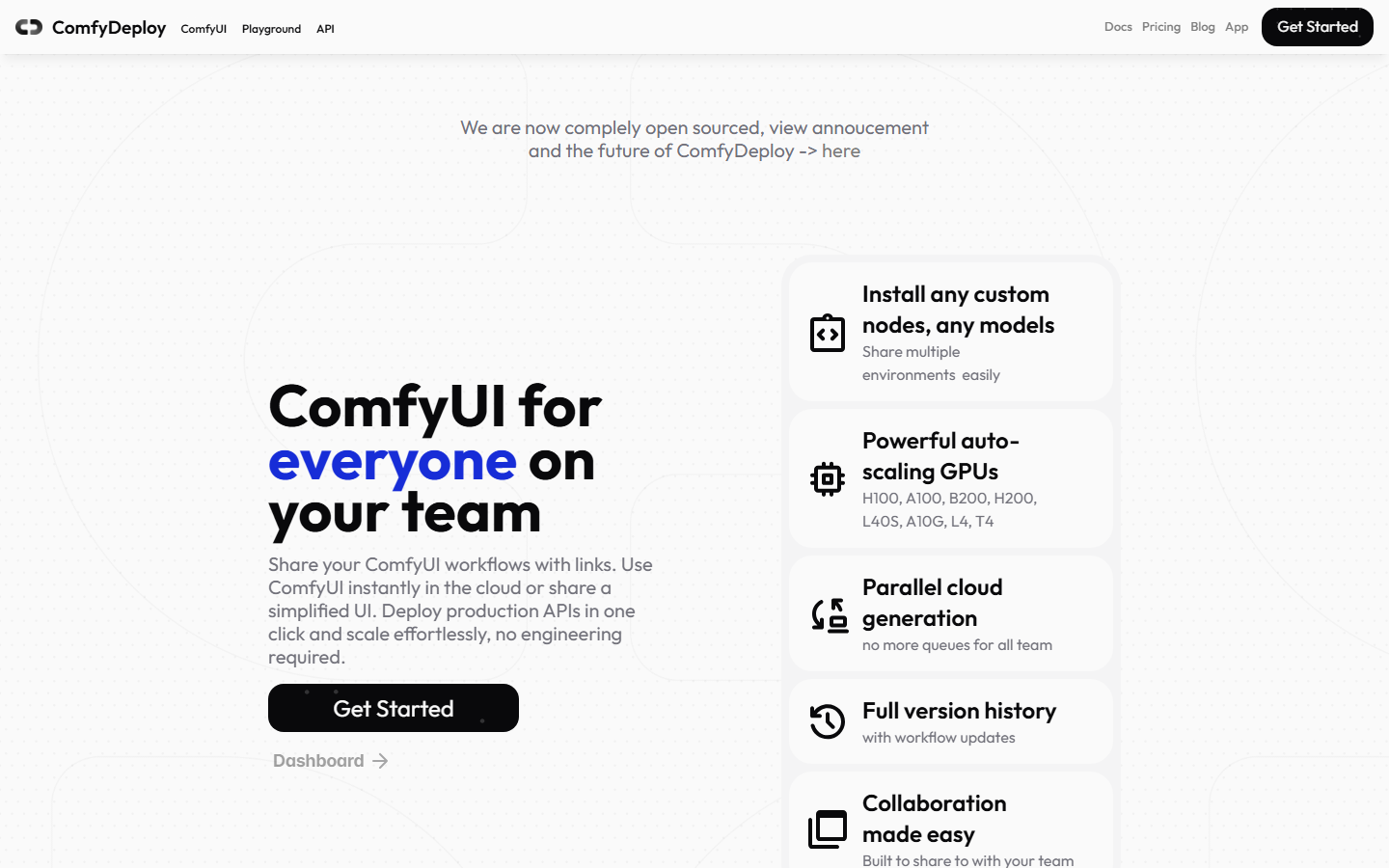
ComfyDeploy wraps ComfyUI's node-based image generation workflows in a deployment layer with API access. You build your workflow in ComfyUI's visual editor, push it to ComfyDeploy, and get a production API endpoint backed by managed GPU infrastructure. This solves the biggest pain point with ComfyUI: turning a local graph into a hosted ComfyUI API that your application can call reliably.
The platform handles GPU provisioning, queue management, and scaling. Workflows run on serverless GPUs, so you pay only for compute time.
Pricing: Pay-per-run GPU pricing. Plans from $0/month with usage-based billing.
7. Relevance AI
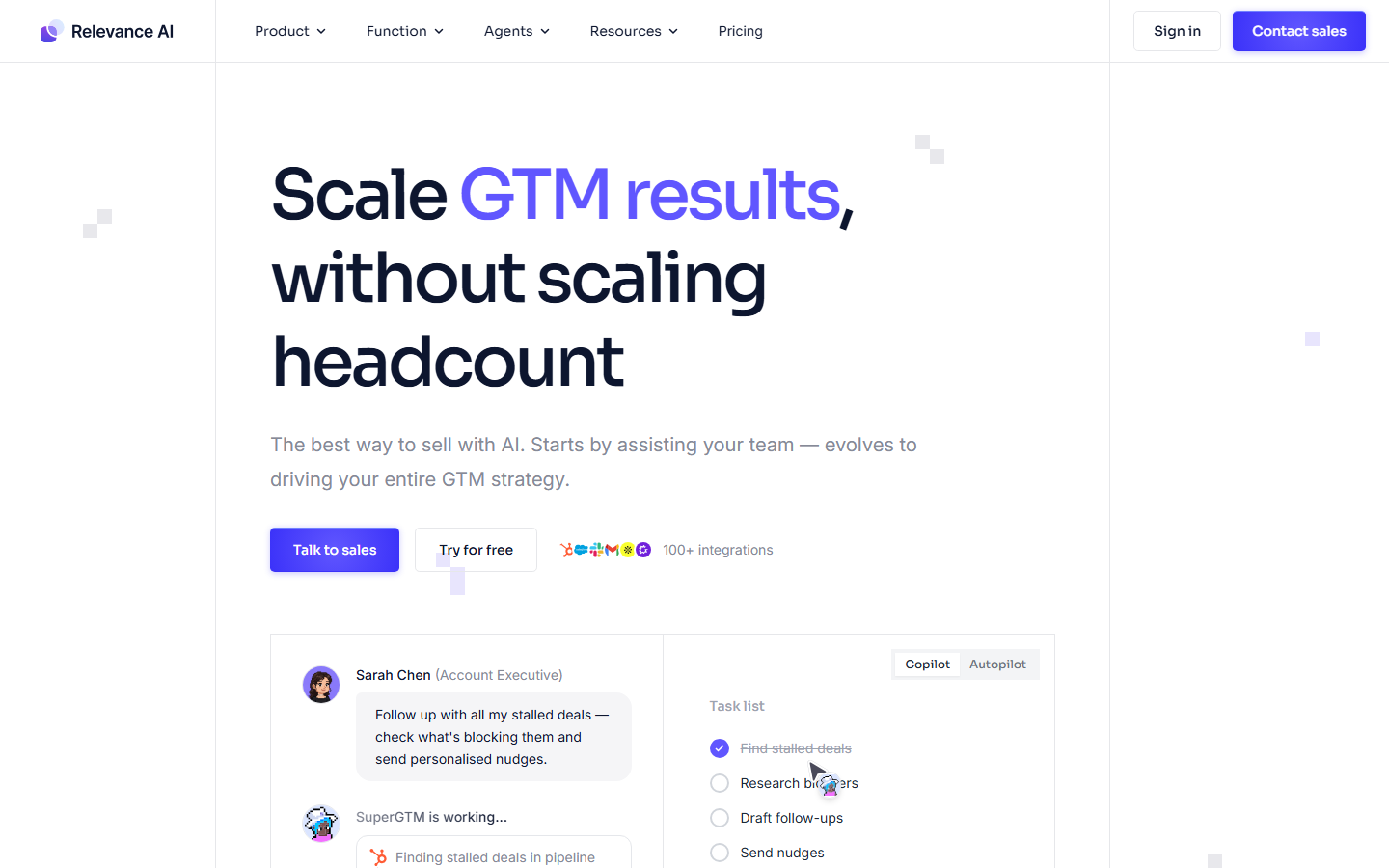
Relevance AI focuses on building AI agents and tools through a visual interface. You chain together steps like LLM calls, API requests, code blocks, and data transformations using a drag-and-drop builder. Each tool or agent you create gets API access and can be built into AI workflows or embedded in applications.
The platform emphasizes reusable "tools" that agents can call autonomously. This makes it particularly useful for building customer support bots, data analysis agents, and internal automation that combines multiple AI capabilities.
Pricing: Free tier available. Team plans from $19/month per user.
8. Rivet
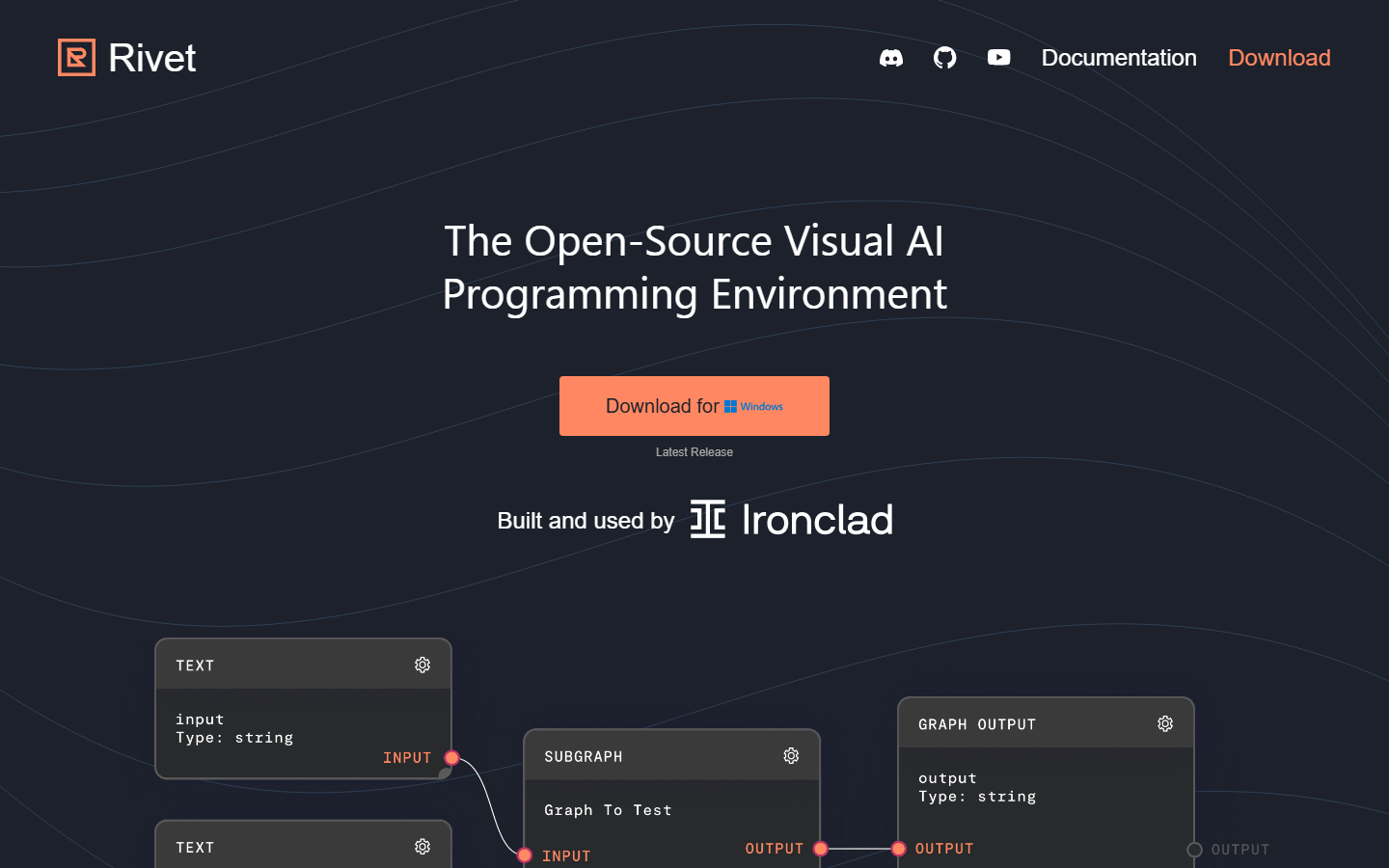
Rivet, built by Ironclad, is an open-source visual programming environment for AI prompt chains. You build prompt graphs by dragging nodes for text, LLM calls, conditionals, loops, and data transformations onto a canvas. Rivet's key strength is its debugging tools: you can step through execution node by node, inspect intermediate outputs, and test variations. It pairs well with platforms that support headless AI workflow execution for deployment.
Rivet graphs can be exported and executed via its TypeScript SDK, which means you can prototype visually and run in production programmatically.
Pricing: Free and open source.
Comparison Table
| Platform | Open Source | Visual Builder | REST API | Webhook Triggers | GPU Support | Best For |
|---|---|---|---|---|---|---|
| Wireflow | No | Yes (canvas) | Full CRUD + execute | Yes (no-auth) | Yes (built-in) | Multi-model AI pipelines |
| n8n | Yes | Yes | Yes | Yes | No | General automation |
| Buildship | No | Yes | Yes (auto-deploy) | Yes | No | Serverless AI backends |
| Dify | Yes | Yes | Yes | Limited | No | LLM app development |
| Flowise | Yes | Yes | Yes | Yes | No | LangChain flows |
| ComfyDeploy | No | Via ComfyUI | Yes | Yes | Yes (managed) | Image generation |
| Relevance AI | No | Yes | Yes | Yes | No | AI agent building |
| Rivet | Yes | Yes | Via SDK | No | No | Prompt debugging |
When evaluating these tools, consider how reporting and analytics factor into your workflow. Platforms that offer white-label SEO reports demonstrate the kind of API-driven output customization that drag-and-drop builders increasingly support.
What to Look For in a Drag-and-Drop AI Platform With API
Choosing the right tool depends on your stack and use case. Here are the criteria that matter most when evaluating visual AI canvas editors:
- API completeness: Can you create, update, execute, and monitor workflows entirely through the API? Some tools only expose execution endpoints, not full workflow management.
- Authentication model: Bearer tokens, API keys, webhook-based triggers with no auth. The more options, the easier integration becomes.
- Node ecosystem: Count of available AI model integrations. A platform with 20 nodes serves different needs than one with 150+.
- Execution model: Synchronous vs. async with polling. For long-running AI tasks (video generation, batch processing), async is essential.
- Self-hosting option: Teams with data residency requirements need on-premise deployment.
How API Access Changes the Drag-and-Drop Workflow
The visual canvas is where you prototype and iterate. The API is where you deploy. A strong AI workflow API lets you embed canvas-built pipelines directly into your product without copy-pasting prompts or rebuilding logic in code. The best platforms treat the canvas and the API as two views of the same workflow, not separate systems.
For example, with Wireflow's API you can execute any canvas workflow by sending a POST request with the workflow ID. The response includes execution status, node-by-node outputs, and credit usage. The API authentication uses Bearer tokens generated from the dashboard, and every response includes rate limit headers so your integration can throttle gracefully.
curl -X POST https://www.wireflow.ai/api/v1/workflows/YOUR_ID/execute \
  -H "Authorization: Bearer sk-your-api-key" \
  -H "Content-Type: application/json" \
  -d '{"nodes": [...], "edges": []}'
Try it yourself: Build this workflow in Wireflow - the nodes are pre-configured with the exact setup discussed above.
FAQ
What is a drag-and-drop AI tool with API access?
It is a platform that lets you build AI workflows visually by connecting nodes on a canvas, then exposes those workflows as API endpoints you can call from your own applications. This combines rapid prototyping with production-ready deployment.
Can I use these tools without coding?
Yes. All eight platforms listed here offer visual builders that require no code for basic workflows. The API layer is optional and targeted at developers who want to integrate workflows into existing products.
Which platform has the most AI model integrations?
Wireflow currently offers 157+ node types covering image generation, video, audio, 3D rendering, and data processing. ComfyDeploy offers extensive coverage for Stable Diffusion models specifically, while Dify and Flowise focus on LLM integrations.
Are these tools suitable for production use?
Several are. Wireflow, Buildship, and Relevance AI are built for production workloads with managed infrastructure, rate limiting, and monitoring. Open-source options like n8n and Flowise can be production-ready with proper self-hosted infrastructure.
What is the difference between webhook triggers and API execution?
API execution requires authentication (an API key) and gives you full control over inputs, monitoring, and error handling. Webhook triggers accept HTTP requests without authentication, making them ideal for third-party integrations like Zapier, CI/CD systems, or HTML forms where you cannot embed secret keys.
Do I need GPU infrastructure for these platforms?
Only if your workflows include image or video generation models. Wireflow and ComfyDeploy provide built-in GPU access. For the others, GPU-dependent models run through external providers like OpenAI or Replicate.
Can I self-host any of these tools?
Yes. n8n, Dify, Flowise, and Rivet are all open source and can be self-hosted. Wireflow, Buildship, ComfyDeploy, and Relevance AI are cloud-only managed services.
How do rate limits work across these platforms?
Each platform handles rate limiting differently. Wireflow provides transparent rate limit headers (X-RateLimit-Limit, X-RateLimit-Remaining, X-RateLimit-Reset) on every response with limits scaling by plan. Most other platforms document their limits in their respective API references.

Co-Founder & Operations at Wireflow
Runs client operations and content strategy at Wireflow. Works directly with creative teams and agencies to build production AI workflows.
- Content Strategy
- Client Operations
Get unlimited ad creatives today.
One call to see if we are a fit and scope the first ad. If it fits, your first batch lands inside week one.