Best ComfyUI Hosted API Tools in 2026


In this article▾
- Quick Summary
- Why Teams Move to Hosted ComfyUI APIs
- 1. Wireflow - Best Overall
- 2. ComfyDeploy - Best for Teams
- 3. RunComfy - Best for Quick Setup
- 4. RunPod - Best for Infrastructure Control
- 5. fal.ai - Best for Low-Latency Inference
- 6. Replicate - Best for Easy Integration
- 7. ViewComfy - Best for Enterprise
- Platform Comparison
- FAQ
ComfyUI's node-based workflow model has become the reference architecture for production AI image pipelines, but running it locally requires GPU hardware, driver maintenance, and careful dependency management. Wireflow takes the same visual node-editor concept and delivers it as a fully managed, REST API-accessible cloud platform with no servers to configure, no cold-start delays, and no driver updates. For developers who want ComfyUI-style flexibility without the infrastructure overhead, the hosted API category has matured significantly in 2026. For a canvas-first take, running ComfyUI online without the graph upkeep trades exact-graph portability for whole-model nodes. One option in that category is a ThinkDiffusion alternative built on a node canvas, where the models run hosted and every workflow is a REST endpoint and an MCP tool. This guide covers seven platforms worth evaluating, ranked by how well they serve teams building at scale. For a direct feature comparison, the ComfyUI alternative page covers the key differentiators in detail.
Quick Summary
- Wireflow - Best Overall, multi-provider visual workflow API
- ComfyDeploy - Best for teams deploying versioned workflows
- RunComfy - Best for quick zero-ops cloud access
- RunPod - Best for infrastructure control at scale
- fal.ai - Best for low-latency inference
- Replicate - Best for easy prototyping and integrations
- ViewComfy - Best for enterprise and studio deployments
Why Teams Move to Hosted ComfyUI APIs
Running ComfyUI locally works well for solo experimentation, but teams hit friction quickly: driver compatibility across machines, custom node versioning, and GPU allocation during peak demand. Hosted APIs move all of that to the provider. Building AI workflows with an API lets your backend call a single endpoint, get an image or video back, and never touch a GPU driver again.
The hosted category now splits into two distinct approaches: platforms that host ComfyUI directly (RunComfy, ComfyDeploy, ViewComfy) and platforms that offer ComfyUI-style node execution with a different runtime (Wireflow, fal.ai, Replicate). The first group provides exact workflow portability from local ComfyUI; the second trades portability for broader model coverage and managed reliability. If you fall in that second group, a hosted canvas that is not ComfyUI trades exact-graph portability for whole-model nodes and pay-per-generation pricing. Headless AI workflow platforms have been the fastest-growing infrastructure category this year, and tooling competition reflects that.
Build this in Wireflow
Make the same kind of asset on a canvas you control, with a free account and no credit card.
1. Wireflow - Best Overall

Wireflow is a visual node-editor workflow builder with a full REST API that covers image generation, video, audio, and text across 15+ AI providers. Workflows are built with drag-and-drop on a visual canvas, then exposed as callable REST endpoints that authenticate with a Bearer token, execute asynchronously, and return results via polling.
The API surface is built for production integration. The Wireflow API documentation covers authentication, rate limits, idempotency keys, webhook triggers, and full execution history. The base URL is https://www.wireflow.ai/api/v1, and a workflow execution is two steps: POST to /workflows/{id}/execute to get an executionId, then poll GET /workflows/executions/{executionId}/poll until the state changes from RUNNING to COMPLETED.
curl -X POST https://www.wireflow.ai/api/v1/workflows/YOUR_WORKFLOW_ID/execute \
  -H "Authorization: Bearer sk-your-api-key" \
  -H "Content-Type: application/json" \
  -d '{ "nodes": [...], "edges": [] }'
Rate limits scale with plan: Free gets 50 executions per day, Pro gets 1,000, and Enterprise is unlimited. Every response carries X-RateLimit-Remaining so your client can implement backoff. For multi-model pipeline patterns, the AI orchestration API feature page covers chaining models across providers in a single workflow.
Best for: teams that need multi-provider AI orchestration with a clean REST interface and predictable flat-rate billing Pricing: flat monthly subscription, no per-generation fees
2. ComfyDeploy - Best for Teams
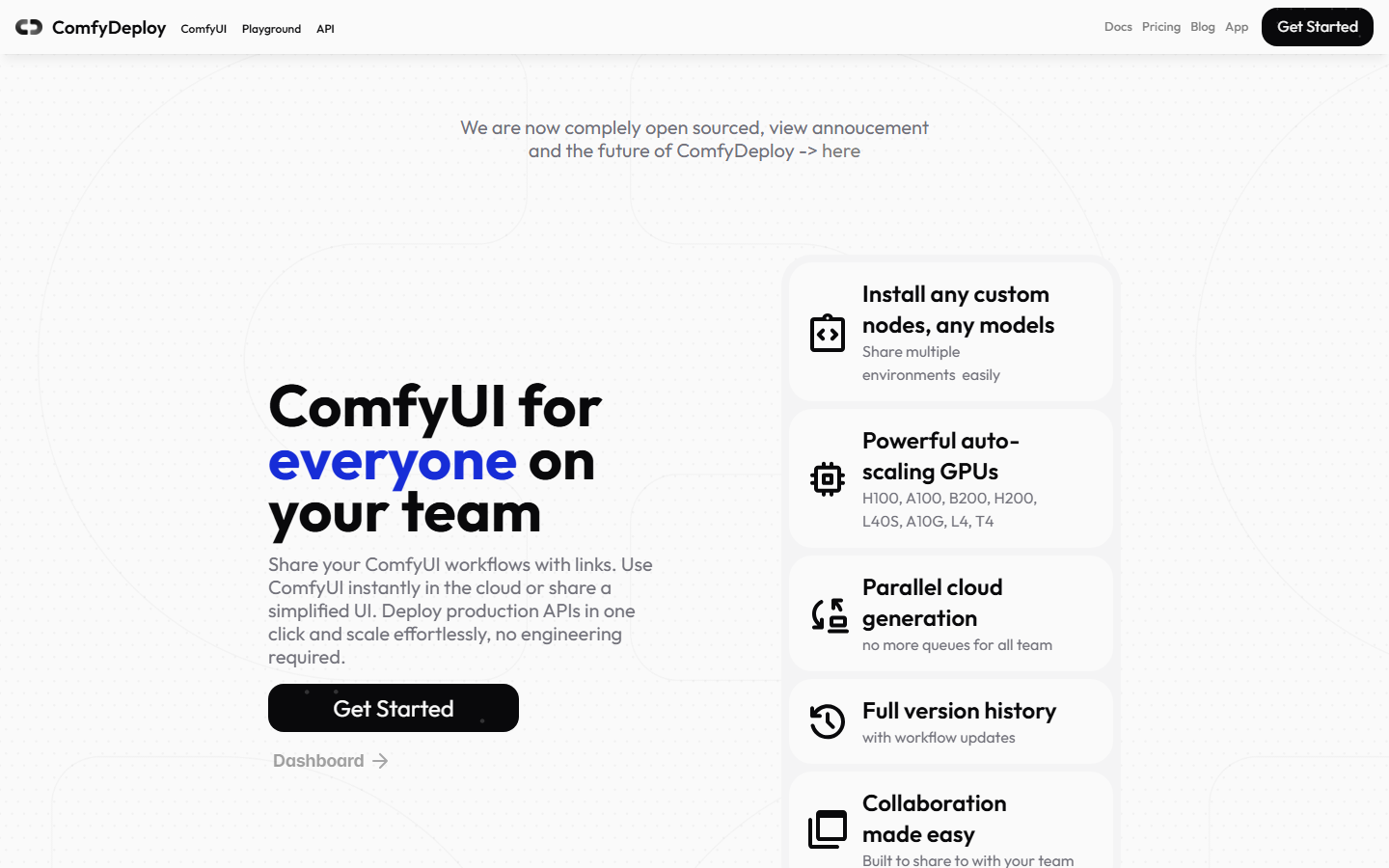
ComfyDeploy is an open-source deployment platform purpose-built for ComfyUI, often described as "Vercel for AI workflows." You upload a ComfyUI workflow JSON, and ComfyDeploy packages it as a serverless endpoint with auto-scaling GPU infrastructure. Workflow versioning is a first-class feature: teams can tag releases, roll back to previous versions, and maintain separate staging and production environments. Comparing AI content generation APIs shows how deployment ergonomics differ across platforms in this space.
Custom nodes are fully supported. ComfyDeploy installs dependencies at build time and locks them per deployment version, which eliminates the node-version drift that breaks shared ComfyUI instances. API endpoints are REST-based, and the platform can generate shareable web apps from workflows for non-technical stakeholders.
Best for: engineering teams that already have ComfyUI workflows and need versioned, team-accessible cloud deployment Pricing: team-tier subscription pricing with enterprise support available
3. RunComfy - Best for Quick Setup
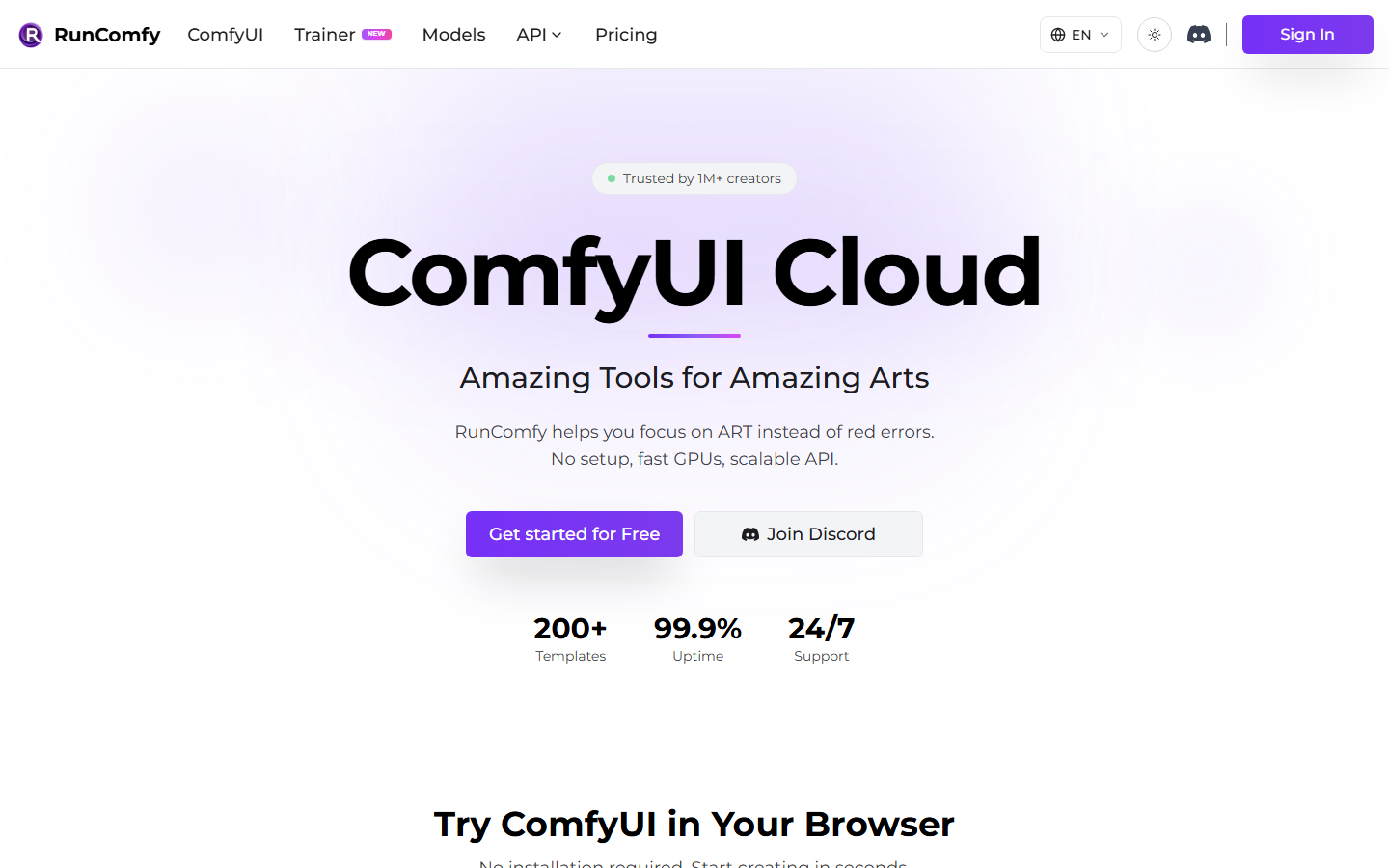
RunComfy is a managed ComfyUI cloud service with zero configuration required. You connect an account, choose a GPU tier (16GB to 141GB VRAM), and get a live ComfyUI session accessible from a browser or via API. There is no Docker setup, no dependency installation, and no GPU driver management. A preconfigured workflow library lets most users start generating within minutes of signing up. Batch image generation via API is a common use case that RunComfy handles through its built-in job queue.
Pay-as-you-go pricing charges only for active compute time, which suits projects with variable or unpredictable load. The Pro plan includes storage credits and discounted GPU rates for heavier usage.
Best for: individual developers or small teams who want instant ComfyUI cloud access with minimal setup overhead Pricing: pay-as-you-go; Pro at $10/month for discounted rates and 200GB storage
4. RunPod - Best for Infrastructure Control
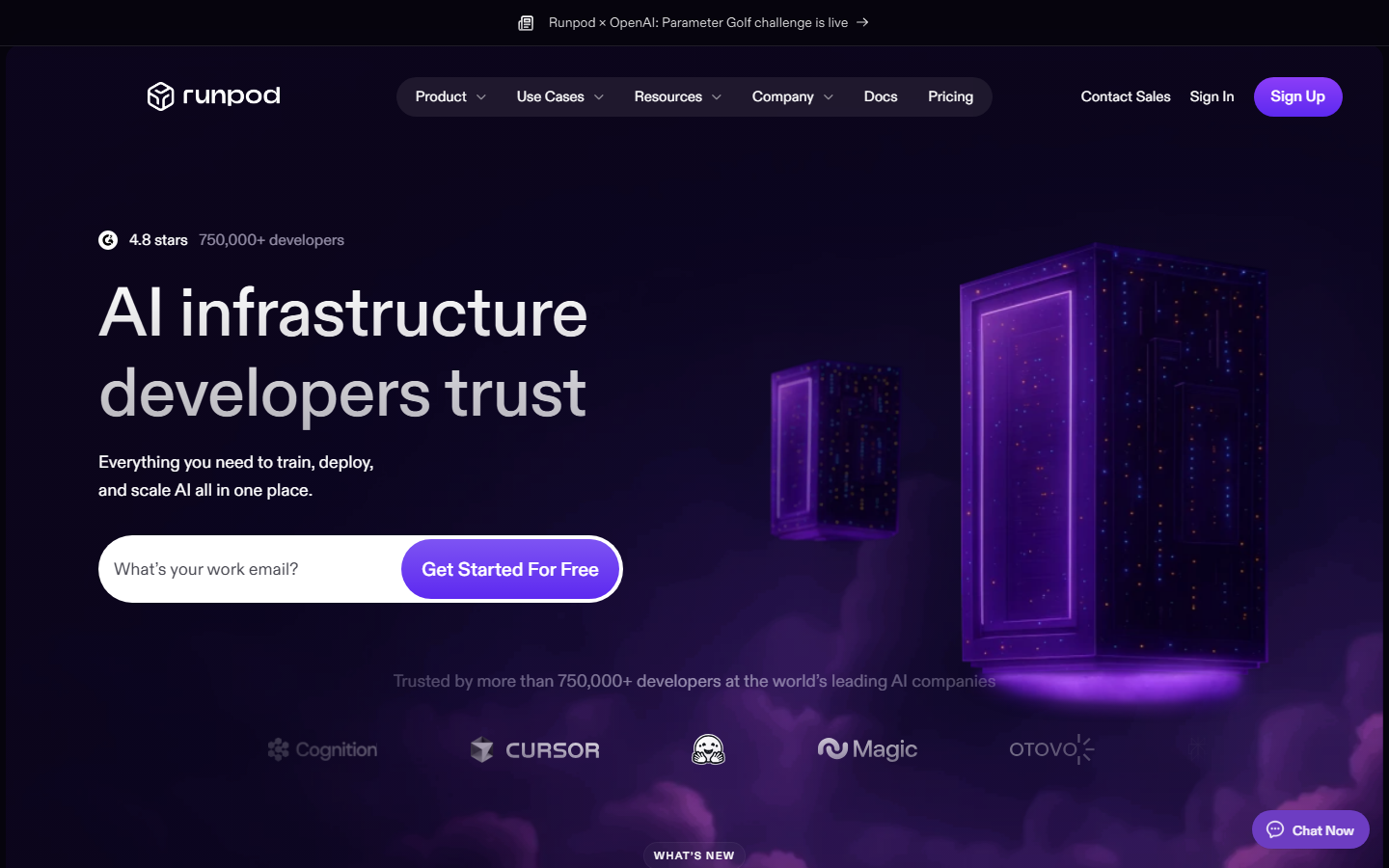
RunPod is a general-purpose GPU cloud that provides ComfyUI as a serverless API template alongside on-demand GPU instances. Unlike platforms that abstract infrastructure away, RunPod gives full container control: you can bring your own Docker image, pin specific ComfyUI commits, and configure hardware per job. Building AI pipelines with REST APIs is where RunPod's flexibility matters most, giving you full stack control from model weights to network configuration.
Serverless pricing runs roughly $0.01-$0.05 per image depending on model and hardware selection. Dedicated instances start at $0.40-$0.80/hour. For teams generating more than 500 images per month, dedicated instance economics often beat per-call alternatives once volume stabilizes.
Best for: teams that need custom container control, specific model pinning, or cost optimization at high generation volume Pricing: serverless per-image or dedicated GPU instances by the hour
5. fal.ai - Best for Low-Latency Inference
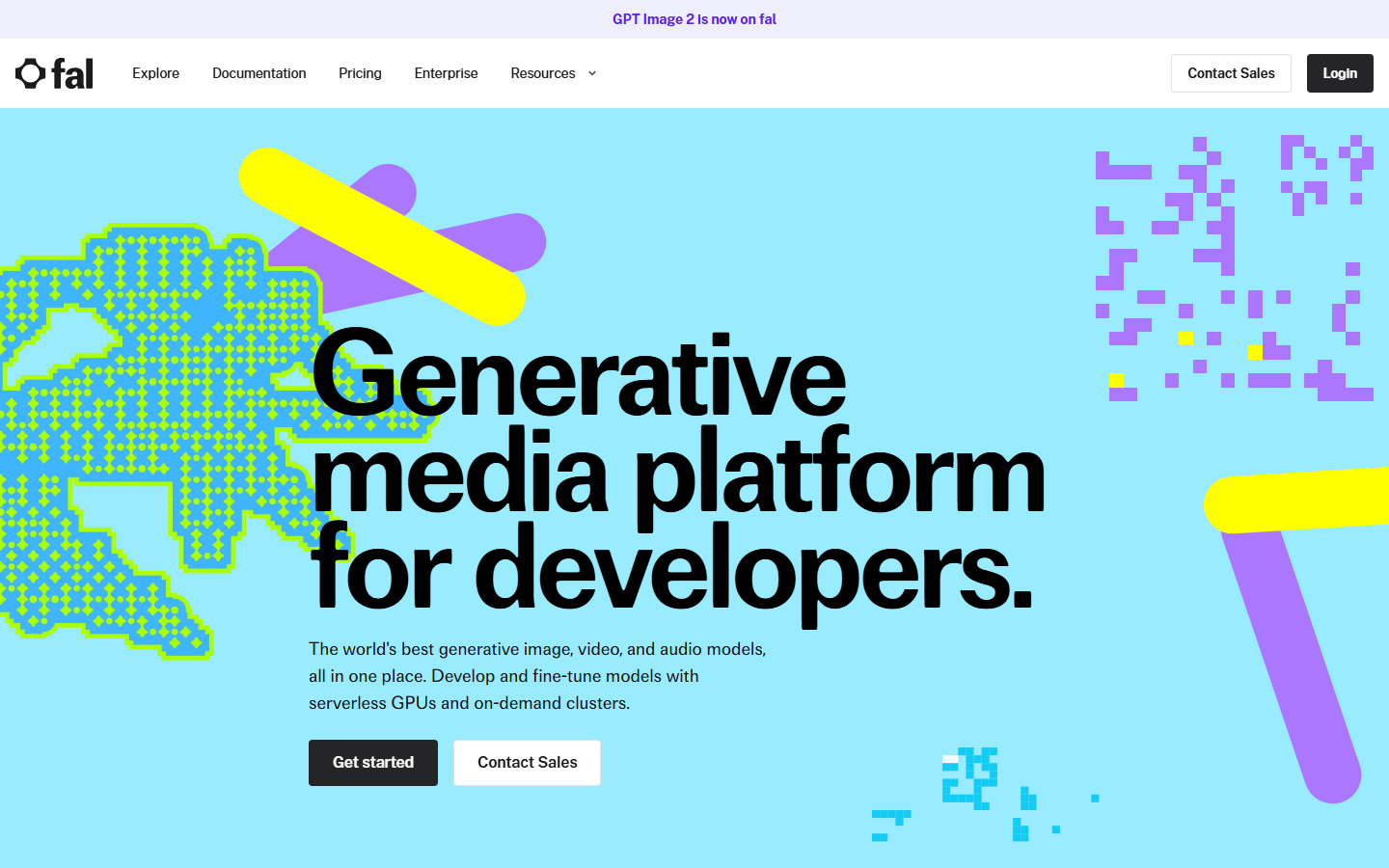
fal.ai is a generative AI cloud optimized for fast diffusion model inference. Rather than running full ComfyUI natively, fal provides pre-built model APIs (Flux, Stable Diffusion, SDXL, ControlNet variants) callable with a single HTTP request. Cold-start times are minimized through continuous warm instance pools. Flux Pro API pricing and code examples are a useful starting point if fal's Flux endpoints are part of your evaluation.
For applications where generation speed matters above all else, with sub-2-second image results for interactive products, fal's optimized inference pipeline is difficult to match. The tradeoff is reduced pipeline composability: you call a model endpoint directly rather than a multi-step workflow graph.
Best for: applications where inference speed is critical and single-model API calls are the primary pattern Pricing: credit-based per inference, with competitive per-image rates for Flux and SDXL
6. Replicate - Best for Easy Integration
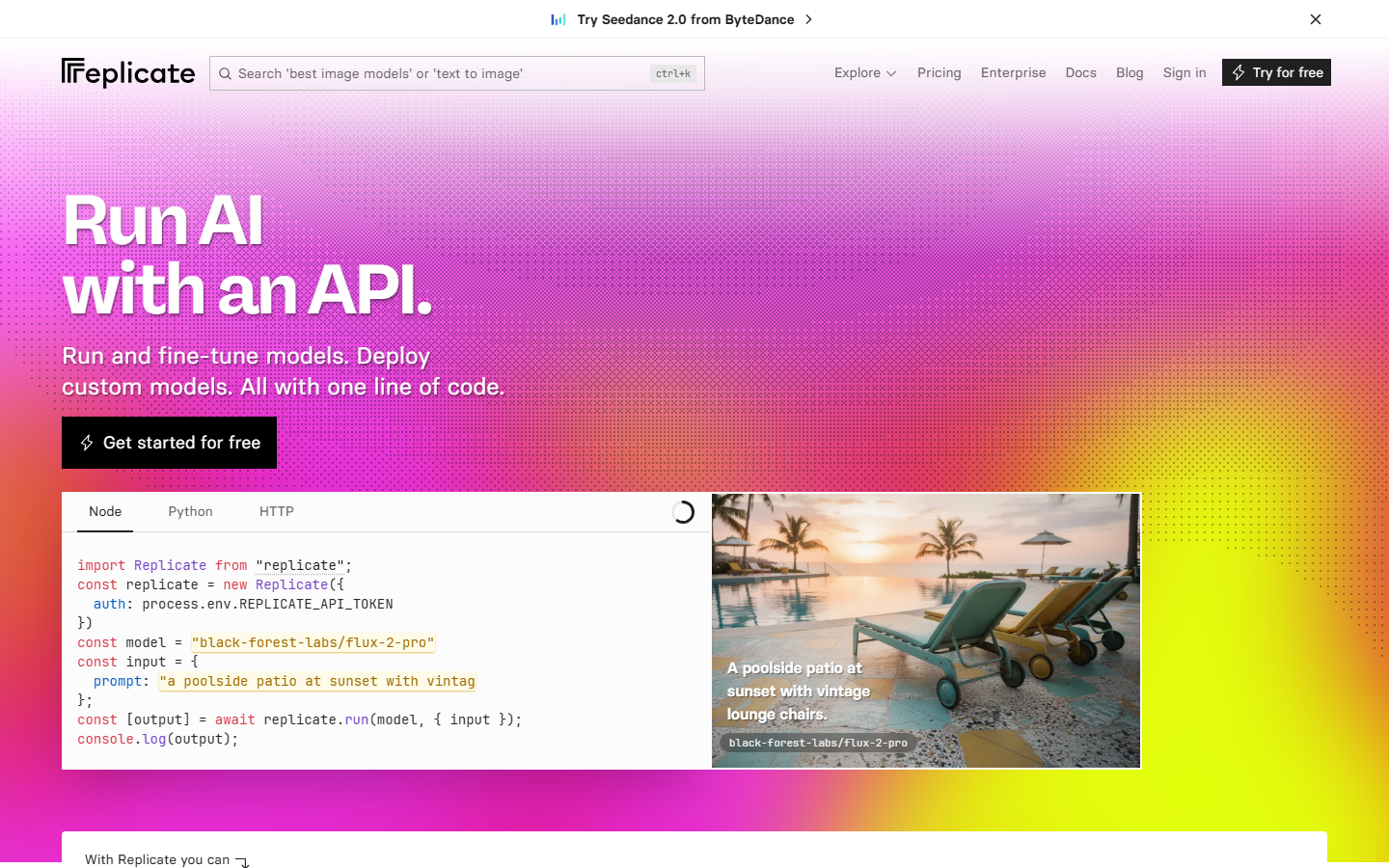
Replicate is a fully managed model API platform with a large library of community-published ComfyUI workflows available as versioned endpoints. Integration is simple: pick a model or workflow, call the REST API with your inputs, and poll for output. Webhook callbacks mean you don't need to hold an open HTTP connection while jobs process. Batch image generation API patterns work naturally with Replicate's async queue model.
The platform is well-documented with official SDKs for Python, Node.js, and other languages. For developers who want to prototype quickly before committing to a specific infrastructure stack, Replicate offers the lowest friction path from zero to a working API call.
Best for: prototyping and projects that benefit from access to community-published model variants without custom deployment Pricing: approximately $0.01-$0.05 per image; charges per second of GPU time for custom model deployments
7. ViewComfy - Best for Enterprise
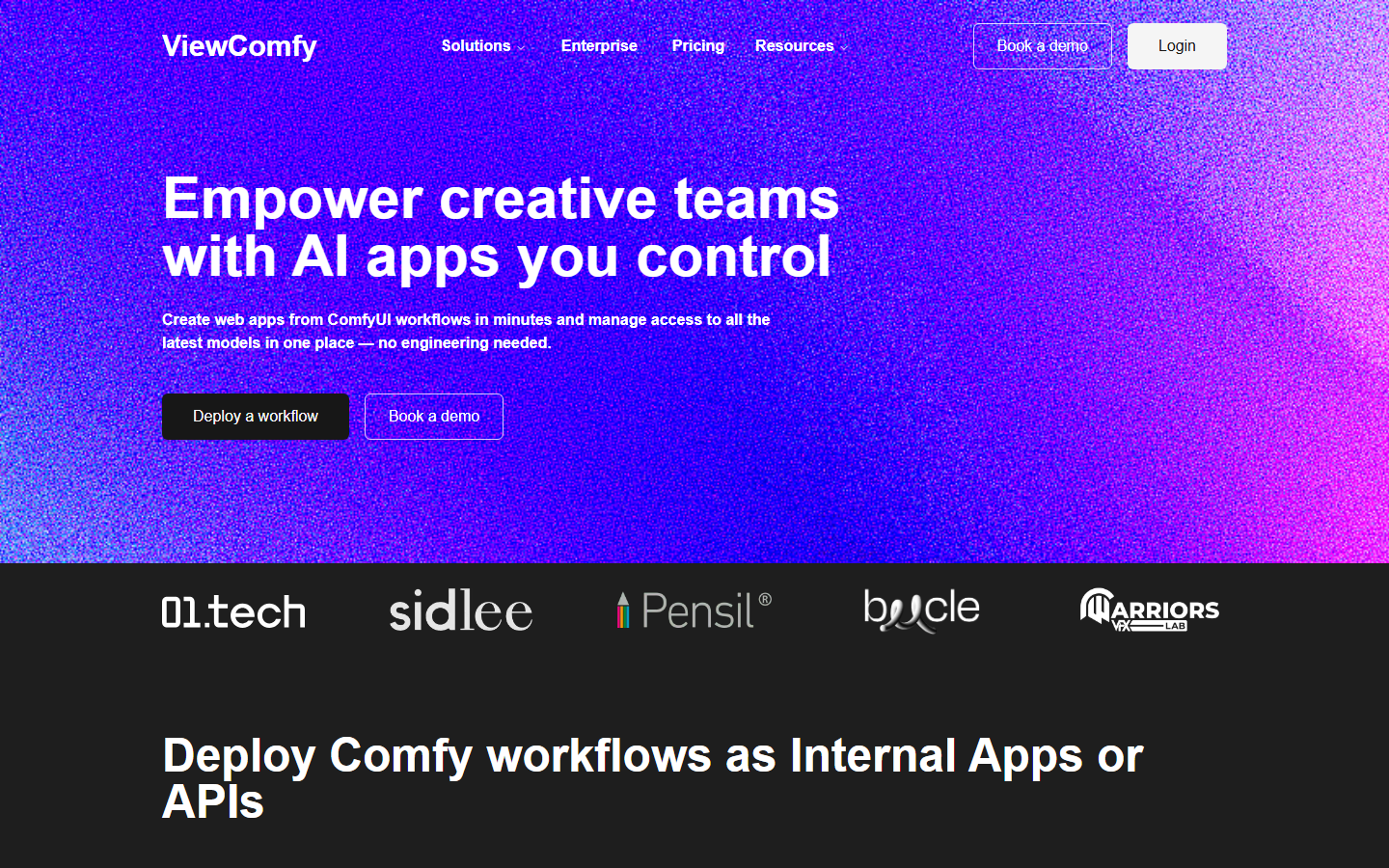
ViewComfy targets studios and enterprise teams that need to convert ComfyUI workflows into customer-facing applications without writing frontend code. Workflows are packaged as shareable web apps or serverless API endpoints through a no-code interface. SSO integration, private S3 bucket support, and team access controls are standard features. AI orchestration APIs for production apps covers the infrastructure patterns these enterprise deployments typically follow.
Custom node support and auto-scaling are included, with dependency installation handled at deployment time. For studios managing multiple client workflows, version tagging and environment isolation reduce coordination overhead and deployment risk.
Best for: studios and enterprise teams needing secure, governed ComfyUI deployment with SSO and client-facing application delivery Pricing: enterprise custom pricing
Platform Comparison
| Platform | ComfyUI Native | API Type | Multi-Model Support | Team Features | Pricing Model |
|---|---|---|---|---|---|
| Wireflow | No (own runtime) | REST | Yes (15+ providers) | Yes | Flat monthly |
| ComfyDeploy | Yes | REST | No | Yes (versioning) | Team subscription |
| RunComfy | Yes | REST | No | Limited | Pay-as-you-go |
| RunPod | Yes | REST | No | Limited | Per-hour/usage |
| fal.ai | No (own runtime) | REST | Limited | No | Per inference |
| Replicate | Partial | REST | Yes (community) | No | Per GPU second |
| ViewComfy | Yes | REST + Web App | No | Yes (SSO) | Enterprise |
Try it yourself: Build this workflow in Wireflow - a text-to-image pipeline using Flux 2 Pro, pre-configured and ready to run via the REST API described above.
FAQ
What is a hosted ComfyUI API? A hosted ComfyUI API runs ComfyUI workflows (or equivalent node-based pipelines) on cloud infrastructure and exposes them as HTTP endpoints. Instead of managing GPU hardware locally, you send a request with your inputs and receive generated images, video, or other media in response.
Do I need to know ComfyUI to use these platforms? Not necessarily. Wireflow, fal.ai, and Replicate offer their own workflow editors or model catalogs that do not require ComfyUI knowledge. ComfyDeploy, RunComfy, ViewComfy, and RunPod are better suited for teams that already have ComfyUI workflow JSON files they want to deploy to the cloud.
What is the difference between serverless and dedicated GPU hosting? Serverless hosting charges per execution and scales automatically, making it well-suited for variable or unpredictable workloads. Dedicated GPU instances reserve hardware for your exclusive use, offering predictable latency and better economics at high volume, typically above 500 generations per day.
Can I use custom LoRA models or ControlNet on these platforms? Yes, most platforms support custom model weights. ComfyDeploy and RunComfy lock custom nodes and model weights per deployment version. RunPod allows full container customization including custom model mounts. Wireflow supports LoRA and ControlNet through compatible model nodes in the visual editor.
How do I choose between pay-per-use and flat-rate pricing? Pay-per-use (fal.ai, Replicate, RunPod serverless) works best for unpredictable or low-volume usage. Flat monthly rates like Wireflow's subscription favor teams with consistent daily generation volumes where budget predictability matters more than marginal per-call cost.
Are there rate limits on these APIs?
Yes. Wireflow's rate limits range from 10 requests/minute on Free to 200 requests/minute on Enterprise, with all responses including X-RateLimit-Remaining headers. The Wireflow rate limits docs cover backoff strategies and plan-by-plan limits. Replicate and fal.ai have per-account queue depth limits that vary by subscription tier.
Can I trigger workflows from a webhook instead of polling?
Wireflow supports both webhook triggers and polling. Webhook triggers use a separate unauthenticated URL (POST /workflow/{webhookId}/trigger) suitable for third-party services like Zapier or CI pipelines. Replicate also supports webhook callbacks for async completion notifications. See the Wireflow webhook docs for implementation patterns.
What authentication method do these APIs use?
Most platforms use Bearer token authentication in the Authorization header. Wireflow keys begin with sk-, are generated from the dashboard under Settings > API Keys, and are shown only once at creation. Wireflow authentication docs cover key rotation, scope management, and error handling for expired or malformed tokens.
Choosing between these platforms comes down to how much of the stack you want to own. If your team already has ComfyUI workflows and needs cloud deployment with versioning, ComfyDeploy is the natural path. If you need broad model coverage, multi-step orchestration, and a clean REST API without per-generation costs, the managed platform category offers a different trade-off that scales differently as usage grows.

Co-Founder & Operations at Wireflow
Runs client operations and content strategy at Wireflow. Works directly with creative teams and agencies to build production AI workflows.
- Content Strategy
- Client Operations
Get unlimited ad creatives today.
One call to see if we are a fit and scope the first ad. If it fits, your first batch lands inside week one.