Best Visual AI Canvas Editor Tools in 2026

In this article▾
Best Visual AI Canvas Editor Tools in 2026
The visual AI canvas editor has become the default interface for creative professionals who need more control than a chat prompt but less friction than a full code pipeline. Platforms like Wireflow pioneered the node-based canvas approach, letting teams chain multiple AI models into repeatable workflows with full API access. In this guide, we compare the seven strongest visual canvas editors available right now, covering features, pricing, API support, and the types of projects each one handles best.
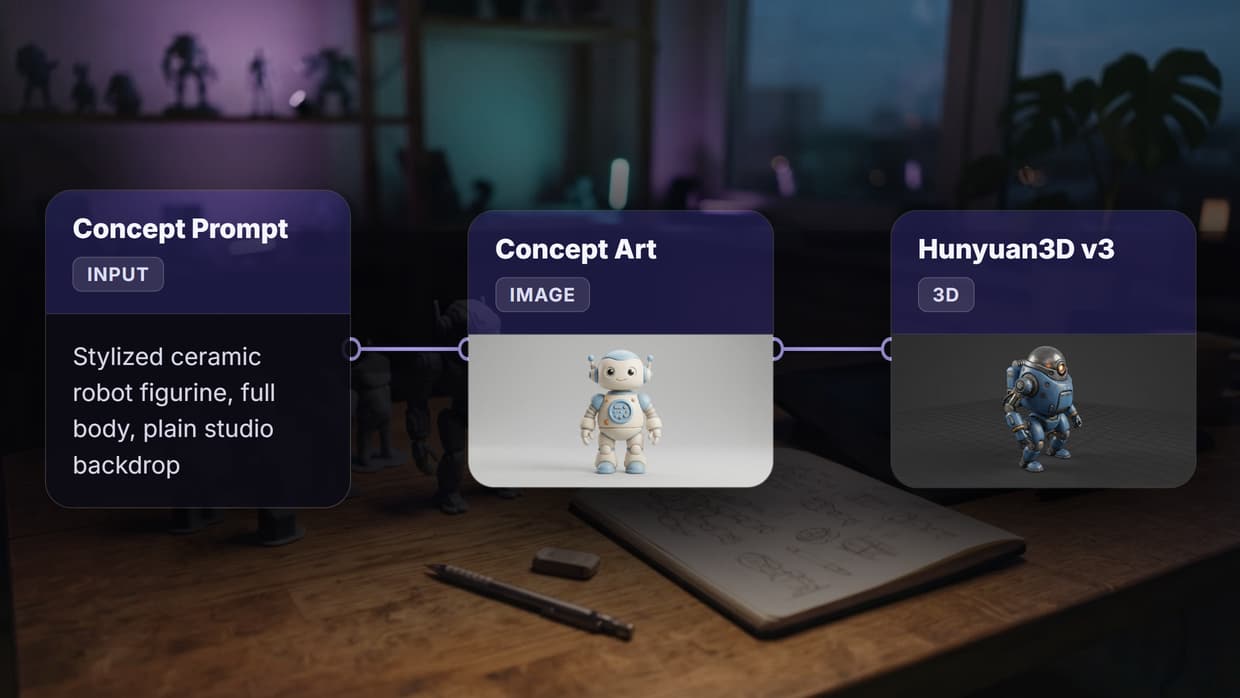
On the same canvas you can drop in a node that edits faces, steering expression and lighting with a prompt and reusing the graph on the next portrait.
Quick Summary
- Wireflow - Best overall for API-first canvas workflows
- Krea - Best for real-time generation and speed
- Flora (FloraFauna) - Best for storyboarding and narrative projects
- Freepik Spaces - Best for teams with stock asset needs
- ComfyUI - Best free and open-source option
- Leonardo.ai - Best Photoshop-like layer experience
- Figma Weave (ex-Weavy) - Best for Figma ecosystem users
For a hands-on look at how visual canvas editors work in practice, check out the best visual AI canvas editor tools in 2026 feature page.
1. Wireflow
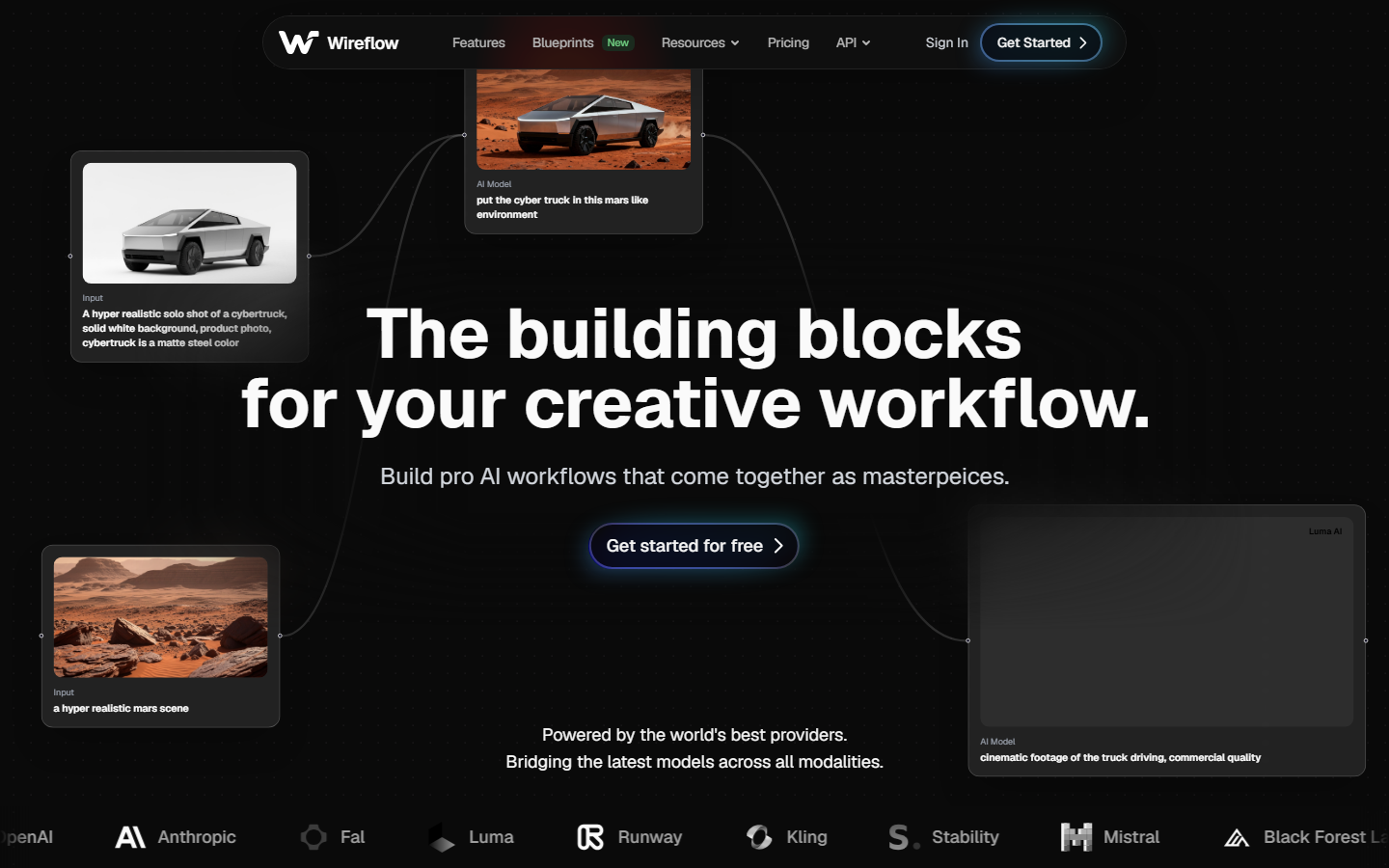
Wireflow is a visual node editor built for developers and creative teams who want both a drag-and-drop canvas and programmatic control. The canvas supports 50+ AI models, including Recraft V4, Flux Pro, Kling 2.5, and Seedance for video. Each node runs independently, and the entire workflow is accessible through a REST API, so anything you build on the canvas can be triggered from code, webhooks, or scheduled jobs.
Pricing starts with a free tier (50 generations/month) and scales to $49/month for teams with unlimited API calls. The platform also supports batch generation, letting you process hundreds of images or videos in a single workflow run.
Best for: Developer teams who need a visual canvas with full API and webhook access.
Build this in Wireflow
Make the same kind of asset on a canvas you control, with a free account and no credit card.
2. Krea
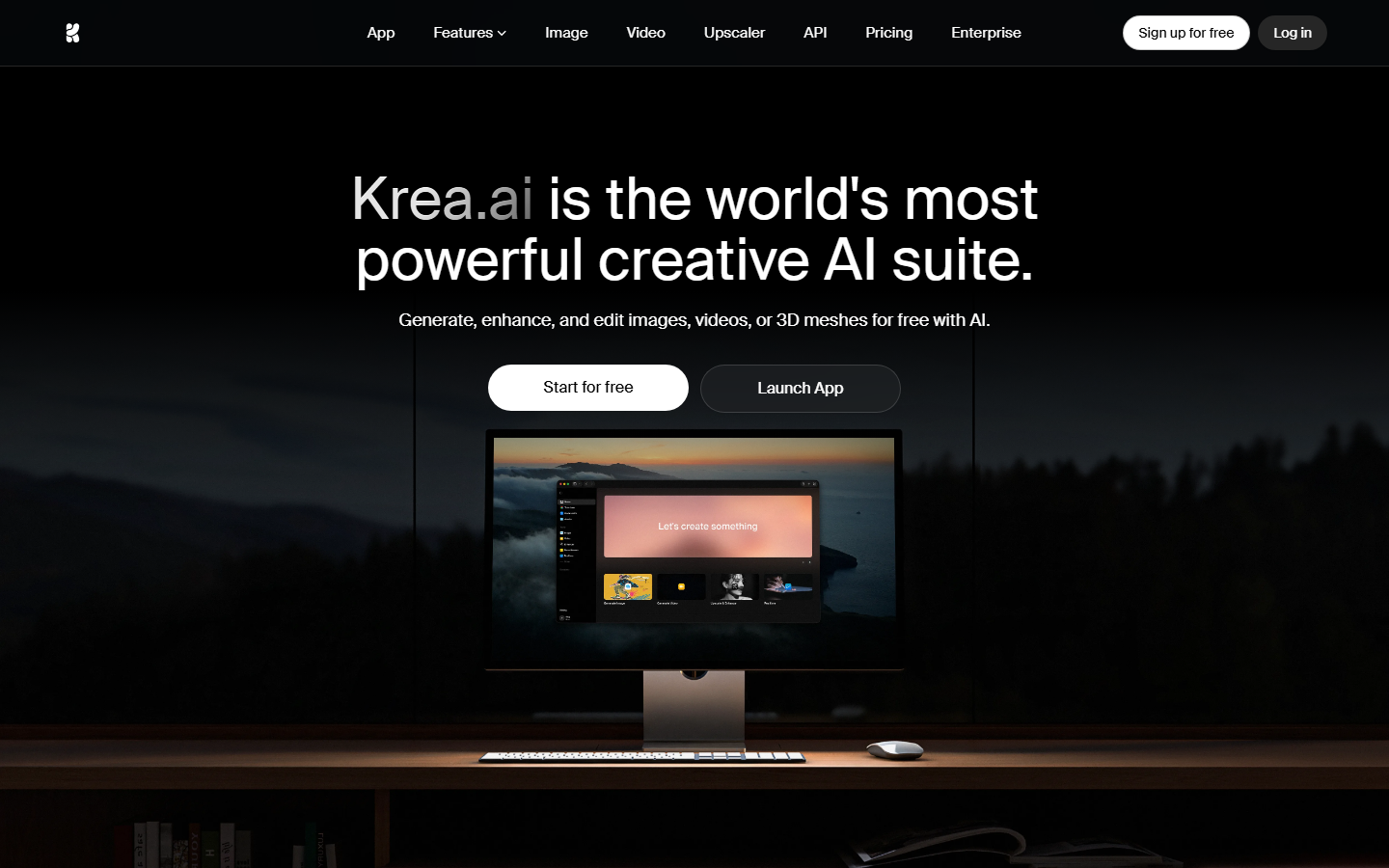
Krea focuses on speed. Its real-time canvas renders AI-generated images as you type or sketch, with latency under two seconds on most models. The platform offers access to 50+ generative models and supports both text-to-image and image-to-image workflows. Krea's canvas uses a freeform spatial layout rather than a strict node graph, which makes it faster for quick exploration but less structured for complex multi-step pipelines.
Pricing: Free tier available. Pro starts at $24/month for faster generation and higher resolution outputs. Krea does not currently offer a public API for headless workflow execution.
Best for: Designers who want instant visual feedback and rapid iteration on concepts.
3. Flora (FloraFauna)
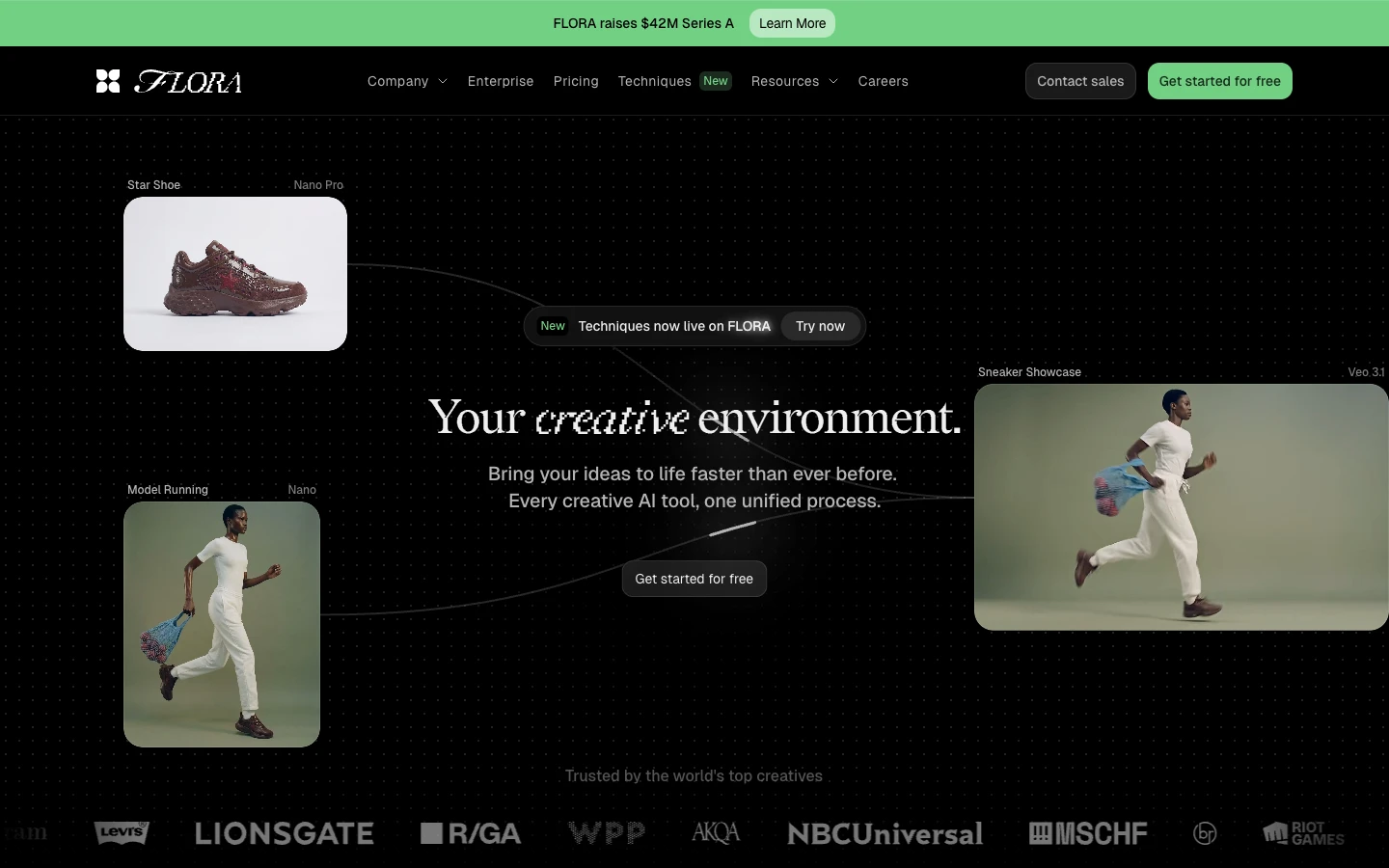
Flora takes an infinite-canvas approach with a focus on narrative and storyboard projects. Its "Flows" feature lets you build AI creative workflows that follow a visual story arc, connecting scene descriptions, character references, and style guides into a coherent sequence. Flora includes industry-specific templates for advertising, film pre-production, and game concept art.
The platform integrates with Photoshop and Figma through plugins, and supports exporting to PSD layers. Pricing starts at $19/month for individual creators, with team plans at $39/month per seat.
Best for: Storyboard artists, VFX teams, and anyone building narrative-driven visual sequences.
4. Freepik Spaces
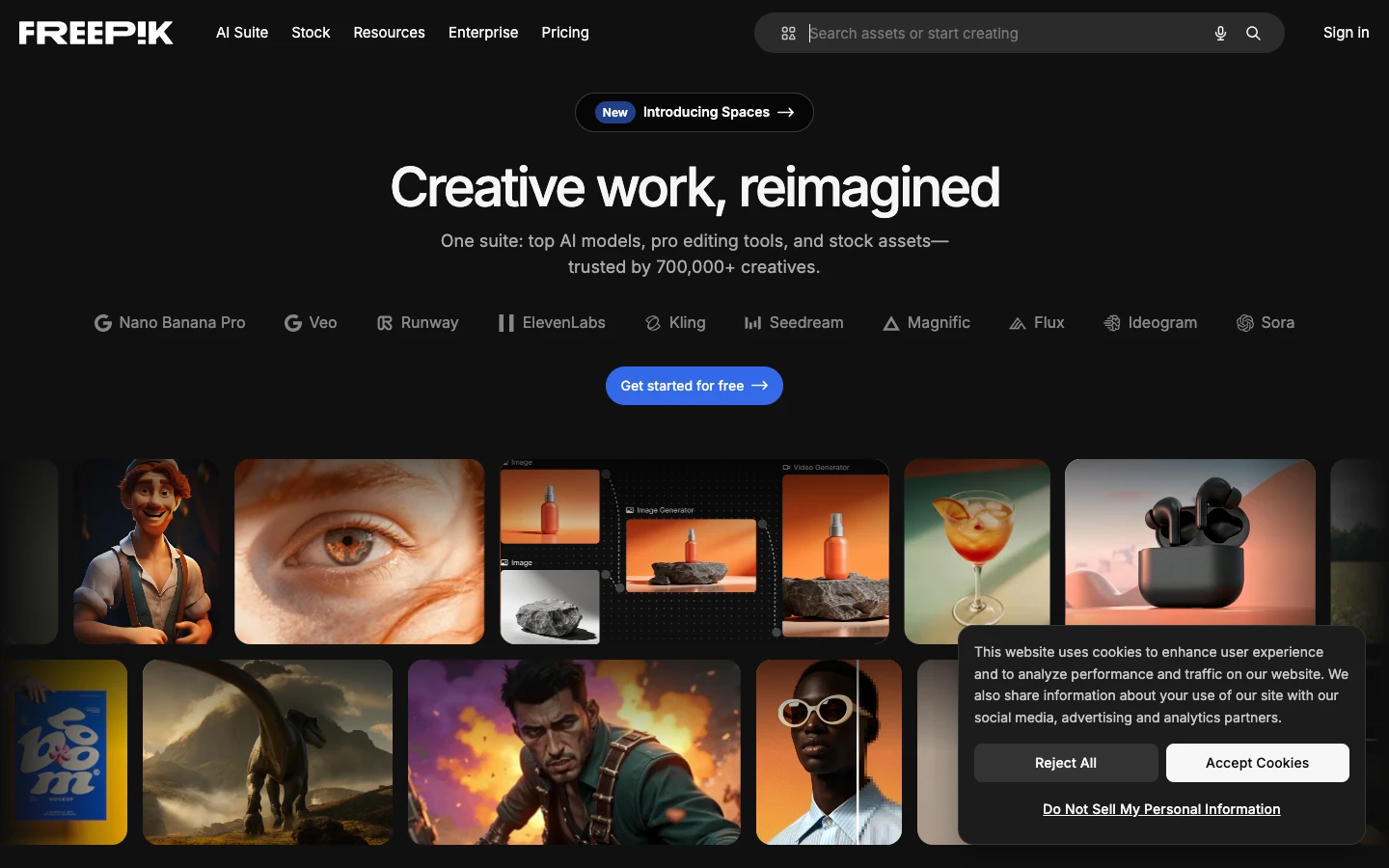
Freepik Spaces combines a node-based AI canvas with access to Freepik's library of 247 million stock assets. This makes it unique among canvas editors because you can mix AI-generated content with licensed stock photos, vectors, and templates in a single workspace. The platform supports real-time collaboration with up to 10 team members on the same canvas, and includes built-in AI model chaining for multi-step generation pipelines.
Freepik Spaces also added video generation in early 2026. Pricing is bundled with Freepik Premium ($12/month), which includes stock access. The AI canvas features require an additional $15/month add-on.
Best for: Marketing teams that need to combine AI generation with stock assets in a collaborative workspace.
5. ComfyUI
ComfyUI remains the gold standard for open-source, self-hosted AI canvas editing. Its node graph gives you granular control over every step of the generation pipeline, from model loading and LoRA stacking to sampler configuration and post-processing. The community has built thousands of custom nodes, making it the most extensible option on this list. You can find ComfyUI cloud hosting options if you prefer not to manage your own GPU infrastructure.
The tradeoff is setup complexity. ComfyUI requires a local GPU or cloud GPU instance, Python environment management, and manual model downloads. There is no built-in collaboration, no hosted version from the core team, and no official API.
Best for: Technical users who want maximum control and are comfortable with self-hosting.
6. Leonardo.ai

Leonardo.ai offers a layer-based "Unified Canvas" that feels closer to Photoshop than to a node graph. This makes it the most accessible option for designers coming from traditional photo editing tools. The canvas supports inpainting, outpainting, layer blending, and style transfer within a familiar toolbar interface. Leonardo's "Blueprints" feature lets you save and share reusable AI templates for common generation tasks.
The platform trains custom models on your uploaded images, which is useful for brand-consistent generation. Pricing starts free (150 tokens/day) and scales to $24/month for the Artisan plan with 8,500 tokens.
Best for: Designers who want a Photoshop-like experience with AI generation built in.
7. Figma Weave (ex-Weavy)
Figma acquired Weavy in October 2025 and rebranded it as Figma Weave. The platform brings node-based AI generation directly into the Figma design ecosystem, allowing designers to generate and composite AI images without leaving their design files. Weave includes "App Mode," which packages workflows into shareable tools that non-technical team members can use through a simplified interface.
Figma Weave supports brand-safe generators, meaning you can constrain outputs to approved color palettes, typography, and style guidelines. Pricing is included with Figma's Organization plan ($75/editor/month), with a standalone option expected in late 2026.
Best for: Teams already invested in the Figma ecosystem who want AI generation integrated into their existing design workflow.
Comparison Table
| Platform | Canvas Type | API Access | Models | Collaboration | Starting Price |
|---|---|---|---|---|---|
| Wireflow | Node graph | Full REST API | 50+ | Yes | Free / $49 team |
| Krea | Freeform spatial | No public API | 50+ | No | Free / $24 Pro |
| Flora | Infinite canvas | Plugin-based | 30+ | Yes (Figma/PS) | $19/month |
| Freepik Spaces | Node graph | Limited | 20+ | Yes (10 users) | $27/month |
| ComfyUI | Node graph | Self-hosted only | Unlimited | No | Free (self-hosted) |
| Leonardo.ai | Layer-based | REST API (limited) | 15+ | No | Free / $24/month |
| Figma Weave | Node + compositing | Figma API | 20+ | Yes (Figma) | $75/editor/month |
What to Look for in a Visual AI Canvas Editor
Choosing the right canvas editor depends on your workflow priorities. If you need pipeline automation and headless execution, prioritize platforms with full API access. If your team collaborates in Figma, Weave's native integration removes friction. For maximum flexibility with no vendor lock-in, ComfyUI's open-source model is hard to beat.
Consider these factors when evaluating:
- API and automation support - Can you trigger workflows programmatically, or is it canvas-only?
- Model variety - Does the platform support the specific models your project needs (Flux, Recraft, Kling, Stable Diffusion)?
- Collaboration features - Can multiple team members work on the same canvas simultaneously?
- Export options - Does it output to formats your pipeline needs (PSD layers, individual assets, video)?
- Pricing model - Per-seat, per-generation, or flat rate? This matters significantly at scale.
The gap that most AI workflow platforms still fail to close is the bridge between visual canvas building and production API execution. Only a few platforms on this list let you design a workflow visually and then call it as an API endpoint.
Try it yourself: Build this workflow in Wireflow - the nodes are pre-configured with a text-to-image-to-upscale pipeline using the exact canvas approach discussed above.
FAQ
What is a visual AI canvas editor?
A visual AI canvas editor is a software tool that lets you build AI generation workflows by dragging and connecting nodes on a canvas, rather than writing code. Each node represents a step like text input, image generation, upscaling, or style transfer.
Are visual AI canvas editors free?
Several options offer free tiers. ComfyUI is completely free and open-source (you supply your own GPU). Wireflow, Krea, and Leonardo.ai all offer limited free plans. Paid plans typically range from $19 to $75 per month.
Which visual AI canvas editor has the best API support?
Wireflow offers the most complete API, with REST endpoints for triggering any canvas workflow programmatically. Leonardo.ai has a limited API for image generation. ComfyUI can be wrapped in an API layer through community tools but has no official API.
Can I use my own AI models in a canvas editor?
ComfyUI supports any model you can load locally. Wireflow supports custom model endpoints through its node system. Most other platforms are limited to their built-in model selection.
How do visual canvas editors differ from text-based AI tools like ChatGPT or Midjourney?
Text-based tools process a single prompt and return a single output. Canvas editors let you chain multiple AI models together, route outputs between steps, and build repeatable pipelines. This is essential for production workflows where consistency and automation matter.
Which canvas editor is best for team collaboration?
Freepik Spaces supports real-time collaboration with up to 10 users. Figma Weave inherits Figma's collaboration features. Wireflow offers team workspaces with shared workflow libraries and role-based access.
Do I need a GPU to use a visual AI canvas editor?
Cloud-hosted platforms (Wireflow, Krea, Flora, Freepik Spaces, Leonardo.ai, Figma Weave) handle GPU compute on their servers. ComfyUI requires your own GPU, either locally or through a cloud GPU provider.
Can visual AI canvas editors generate video?
Yes. Wireflow supports video generation through Kling 2.5 and Seedance nodes. Freepik Spaces added video generation in early 2026. ComfyUI supports video through community nodes like AnimateDiff and SVD.

Co-Founder & Operations at Wireflow
Runs client operations and content strategy at Wireflow. Works directly with creative teams and agencies to build production AI workflows.
- Content Strategy
- Client Operations
Get unlimited ad creatives today.
One call to see if we are a fit and scope the first ad. If it fits, your first batch lands inside week one.