Best Canva AI Alternatives for Designers in 2026

In this article▾
Canva dominates the quick-design space, but designers who need programmatic control, API access, or multi-model AI pipelines often hit its limits fast. Wireflow takes a different approach by letting you chain multiple AI models on a visual canvas with full REST API access, making it the strongest option for teams that want both design automation and developer-friendly infrastructure. Here are eight alternatives worth evaluating in 2026.
Quick Summary
- Wireflow - Best overall for AI-powered design workflows with API access
- Adobe Firefly - Best for Adobe ecosystem integration
- Figma - Best for collaborative UI/UX design
- Visme - Best for data visualization and infographics
- Pixlr - Best free browser-based editor
- Fotor - Best for quick photo editing with AI
- Canva - The incumbent (what you're replacing)
1. Wireflow

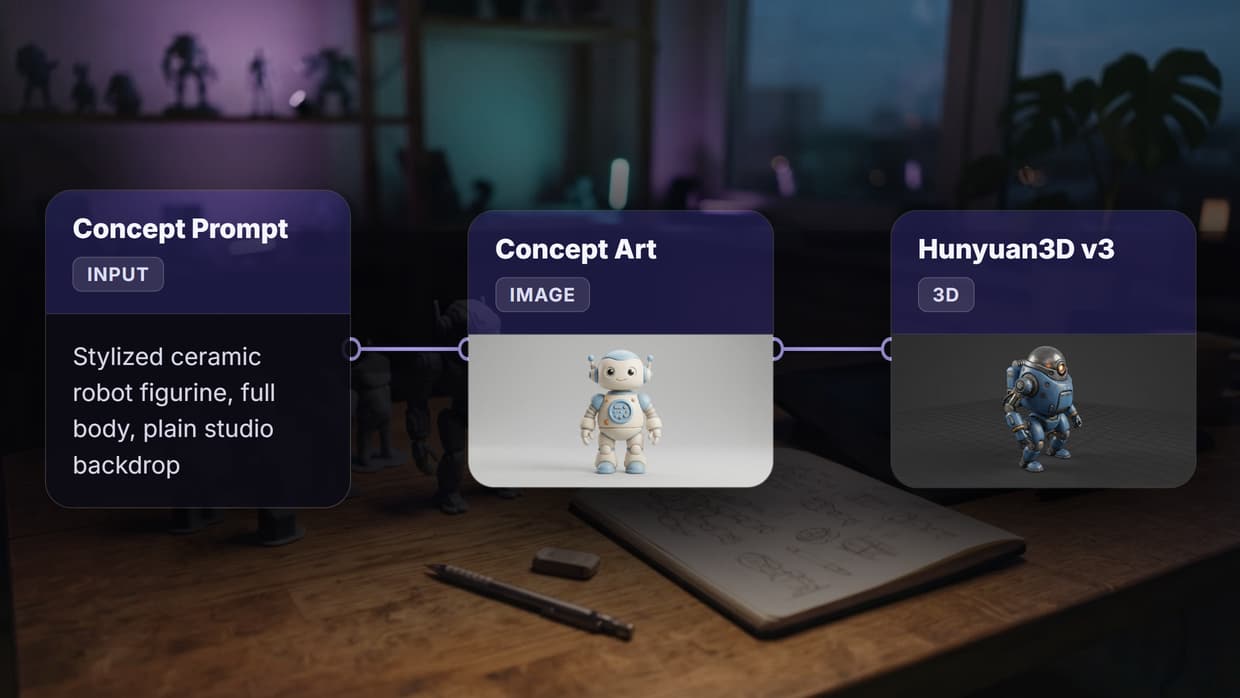
Wireflow is a visual node-based platform where you drag AI models onto a canvas, connect them, and run entire creative pipelines in one click. Unlike Canva's template-first approach, Wireflow treats every design task as a composable workflow. That composable approach is what powers a banner generator you own, rendering a legible headline and recomposing the layout for each placement instead of picking a fixed template. Designers who want repeatable output can use our digital art generator you can re-run on one canvas. You can generate images with Recraft V4, upscale them, remove backgrounds, and export final assets without leaving the editor.
The full REST API means anything you build on the canvas can also run headlessly via code. Designers who produce assets at scale (e-commerce product shots, social media batches, ad variations) benefit most from this programmatic image generation approach.
For a hands-on look at this in action, check out the best canva ai alternatives for designers 2026 feature page.
Pricing: Free tier available; Pro from $29/month
Build this in Wireflow
Make the same kind of asset on a canvas you control, with a free account and no credit card.
2. Adobe Firefly (via Adobe Express)
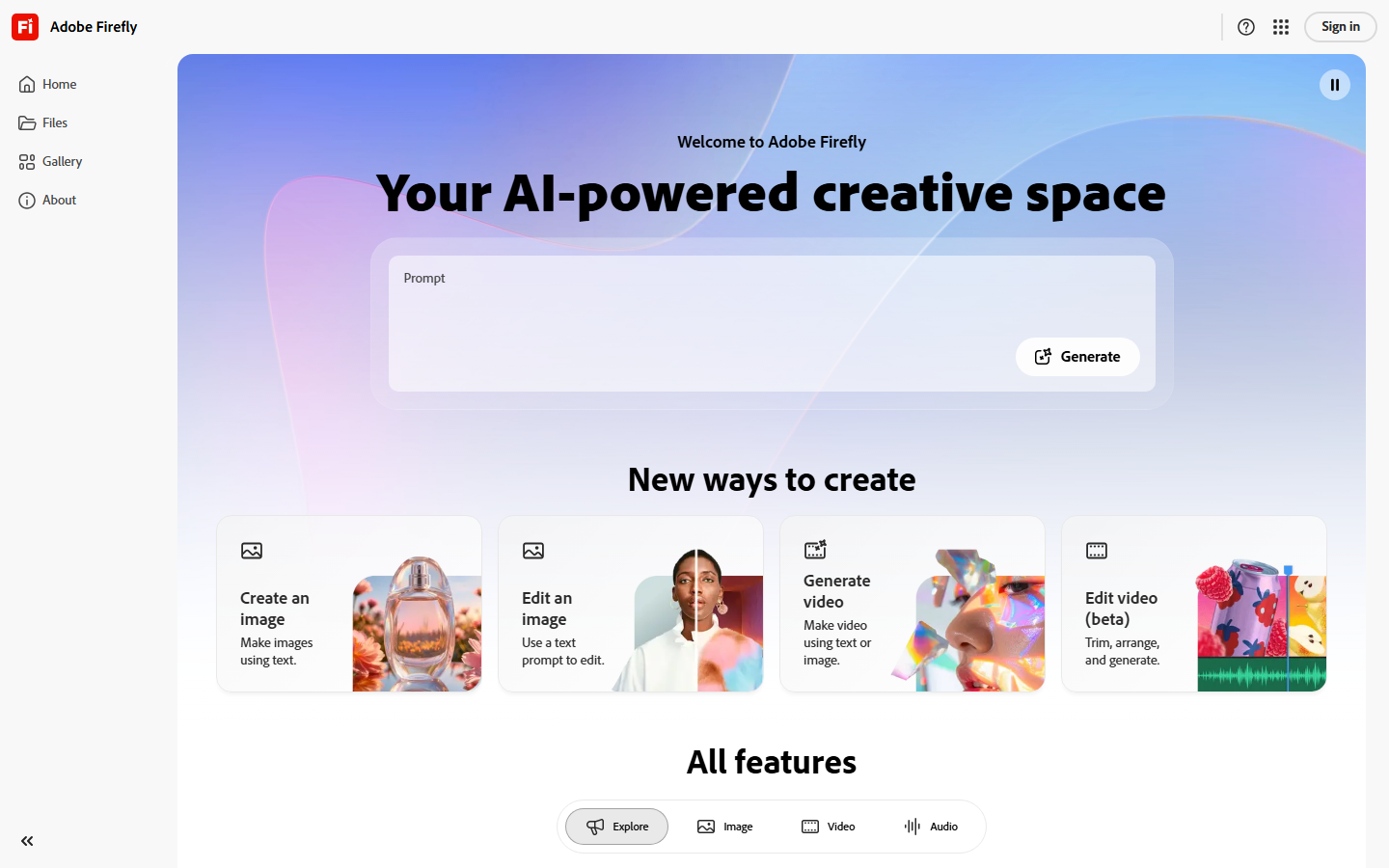
Adobe Firefly powers the AI features inside Adobe Express, giving designers generative fill, text-to-image, and style transfer tools backed by Adobe's commercially-safe training data. If your team already pays for Creative Cloud, Express slots in naturally alongside Photoshop and Illustrator without adding another subscription.
The AI Design Wizard analyzes your content and suggests layouts optimized for readability, which saves time on repetitive social posts. The main limitation is that Firefly's AI image editing capabilities still require manual iteration rather than supporting batch automation or API-driven workflows.
Pricing: Free with limits; $9.99/month for Premium
3. Figma
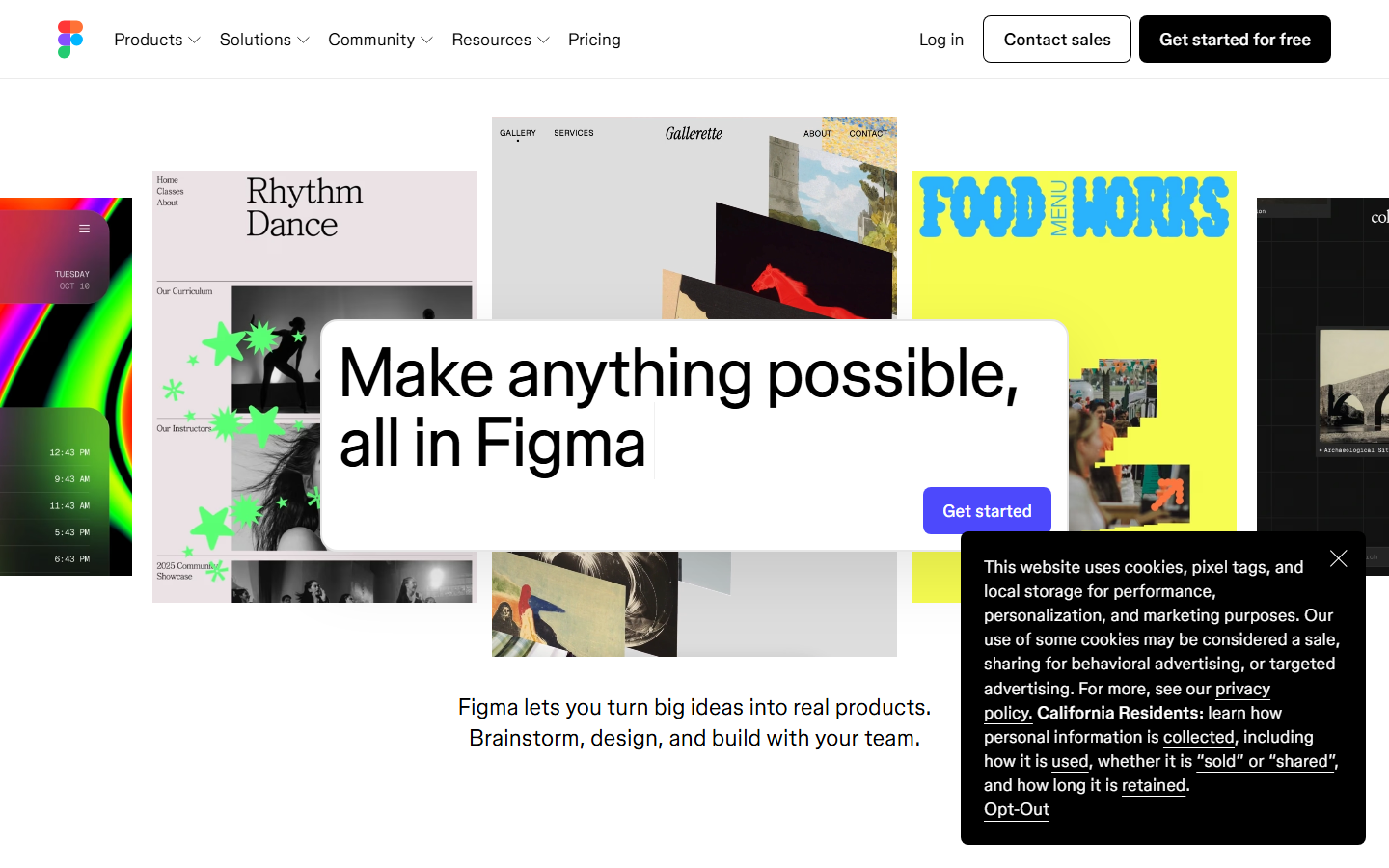
Figma is the standard for collaborative interface design, and its 2026 AI features (auto-layout suggestions, component generation, and design-to-code exports) push it further into generative territory. For teams building products rather than marketing materials, Figma remains unmatched for visual design workflows that go from wireframe to production.
Where Figma falls short as a Canva replacement: it has no built-in template library for social graphics, no one-click resize for multiple platforms, and no native image generation models. If flyers and posters are what you actually churn out, a print-ready flyer generator turns one brief into resizable social and print layouts without hunting for a template. It is a design system tool, not a content creation tool.
Pricing: Free for individuals; $15/editor/month for teams
4. Visme
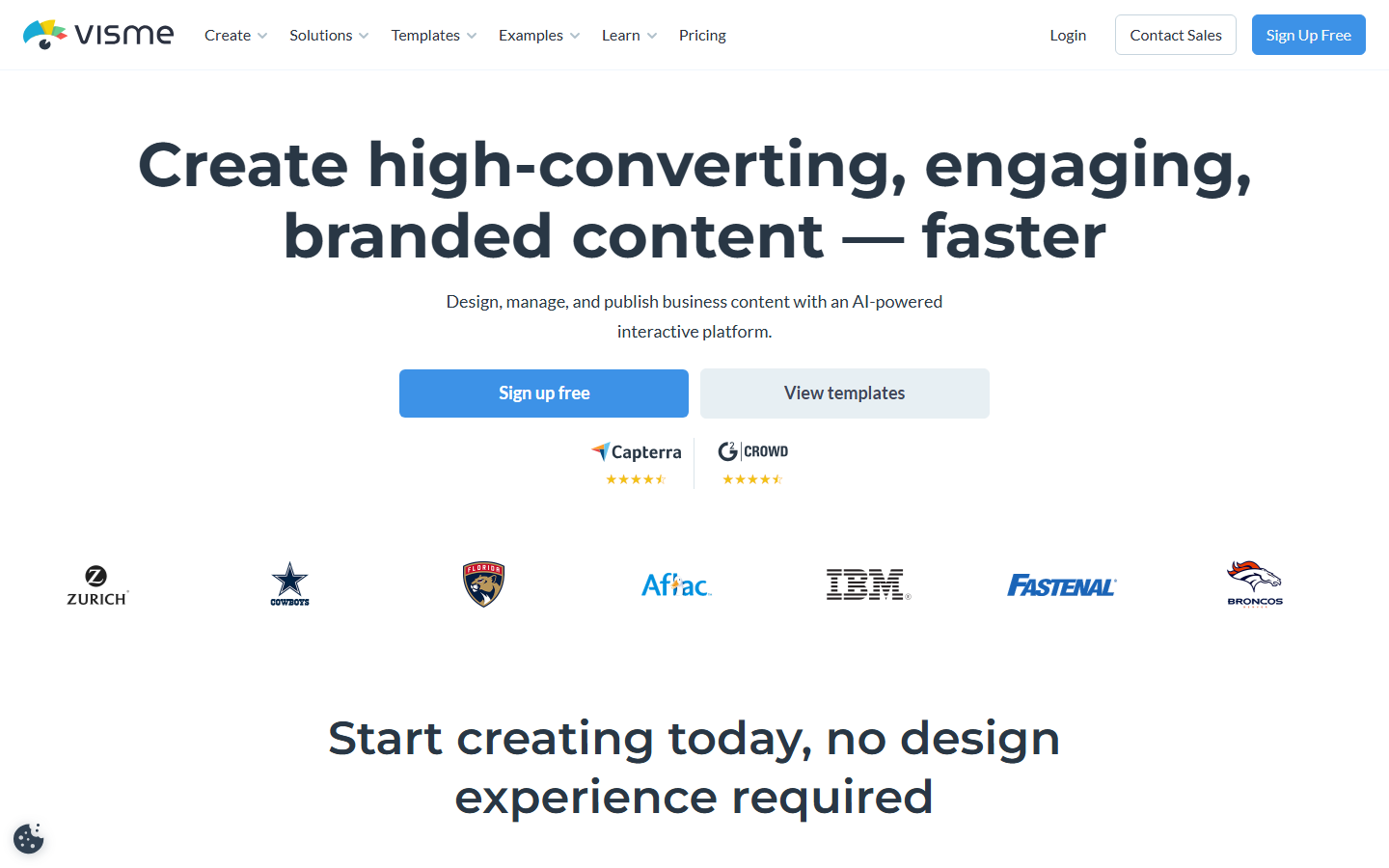
Visme leads for data-heavy content. The charting engine connects directly to Google Sheets, Excel, and live databases, building interactive charts that animate on hover or click. If your design work centers on reports, presentations, and infographics rather than social media graphics, Visme offers depth that Canva's chart tools cannot match.
The AI assistant generates infographic layouts that emphasize the right data points, and the brand kit system ensures every export stays on-brand. If you would rather build that kit as a re-runnable graph, an AI brand kit generator on a canvas outputs the mark, color direction, and imagery from one brief. Designers who work with AI content generation at the intersection of data and visuals will find this especially useful.
Pricing: Free with limits; $29/month for Business
5. Pixlr
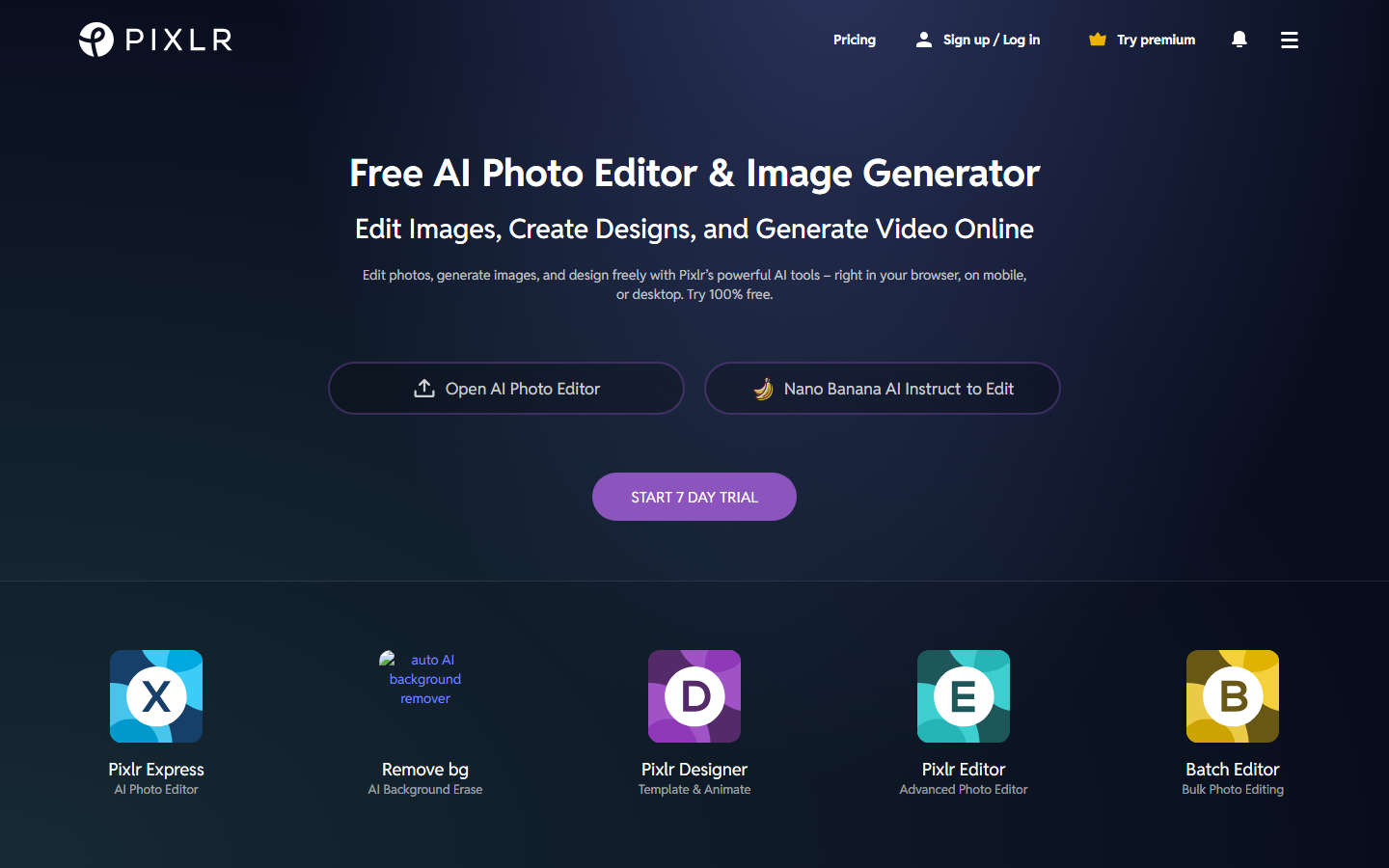
Pixlr runs entirely in the browser and offers layer-based editing, AI background removal, and a template system for social graphics. It is the closest free alternative to Canva that still supports professional features like blend modes, curves, and selective adjustments. For designers who need to produce SEO-optimized content visuals quickly without installing software, Pixlr delivers.
The AI-powered tools include one-click enhancements, object removal, and batch resizing. The free tier is genuinely usable for light production work, though watermarks appear on some AI-generated outputs unless you upgrade.
Pricing: Free; Plus at $7.99/month; Pro at $12.99/month
6. Fotor
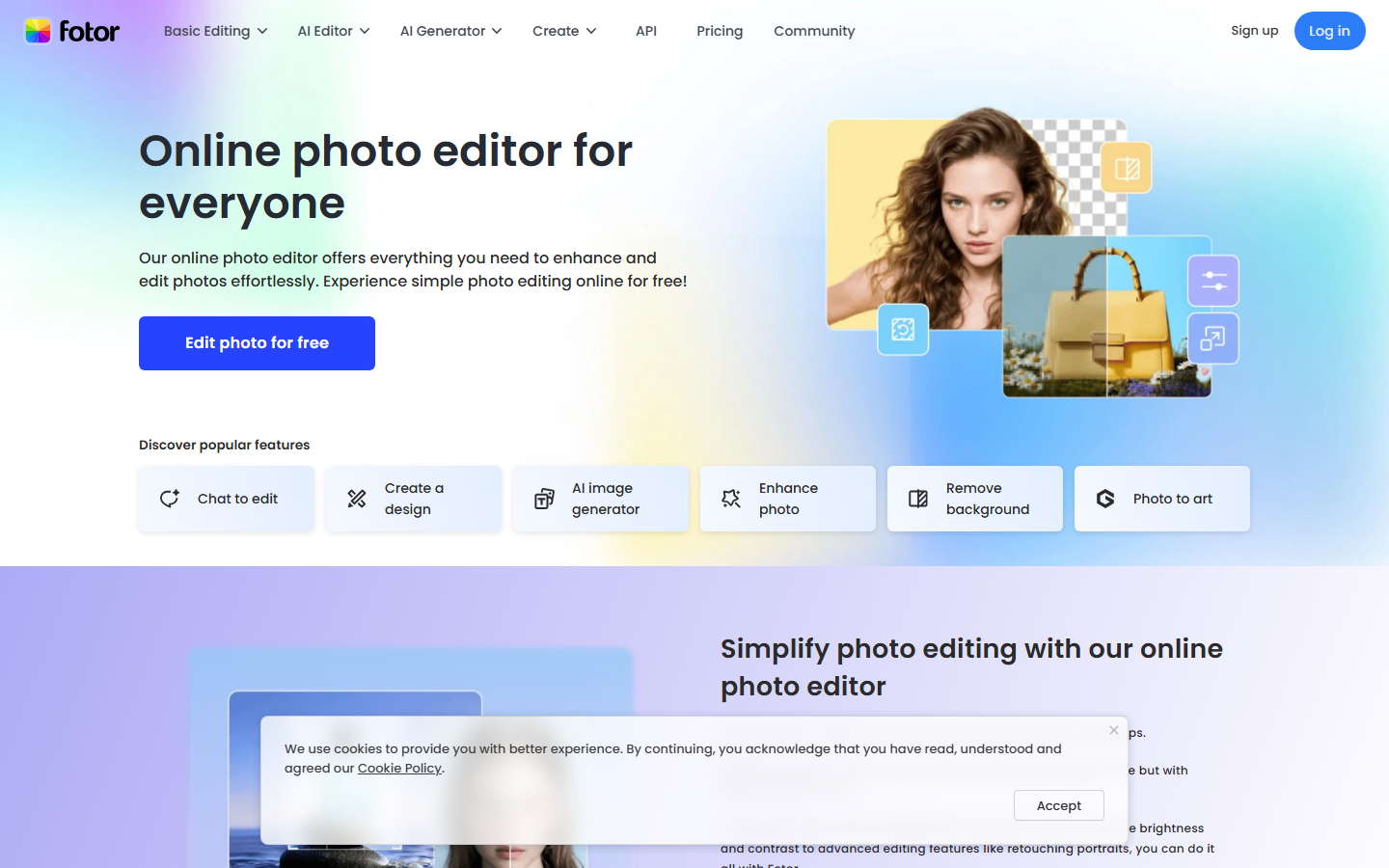
Fotor combines photo editing with design templates, positioning itself between a dedicated editor like Photoshop and a template tool like Canva. The AI features include portrait retouching, background generation, and style transfer that produces consistent results across batch uploads.
For designers focused on photography-adjacent work (product shots, headshots, social imagery with photo bases), Fotor's AI photo enhancement tools often produce cleaner results than Canva's simpler filters. The collage and template system covers standard social media sizes with decent variety.
Pricing: Free with limits; Pro at $8.99/month
Comparison Table
| Tool | AI Generation | API Access | Batch Processing | Free Tier | Best For |
|---|---|---|---|---|---|
| Wireflow | Yes (multi-model) | Full REST API | Yes | Yes | Design automation at scale |
| Adobe Firefly | Yes (Firefly) | Limited | No | Yes | Adobe ecosystem users |
| Figma | Partial | Plugin API | No | Yes | UI/UX collaborative design |
| Visme | Partial | No | Limited | Yes | Data visualization |
| Pixlr | Basic | No | No | Yes | Free browser editing |
| Fotor | Yes (photo AI) | No | Limited | Yes | Photo-based design |
| Canva | Yes (Magic Studio) | Limited | Basic | Yes | General quick design |
How to Choose the Right Alternative
The right Canva alternative depends on where your design bottleneck sits. If you spend hours manually resizing and reformatting the same asset for different channels, a workflow automation platform that handles batch operations will save more time than another template editor.
If your pain point is creative generation (you need original visuals, not templates), prioritize tools with strong AI image generation capabilities. If collaboration and design systems are the priority, Figma remains the clear choice despite lacking Canva's template convenience.
Consider these factors:
- Volume: How many assets do you produce weekly? High-volume teams need batch and API support
- Integration: Does the tool connect to your existing stack (CMS, DAM, social schedulers)?
- AI depth: Template suggestions vs. full generative models vs. multi-model pipelines
- Pricing per seat: Team costs compound quickly on per-editor models
Try it yourself: Build this workflow in Wireflow — the nodes are pre-configured with Recraft V4 for text-to-image generation and upscaling, exactly the kind of pipeline discussed above.
FAQ
What is the best free Canva alternative in 2026?
Pixlr offers the most capable free tier for designers who need layer-based editing, templates, and basic AI tools without paying. For AI-powered creative workflows, Wireflow's free tier includes canvas access and limited monthly generations.
Can I use Canva alternatives with an API?
Wireflow provides a full REST API for every workflow you build on its canvas. Adobe Express offers limited API access through Creative Cloud integrations. Most other alternatives (Visme, Pixlr, Fotor) do not offer public APIs for programmatic design generation.
Which Canva alternative is best for teams?
Figma leads for design teams that need real-time collaboration, version control, and design system management. For teams that need automated batch image generation, Wireflow's shared workspace with API access better suits production-heavy workflows.
Do these alternatives support AI image generation?
Yes, most modern design tools include some AI features. Wireflow supports multiple AI models (Flux, Recraft, Stable Diffusion) chained together. Adobe Firefly generates images trained on licensed content. Fotor and Pixlr offer basic AI generation and enhancement. Visme focuses AI on layout suggestions rather than image creation.
Are Canva alternatives better for professional designers?
It depends on the type of work. For UI/UX design, Figma is substantially more capable than Canva. For programmatic video and image generation, Wireflow offers infrastructure Canva lacks entirely. Canva remains strong for quick social media graphics where speed matters more than precision.
Which alternative works best for e-commerce product images?
Wireflow's pipeline approach lets you upload product photos, automatically remove backgrounds, generate lifestyle scenes, and export in multiple sizes through a single workflow. Adobe Express offers AI background generation but requires manual steps for each image. For high-volume stores, AI product photography workflows save significant production time.
Can I migrate my Canva designs to an alternative?
Most alternatives support importing PNG, SVG, and PDF exports from Canva. Figma imports SVG with layer structure preserved. No tool offers direct Canva file import since Canva uses a proprietary format. Plan to rebuild reusable templates in your new platform rather than attempting 1:1 migration.
How do AI design tools compare on pricing?
Free tiers vary significantly. Pixlr and Wireflow offer usable free plans. Adobe Express provides 25 monthly AI credits free. Figma is free for individuals. Paid plans range from $8/month (Fotor, Pixlr) to $29/month (Wireflow Pro, Visme Business). Enterprise pricing with custom AI workflow access typically requires annual commitments.

Co-Founder & Operations at Wireflow
Runs client operations and content strategy at Wireflow. Works directly with creative teams and agencies to build production AI workflows.
- Content Strategy
- Client Operations
Get unlimited ad creatives today.
One call to see if we are a fit and scope the first ad. If it fits, your first batch lands inside week one.