 Andrew Adams · Co-Founder & Operations at Wireflow ·
 AI Brand Kit Generator
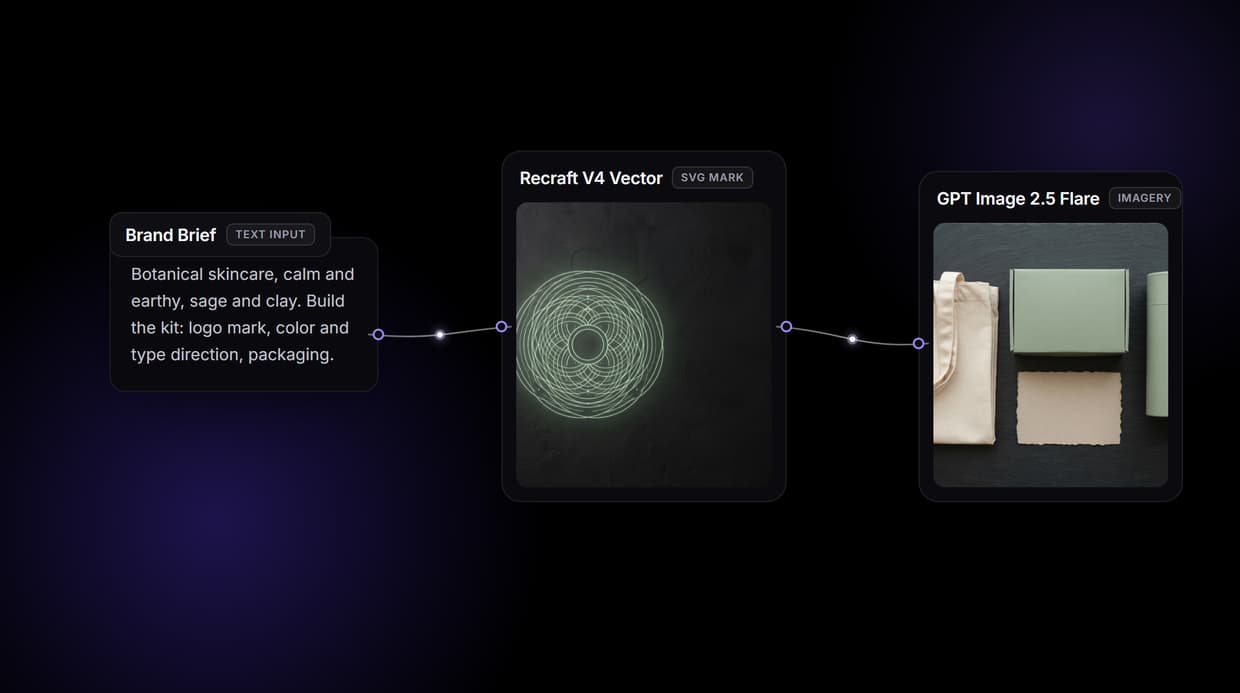
Wire one canvas that turns a brand brief into the whole kit at once: an SVG logo mark, a written color and type direction, and packaging and social imagery that all match.
Free to build · no credit card · See how it works ↓
How to Use AI Brand Kit Generator
Steps to get you started in Wireflow.
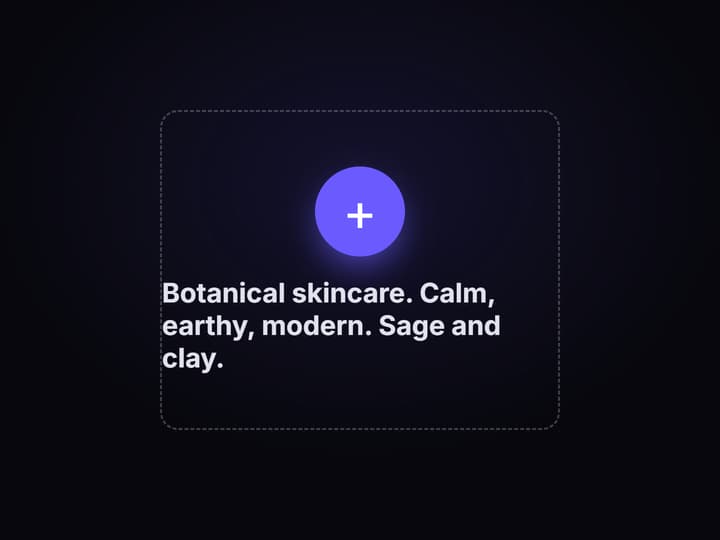
Write the brand brief once
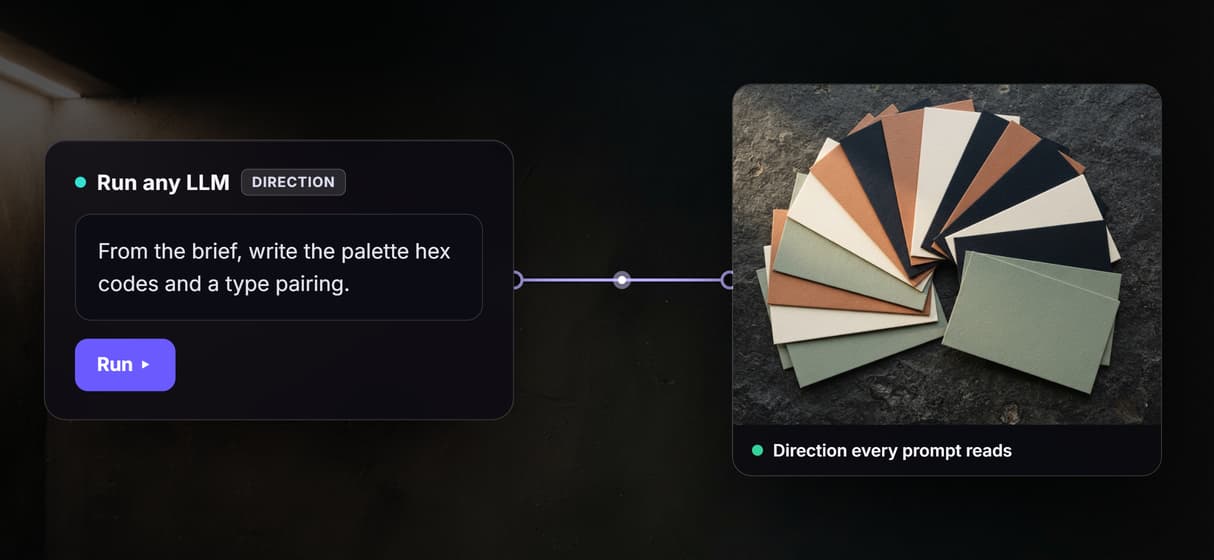
Drop a Text Input node and describe what the brand sells, the feeling, and the audience. A Run any LLM node reads it and writes back a color direction with hex codes and a type pairing you can see on the canvas.
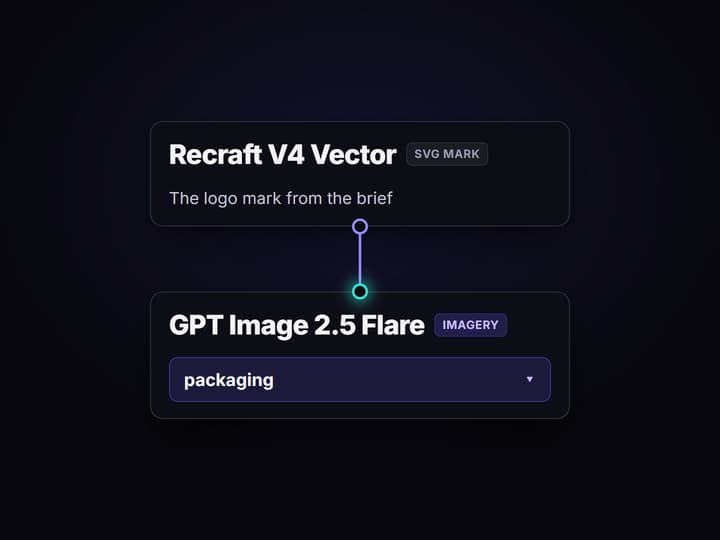
Wire the kit outputs
Send the same brief into Recraft V4 Vector for the SVG mark, Ideogram V4 for typographic layouts, and GPT Image 2.5 Flare for packaging and social imagery. A Prompt Concatenator keeps the direction in every prompt.
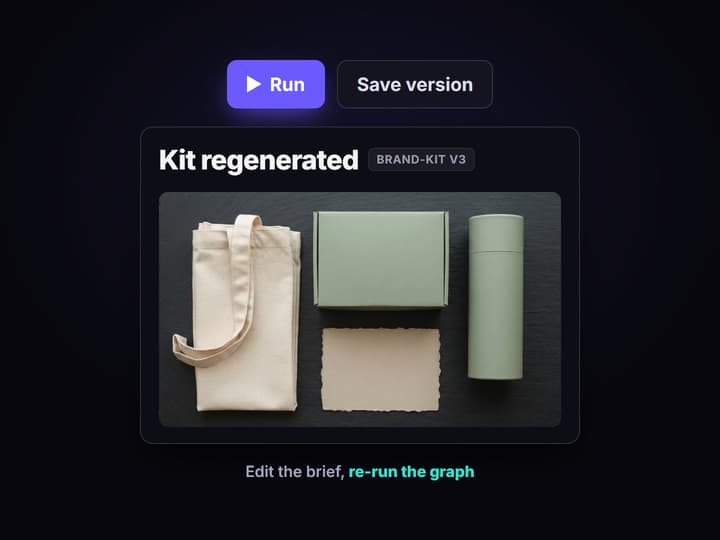
Save the graph and re-run it
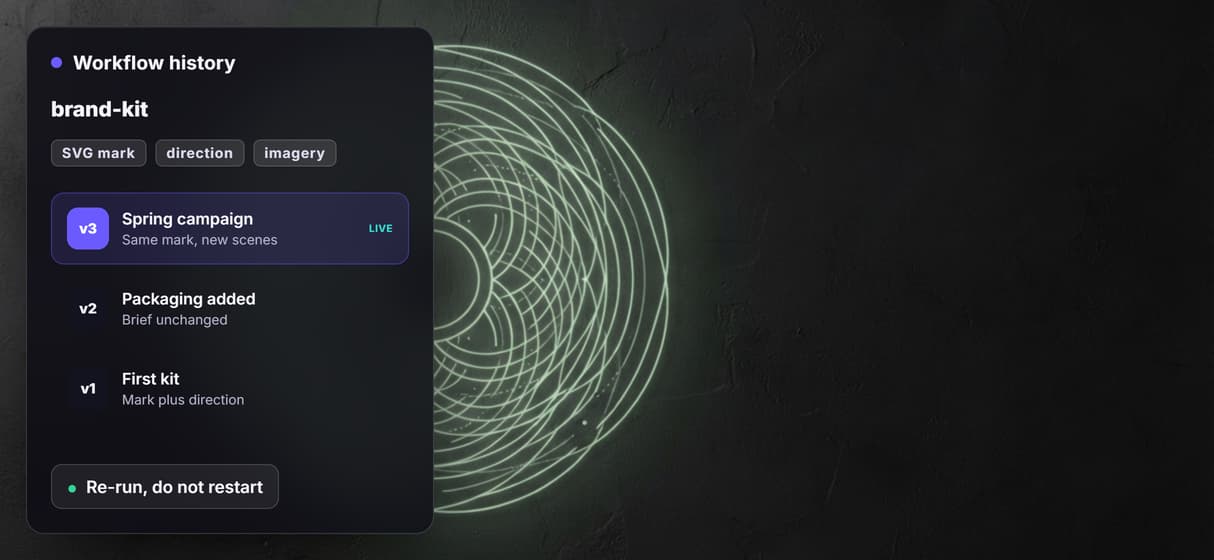
Publish the workflow and it is versioned server side. Change one line of the brief, run it again, and the mark, the direction, and the imagery all come back together instead of drifting apart.
A logo is not a brand kit
Ask for a brand kit and you usually get a logo. Then the real work starts. Someone picks hex codes that half match the mark, someone else guesses a font pairing, and the first social post already looks like a different company. The pieces were never made together, so they never sit together.
A brand kit generator has to solve the bundle, not the logo. On Wireflow the bundle is a node graph: one brief node feeds the mark, the color and type direction, and the imagery at the same time, on the same words. Nothing downstream has to remember what the brand looked like, because the brief is still wired to it.
What comes out of the kit graph
SVG logo marks
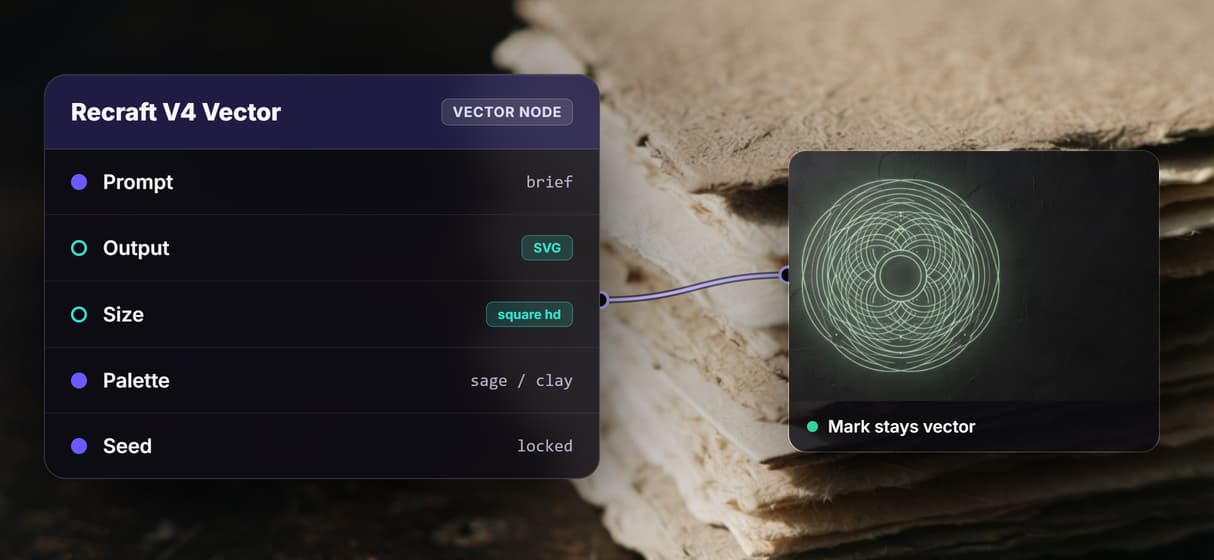
Recraft V4 Vector generates the mark as vector artwork from the brief, so it scales cleanly.
Color direction
A Run any LLM node writes hex codes and the reasoning, shown on canvas by a Text Display node.
Typographic layouts
GPT Image 2.5 Flare renders readable type for posters, covers, and wordmark lockups.
Packaging and social art
Nano Banana 2, Flux 2, and Seedream V4.5 stage the brand into real scenes.
Transparent cutouts
Bria Background Removal returns a clean cutout of the mark for overlays and merch.
Print resolution
Topaz Upscale pushes any approved asset up before it goes to print or to a billboard.
How the kit graph is wired
The graph is small. Four ideas do all the work.
- One source of truth. A Text Input node holds the brief. Every other node reads from it, so the brand exists in exactly one place on the canvas.
- Direction before pixels. A Run any LLM node converts the brief into written direction, hex codes and a type pairing, and a Prompt Concatenator staples that line onto every downstream prompt so the models are never guessing the palette.
- Right model per artifact. Recraft V4 Vector for the SVG mark, Ideogram V4 where the type has to be legible, GPT Image 2.5 Flare where the brand has to sit in a real scene. Picking per artifact is the whole point of a design canvas instead of one model.
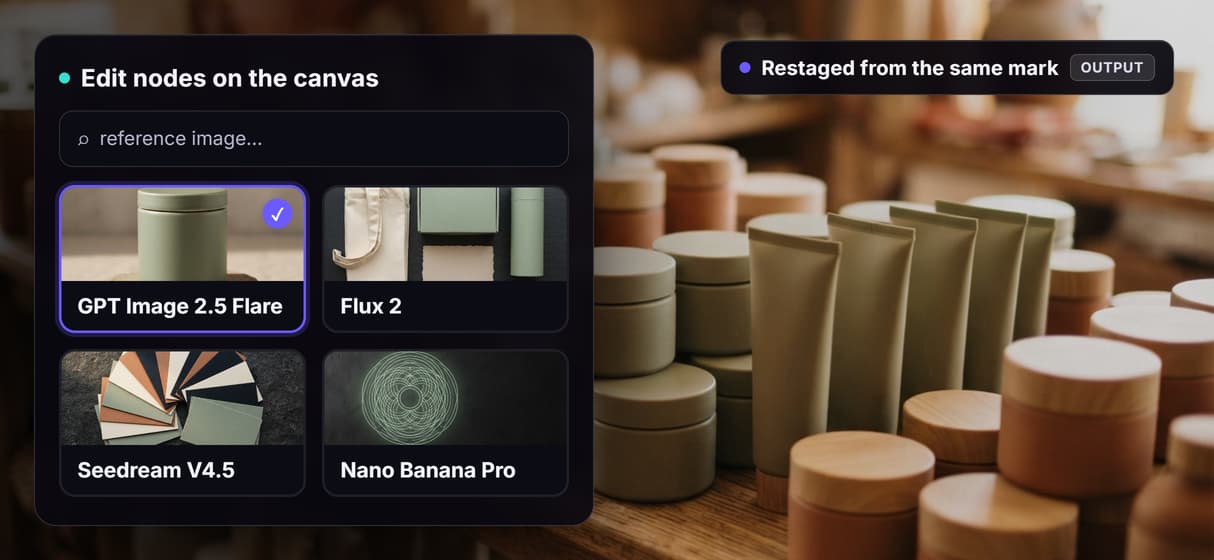
- Consistency by reference. Once you approve the mark, it goes back in as a reference image, so later assets restage the same shape instead of inventing a new one.
Finishing nodes hang off the end. Background removal for a transparent mark, upscaling for print, a Compositor for lockups. None of it needs a GPU, because the whole canvas runs on hosted compute.
What it is, and what it is not
This generates the assets, not the strategy. It will not name your company, write your positioning, or tell you which market to fight for. Bring that decision, put it in the brief, and the canvas renders it.
Two more honest limits. You get SVG from the vector node and raster images from everything else, plus the written direction the LLM node produced. There is no packaged brand guidelines document and no editable Figma or Illustrator source file. And a type pairing is a suggestion, not a font license, so you still license and set the type yourself. Nothing here does a trademark search either, so clear the mark before you print it.
If you want a finished identity signed off by a brand designer, hire one. If you want the kit generated, kept consistent, and re-runnable the moment the brief changes, that is what this canvas is for.
More Than Just AI Brand Kit Generator
The whole kit in one run
One brief fans out to the mark, the color direction, and the imagery in a single graph, then keeps feeding your AI brand content generator runs.
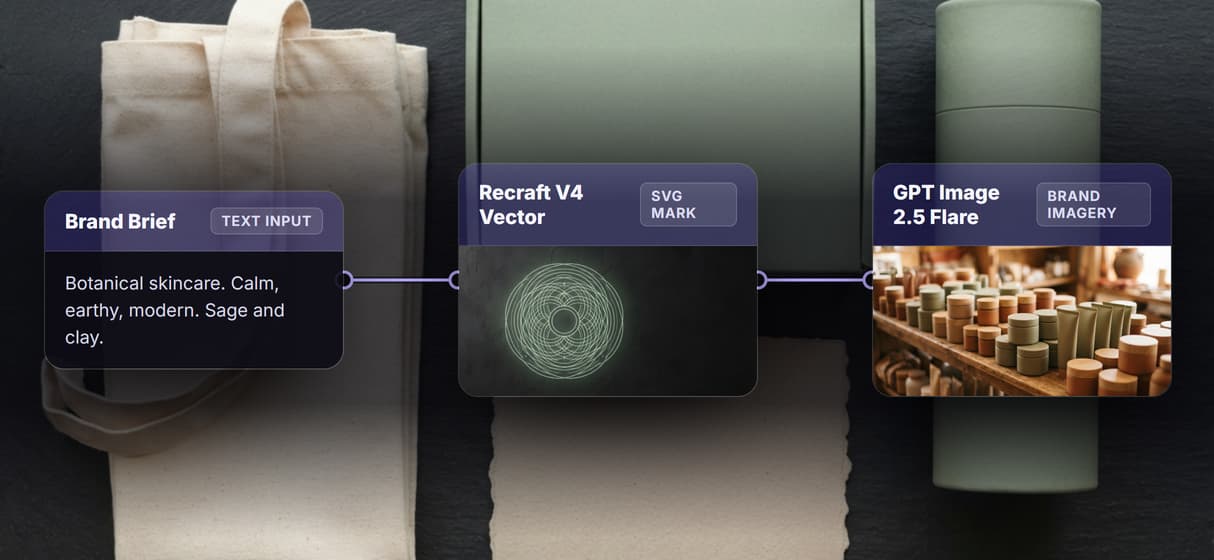
Logo marks that stay vector
Recraft V4 Vector returns SVG, so the mark holds up on a favicon and on a truck. Mark craft in detail sits in the AI logo generator.
Color and type decided on canvas
A Run any LLM node writes the palette hex codes and a type pairing, then a concatenator pushes that line into every AI image generator prompt.
Every asset stays on brand
Feed the approved mark back in as a reference image and edit nodes restage it, the same trick behind the AI product photo generator. Once the kit is set, you can turn a creative brief into on brand ads without a template studio.
A kit you can re-run
The graph is versioned and shareable, so next quarter is a re-run of a saved reusable AI template, not a fresh brand exercise.
AI Models Available
Automate Any Workflow
Included in Every Plan
FAQs
It is a tool that turns one brand brief into a set of identity assets rather than a single logo. On Wireflow it is a node graph that produces an SVG mark, a written color and type direction, and matching brand imagery from the same brief.
Discover related AI tools
- AI Image Upscaler: Upscale to 4K in a Visual Workflow
- AI Background Remover
- AI Image Generator: Flow-Based Canvas, 31 Models
- ComfyUI Alternative
- AI Face Swap Online: Photos and Video in Your Browser
- Virtual Try On
- AI Thumbnail Generator
- AI Photo Generator
- AI Image Editor
- AI Art Generator
- Midjourney Alternative
- AI Headshot Generator
More From Wireflow
Written by
Andrew Adams · Co-Founder & Operations at Wireflow
Runs client operations and content strategy at Wireflow. Works directly with creative teams and agencies to build production AI workflows.
Generate the whole brand kit on one canvas
Write the brief once, wire the mark, the color and type direction, and the imagery into a single graph, then re-run it whenever the brand moves. No GPU, no install, building the canvas is free.