 Andrew Adams · Co-Founder & Operations at Wireflow ·
 AI Design Agent
Give an AI agent a design workflow it can call on demand.
This page's live flow wires a Design Brief text node into a GPT Image 2.5 Flare image node, so a brief goes in and a finished visual comes out, and any agent can run it as an MCP tool or REST endpoint.
Free to build · no credit card
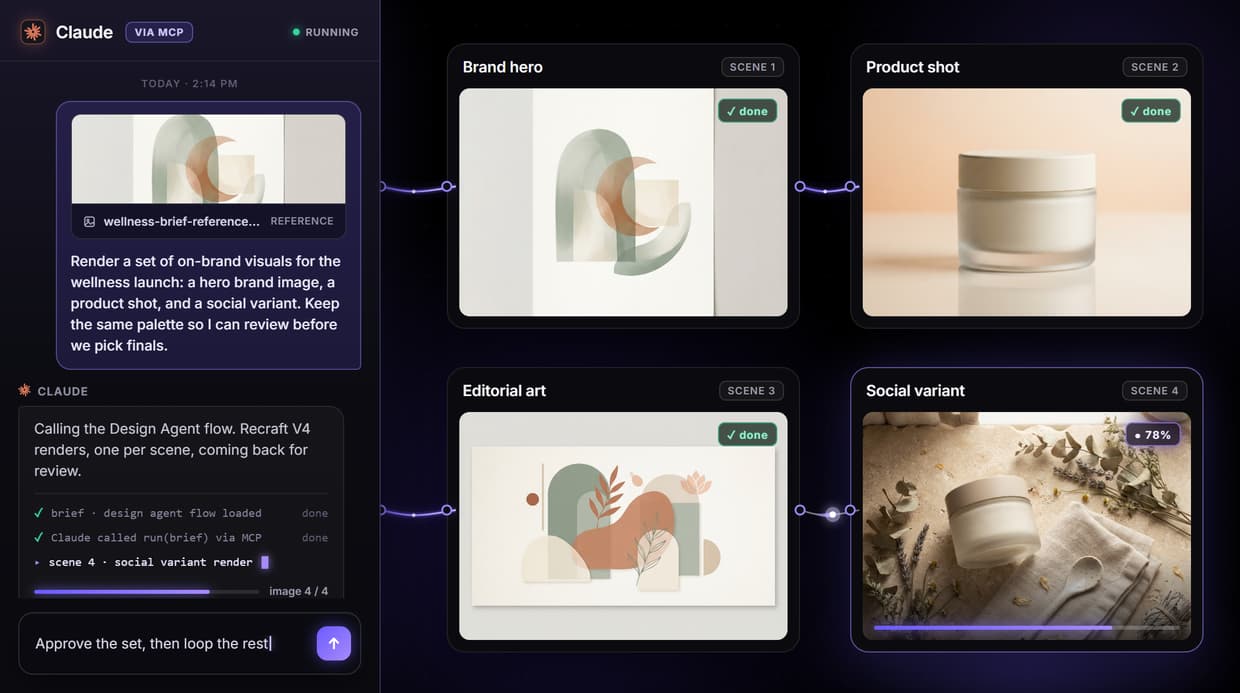
What the design agent flow actually does
The phrase AI design agent usually promises an autonomous system that reads a brief, picks its own models, chains generation with upscaling and background removal, and refines until the work is done. That is a useful goal, but it hides where the real work happens. An agent is only as good as the tools it can call.
On Wireflow the tool is a workflow you can see and edit. The flow behind this page is two nodes: a Design Brief text node wired into a GPT Image 2.5 Flare image node set to pro quality at a 1:1 aspect. You iterate on the brief on the canvas, the model renders the image, and because the saved flow is also a REST endpoint and an MCP tool, an agent can run it on demand. The agent decides what to ask for; Wireflow renders it.
What you can design from a brief
Brand visuals
On-brand imagery generated from a reusable brief so every run repeats the same palette and framing.
Social graphics
Scroll-stopping visuals for Instagram, LinkedIn, and TikTok, rendered from one brief per post.
Ad creatives
Multiple ad variations from one brief so an agent can test backgrounds and framing across a campaign.
Product shots
Studio-style product images with controlled backgrounds and lighting, no physical set required.
Concept frames
Explore visual directions and mood frames early, when a run costs credits instead of a design day.
Editorial art
Header images and inline illustrations that match your editorial style, from a short description.
The agent is the caller, not a black box
The value of wiring design work into Wireflow is that the agent layer stays honest. A published workflow is both a REST endpoint and a hosted MCP tool, so an agent like Claude can list it, run it with a typed brief, and receive image URLs back. You can see the exact graph it called and the exact prompt it sent, because the flow is a canvas, not a hidden prompt chain.
The model itself is one node. Unplug GPT Image 2.5 Flare, drop in another image model, run the same brief, and keep whichever render fits the channel. You can also chain a chosen render into a downstream node like an upscaler or background remover in the same canvas. None of that is wired in the base flow; each is a swap or an added node you make on purpose, so the pipeline never drifts on its own.
When Wireflow is not the right tool
Wireflow is the generation layer, not the reasoning brain. It does not plan your brand, write your marketing copy, or decide your design strategy, and it does not refine on its own between steps. It renders what the brief describes. It is also not a freehand editor: there is no brush, no layers, and no masking, and it exports raster PNG or JPG.
It earns its place when design work is repeatable and you want an agent to drive it: when you lock a brief and reuse it, swap models without rebuilding, chain a render into an upscaler, or hand the whole workflow to an agent as a callable tool. Building and wiring the flow is free; every generation run spends credits, so a large batch is a real budgeting decision. If you need one visual and never plan to repeat it, a single prompt in any image tool is enough. The two-node flow above is the smallest honest start for teams that design again and again.
More Than Just AI Design Agent
A brief in, a rendered visual out
A single Design Brief node feeds GPT Image 2.5 Flare and one image lands on the canvas. Two nodes you can see, a brief in and a finished visual out.
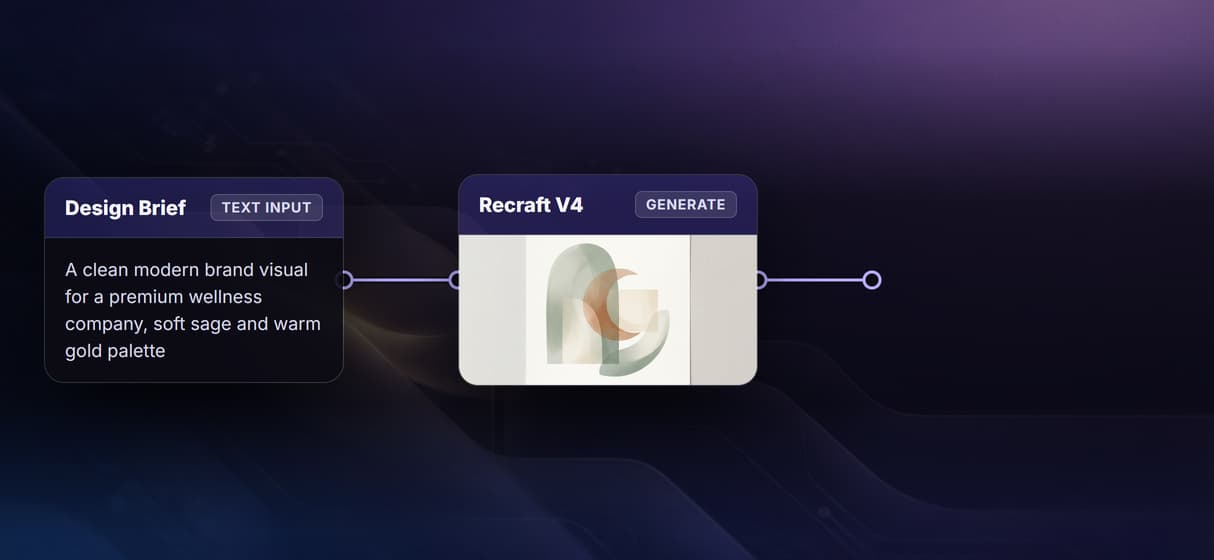
GPT Image 2.5 Flare does the rendering
The flow is wired to GPT Image 2.5 Flare, a design-focused image node set to pro quality at a 1:1 aspect, so a written brief renders straight into a clean, sharp visual.
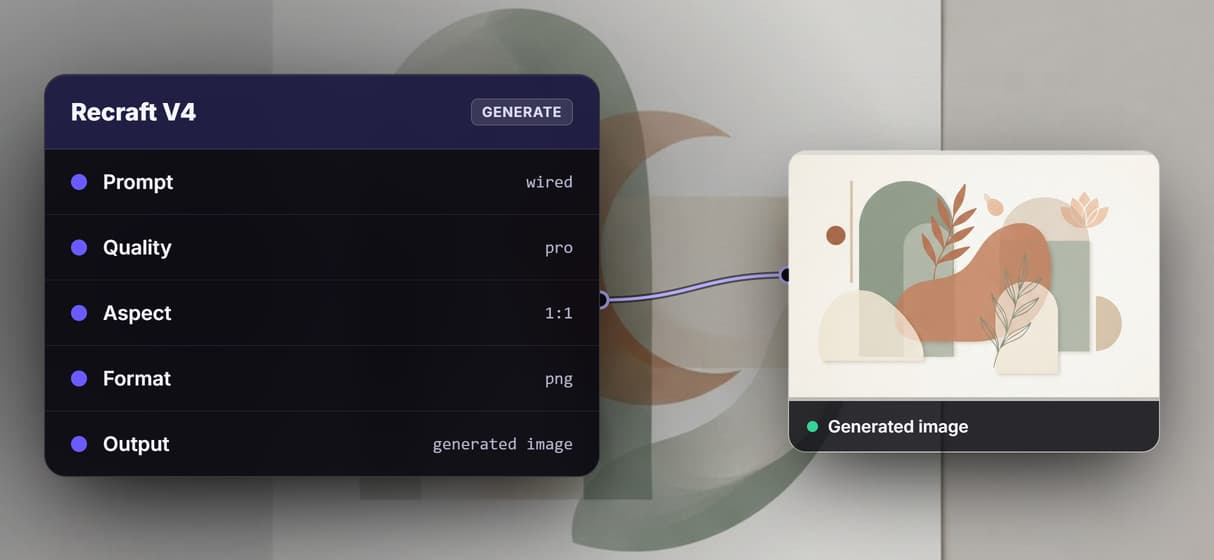
Your agent calls the workflow
Every saved flow is a REST endpoint and an MCP tool, so an agent runs this one with a typed brief and gets image URLs back, no clicking required.
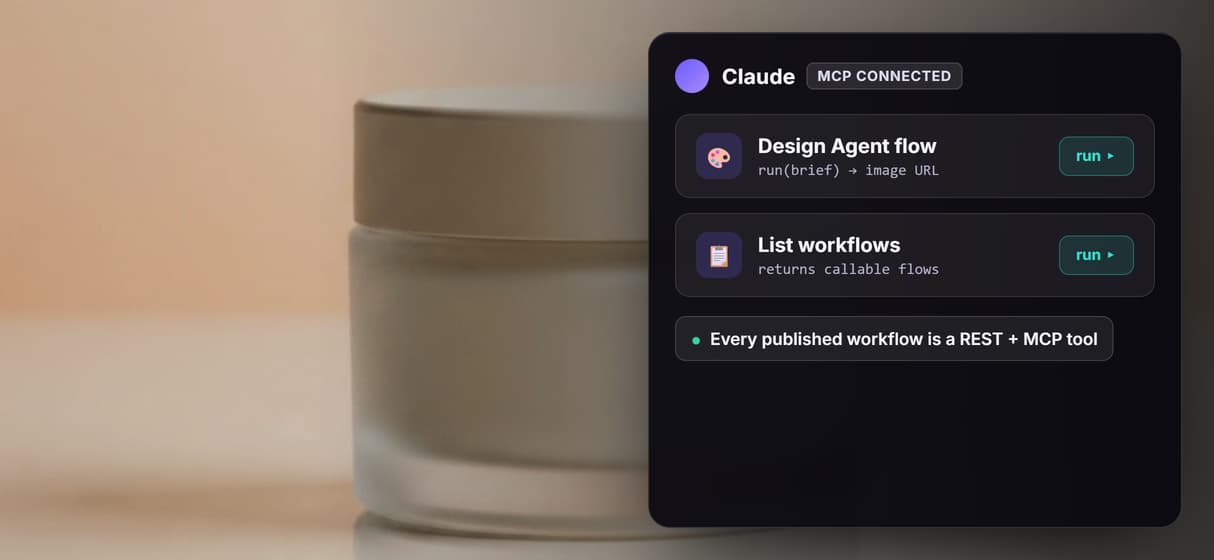
Swap the model, keep the flow
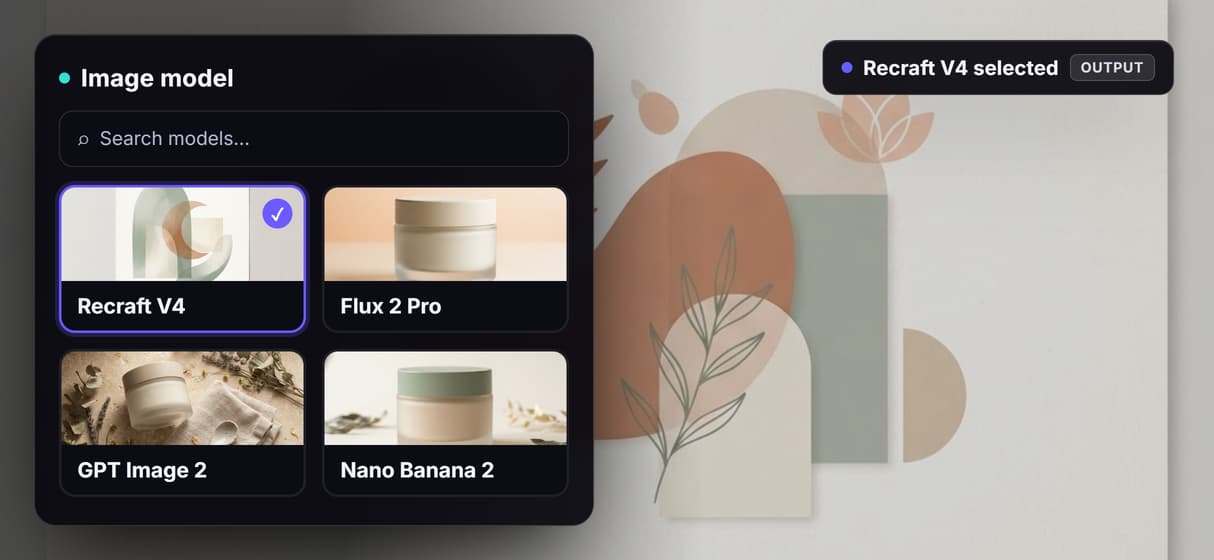
The model is a node, not a lock-in. Trade GPT Image 2.5 Flare for Flux 2 Pro, GPT Image 2, or Nano Banana 2 on the same prompt wire when a visual needs a new look.
One flow, a whole brand set
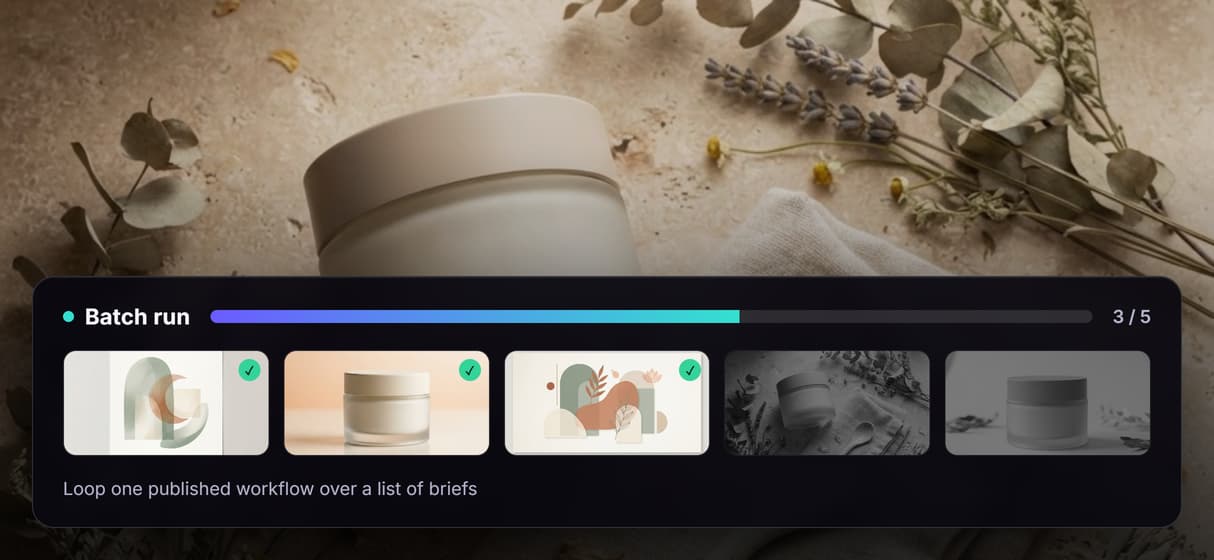
Loop the published workflow over a list of briefs and each render walks the same graph, turning one agent call into a full set of on-brand visuals.
AI Models Available
Automate Any Workflow
Included in Every Plan
FAQs
An AI design agent produces design assets by calling tools instead of doing everything in one prompt. On Wireflow it is a visible workflow: a Design Brief text node wired into a GPT Image 2.5 Flare image node that an agent can run as an MCP tool or REST endpoint.
More From Wireflow
Written by
Andrew Adams · Co-Founder & Operations at Wireflow
Runs client operations and content strategy at Wireflow. Works directly with creative teams and agencies to build production AI workflows.
Open the design agent flow behind this page
It is live on the canvas: a Design Brief text node wired into a GPT Image 2.5 Flare image node at pro quality, 1:1. Run a brief, watch the image land on the node, then save your own copy so an agent can call it as an MCP tool. Building is free; generations are pay per run.