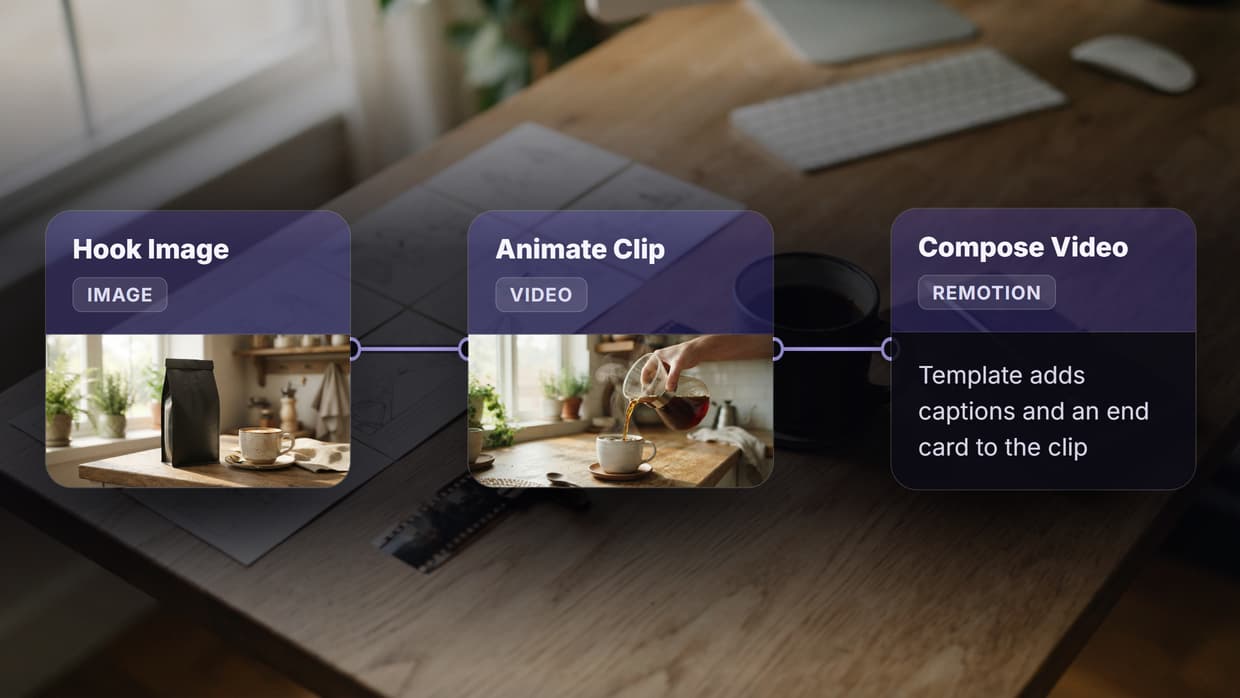
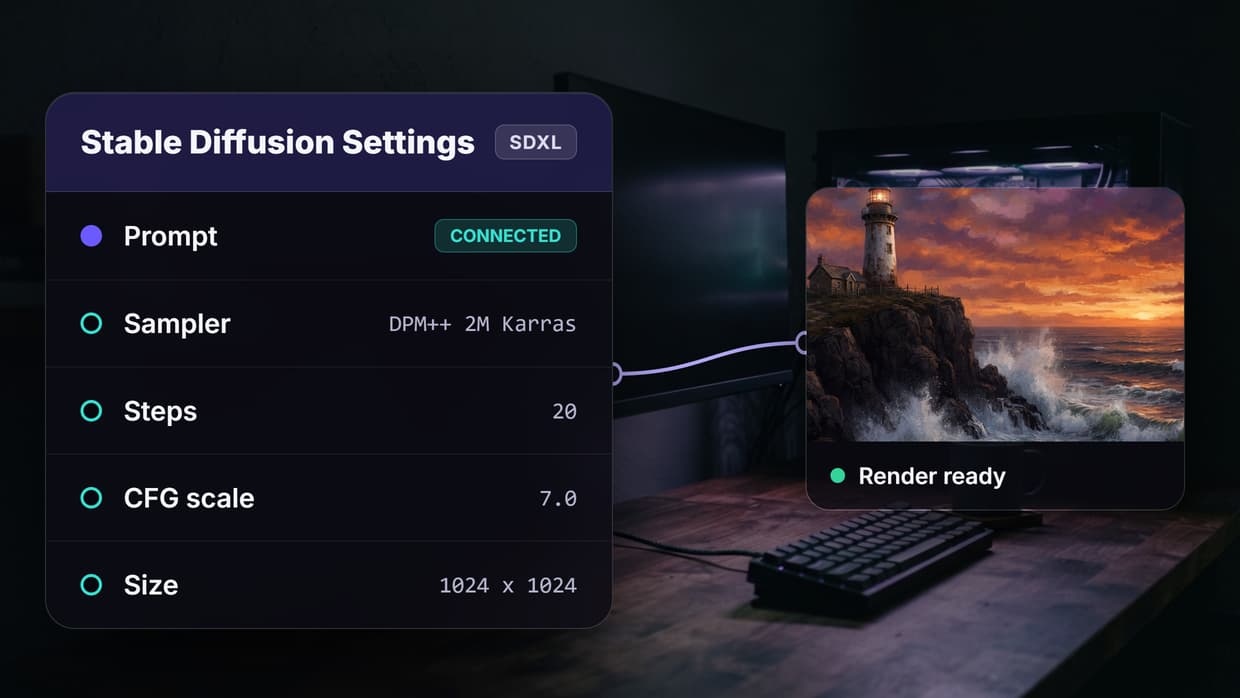
Best No Code AI with API Access Tools in 2026

In this article▾
Building AI-powered products used to mean hiring a full engineering team and managing complex infrastructure. That has changed. Wireflow and several other platforms now let you design AI workflows visually, then expose them through production-ready REST APIs. Whether you need to generate images, process text, or chain multiple AI models together, these no-code tools give you the flexibility of custom code with the speed of drag-and-drop. Below is a ranked breakdown of the best options available right now.
Quick Summary
- Wireflow -Visual AI canvas with full REST API and 157+ model nodes
- Zapier -App integration hub with AI-powered automation steps
- n8n -Open-source workflow automation with self-hosting option
- Buildship -No-code backend builder with instant API endpoints
- Relevance AI -AI agent platform with tool-calling API
- Flowise -Open-source LLM app builder with chat and chain APIs
- Make -Visual scenario builder with HTTP modules and webhooks
For a hands-on look at how no-code AI with API access works in practice, check out the no-code AI with API access feature page.
1. Wireflow -Best Overall

Wireflow gives you a visual node editor where you connect AI models like building blocks. The platform supports 157+ node types spanning image generation, video, audio, text, and data processing. Every workflow you create becomes a callable API endpoint automatically.
The API follows standard REST conventions. You POST to /workflows/{id}/execute with your inputs, poll for results, and get structured JSON back. Authentication uses Bearer tokens with scoped permissions (read, write, execute). Rate limits scale from 10 requests per minute on the free tier to 200 on Enterprise, and every response includes X-RateLimit-Remaining headers so your code can throttle gracefully.
What sets Wireflow apart is the combination of a no-code canvas with webhooks that accept external triggers without any API key. You can wire a form submission or CI pipeline directly to a workflow using the /workflow/{webhookId}/trigger endpoint.
Build this in Wireflow
Make the same kind of asset on a canvas you control, with a free account and no credit card.
2. Zapier -Best for App Integrations
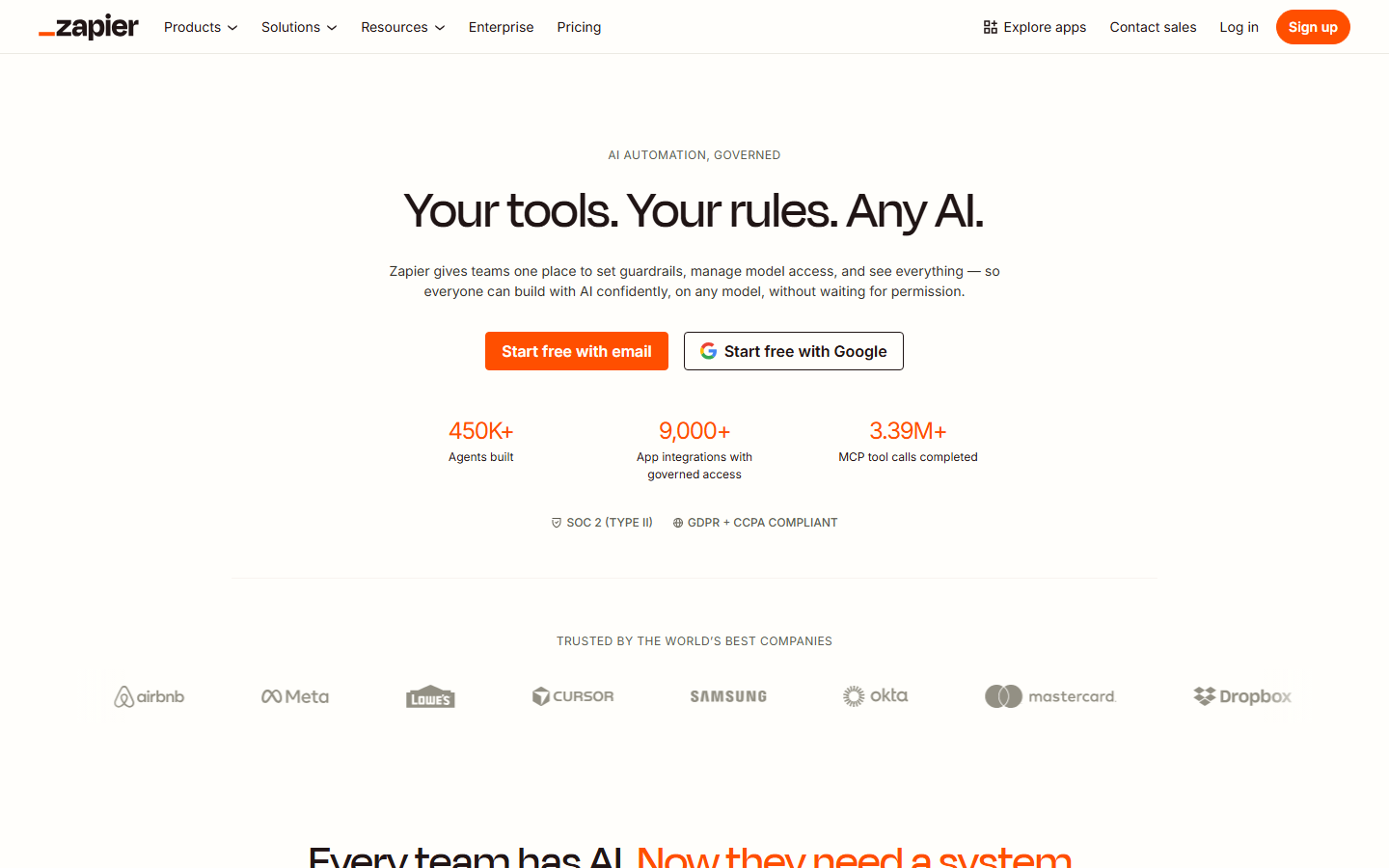
Zapier connects to over 8,000 apps and now includes built-in AI steps that can summarize, classify, or transform data mid-workflow. Its AI workflow templates approach differs from dedicated AI platforms in that AI is one component among many rather than the primary focus.
The Zapier API lets you trigger Zaps programmatically and manage connections. Its strength is breadth: if your workflow needs to pull data from a CRM, run it through an LLM, and push results to a spreadsheet, Zapier handles the glue between services. The tradeoff is limited control over AI model selection and parameters compared to specialized platforms.
3. n8n -Best Open Source
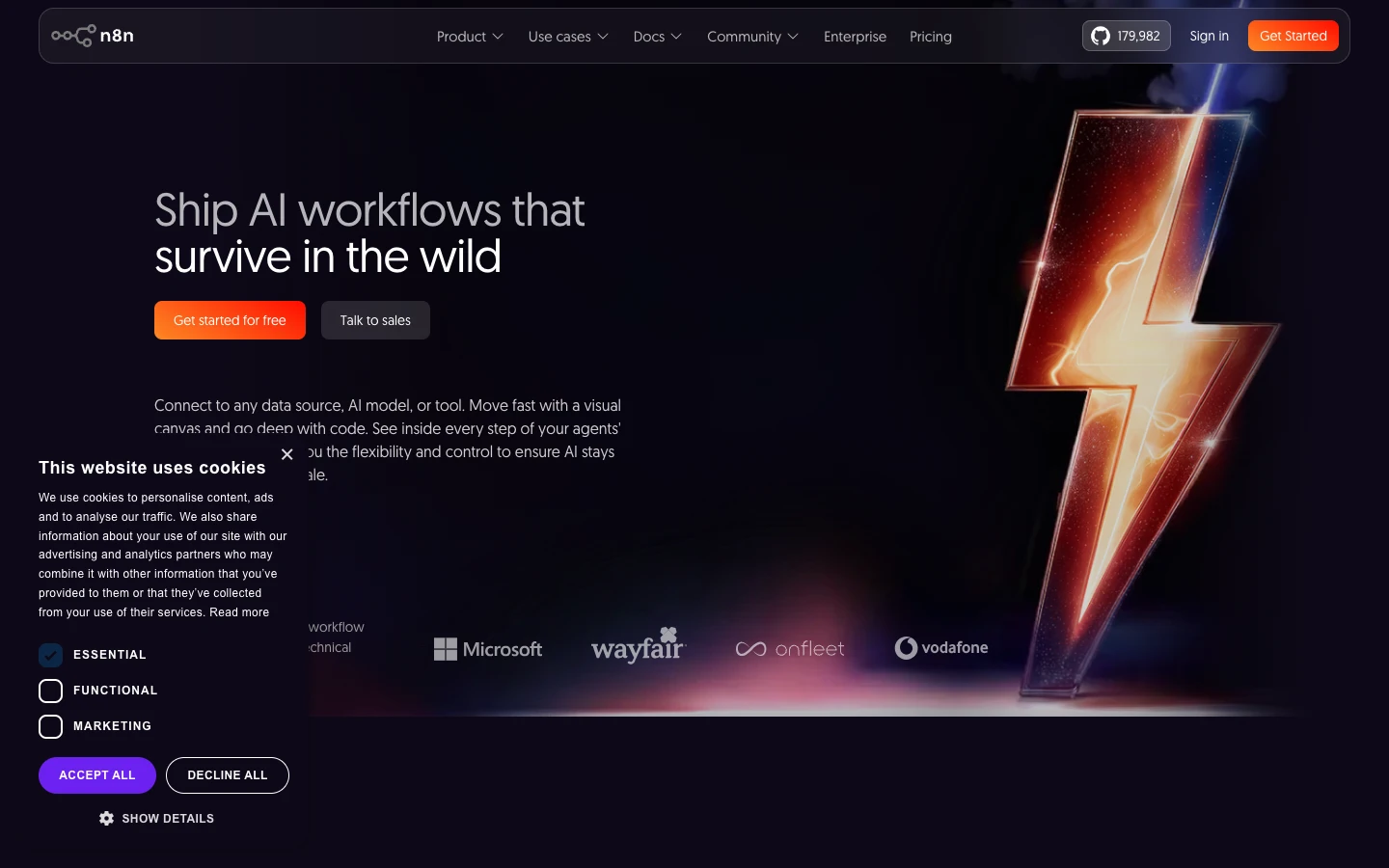
n8n is a self-hostable workflow automation tool with a visual editor and over 400 integrations. Its open-source license means you can inspect the code, contribute nodes, and run everything on your own infrastructure. For teams that need AI pipeline automation without vendor lock-in, n8n is a strong candidate.
The platform supports AI chains through LangChain nodes, letting you build retrieval-augmented generation pipelines, chatbots, and classification workflows. The API exposes workflow execution, credential management, and execution history. Self-hosting gives you full control over data residency, which matters for regulated industries.
4. Buildship -Best for Backend APIs
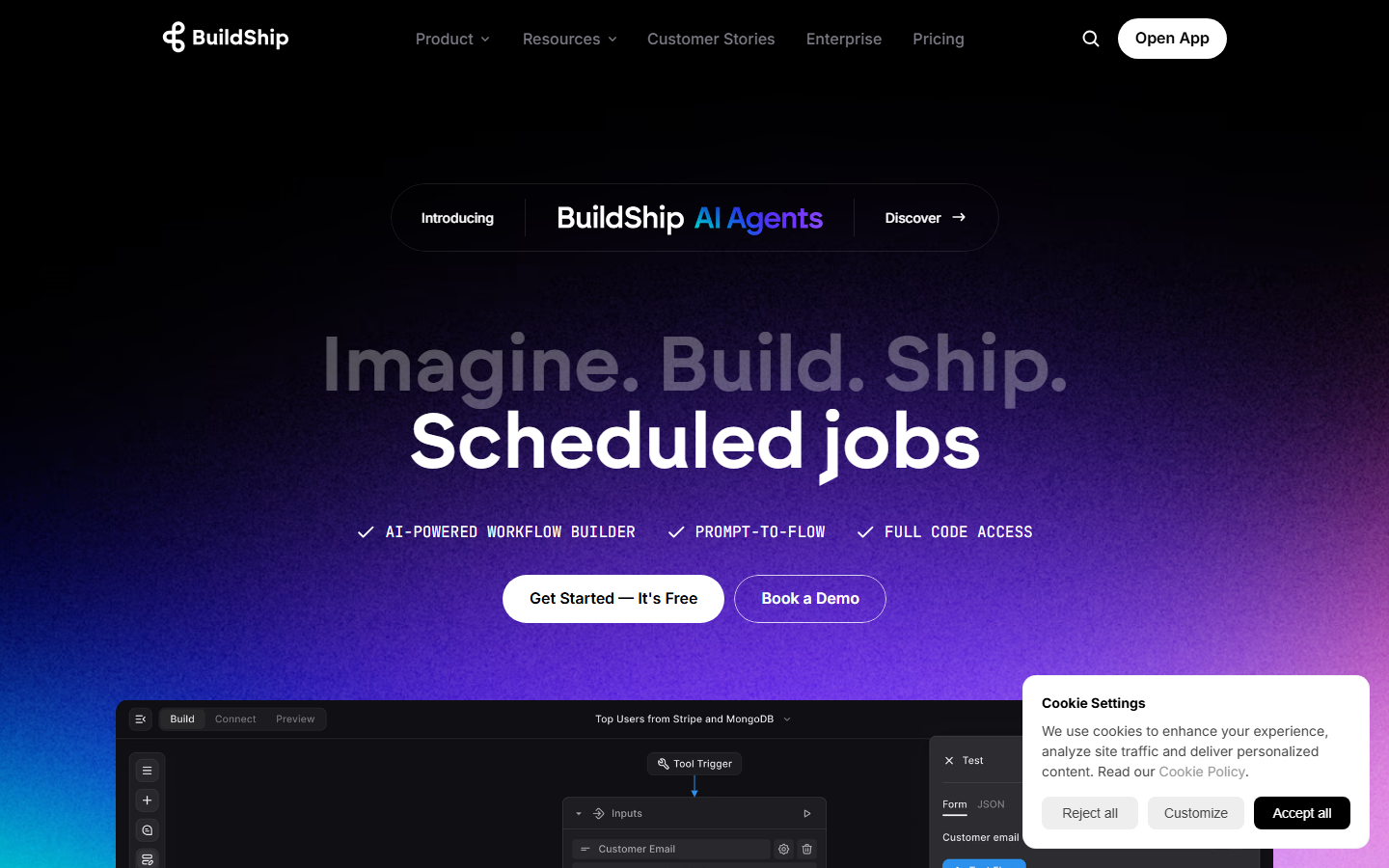
Buildship focuses specifically on building backend APIs visually. You design your logic as a flowchart, add AI nodes (OpenAI, Anthropic, Google), and Buildship generates a live API endpoint instantly. This makes it useful for teams that need a headless AI workflow platform to power mobile apps or web frontends.
Each workflow gets a unique HTTPS endpoint. You can pass parameters via query strings or request bodies, and Buildship handles authentication, rate limiting, and logging. The platform integrates with Firebase, Supabase, and other backends, so you can read and write to databases directly within your visual workflow.
5. Relevance AI -Best for AI Agents
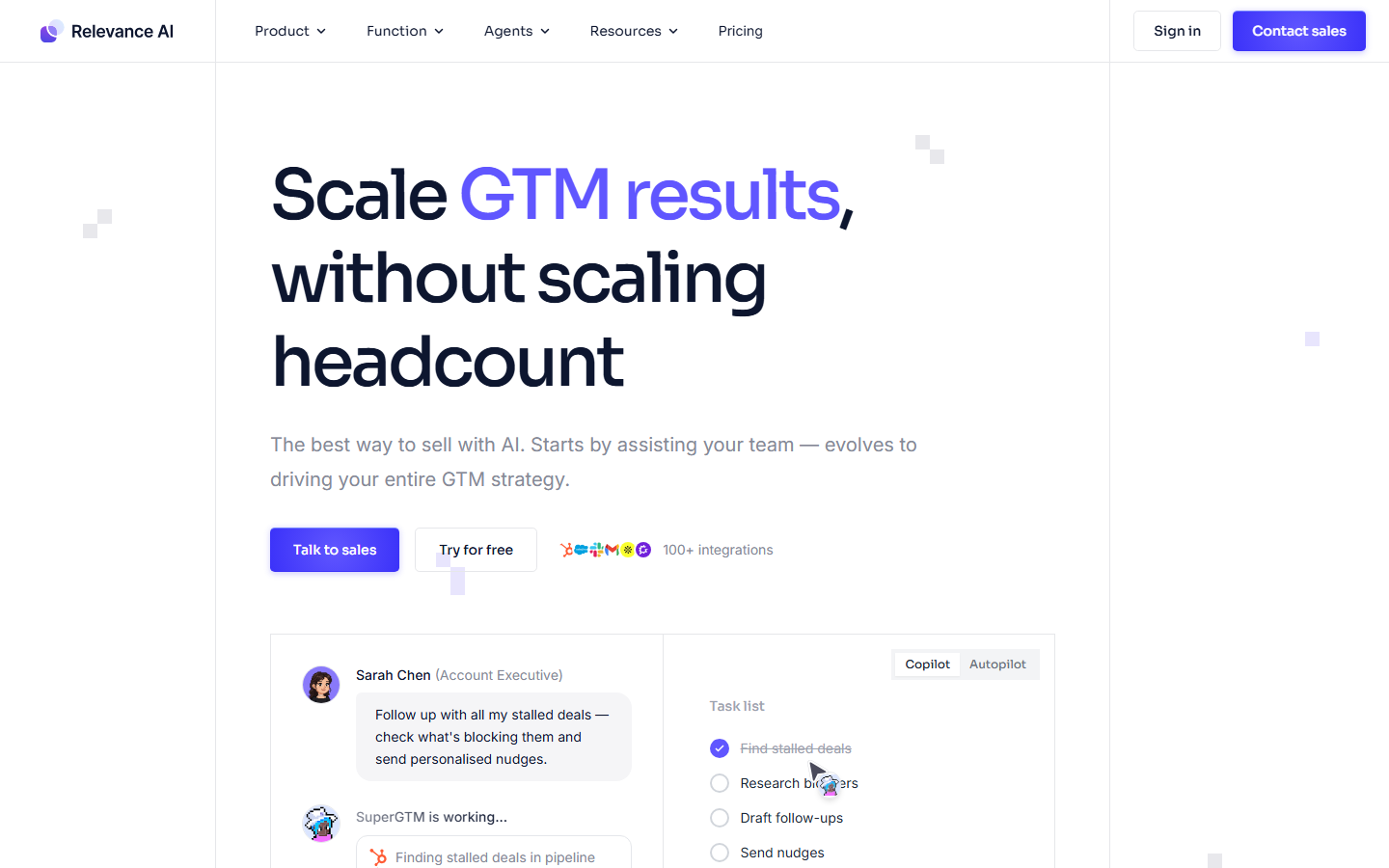
Relevance AI specializes in building autonomous AI agents that can use tools, make decisions, and execute multi-step tasks. You define your agent's capabilities visually, assign it tools (search, code execution, API calls), and deploy it through a REST API. For teams exploring AI model chaining with agent-like behavior, Relevance AI offers a purpose-built environment.
The API supports both synchronous and asynchronous execution. You can trigger agents, pass context, and retrieve results programmatically. The platform also provides pre-built templates for common agent patterns like research assistants, data extractors, and customer support bots.
6. Flowise -Best for LLM Apps
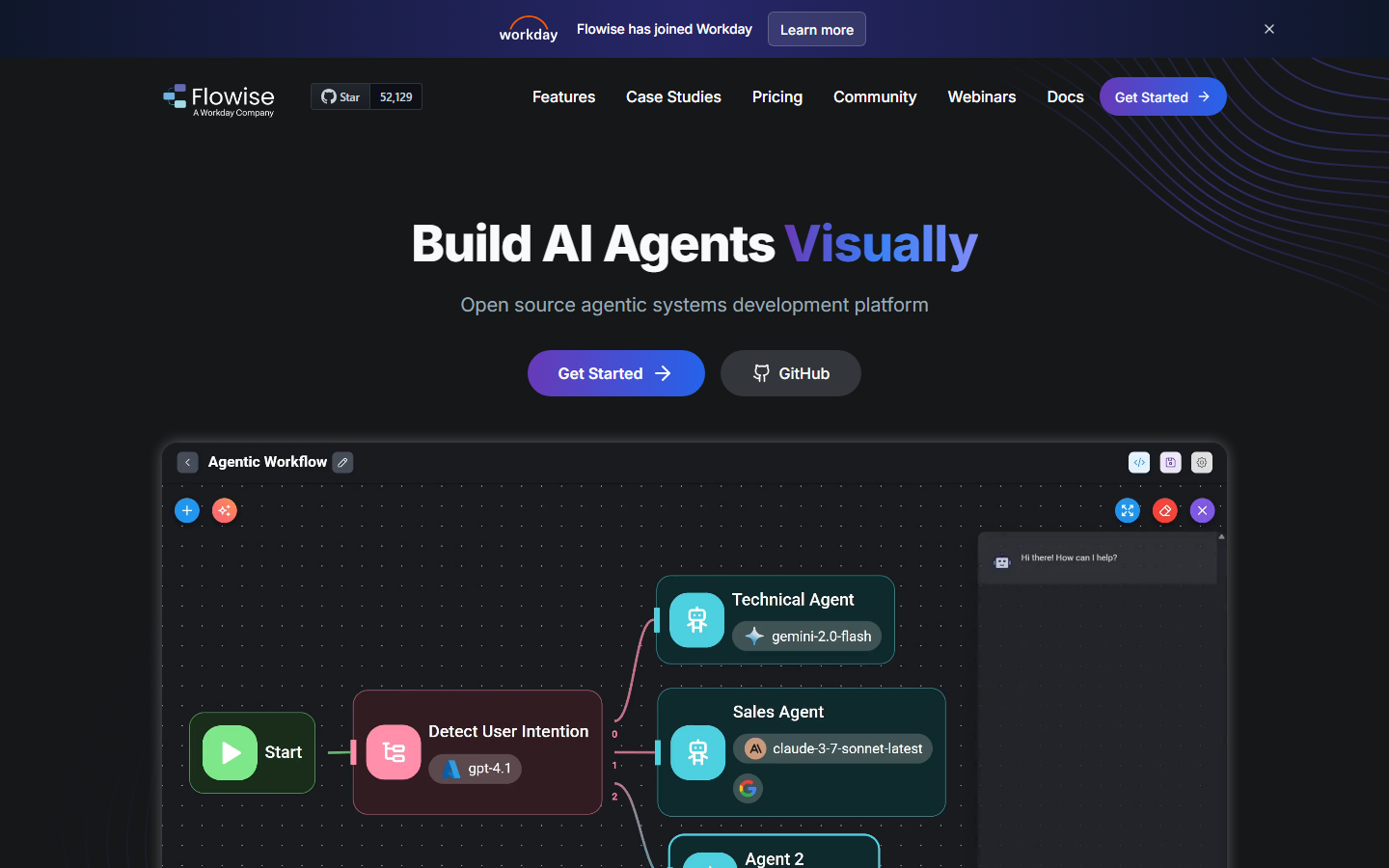
Flowise is an open-source platform for building LLM-powered applications using a drag-and-drop interface. It supports LangChain and LlamaIndex components, making it ideal for retrieval-augmented generation, conversational AI, and document processing workflows. You can explore similar batch AI generation patterns if you need to process multiple inputs at scale.
Every chatflow and agentflow in Flowise gets an API endpoint automatically. You can embed chat widgets, call the prediction API from your app, or stream responses in real time. Self-hosting is straightforward with Docker, and the active community contributes new integrations regularly.
7. Make -Best for Visual Automation
Make (formerly Integromat) provides a visual scenario builder where you connect modules in a flowchart. It supports over 1,800 integrations and includes HTTP modules for calling any API. AI capabilities come through integrations with OpenAI, Anthropic, and other providers. For teams building AI content generation pipelines, Make offers a mature visual automation layer.
The platform's strength is its data mapping interface, which lets you transform and route data between steps without writing code. Scenarios can be triggered via webhooks, scheduled runs, or API calls. Make also supports error handling, branching logic, and iterators for processing arrays of data.
Comparison Table
| Platform | API Access | Open Source | AI Models Built-in | Self-Host | Starting Price |
|---|---|---|---|---|---|
| Wireflow | Full REST API + Webhooks | No | 157+ nodes | No | Free tier |
| Zapier | Trigger API | No | Built-in AI steps | No | Free / $29.99/mo |
| n8n | Full REST API | Yes (fair-code) | Via LangChain | Yes | Free / $24/mo |
| Buildship | Auto-generated endpoints | No | OpenAI, Anthropic, Google | No | Free / $29/mo |
| Relevance AI | Agent + Tool API | No | Multi-provider | No | Free / $19/mo |
| Flowise | Prediction + Chat API | Yes (Apache 2.0) | Via LangChain, LlamaIndex | Yes | Free (self-host) |
| Make | Webhook + HTTP modules | No | Via integrations | No | Free / $10.59/mo |
How to Choose the Right Platform
Picking the right tool depends on your primary use case. If you need a visual AI canvas that doubles as a production API, Wireflow covers both. If your workflows center on connecting SaaS apps with light AI processing, Zapier or Make will serve you well. For teams that require full infrastructure control, n8n and Flowise offer self-hosting with open-source codebases.
Consider your API requirements carefully. Some platforms generate endpoints automatically but limit customization. Others give you full control over request/response shapes but require more configuration. Think about authentication, rate limiting, and monitoring, as these become critical once your workflows handle production traffic.
Try it yourself: Build this workflow in Wireflow - the nodes are pre-configured to generate and upscale product images from a text prompt, showing how a no-code canvas translates to API-callable output.
FAQ
What is a no-code AI tool with API access?
A no-code AI tool with API access lets you build AI workflows using a visual interface (drag-and-drop, flowcharts, or canvas editors) and then call those workflows programmatically through REST APIs or webhooks. This combination gives you the speed of visual development with the integration flexibility of custom code.
Can I use these tools in production?
Yes. Most platforms on this list offer production-grade infrastructure with rate limiting, authentication, monitoring, and uptime guarantees. Wireflow, Zapier, and Make all provide enterprise tiers with higher rate limits and dedicated support. Open-source options like n8n and Flowise can be deployed on your own infrastructure for maximum control.
Which platform has the best API documentation?
Wireflow provides detailed API documentation covering authentication, workflow execution, polling patterns, error handling, and rate limits. n8n also has comprehensive API docs given its developer-focused community. Zapier's API documentation focuses more on integration setup than direct API usage.
Are these tools free to use?
Every platform listed offers a free tier or free self-hosting option. Flowise and n8n are fully open source. Wireflow, Zapier, Buildship, Relevance AI, and Make all have free plans with usage limits, with paid tiers starting between $10 and $30 per month.
Can I chain multiple AI models together?
Yes. Model chaining is a core feature of platforms like Wireflow (which supports 157+ node types) and Flowise (via LangChain components). You can route the output of one model into another, building multi-step pipelines for tasks like text-to-image-to-video or document processing with summarization.
Do I need coding experience to use these platforms?
No coding is required for building workflows visually. However, basic understanding of APIs (endpoints, authentication headers, JSON payloads) helps when integrating the workflows into your applications. Most platforms provide code snippets in curl, Python, and JavaScript to simplify integration.
How do webhooks differ from API endpoints?
API endpoints typically require authentication (API keys or tokens) and give you full control over execution parameters. Webhooks accept incoming HTTP requests without authentication, making them ideal for triggers from external services like form submissions, CI pipelines, or third-party apps. Wireflow supports both patterns.
Can I self-host any of these tools?
n8n and Flowise are both self-hostable. n8n uses a fair-code license and can be deployed via Docker or npm. Flowise uses Apache 2.0 and supports Docker deployment. The other platforms on this list are cloud-only, though some offer dedicated infrastructure on enterprise plans.

Co-Founder & Operations at Wireflow
Runs client operations and content strategy at Wireflow. Works directly with creative teams and agencies to build production AI workflows.
- Content Strategy
- Client Operations
Get unlimited ad creatives today.
One call to see if we are a fit and scope the first ad. If it fits, your first batch lands inside week one.