Recraft V4 API Examples and Use Cases: A Developer's Guide

In this article▾
- What Is Recraft V4 and Why Use Its API?
- Basic API Call: Text to Image
- Style System and Custom Brand Styles
- Color Palette Control
- Vector Output for Scalable Assets
- OpenAI SDK Compatibility
- Use Case: E-commerce Product Photography
- Use Case: Automated Ad Creative Generation
- Use Case: Icon and Illustration Libraries
- Pricing and Rate Limits
- Integrating Recraft V4 into Wireflow Pipelines
- Frequently Asked Questions
Wireflow integrates Recraft V4 as one of its core image generation nodes, letting you chain it with other AI models in automated pipelines. This guide covers practical API examples for Recraft V4, from basic text-to-image calls to advanced use cases like brand-consistent asset generation, vector output, and batch processing.
What Is Recraft V4 and Why Use Its API?
Recraft V4 is a text-to-image model built specifically for design-quality output. Unlike general-purpose generators that produce "AI-looking" images, Recraft V4 focuses on accurate text rendering, true vector/SVG output, and precise color palette control. For a hands-on look at this in action, check out the Recraft V4 model page on Wireflow.
The API comes in four variants:
- Recraft V4 for fast iteration at 1-megapixel resolution
- Recraft V4 Pro for print-ready 4-megapixel output
- Recraft V4 Vector for true SVG vector graphics
- Recraft V4 Pro Vector for high-fidelity scalable vectors
Each variant serves different production needs, from rapid prototyping to final campaign assets ready for programmatic image generation at scale.
Build this in Wireflow
Make the same kind of asset on a canvas you control, with a free account and no credit card.
Basic API Call: Text to Image
The simplest Recraft V4 API call generates an image from a text prompt. Here is the curl example:
curl -X POST https://external.api.recraft.ai/v1/images/generations \
  -H "Content-Type: application/json" \
  -H "Authorization: Bearer $RECRAFT_API_TOKEN" \
  -d '{
    "prompt": "A professional product photo of a ceramic coffee mug on a marble countertop, soft natural lighting",
    "style": "realistic_image",
    "image_size": "1024x1024"
  }'
The response returns image URLs that remain accessible for download. You can also specify aspect ratios like 1792x1024 for landscape or 1024x1792 for portrait formats, which is useful when producing assets for batch AI generation workflows.

Style System and Custom Brand Styles
One of Recraft V4's strongest features is its style system. You can create a custom style from reference images and apply it across all subsequent generations:
# Create a custom style
curl -X POST https://external.api.recraft.ai/v1/styles \
  -H "Authorization: Bearer $RECRAFT_API_TOKEN" \
  -F "style=digital_illustration" \
  -F "file=@./brand-reference.png"
This returns a style_id you can pass to every generation call, ensuring visual consistency across hundreds of images. Built-in styles include realistic_image, digital_illustration, vector_illustration, and icon. Teams producing AI creative workflows at scale often combine custom styles with templated prompts to maintain brand coherence.
Color Palette Control
Recraft V4 accepts exact RGB color values, constraining output to your brand palette:
import requests

response = requests.post(
    "https://external.api.recraft.ai/v1/images/generations",
    headers={"Authorization": f"Bearer {API_TOKEN}"},
    json={
        "prompt": "Minimalist logo for a coffee shop",
        "style": "vector_illustration",
        "colors": [
            {"rgb": [41, 98, 255]},
            {"rgb": [255, 255, 255]},
            {"rgb": [20, 20, 20]}
        ]
    }
)
This level of control eliminates post-processing color correction, making it practical for automated AI content generation systems that need pixel-perfect brand adherence.

Vector Output for Scalable Assets
The vector variants produce true SVG files, not rasterized images with vector wrappers:
curl -X POST https://external.api.recraft.ai/v1/images/generations \
  -H "Content-Type: application/json" \
  -H "Authorization: Bearer $RECRAFT_API_TOKEN" \
  -d '{
    "prompt": "Flat icon of a cloud with an upload arrow, single color",
    "style": "icon",
    "model": "recraftv4_vector",
    "response_format": "svg"
  }'
The SVG output scales infinitely without quality loss. This is particularly valuable for teams building AI logo generators or icon libraries where file size and scalability matter.
OpenAI SDK Compatibility
Recraft V4's API is compatible with the OpenAI SDK, making integration straightforward for teams already using OpenAI's image tools:
from openai import OpenAI

client = OpenAI(
    base_url="https://external.api.recraft.ai/v1",
    api_key="your_recraft_token"
)

response = client.images.generate(
    prompt="Architectural rendering of a modern glass office building",
    extra_body={"style": "realistic_image", "image_size": "1792x1024"}
)

print(response.data[0].url)
This compatibility means you can swap Recraft V4 into existing pipelines without rewriting client code. Many developers building on visual node editors use this approach to A/B test different models within the same workflow.
Use Case: E-commerce Product Photography
Automated product photography is one of the highest-ROI use cases. A typical pipeline:
- Receive product description and specifications from your catalog database
- Generate multiple angles and lighting variations via the API
- Apply brand style for consistency across the entire product line
- Output at print-ready resolution with the Pro variant
Teams processing hundreds of SKUs save significant production time compared to traditional photo shoots. The background replacement endpoint ($0.04/image) also lets you swap contexts without regenerating the entire image, which pairs well with AI product photography workflows.
Use Case: Automated Ad Creative Generation
Marketing teams use Recraft V4 to produce ad variations at scale:
- Generate hero images matching campaign color palettes
- Create size variants (stories, feed, banner) from a single prompt
- Apply custom styles trained on previous high-performing creatives
- Render text overlays with accurate typography directly in the image
The text rendering accuracy sets Recraft V4 apart from competitors for ad creative, where readable CTAs and product names are essential. This integrates naturally with AI ad generation platforms.

Use Case: Icon and Illustration Libraries
Design systems need consistent iconography. Recraft V4 Vector generates production-ready SVGs from text descriptions:
- Generate entire icon sets with consistent stroke weight and style
- Create illustrations for documentation, onboarding flows, and landing pages
- Maintain visual consistency via the style system across thousands of assets
- Export at any resolution without quality degradation
For creative teams managing large asset libraries, combining Recraft V4 with an AI pipeline API creates an end-to-end system from prompt to published asset.
Pricing and Rate Limits
Recraft V4 API pricing is per-operation:
| Operation | Cost |
|---|---|
| Raster generation | ~$0.04/image |
| Vector generation | ~$0.08/image |
| Creative Upscale | $0.25/image |
| Crisp Upscale | $0.004/image |
| Background removal | $0.01/image |
| Background replacement | $0.04 (raster) / $0.08 (vector) |
| Vectorization | $0.01/image |
For high-volume workloads, Recraft offers batch processing and priority inference options. Developers building production systems should also consider orchestration layers like Wireflow's API for managing execution queues and rate limits across multiple models.
Integrating Recraft V4 into Wireflow Pipelines
Within Wireflow, Recraft V4 is available as a native node. You can connect it to text inputs, prompt concatenation utilities, and downstream processing nodes without writing custom integration code. The platform handles authentication, retry logic, and output routing automatically.
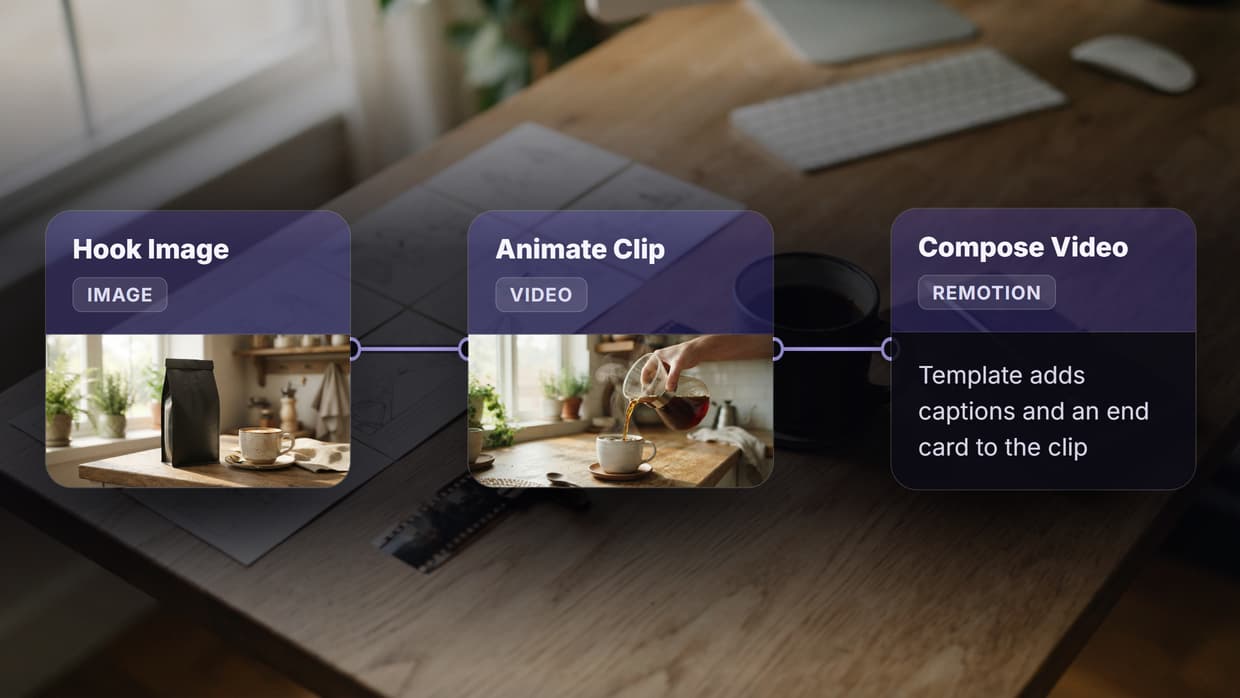
A common pattern chains a text input through a prompt template node, then into Recraft V4 for generation, followed by an upscale node for print-ready output. This entire pipeline executes via a single API call to Wireflow's workflow execution endpoint. Music and audio teams exploring adjacent creative tools can also find relevant generators through AI music creation platforms.
Try it yourself: Build this workflow in Wireflow — the nodes are pre-configured with the exact Recraft V4 setup discussed above.
Frequently Asked Questions
What image sizes does Recraft V4 API support?
Recraft V4 supports multiple aspect ratios including 1024x1024 (square), 1792x1024 (landscape 16:9), 1024x1792 (portrait), and custom dimensions. The Pro variant outputs at 4-megapixel resolution for print-ready quality.
Can I use Recraft V4 with the OpenAI SDK?
Yes. Recraft V4 exposes an OpenAI-compatible endpoint. Set base_url to https://external.api.recraft.ai/v1 and use your Recraft API token as the key. Standard images.generate() calls work directly.
How accurate is text rendering in Recraft V4?
Recraft V4 renders text with high accuracy at any size, including small captions and large headlines. This makes it suitable for ad creatives, social media graphics, and branded assets where readable text is required.
What is the difference between Recraft V4 and Recraft V4 Pro?
The standard variant generates 1-megapixel images optimized for speed and iteration. The Pro variant produces 4-megapixel output suitable for print, billboards, and high-resolution displays, at a higher per-image cost.
Does Recraft V4 generate real vector SVG files?
Yes. The Vector and Pro Vector variants output true SVG files with proper path data, not rasterized images wrapped in SVG containers. These scale infinitely and maintain clean edges at any resolution.
How do custom styles work in the Recraft V4 API?
Upload 1-5 reference images to create a style via the /v1/styles endpoint. The API returns a style_id you can include in any subsequent generation call to maintain visual consistency across all outputs.
What are the rate limits for Recraft V4 API?
Rate limits vary by plan tier. Free accounts get limited calls per minute, while paid plans offer higher throughput. For production workloads requiring sustained high volume, batch processing endpoints are available.
Can I use Recraft V4 for commercial projects?
Yes. All images generated via the Recraft API are cleared for commercial use, including advertising, product packaging, and client deliverables. Check Recraft's current terms for specific licensing details.

Co-Founder & Operations at Wireflow
Runs client operations and content strategy at Wireflow. Works directly with creative teams and agencies to build production AI workflows.
- Content Strategy
- Client Operations
Get unlimited ad creatives today.
One call to see if we are a fit and scope the first ad. If it fits, your first batch lands inside week one.