Features
AI SDK for Image Generation
Publish an image workflow once, then call it from your code or your AI agent as a REST endpoint and an MCP tool.
No provider keys to juggle, no GPUs to rent, no glue code to maintain.
Free to build · no credit card · Read the agent docs · See how it works ↓
 Andrew Adams · Co-Founder & Operations at Wireflow ·
How to Use AI SDK for Image Generation
Steps to get you started in Wireflow.
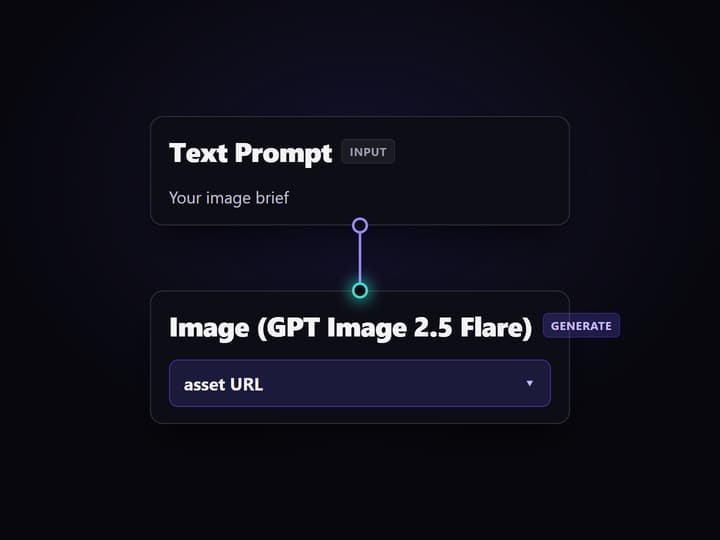
Build the image workflow
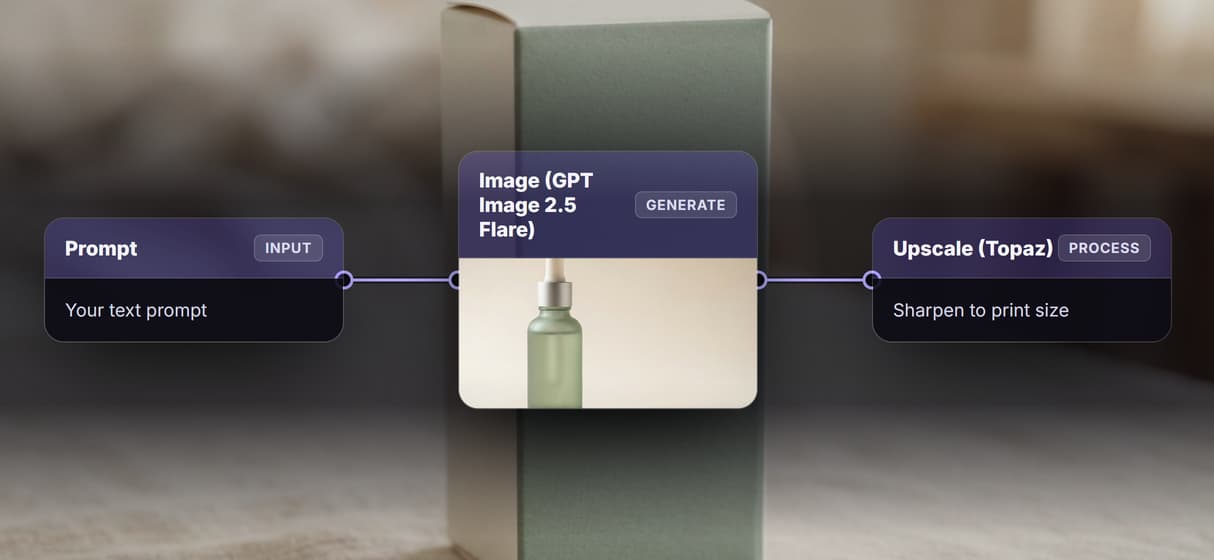
On the canvas, wire a text prompt input into an image node like GPT Image 2.5 Flare. Add an upscale or edit node to finish the asset in one call.
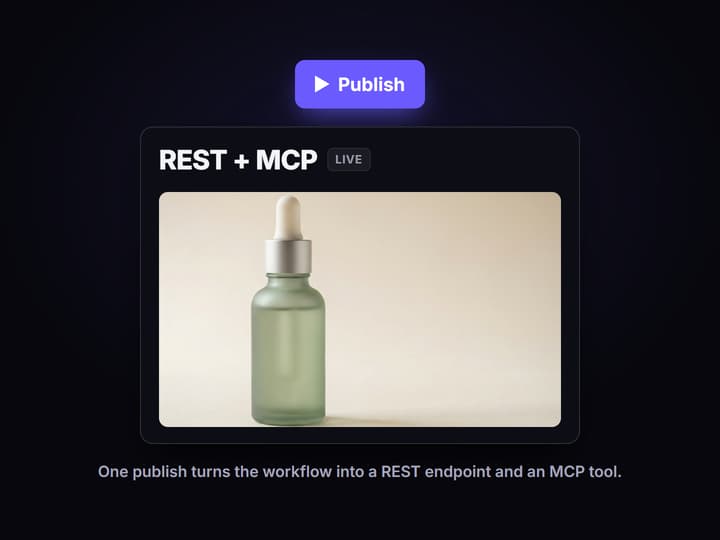
Publish it as an endpoint
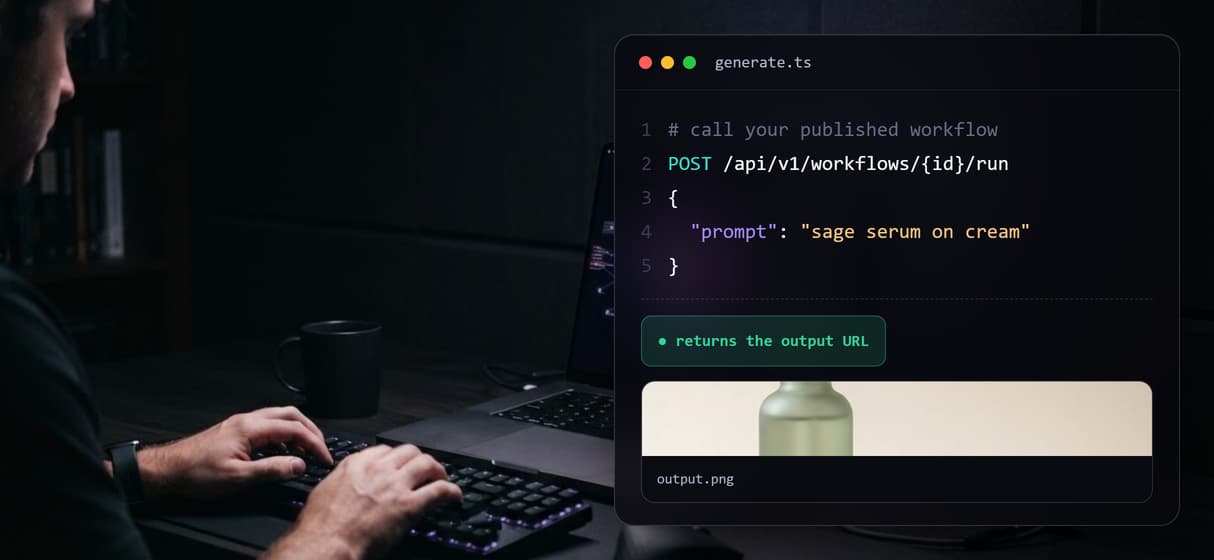
Publish the workflow. Wireflow turns it into a REST endpoint and a typed MCP tool at once and hands you a workflow id to call.
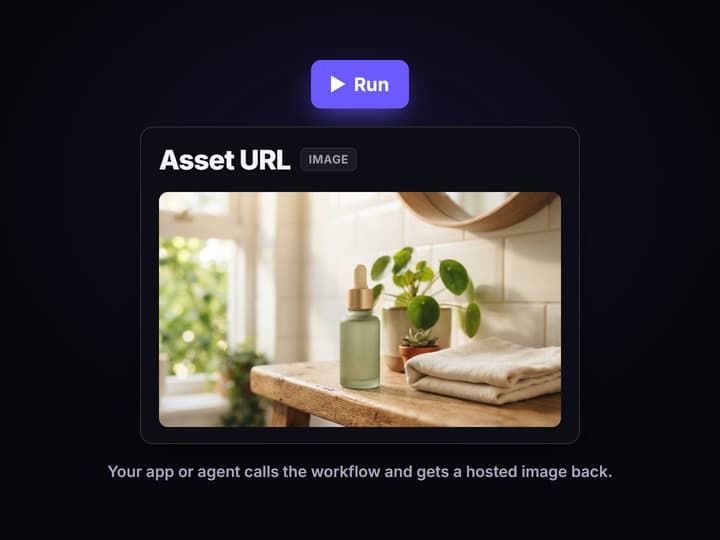
Call it from code or an agent
POST a prompt to the workflow from your SDK and poll for the asset URL, or let an AI agent call the same workflow as an MCP tool. Loop the same call over a feed to batch generate.
The problem an image SDK actually has to solve
Most image SDK guides stop at a single call: pass a prompt to one provider, get one image back. Real product work is messier. You end up wiring one provider for photorealism, another for logos and text, a third for edits, and you own every API key, rate limit, and retry in between.
Wireflow moves that plumbing off your machine. You assemble the image pipeline once on a node canvas, publish it, and call the published workflow from your own SDK code. The endpoint is stable while the models behind it are yours to swap.
What you get behind one endpoint
REST endpoint
Every published workflow exposes a typed REST endpoint you call with a prompt and get an asset URL back.
MCP tool
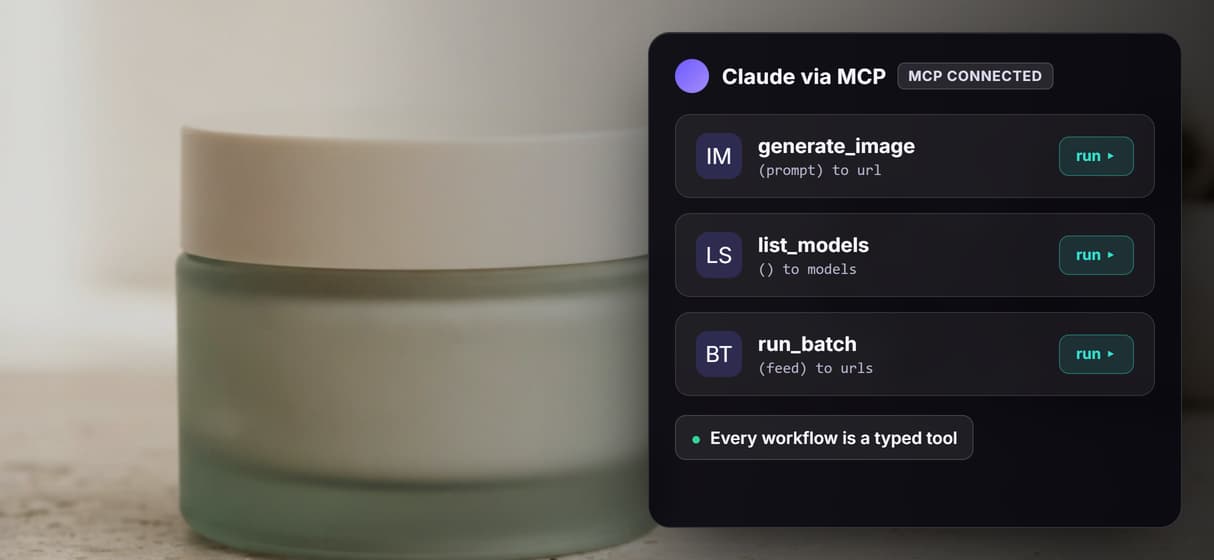
The same workflow is an MCP tool on a hosted server, so an agent can list it and call it with typed inputs.
Model swaps
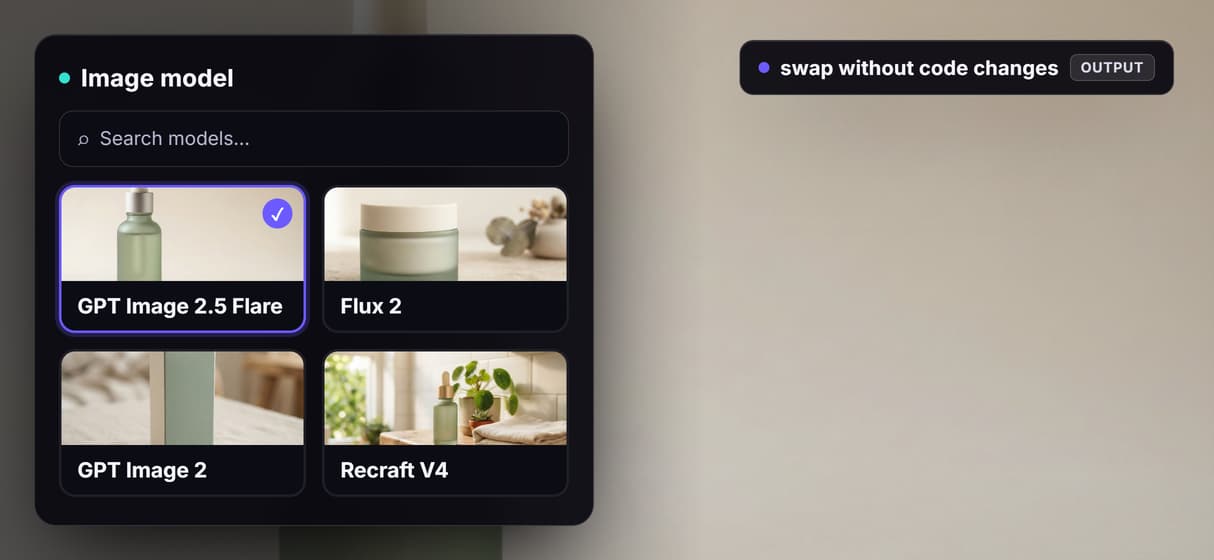
Change GPT Image 2.5 Flare to Flux 2, GPT Image 2, or Recraft V4 in the graph without touching your calling code.
Batch runs
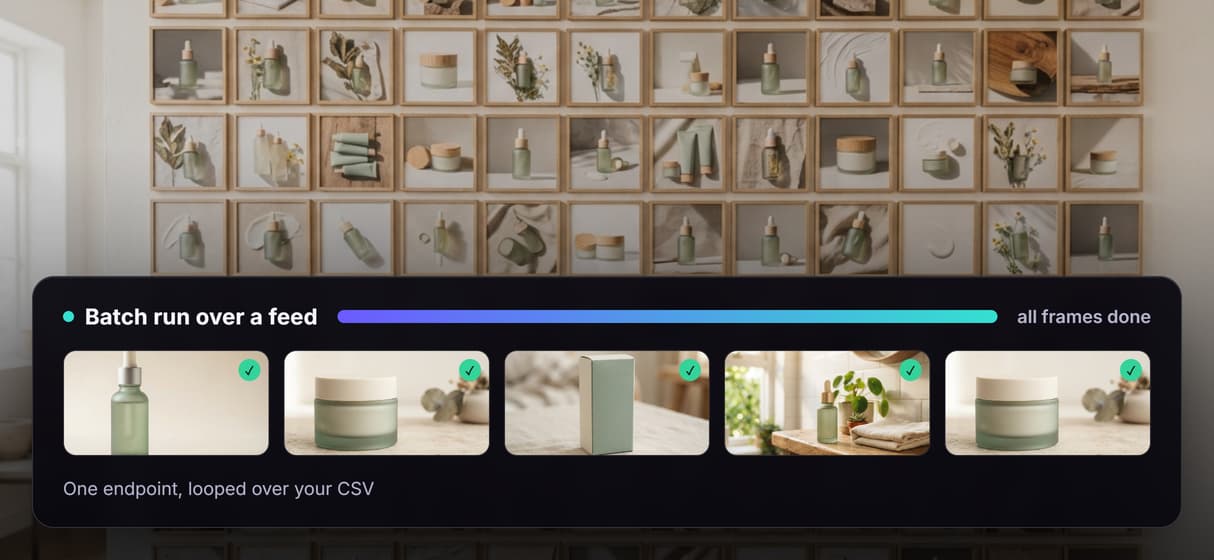
Loop the endpoint over a CSV or product feed to render many on brand images in one run.
Model chains
Chain generate, edit, and upscale nodes so one call returns a finished asset instead of raw output.
No GPU
Hosted compute runs every model, so there is no CUDA, no install, and no weights to manage.
How the call works
Build a workflow whose input is a text prompt and whose output is an image node such as GPT Image 2.5 Flare. Publish it and Wireflow gives you a workflow id. From your code you POST the prompt to that workflow and poll for the result, or you let an agent call the same workflow as an MCP tool. Either path returns a hosted asset URL you can drop straight into your product.
Because the pipeline lives on the canvas, adding an upscale step or swapping the image model is a graph edit, not a code change. Your SDK call stays identical while the output quality improves.
When a raw SDK is the better fit
Wireflow is the generation layer, not your application code. If you want image generation inlined inside your own TypeScript app with full control of every provider call, timeout, and retry, a raw client SDK you install and run yourself is the better tool. Wireflow does not write your business logic or make product decisions for you.
Where it wins is the plumbing: when you would rather publish a hosted, versioned, agent callable pipeline than maintain provider keys, GPU capacity, and glue code for every model you use.
More Than Just AI SDK for Image Generation
Publish once, call from anywhere
Publish an image workflow once, then call it as a REST endpoint or an MCP tool from your own code, with no provider keys or GPUs to manage.
Swap models without rewrites
Swap GPT Image 2.5 Flare for Flux 2, GPT Image 2, or Recraft V4 inside the graph, and your endpoint contract and calling code never change.
Batch a whole feed in one run
Loop one endpoint over a CSV or product feed to render hundreds of on brand images in a single run, without writing any fan out code.
Agents call it as a typed tool
Every published workflow is a typed MCP tool, so an agent can list it, call it with inputs, and get finished asset URLs back with no custom wiring.
Chain generation into one call
Chain generate, edit, and upscale nodes in one graph so a single call returns a finished asset instead of stitching provider responses.
AI Models Available
Automate Any Workflow
Included in Every Plan
FAQs
It is a way to call image models from code through an SDK or API rather than running models on your own hardware. Wireflow acts as that backend: you publish an image workflow once and call it as a REST endpoint or an MCP tool, and it returns hosted image URLs.
Discover related AI tools
- AI Image Upscaler: Upscale to 4K in a Visual Workflow
- AI Background Remover
- AI Image Generator: Flow-Based Canvas, 31 Models
- ComfyUI Alternative
- AI Face Swap Online: Photos and Video in Your Browser
- Virtual Try On
- AI Thumbnail Generator
- AI Photo Generator
- AI Image Editor
- AI Art Generator
- Midjourney Alternative
- AI Headshot Generator
More From Wireflow
Written by
Andrew Adams · Co-Founder & Operations at Wireflow
Runs client operations and content strategy at Wireflow. Works directly with creative teams and agencies to build production AI workflows.
Call image generation from your own code
See exactly how a published workflow becomes a REST endpoint and an MCP tool your app or agent can call.