Best Node-Based Image Generation Tools in 2026

In this article▾
Node-based image generation tools let you build visual AI pipelines by connecting modular blocks, giving you full control over prompts, models, and post-processing in a single canvas. Wireflow takes this approach further by combining a drag-and-drop node editor with a production-ready REST API, so you can prototype on canvas and deploy via code. Here are the seven best platforms for node-based image generation in 2026. If you are specifically replacing a cloud ComfyUI setup, a RunComfy alternative for hosted image generation drops the node graph and the GPU clock. For finished pieces rather than raw renders, try our digital art creator on one canvas that restyles and upscales too.
Prefer to just make one? Run this free node-based image generation workflow in your browser, no install, first result in about 2 minutes.
To see an image graph built step by step, open the node-based AI image generator in Wireflow.
Quick Summary
- Wireflow - Best overall: visual node editor with full API access
- ComfyUI - Best open-source: maximum flexibility, local GPU required
- InvokeAI - Best for artists: refined UI with creative controls
- Krea AI - Best for real-time: instant generation with node workflows
- Fal.ai - Best for developers: API-first with serverless inference
- NodeTool - Best local-first: privacy-focused node workflows
- Freepik Spaces - Best for teams: collaborative canvas with AI generation
1. Wireflow

Wireflow is a cloud-based visual node editor that connects multiple AI models into a single pipeline. You can chain text-to-image generation with upscaling, background removal, face swapping, and video generation, all within one canvas. You can also build a flyer pipeline on the same canvas, wiring a headline, product image, and layout into one re-runnable graph. That same chain runs without a local GPU on a hosted canvas for ComfyUI users, which turns each pipeline into a REST endpoint and an MCP tool. For video and audio pipelines too, see the Wireflow node-based AI workflow platform.
What separates Wireflow from other node-based tools is its dual interface. You build workflows visually, then trigger them programmatically through a REST API. This makes it practical for both prototyping and production use. The platform supports models like Recraft V4, Flux, and Nano Banana 2, with new models added regularly. Those same models back an AI banner generator on the canvas, rendering a legible headline and recomposing the banner into each ad size from one brief.
For a hands-on look at this in action, check out the node-based AI platform with API feature page.
Pricing is usage-based with no GPU management required. You pay per generation, and every workflow runs on cloud infrastructure without setup. Developers who prefer code-first can compare the best AI SDKs for image generation.
Best for: Developers and teams who need both a visual canvas and API access for image generation pipelines.
Build this in Wireflow
Make the same kind of asset on a canvas you control, with a free account and no credit card.
2. ComfyUI
ComfyUI is the most popular open-source node-based image generation tool. It runs locally on your machine, giving you complete control over every step of the diffusion pipeline. You can load custom models, apply LoRAs, adjust sampling schedules, and build complex multi-stage workflows.
The trade-off is complexity. ComfyUI requires a local GPU (8GB+ VRAM recommended), Python environment setup, and manual model management. The interface prioritizes power over usability, which means a steep learning curve for newcomers. Community-shared workflows are available as JSON files, but debugging broken nodes takes experience.
ComfyUI remains the gold standard for researchers and power users who want maximum control over image generation. If you need cloud deployment without GPU management, hosted alternatives may fit better.
Best for: Technical users with local GPUs who want granular control over every generation parameter.
3. InvokeAI
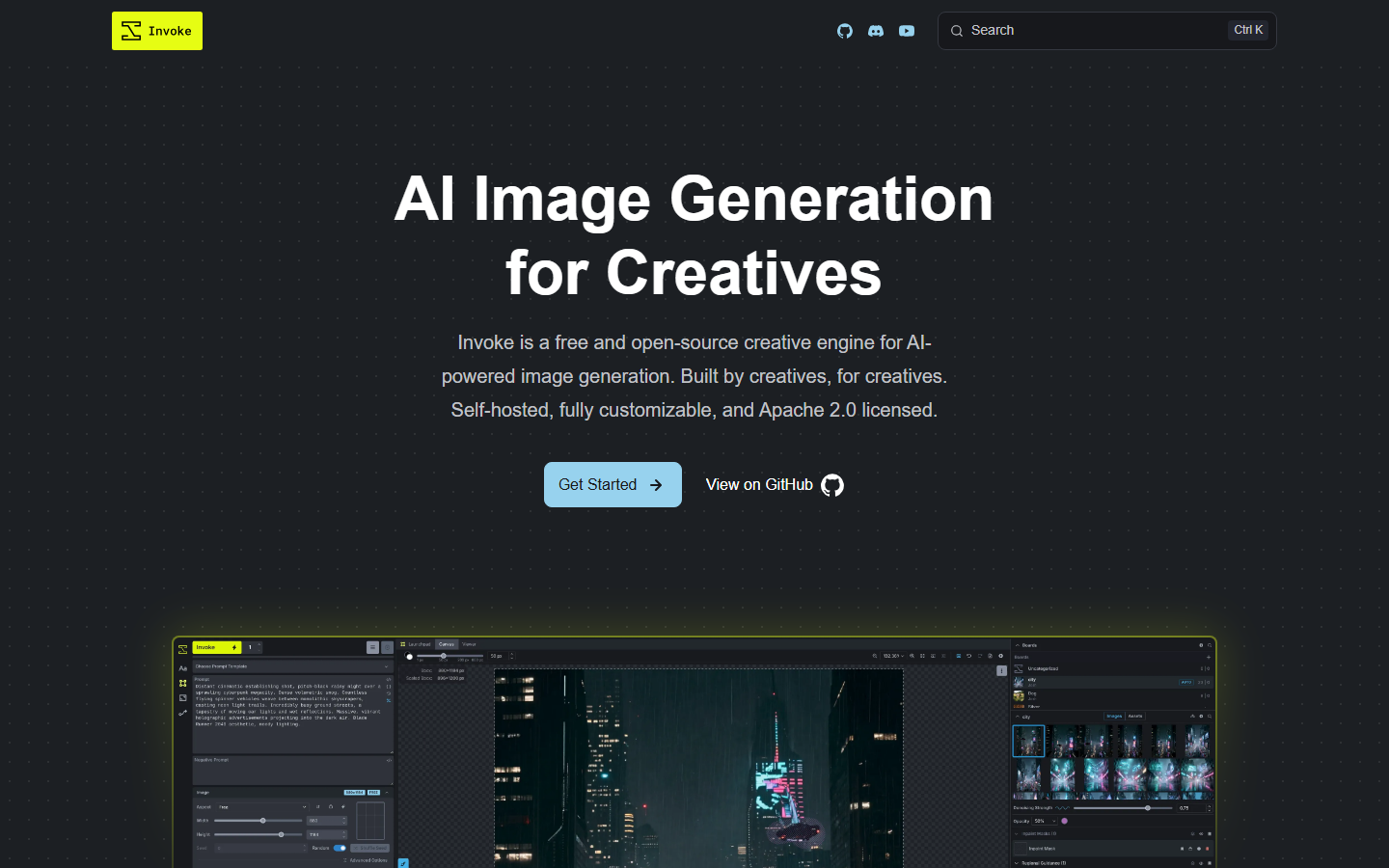
InvokeAI bridges the gap between ComfyUI's technical depth and a polished user experience. Its node editor supports the same Stable Diffusion models but wraps them in a cleaner interface with batch processing capabilities and a built-in image gallery.
InvokeAI's "Workflow Library" lets you save, share, and version your node graphs. The canvas mode supports inpainting and outpainting directly within the editor, which streamlines iterative creative work. It also supports ControlNet, IP-Adapter, and regional prompting as native nodes.
Like ComfyUI, InvokeAI runs locally, so you still need a capable GPU. The installation process is simpler (one-click installer available), but model downloads and updates remain manual. The commercial InvokeAI Pro tier adds cloud hosting and workflow templates for teams.
Best for: Artists and designers who want ComfyUI-level power with a more approachable interface.
4. Krea AI
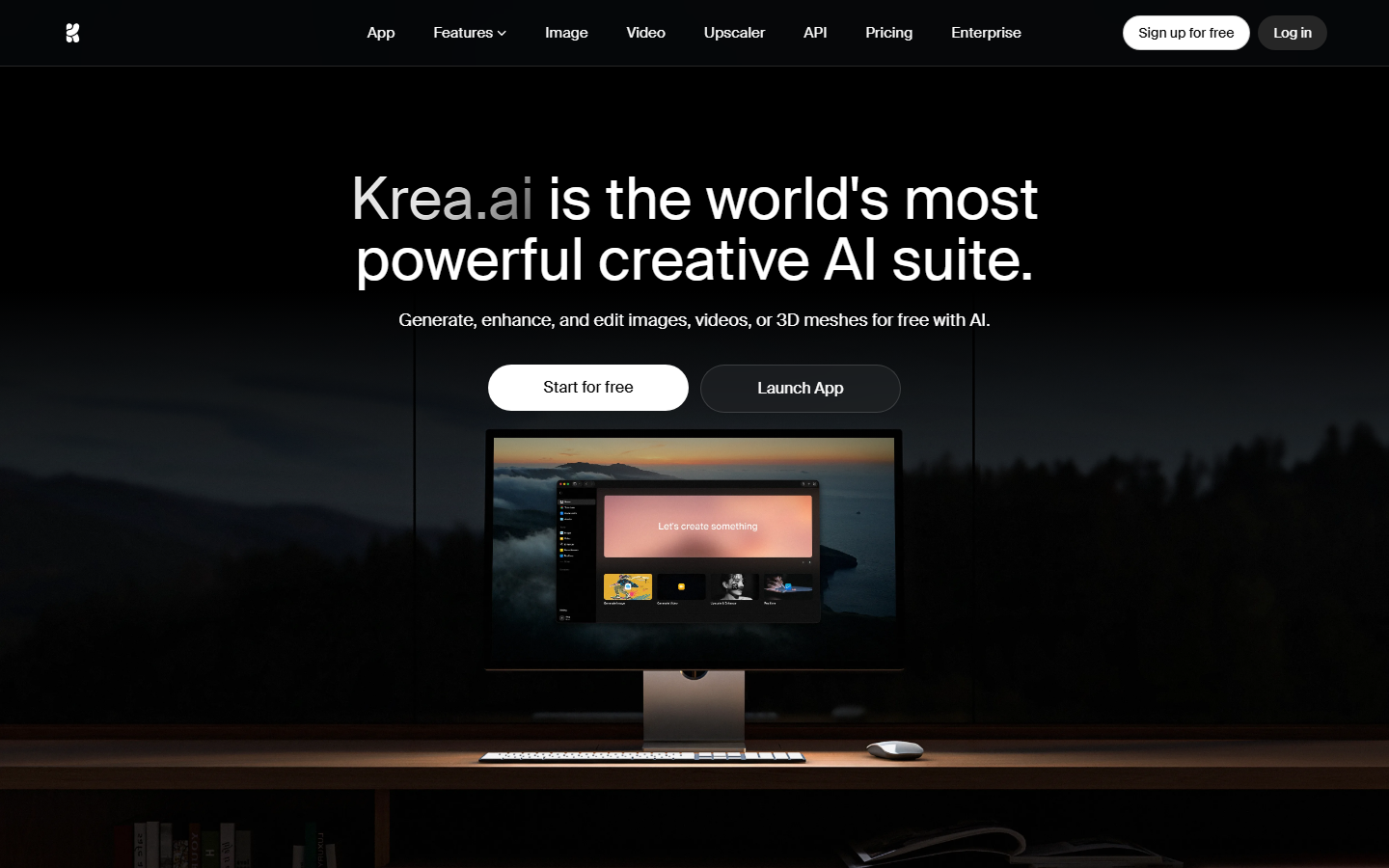
Krea AI focuses on real-time image generation through a node-based canvas. Its standout feature is live preview, where you see generation results update as you adjust prompts and parameters. The drag-and-drop interface makes connecting nodes intuitive for beginners.
Krea's node system supports text-to-image, image-to-image, upscaling, and style transfer. The platform runs entirely in the browser with no local setup. Real-time generation uses optimized models that trade some quality for speed, producing results in under two seconds.
The free tier includes limited daily generations. Paid plans unlock higher resolution outputs, priority queue access, and additional models. Krea does not currently offer an API for programmatic access, which limits its use in automated pipelines.
Best for: Creators who want instant visual feedback and a low learning curve for node-based workflows.
5. Fal.ai
Fal.ai takes an API-first approach to image generation, with a visual workflow builder layered on top. Developers can access Flux, Stable Diffusion, and dozens of other models through a unified REST API, while the browser-based canvas lets you prototype visually before writing code.
The platform excels at serverless inference. You send a request, the model runs on Fal's infrastructure, and you get the result back. No GPU provisioning, no container management. Pricing is per-second of compute time, which keeps costs predictable for batch image generation workloads.
Fal's node editor is more limited than dedicated canvas tools. It works well for linear pipelines but lacks the visual polish and collaboration features of platforms built around the canvas experience.
Best for: Backend developers who need fast, reliable model inference through API calls with optional visual prototyping.
6. NodeTool
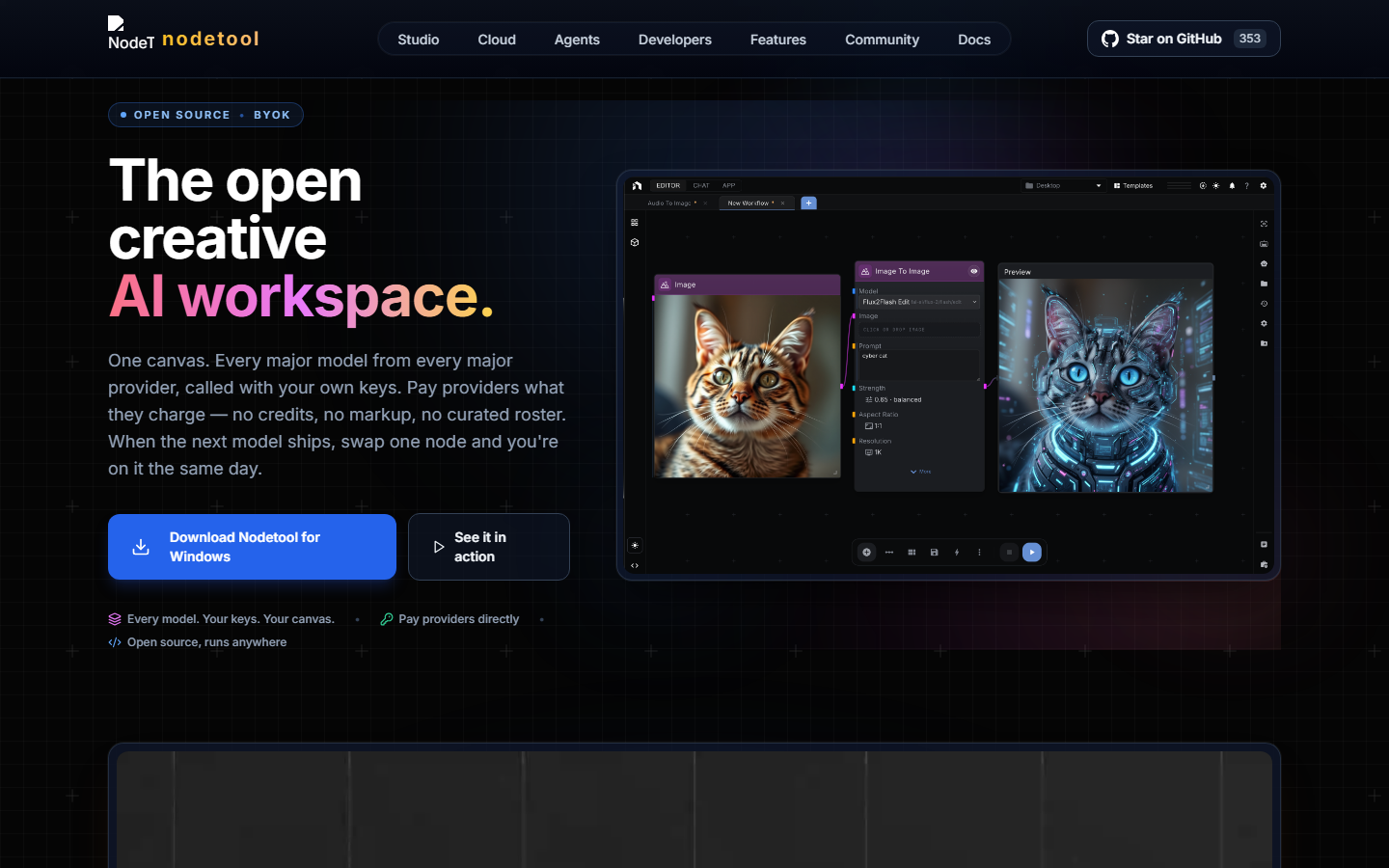
NodeTool is an open-source, local-first node editor that prioritizes privacy and offline operation. All generation happens on your machine, so no data leaves your network. The interface supports Stable Diffusion, ComfyUI workflows (via import), and custom Python nodes for model chaining.
NodeTool's differentiator is its Python-native node system. You can write custom nodes in a few lines of code, import any Python library, and integrate image generation with data processing, file management, or external APIs. This makes it more of a general-purpose automation tool that happens to excel at image generation.
The downside is the same as any local tool: you need hardware, and you manage your own model library. NodeTool has a smaller community than ComfyUI, which means fewer pre-built workflows and community nodes.
Best for: Privacy-conscious developers who want a Python-native node system for local image generation.
7. Freepik Spaces

Freepik Spaces adds node-based AI generation to the Freepik design ecosystem. Teams can build image generation workflows on a collaborative canvas, with built-in access to Freepik's stock library and AI creative tools. Real-time collaboration lets multiple team members edit the same workflow simultaneously.
The node system is more constrained than open-source alternatives. You work with Freepik's curated set of models and processing nodes, which limits customization but simplifies the experience. The platform integrates tightly with Freepik's asset marketplace, making it easy to combine generated images with stock photography and illustrations.
Freepik Spaces is included in Freepik Premium subscriptions. The visual canvas focuses on design team workflows rather than developer automation, so API access is limited.
Best for: Design teams already in the Freepik ecosystem who want collaborative, node-based image generation.
Comparison Table
| Platform | Hosting | API Access | Node Customization | Real-Time Preview | Pricing Model |
|---|---|---|---|---|---|
| Wireflow | Cloud | Full REST API | High | Yes | Pay-per-use |
| ComfyUI | Local | Community extensions | Very High | No | Free (GPU costs) |
| InvokeAI | Local / Cloud | Limited | High | No | Free + Pro tier |
| Krea AI | Cloud | No | Medium | Yes | Freemium |
| Fal.ai | Cloud | Full REST API | Medium | No | Per-second compute |
| NodeTool | Local | Custom Python | Very High | No | Free |
| Freepik Spaces | Cloud | Limited | Low | Yes | Subscription |
How to Choose the Right Tool
Picking the right node-based image generation tool depends on three factors: where you want to run it, how you want to access it, and who will use it.
If you need API access for production, Wireflow and Fal.ai are the strongest options. Both offer REST APIs with usage-based pricing and no GPU management.
If you want maximum control and have a local GPU, ComfyUI gives you the most flexibility. InvokeAI offers a similar feature set with a friendlier interface.
For teams focused on design rather than development, Krea AI and Freepik Spaces provide simpler, more collaborative visual pipeline experiences.
Try it yourself: Build this workflow in Wireflow - the nodes are pre-configured with a text-to-image generation and upscaling pipeline using the exact setup discussed above.
Frequently Asked Questions
What is a node-based image generation tool?
A node-based image generation tool lets you build AI image pipelines by connecting visual blocks (nodes) on a canvas. Each node performs a specific task, such as generating an image from text, upscaling, or applying style transfer. You connect nodes with edges to define the data flow.
Do I need a GPU to use node-based image generation tools?
It depends on the platform. Local tools like ComfyUI, InvokeAI, and NodeTool require a GPU (typically 8GB+ VRAM). Cloud platforms like Wireflow, Krea AI, and Fal.ai run on remote servers, so you only need a browser or API client.
Which node-based tool is best for beginners?
Krea AI has the lowest learning curve with its real-time preview and simplified node system. Wireflow balances ease of use with more advanced capabilities. ComfyUI has the steepest learning curve but the most community resources.
Can I use node-based tools for batch image generation?
Yes. Wireflow and Fal.ai support batch generation through their APIs. ComfyUI can be scripted for batch operations through its command-line interface. Most cloud tools support processing multiple prompts in a single API call.
How do node-based tools compare to single-model generators like Midjourney?
Single-model generators are simpler but less flexible. Node-based tools let you chain multiple models, add post-processing, and build repeatable pipelines. They are better suited for production workflows where you need consistency and automation.
Are there free node-based image generation tools?
ComfyUI, InvokeAI, and NodeTool are all free and open-source (you provide the hardware). Krea AI offers a free tier with limited generations, and Fal.ai provides free credits for new accounts. Wireflow lets you build workflows and browse the gallery for free, but generating images requires a paid plan (pay-per-generation, no free credits).
Can I deploy node-based workflows as APIs?
Wireflow and Fal.ai both let you expose workflows as API endpoints. ComfyUI can be wrapped in a custom API server using community extensions. Most other tools do not natively support API deployment.
What image models work with node-based tools?
Most platforms support Stable Diffusion, Flux, and their variants. Wireflow additionally supports GPT Image 2.5 Flare, Nano Banana, and video models. ComfyUI supports any model in Safetensors or CKPT format. The specific model availability varies by platform.

Co-Founder & Operations at Wireflow
Runs client operations and content strategy at Wireflow. Works directly with creative teams and agencies to build production AI workflows.
- Content Strategy
- Client Operations
Get unlimited ad creatives today.
One call to see if we are a fit and scope the first ad. If it fits, your first batch lands inside week one.