You can run ComfyUI without a GPU. The official CPU mode works on any machine, but images that take seconds on a graphics card can take many minutes instead.
That tradeoff is the whole decision. There are four realistic routes to running node-based generation on a laptop with no discrete graphics card, and they differ in speed, cost, and how much of ComfyUI you keep. This guide walks each one and when the honest answer is to stop running ComfyUI locally at all. When that answer is yes, a Comfy Cloud alternative gives you a hosted node canvas with no local GPU and no ComfyUI setup to maintain. Wireflow, a canvas that never assumes local hardware, is one of the options below.
Does ComfyUI Actually Need a GPU?
Not strictly. ComfyUI ships a documented --cpu parameter, and the official docs describe it plainly as slower. There is no hard GPU requirement to launch the application.
What the docs do not publish is a minimum VRAM figure, which tells you something. The supported hardware list covers NVIDIA cards via CUDA, AMD via ROCm, Intel Arc through native PyTorch XPU support, and Apple Silicon through Metal acceleration. Performance is a spectrum across all of those, not a pass or fail line.
So the real question is not "can it run" but "will it finish before you lose interest". Diffusion is arithmetic-heavy in a way CPUs are structurally bad at: a card does thousands of those operations in parallel, a CPU works through them a handful at a time. Community reports of a single small image on CPU range from several minutes to close to half an hour depending on the machine and the model. When even a small render takes that long locally, running ComfyUI online on hosted compute skips the GPU entirely. Treat any specific number you read online as a rough guide.
Build this in Wireflow
Make the same kind of asset on a canvas you control, with a free account and no credit card.
Option 1: CPU Mode on Your Own Machine
This is the zero-cost route. It works, it is private, and nothing leaves your computer.
- Install ComfyUI normally, following the official installation guide for your operating system.
- Launch it with the CPU flag:
python main.py --cpu. The interface behaves identically. - Download a small, fast model rather than the largest checkpoint you can find. Model size drives CPU generation time more than anything else.
- Start at low resolution and few sampling steps. A 512 pixel image at 20 steps is a reasonable first test; do not begin at 1024 with 50 steps and conclude the approach is broken.
- Run one generation and time it. That number is your budget for everything that follows.
The honest use case here is narrow. CPU mode is good for learning the node graph, testing that a workflow is wired correctly before running it somewhere faster, and generating the occasional image where you do not care how long it takes. It is not good for iteration, and iteration is most of the work in image generation.
Watch memory too. Without VRAM to fall back on, the model loads into system RAM, and a large checkpoint on a machine with modest RAM will either swap to disk or fail outright. That failure mode looks like a crash rather than slowness.
Option 2: Apple Silicon, Where the Line Is Blurry
If you are on an M-series Mac, you are not really in the no-GPU category even though you do not have a discrete card. ComfyUI's documentation lists Apple Silicon with Metal acceleration as supported hardware, and unified memory means the whole system memory pool is available to the model rather than a fixed slice of VRAM.
In practice this sits between CPU mode and a dedicated card: much faster than --cpu, slower than a comparable NVIDIA setup, and workable for real iteration on smaller models. If you own an M-series machine and have been running --cpu out of habit, check that Metal is being used first. It is the largest free speedup in this article.
Option 3: Rent the GPU Instead of Owning One
The most direct answer to no local hardware is hosted ComfyUI: the real interface, running on someone else's card, in your browser. You keep your workflows, your custom nodes, and your muscle memory, and stop paying for silicon up front.
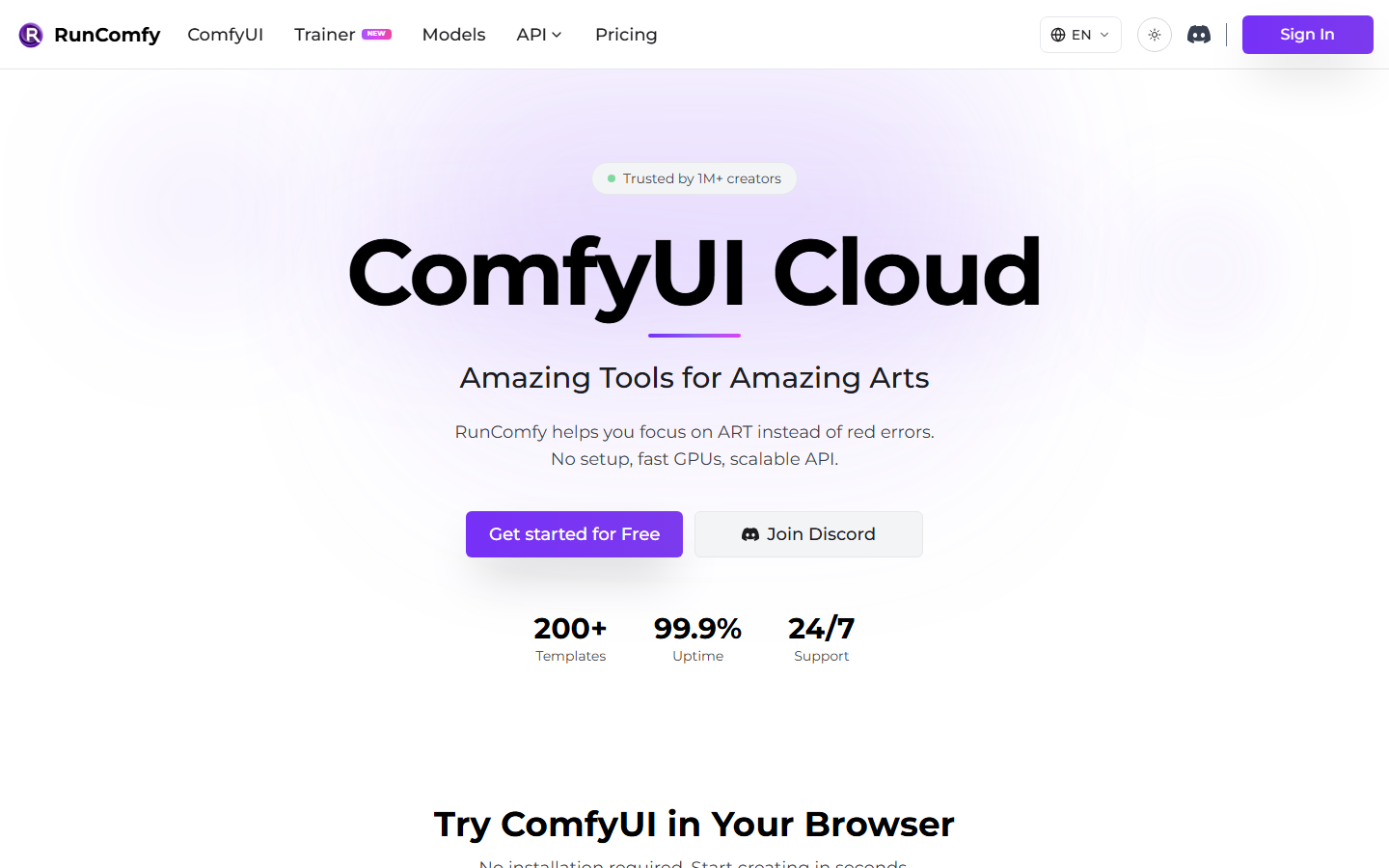
RunComfy runs the actual ComfyUI interface on cloud GPUs with a large library of preloaded nodes and models. If you already have workflows and custom nodes, you can upload and run them without changing anything. Billing is based on GPU time, tiered by the class of card you pick. The tradeoff is the cold start: each session has to spin up before you can work.

ThinkDiffusion takes the same approach with one-click sessions for ComfyUI and other interfaces, handling model downloads and environment setup for you. It is the lowest-friction way to get a working environment in a browser. Custom node support is broad but not unlimited, and some community extensions still need manual installation.
There is also Comfy Cloud, the first-party hosted option from the ComfyUI team itself. It bills for active GPU time rather than wall-clock session time, so the hours you spend wiring a graph without running it do not cost you. If your working pattern is long build sessions punctuated by short runs, that billing model is meaningfully cheaper than paying for an idle session. Teams who want the same thing as a service they can call rather than a session they open should look at a cloud API instead.
The shared caveat across all three: you are renting a GPU, so your bill scales with how much you generate. Heavy daily use can approach the cost of owning a card within a year, so there is arithmetic to do rather than a default answer.
Option 4: Skip the Local Graph Entirely
The fourth route drops the assumption that you need ComfyUI specifically. If what you want is node-based generation in the cloud, several platforms give you that without ComfyUI's install, model management, or dependency maintenance underneath it.

Wireflow is a cloud-native node canvas built on the same mental model: drag nodes, wire them together, run the chain. Because it was never local software, there is no CPU-versus-GPU question to answer; every node executes on remote hardware regardless of what you are working on. It connects to models from 15 or more providers on one canvas, pricing is per node so you see the cost before running, and every workflow doubles as a callable endpoint. The feature-by-feature breakdown lives on the ComfyUI alternative page, and there is a dedicated writeup for teams evaluating the no-GPU version of that comparison.
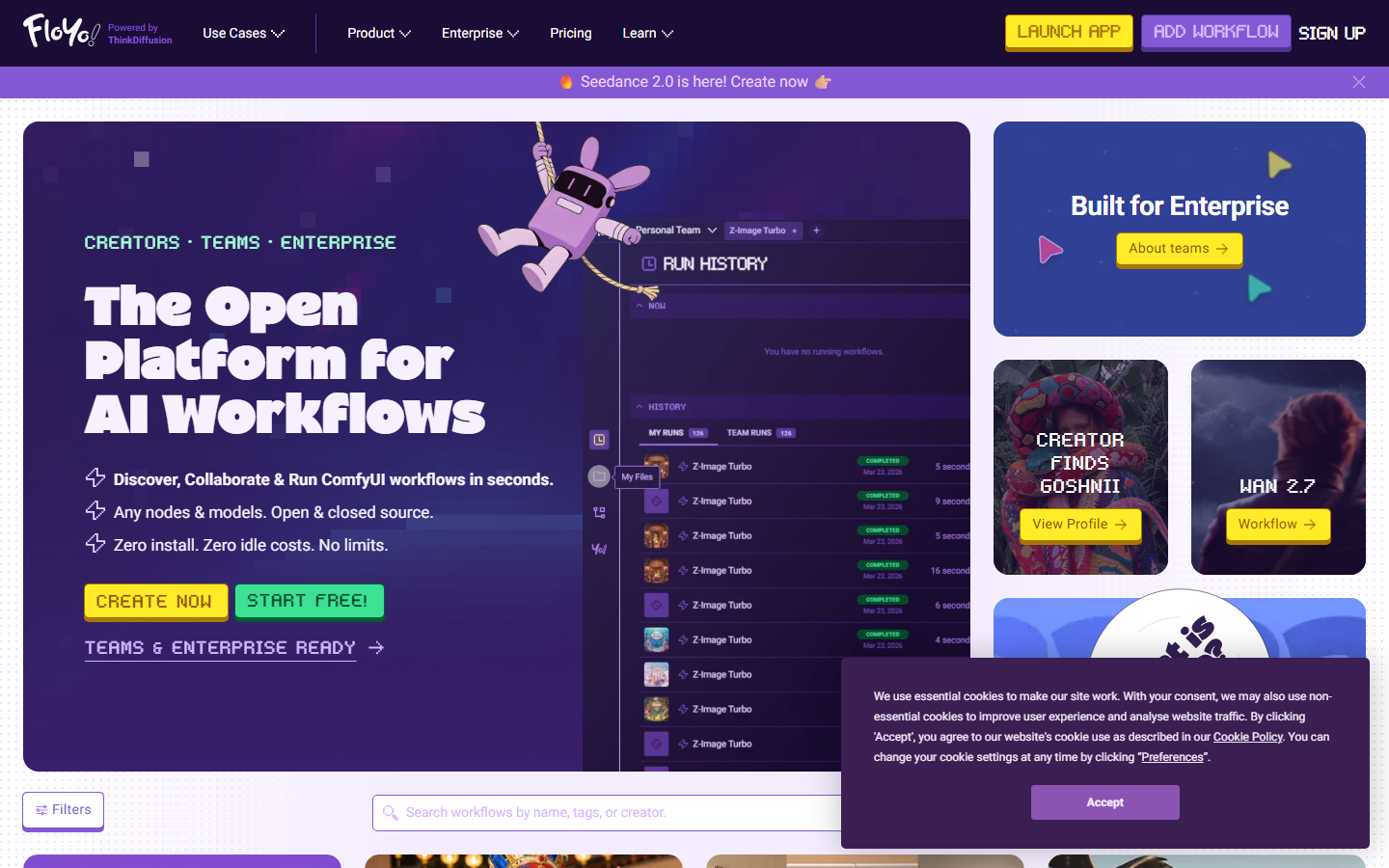
Floyo aims at people who found ComfyUI's graph too steep, with color-coded ports and guided templates for common tasks. Everything runs on cloud hardware, and the free tier is capped on output resolution rather than blocked entirely.
For developers, the answer may be no canvas at all.
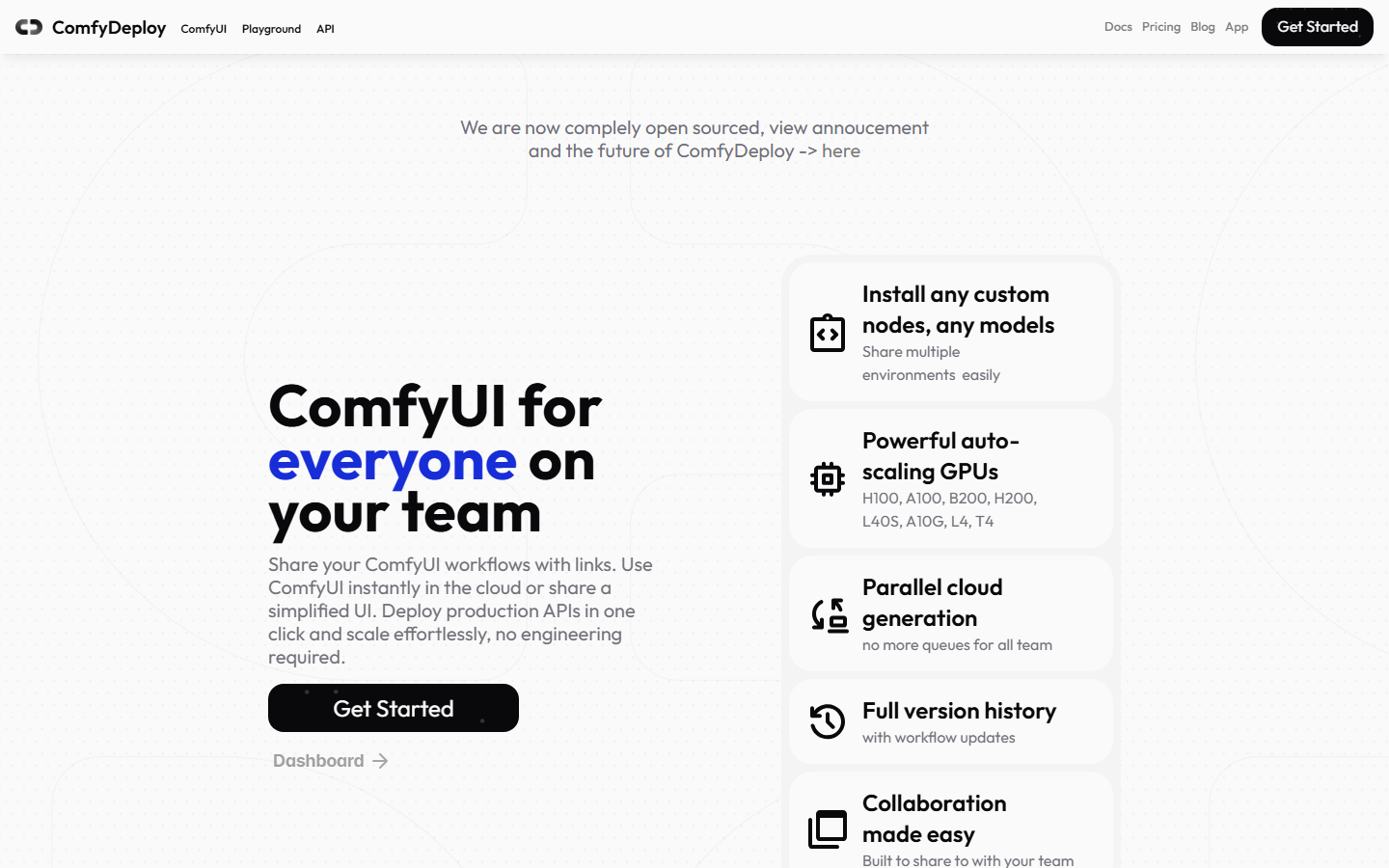
ComfyDeploy packages existing ComfyUI workflows into serverless API endpoints. You still design the workflow somewhere, then push it and get a REST endpoint back. It solves deployment, not the design-time GPU problem, so it pairs with one of the hosted options above rather than replacing them.

fal.ai exposes individual models as API endpoints with fast cold starts. You chain calls in your own code instead of on a canvas, trading the visual feedback loop for control and speed.
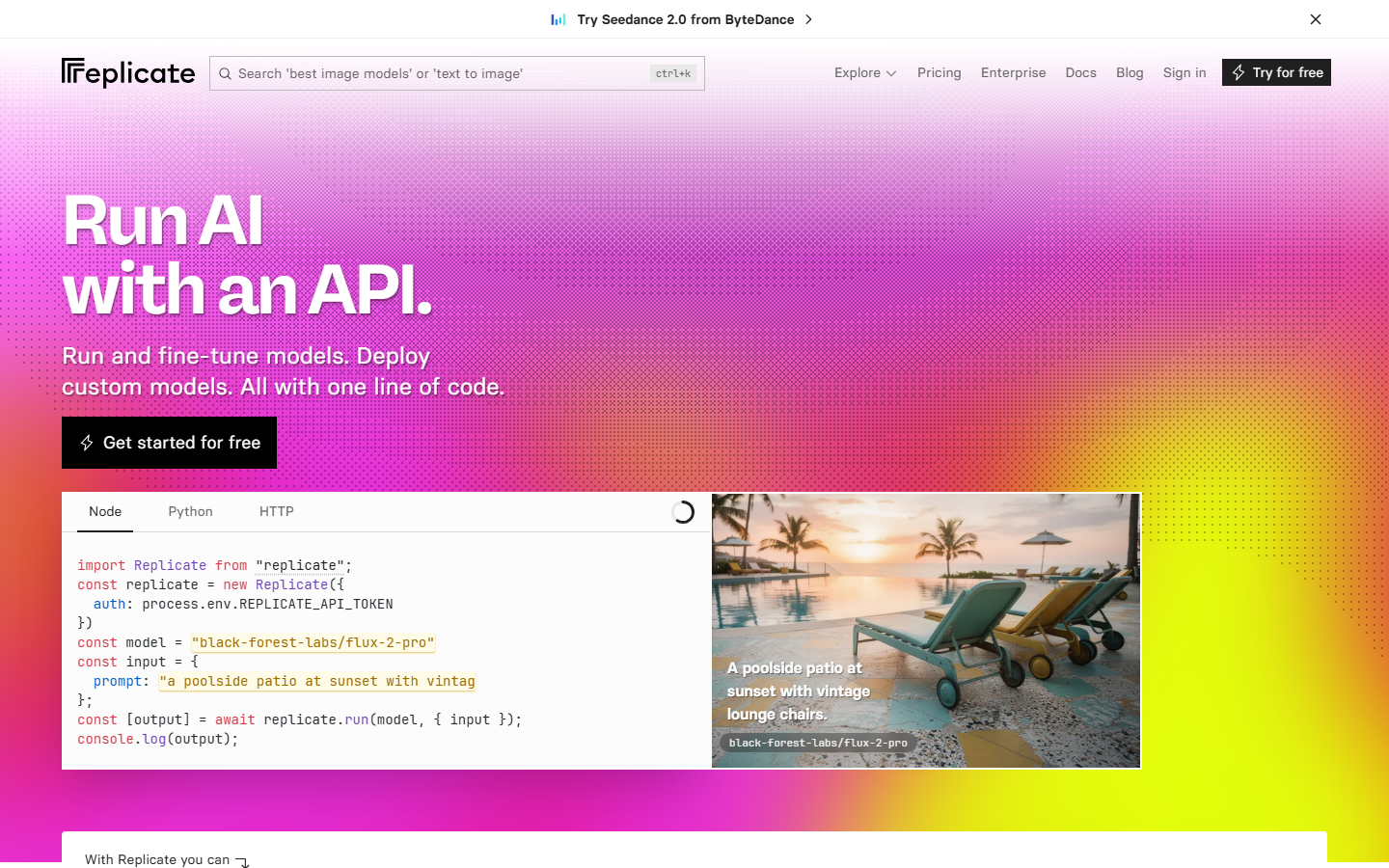
Replicate hosts a very large catalog of open models behind one API, billed per prediction based on the hardware each model needs. If model variety is what pulled you toward ComfyUI in the first place, this is the widest menu, minus the graph.
Which Route Fits
| Route | Cost | Speed | Keeps ComfyUI | Best for |
|---|---|---|---|---|
| CPU mode locally | Free | Very slow | Yes | Learning the graph, offline privacy |
| Apple Silicon with Metal | Free | Moderate | Yes | M-series owners, smaller models |
| Hosted ComfyUI | Per GPU hour or per active second | Fast | Yes | Existing workflows and custom nodes |
| Cloud node canvas | Per generation | Fast | No | Multi-model pipelines, no maintenance |
| Direct model APIs | Per prediction | Fast | No | Developers chaining calls in code |
The decision usually comes down to one question: do you have existing ComfyUI workflows and custom nodes you need to keep? If yes, hosted ComfyUI is the path of least resistance. If no, a cloud canvas or an API removes an entire category of maintenance you were only doing because ComfyUI required it.
Try it yourself: open a cloud text-to-image and upscale workflow with the nodes already wired, no local hardware involved.
When to Skip the No-GPU Route
Three situations where none of this is the right answer.
If you generate at high volume every day, rented GPU time adds up and buying a card can pay for itself. Do the arithmetic on your actual monthly usage rather than assuming cloud is always cheaper.
If you depend on a custom node or a fine-tuned model no hosted platform supports, you need control of the environment: local hardware, or a rented machine you fully administer.
And if your inputs cannot leave your network, CPU mode on your own machine is the only option on this list, however slow. Slow and private beats fast and non-compliant.
Frequently Asked Questions
Can ComfyUI run without a GPU?
Yes. ComfyUI documents a --cpu parameter that runs generation entirely on the processor, and the official docs note it is slower. It works on any machine but is impractical for iterative work.
How slow is ComfyUI on CPU?
Slow enough to change how you work. Community reports for a single small image range from several minutes to close to half an hour depending on hardware and model size. Small models, low resolution, and fewer sampling steps are the three levers that matter most.
How much VRAM does ComfyUI need?
The official system requirements page does not publish a minimum VRAM number. Supported hardware spans NVIDIA, AMD, Intel Arc, and Apple Silicon, with performance varying across all of them rather than a hard cutoff.
Can I run ComfyUI on a Mac without a graphics card?
Yes, and it is better than plain CPU mode. Apple Silicon is supported with Metal acceleration and unified memory, which puts M-series machines well ahead of a CPU-only run even though there is no discrete card.
Is cloud ComfyUI cheaper than buying a GPU?
For light and occasional use, usually. For heavy daily generation, a purchased card can break even within a year. Compare per-hour or per-second rental rates against your realistic monthly generation volume before deciding.
Can I use my existing workflows on cloud platforms?
Hosted ComfyUI services run the real interface, so workflow JSON and most custom nodes carry over directly. Cloud canvases and API platforms use their own formats, so those workflows have to be rebuilt, though usually with fewer steps.
Do I need a GPU for AI video generation?
Not if you generate in the cloud. Video models are considerably heavier than image models, which makes local CPU generation impractical in a way it is not for images. Every cloud route above handles video on remote hardware.
What is the fastest way to start with no hardware at all?
A browser-based canvas with no install. You lose ComfyUI's custom node ecosystem and gain a working pipeline in minutes rather than an afternoon of dependency management.
Conclusion
Running ComfyUI without a GPU is possible, and the CPU flag is in the official docs. Whether it is worth doing depends on what you are trying to accomplish. For learning the graph or working offline, CPU mode is fine. For anything iterative, it is not.
Everything past that is a choice about what you keep. Hosted ComfyUI keeps your exact workflows and rents you a card. A cloud canvas drops ComfyUI's install and maintenance in exchange for a different graph. Direct APIs drop the canvas entirely. To see what the cloud-canvas version feels like first, building on Wireflow is free until you generate.
Would you rather we just built it?
We get on a call, learn your style, build the workflow, and ship the deliverables on a schedule. You keep the workflow either way.