 Andrew Adams · Co-Founder & Operations at Wireflow ·
 Text to Image API
A text to image API you build by wiring, not coding: connect a prompt input to an image model on the canvas, publish the graph, and call it as a REST endpoint or an MCP tool.
The exact flow is live on this page.
Free to build · no credit card · See how it works ↓
How to Use Text to Image API
Steps to get you started in Wireflow.
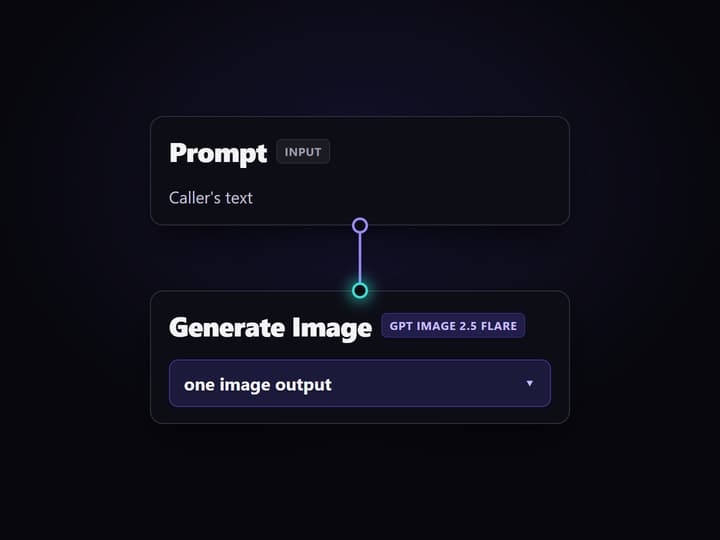
Wire the prompt into an image model
Add a Prompt input:text node and connect it to an image node such as Generate Image (GPT Image 2.5 Flare). The prompt stays a typed input, so callers set it at run time instead of you hardcoding it.
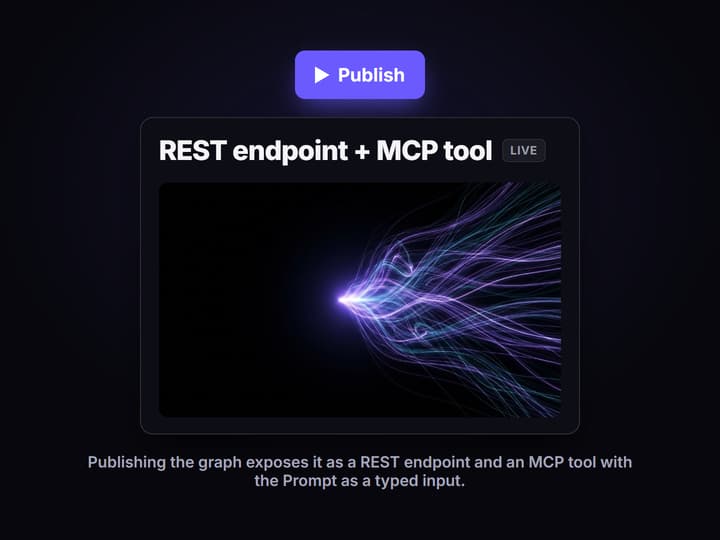
Publish the graph as an endpoint
Publish the workflow. Wireflow exposes it as a REST endpoint and an MCP tool with the Prompt as a typed input, so there is no server for you to deploy or scale.
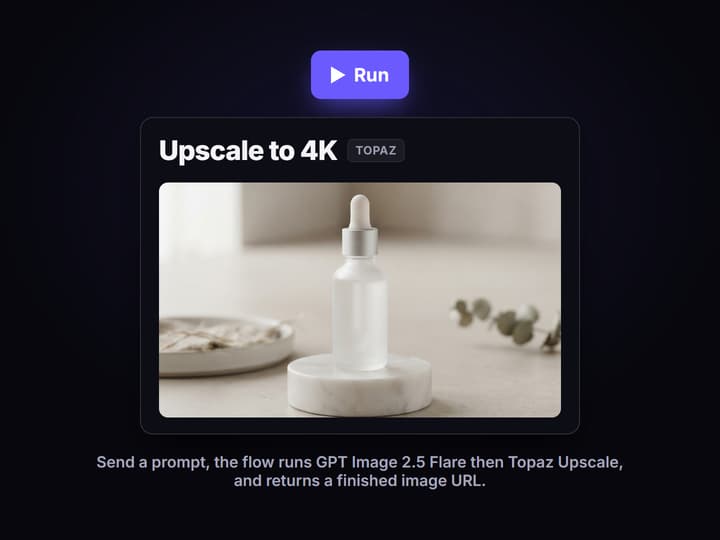
Call it and get an image URL
POST a prompt from your code, or let an agent call the MCP tool. The flow runs GPT Image 2.5 Flare, then Topaz Upscale, and returns a finished high-resolution image URL.
The real graph behind this text to image API
The flow published on this page is a working text to image endpoint, not a mockup. A sticky note explains the run, a Prompt input:text node carries the caller's text, and a Generate Image node runs GPT Image 2.5 Flare to produce the picture. The prompt is a typed input wired into the model, never buried inside it, so anyone calling the endpoint sets the prompt at run time.
The image output then feeds an Upscale to 4K node running Topaz Upscale, so the single call returns a finished high-resolution asset instead of a small preview. That is the whole point of an API you can inspect: the generation and the upscale are two visible nodes on a graph you can reorder, swap, or extend, and the same workflow API shape is what your code calls.
What the endpoint gives you
Prompt is a typed input
The Prompt input:text node is the single required field, so callers pass a string and the graph never hardcodes the prompt.
One node, one model
The Generate Image node runs GPT Image 2.5 Flare here, and swapping to Flux or Imagen 4 is a node change, not an API change.
REST and MCP for free
Publishing the graph exposes it as a REST endpoint and an MCP tool at once, with the Prompt as a typed input on both.
Upscale in the same call
Topaz Upscale runs after generation, so one request returns a finished high-resolution image instead of a small preview.
No GPU to manage
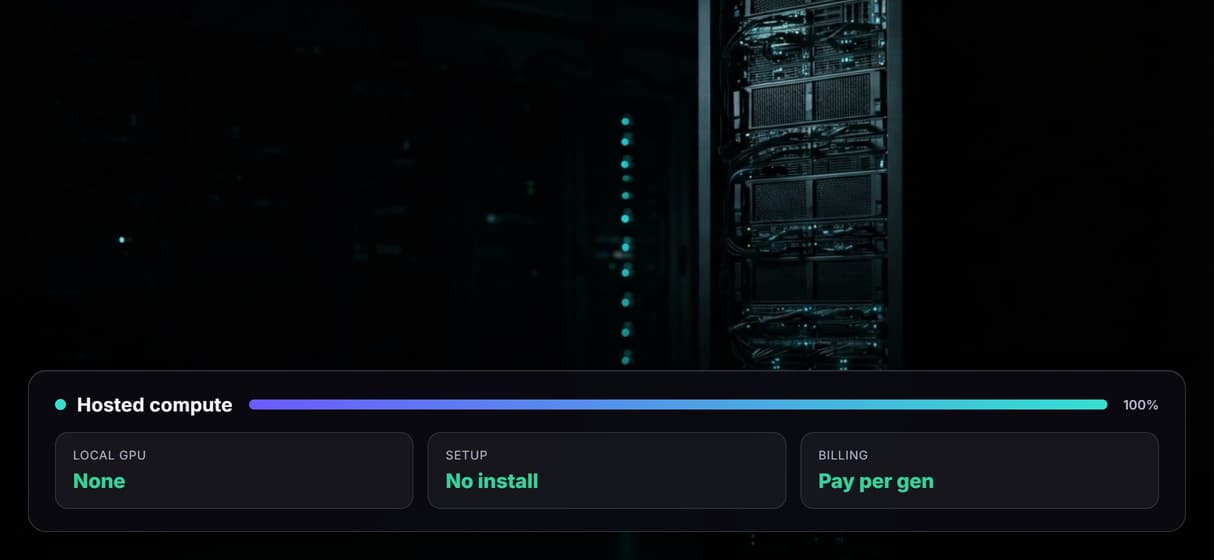
Generation runs on hosted compute, so there is no CUDA install or VRAM ceiling to babysit and you pay per generation.
Versioned and shareable
The published flow is versioned server-side and shareable by link, so the endpoint your agent calls is reproducible.
Why build the API on a canvas
Most text to image APIs lock you to one vendor's schema: to try a different model you rewrite your request against a new set of docs. Here the request shape stays the same and the model is a node you swap on the canvas, so moving from GPT Image 2.5 Flare to Flux or Seedream 5 does not touch your integration. You can also chain steps, like an AI image upscaler after generation, and still expose it as one endpoint.
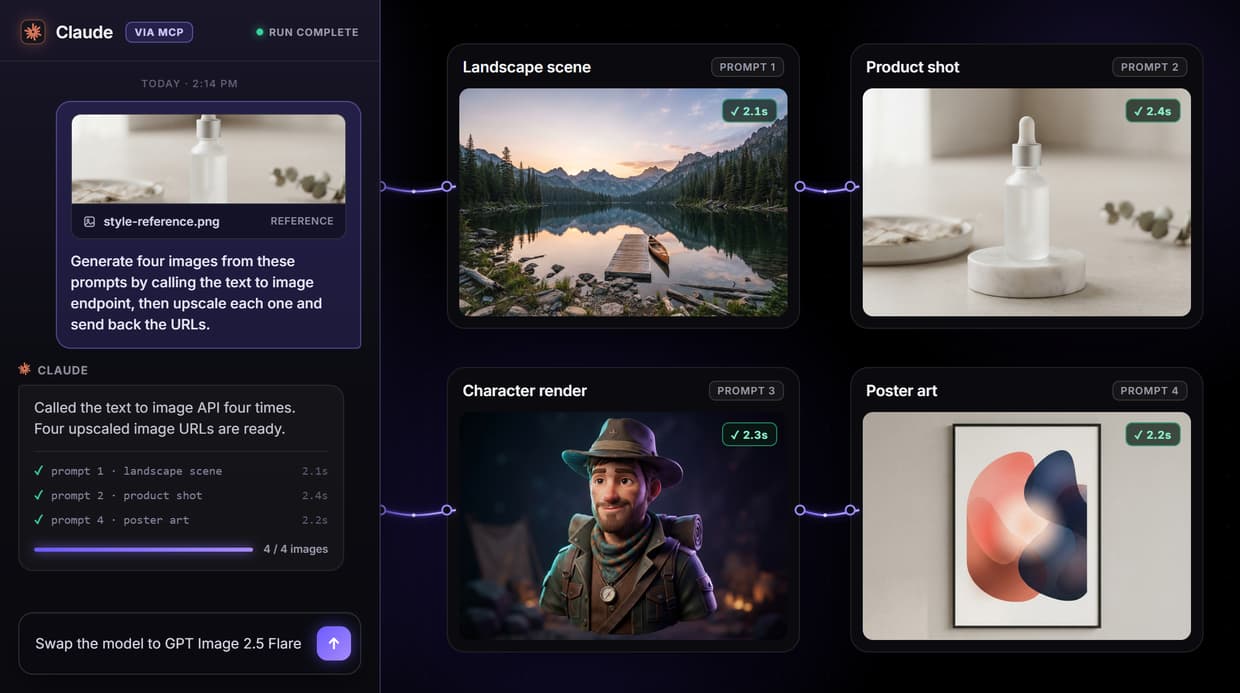
Because every published workflow is also an image generation MCP tool, an AI agent can discover the flow, read its typed inputs, send a prompt, and receive the image URL, the same way your backend code would. One graph, two callers.
More Than Just Text to Image API
Build the endpoint on a canvas
Wire a prompt into an image model node and publish. The graph is a text to image endpoint, no backend to host.
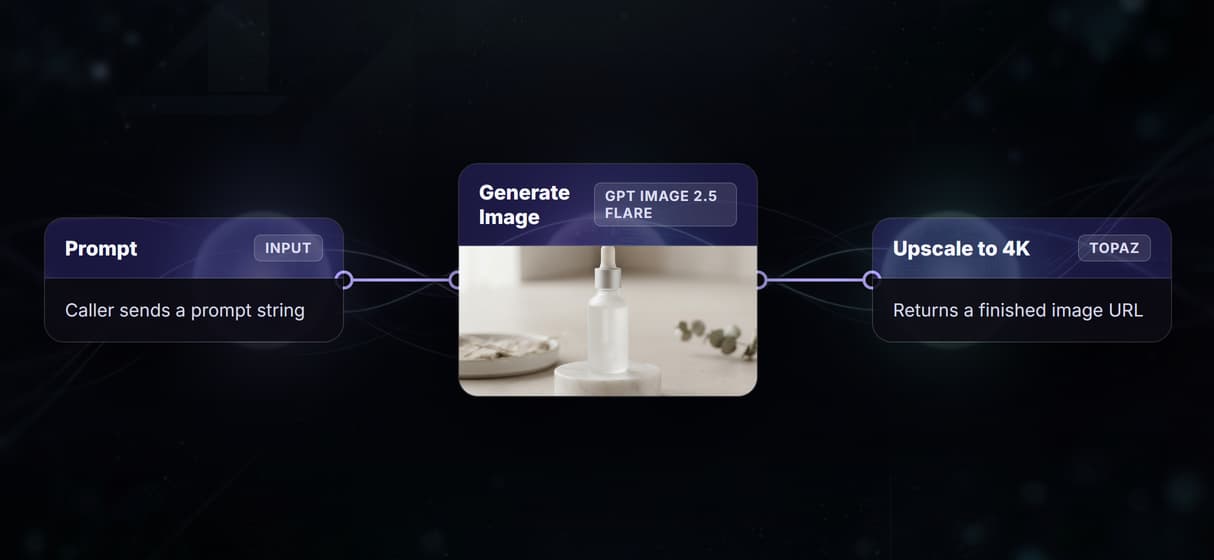
One API, every image model
Point one endpoint at Flux, Imagen 4, or GPT Image 2.5 Flare. Swapping the image node never touches your code.
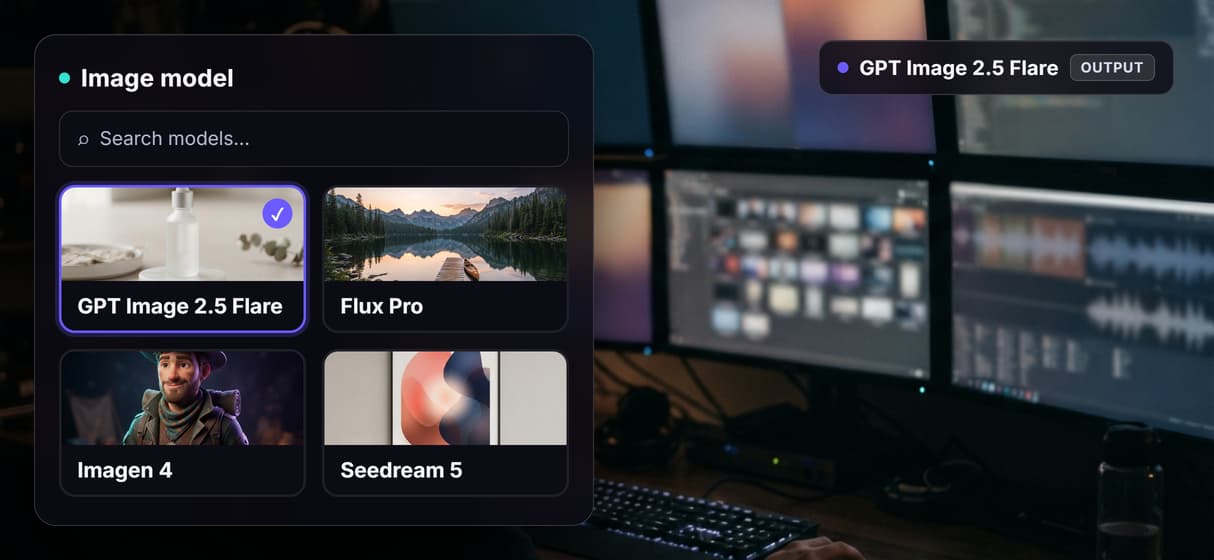
Call it as REST from any stack
POST a prompt to your published workflow API and get an image URL back, same shape from Python, Node, or curl. After the image step, the Tripo image to 3D API reconstructs that picture into a textured mesh, with the concept drawn in the same flow.
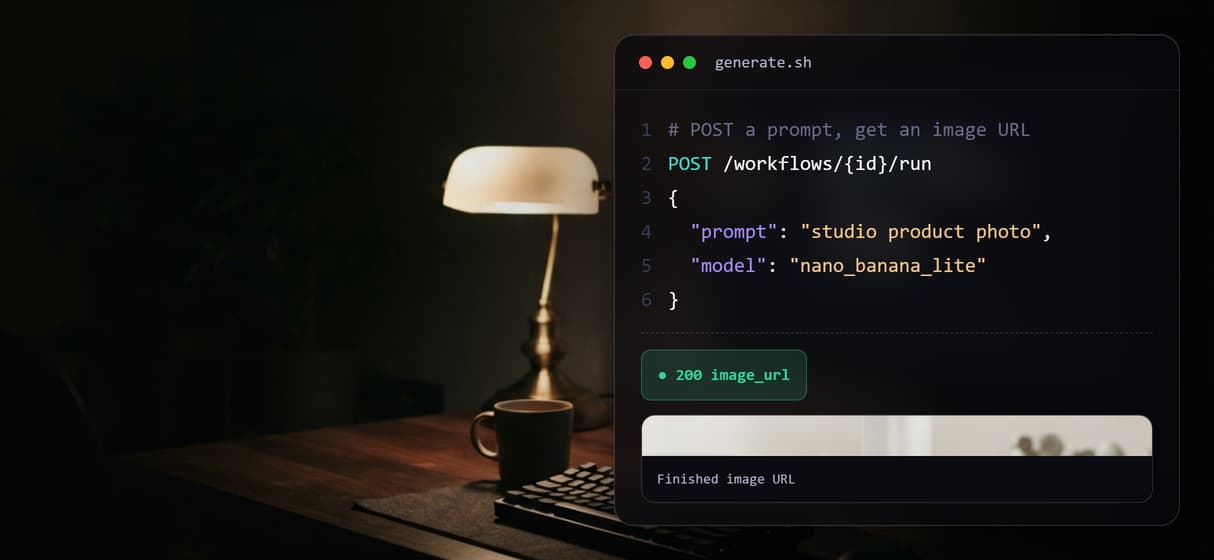
Or let an AI agent call it
The flow is also an image generation MCP tool, so an agent can send a prompt and get the image URL.
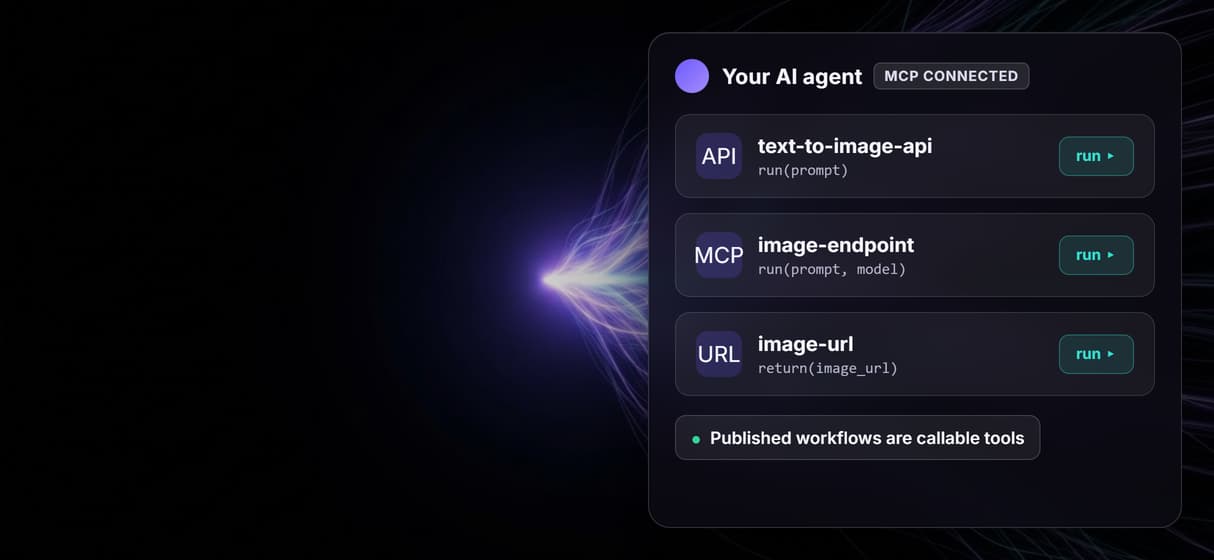
No GPU, pay per generation
Generation runs on hosted compute: no CUDA, no VRAM ceiling. Add an image upscaler step and pay per run.
Build Any AI Workflow
AI Models Integrated
Full Commercial License
FAQs
A text to image API is a hosted endpoint that accepts a text prompt and returns a generated image. On Wireflow you build one by wiring a Prompt input into an image model node on the canvas and publishing the graph, which exposes it as a REST endpoint and an MCP tool. You send a prompt string and get an image URL back.
Discover related AI tools
- AI Pipeline Automation
- AI Workflow Templates
- AI Video Pipeline: Build One on a Node Canvas
- Batch AI Generation: Many Assets, One Run
- AI Model Chaining
- AI Asset Pipeline
- AI Workflow Builder
- AI Content Generation API
- AI Workflow API
- AI Orchestration API
- Headless AI Workflow Platform
- Krea AI API Alternative: Image and Video From One REST Endpoint
More From Wireflow
Written by
Andrew Adams · Co-Founder & Operations at Wireflow
Runs client operations and content strategy at Wireflow. Works directly with creative teams and agencies to build production AI workflows.
Call the text to image endpoint from your code or an agent
The flow is already published and executed through generation and upscale. Read how Wireflow workflows are exposed as REST endpoints and MCP tools, then open the flow to inspect the exact graph.